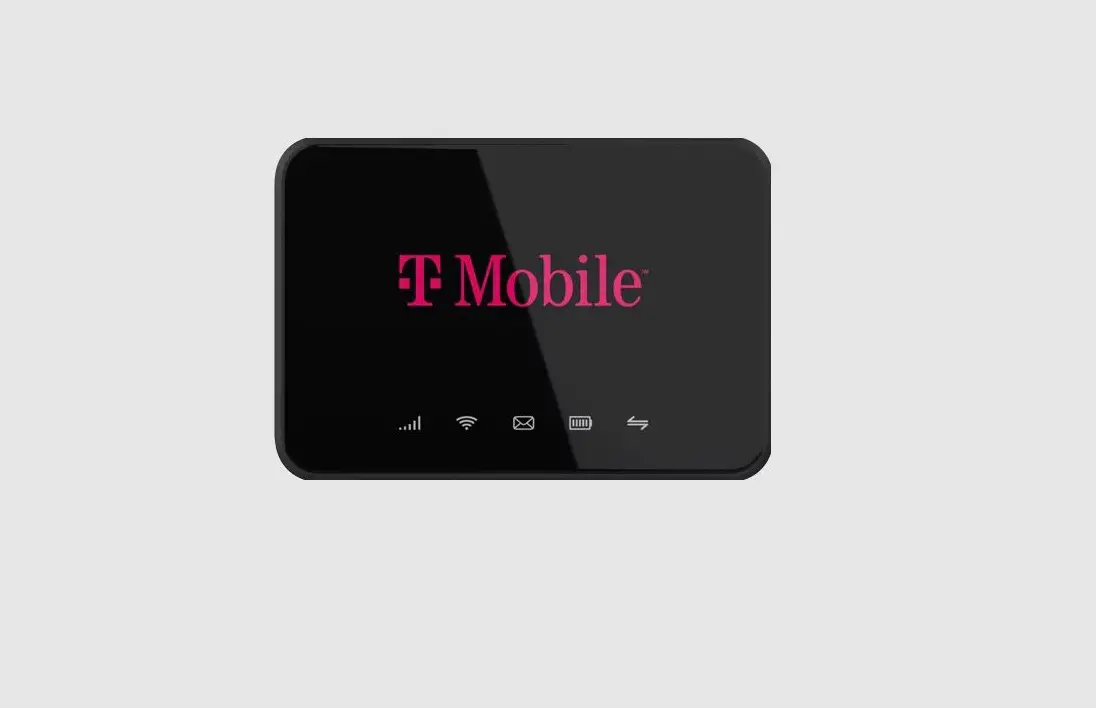
mobile beacon Franklin T10 Mobile Hotspot User Guide

Franklin T10 Mobile Hotspot
Reference Guide
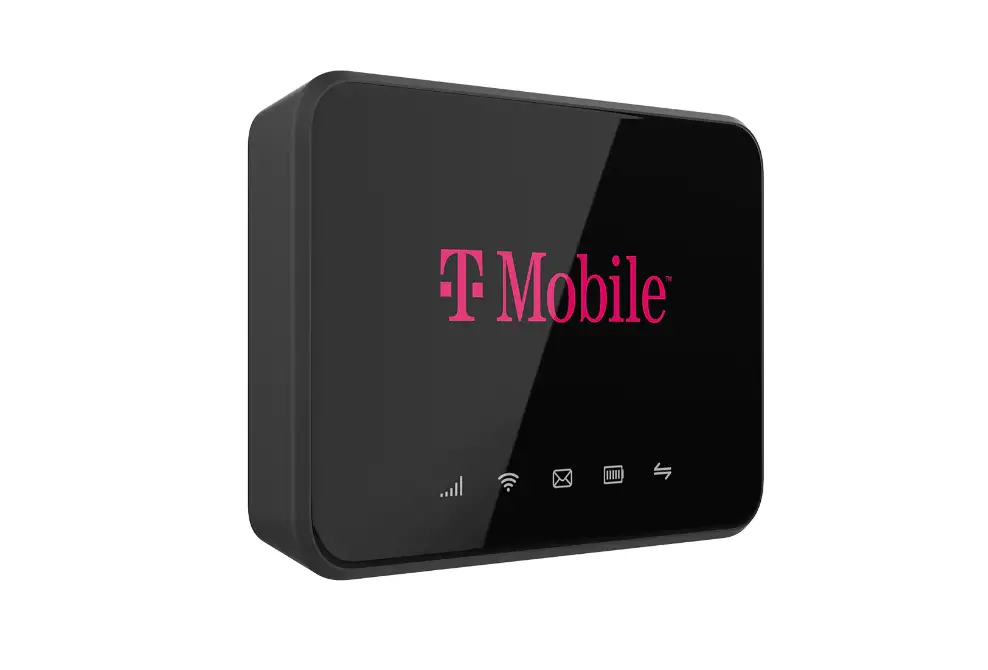
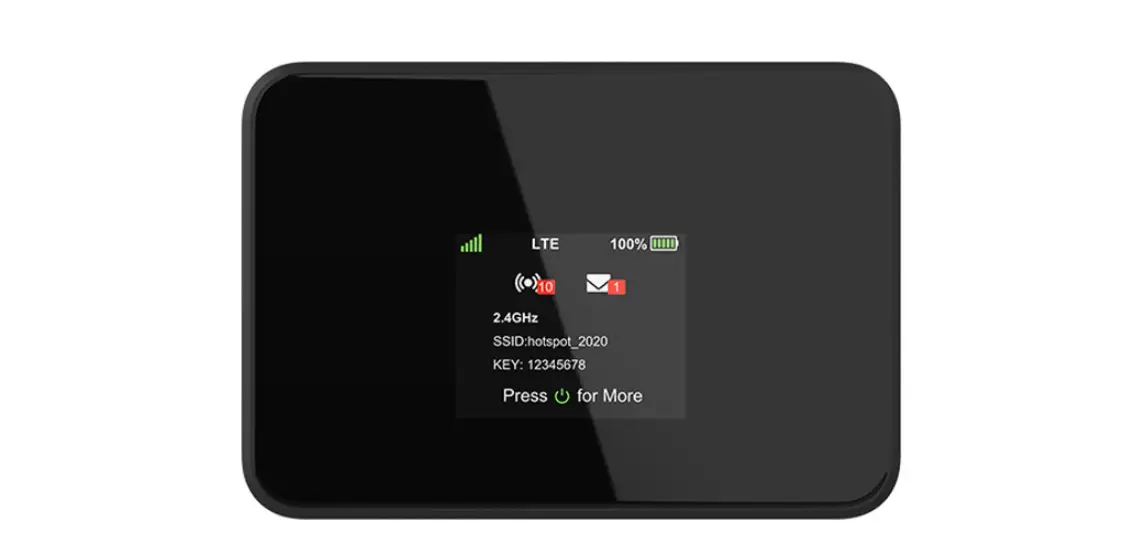
About Your Franklin T10
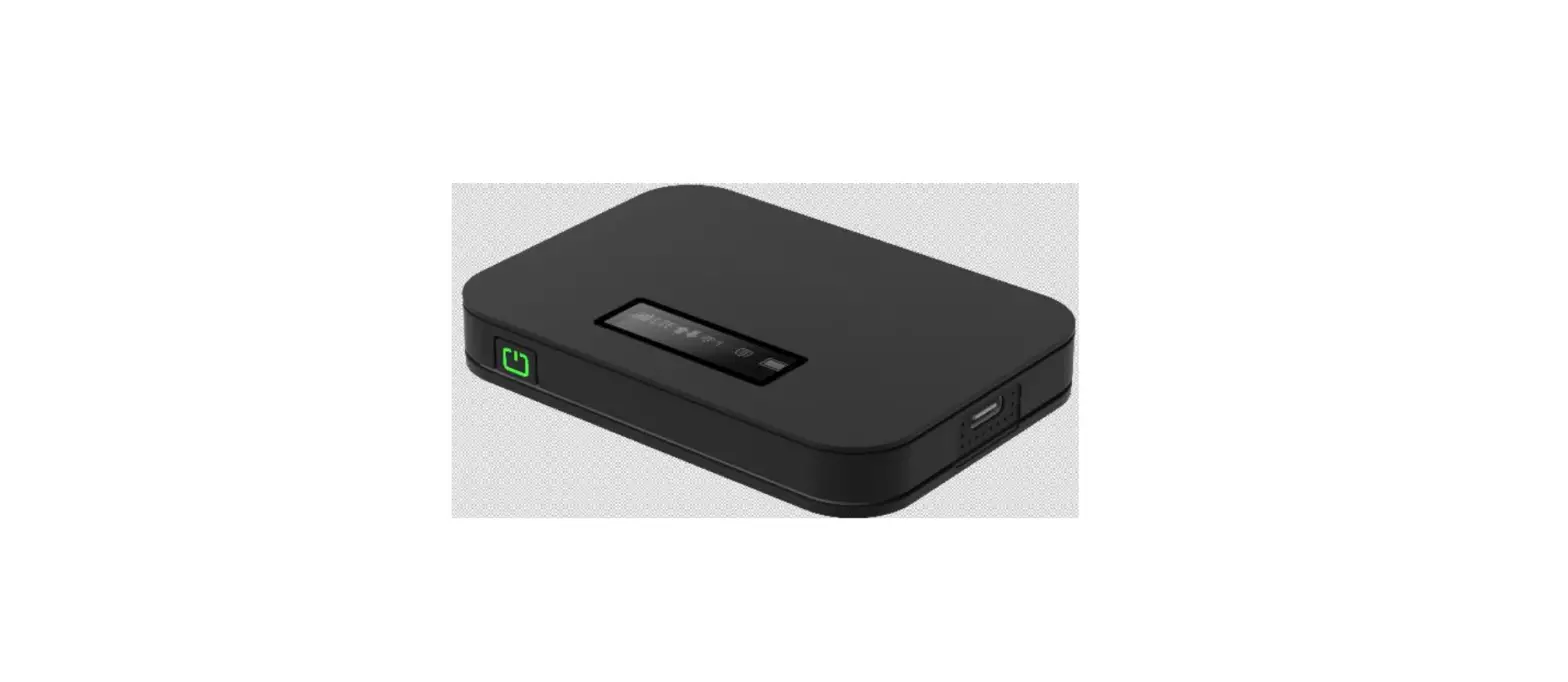
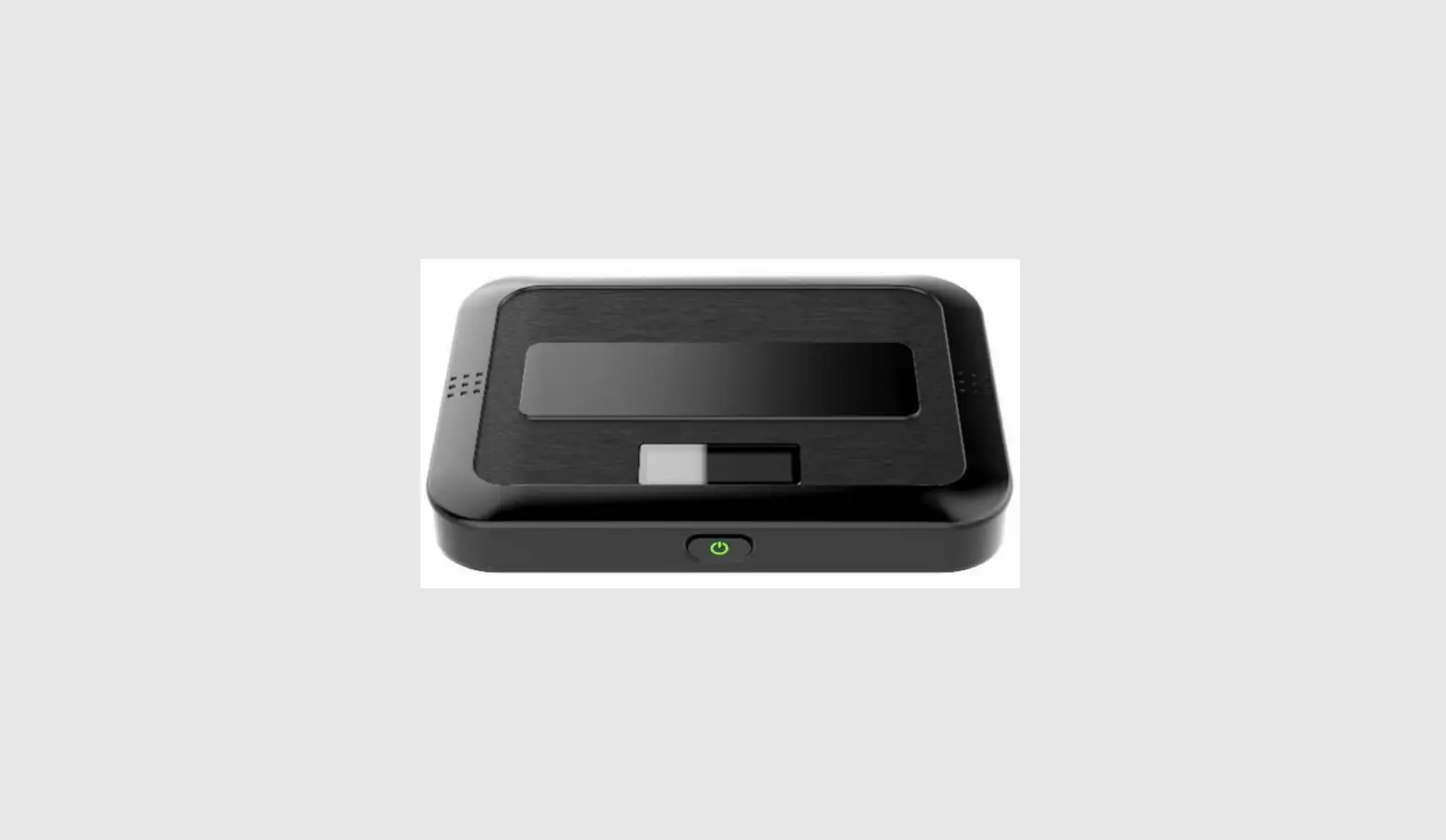
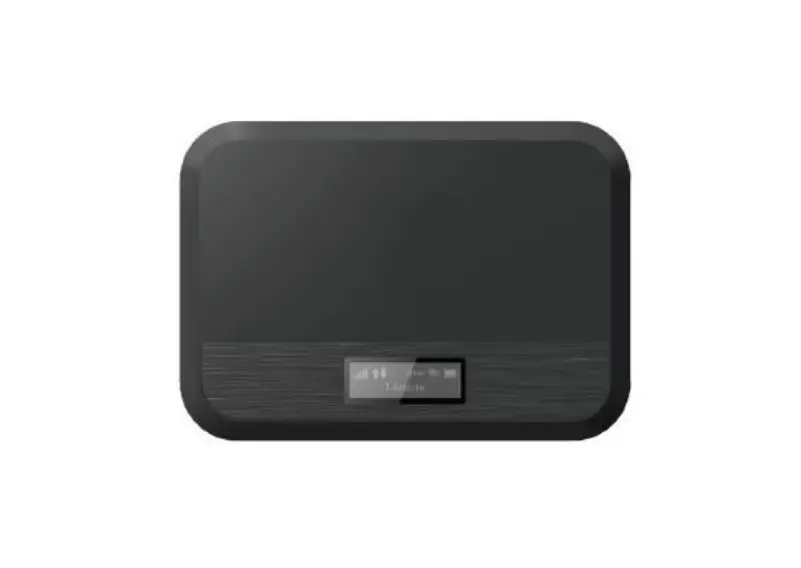
- Power Button
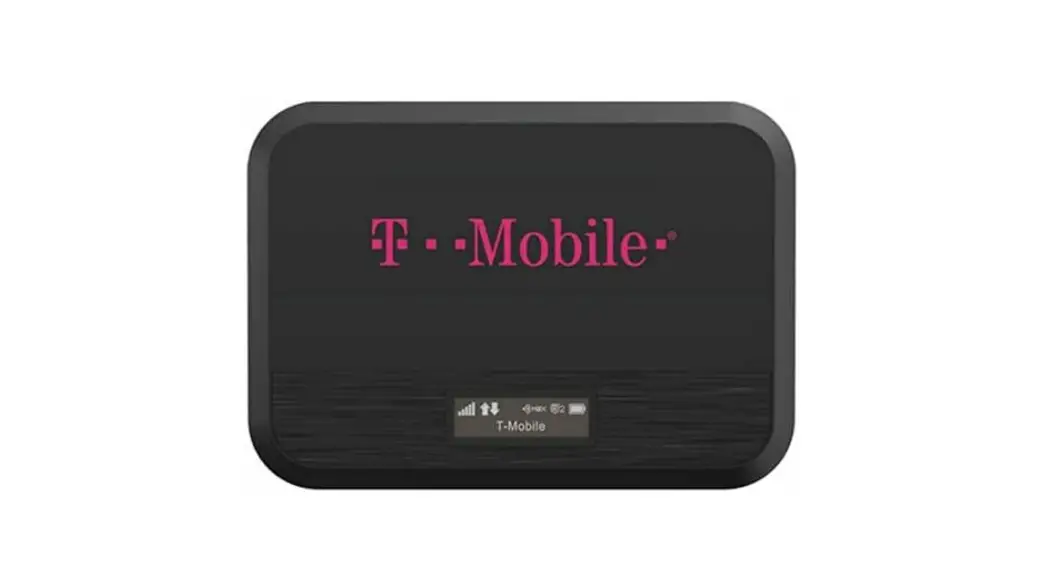
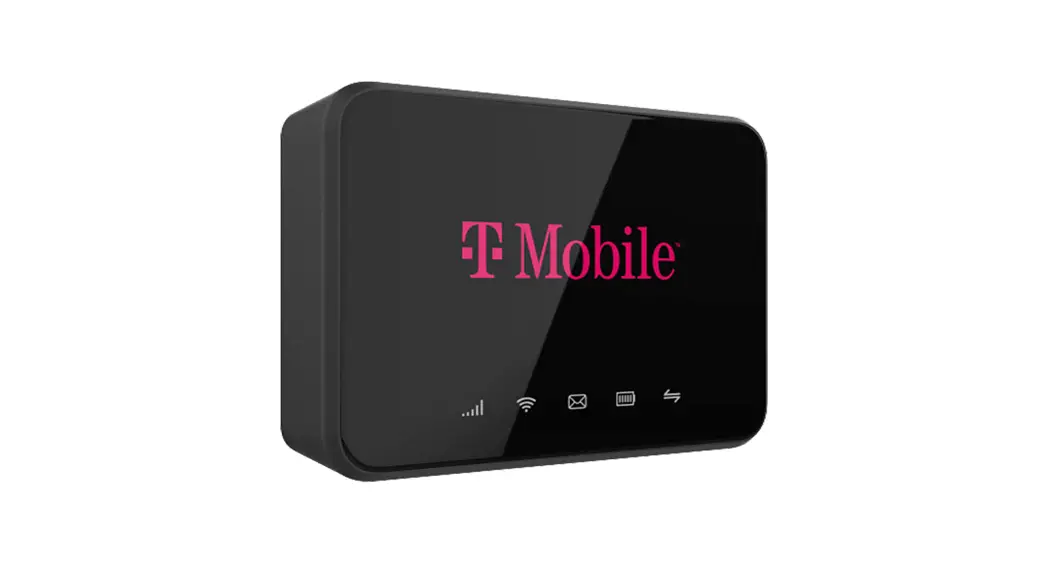
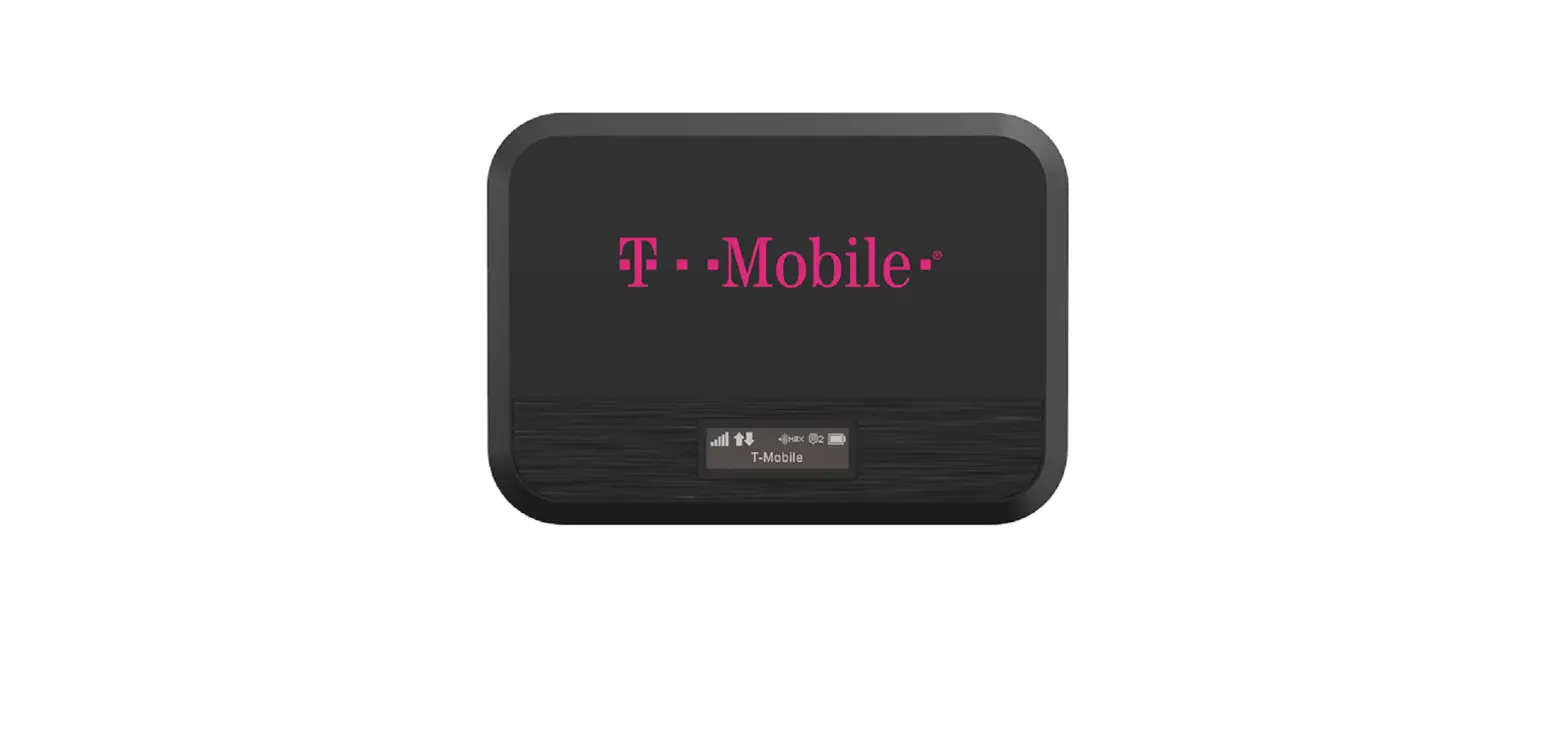
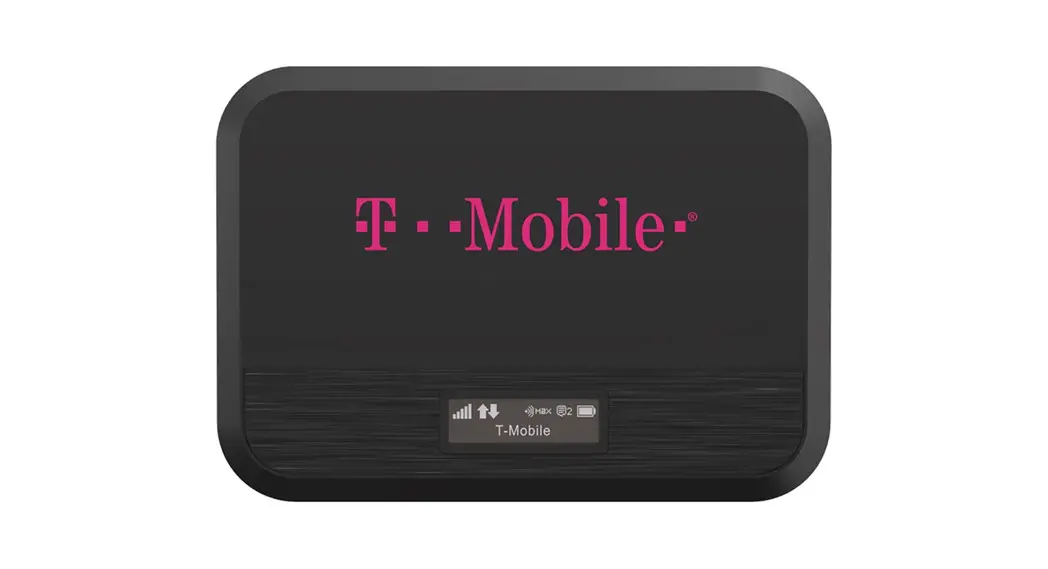
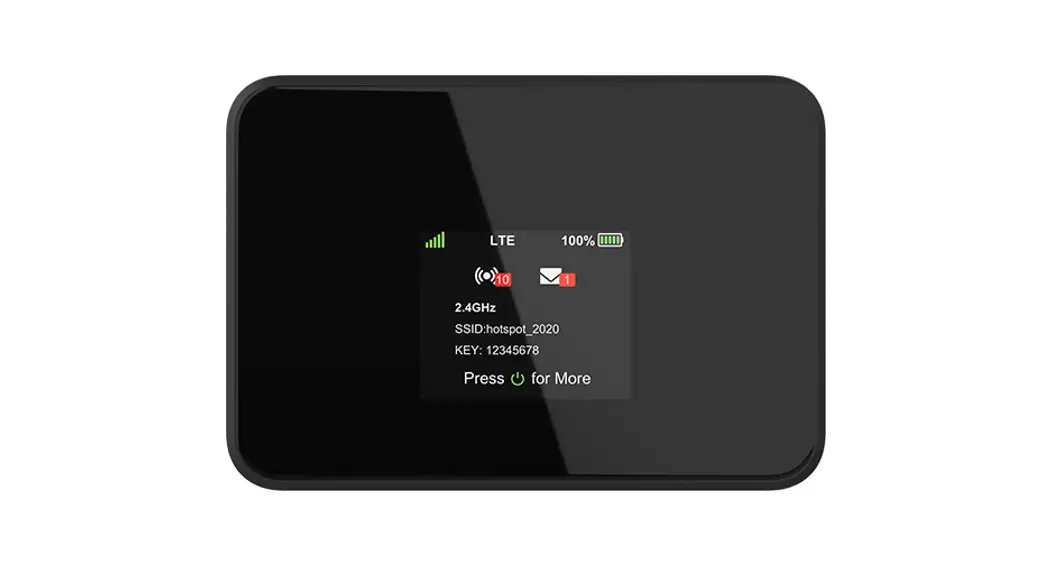
- Display Indicator Icons
(from left to right: signal level, data transmission, number of devices connected, unread messages, battery level) - Micro USB Charging Port
- Removeable Battery
- Device Back
- Battery Compartment
- SIM Card Slot
- IMEI (Serial Number)
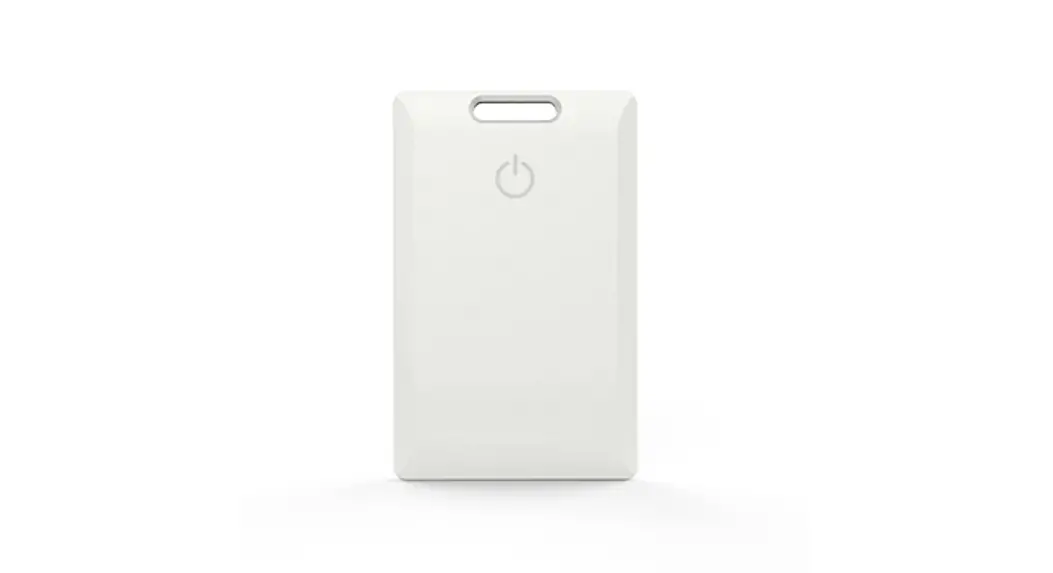
- Information Card / Sticker
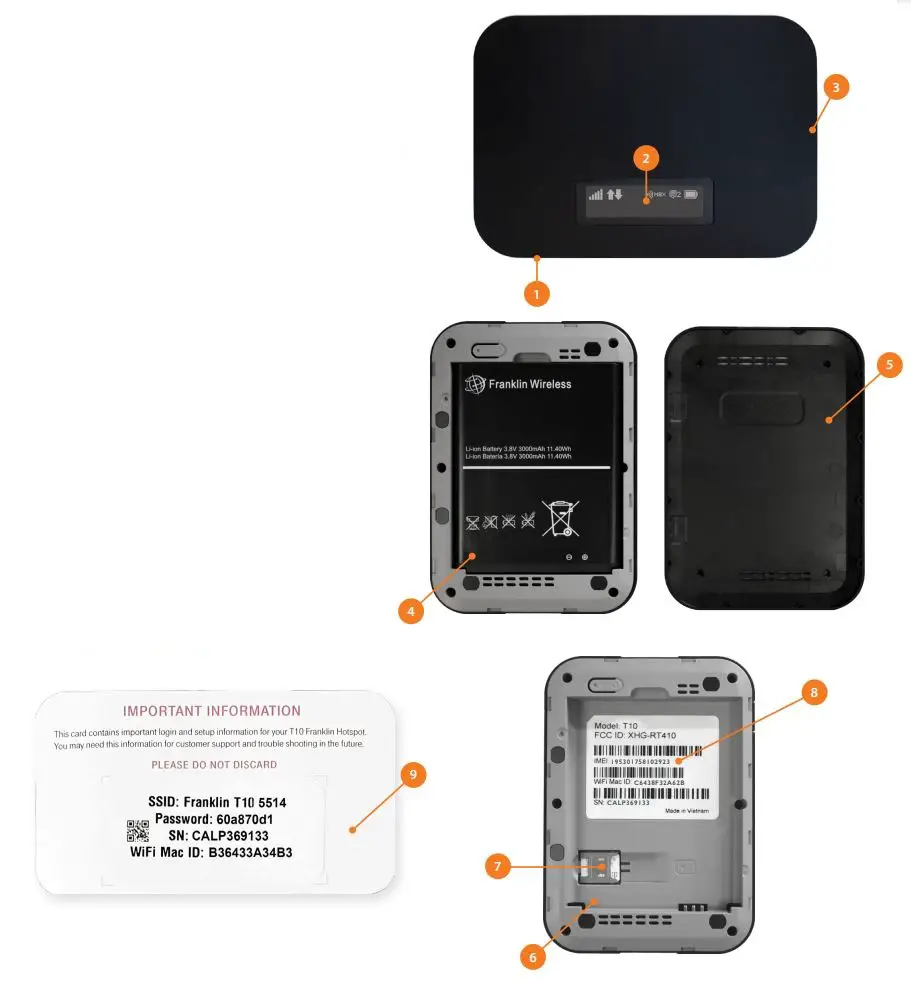
Save this sticker/card for quick access to your wi-fi passcode
www.mobilebeacon.org
 Home | High Speed Internet Access | Mobile Beacon