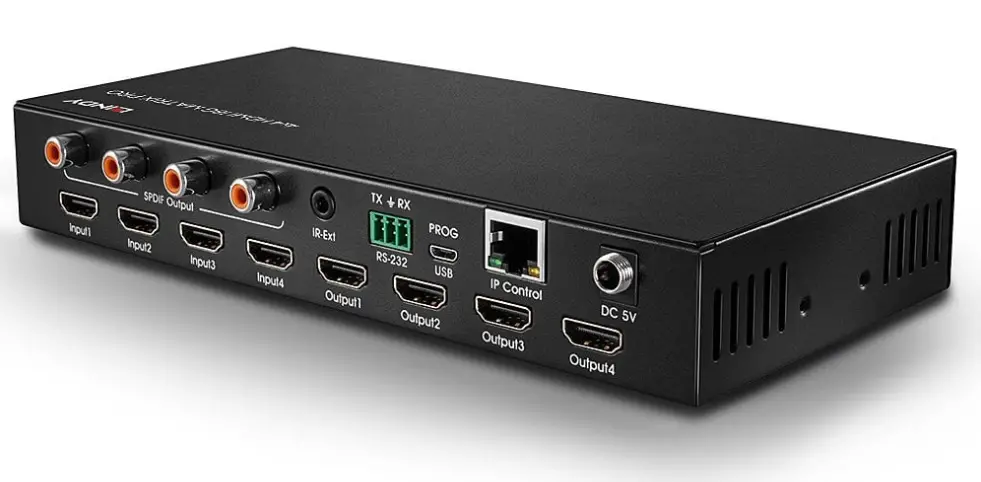

LINDY 38247 4×4 HDMI 18G Matrix with Audio
Safety Instructions
! WARNING ! Please read the following safety information carefully and always keep this document with the product. Failure to follow these precautions can result in serious injuries or death from electric shock, fire or damage to the product. Touching the internal components or a damaged cable may cause electric shock, which may result in death. To reduce risk of fire, electric shocks, or damage:
- Do not open the product nor its power supply. There are no user serviceable parts inside.
- Only qualified servicing personnel may carry out any repairs or maintenance. Never use damaged cables.
- Do not expose the product to water or places of moisture.
- Do not use this product outdoors it is intended for indoor use only.
- Do not place the product near direct heat sources. Always place it in a well-ventilated place.
- Do not place heavy items on the product or the cables.
- Please ensure any adapters are firmly secured and locked in place before inserting into a wall socket
Introduction
Thank you for purchasing the 4×4 HDMI 18G Matrix with Audio. This product has been designed to provide trouble free, reliable operation. It benefits from both a LINDY 2-year warranty and free lifetime technical support. To ensure correct use, please read this manual carefully and retain it for future reference.
The Lindy 4×4 HDMI Matrix Switch Pro supports HDMI 2.0 18G signals, allowing for the transmission of clear 4K Ultra HD 60Hz resolutions. Additional support for High Dynamic Range ensures video content is displayed with enhanced brightness, greater contrasts, and a much wider colour gamut, perfect for digital signage displays in retail, creating informational multi-display setups in education, or distributing content in commercial installations such as cinemas. As well as HDMI audio pass-through, individual SPDIF ports allow for a separate connection of digital speaker systems and amplifiers, creating immersive audio experiences to compliment the video content.
Package Contents
- 4×4 HDMI 18G Matrix
- 5VDC 3A Multi-country Level VI Power Supply (UK, EU, US & AUS Adapters Included), Barrel Size: 5.5/2.1mm Screw Type
- IR Extension Cable, 1.6m
- IR Remote including CR2025 3V battery
- Mounting brackets, screws & rubber feet
- RS232 screw terminal
- Quick Install Guide
Features
- HDMI 2.0 18Gbps, HDCP 2.2, DVI 1.0 complaint
- HDCP 2.2 Support
- Supports resolutions up to 4096×2160@60Hz 4:4:4 8bit, with additional support for 10-bit HDR Full 18G bandwidth
- Supports 7.1 channel of LPCM, Dolby True HD and DTS-HD Master Audio digital audio signals
- Digital and analogue audio extraction from HDMI
- RS-232 screw terminal, IR remote control, IP Control and Push Buttons for switching
- Controllable by IP Web Browser (Default IP: 192.168.1.168)
- Rack Mountable
- Black, metal housing
- Smart EDID Management
Specification
- Input Ports: 4 x HDMI Type A (Female), RJ-45 (Female), RS-232 Terminal connector, 3.5mm IR (Female), USB Micro-B (Female)
- Output Ports: 4 x HDMI (Female), 4 x SPDIF (Female)
- Operating Temperature: 0°C – 40°C (32°F – 104°F)
- Storage Temperature: -20°C – 60°C (-4°F – 140°F)
- Relative Humidity: 20 ~ 90% RH (Non-condensing)
- Power Consumption: 13W max, 0.5W (Standby)
Installation
Please ensure all devices are switched off before making any connections.
Connect the HDMI source devices such to the HDMI matrix input ports. Then connect the HDMI displays to the HDMI matrix output ports. When all the connections are made, connect the power supply, and follow the below order for switching on the connected devices. Displays, HDMI Matrix, Source Devices. Please allow a few minutes for the devices to handshake and for the signals to appear.
Operation
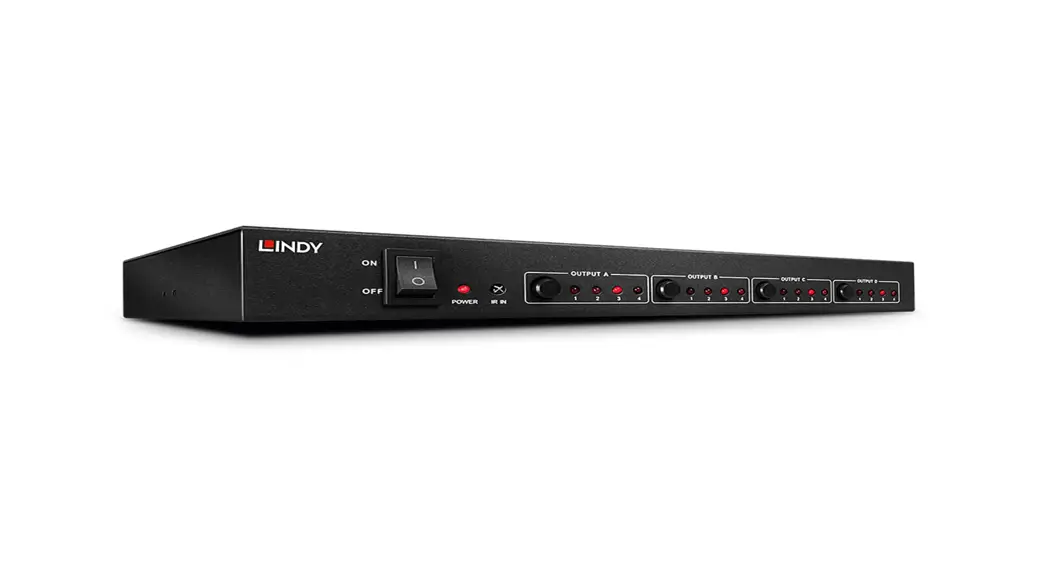
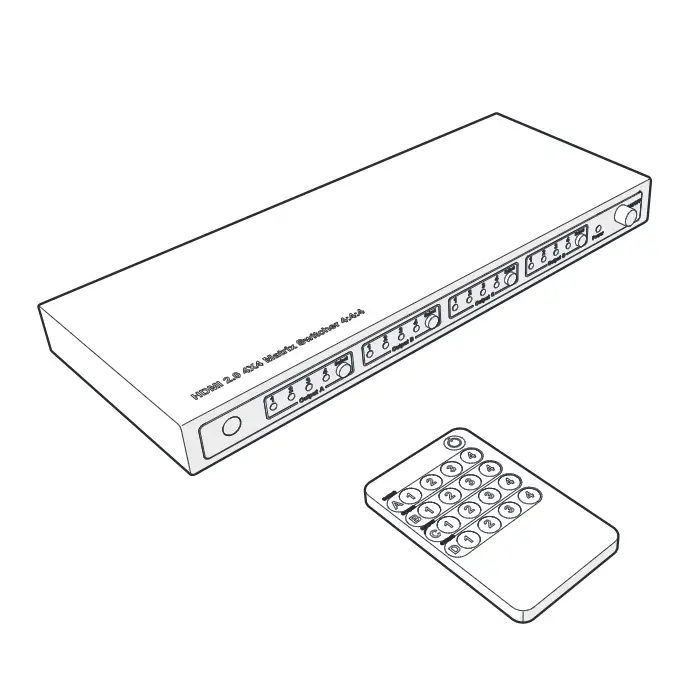
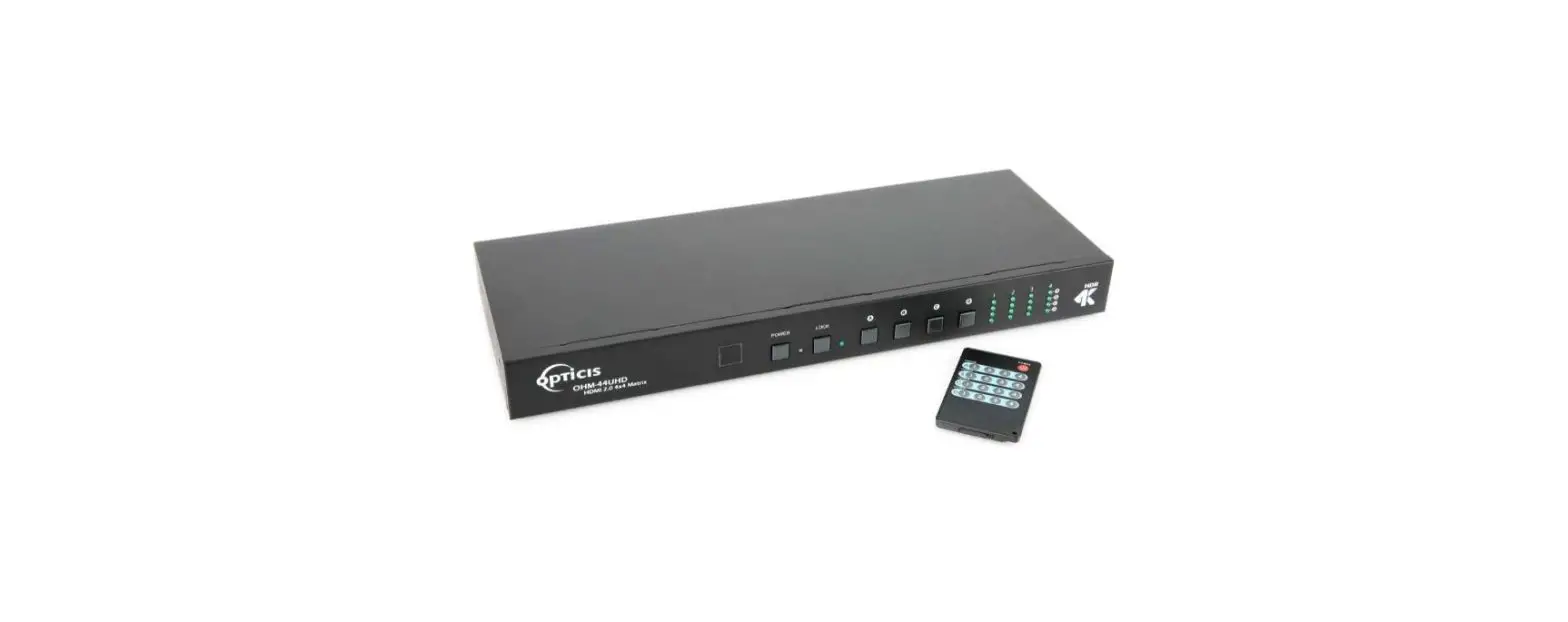
Front Panel

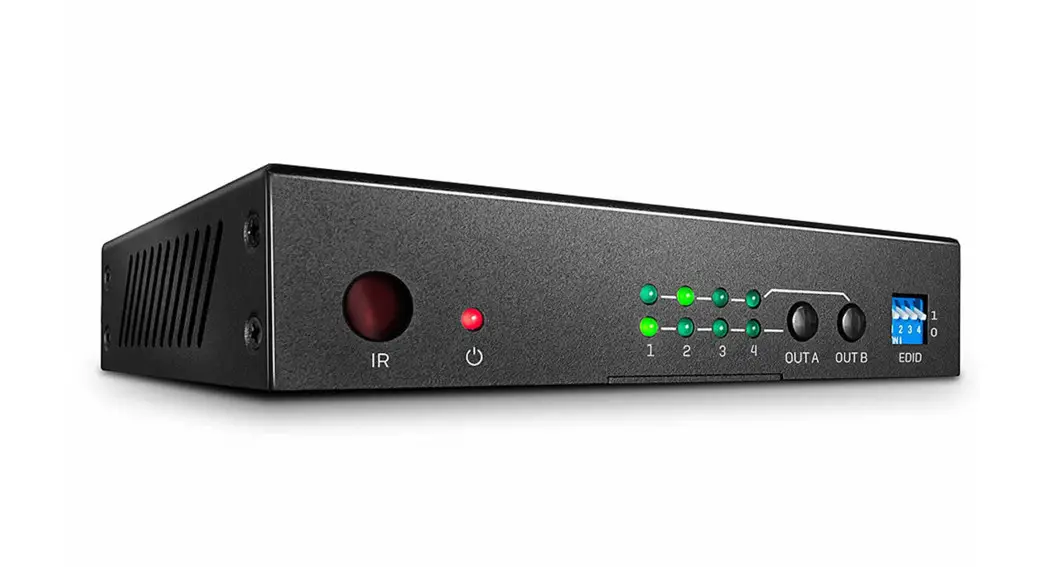
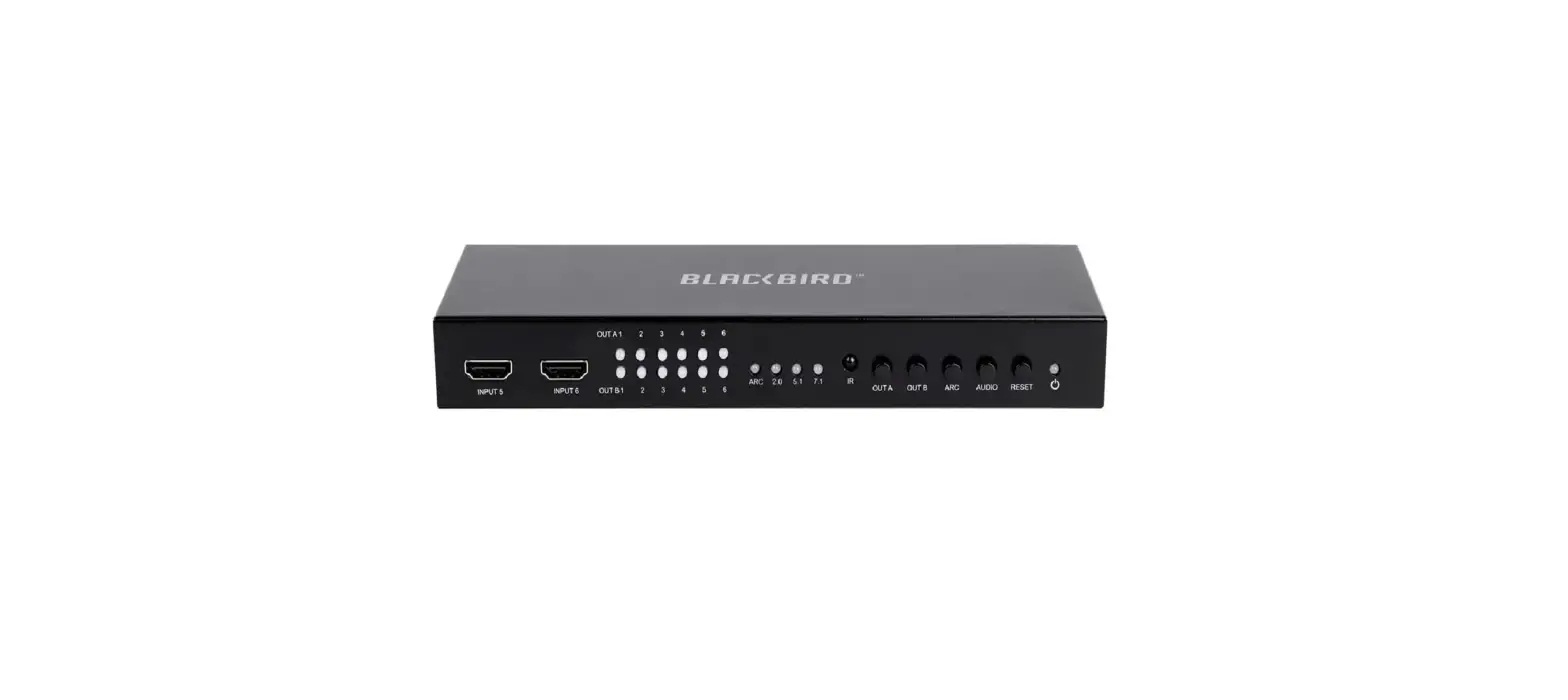
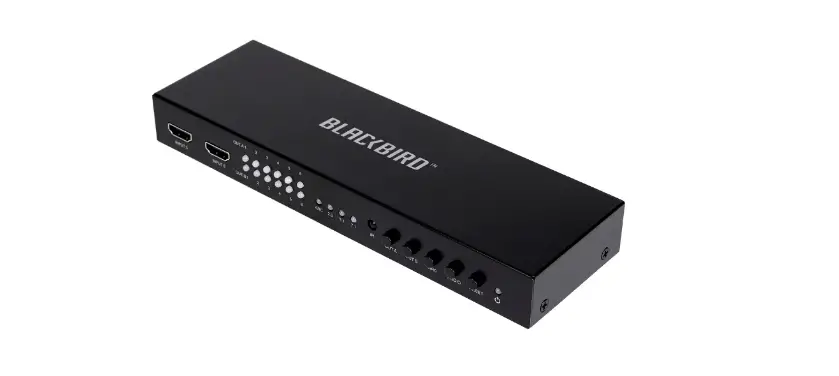
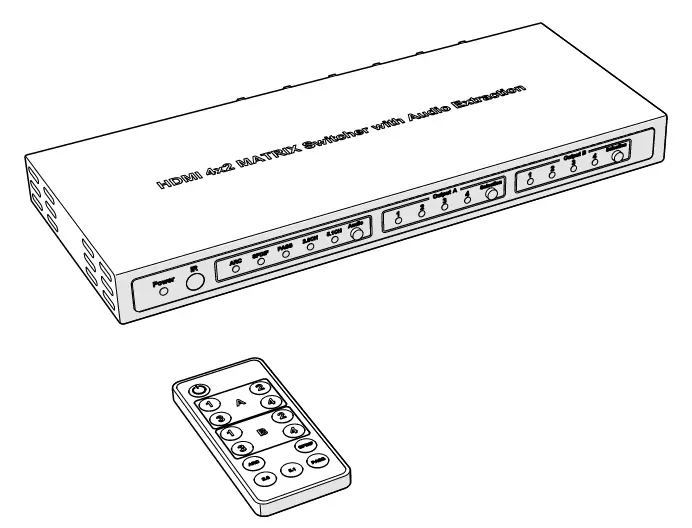
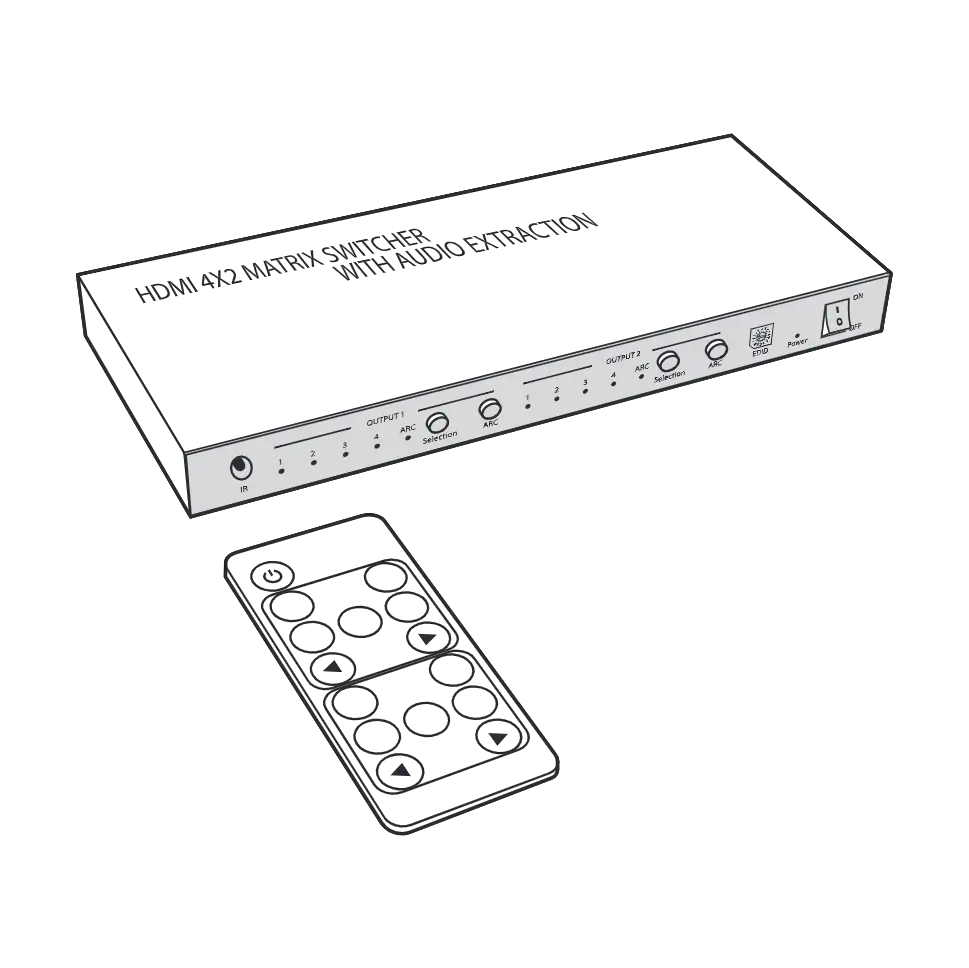
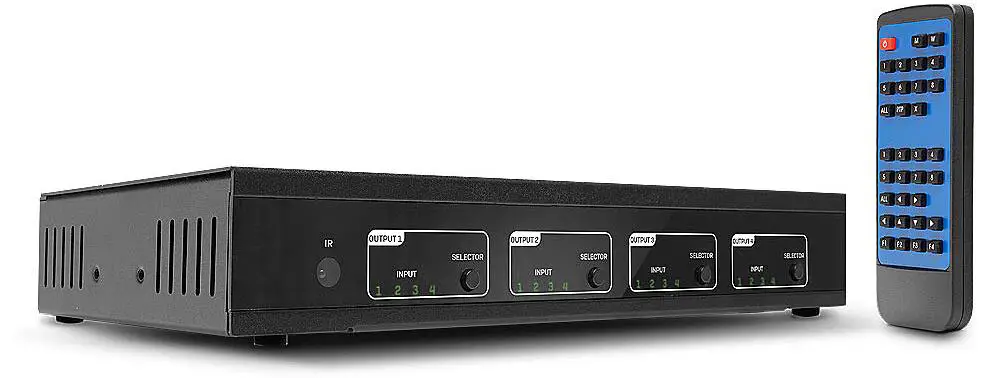
- IR receiver window
- Output Selector Press the selector button to scroll through inputs 1-4
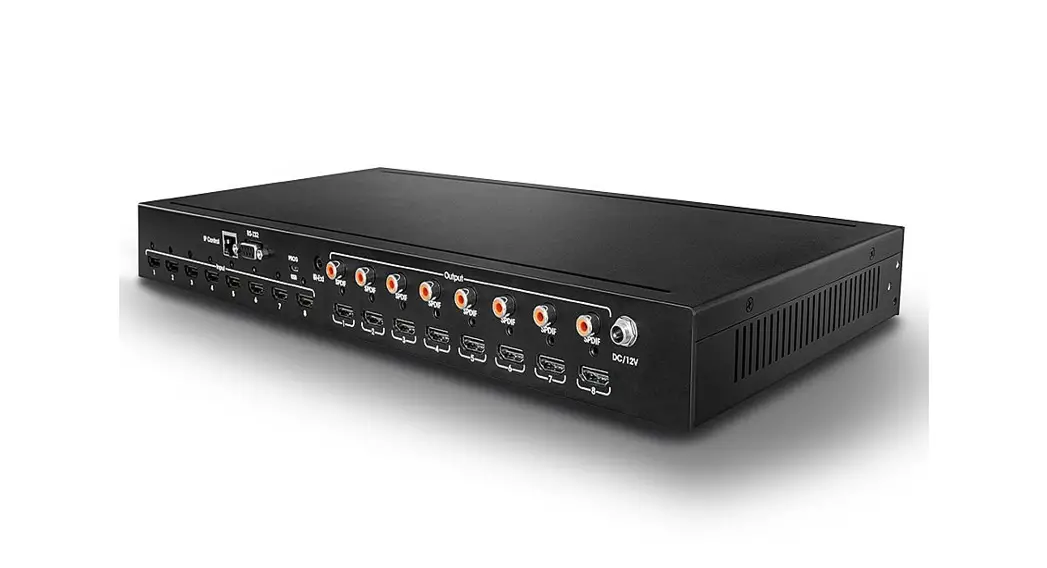
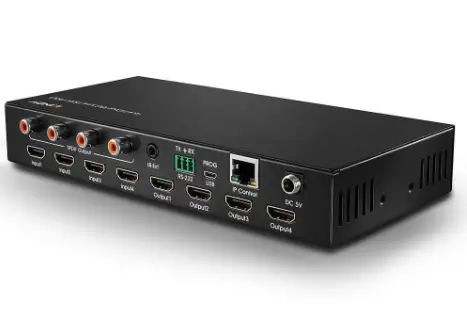
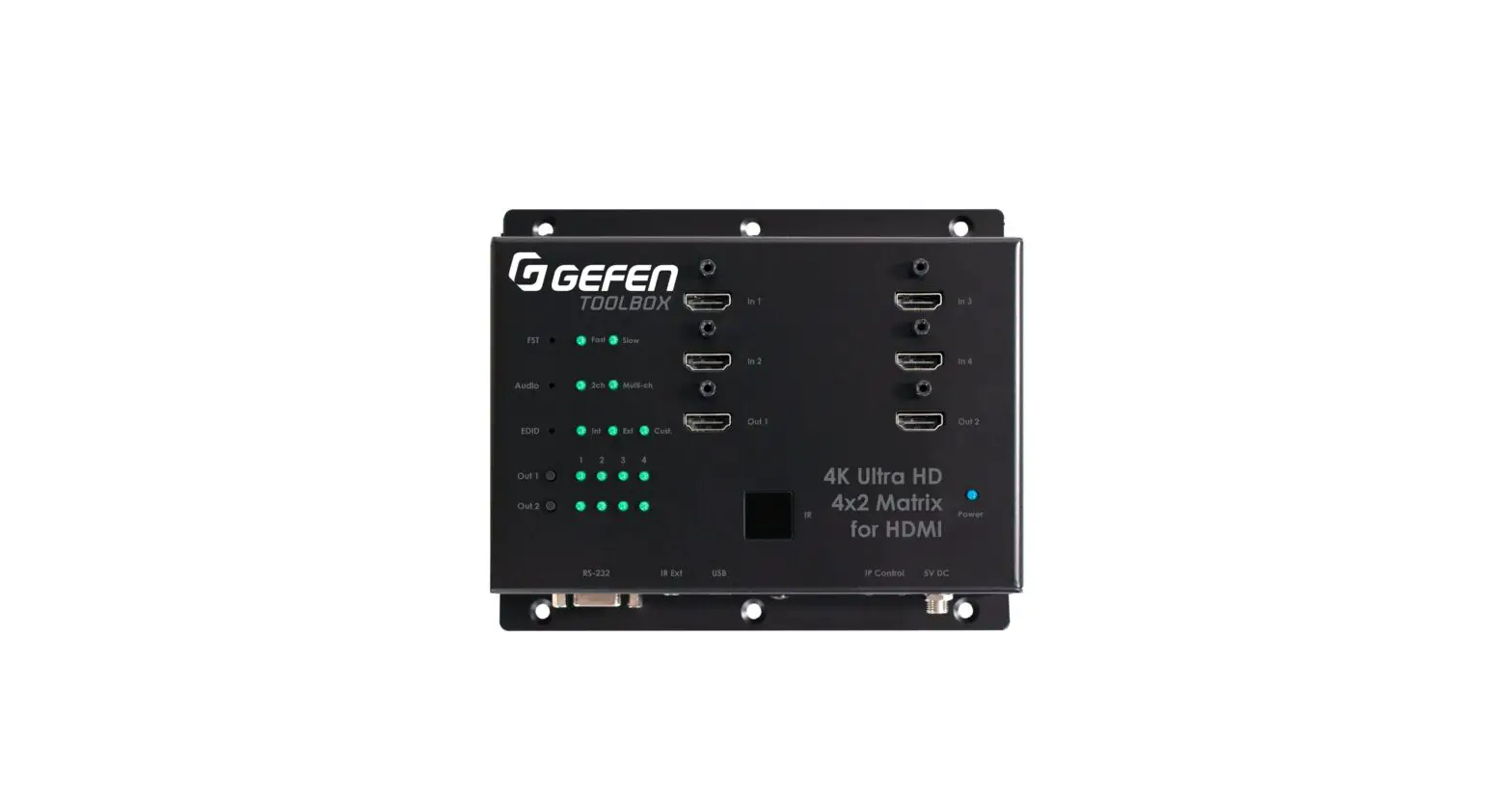
Rear Panel
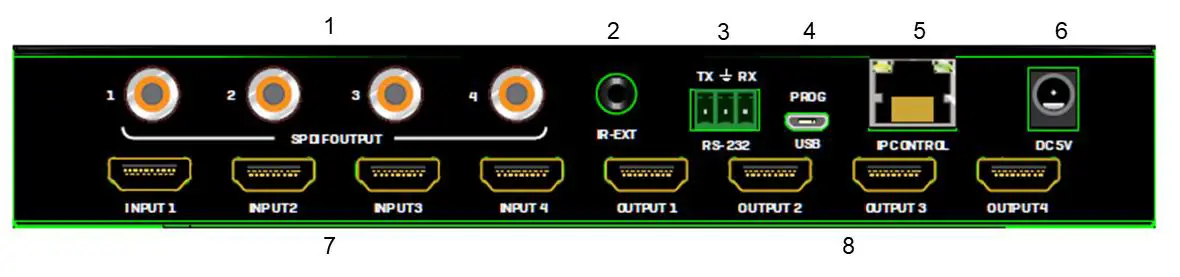
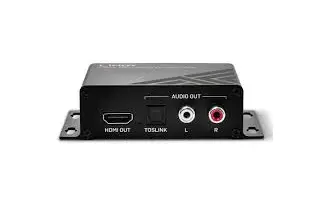
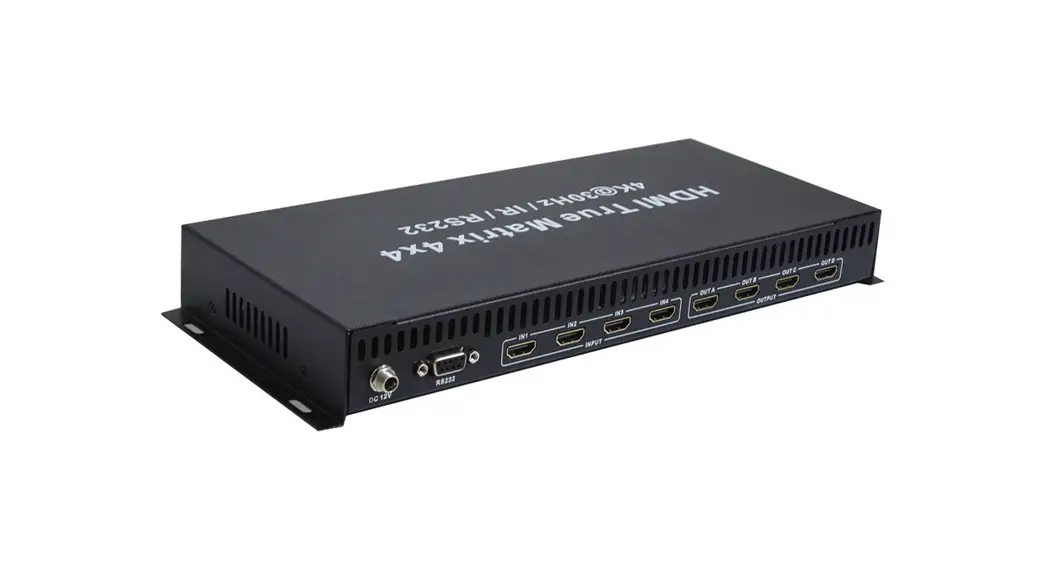
- SPDIF Audio output ports
- IR Extension port
- RS-232 connection port for control or upgrading the firmware
- USB Micro-B port for upgrading the firmware
- RJ-45 port for IP control
- Screw Type DC Power Connection
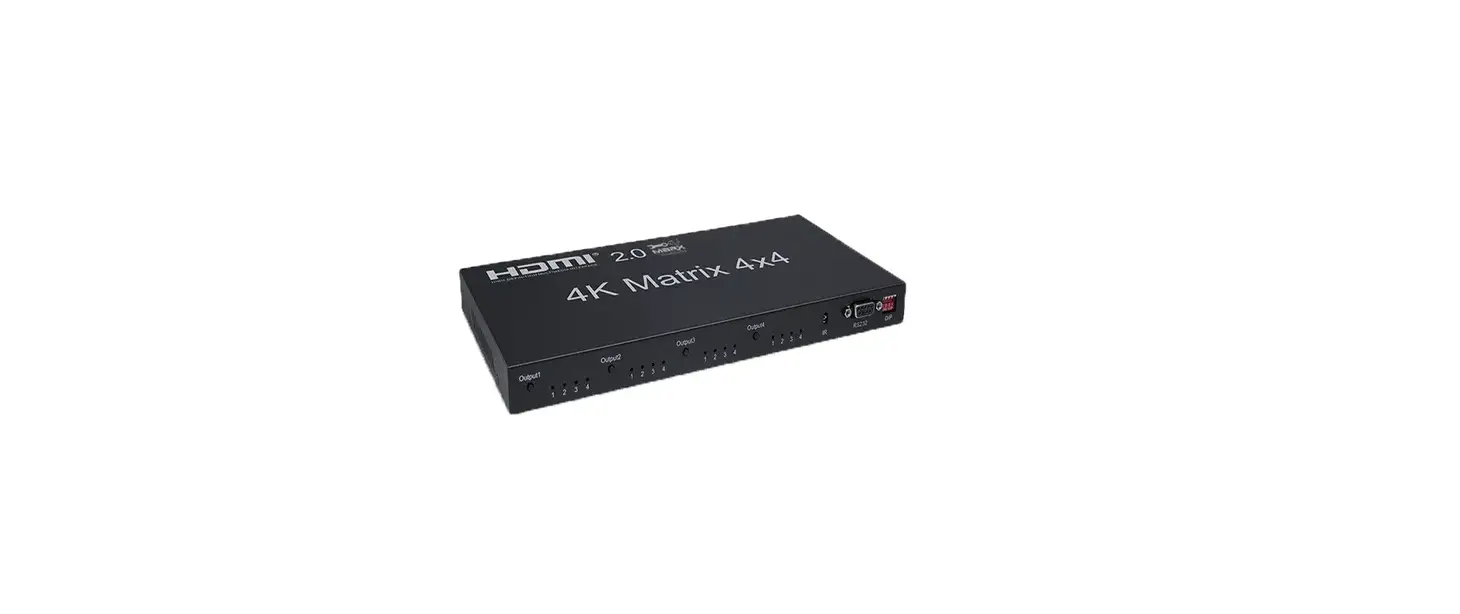
- HDMI Input ports
- HDMI Output ports
IR Remote
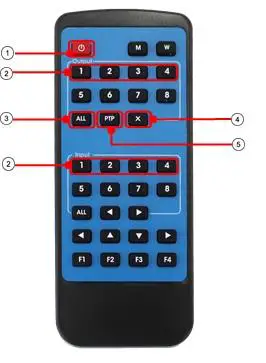
- Power Button
- Output/Input buttons Select 1-4 output then 1-4 input to display a single source to a single display
- All button select all then input 1-4 to display one input to all outputs
- Cancel button cancels the switching operation
- PTP button Mirror all inputs to outputs. E.g., input 1 to output 1, input 2 to output 2 and so on.
Control
RS-232 Pin Assignment
| Matrix | Remote Control Console | |
| Assignment | PIN | Assignment |
| 1 | NC | |
| Tx | 2 | Rx |
| Rx | 3 | Tx |
| 4 | NC | |
| GND | 5 | GND |
| 6 | NC | |
| 7 | NC | |
| 8 | NC | |
| 9 | NC | |
Software Control
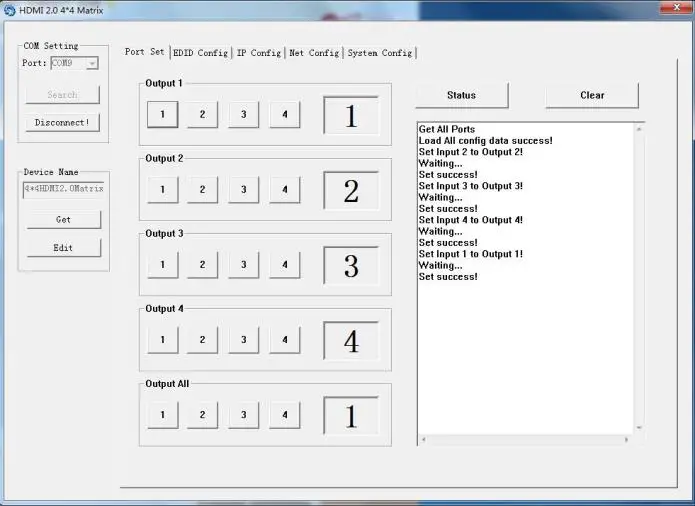
Download the latest version of the control software from the Lindy website. Using a serial cable to the RS232 screw terminal connect the matrix to a PC or laptop. COM Setting select and connect to the COM port on your PC Device Name You can rename the device using up to 16 characters Port Set Select and switch your input and output ports. Click status to display the current connection status, click clear to clear the display information
EDID Config- Read and configure the EDID for each input EDIDs are as followed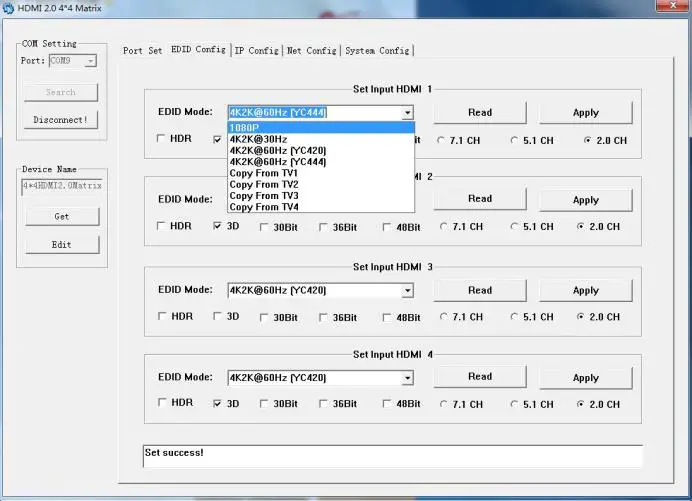
Audio EDID
7.1 Channel Audio supports: 24-bit, 192Khz, DTS Audio, Dolby Digital Plus, DTS HD, Dolby Digital and Dolby TrueHD 5.1 Channel Audio supports: 24-bit, 192Khz, DTS Audio and Dolby Digital 2 Channel Audio supports: 16-bit, 48Khz. No audio formats
Video EDID
1080P “HDMI Matrix” 1920x1080P, 60Hz, 4:4:4, 8bit 4k2k@30Hz “HDMI Matrix” 3840×2160, 30Hz, 4:4;4, 8bit 4k2k@60Hz(YC4:2:0) “HDMI Matrix” 3840×2160, 60Hz, 4:2:0, 8bit 4k2k@60Hz(YC4:4:4) “HDMI Matrix” 3840×2160, 60Hz, 4:4:4, 8bit
IP Config You can manually set the IP address and the MAC address, or you can set the router to assign the IP automatically by clicking DHCP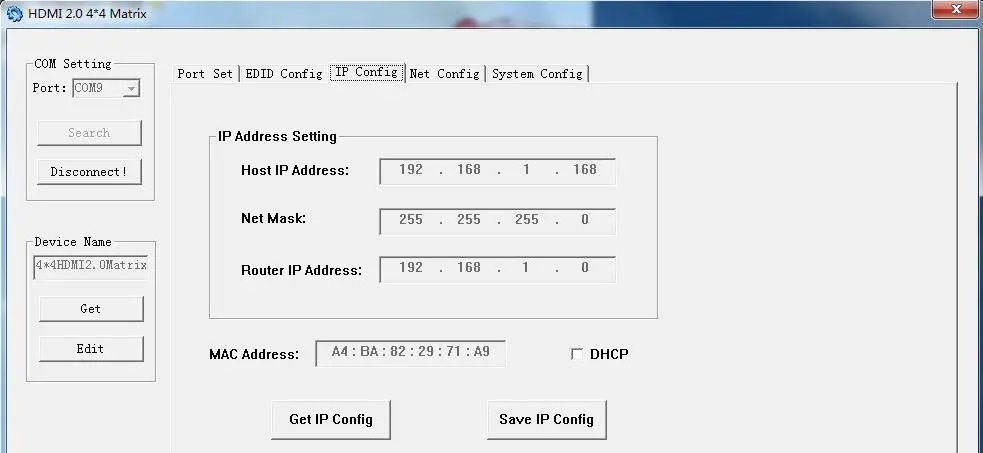
Net Config Allows you to configure the PC and the Matrix to be in the same LAN. Click “Net config” “Connect” “Search Device” “Sel Device Number” “Connect” when you can see the device name, it means connection was successful.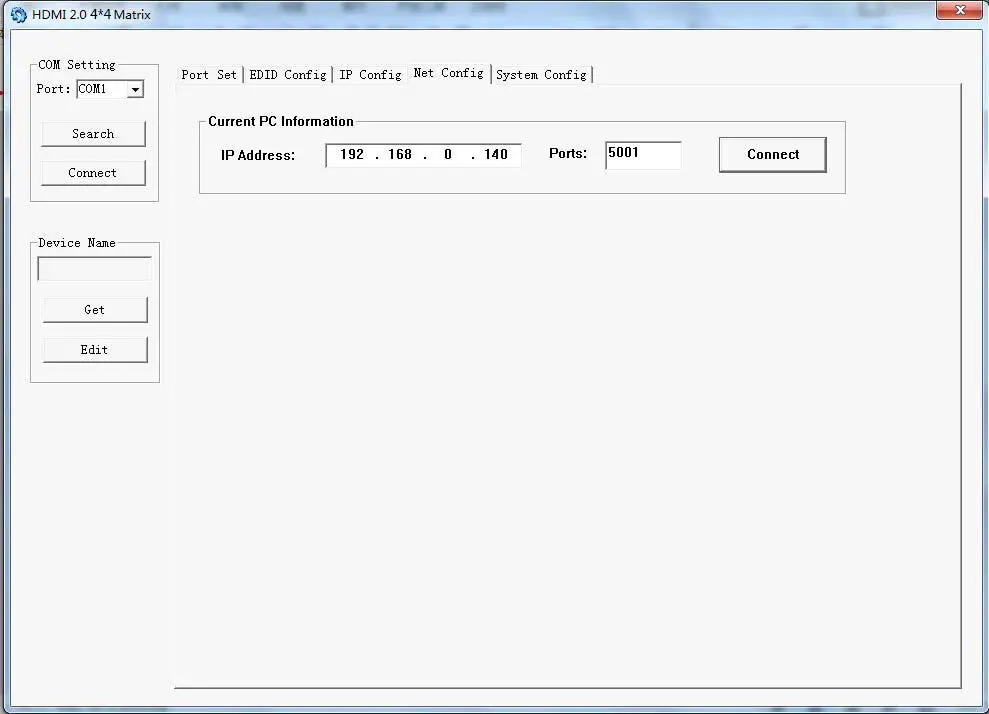
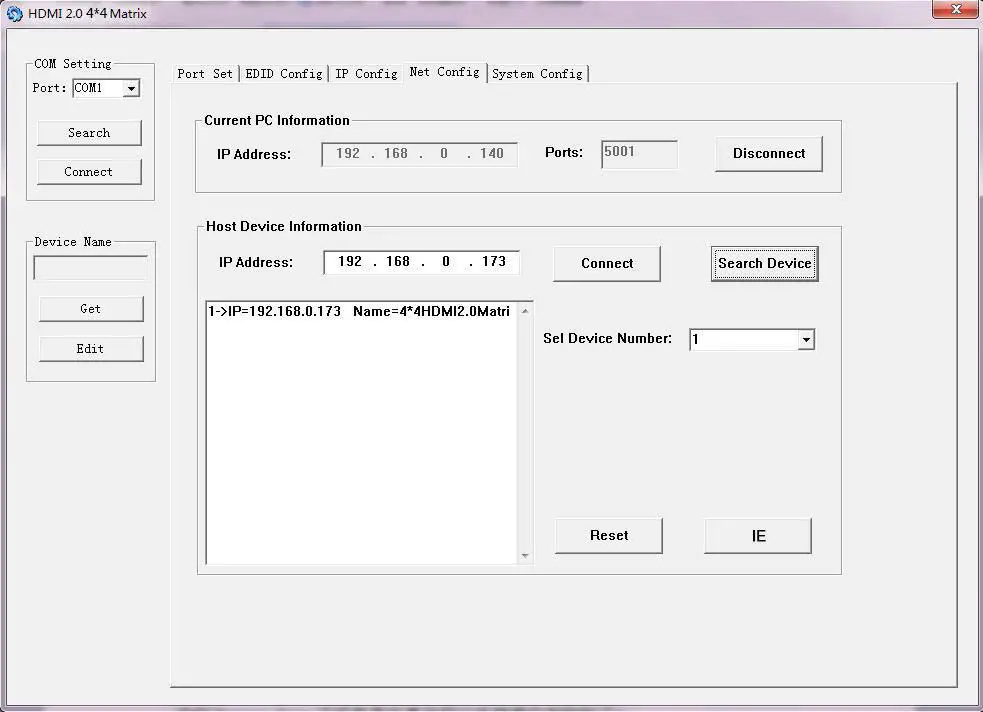
System Config Power On/Off, reset or set default settings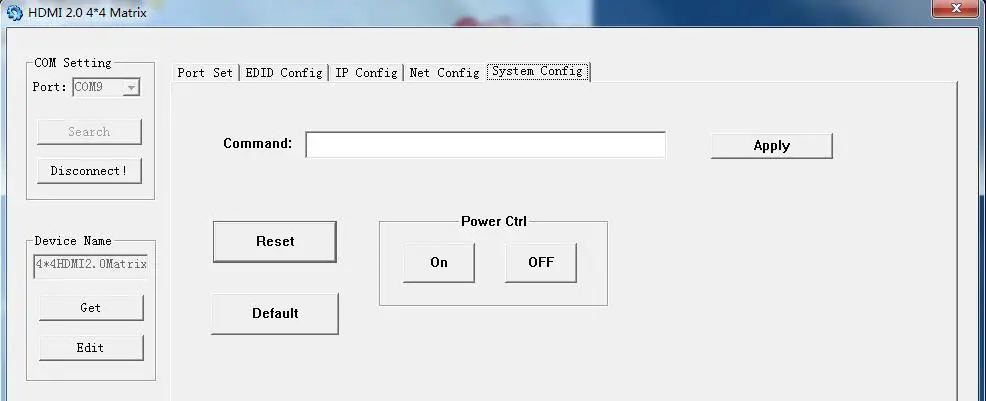
Command Control
Open the application CommUart Assistant
Comport Setting
| Baud Rate: | 115200 bps |
| Parity: | None |
| Data Bits: | 8 bit |
| Stop Bits: | 1 bit |
Enter the Command in the send options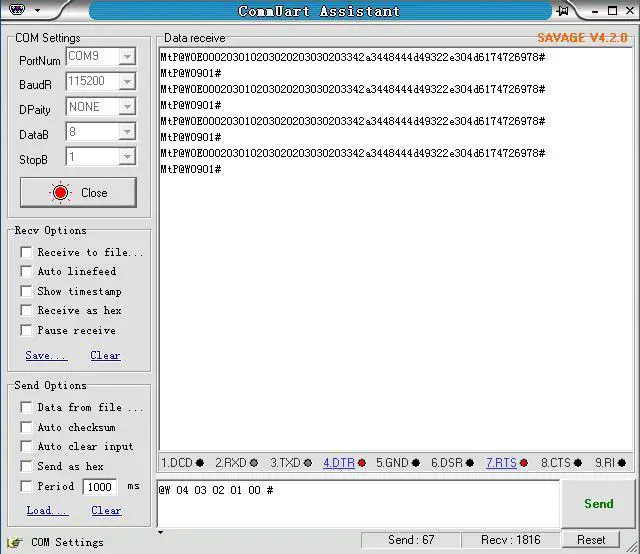
| Command | Function | Note |
| @W 04 00 01 02 03 # | PTP Function | Mirror all inputs and outputs (Ex. Input 1 to output 1, input 2 to output 2, etc) |
| @W 50 # | Reboot | |
| @W 51 # | Restore Factory Setting | |
| @W 0F 00 # | Standby | 00: Standby Mode 01: Cancel “Standby Mode” |
| Command | Description |
| 00 | Output 1 |
| 01 | Output 2 |
| 02 | Output 3 |
| 03 | Output 4 |
| 04 | All Outputs |
| 00 | Input 1 |
| 01 | Input 2 |
| 02 | Input 3 |
| 03 | Input 4 |
Please ensure the command is sent with the “@W” prefix and the “#” suffix.
This is followed by the desired Output command, followed by the input command.
E.g.: @W 00 00 #: Output 1 display Input1
Output 1 Input1
Example: Setting all outputs to a desired input:
Input 1 to all outputs: @W 04 00 00 00 00 #
Input 2 to all outputs: @W 04 01 01 01 01 #
Input 3 to all outputs: @W 04 02 02 02 02 #
Input 4 to all outputs: @W 04 03 03 03 03 #
EDID Setting
@W XX AA BB #
Parameter Description:
XX for configuration of “INPUT EDID”
| Command | 05 | 06 | 07 | 08 |
| Description | Input1 | Input2 | Input3 | Input4 |
AA for selecting “Video Mode”
| Command | 00 | 01 | 02 | 03 |
| Description | 1080P | 4K2K_30 | 4K2K_60(YC420) | 4K2K_60(YC444) |
BB for selecting below function
| Bit7 | Bit6 | Bit5 | Bit4 | Bit3 | Bit2 | Bit1 | Bit0 |
| HDR | 48Bit | 36Bit | 30Bit | 7.1CH | 5.1CH | 2CH | 3D |
| 1 | 1 | 1 | 1 | 1 | 1 | 1 | 1 |
| 0 | 0 | 0 | 0 | 0 | 0 | 0 | 0 |
“1”: choose the function, “0”: doesn’t choose the function
Please note: HDR and 3D EDIDs are not supported E.g., 01001000: 48Bit, 7.1CH Change Binary code “01001000” to hexadecimal format “48”
E.g., @W 05 03 48 # The EDID of input 1 is: 4K2K_60(YC444), 48Bit, 7.1CH
Web Control
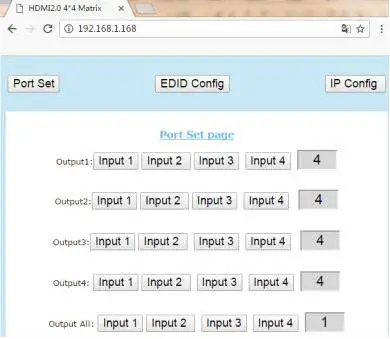
The default IP address of the Matrix is 192.168.1.168. Your PC must be in the same IP range to allow you access to it. For TCP/IP4 you can use and IP address in the range 192.168.1.2 to 192.168.1.254 excluding 192.168.1.168. Open a web browser and enter the IP address 192.168.1.168
Port Page Set your Input and Output ports
EDID Set Page Edit the EDID settings for each input port
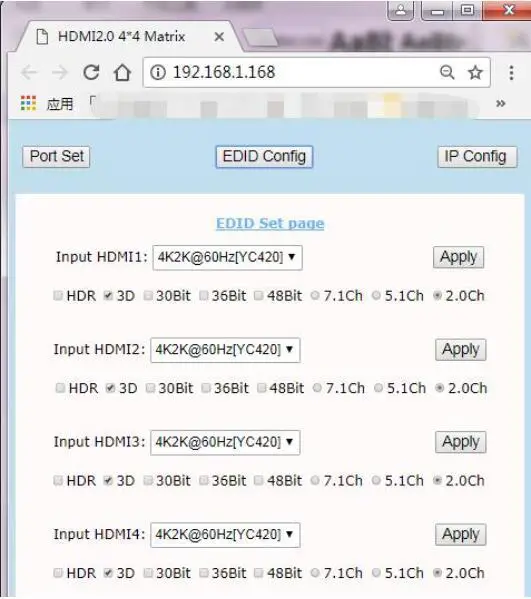
IP Config Page Rename the device and enable/disable DHCP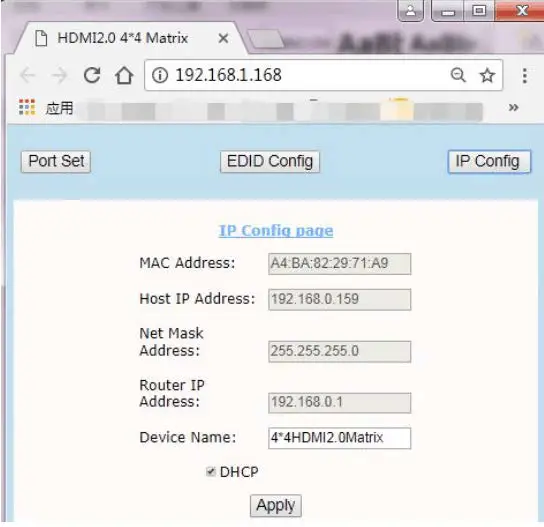
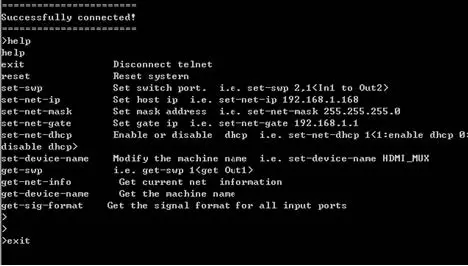
IP/Telnet Command List
Telnet: 192.168.1.168
ID: Admin
Password: Admin
| Command: | Action: |
| help | Receive all command information |
| exit | Disconnect Telnet |
| reset | Reset system |
| set-swp | Set switch port. i.e.: set-swp 2,1 (In1 to 0ut2) |
| set-net-ip | Set host ip i.e.: set-net-ip 192.168.1.168 |
| set-net-mask | Set mask address i.e.: set-net-mask 255.255.255.0 |
| set-net-gate | Set gate ip i.e.: set-net-gate 192.168.1.1 |
| set-net-dhcp | Enable or disable DHCP i.e.: set-net-dhcp 1 (1:enable dhcp; 0:disable dhcp) |
| set-device-name | Modify the machine name i.e.: set-device-name HDMI_MUX |
| get-swp | i.e.: get-swp 1 (get out 1) |
| get-net-info | Receive current net information |
| get-device-name | Receive the machine name |
| exit |
All command information:
 Lindy Electronics