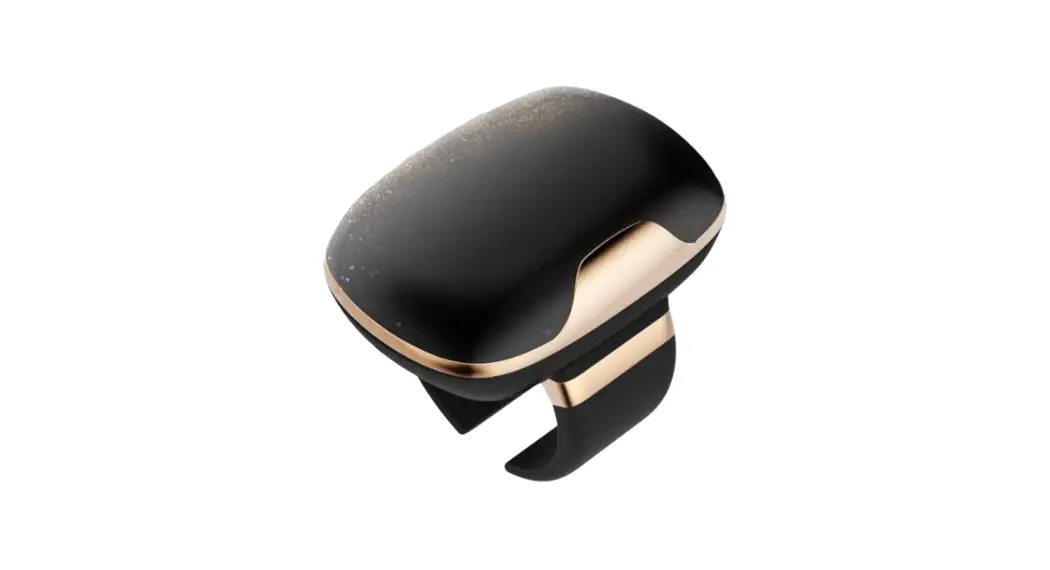
 O188 Wireless Ring Controller
User Manual
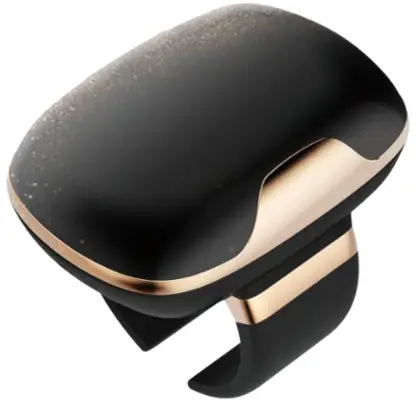
Design
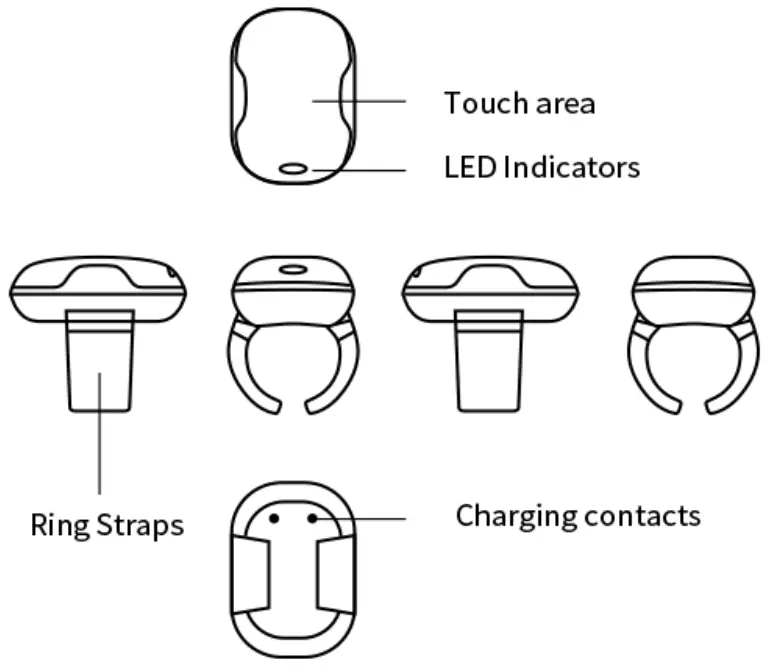
Components
| Components | Quantity |
| Wireless Ring Controller | 1 |
| All-purpose USB Cable (Long) | 1 |
| Magnetic Cable (Short) | 1 |
| Charging Storage Box | 1 |
| User Manual | 1 |
Specifications
| Weight | 10g (excluding the charging storage box) |
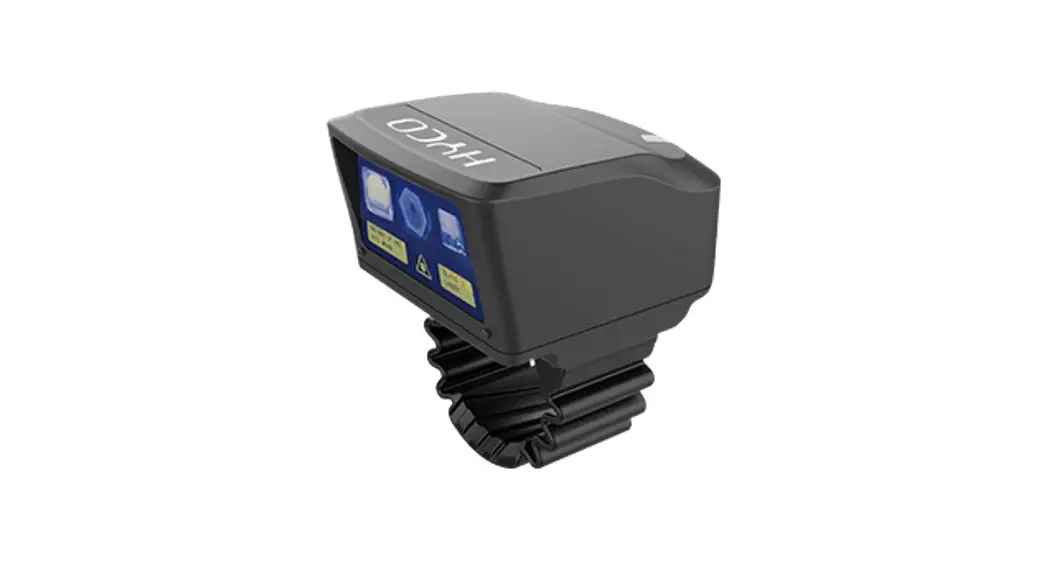
| Size | 32.9*23.7*29.9 mm |
| Ring Straps | Elastic and adjustable to fit different finger sizes |
| Touching Keys | Forward, back, click, double-click |
| Bluetooth | Bluetooth V5.1+BR+EDR+BLE |
| BT Transmission Distance | >10 m |
| LED Indicators | RGB |
| Controller Battery | [email protected] |
| Charging Time | 2.5 hrs |
| Charging the Controller | Portable charging storage box |
| Box Battery | [email protected] |
| Charging the Box | Micro USB |
| Working Time | >24 hrs |
| IP Level | IP54 |
| Working Temperature | -10°C — +50°C |
| Working Humidity | Relative humidity 5% — 95% (without condensation) |
Instruction
- How to wear O188
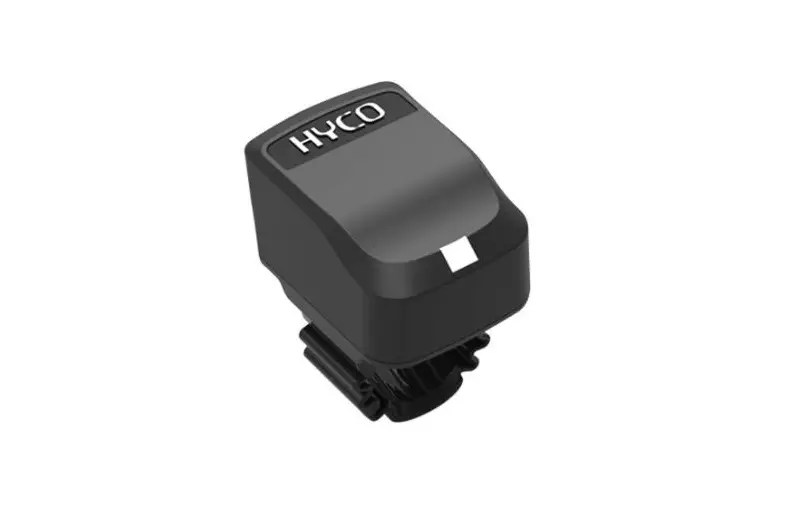
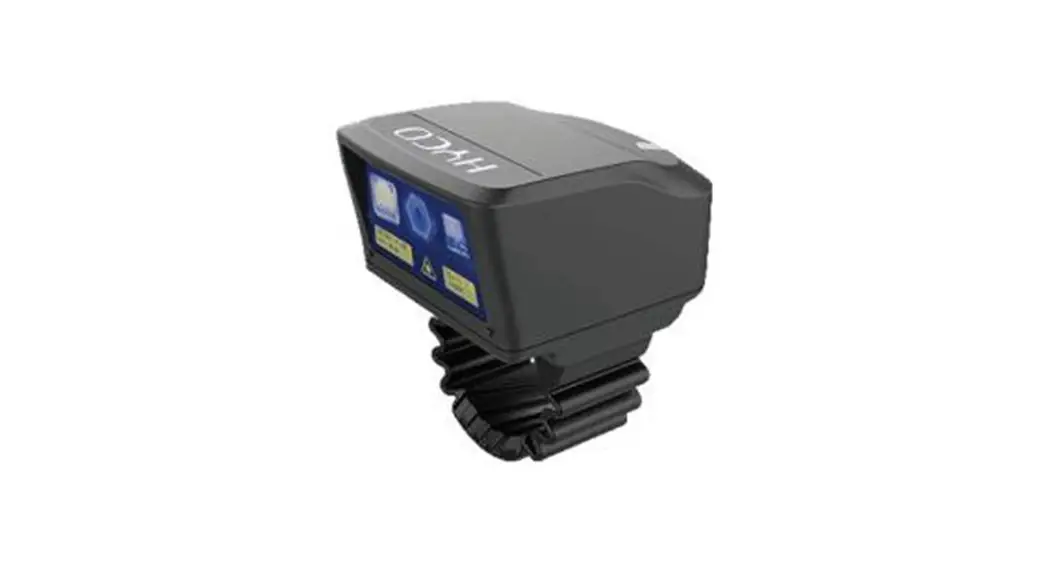
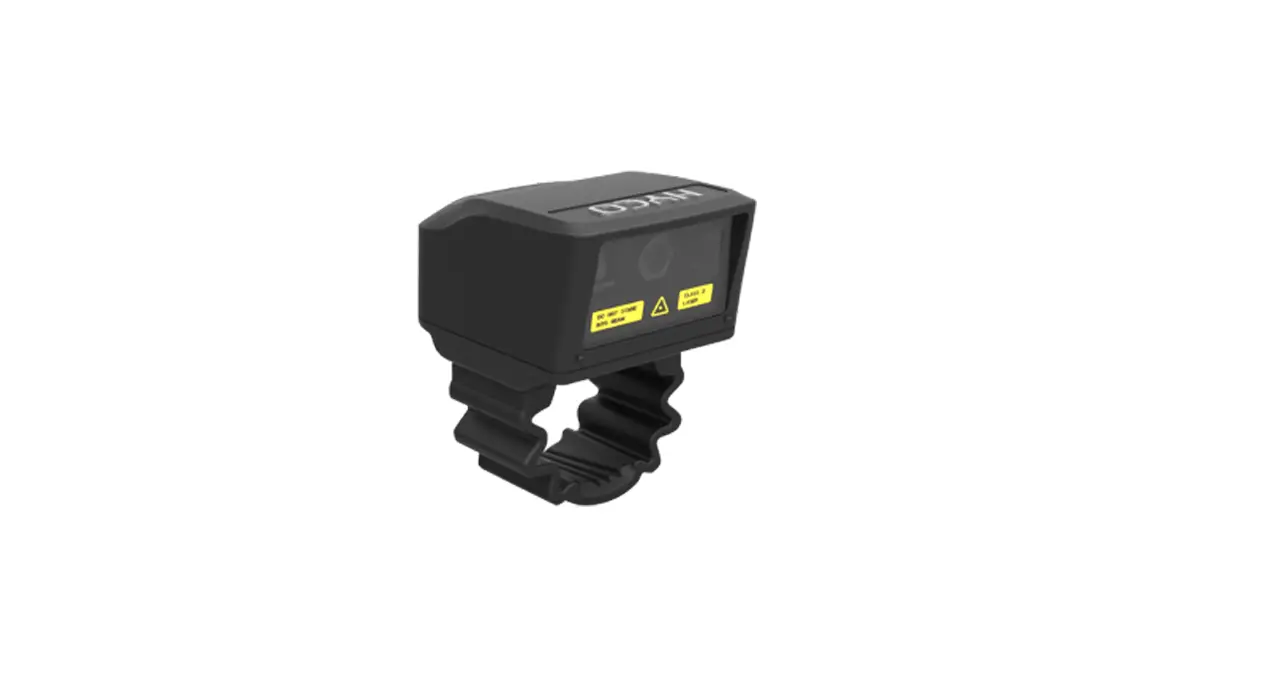
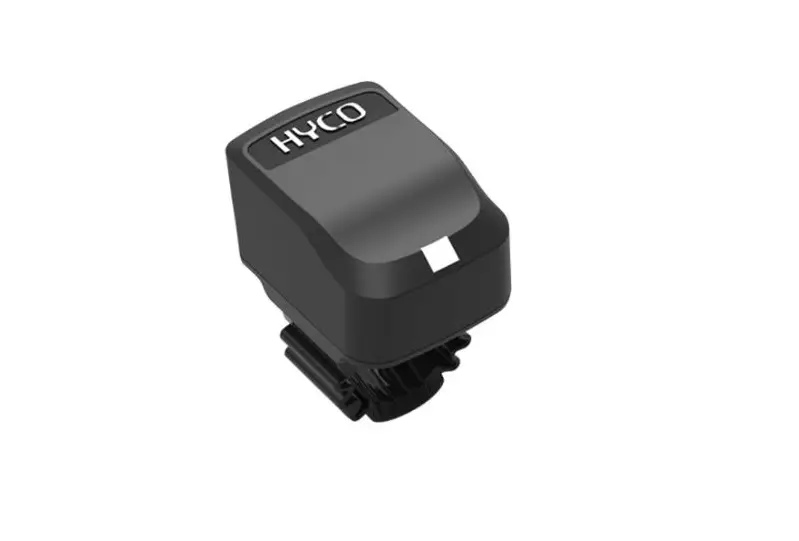
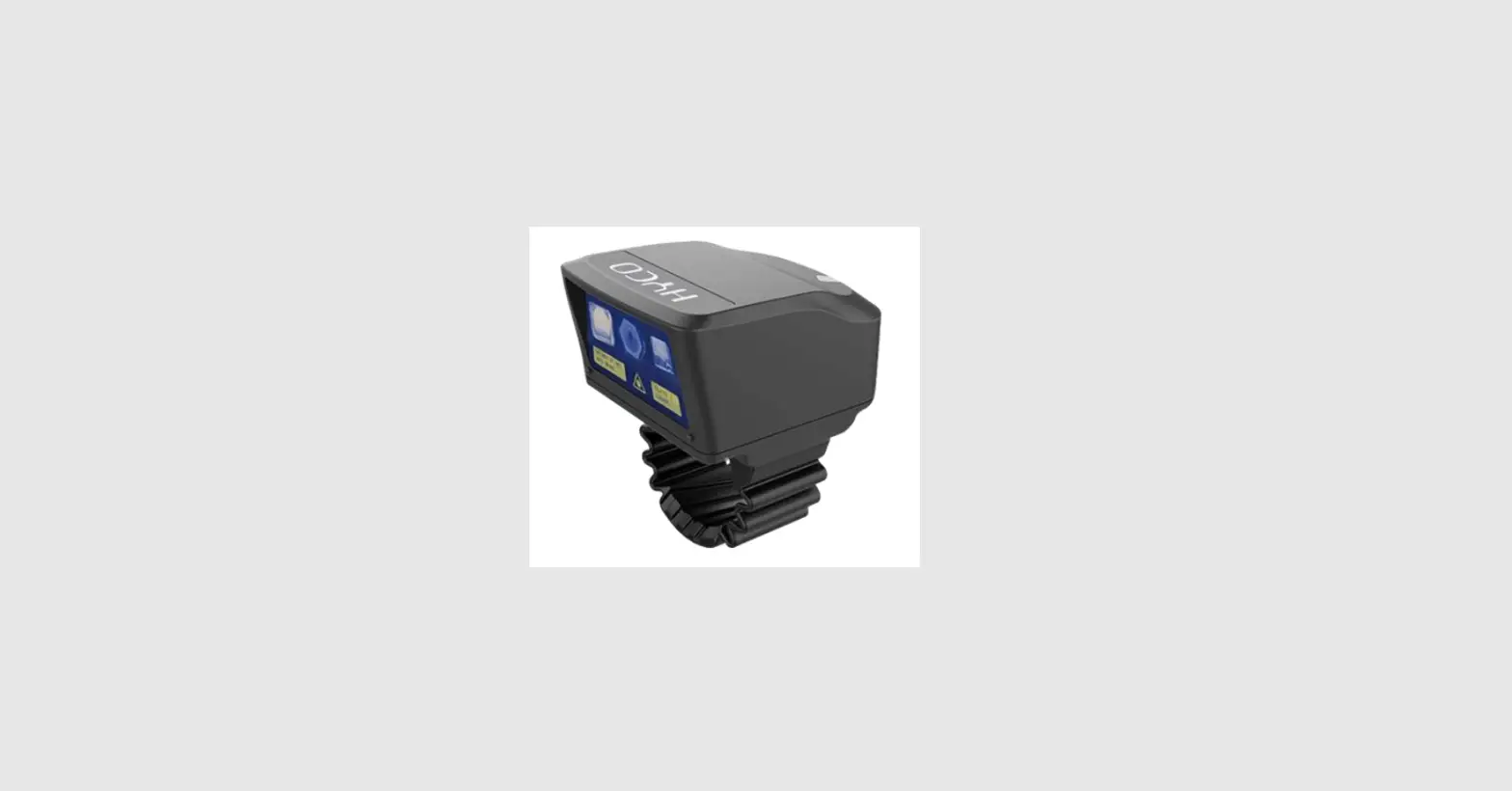
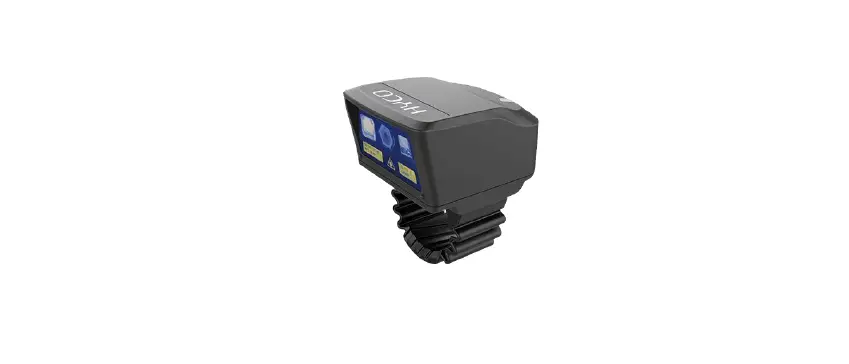
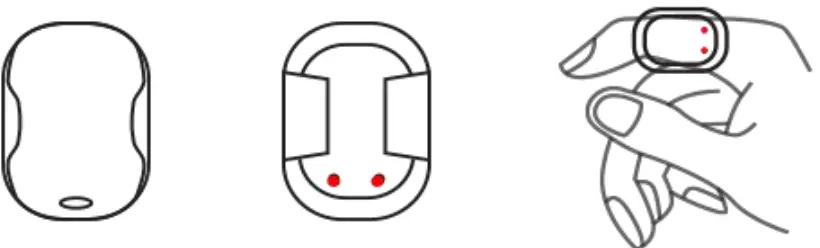
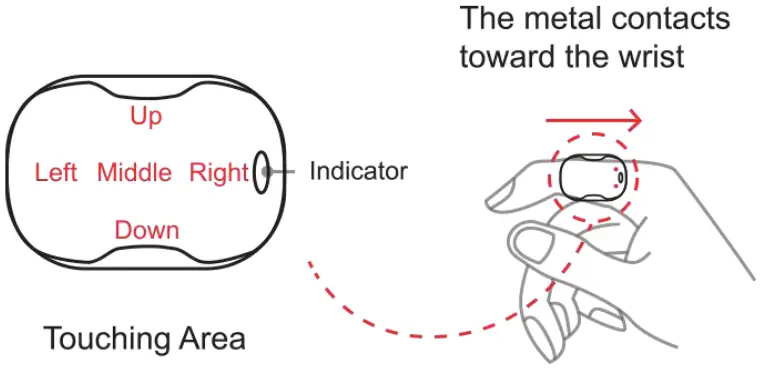
Wear O188 on the forefinger and make sure the metal contacts toward the wrist, and the top part is the touch area.
- Bluetooth connection
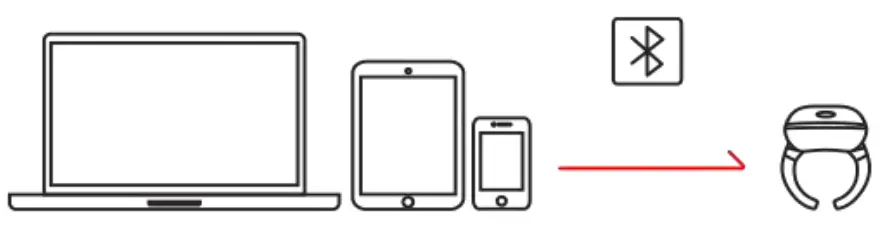
Enable Bluetooth, search and click “O188” to match. Once connected, O188 can be activated successfully. *Attention: For the IOS mobile phones and pads, setup Settings >
Accessibility > Touch > Assistive Touch before normal use. - How to charge O188
Before charging, make sure the O188 charging contacts touch the contacts in the storage box. Red light blinking indicates that O188 is being charged, and green light will blink after O188 is fully charged .
- How to use
 Mobile/Pad: (purple light in default mode)
- Short video browsing

- Reading e-books/previewing photos (page sliding)
 PC:
PC:
PPT page sliding
* Before the slideshow, press the middle area of O188 and hold for 3 seconds until the purple light turns yellow.
- Short video browsing
- O188 Box Indicators
- Green light flashes: battery full
- Yellow light flashes: battery half
- Red light flashes: battery low
- Red light on: charging
- O188 Indicators
- Double red light flashes: battery low
- Red light flashes: charging
- Green light flashes: charging finished
 *Attention: For the IOS mobile phones and pads, setup Settings >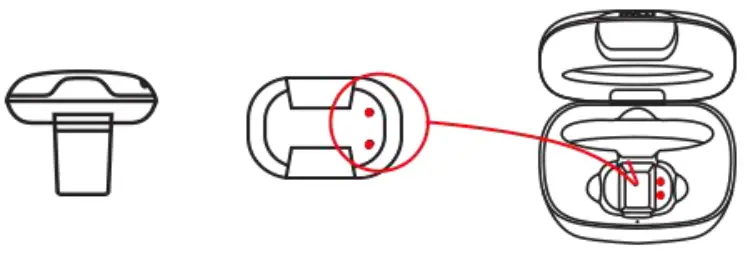
 Mobile/Pad: (purple light in default mode)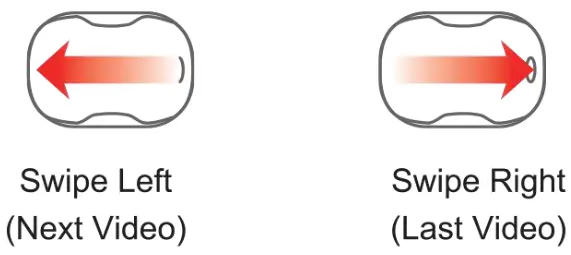
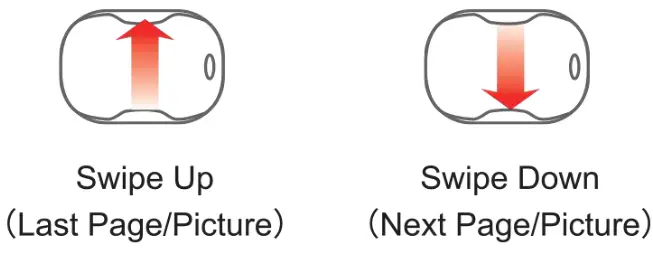 PC:
PC: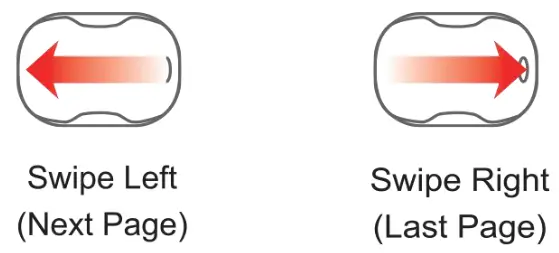
Service
Warranty: one year for O188, and 6 months for battery, charging box and other parts (free maintenance within one year, except for human factors).
HYCO Technology
Website: www.hycoglobal.com
Email: [email protected]
Phone Number: +86 15201965826
 Ultra-low power consumption Ring scanners, wireless indictors,smart watch, wearable IoT