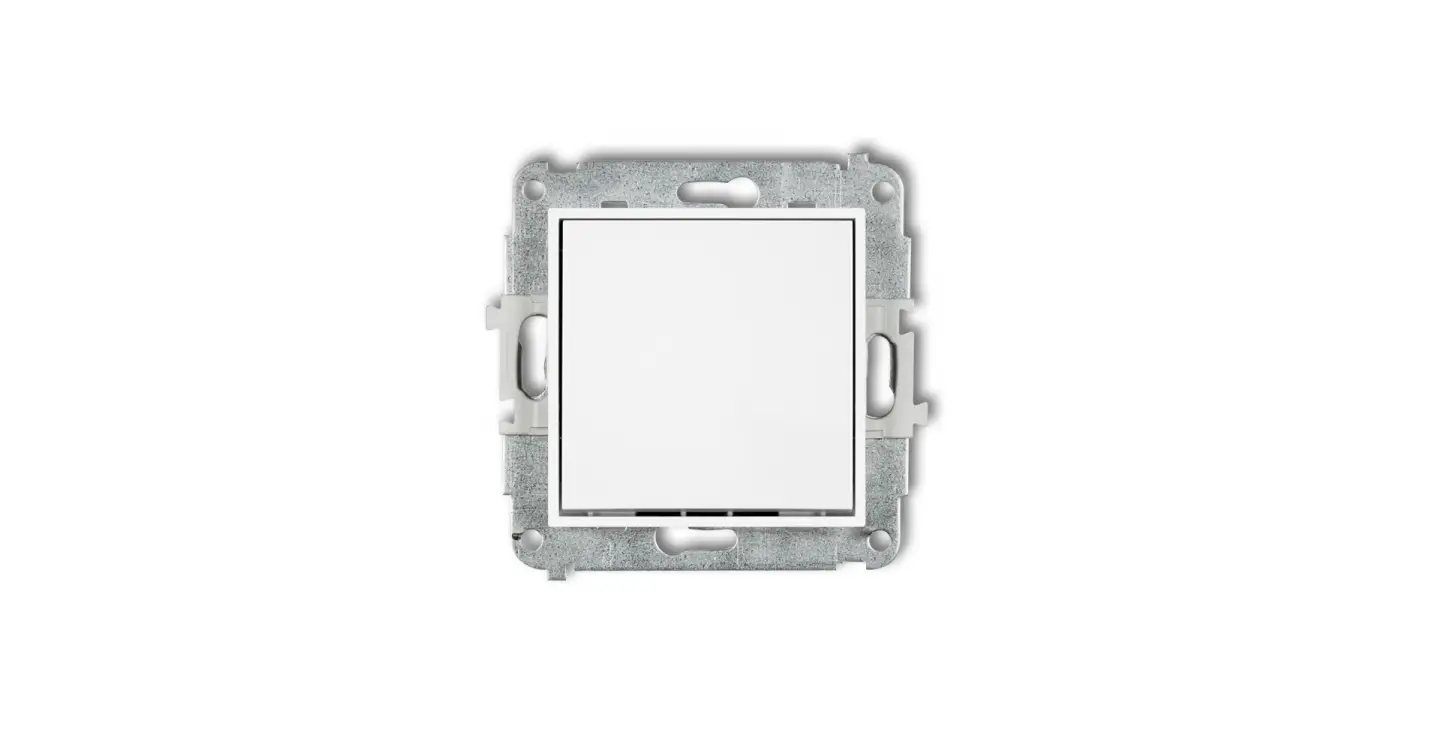
IWP-1 Illuminating Module LED for Switches Of Icon Series
Product Information: Illuminating Module LED for Switches of
Icon Series
The Illuminating Module LED is an accessory for the switches of
Icon Series. It comes in four different colors – white, blue,
green, and red. This module is designed to provide visual feedback
to users when the switch is turned on or off.
Features:
- Easy to install
- Available in four different colors
- Provides visual feedback when the switch is turned on or
off
Specifications:
- Product Type: Illuminating Module LED
- Series: Icon Series
- Colors Available: White, Blue, Green, Red
Product Usage Instructions:
Before installing the Illuminating Module LED, ensure that the
switch of Icon Series is turned off. Follow the below instructions
for installation:
- Remove the switch cover by gently pulling it off.
- Insert the Illuminating Module LED into the designated slot on
the switch. - Push the Illuminating Module LED until it clicks into
place. - Replace the switch cover by gently pushing it back into
place. - Turn on the switch to verify that the Illuminating Module LED
is working correctly.
If you need to replace or remove the Illuminating Module LED,
follow the below instructions:
- Remove the switch cover by gently pulling it off.
- Remove the Illuminating Module LED by gently pulling it out of
the slot. - Insert a new Illuminating Module LED into the designated slot
on the switch. - Push the Illuminating Module LED until it clicks into
place. - Replace the switch cover by gently pushing it back into
place.
Do not attempt to disassemble or modify the Illuminating Module
LED. This may cause damage to the product and will void the
warranty.
ASSEMBLY MANUAL ILLUMINATING MODULE LED FOR SWITCHES OF ICON SERIES
Characteristics of the module Illuminating module LED is intended for installation by the customer himself in switches of ICON serie of the following types: IWP-1, IWPUS-1, IWP-2, IWPUS-2, IWP-3, IWPUS-3, IWP-3.1, IWPUS-3.1, IWP-4, IWPUS-4, IWP-4.1, IWPUS-4.1, IWP-5, IWPUS-5 , IWP-6, IWPUS-6, IWP-6.1, IWPUS-6.1, IWP-9, IWPUS-9, IWP-10.1, IWPUS10.1, IWP-10.11, IWPUS-10.11, IWP-44.1, IWPUS-44.1, IWP-44.2, IWPUS-44.2 and their colour variants. Note! Do not use with switches of the following types: IWP-7, IWP-8, IWPUS-8, IWP-8.1, IWP-88, IWP-88.1, IWP-33, IWPUS-33, IWP-33.1, IWPUS-33.1, IWP-10.2, IWPUS-10.2, IWP-10.21, IWPUS-10.21 Way of connection Illuminating module LED shall be set parallelly in a slot in the switch box (according to the picture). Next, prior to installation of button/buttons, the external frame shall be installed. Note! Assembly shall be held by a suitably qualified person with deactivated voltage and shall meet the national safety standards. The way of setting is presented on the schema below
Colours available for the illuminating module LED
from left: white, blue, green, red
1 I 1