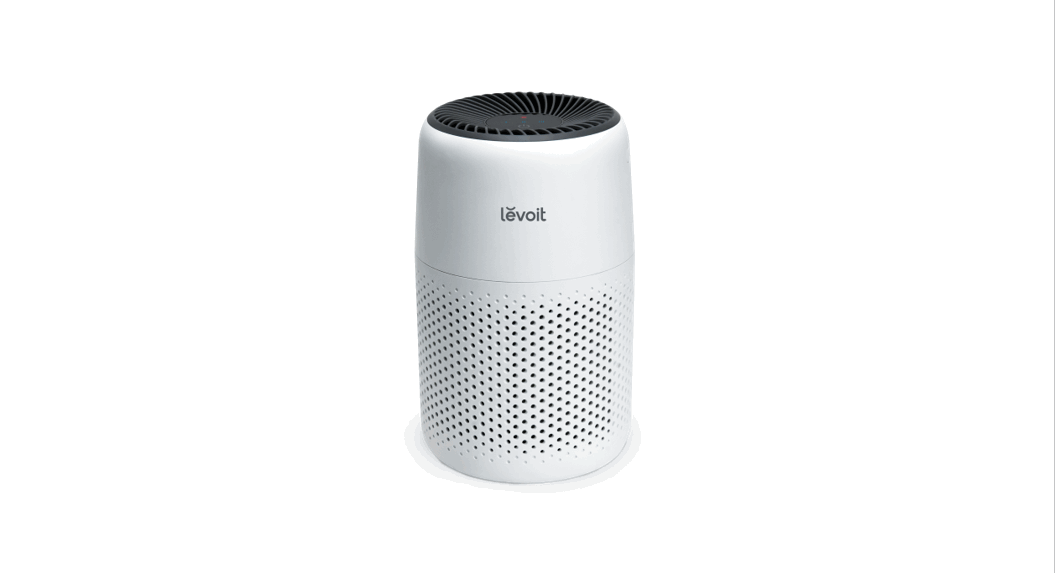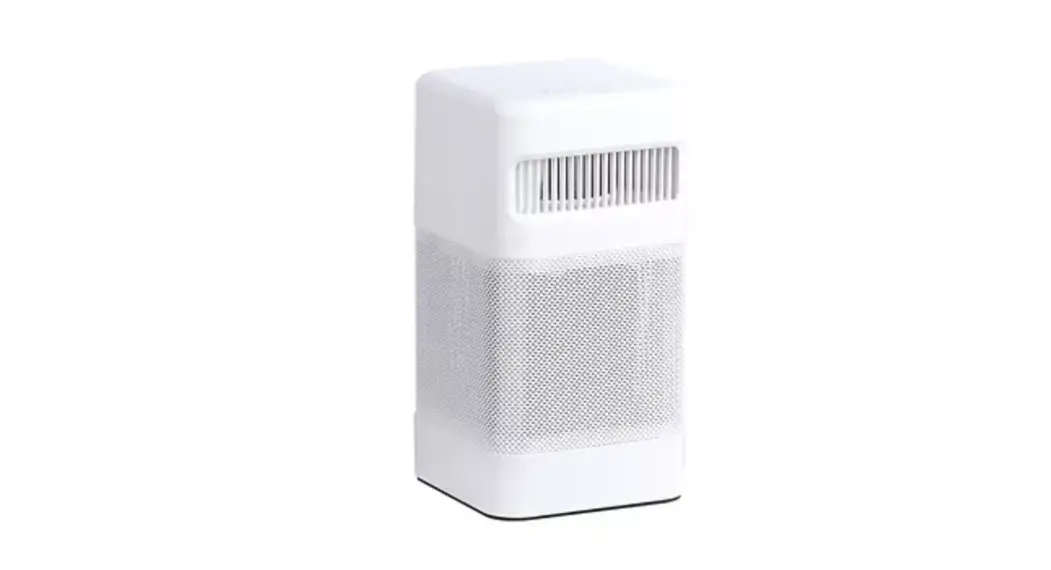

Air purifier instruction manual
Please read and keep this instruction manual carefully before use
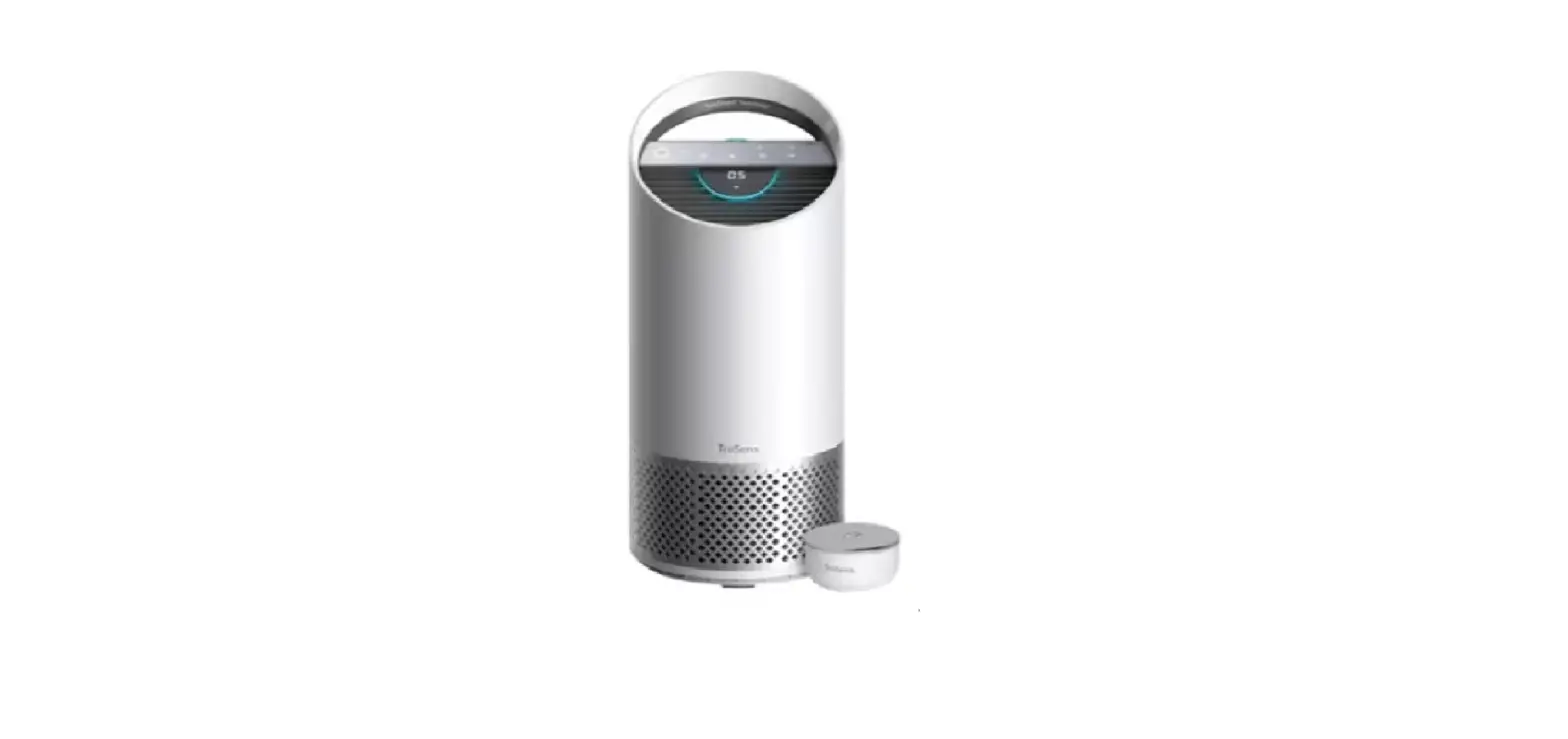
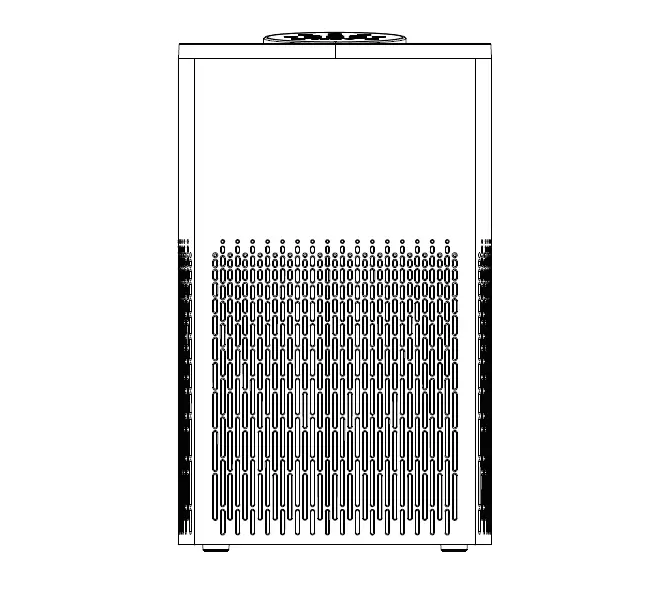
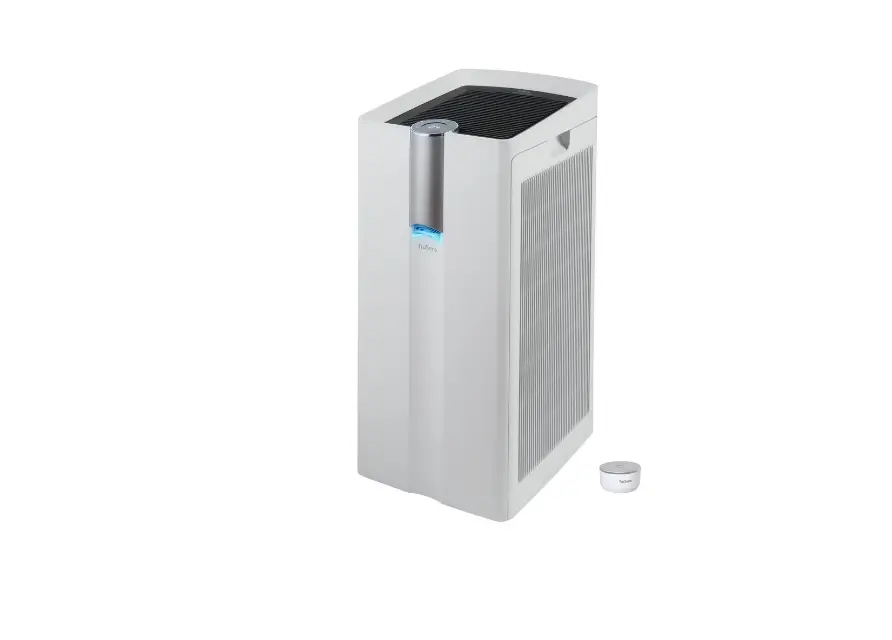
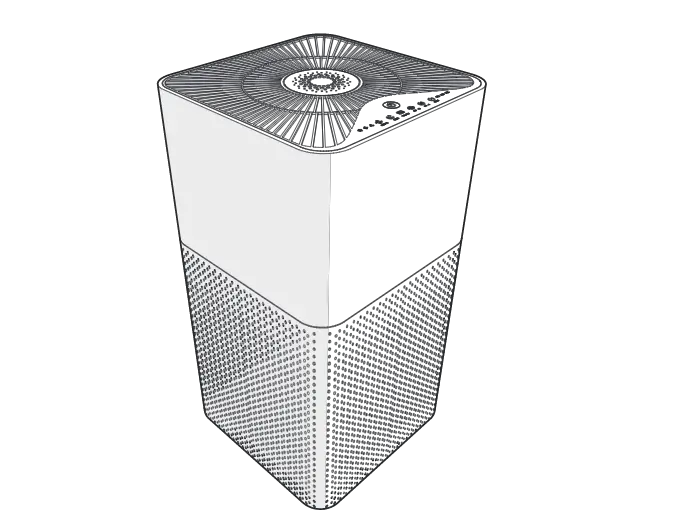
This manual is applicable to: DK011OK02/0K0113/01028 Different models of product configuration and function Is different, please prevail in kind
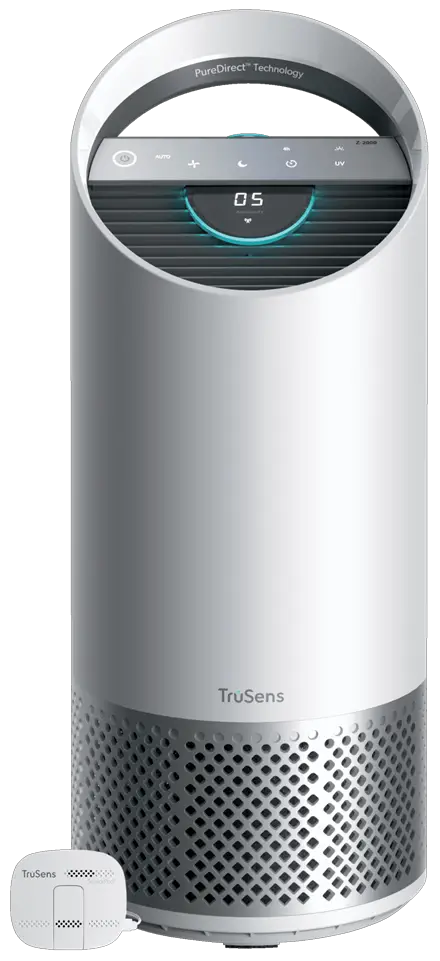
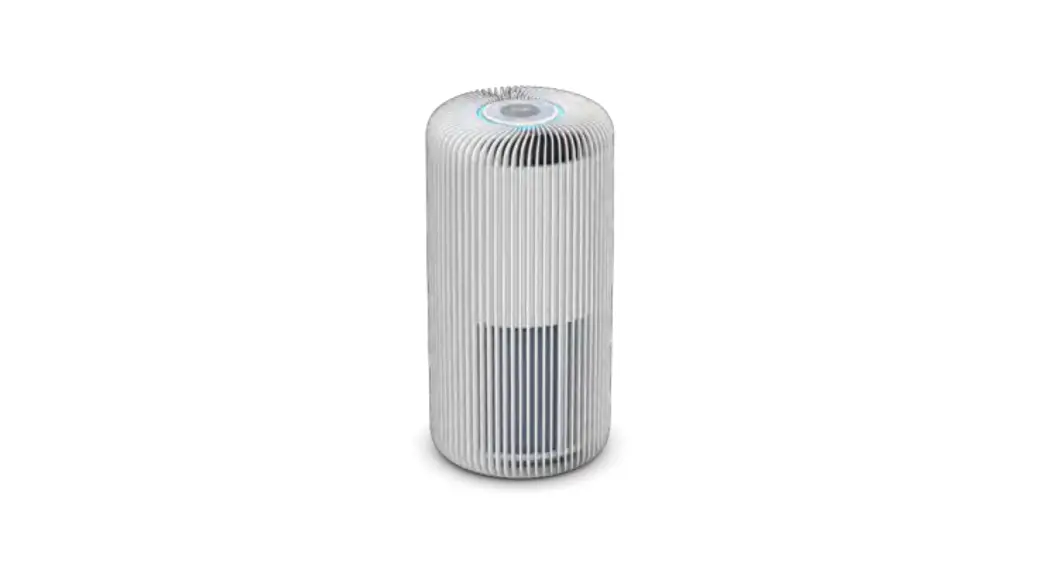
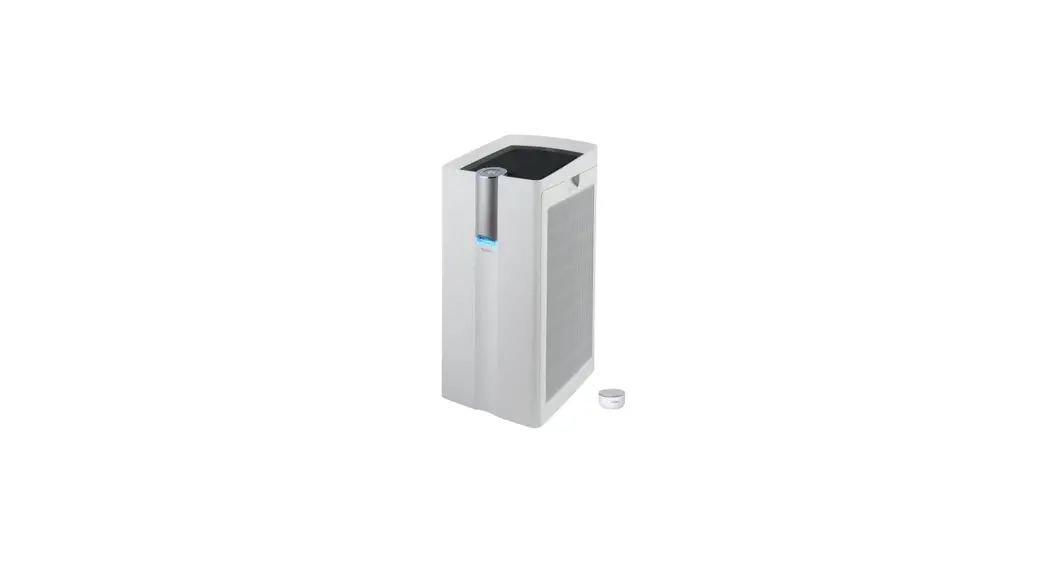
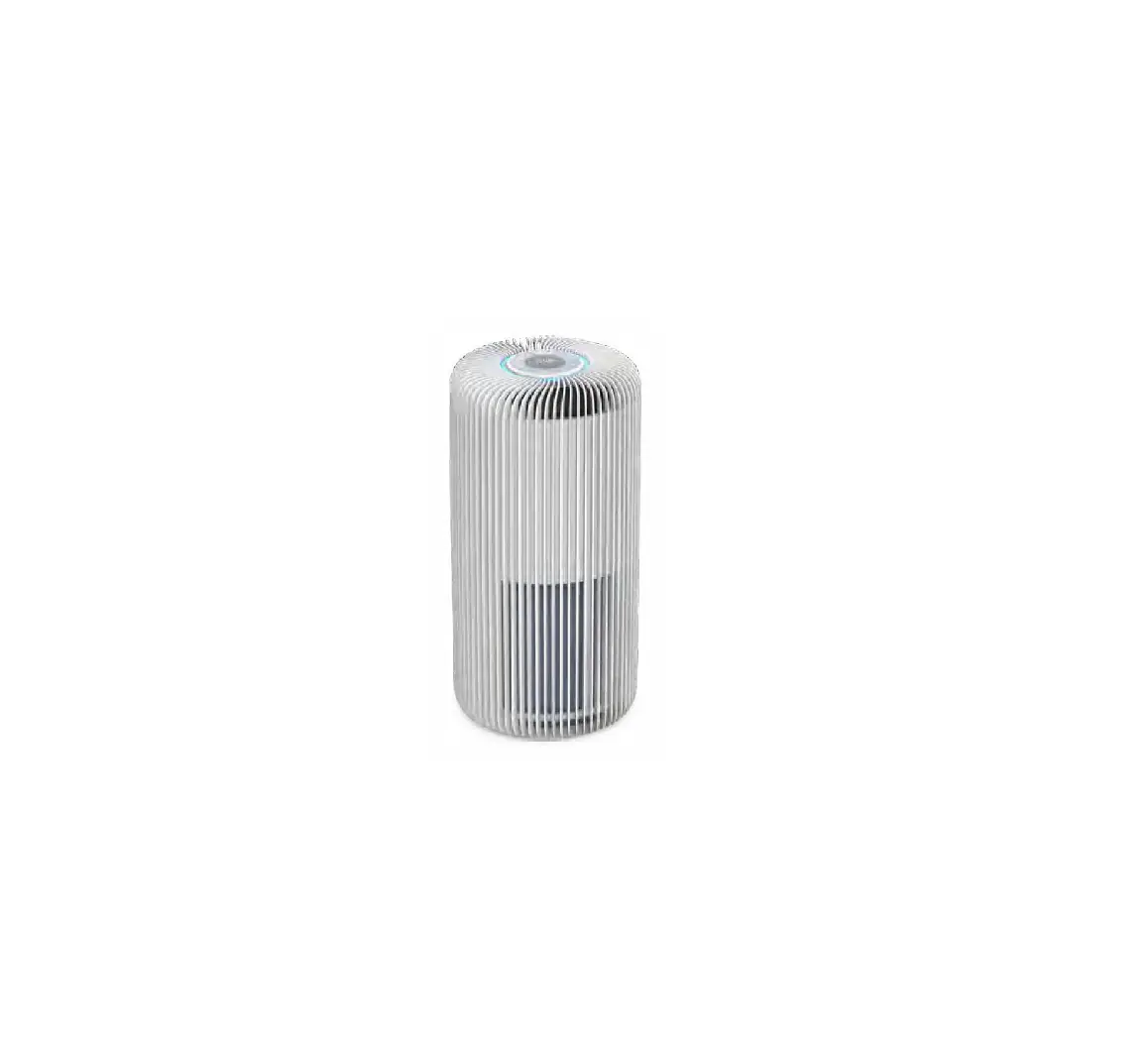
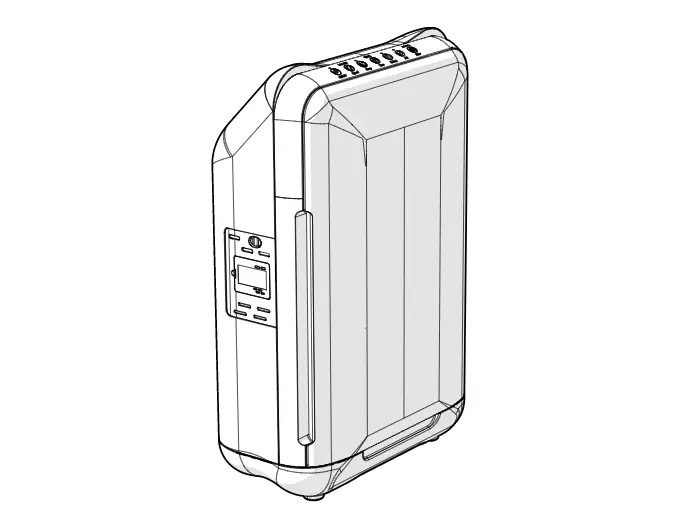
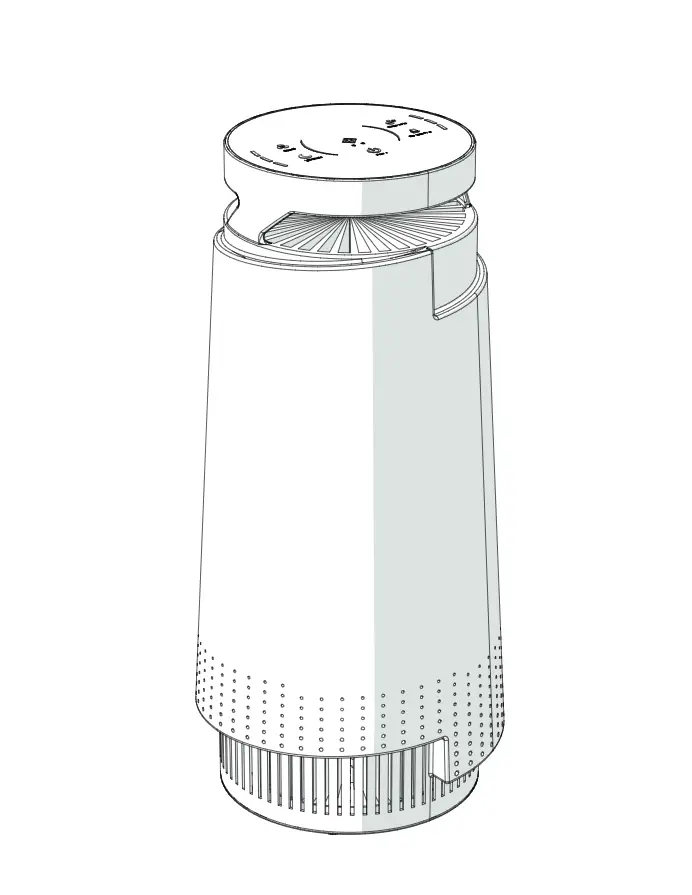
Product overview
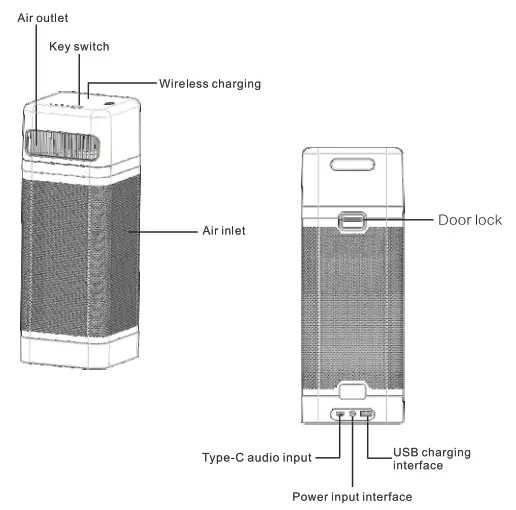
Product overview
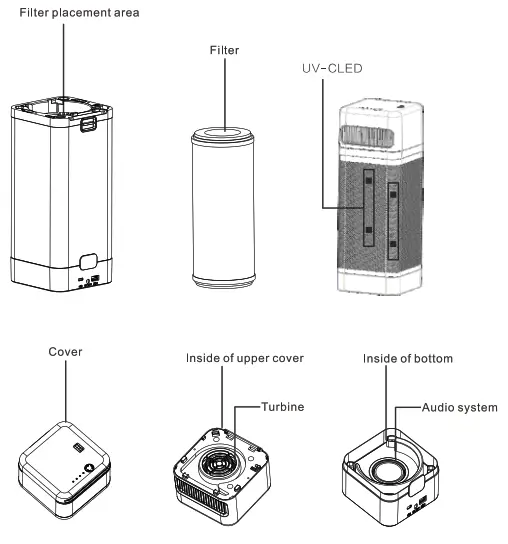
Product overview
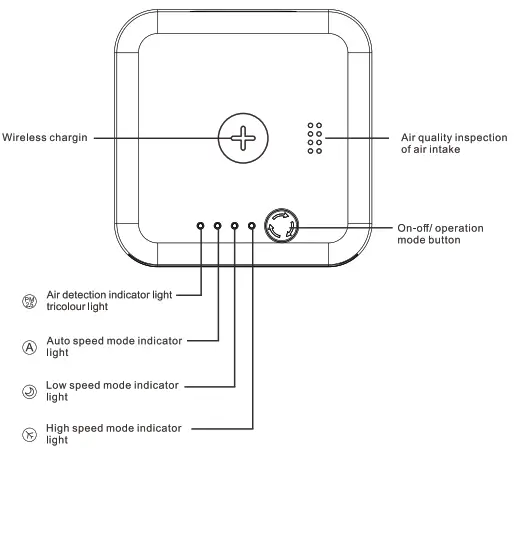
Description for speed mode:
- Auto speed mode According to the air detection, the fan voltage will have three-speed modes. And they are as follows: The air quality is bad ( the PM2.5 is equal or greater than 150 u girl), the fan turns to the highest speed. The air quality is In medium level ( the PM2.5 is equal or greater than 75 11 Wm’ but less than 150 II were), the fan turns to medium speed. The air quality Is good, (the PM2.5 Is less than 75 LI Wm’) the fan turns to the lowest speed. And short press the button, it will turn to low-speed mode.
- Low-speed mode
The fan speed(RPM) Is, and please short press the button to turn to the high-speed mode. - High-speed
mode The fan speed (RPM)is, and please short press the button to turn to auto speed mode.
Product installation
- Detach the cover

- Unpack the filter, take out the filter.

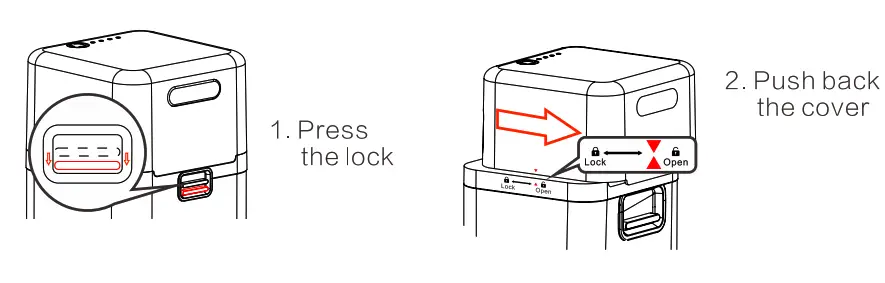
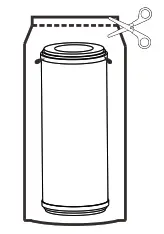
3. Put the filter in. Then keep the filter handle outward, which makes taking out the filter and easily next time.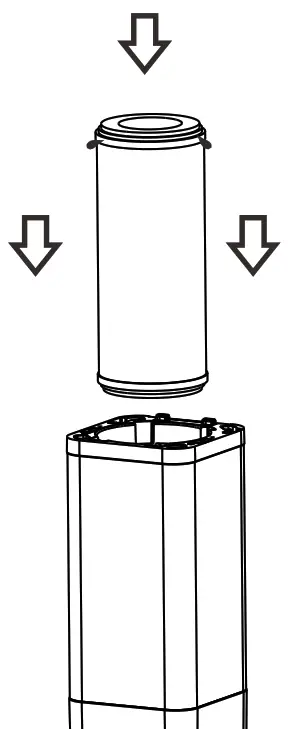
4. Install the cover
1. Put the upper cover to the alignment point (in the sign ”  “)
“)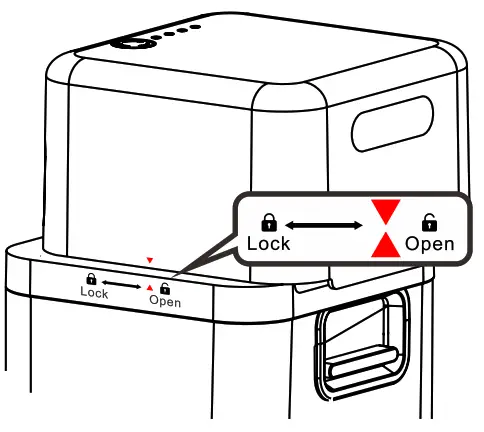
2. Press the upper cover to the cover and then push forward. Make sure the sing aligns to the sign “
 “)
“)
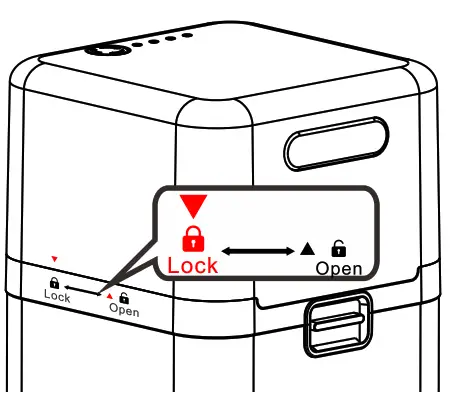
Warm Tips: The replacement cycle for the filter is 6-9 months.
Products use
When the power line is inserted into the power, the motor turns into the auto speed mode. No matter in any mode, long-press the on/off button for 2 seconds, it will go into standby mode. Short press the on/off button again, it will go into power-on mode. When in standby mode, the Bluetooth audio, USB charging mode, and wireless charging will work normally.
Bluetooth audio system function normally open
When the Bluetooth is connected, it’s with voice prompt” connecting” When the Bluetooth is disconnected, it’s with voice prompt” disconnecting” When it’s off, it’s with a voice prompt”power off” Bluetooth name “purifier Bluetooth”
Wireless charging function normally open Power:10W
USB charging port
normally open 5V-2A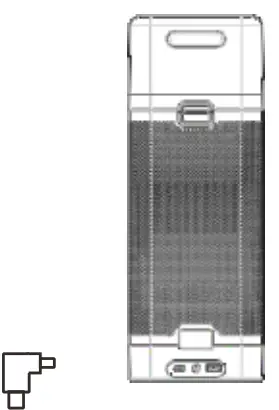
Products use
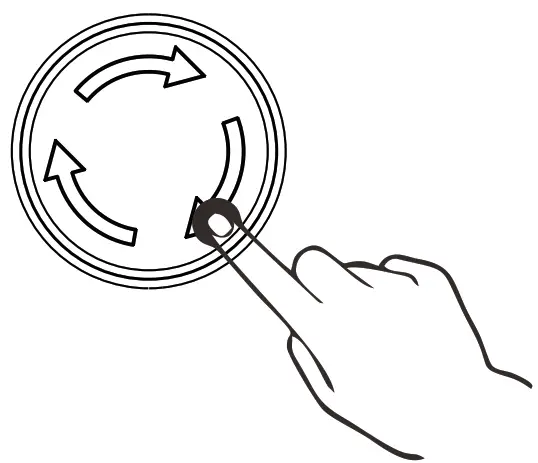
Power switch/operation mode switch
When the machine is plugged in, it will go into auto speed mode. Click to switch the mode according to the order of “auto speed mode/low-speed mode/high-speed mode”.Long press the button for 2 seconds, it will turn into standby mode.
indicator light for operational mode
| The air quality (bad/medium/good) will be shown in the red/orange/green indicator light. It will real-time display the indoor air quality. | |
| red light- bad air quality | orange light-medium air quality |
| green light- good air quality | |
Wireless charging
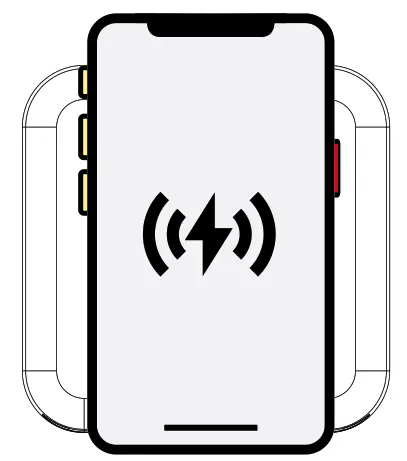
If you need to use the wireless charging function: please place your phone in the middle of the sign for wireless charging.
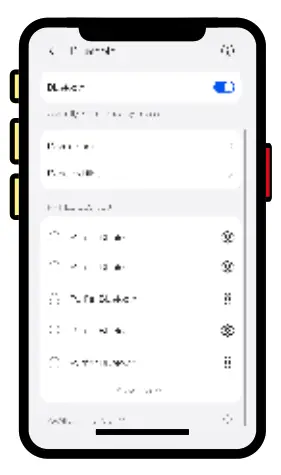
Bluetooth audio system
If you need to use the Bluetooth speaker function: please make sure Bluetooth is enabled on your phone, then select ” purifier Bluetooth” to connect. You can hear the sound of “connecting” after successful pairing. After that, you can use the Bluetooth speaker.
Maintenance
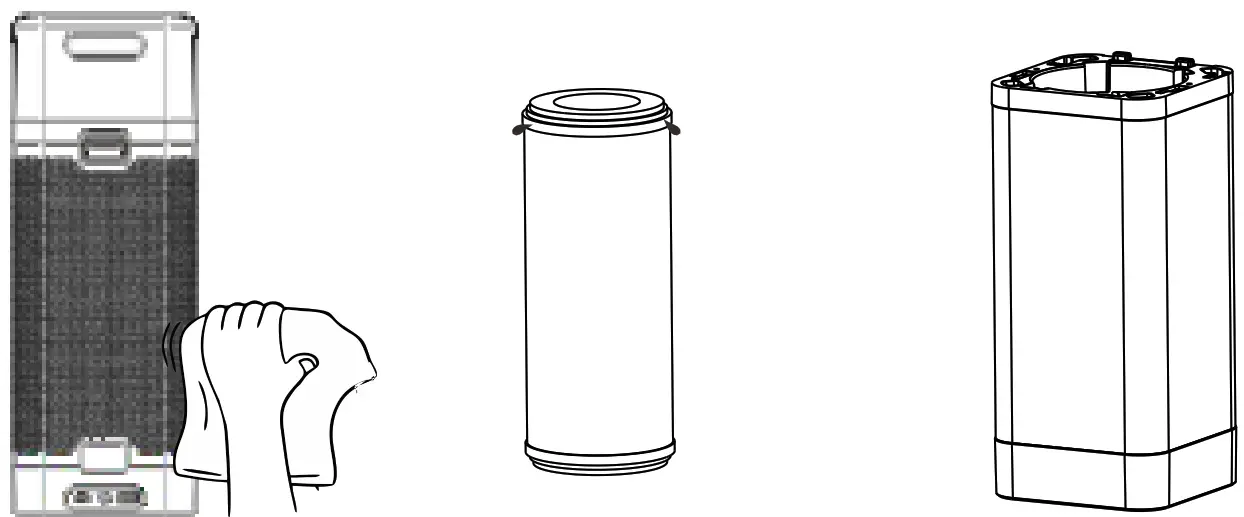
For the good effect of ventilation and purification, please use a vacuum cleaner to clean the dust on the air outlet and inside pad of the machine, or wipe with a soft cloth. In order to get good effects for ventilation and purification, the replacement cycle for the filter should be 6-9 months
Warning: Changes or modifications to this unit not expressly approved by the party responsible for compliance could void the user’s authority to operate the equipment. This device complies with Part 15 of the FCC Rules. Operation is subject to the following two conditions: (1) this device may not cause harmful interference, and (2) this device must accept any interference received, including interference that may cause undesired operation. Note: This equipment has been tested and found to comply with the limits for a Class B digital device, pursuant to part 15 of the FCC Rules. These limits are designed to provide reasonable protection against harmful Interference In a residential installation. This equipment generates, uses, and can radiate radio frequency energy and, if not installed and used In accordance with the instructions, may cause harmful interference to radio communications. However, there is no guarantee that interference will not occur in a particular installation. If this equipment does cause harmful interference to radio or television reception, which can be determined by turning the equipment off and on, the user is encouraged to try to correct the interference by one or more of the following measures: — Reorient or relocate the receiving antenna. — increase the separation between the equipment and receiver. — Connect the equipment into an outlet on a circuit different from that to which the receiver is connected. — Consult the dealer or an experienced radio/TV technician for help. To maintain compliance with FCC’s RF exposure guidelines, the distance must be at least 20cm between the radiator and your body and fully supported by the operating and installation configurations of the transmitter and its antenna(s).
Product parameters
| product name | Air purifier | Item No. | DK01/DKO1B DK02/DKO2B |
| filter level | HEPA | Rated voltage | 12V |
| Noise | -.555dB ( A ) | Rated power | 24W |
| Product net weight | Suitable area | 5-15m2 | |
| wireless charging | optional | Bluetooth speakers | optional |
| Requirements for equipment _ | Support equipment android 4.4 or i0S7.0(or version higher) (iPhone 4s or above) | ||
Product hazardous substances declaration
| The name and content of harmful substances in the product | ||||||
| Name of part | hazardous substances | |||||
| Pb | Hg | Cd | Cr ( VI ) | PBB | PBDE | |
| External components | 0 | 0 | 0 | 0 | 0 | 0 |
| spare parts of the machine | X | 0 | 0 | 0 | 0 | 0 |
| Internal components | 0 | 0 | 0 | 0 | 0 | 0 |
| Accessories for stand | 0 | 0 | 0 | 0 | 0 | 0 |
This form is prepared according to the provisions of SJ/T11364
0: means that the content of the hazardous substance in all homogeneous materials of the component is below the limit specified in GB/T26572
X: means that the content of the hazardous substance in at least one homogeneous material exceeds the limit specified in GB/T26572.
Cautions Moving
When moving, please make sure the machine power off and pull out the power plug Also, make sure the machine is stable to avoid excessive vibration or hurting people by machine dropping.
Using
- If the product has the following situations: abnormal noise/odor/high temperature/ irregular rotation of fan or other abnormal conditions, please stop using it immediately. Please do not put your fingers or other materials into the protective parts, removal parts, air inlet, or air outlet. Please do not put hair, fabric, etc close to the machine, or it will be involved in or block the air inlet or air outlet Please do not sit, lean on or tilt the machine.
Use limits
Do not use the machine in the following situations, otherwise, it may cause electric shock, collision, and other injuries.
- Please do not use it when the machine cannot be fixed.
- Please make sure the machine stays away from liquids.
Cautions for power cord Please use the power cord and socket as instructed below, which can avoid fire, shock, or damage. - Please do not over-pinch, bend, or twist the power cord, otherwise, the core may be exposed or broken.
- When disconnecting the power cord, do not pull the power cord
- Please do not use an improper air purifier charger.
- Please do not use our power cord in other equipment.
- Non-professionals are forbidden to open the machine for maintenance.
- If the power cord is damaged, it must be replaced with a dedicated cord or a dedicated component purchased from the manufacturer or maintenance department.
- Please keep the desktop clean and clean foreign material in time to avoid affecting the safety of electricity use.