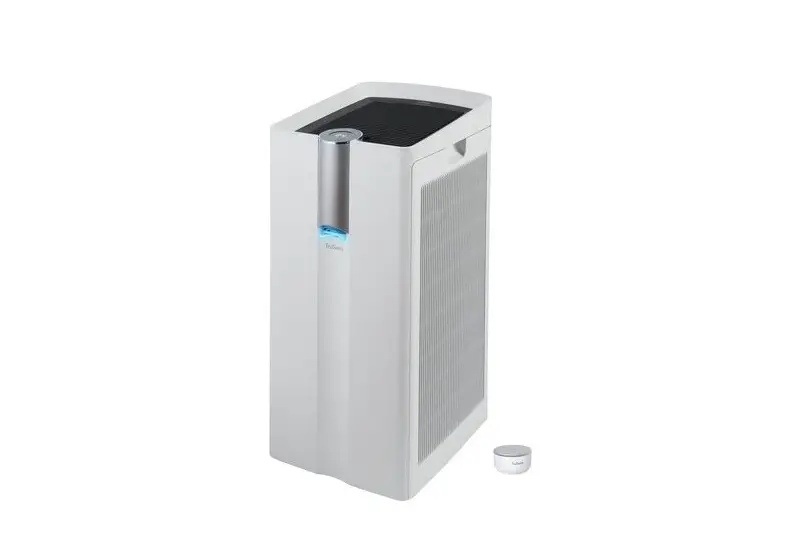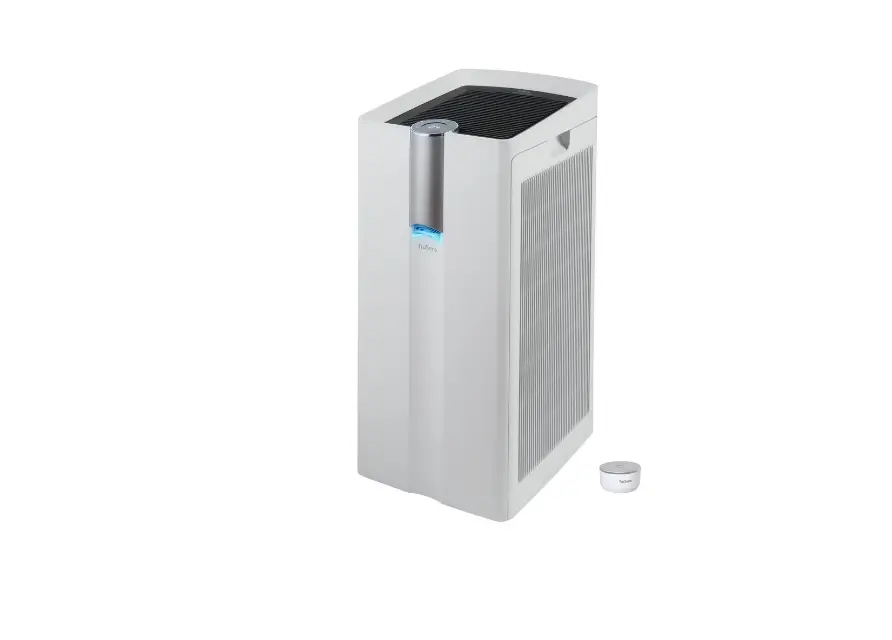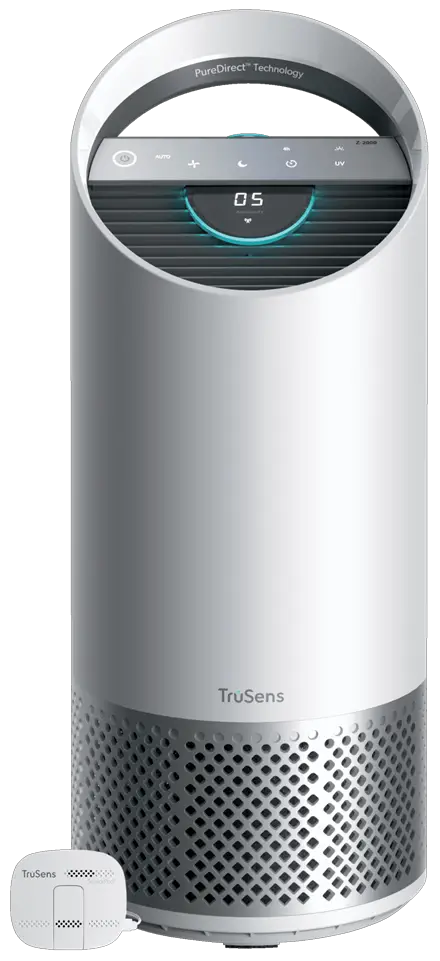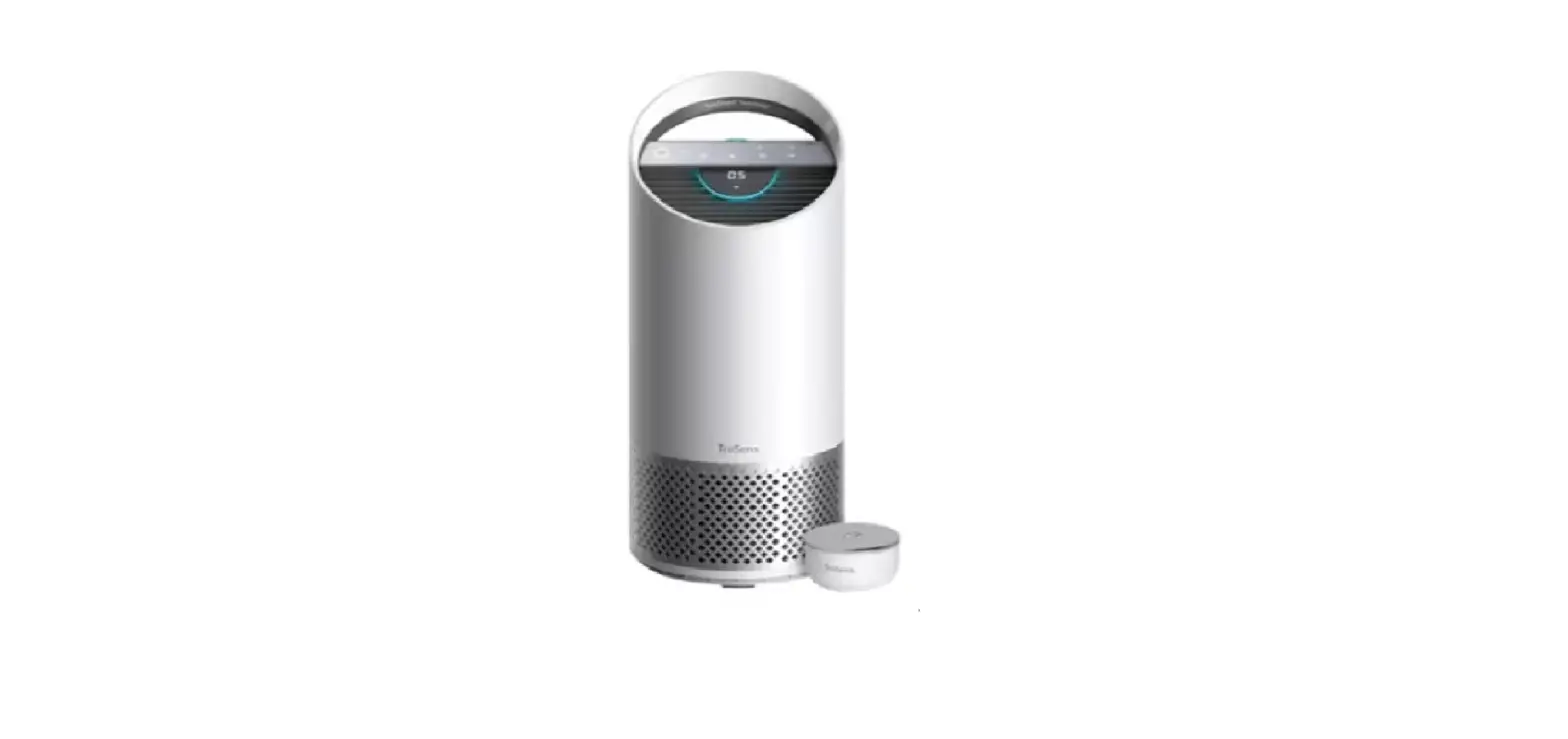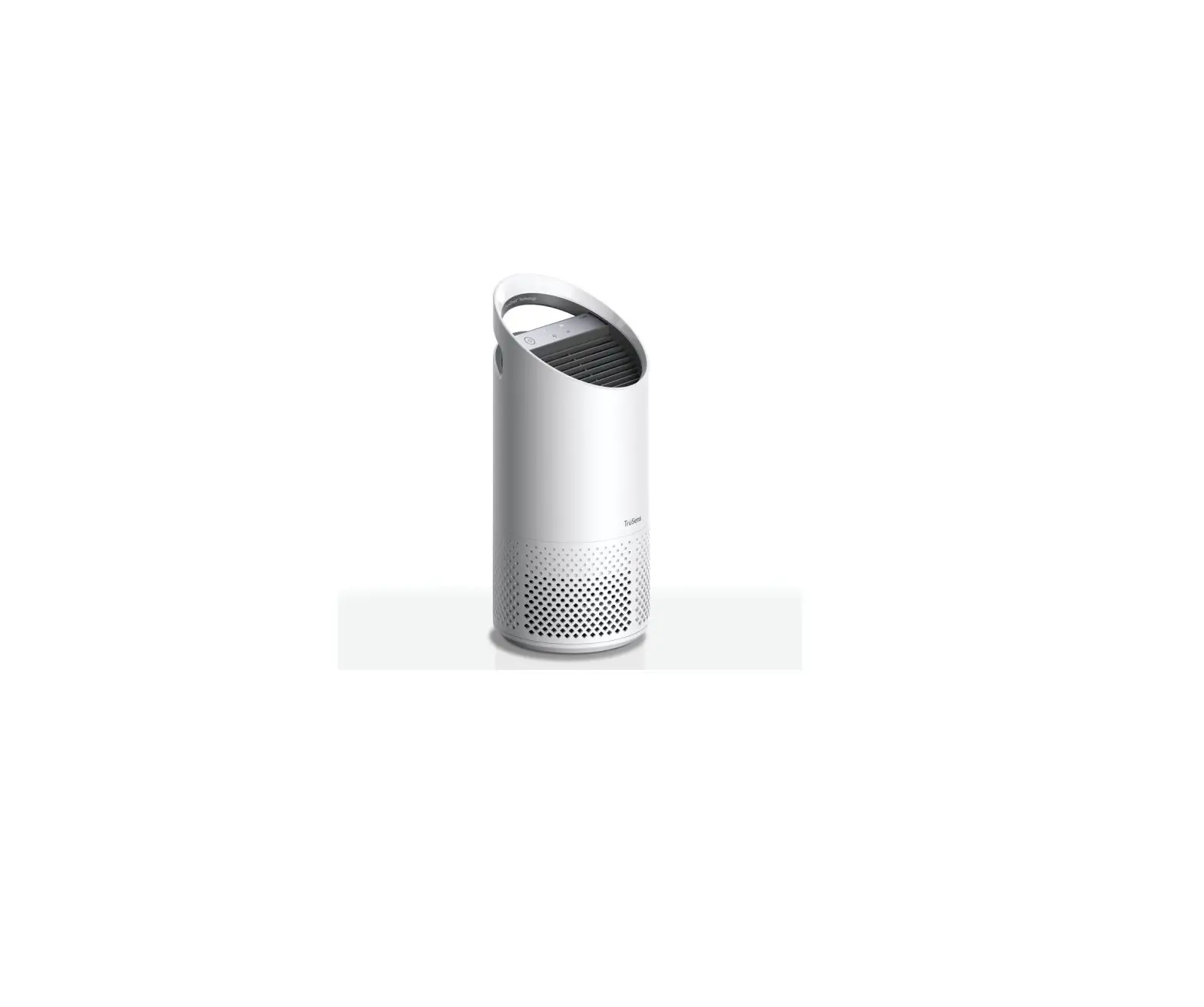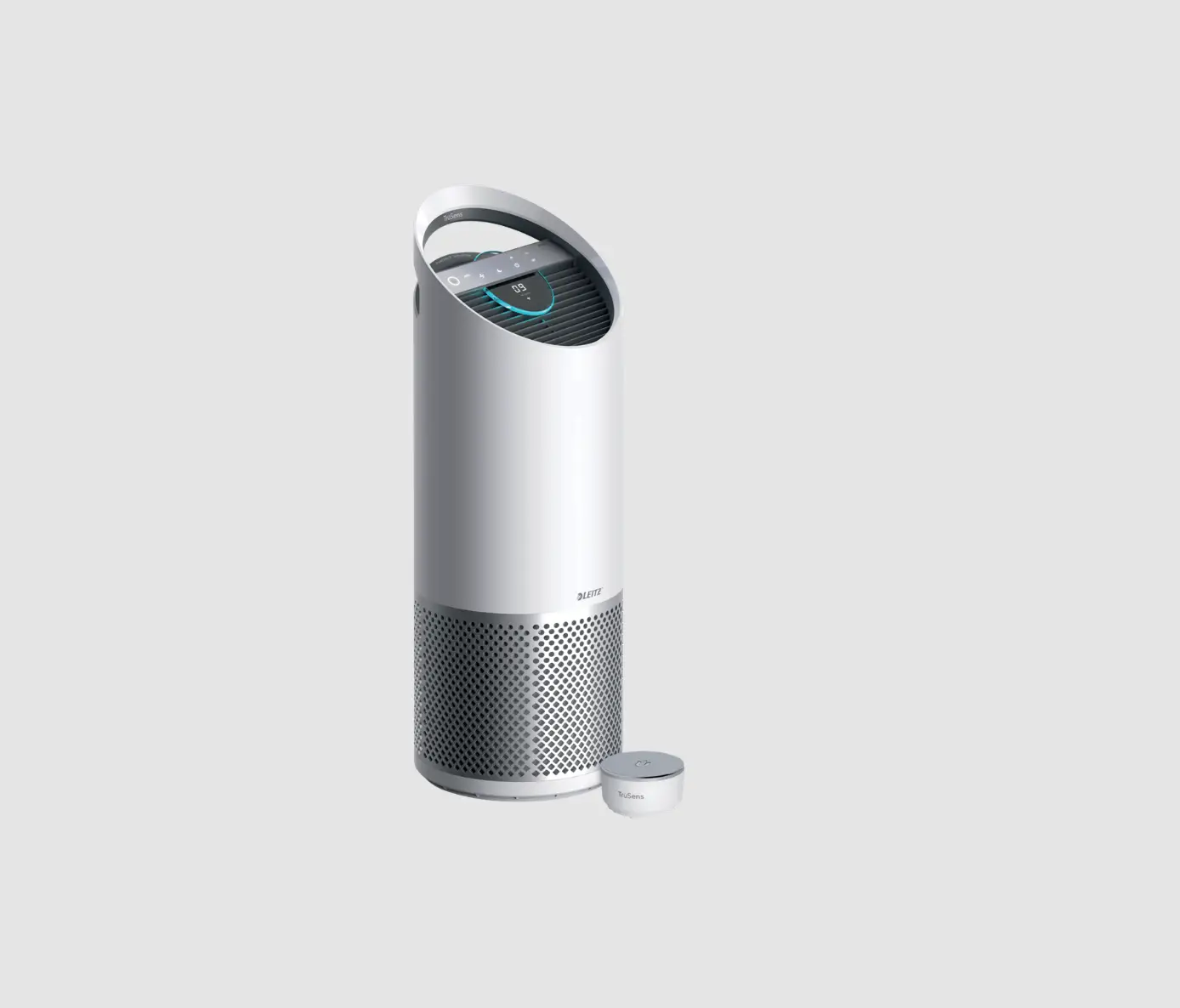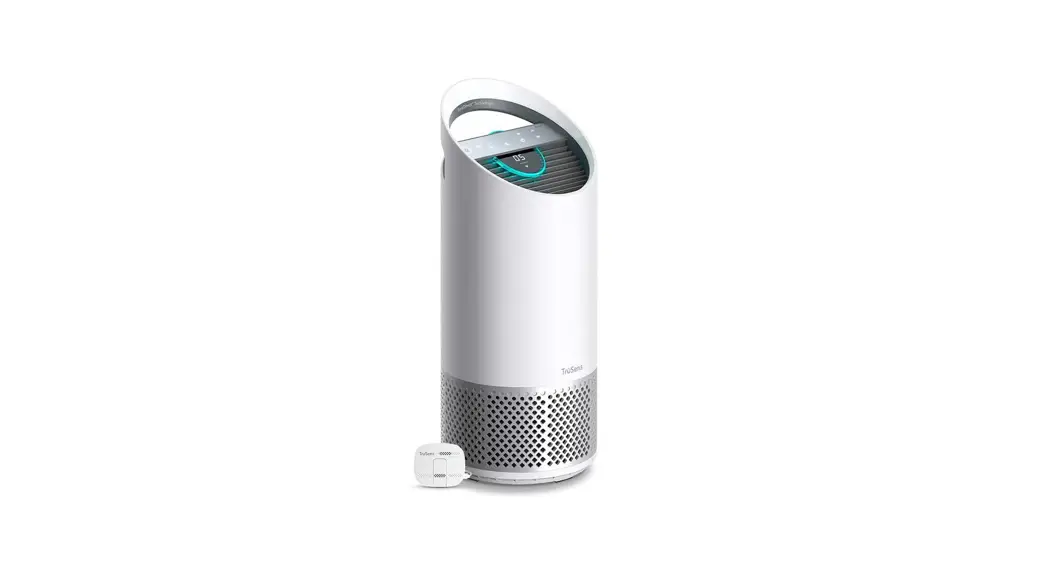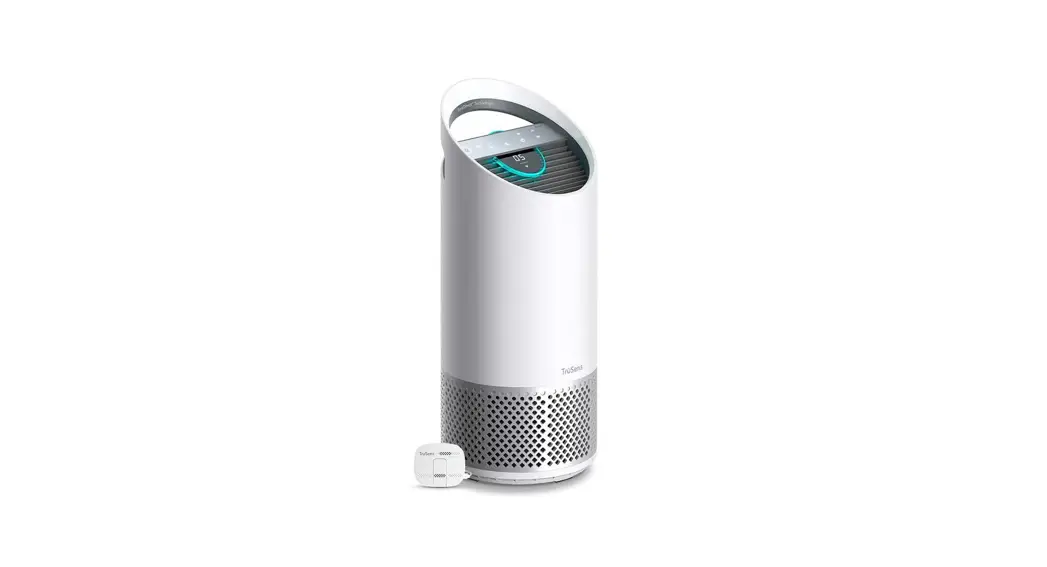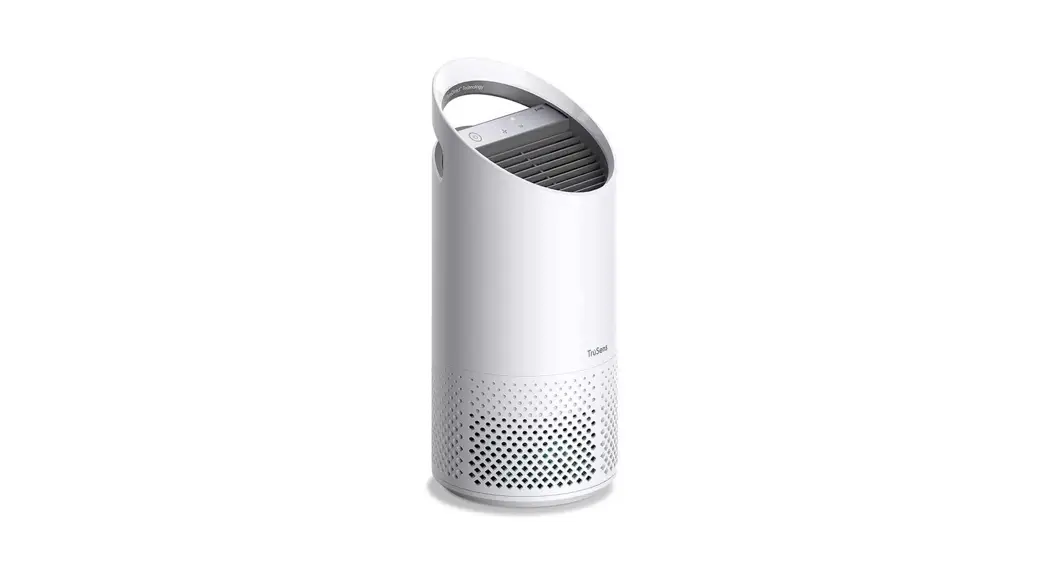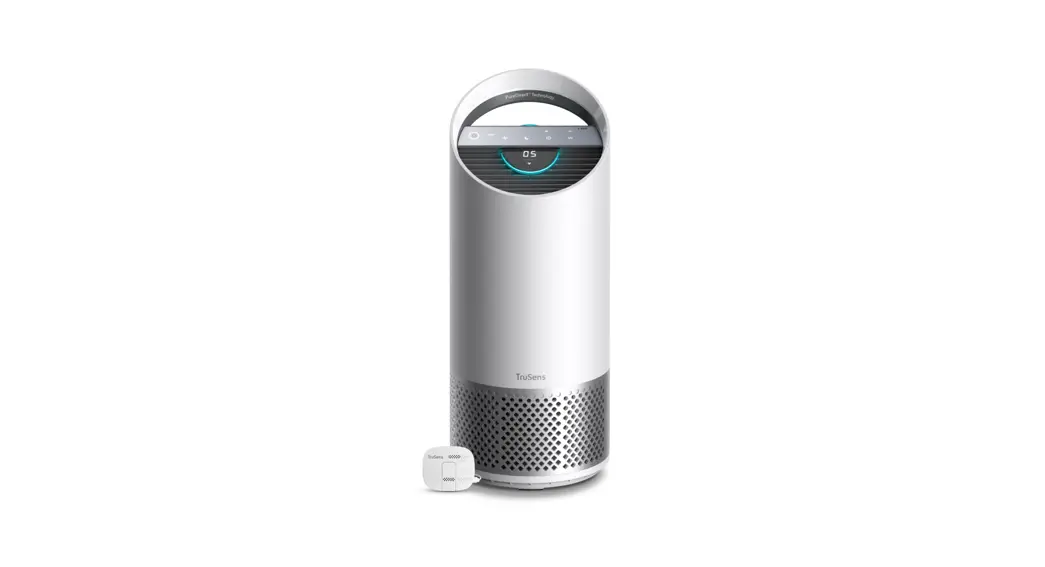
 Z-6000 Performance Series Air Purifier
User Guide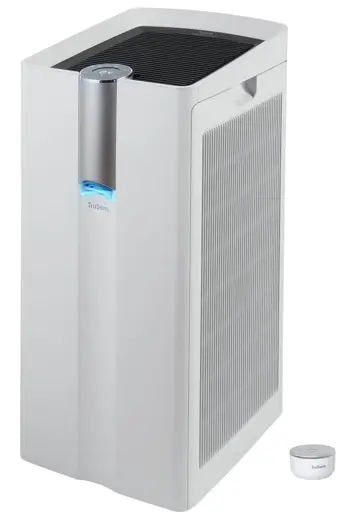
Z-6000 Performance Series Air Purifier
Plug and Play Performance Purification
TruSens SensorPocr and multiple levels of purification including True HEPA, Activated Carbon & UV-C LED Light all ensure that the whole room benefits from clean air.
IMPORTANT Before operation, follow these steps and read our TruSens Owner’s Manual at www.trusens.com/support/owners-manuals.
Included in your box
1 Air Purifier + Power Cord
1 SensorPod” + Adapter
2 Filters (left side + right side)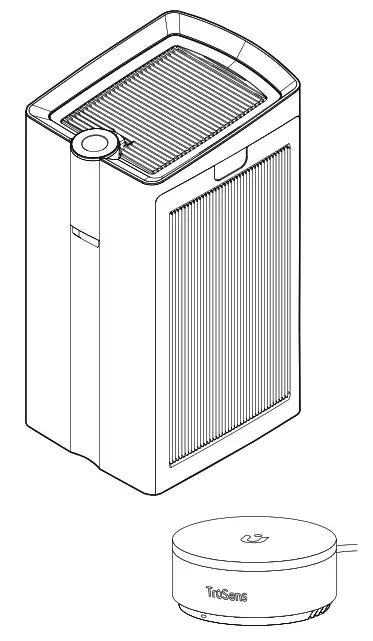
Directions for use
Install the filter (combination True HEPA/Carbon) Remove side panel door (a), prefilter (b) then bagged True HEPA/Carbon filter. Remove plastic bag from filter (c) and install inside the purifier with HEPA layer (white) on the inside, and the Carbon layer (black) on the outside. Replace the prefilter and side panel door.
NOTE: Perform steps on both left and right sides.
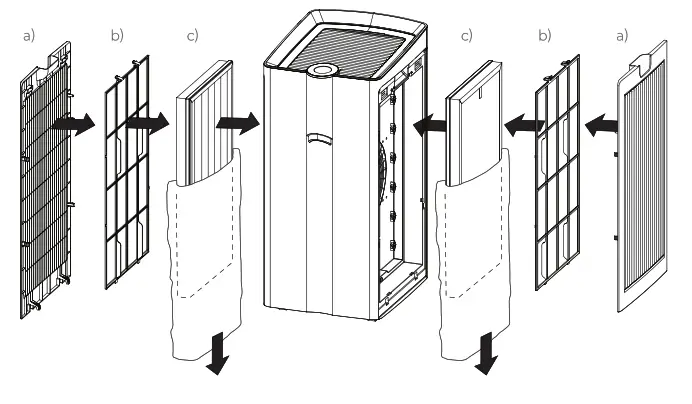
Set up
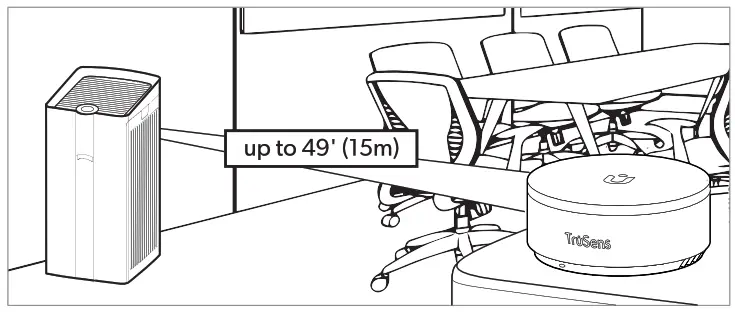
Plug-in your air purifier unit and power on. Plug-in your SensorPod’TM.
For optimal results, place SensorPodm on tabletop or counter across the room, within line of sight of the purifier. Signal strength may vary by location.
Filter Re lace ent
| Model No. | Item Number | Filter Type | Suggested Replacement/Cleaning |
| Z-6000 | AFCHZ6000-01 (2-pack) | . Combination True HEPA/ Carbon Filter | Every 12 months* |
| Z-7000 | AFCHZ7000-01 (2-pack) |
*Replacement inc. (,ator will glow red on control panel to notify you to change.
NOTE: UV-C LED lights will not require replacement. Prefilter and purifier can be cleaned with a dampened cloth as needed.
Control Panel
 Power on/off Power on/off Fan speed : Auto/Whisper/1/2/3/Turbo Fan speed : Auto/Whisper/1/2/3/Turbo Dimmer on/off Dimmer on/off HEPA/Carbon replacement HEPA/Carbon replacementUV UV mode on/off  Timer : 2h/4h/8h/1 2h Timer : 2h/4h/8h/1 2h | 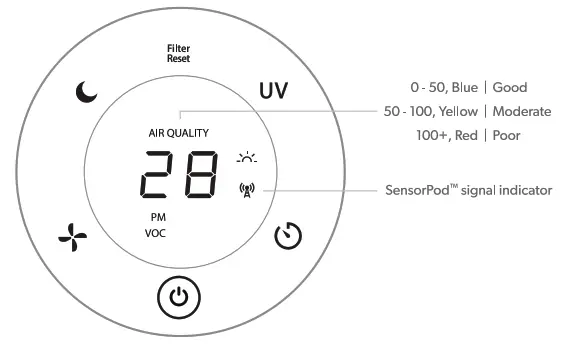 |
 ACCO Brands Australia Pty Ltd I Locked Bag 50, Blacktown BC, NSW 2148
Phone: 1300 278 546 I Email: [email protected]
Support and Warranty Terms at www.trusens.com
©2022 ACCO Brands. All rights reserved.
TruSensTM, UTM + Design and SensorPodTM
are trademarks of ACCO Brands.