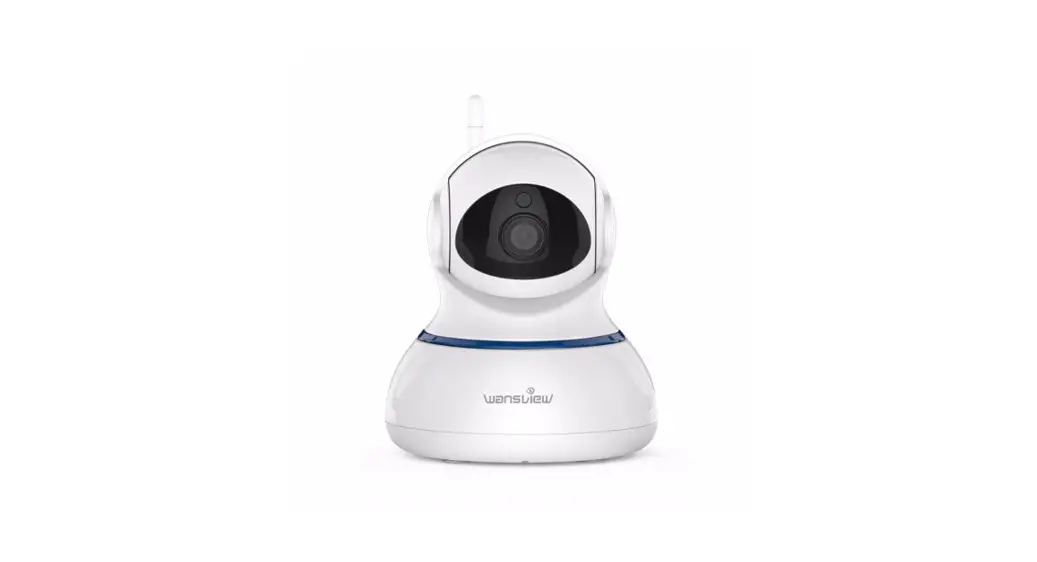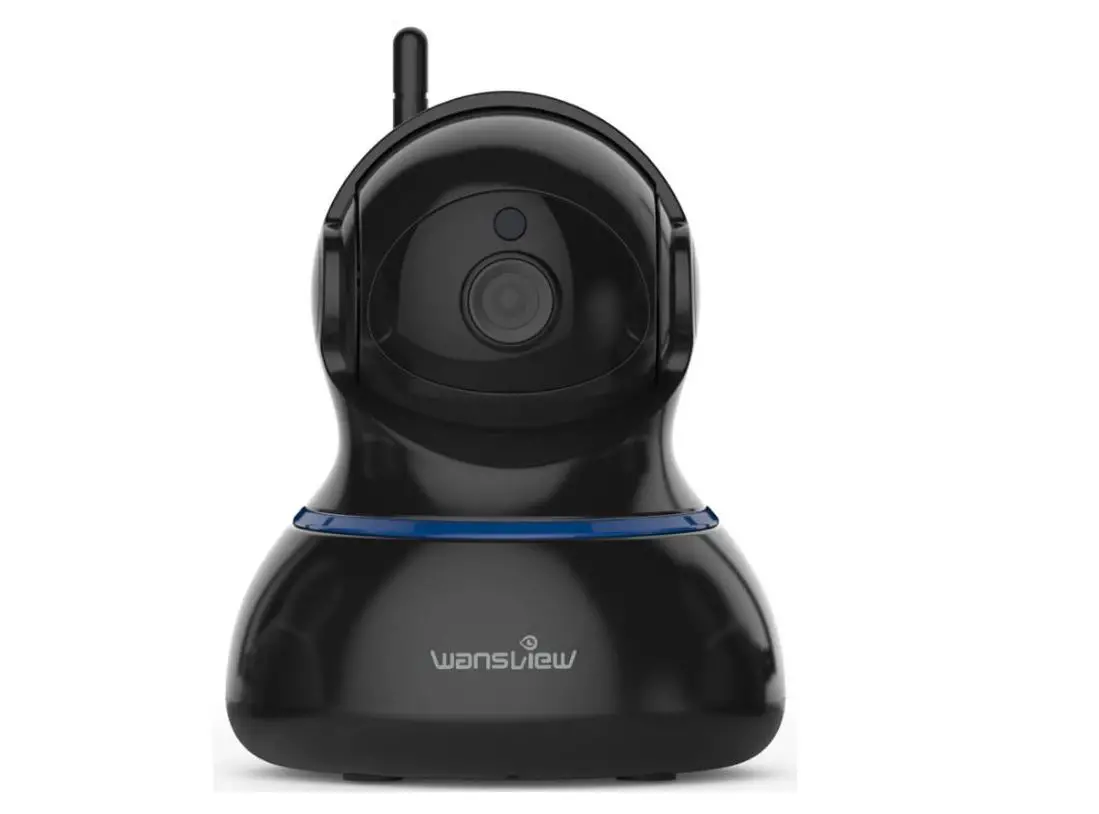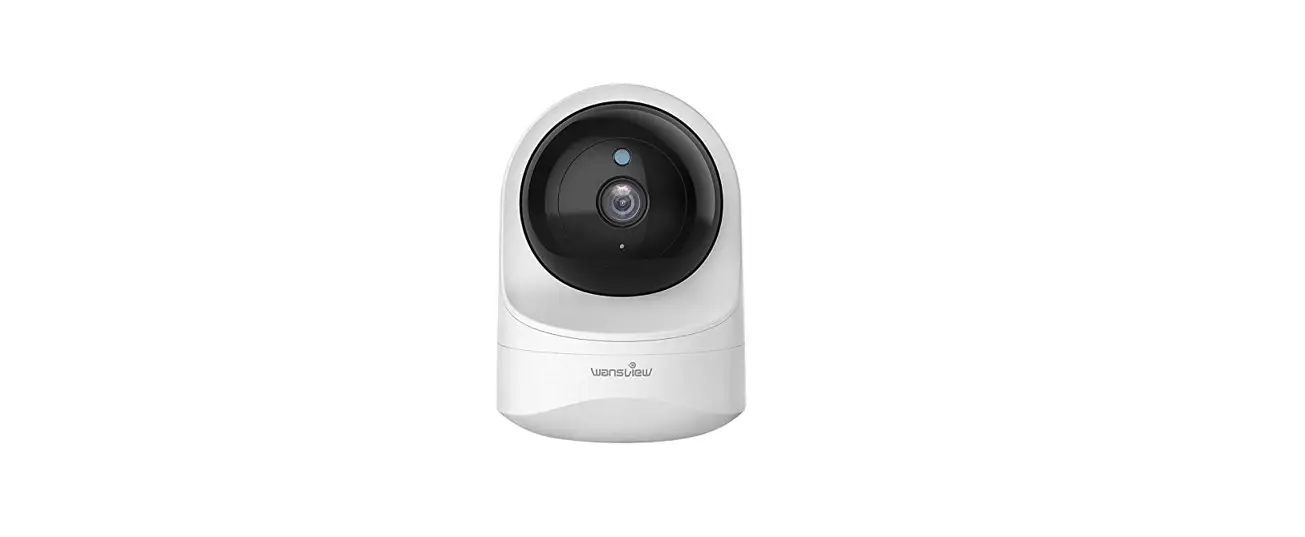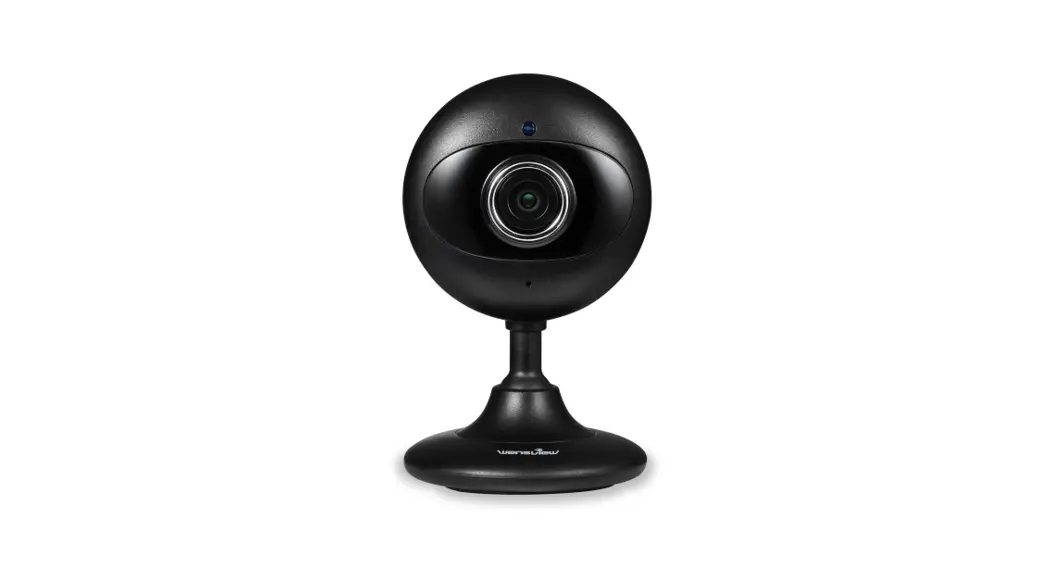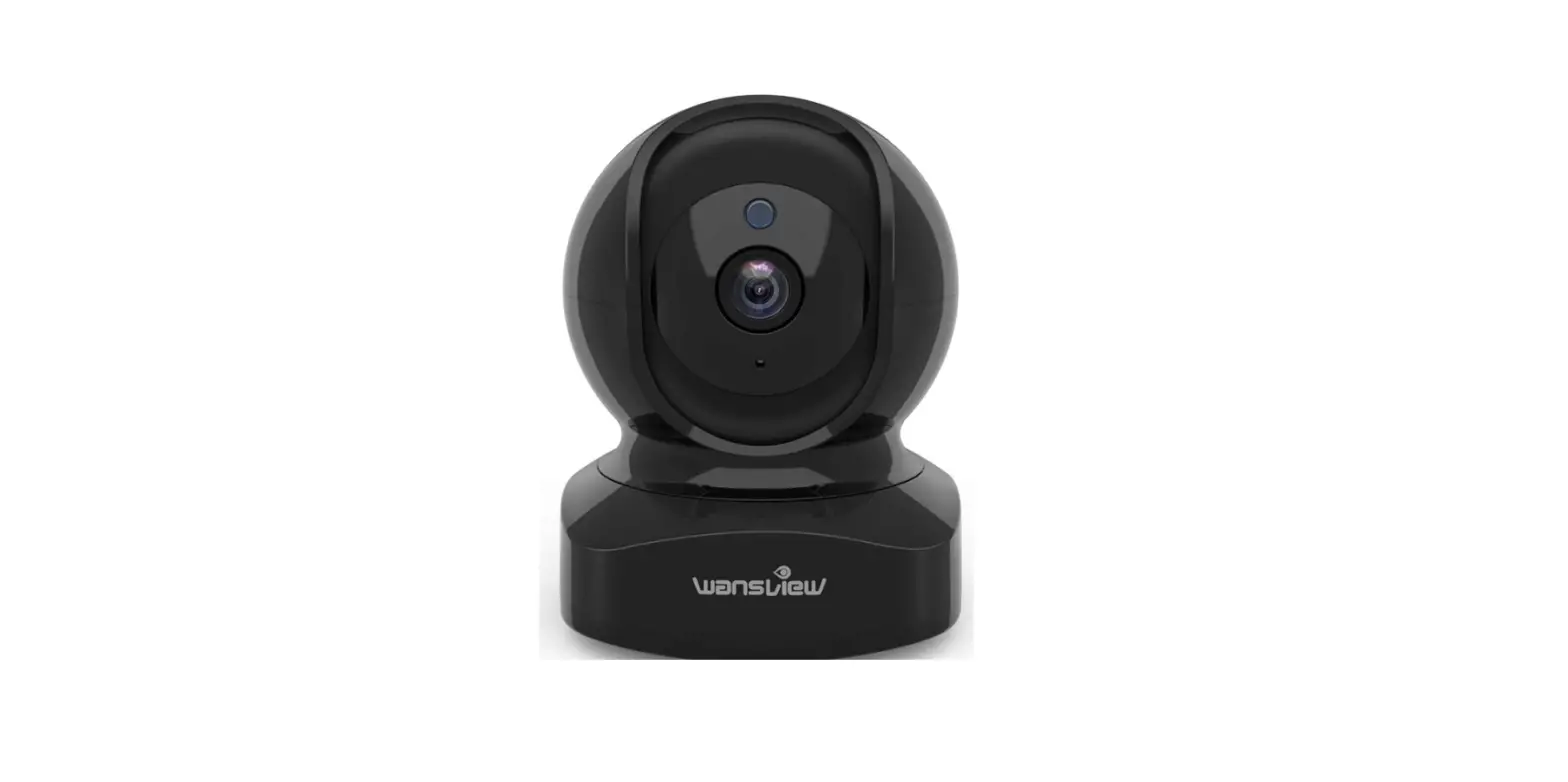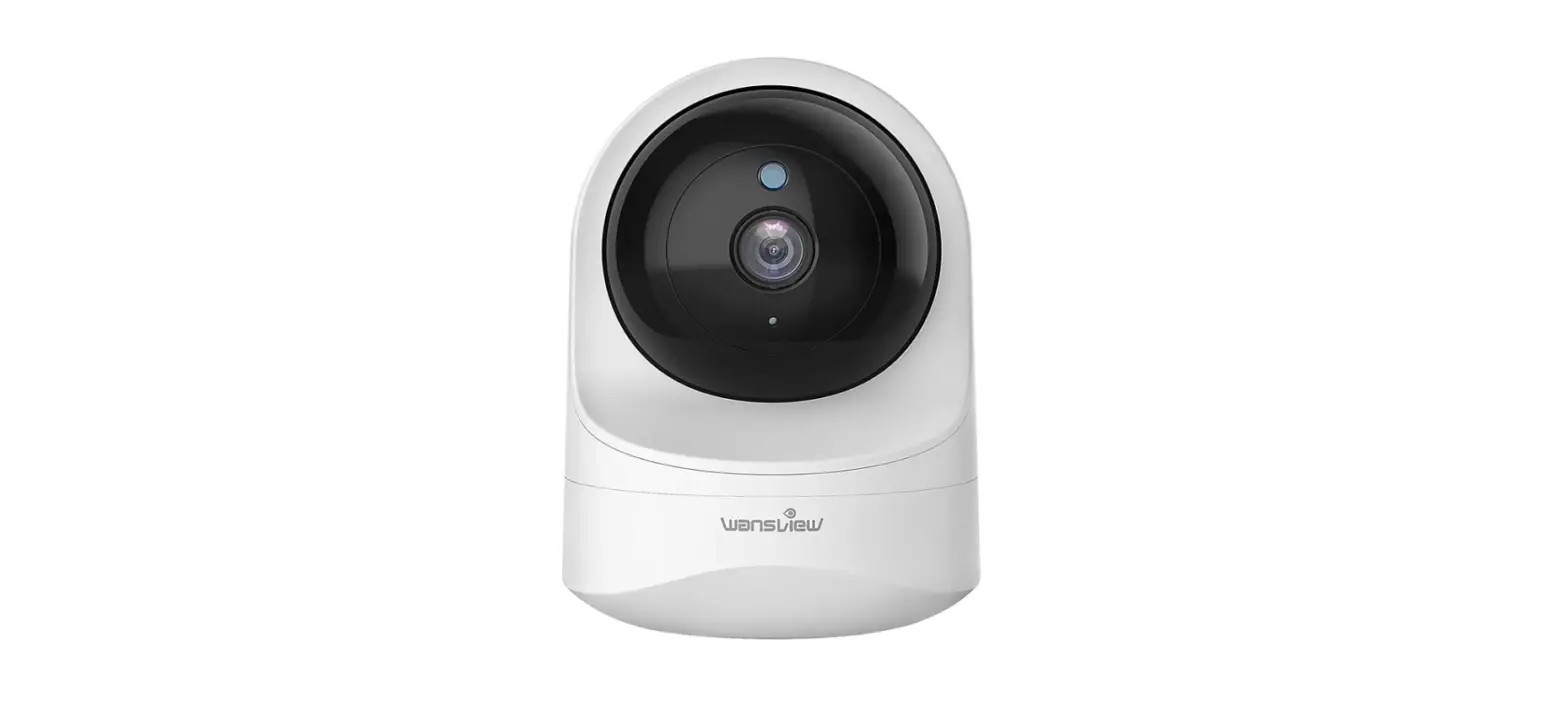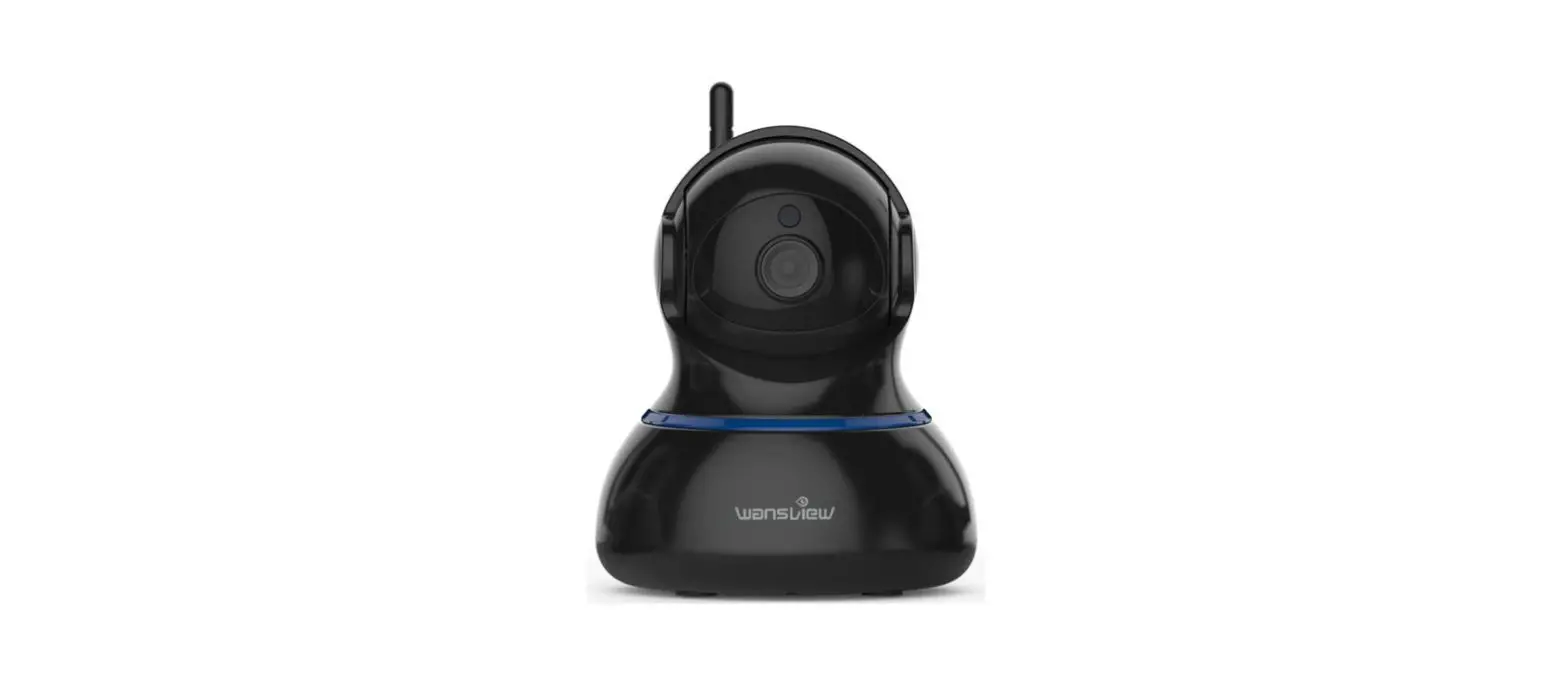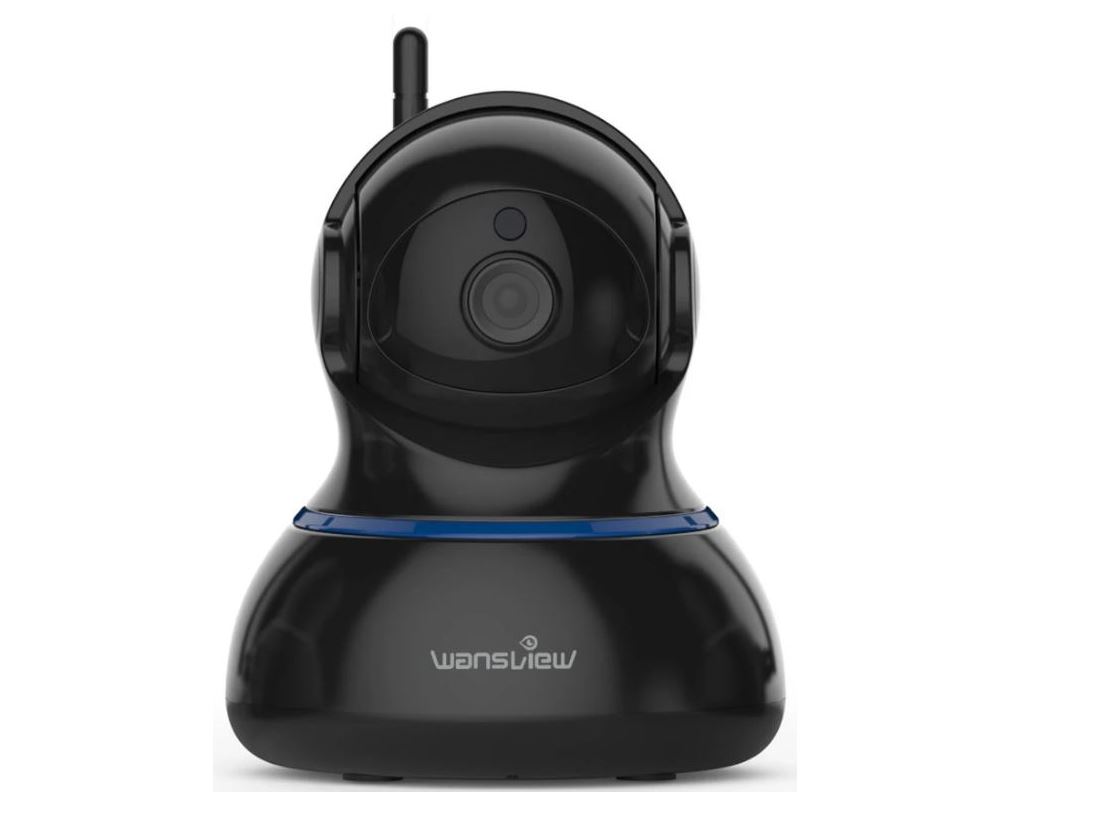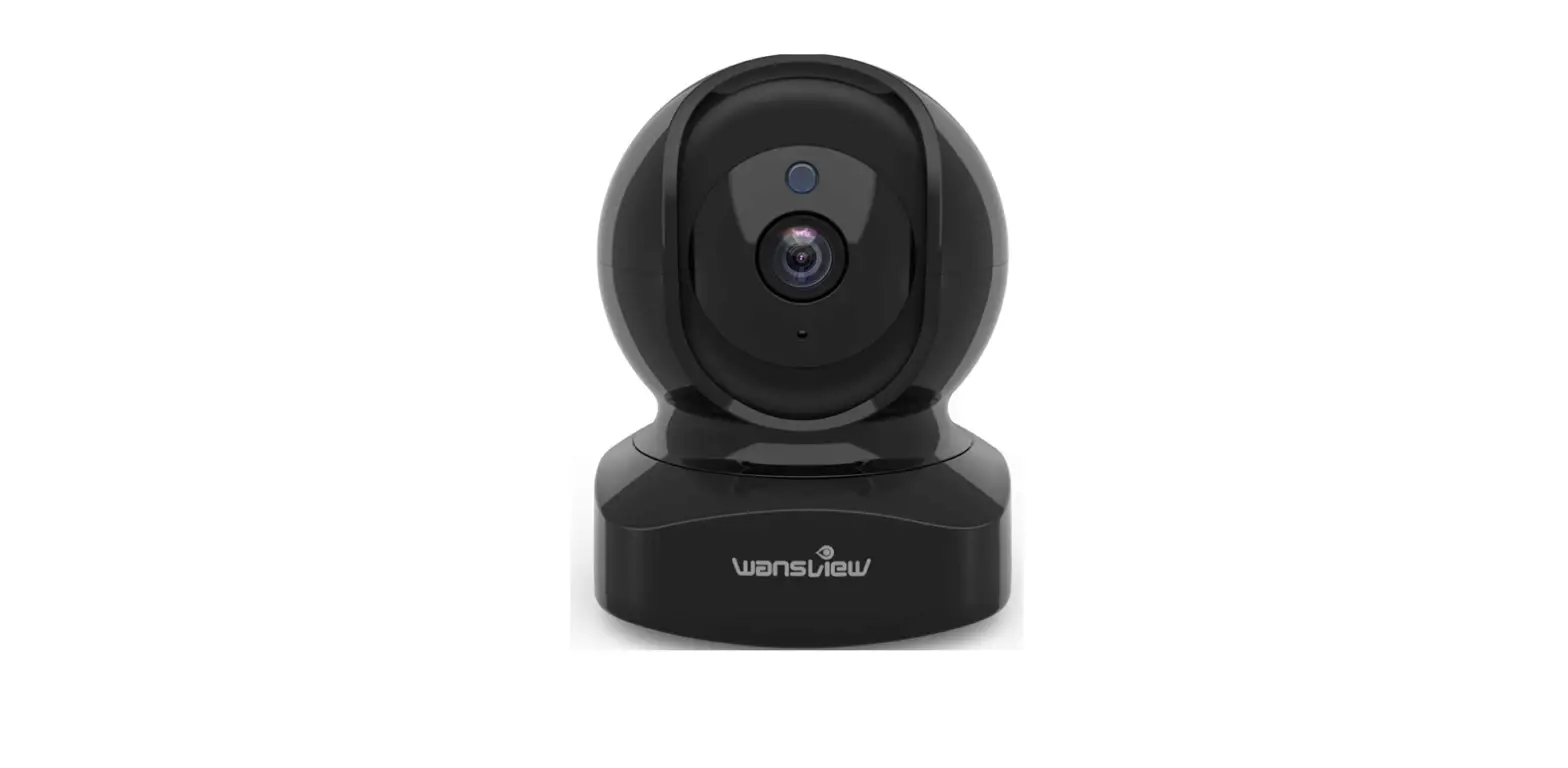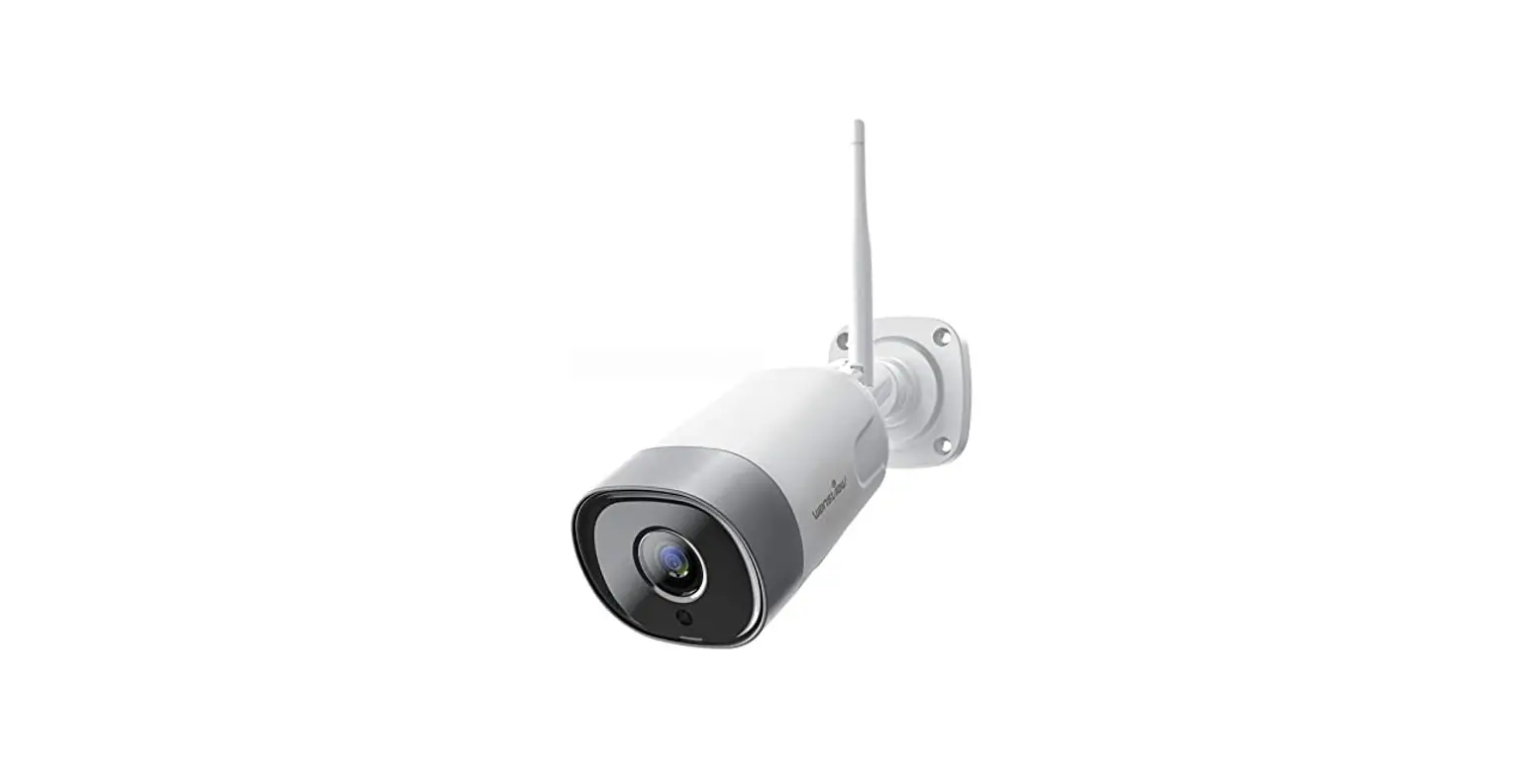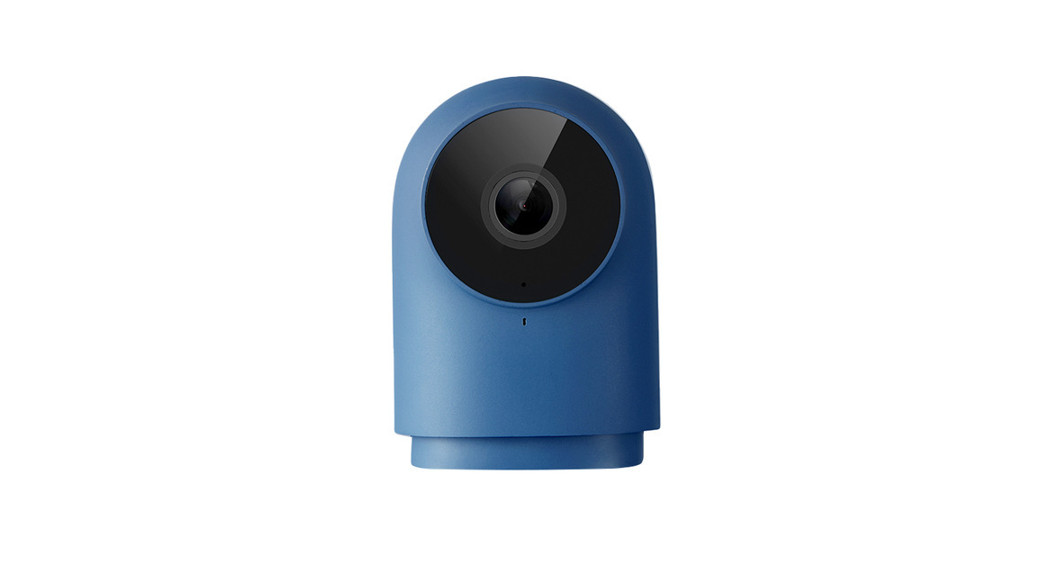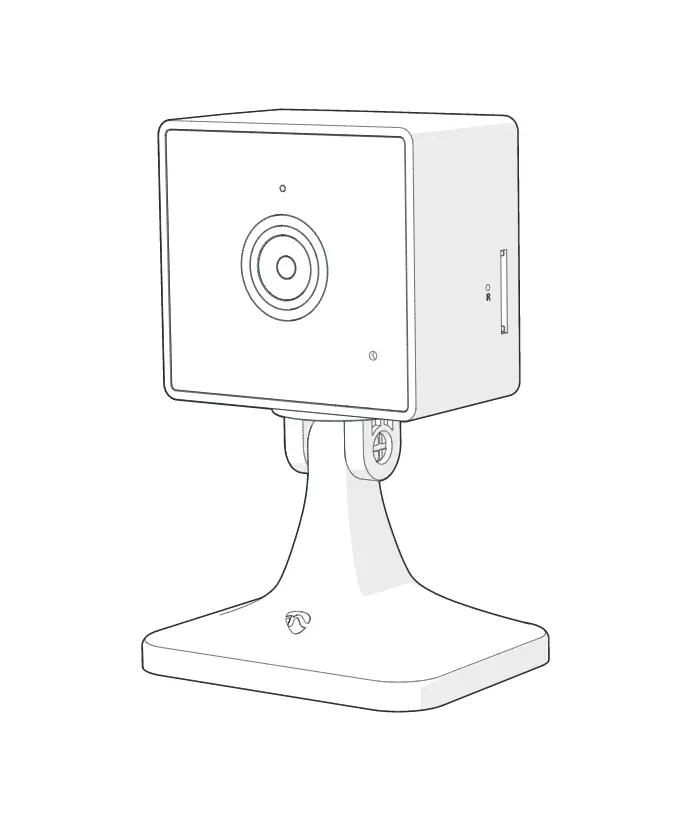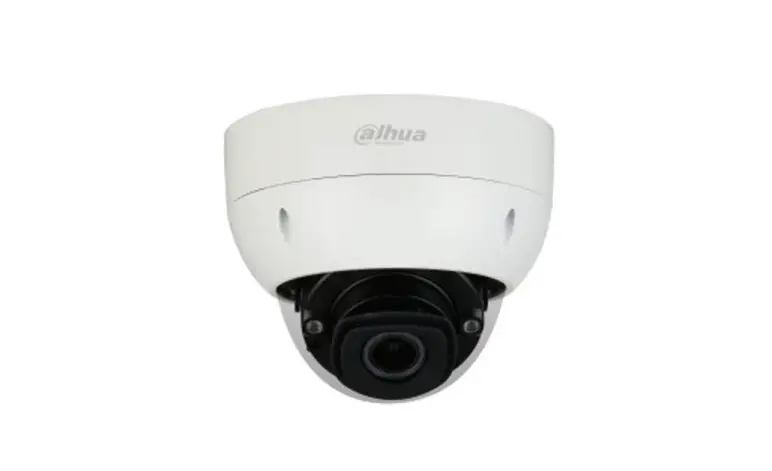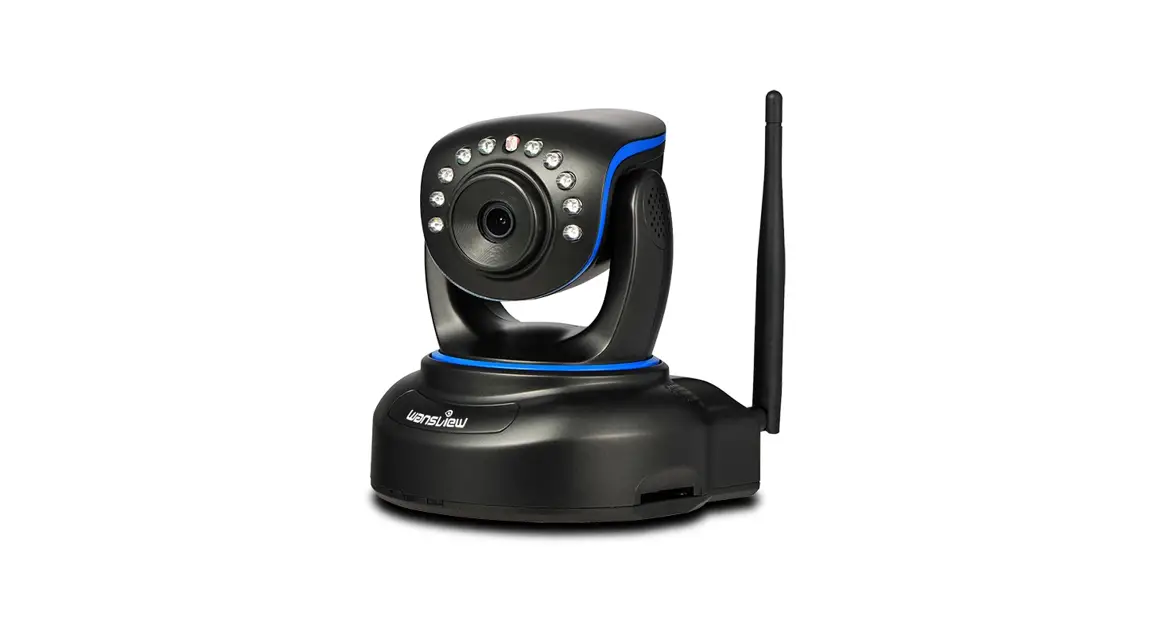

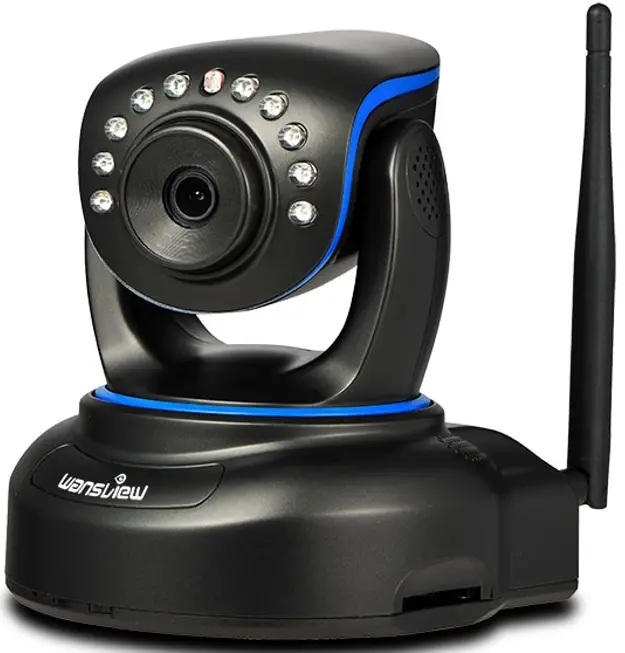
1080P Full HD IP Camera Q1(Black)/Q2(White)
User Manual
We keep improving the app. if the app interface is not in accordance with the instructions, please go to the parts view website: HTTP Awe* van view coat for the latest instructions. www.wansview.com
Download the App (Android and 10S)
First. connect your mobile device to your WiFi and download the App -VVansview- on the App Store or Google Play store. or scan below OR Code to download it.
 |  |  |
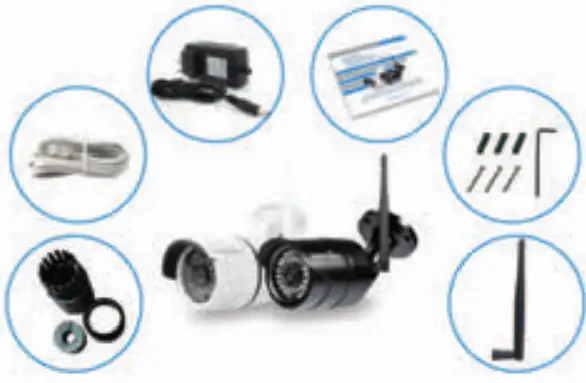
What’s In the box?
- 1 Installation Guide
- 1 Camera
- 1 Antenna
- 1 Power Adapter
- 1 Network Cable
- 1 CD (for PC)
- 1 Mounting Bracket Mounting Accessories
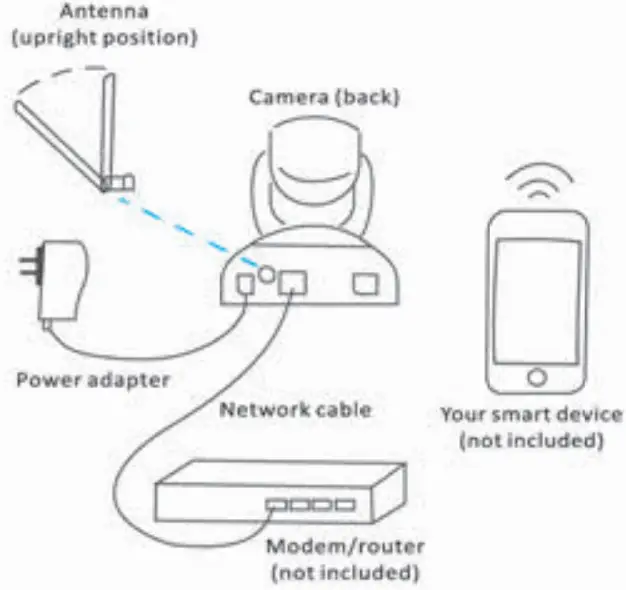
Connect to network
- connect the antenna to the back of the camera
- Connect the power adapter to the camera and plug it into the power outlet
- Connect the camera to your router with an ethernet cable
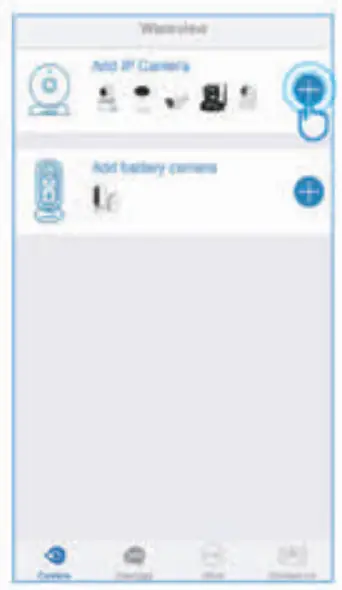
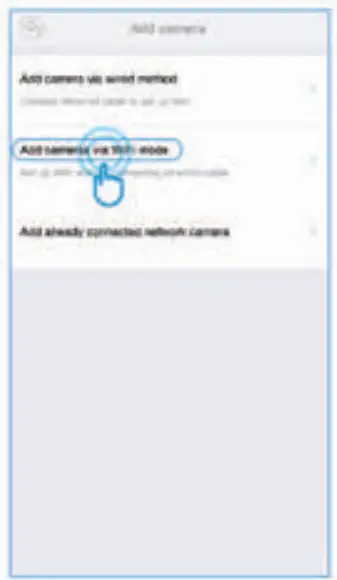
Add camera Via Wired Method
| 1.Select(Add IP Camera) tap+ to add camera | 2 Select(Add Cameras via and wired method) |
 |  |
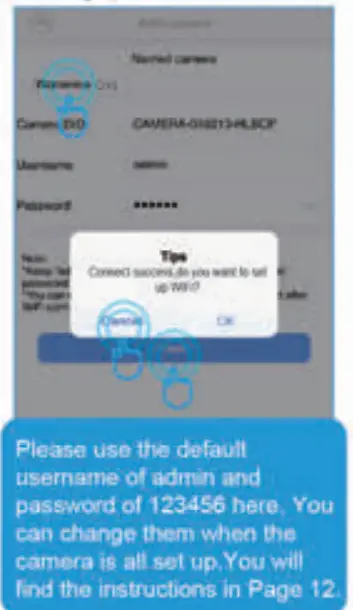
4. Scan the OR code on the bottom of the camera.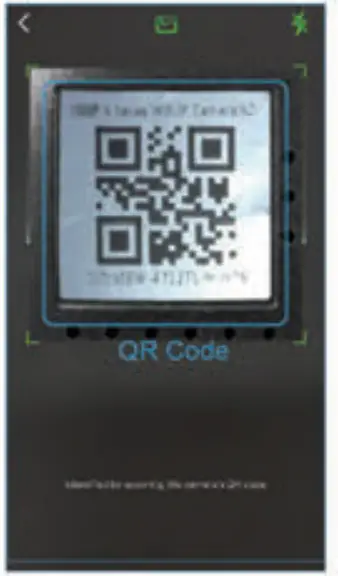 5. Name the camera, then (Next), Connect Success will appear, you could tap (Canceq if for wired connection, For WIFI Setting, please refer tO P7
 6. You should see it says online. Congratulations! Your camera is ail set up. Click on the image to enjoy viewing and controlling it now.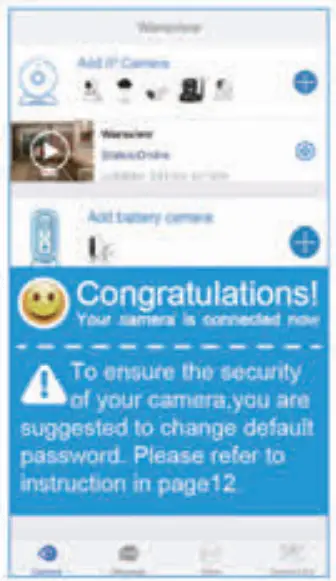
WIFI Setting
7. To Set up Win, Please Tap [ON, 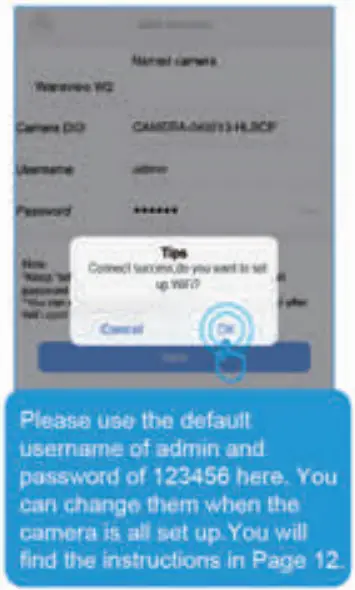
8. Select your home 2.4G WIFI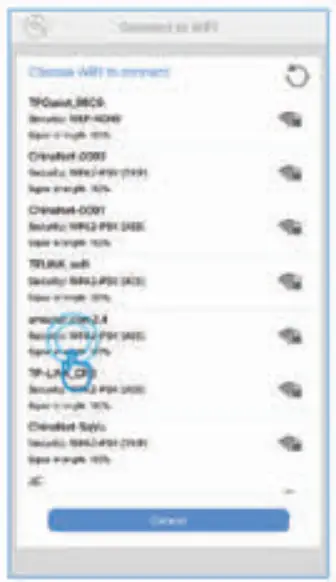
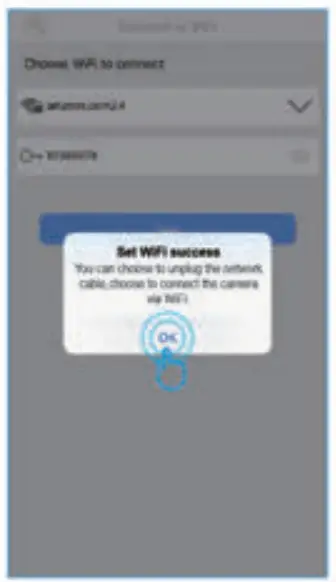
9. Input MA password WIFEI, correctly, then a pint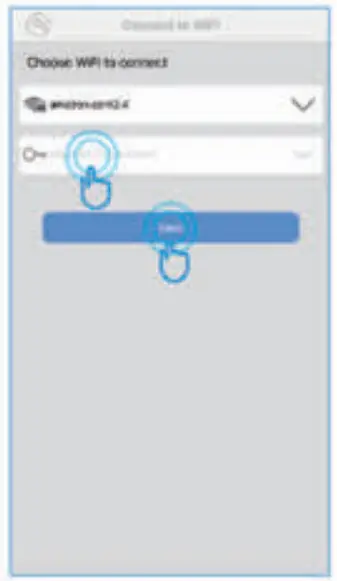 10. Set WH success appear, please tap (OK], And you could unplug the network cable,
  1 I _You should see it says online. Congratulatiorial Your camera is all set up Click on the image to en)oy viewing and controlling it now.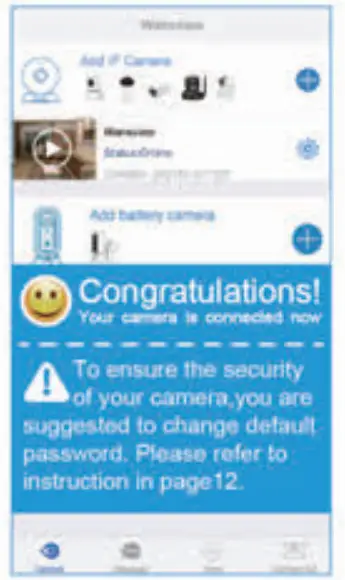
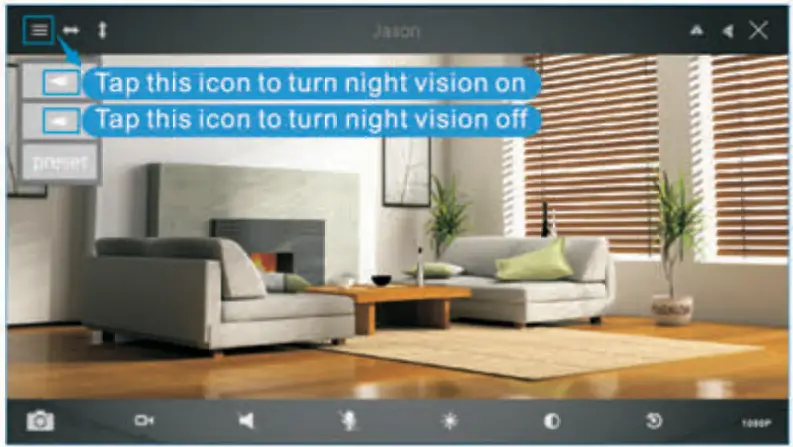
Live Video interface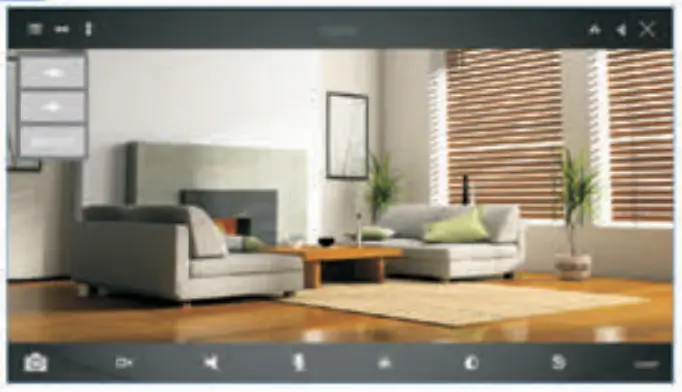
 Menu Menu |  Snapshot to phone Snapshot to phone |
 IR ON IR ON |  Record video to phone Record video to phone |
 IR OFF IR OFF |  Unavailable Unavailable |
 Cruise Horizontal 1 y Cruise Horizontal 1 y |  Unavailable Unavailable |
 Cruise Vertically Cruise Vertically |  Contrast Contrast |
 Mirror Mirror |  Brightness Brightness |
 Flip Flip |  Restore to default Restore to default |
 Exit Exit |  10t3OP(720P)/480P 10t3OP(720P)/480P |
How to connect the camera to the second Phone?
Wansvlew camera supports 4 devices to view the same camera at the same time. After you use one phone to get your camera connected to your WWI and you can view the live video from your first phone. If you would like to add your camera to the second phone, please follow the below steps:
1: Download the WansviewApp to the second phone
2: Launch the Wansview app, + and tap Wand select *Add already connected network camera*, 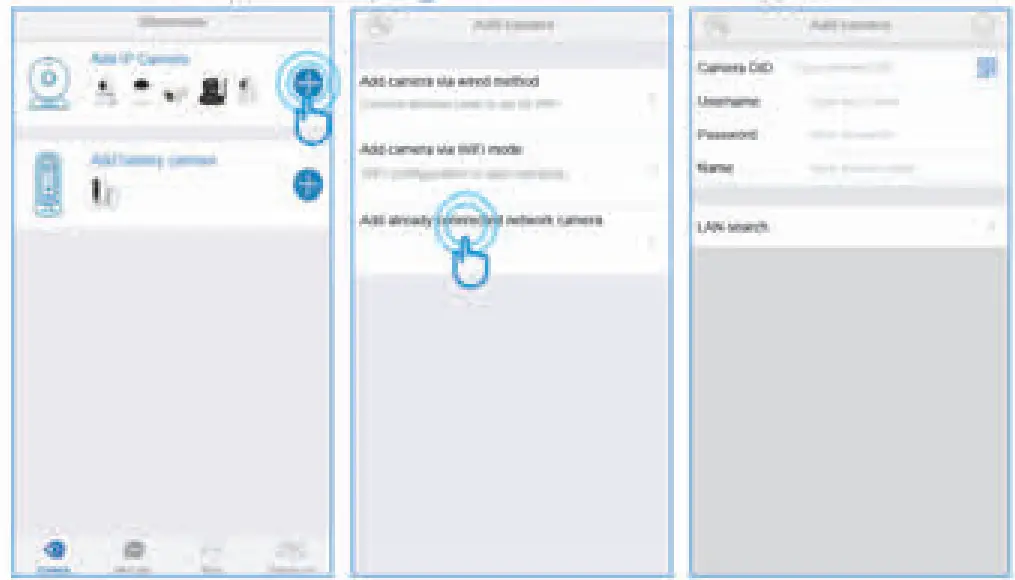
Users can use the be1ow ways to add the camera
1) Lan Search If the mobile device and the camera are in the same wifi network, the user can use “Lan Search” to search the connected camera.
2) Scan OR code If the camera is on your hand, you can tap  to scan the Camera’s OR code to get the camera information_
3) Manually input camera information Camera’s OlD can be found from the camera’s sticker 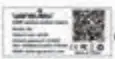 or Wansview app
 default UsematrielPassword is admin/123456; Name can be any information, Attention: Please remember to give your camera a name, and input your Password. Click on
  ‘go back to home to start to view & control.
Change password and add another user
When the camera is tontine, click on  to access “Advanced Setting’, Under the User Setting/Management, the user can change the default Ousmane(admin) and password (123458)1, or create another user account with certain access rights, such as an Operator or Viewer account for another person to view the camera.
Change Usemarne and password
Tap User Setting, and choose Adrninistrator>Adrnin, user can change the user name and password, then tap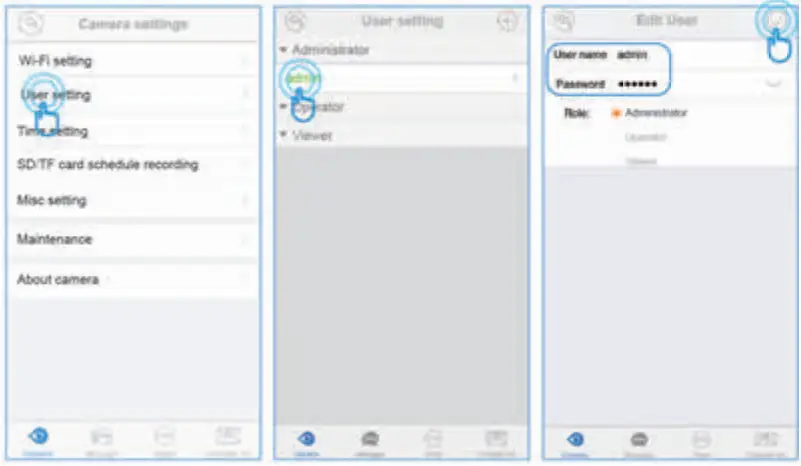
Add another user account
On User Setting. tap +to add user, manually add the user name arid password, then choose the Ride(Operator or Viewer).
Administrator. Full access rights
Operator: Can operate on the camera live video screen, but not access to other settings fil* Alarm setting, Advanced Selina, etc.
Viewer: only can view camera, no more operations on the camera video screen.
Note: Password shall be no longer than 20 characters. 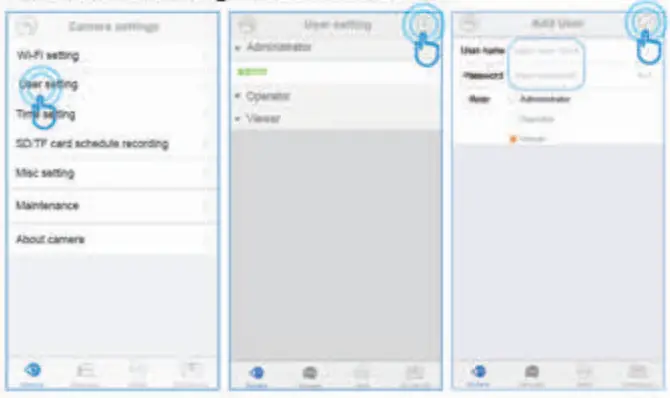
Trouble Shooting Frequently Asked Questions
1, If you have weal cameras, please follow the below steps to use the MutIleview function.
Tap More on the Menu the Choose Multi-View 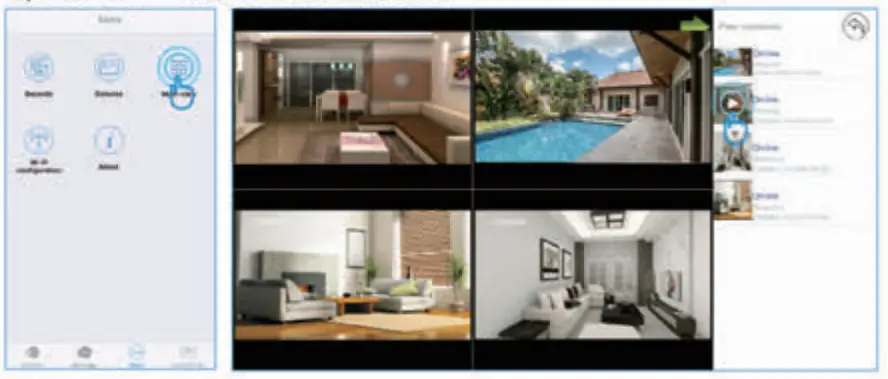
2. How do I change my video stream resolution?
Click on the icon 4110P to change the resolution.
3: Night vision doesn’t work
If the night vision stops working, please turn on the IR fight as below