
INSTALLATION MANUAL
IMPORTANT SAFETY INSTRUCTIONS
When using an electrical furnishing, basic precautions should always be followed ,including the following:
 WARNING: To reduce the risk of burns, fire, electric shock or injury to persons.
Use this furnishing only for its intended use as described in these instructions. Do not use attachments not recommended by the manufacturer. Never drop or insert any object into any opening. Do not use outdoors.
WARNING: Risk of electric shock. Connect this furnishing to a properly grounded circuit only. See grounding instructions.
ELECTRIC CONNECTIONS
ALL WIRING SHOULD BE DONE BY A QUALIFIED LICENCED ELECTRICIAN.
WARNING: Shut off power before wiring.
Requires 120 VAC 20 Amp GFI protected Circuit.
GROUNDING INSTRUCTIONS:
CAUTION: This product must be connected to a grounded metal permanent wiring system or an equipment-grounding conductor must be run with the circuit conductors and connected to the equipment grounding terminal or lead on the product.
WARNING: An Electrical option mirror must be wired to a 20 Amp GFI (Ground Fault Interrupter) protected circuit when used in bathrooms and all other locations required by the National Electric Code.
HOW TO CONNECTIONS
If there is a suitable socket on the wall, plug in the mirror’s own plug and you can use the electric functions.
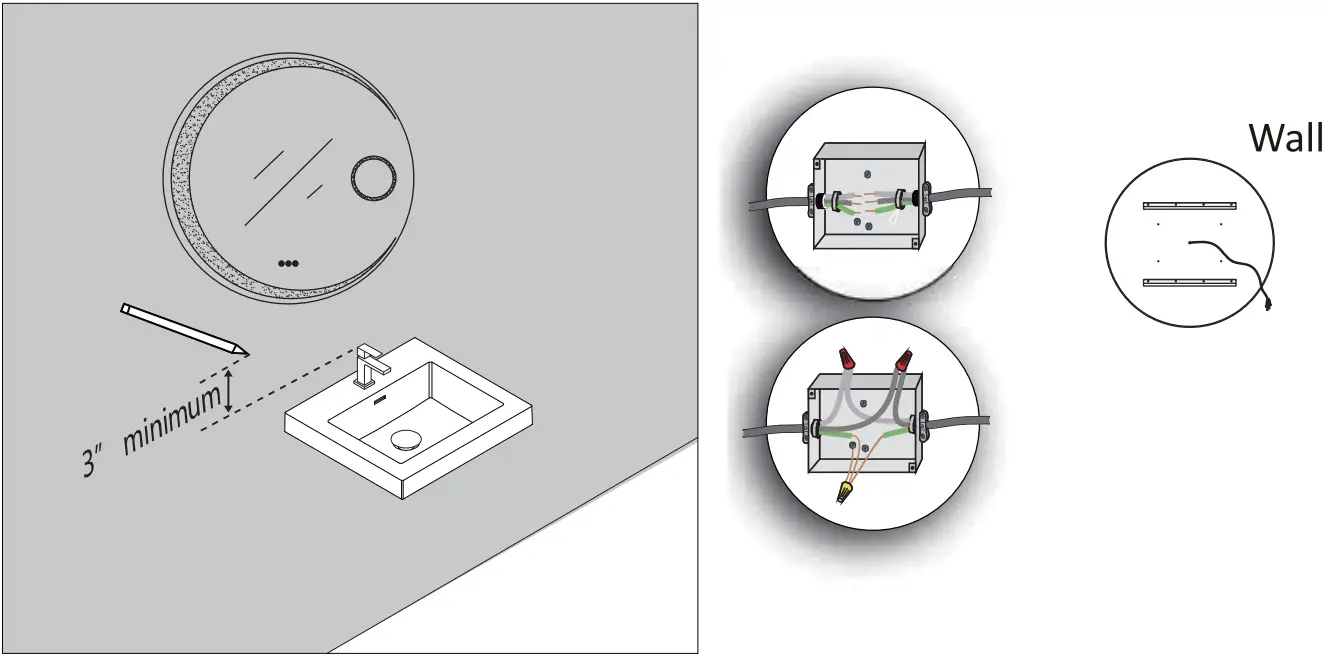
If a cord is reserved on the wall behind the hanging mirror, please cut off the plug of the wire on the mirror and connect them according to steps A and B.
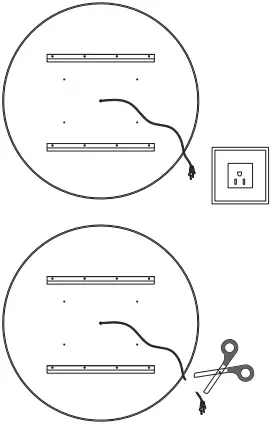
Make connection with Junction box | Netural to white Line to black
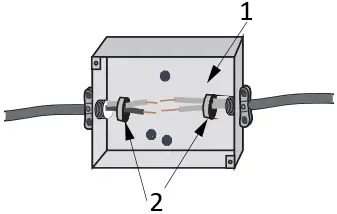
 Junction box Line to black. *(not included).
STEP A
- using wire connector caps
- Locknut
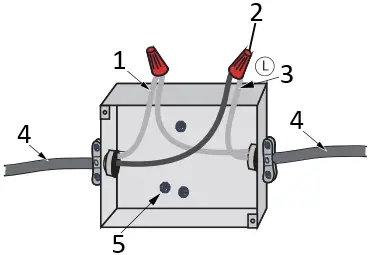
STEP B
- Neutral/White
- wire connector caps(not included)
- Line/White with texts
- Field Wire
- Grouding screw
HARDWARE AND TOOLS
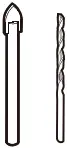
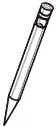

1/4″& 1/8″ Drill Bits Pencil Level
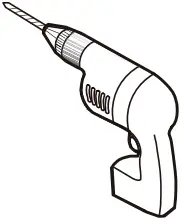
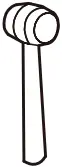

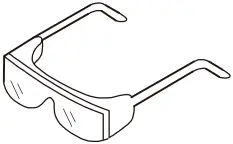
Power Drill Mallet Tape Measure Safety Goggles
HARDWARE LISTS
| ITEM | IMAGE | NAME | QTY |
| 1 | 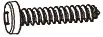 | Screw ST4*35 | 8 |
| 2 | 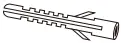 | Wall Anchor | 8 |
| 3 | 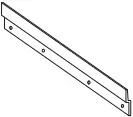 | Aluminum Alloy Plate | 2 |
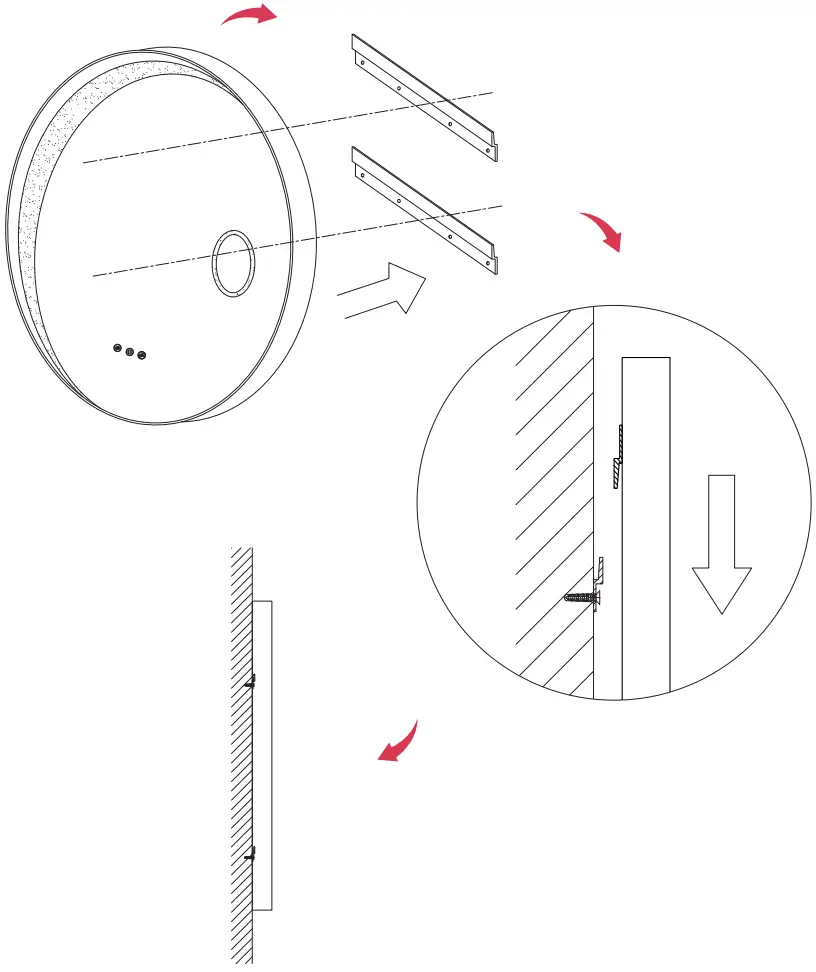
Step 1 Level and mark the mirror’s location on the wall.
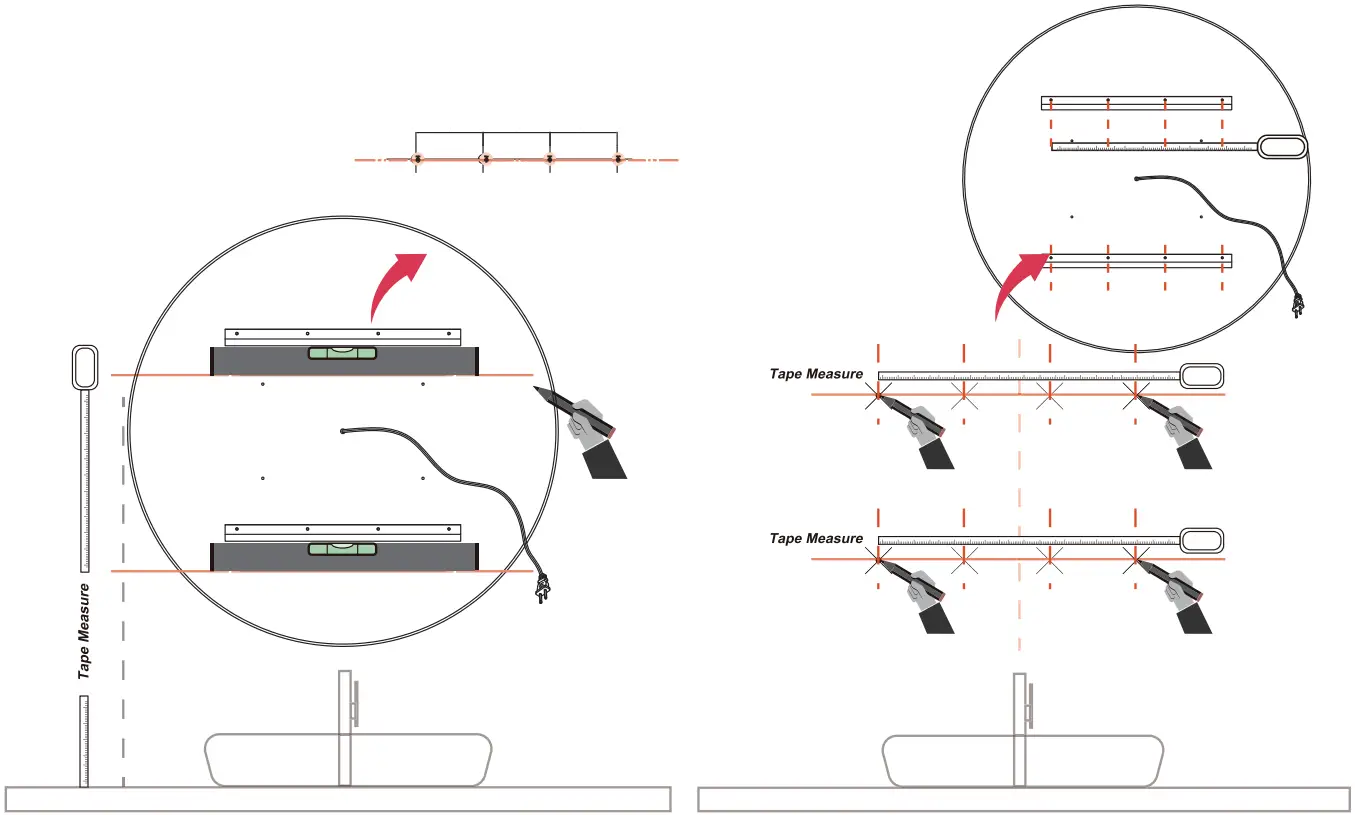
Step 2 Use the tape measure the height, and draw the horizontal, line and the vertical line of the wash-basin. Measure the distance of the mirror hole, and mark the hole place on the wall.
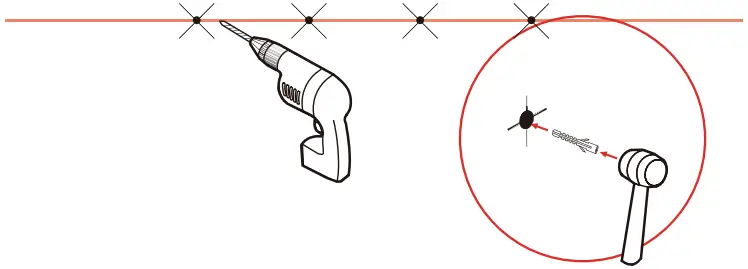
Step 3 Drill and insert the Wall Anchor, Drive in the screw cross the bottom support.
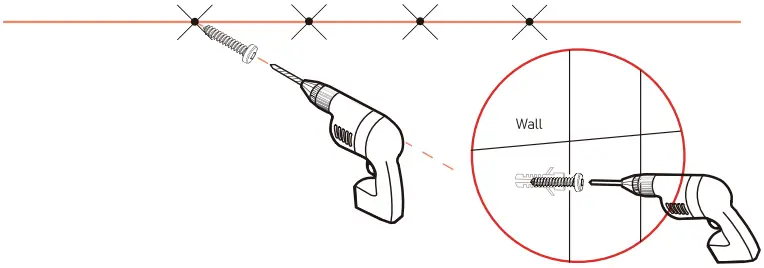
2 x8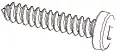 1 x8
1 x8
Step 4 Align the Alloy Plate of the mirror with the ones on wall and hang them to complete the installation.
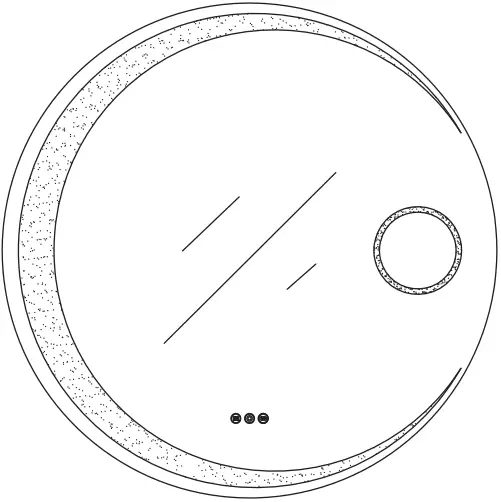
Introduction of Touch Function
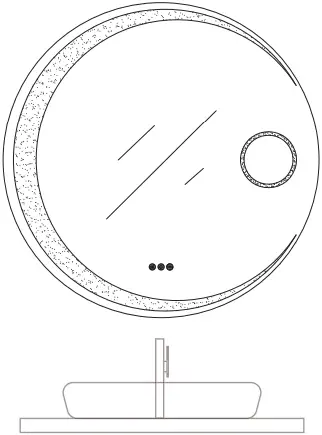

After power on, the button shows white and it is in waiting stagte, click to turn on the light function and the button turn on yellow. Click again to turn off the light function and the button to turn to white.
 Long click the button to make the light gradually dims
Click the button again and the light gradually brightens

After power on, the button shows white and it is in waiting state, click to turn on the defogging function and the button turn on yellow.
Click again to turn off the defogging function and the button to turn to white.

After power on, the button shows white and it is in waiting state, click to turn on the light function and the white turn on yellow.
Long press to switch the color temperature of light by 3k-yellow, 4k-natural or 6k-cold white
For any questions or queries regarding our products, please contact our support team- [email protected] or call c9099907895 Visit our website for more information https://tunuo.net
 tunuo – smart bathroom living