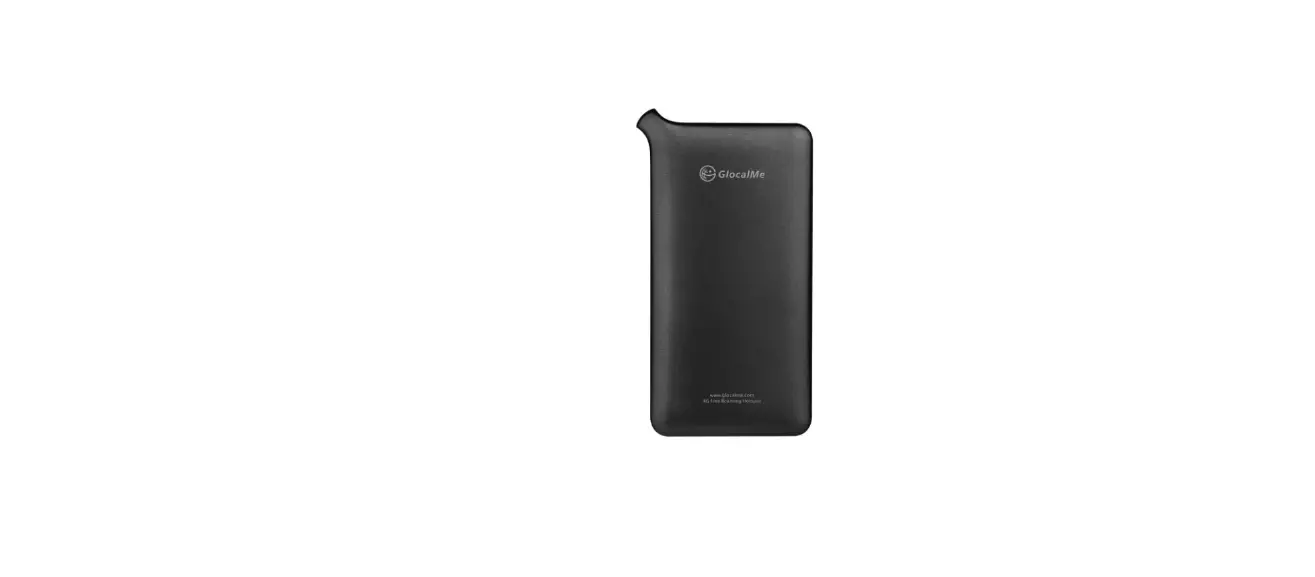

Welcome to the Glam ecosystem.
To get started, please download the Glam app via the QR code below: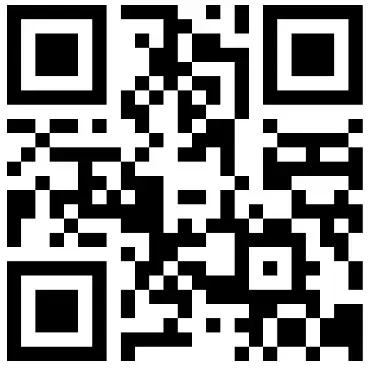 http://onelink.to/7nrdpy
Glam App – available on Apple’s App Store and Google Play Store
For support and information, please visit our website at www.glam.tech.
Quick Commands
| Command | Action | Indication |
| Turn devise on | Hold the + button for 2 seconds | Status Indicator lights up for 2 seconds. After the device is turned on, If indicator lights flash slowly, the device is unpaired and ready to pair. If indicator lights are off, the device is already paired and ready to be controlled via the app |
| Turn devise off | Hold the + button for 5 seconds | Status Indicator lights up for 2 seconds |
| Change device brightness | Press the corresponding + or — button to raise/lower brightness | 5 levels of brightness are available on HW Granular and higher brightness modes are available via the app. |
| Check battery level | Press the battery charge button | Battery charge indicator shows: 4 lights: 100% battery 3 lights: < 75% battery 2 lights: < 50% battery 1 light: < 25% battery |
| Reset and switch device off | Use a pin to press the reset button | The status indicator light blinks 5 times quickly |
Technical Specifications
| Glambank G8100 | Glambank Pro GB110 | |||
| Finish | Dark Grey. Silver. Teal. Pink. Maize Matte Finish | |||
| Size & Weight | 171.0 mm X 76.0mm X 17.32 mm 300g | 171.0 mm X 76.0mm X 19.62 mm 380g | ||
| Softbox | Ultrasoft Edge-lit LED Assembly >95 CRI (64 LEDs) 5000K >750 lumens | Ultra-soft Edge-lit LED Assembly >95 CRI (126 LEDs) 2700K — 6500K > 1300 lumens | ||
| Wireless Control | >10 meters wireless control via application Bluetooth 4.1 BLE | |||
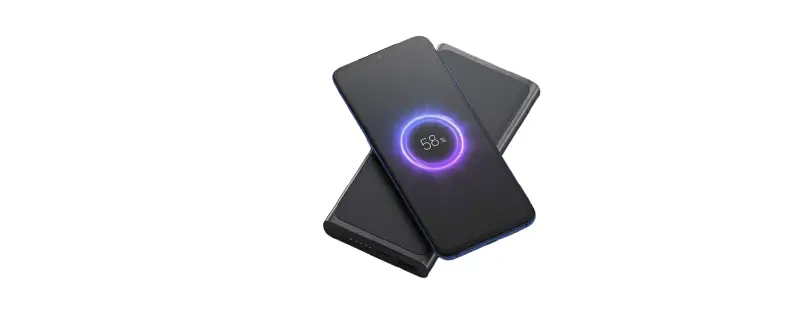
| Portable Charger | Capacity: B000mAh Charge iPhone up to 2.5X Speed: Fast 18W charging to external devices via USB PD or Qualcomm Quick Charge 3 Dual Charging: Simultaneous dual output: USB-C and USB-A Passthrough charging | |||
| Battery | Softbox Light: 8 hours at 100% brightness 16 hours at 50% brightness | Softbox Light: 4 hours at 100% brightness 8 hours @ SO% brightness | ||
| Recharging: Fast recharging capable 0% – 80% charge in 3 hours with compatible fast chargers (USD PD or Qualcomm Quick Charge 3) | ||||
| Indicators and buttons | Buttons: Brightness buttons Battery button Reset button Ports: 1 USB-C 1 USB-A Indicator LEDs: Battery charge indicator (4 LEDs) Status Indicator (1 LED) | |||
| Application | Available on the Google Play Store and Apple App Store Automatic Point and Shoot Camera Mode Manual Camera Mode Video Mode Granular Glambank Controls Simultaneous Multiple Glambank Control Social Sharing | |||
| Community Portal | |
| In-the-box | Glambank Quick Start Guide 20 cm USB-A to USB-C cable |
| Charging Temperature | 0°C — 50°C |
Regulatory
Company Name: Gleam Technologies Pte Ltd
Model: GB100/GB110
FCC ID: 2A34NGB100
FEDERAL COMMUNICATIONS COMMISSION INTERFERENCE STATEMENT
This equipment has been tested and found to comply with the limits for a Class B digital device, pursuant to part 15 of the FCC Rules. These limits are designed to provide reasonable protection against harmful interference in a residential installation. This equipment generates, uses and can radiate radio frequency energy and, if not installed and used in accordance with the instructions, may cause harmful interference to radio communications. However, there is no guarantee that interference will not occur in a particular installation. If this equipment does cause harmful interference to radio or television reception, which can be determined by turning the equipment off and on, the user is encouraged to try to correct the interference by one or more of the following measures:
- Reorient or relocate the receiving antenna.
- Increase the separation between the equipment and receiver.
- Connect the equipment into an outlet on a circuit different from that to which the receiver is connected.
- Consult the dealer or an experienced radio/ TV technician for help.
CAUTION:
Any changes or modifications not expressly approved by the grantee of this device could void the user’s authority to operate the equipment.
This device complies with Part 15 of the FCC Rules. Operation is subject to the following two conditions: (1) this device may not cause harmful interference, and (2) this device must accept any interference received, including interference that may cause undesired operation.
RF exposure warning
The device has been evaluated to meet general RF exposure requirements. The device can be used in portable exposure conditions without restriction.
 glam.tech is connected with Mailchimp