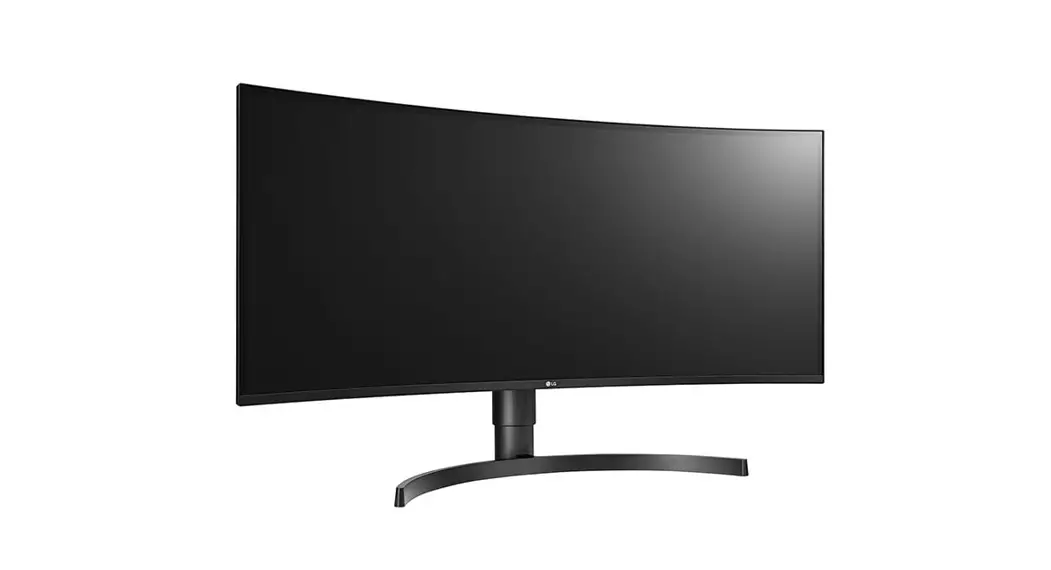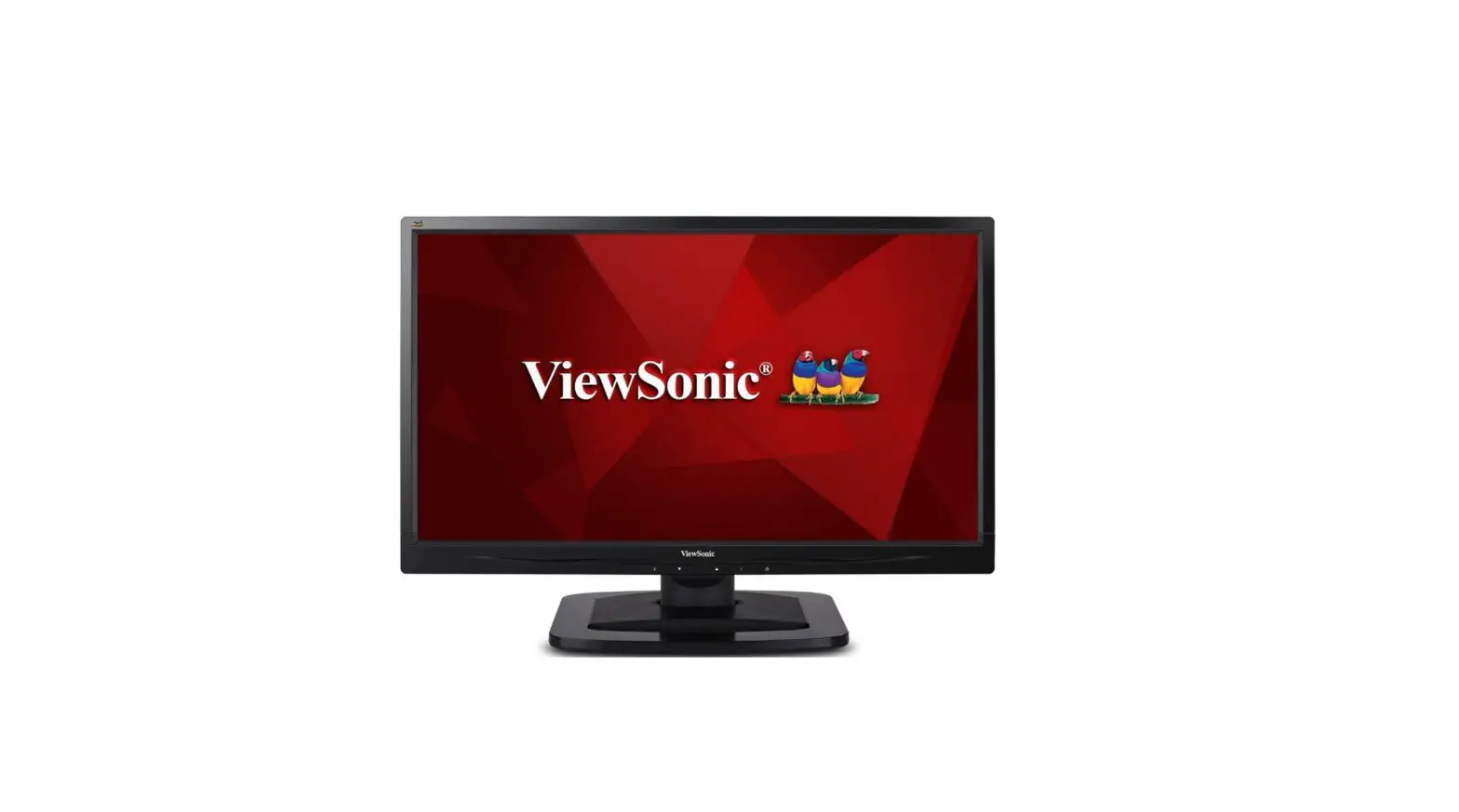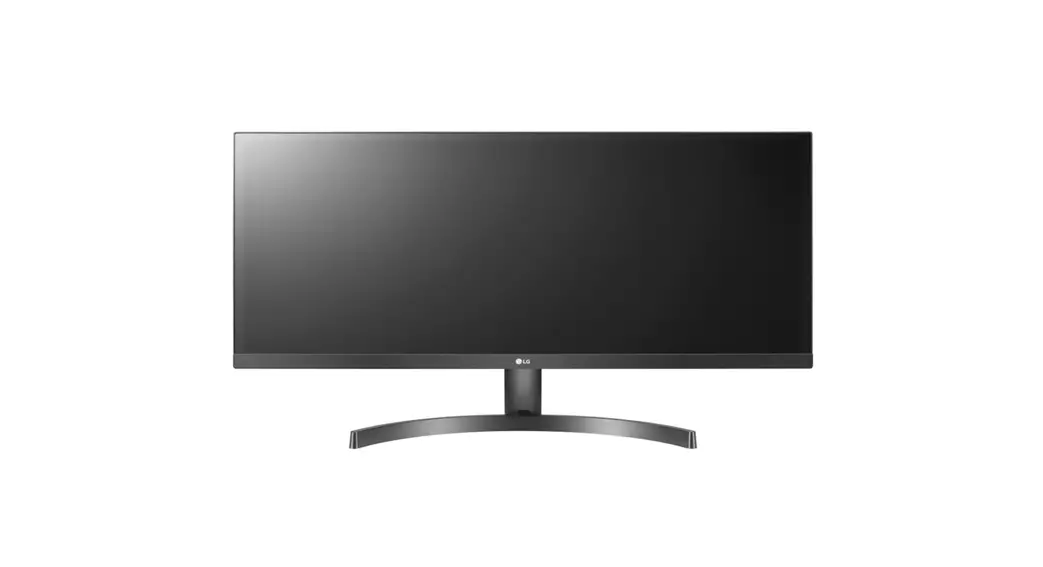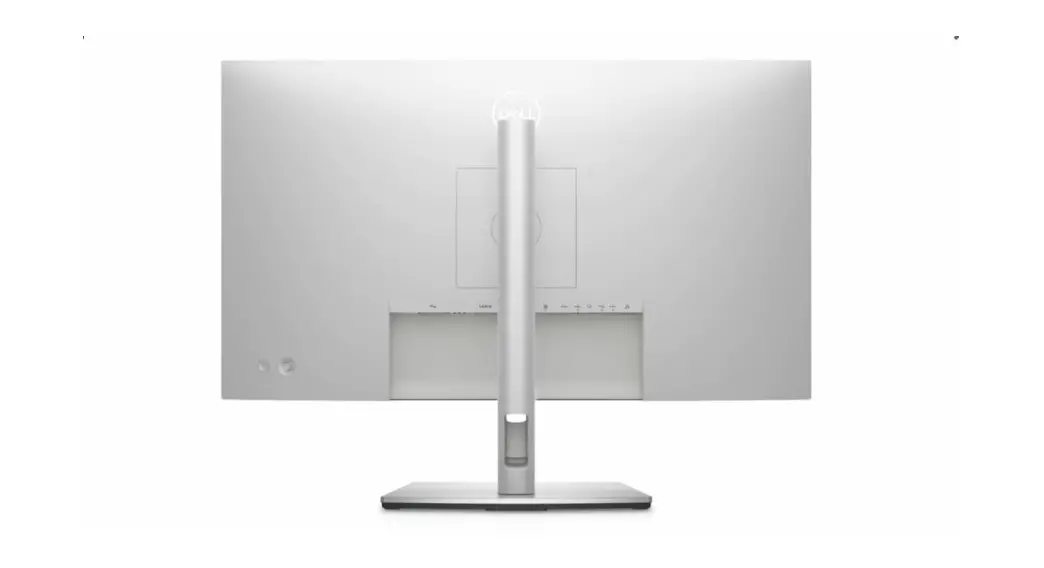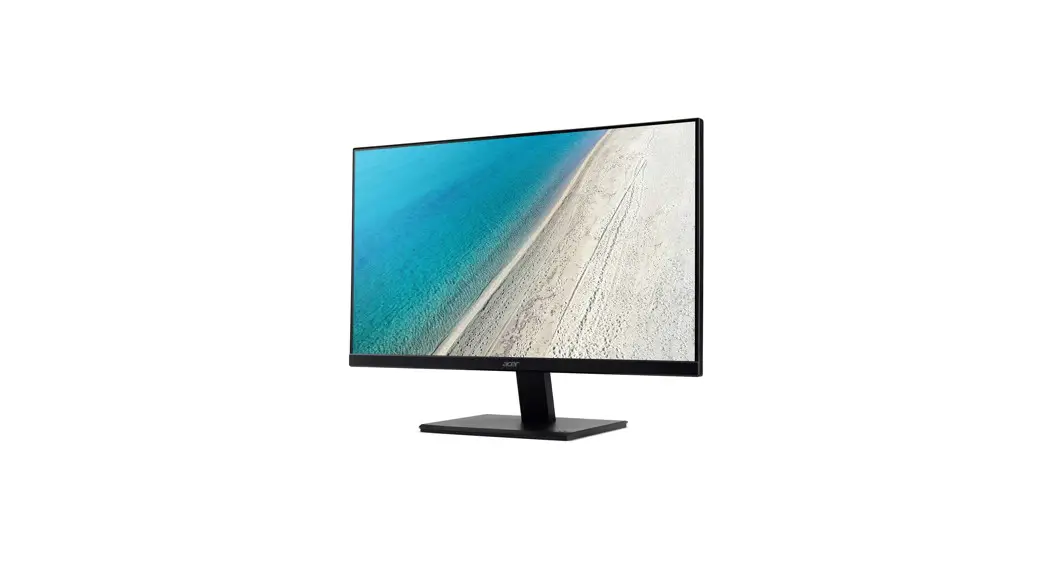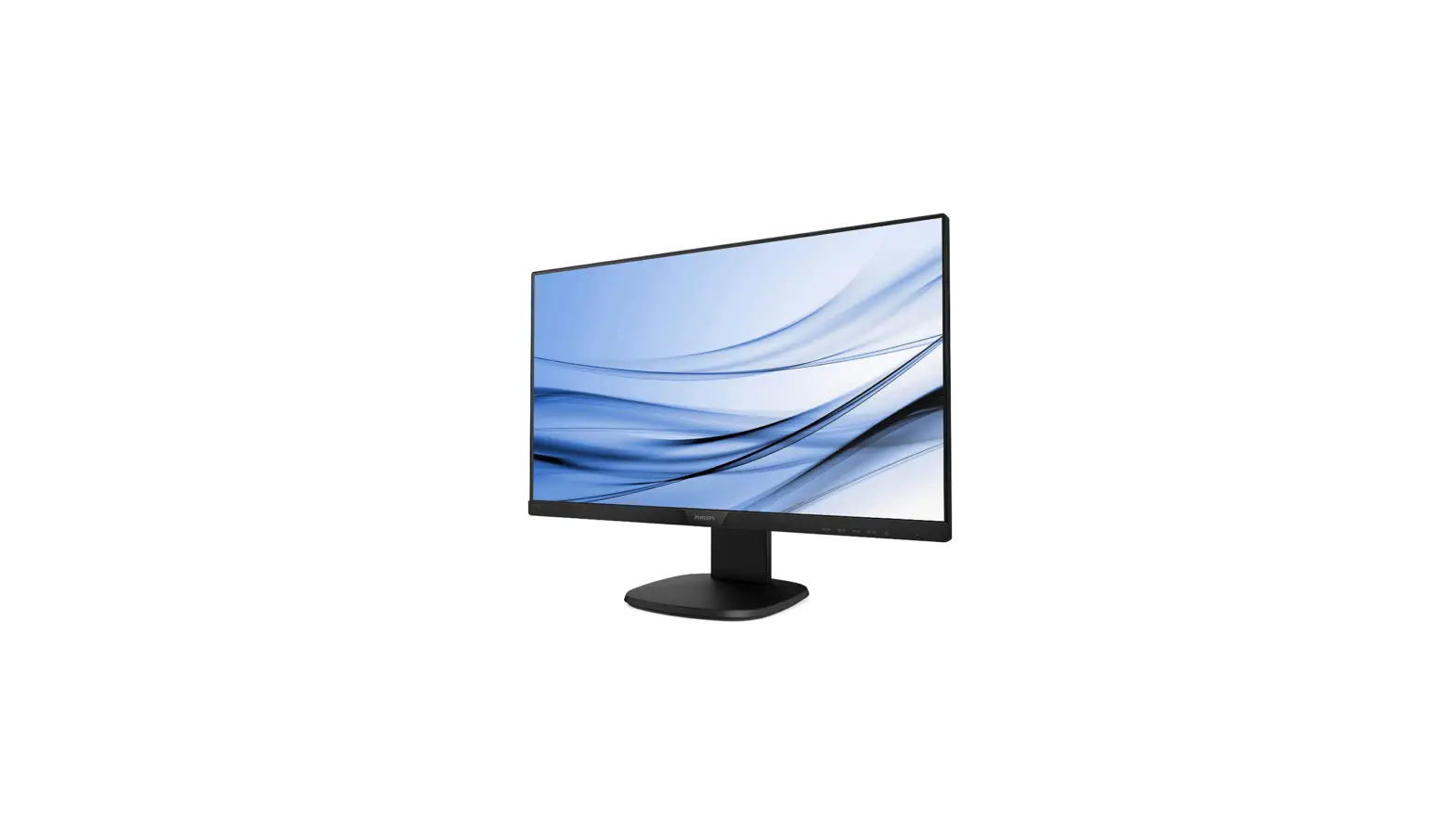

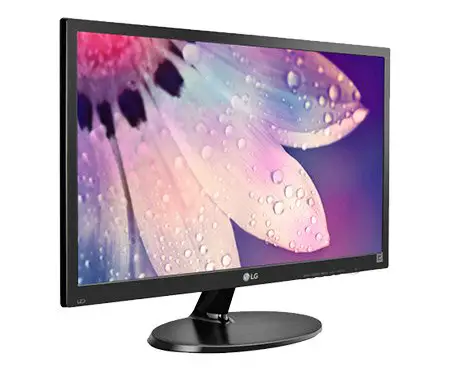
SEVEN L238IPS 23.8 Inch FHD 1920×1080 IPS LED Monitor 
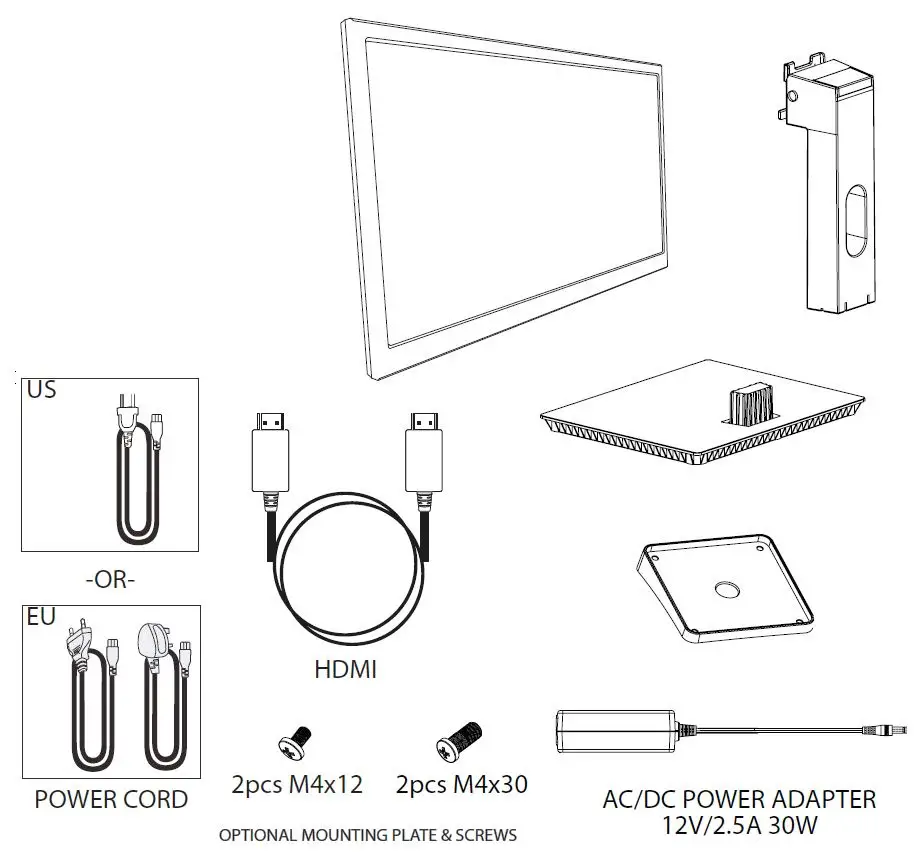
PACKAGE INCLUDES
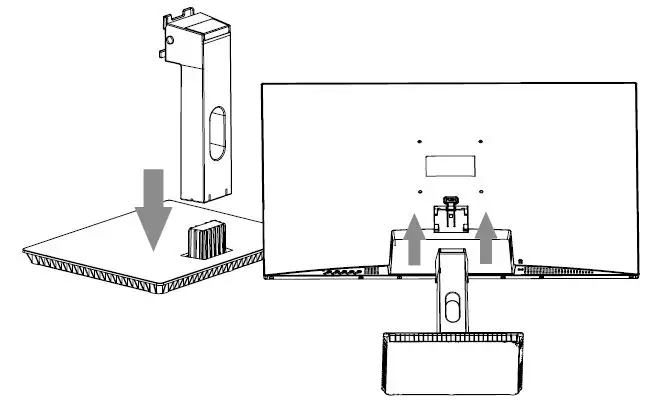
GETTING STARTED
MOUNT OPTION (Wall Mount Sold Separately)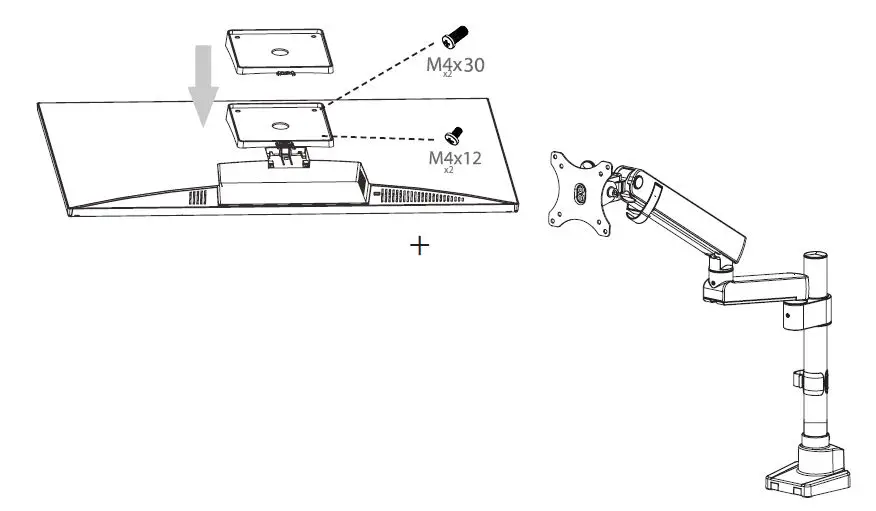
CONTROL PANEL
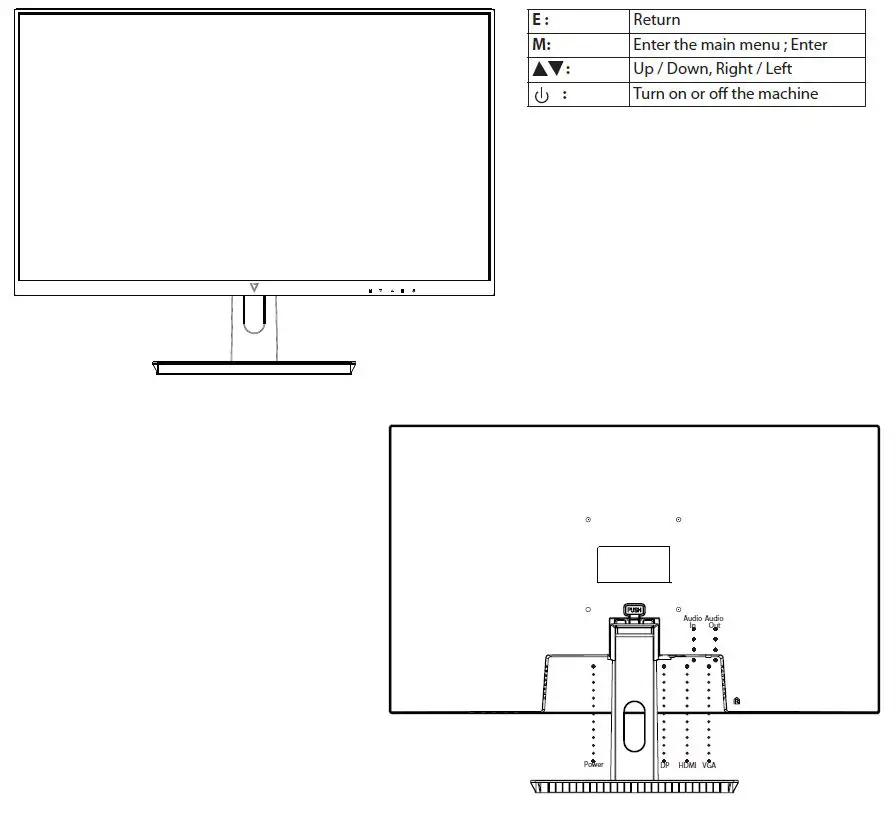
| E : | Return |
| M: | Enter the main menu ; Enter |
| : | Up / Down, Right / Left |
| : | Turn on or off the machine |
MAIN MENU

- Picture
- Color
- Audio
- OSD
- System
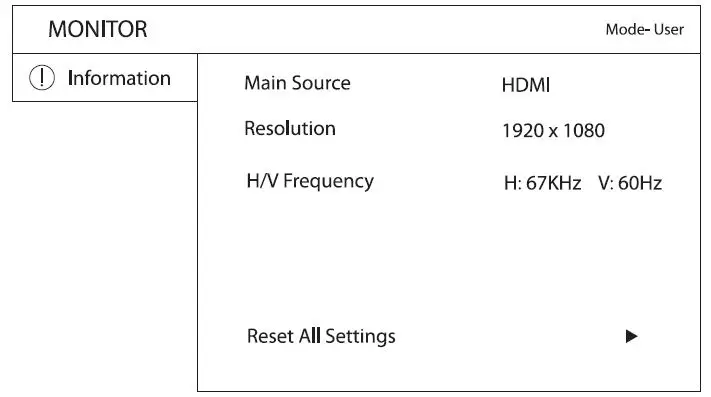
- Information
PICTURE
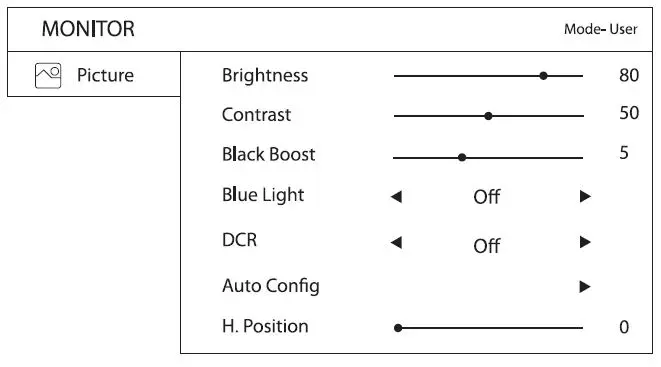
| Brightness: | To adjust the luminance of the video |
| Contrast: | To adjust the foreground white level of screen image |
| Black Boost: | To adjust black levels to display darker areas such as shadows to be more visible |
| Blue Light: | To adjust Blue Light levels OFF/25%/50%/75%/100%. Blue Light Disabled if DCR is ON |
| DCR: | Dynamic Contrast Ratio |
| Note: | Adjusting H. Position, V. Position, Focus, & Clock is grayed out if connected via HDMI or DisplayPort. |
| Auto Config: | Automatic configuration of the below parameters ONLY if connected via VGA Analog signal |
| H. Position: | To move image Horizontally |
| V. Position: | To move image Vertically |
| Focus: | To adjust the phase position of the analog signal |
| Clock: | To adjust the clock of analog signal |
COLOR
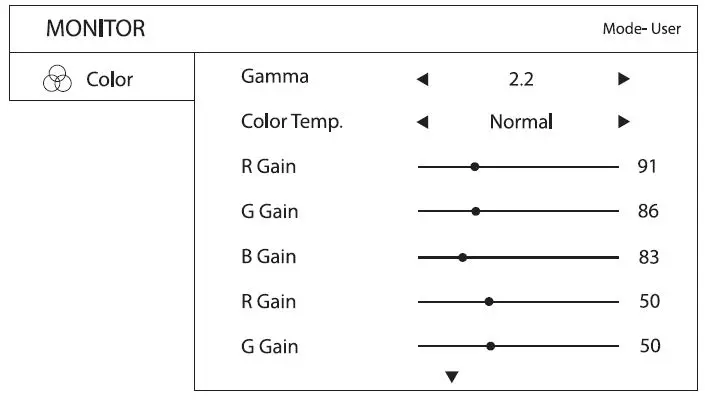
| Gamma: | To adjust Gamma 1.8/2.2/2.4 |
| Color: | To adjust color temperature: Warm/Normal/Cool/Blue Light/User |
| RGB Values can be individually adjusted |
AUDIO
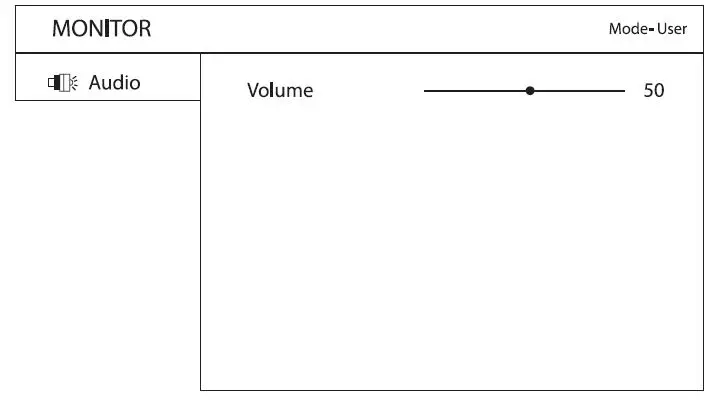
| Volume: | To adjust internal speakers |
OSD
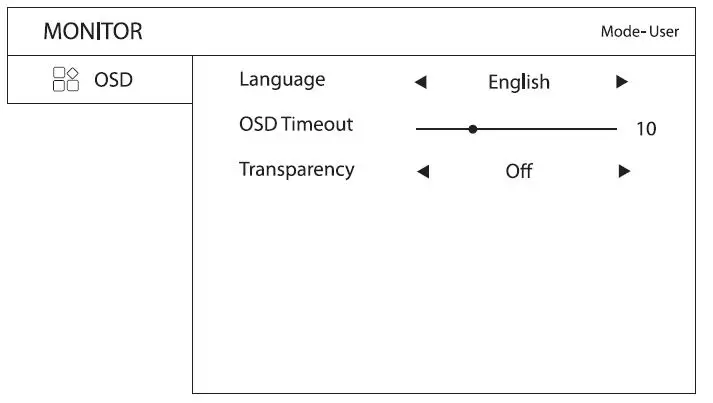
| Language: | To select desired language |
| OSD Time Out: | To adjust time limit of OSD |
| Transparency: | To adjust OSD visibility in foreground |
SYSTEM
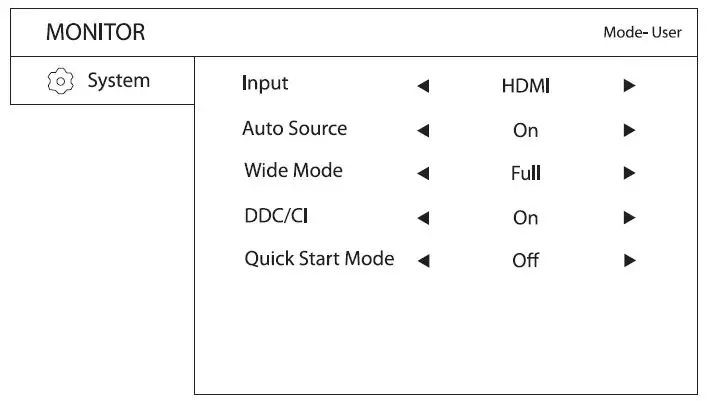
| Input: | To select desired input source: HDMI/VGA/DP |
| Auto Source: | To select On/Off |
| Wide Mode: | To select Aspect/Full. When some input signals are 4:3 the display can extend to 16:9 full screen |
| mode. Full Screen mode does not apply at high resolution settings. | |
| DDC/CI: | To turn On/Off Display Data Channel (DDC) / Command Interface (CI) |
| Quick Start Mode: | Select On & Off VSeven Start up image |
TECHNICAL SPECS
| 23.8” FHD 1920×1080 IPS LED Monitor | |
| General: | Technical: |
| Warranty: 3 years | MTBF: 30,000 hrs |
| Compliance: CE, Energy Star, FCC, ICES, RoHS, UKCA, WEEE | Panel Size: 23.8 in |
| Country Of Origin: China | Panel Type: IPS |
| Package Includes: Monitor with Stand, 2 x M4x12, 2 | Power Input: AC 100V-240V 50-60Hz |
| x M4x30, Quick installation guide, HDMI Cable, | Aspect Ratio: 16:9 |
| Power Cord, Power Adapter, Warranty Card | Response Time: 14 ms |
| Package Dimensions: | Viewing Angle: 178°H / 178°V |
| Package Dimensions (L/W/H): 59.4 x 12.3 x 38.6 cm (23.4 x 4.8 x 15.2 in) | Brightness: 220 nits |
| Shipping Weight: 3.4 kg (7.5 lbs) | Color Depth: 16.7 million colors |
| Package Weight: 3.4 kg (7.5 lbs) | EU/UK Energy Rating: F |
| Product Dimensions: | Contrast Ratio: 1200:1 |
| Product Dim (L/W/H): 54.2 x 19 x 40.9 cm (21.3 x 7.4 x 16 in) | Input Port: DisplayPort, HDMI, VGA |
| Product Weight: 2.76 kg (6.1 lbs) | VESA Mount: 100 x 100 mm |
| Input AC Plug Type: UK, EU, US | |
| Stand: 18.8 cm (7.4 in) Height / 22.9 cm (9 in) x 18.9 cm (7.4 in) Base | |
| Speaker: 2 x 2W | |
| Monitor Dim (w/o Stand): 54.2 x 32.1 x 5.3cm (21.3 x 12.6 x 2.1in) | |
| Pixel Pitch (H/V): 0.2745 (H) x 0.2745 (V) | |
| Horizontal Frequency: 60Hz | |
| Display Area (H x L): 52.7 cm x 29.6 cm | |
CARE & MAINTENANCE
Care
- Avoid exposing your monitor directly to sunlight or another heat source. Place your monitor away from the sun to reduce glare.
- Put your monitor in a well-ventilated area.
- Do not place any heavy things on top of your monitor
- Make certain your monitor is installed in a clean and moisture-free area.
- Keep your monitor away from magnets, motors, transformers, speakers, and TV sets.
Safety Tips
- If smoke, noise or odor comes from the monitor – remove the power cord immediately and call tech support.
- Never remove the rear cover of your monitor cabinet. The display unit inside contains high-voltage parts and may cause electric shock.
- Never try to repair your monitor yourself. Always call your service center or a qualified technician.
TROUBLESHOOTING
No Power
- Make sure A/C power cord is securely inserted to both the AC-INLET socket on the monitor and wall outlet.
- Plug another electrical device into the power outlet to verify that the outlet is supplying proper voltage.
- Make sure all signal cables are installed.
Power on but no screen image
- Make sure the video cable supplied with the monitor is tightly secured to the video output port on back of the computer.
- Adjust brightness
Wrong or abnormal colors
- If any colors (red, green, blue) are missing, check the video cable to make sure it is securely connected. Loose or broken pins in the cable connector could cause an improper connection
- Connect the monitor to another computer
SAFETY & FCC WARNING
Safety Precautions
This monitor is manufactured and tested on the ground principle that a user’s safety comes first. However, improper use or installation may result in danger to the monitor as well as to the user. Carefully go over the following WARNINGS before installation and keep this guide handy.
- This monitor should be operated only at the correct power sources indicated on the label on the rear end of the monitor. If you’re unsure of the power supply in your residence, consult your local dealer or power company.
- Do not try to repair the monitor yourself as it contains no user-serviceable parts. The monitor should only be repaired by a qualified technician.
- Do not remove the monitor cabinet. There is high-voltage parts inside that may cause an electric shock to human bodies, even when the power cord is disconnected.
- Stop using the monitor if the cabinet is damaged. Have it checked by a service technician?
- Put your monitor only in a clean, dry environment. Unplug the monitor immediately if gets wet and consult your service technician.
- Always unplug the monitor before cleaning it. Clean the cabinet with a clean, dry cloth. Apply non-ammonia-based cleaner onto the cloth, not directly onto the glass screen.
- Keep the monitor away from magnetic objects, motors, TV sets, and transformers.
- Do not place heavy objects on the cable or power cord.
- Due to safety concerns, if the VESA mounting kit is purchased separately, please make sure the mounting kit is UL-Listed and replaceable only by service personnel.
FCC RADIO FREQUENCY INTERFERENCE STATEMENT
WARNING: (FOR FCC CERTIFIED MODELS)
This monitor has been tested and found compliant with the limits for a Class B digital device, pursuant to part 15 of the FCC Rules. These limits are designed to provide proper protection against harmful interference to a residential installation. This monitor generates, uses, and can radiate radio frequency energy. Harmful interference to radio communication may be led as a result if it‘s not properly installed and used. However, there is no guarantee that interference will not occur in a particular installation. If this monitor does cause serious interference to radio or television reception, resetting the monitor may determine it. Moreover, users are encouraged to correct interference by doing one or more of the following:
- Reorient or relocate the receiving antenna.
- Move the monitor and the receiver further away from each other.
- Connect the monitor into an outlet on a circuit different from that to which the receiver is connected.
- Consult your local dealer or a qualified technician.
FCC Warning:
To assure continued FCC compliance, a user must use a grounded power supply cord and the provided shielded video interface cable with bonded ferrite cores. Also, any unauthorized changes or modifications to this monitor would void the user‘s authority to operate this device. Each country in the European Union should have its collection centers for electrical and electronic equipment recycling. For information about your recycling drop-off area, please contact your related electrical and electronic equipment waste management authority or the retailer where you bought the product.
Note: If necessary, shielded interface cables and AC power cord must be used to meet the emission level limits.
Regulatory Information: Disposal of Waste Electrical and Electronic Equipment (WEEE) The Waste Electrical and Electronic Equipment (WEEE) Directive aims to minimize the impact of electrical and electronic goods on the environment, by increasing re-use and recycling and by reducing the amount of WEEE going to landfill. The symbol on your V7 product or its packaging signifies that this product must be disposed of separately from ordinary household wastes at its end of life. Please kindly be aware that this is your responsibility to dispose of electronic equipment at recycling centers so as to help conserve natural resources. Each country in the European Union should have its collection centers for electrical and electronic equipment recycling. For information about your recycling drop-off area, please contact your related electrical and electronic equipment waste management authority or the retailer where you bought the product.