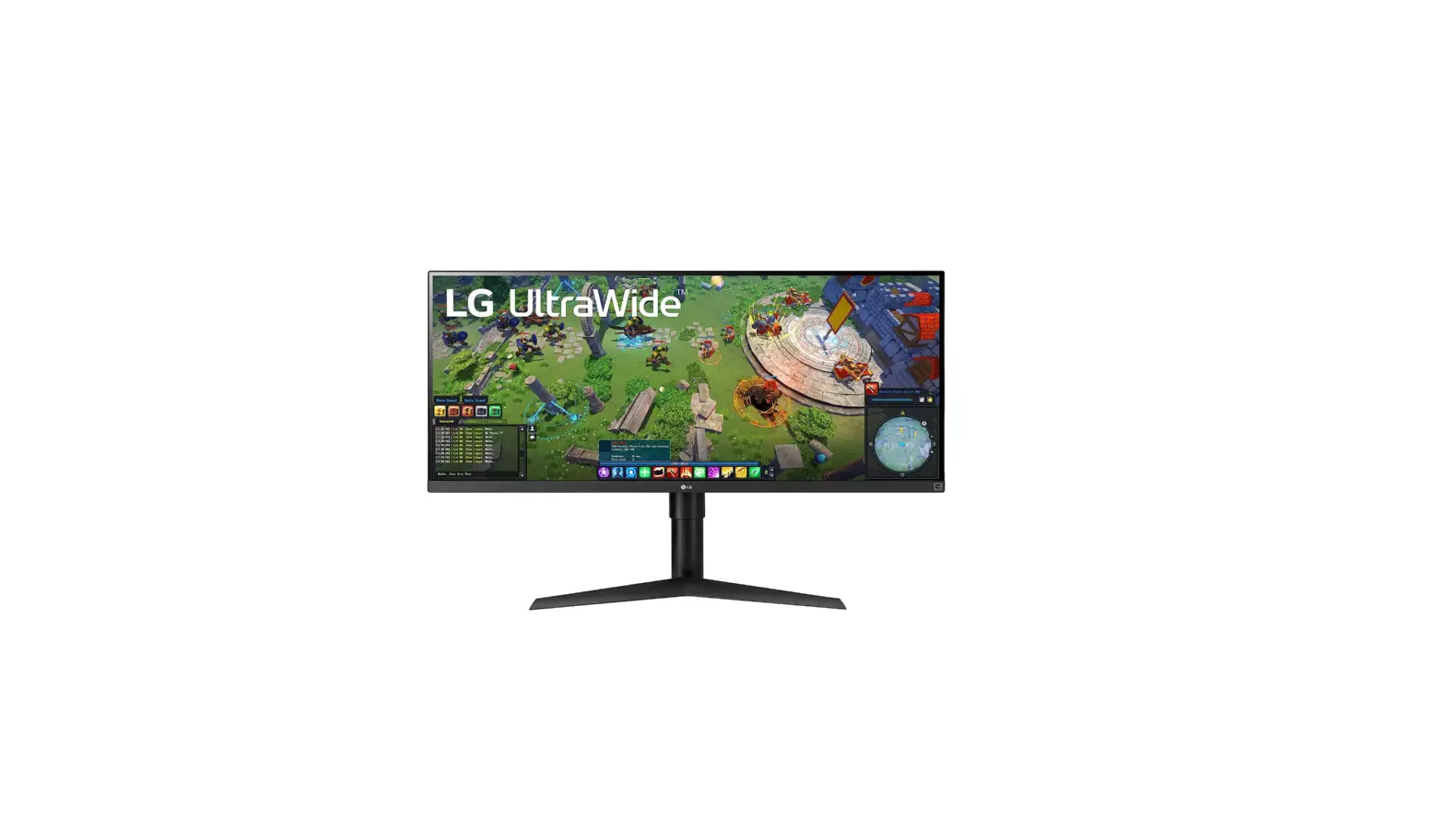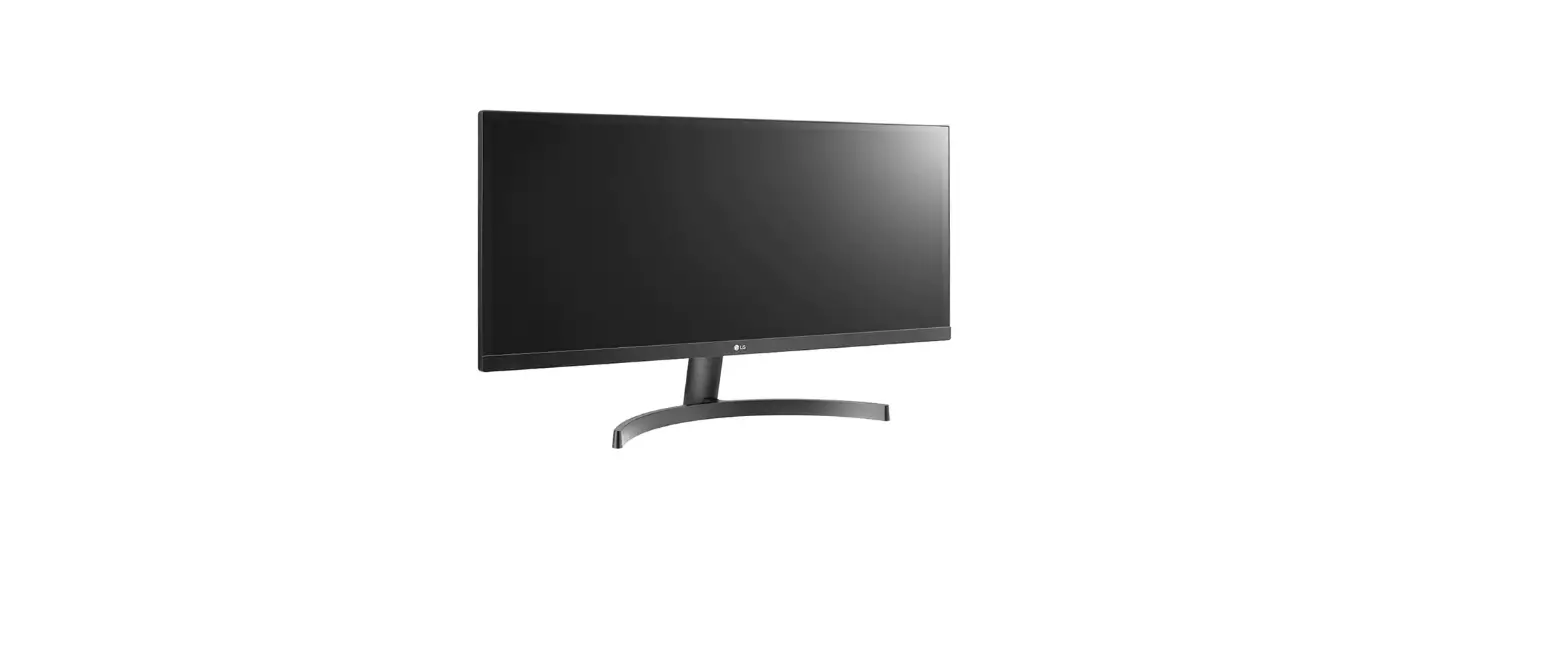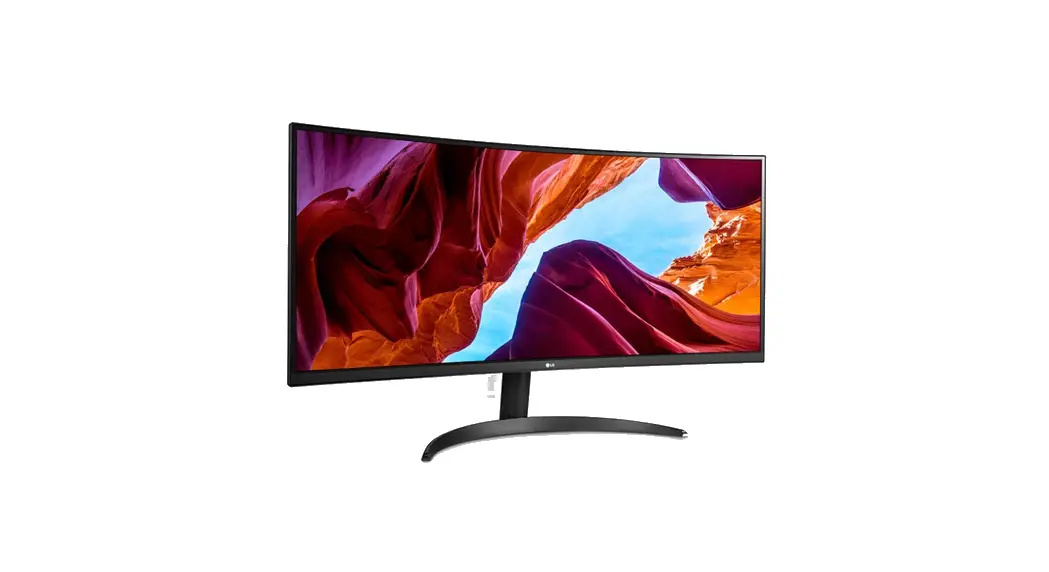

 www.lg.com
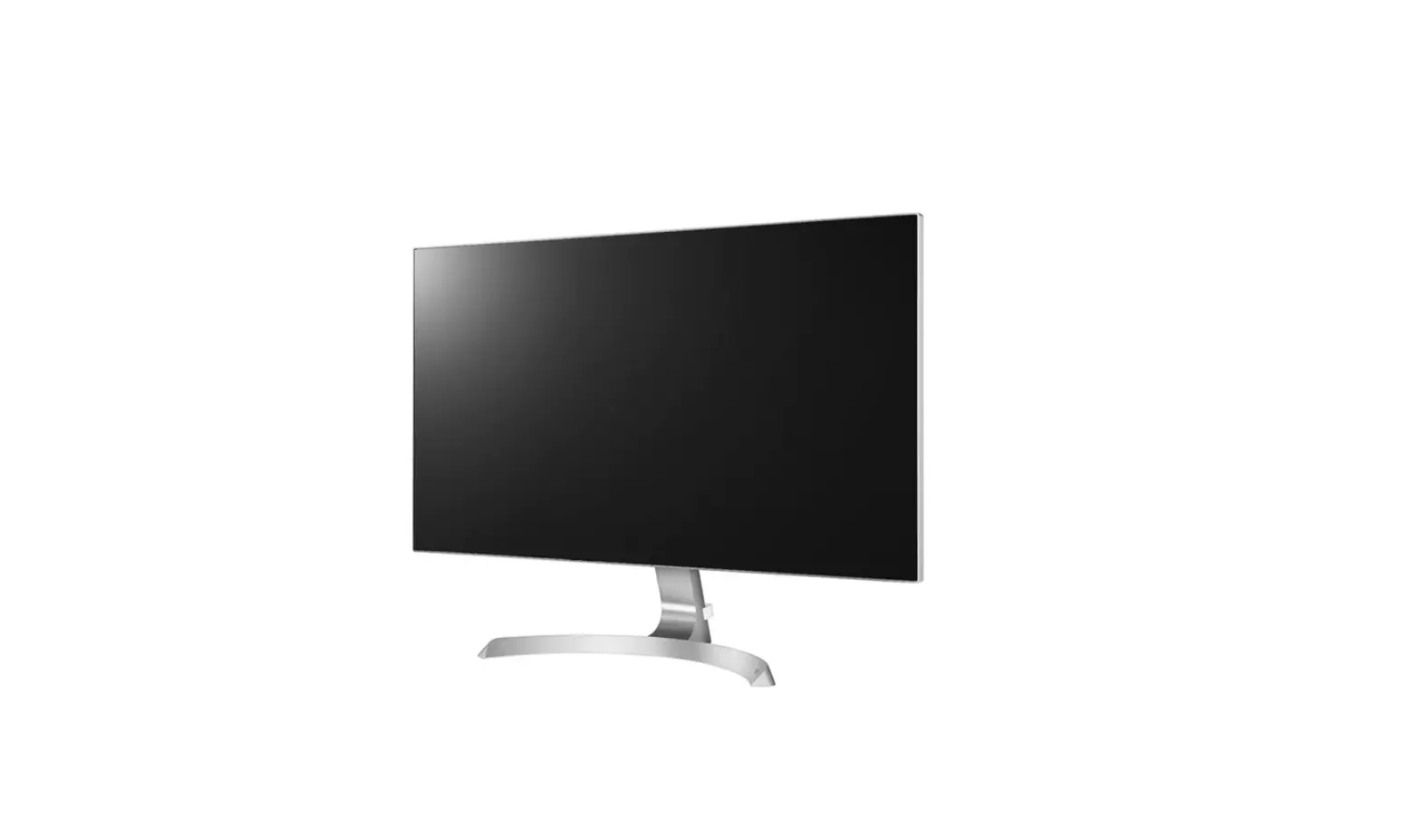
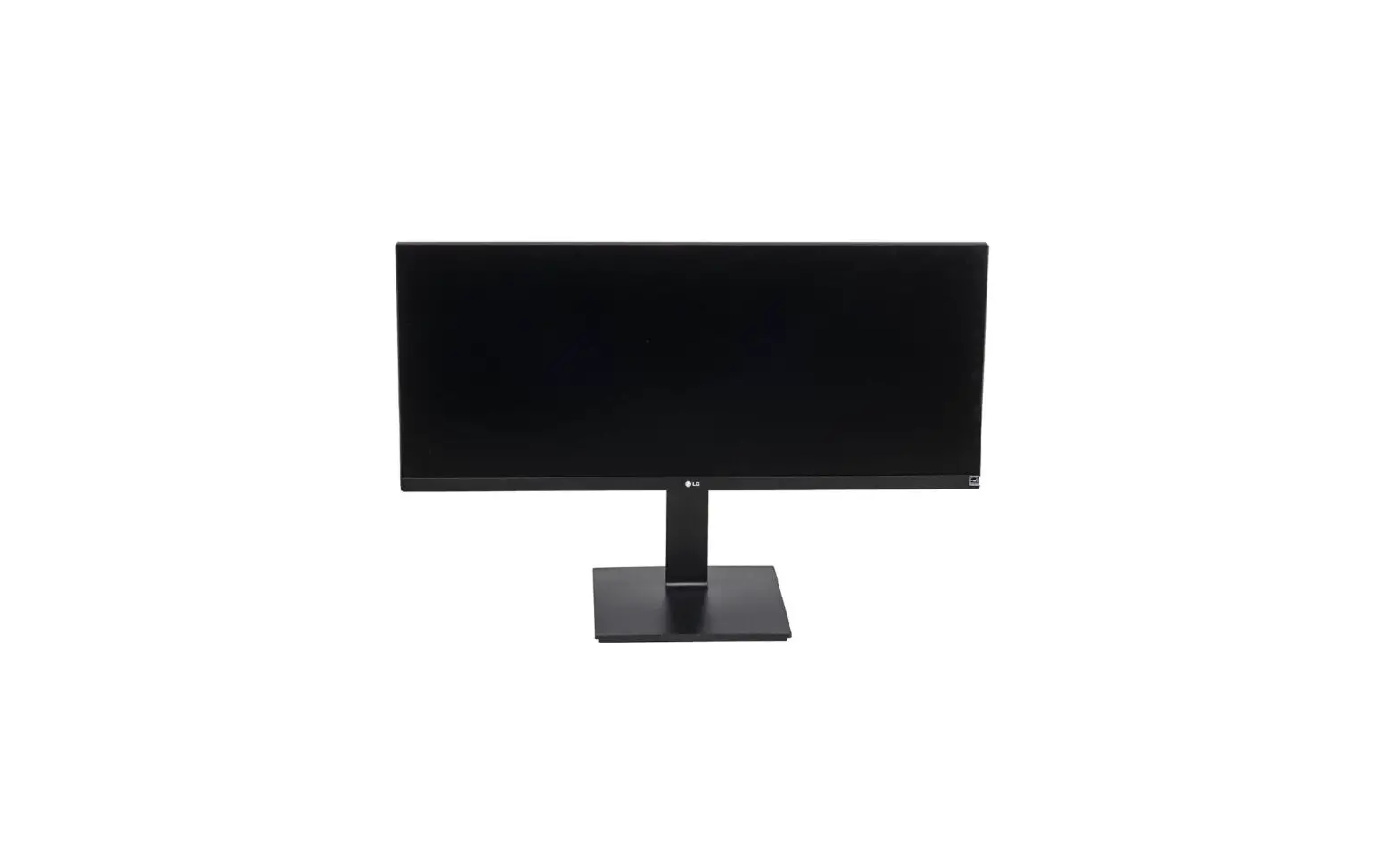
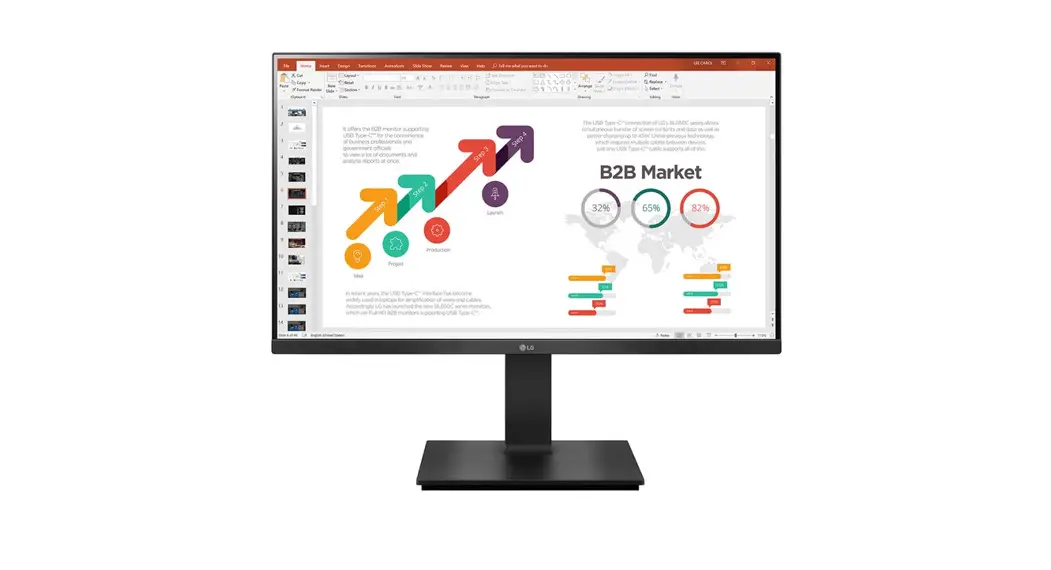
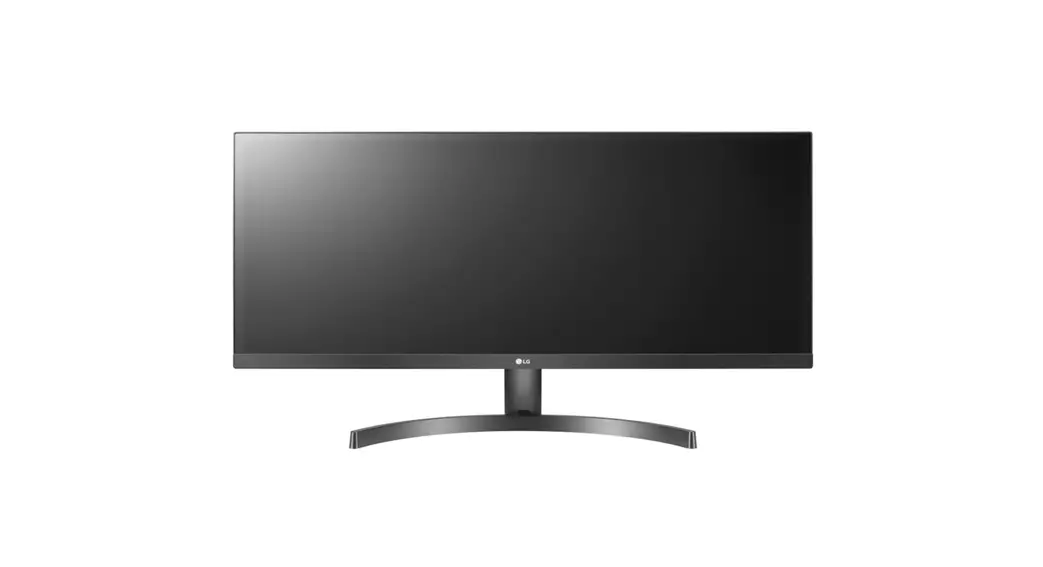
LED LCD Monitor (LED Monitor)
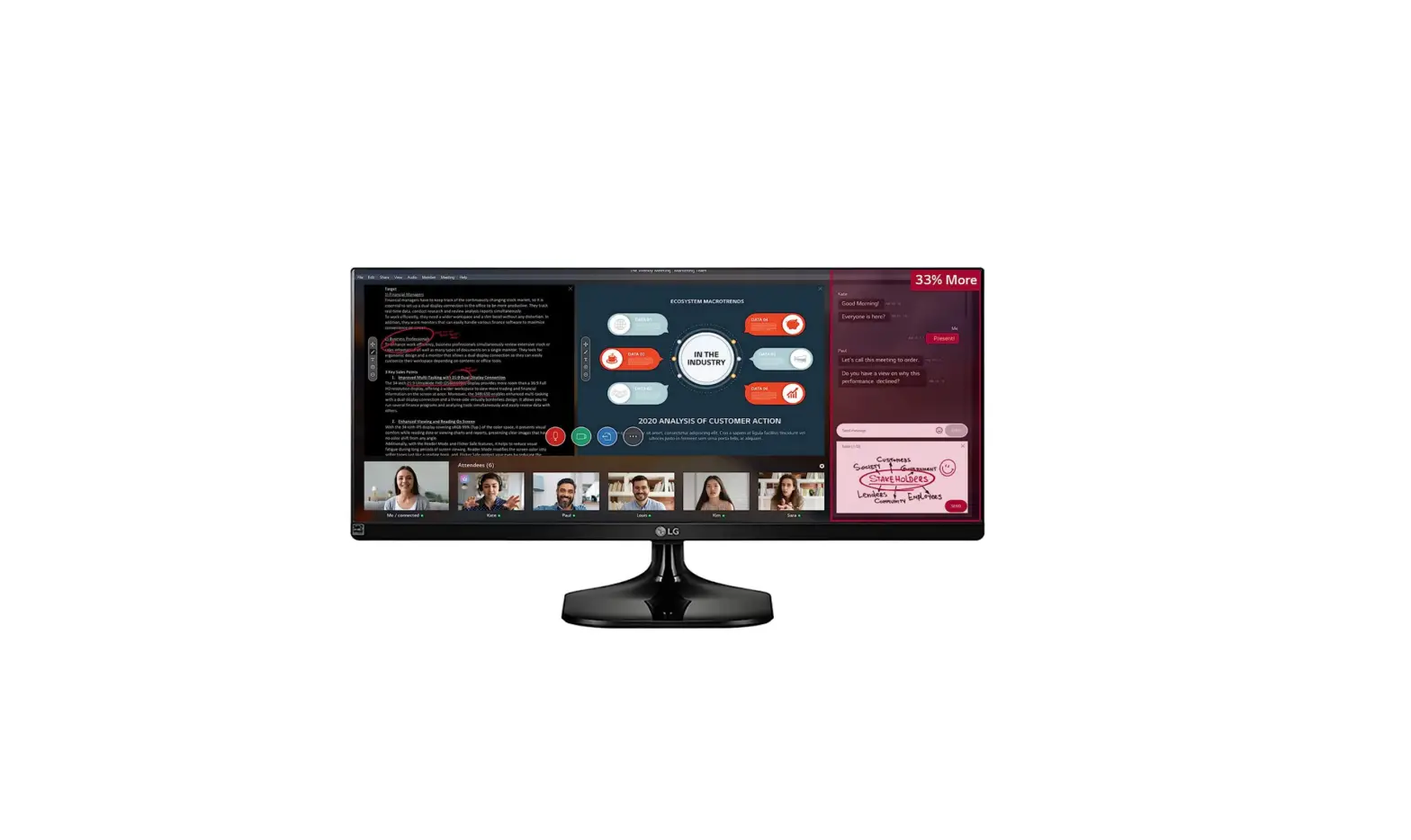
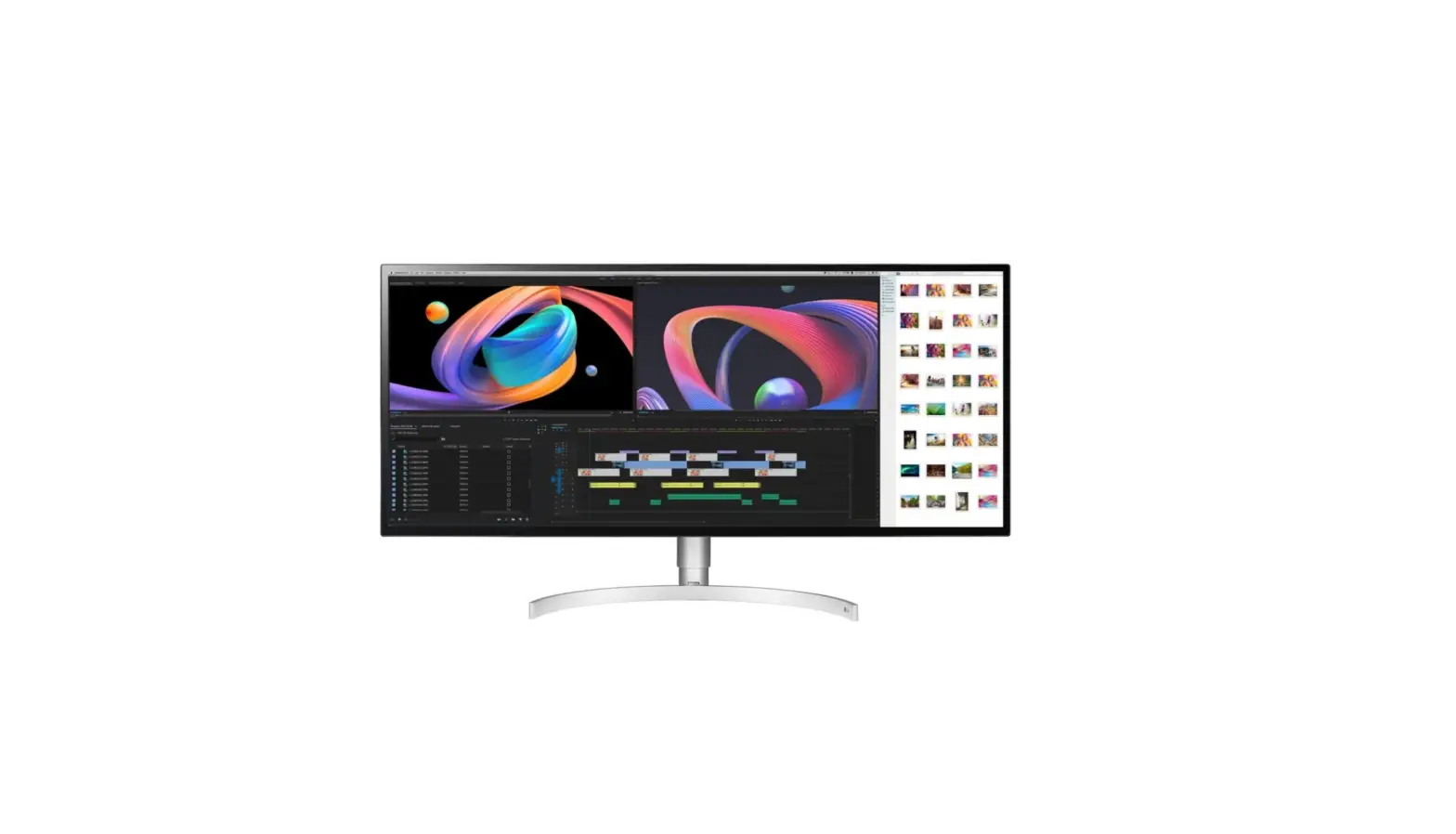
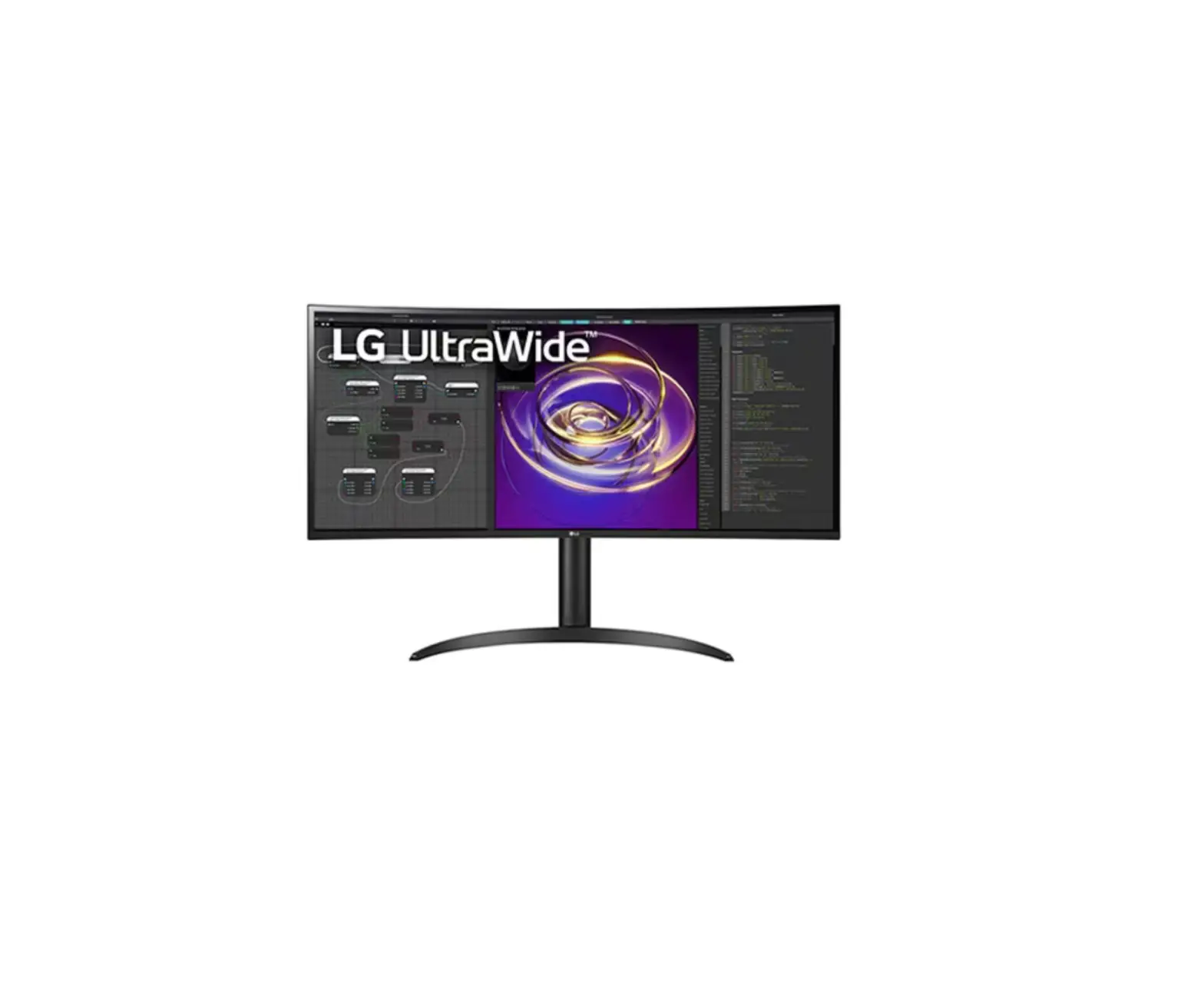
29WL500 34WL500
Quick Start Guide
Images shown in manual may vary depending on model Depending on the model Depending on country
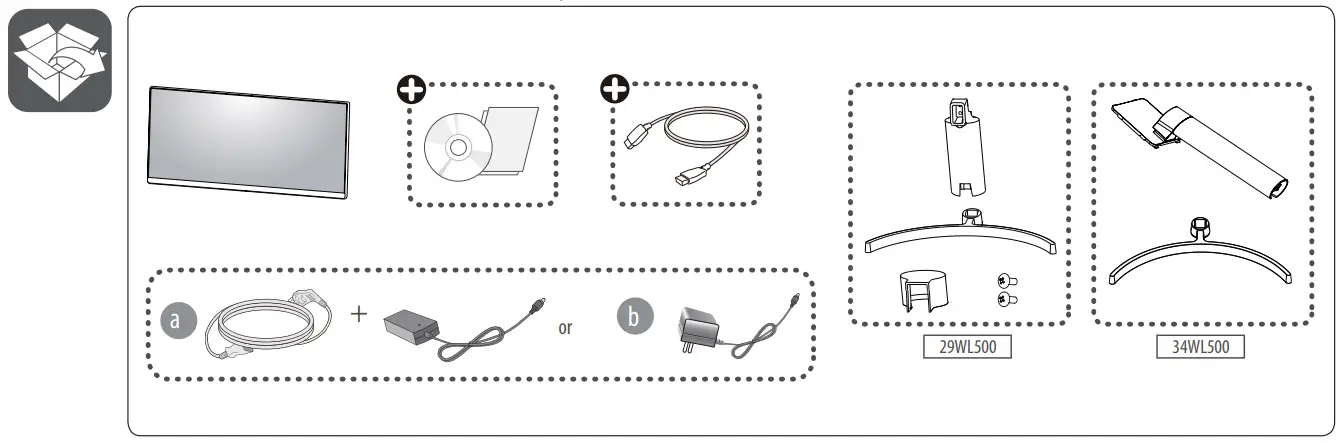
Unpacking
Check your product box for the following items. If there are any missing accessories, contact the local dealer where you purchased your product. The illustrations in this manual may differ from the actual product and item.
 | It is recommended that use the supplied components. |
 | www.lg.com You can download manuals from the LGE website. |
 | • Using a DVI to HDMI / DP (DisplayPort) to HDMI cable may cause compatibility issues. • Make sure to use the supplied cable. Otherwise, this may cause the device to malfunction. |
Handling Guide
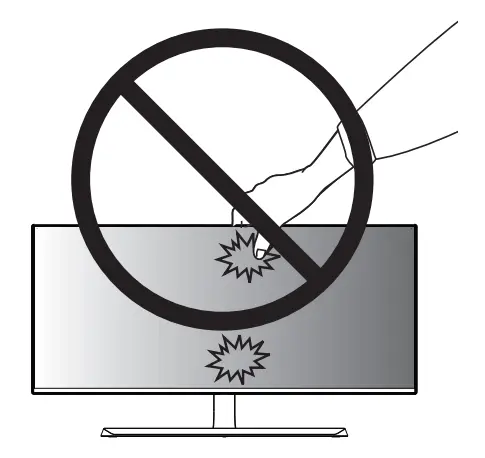
 Be careful not to press the screen with your fingers or palm.

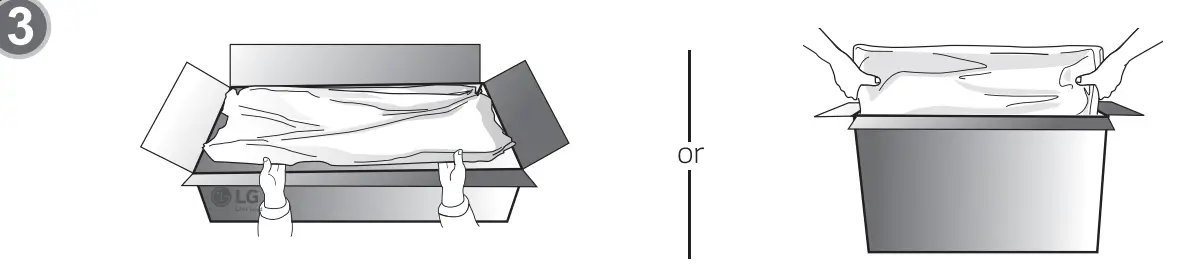
- Be careful not to push on the screen when taking the set out from the package.
Image shown may vary depending on model

 CAUTION Image shown may differ from your monitor. When attaching the stand to the monitor set, place the screen facing down on a flat cushioned table surface to protect the screen from scratches.
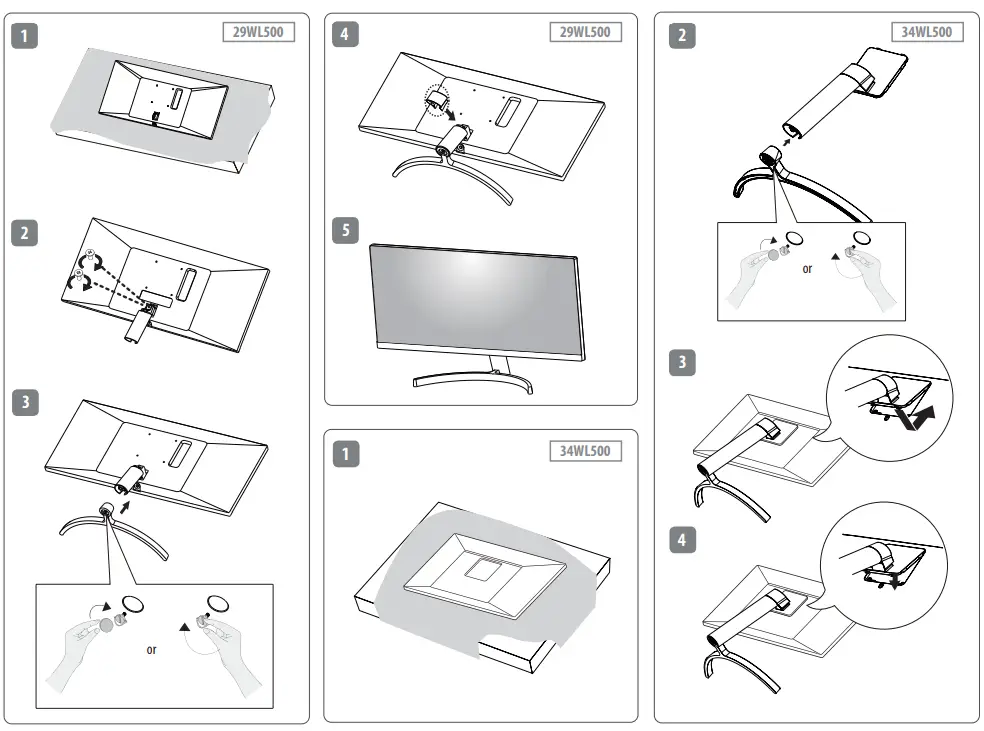

 NOTE Image shown may vary depending on model . All connection cables & devices shown in the picture are not included along with the product.
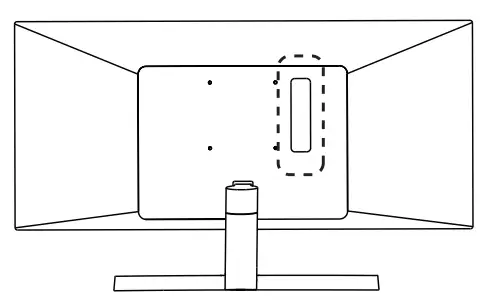
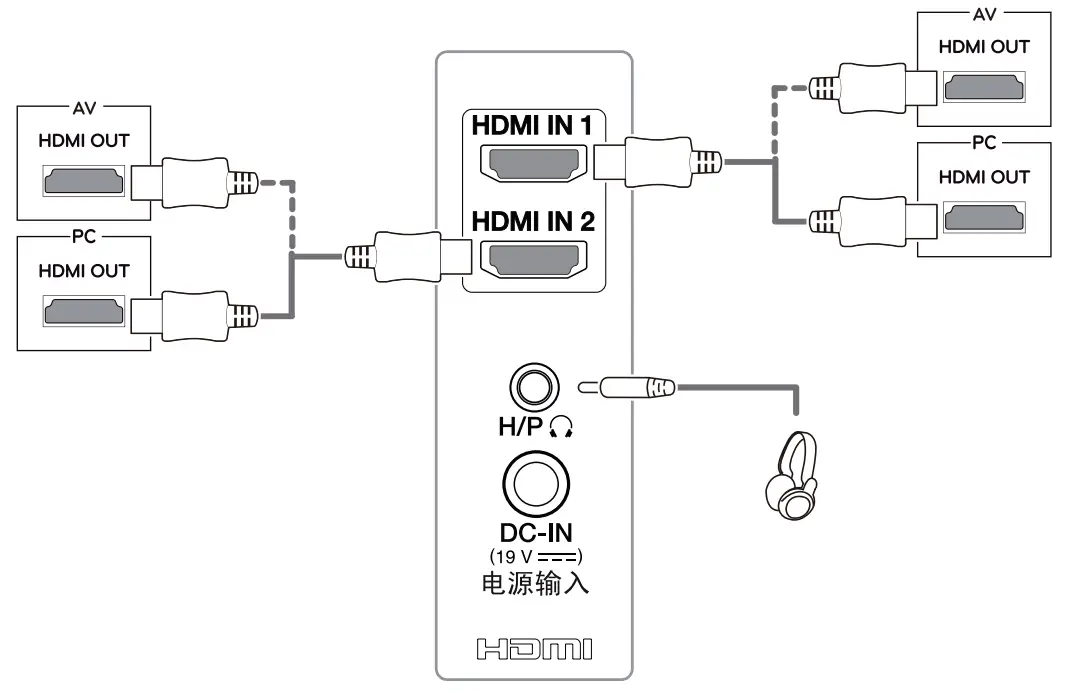
NOTE Image shown may vary depending on model . All connection cables & devices shown in the picture are not included along with the product.
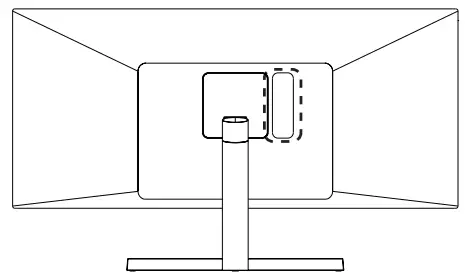
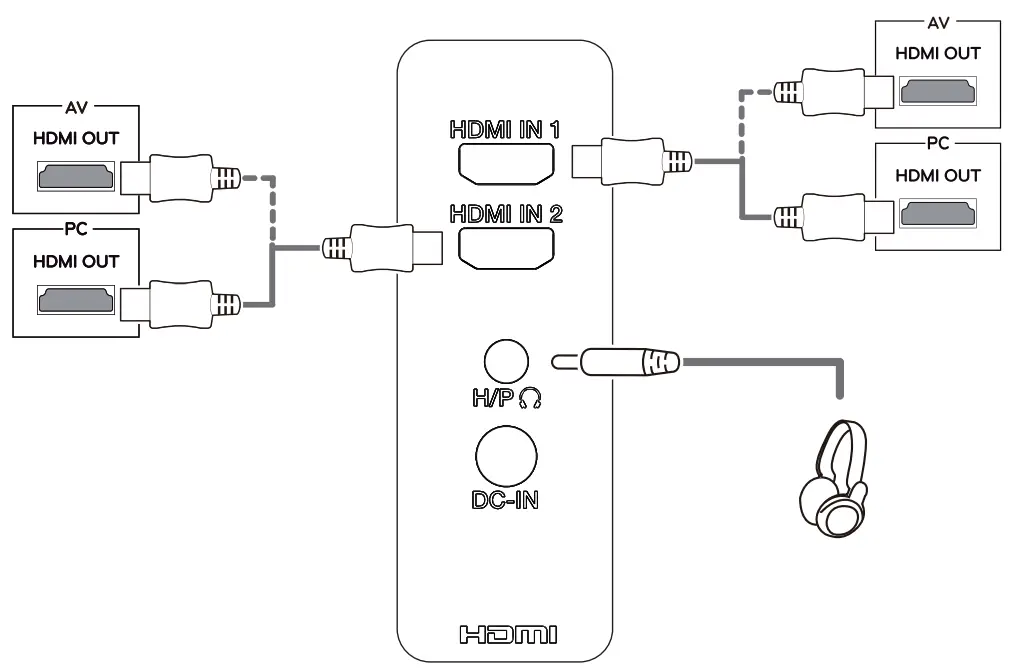
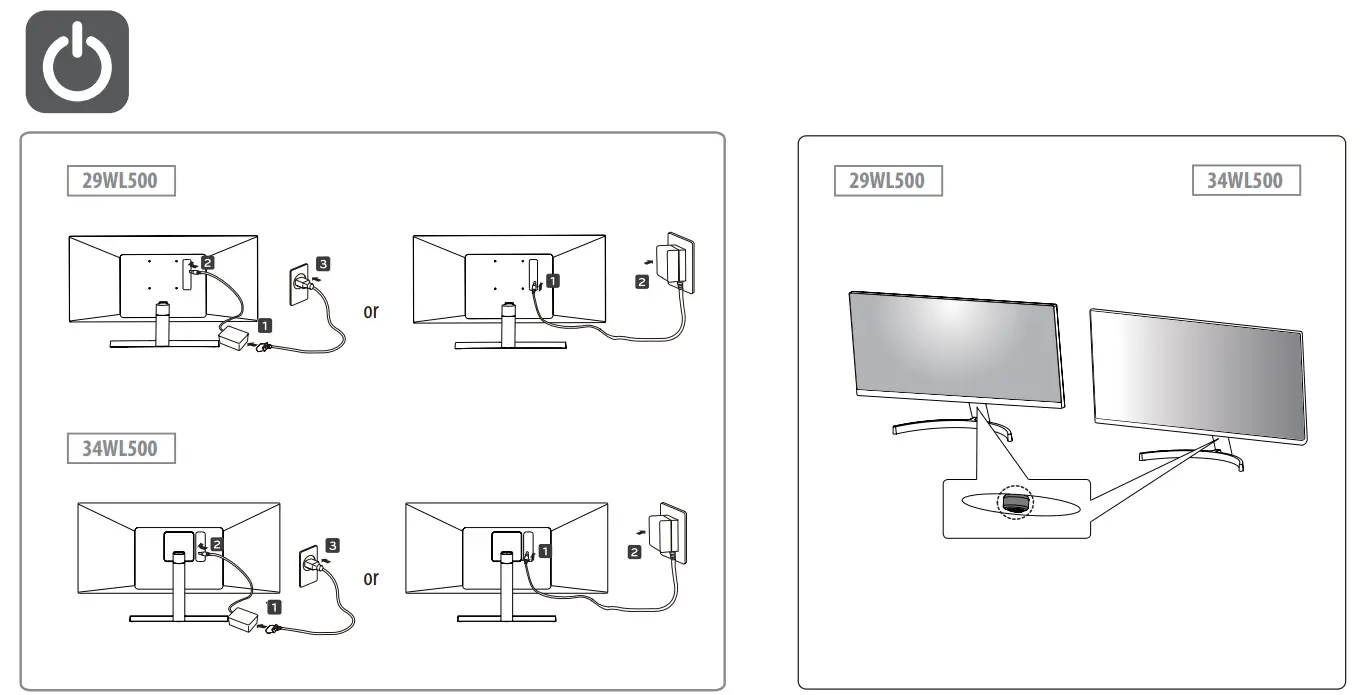
Image shown may vary depending on model.
 IN002043
 LG Electronics & Home Appliances | Shop Now | LG USA