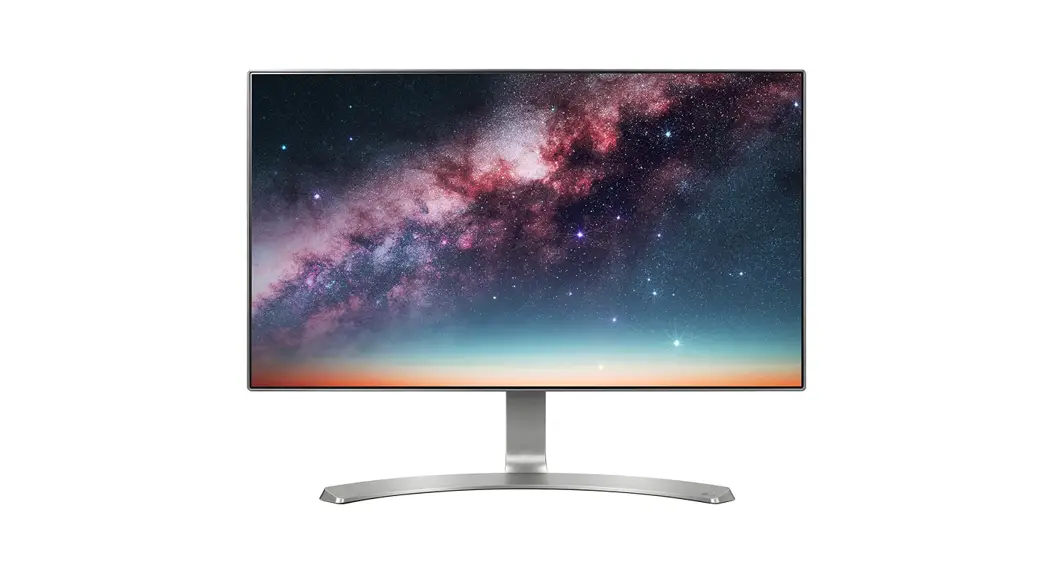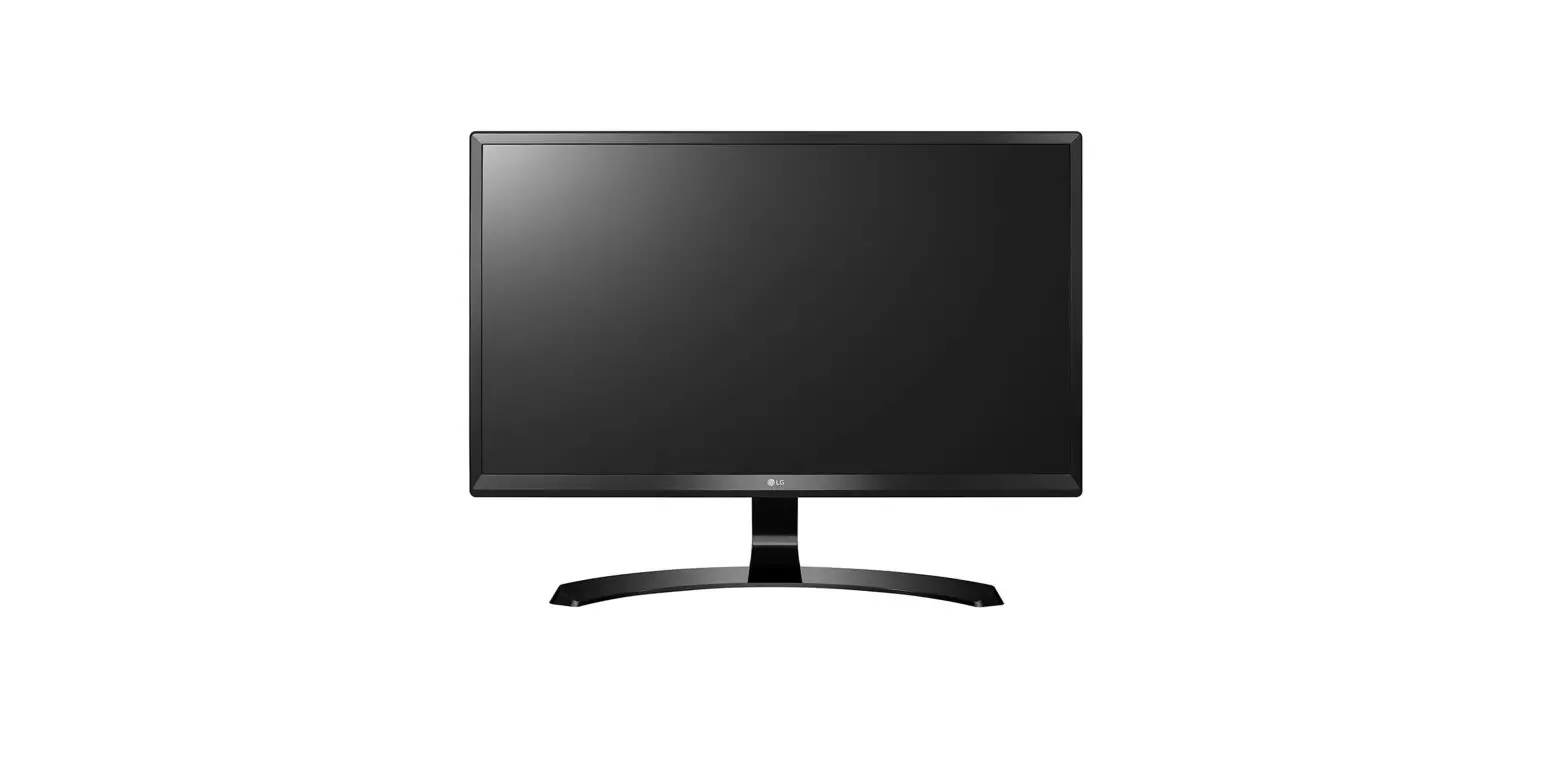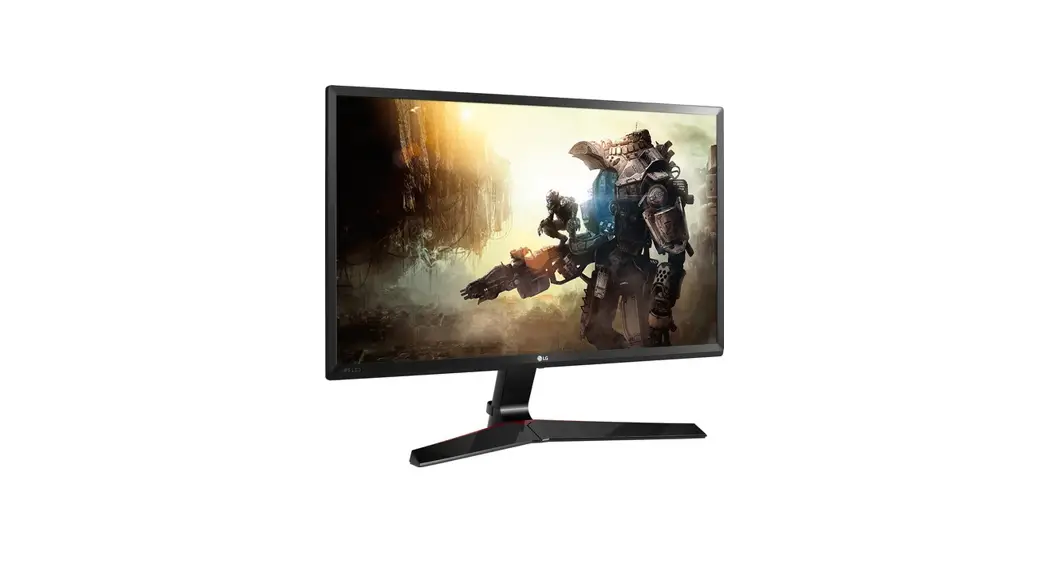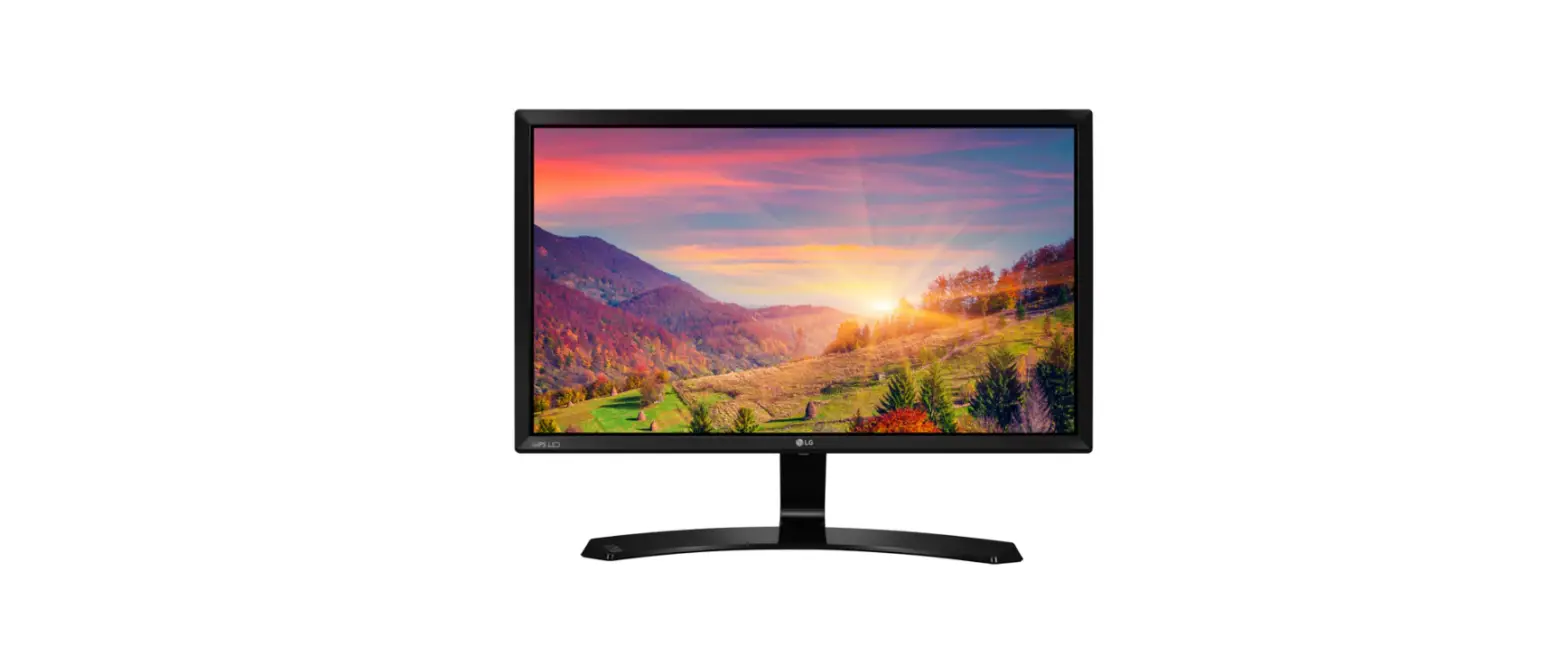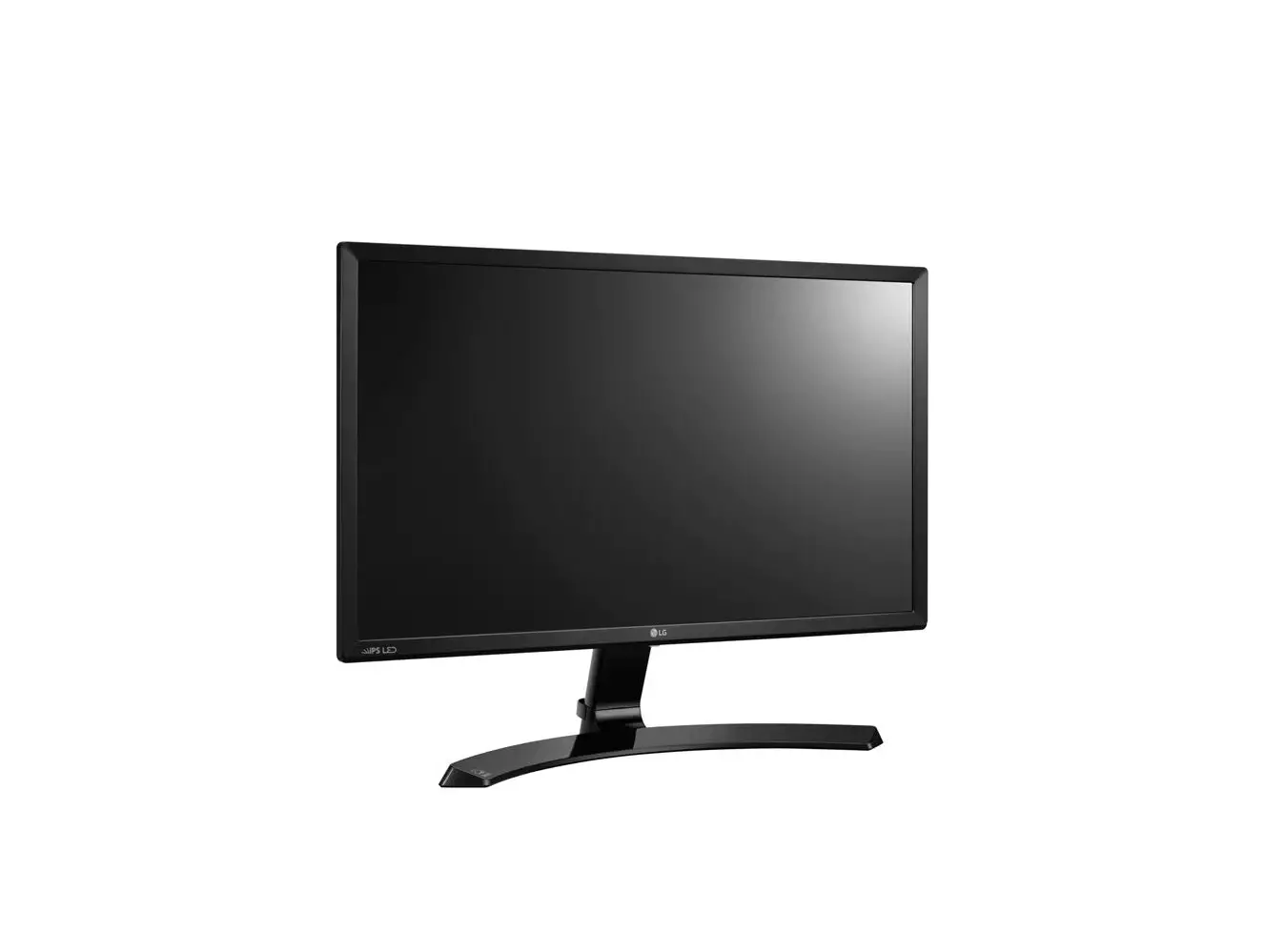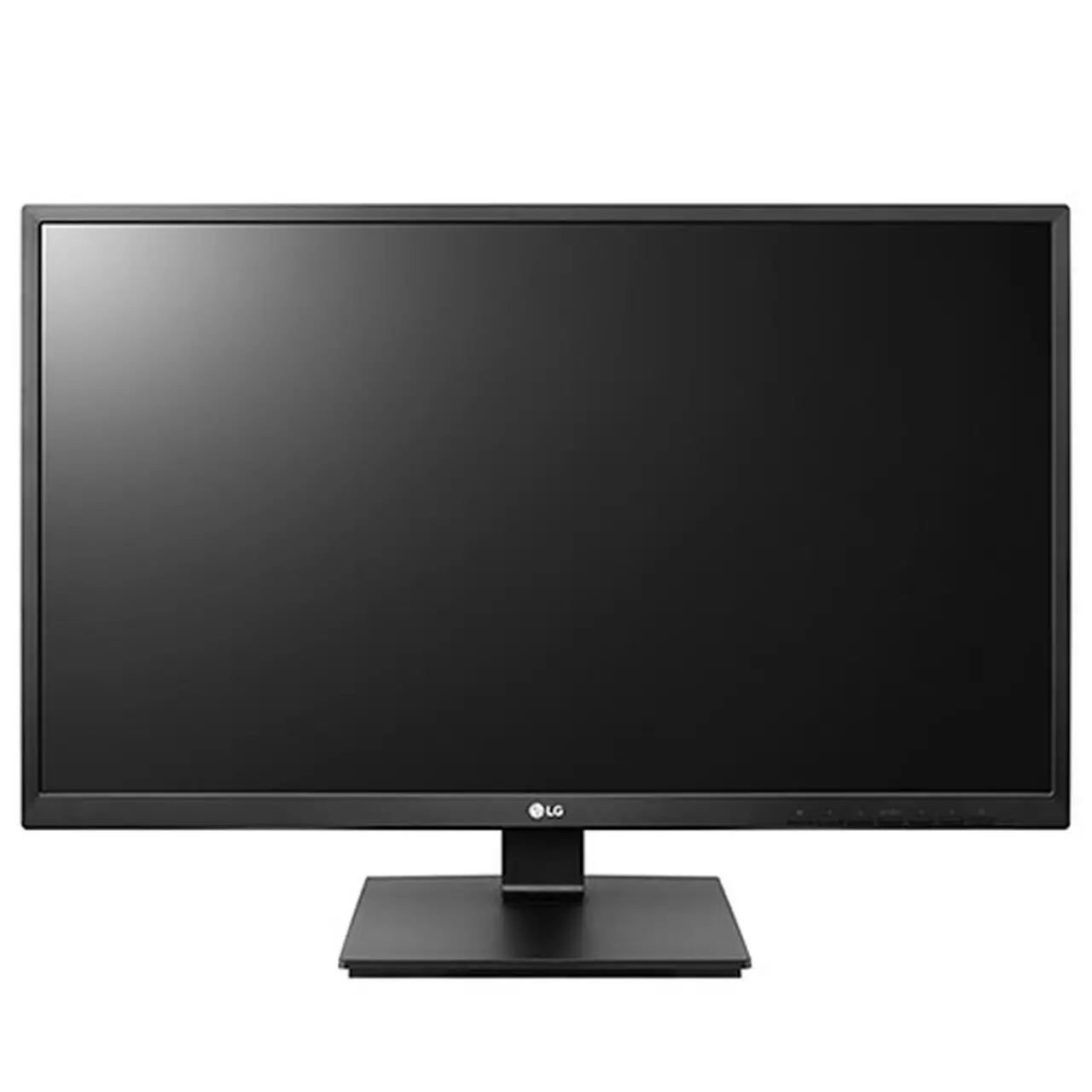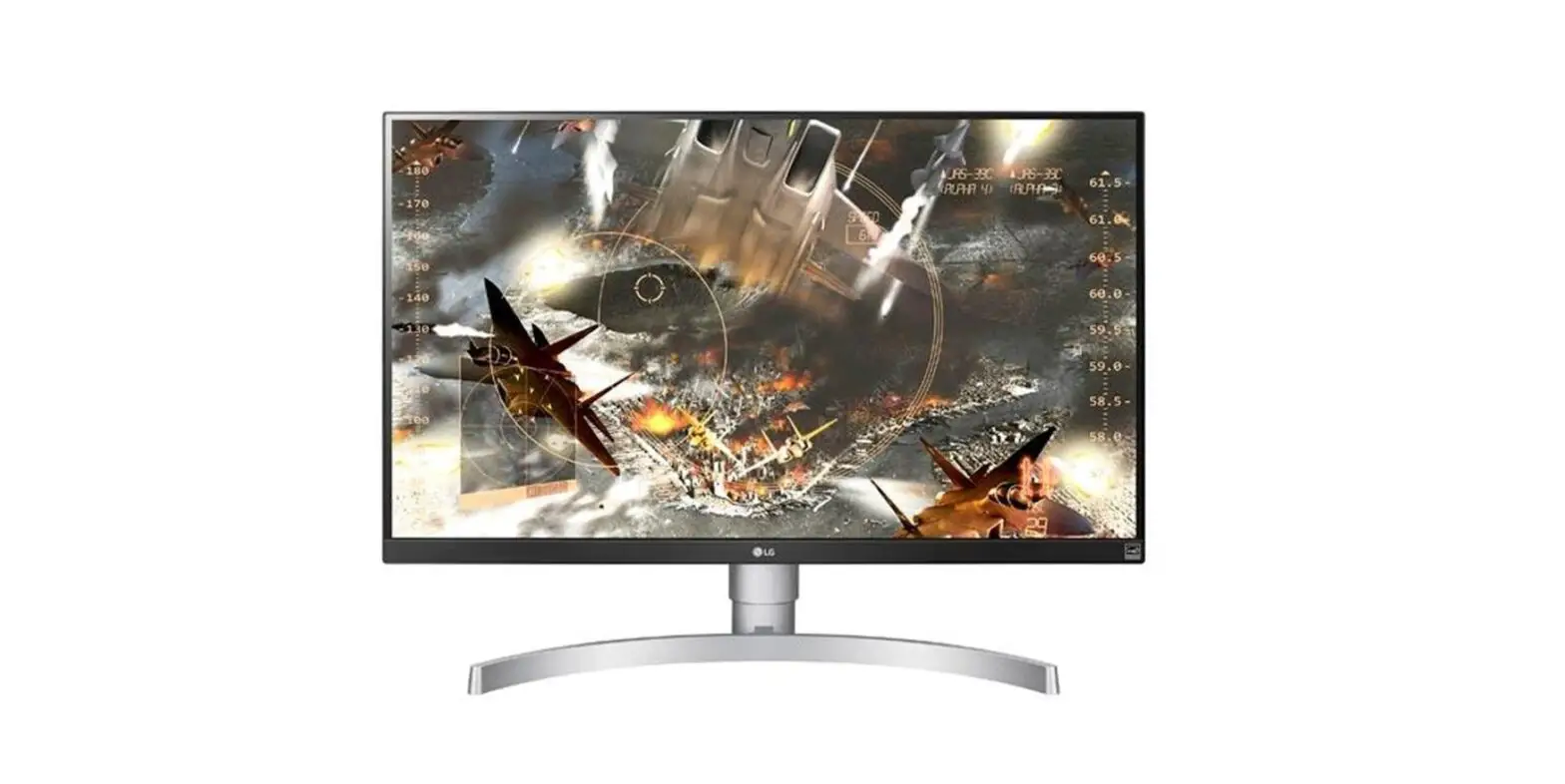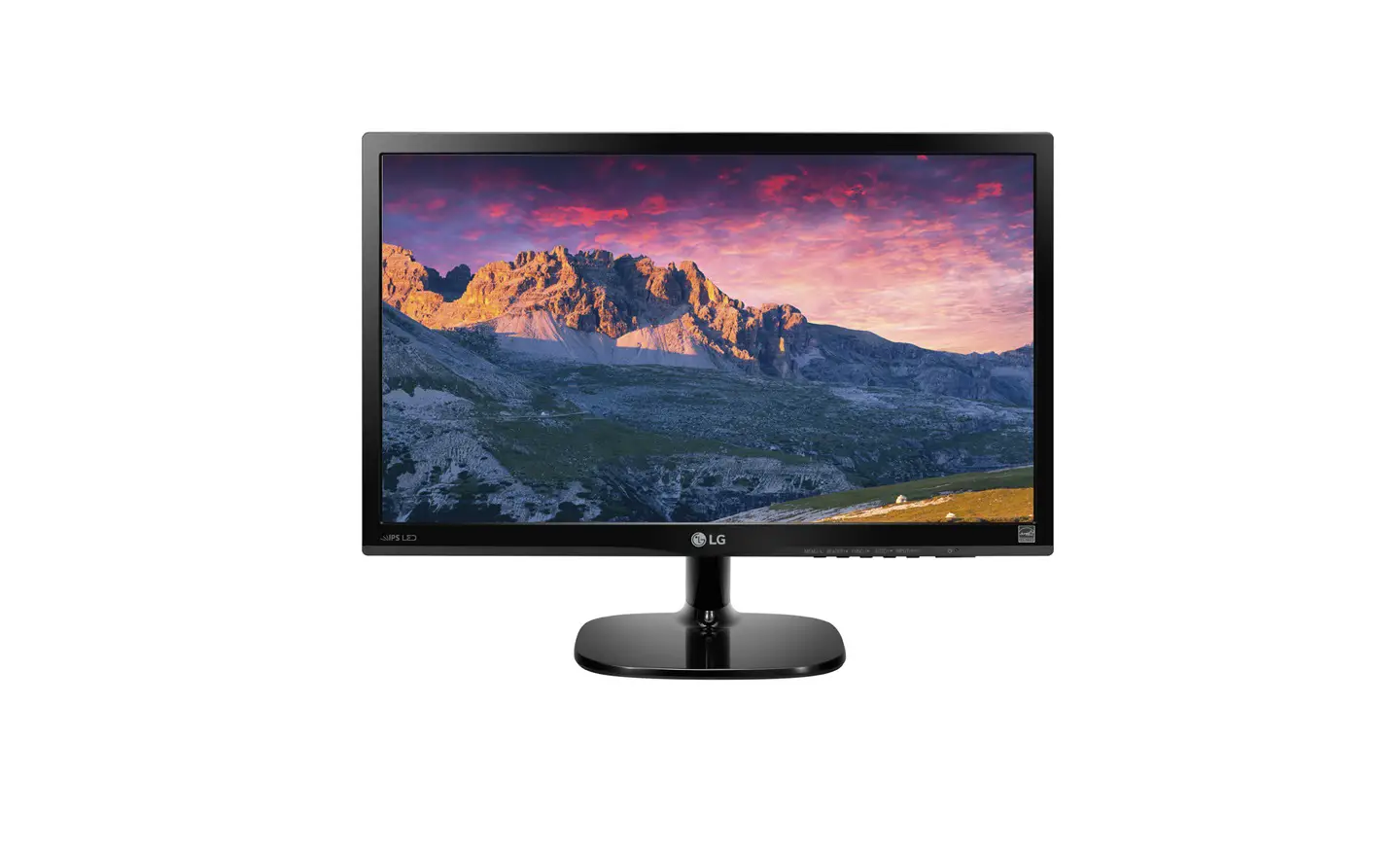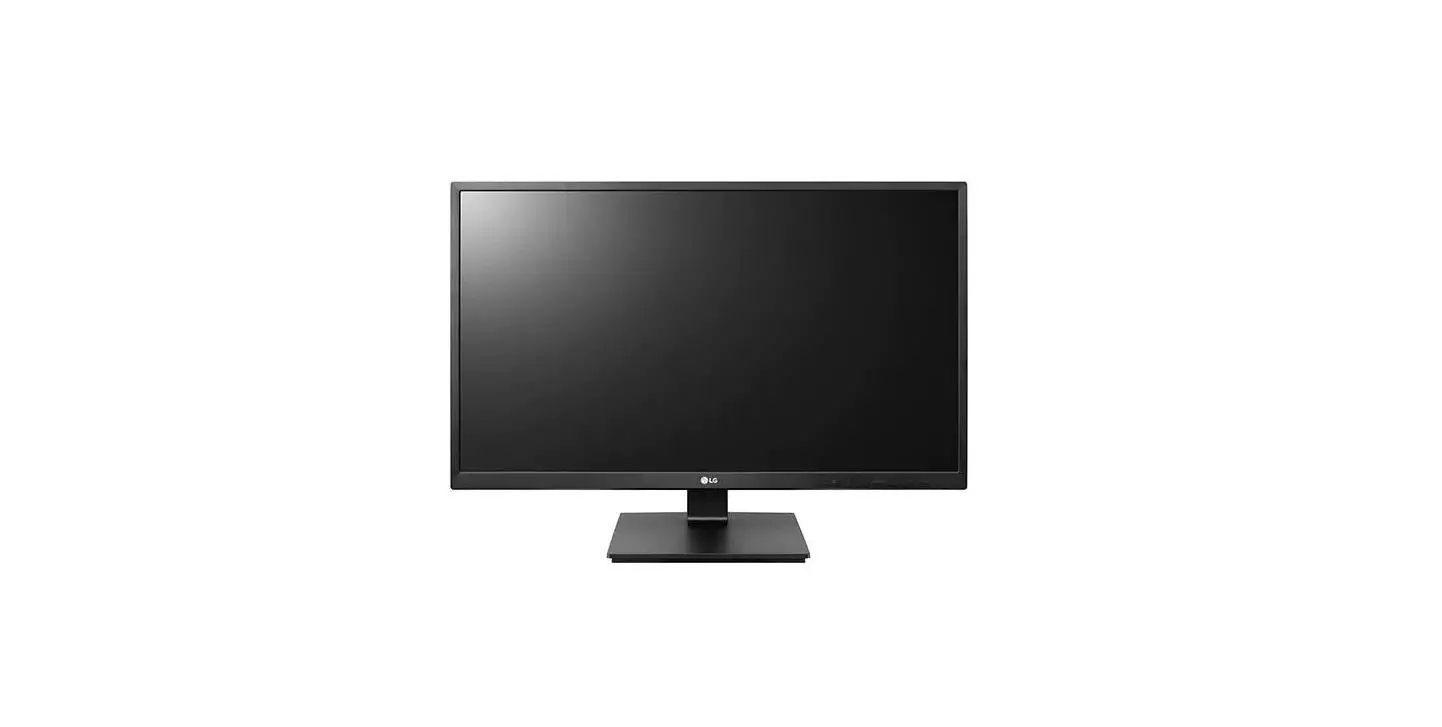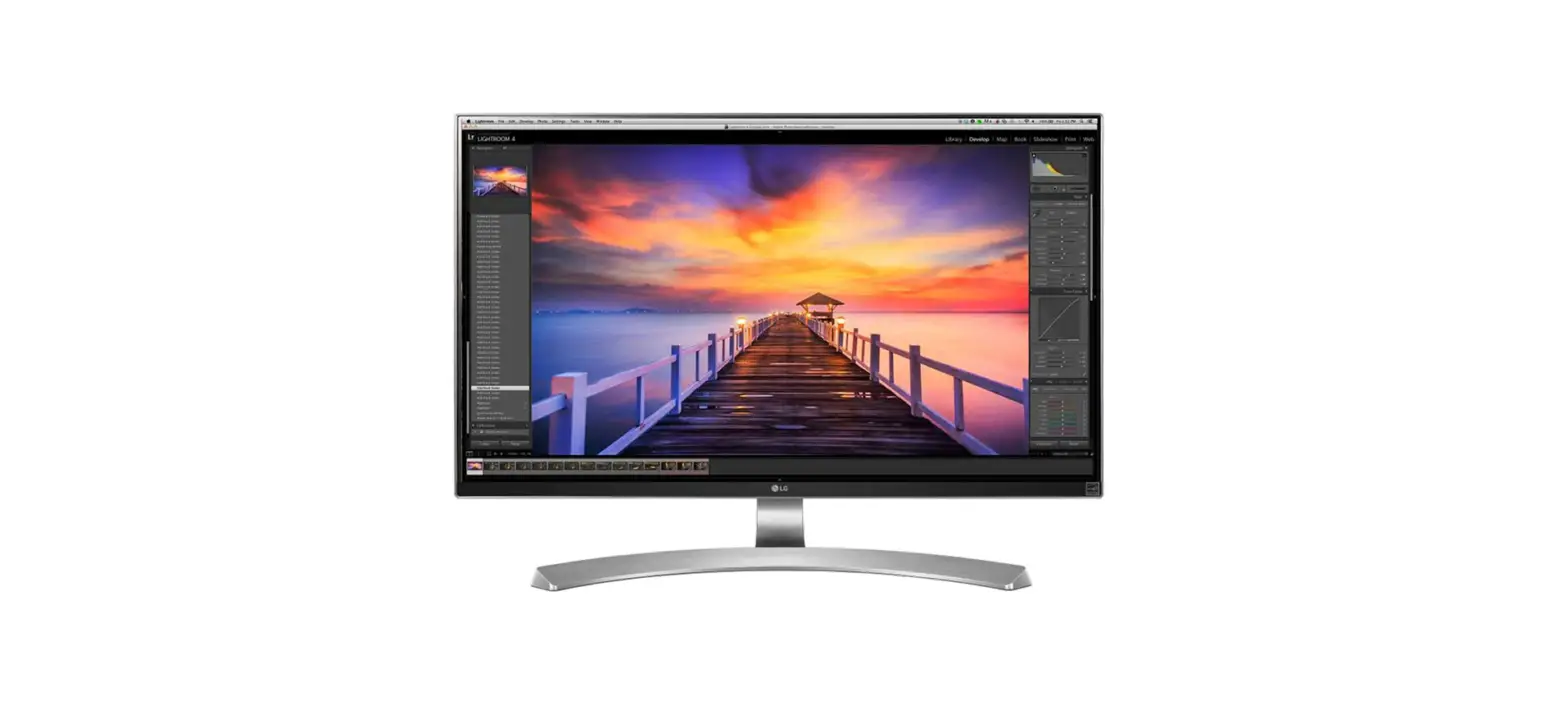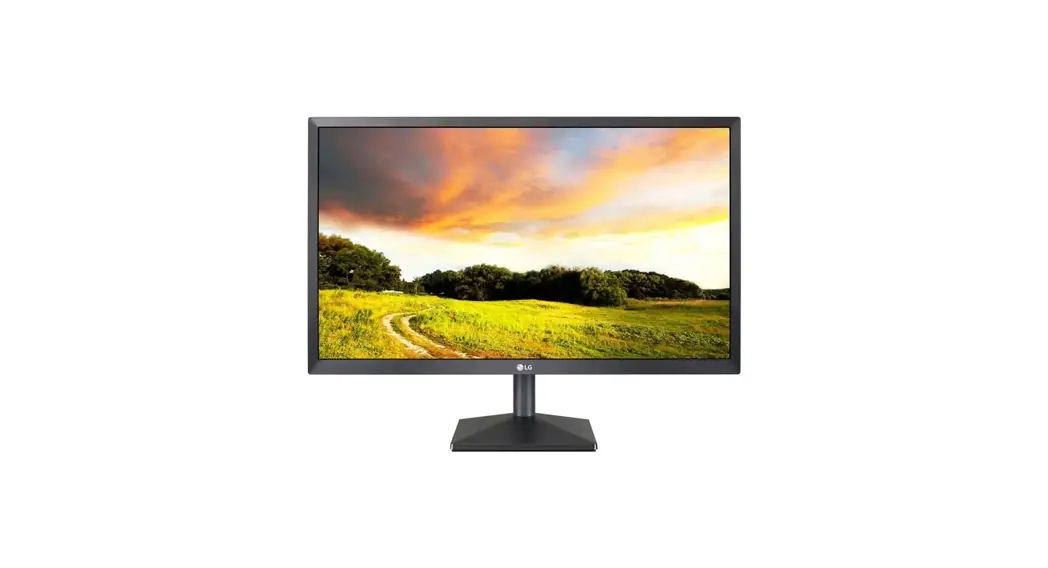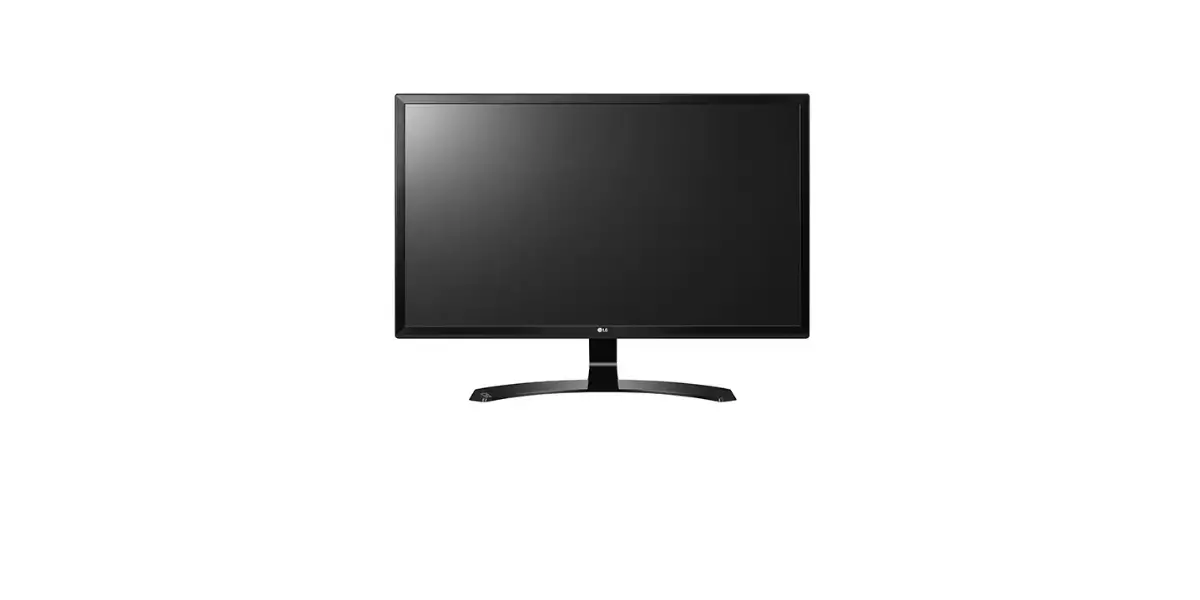

LG 24BK750Y IPS LED Monitor
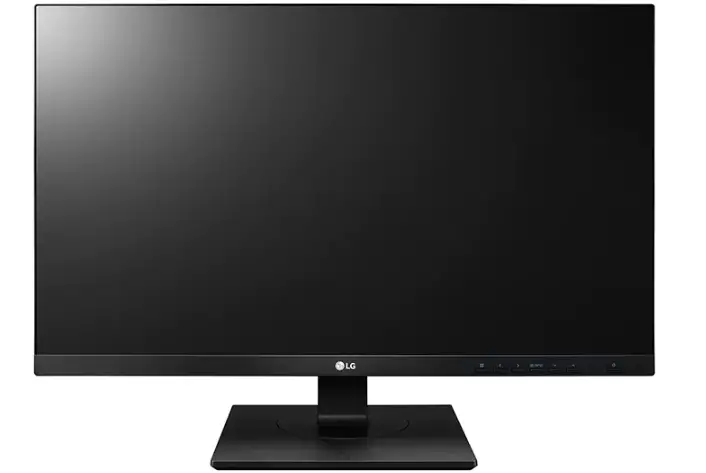
IPS LED Monitor (LED Monitor)
24BK750Y
27BK750Y
IN THE BOX
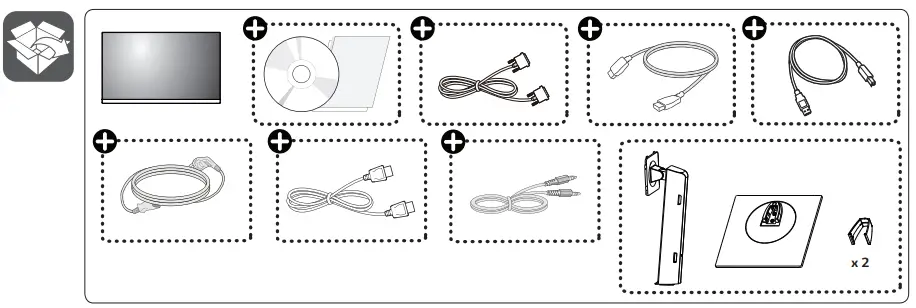
- Depending on country
- It is recommended that use the supplied components.
- You can download manuals from the LGE website.
SETTINGS
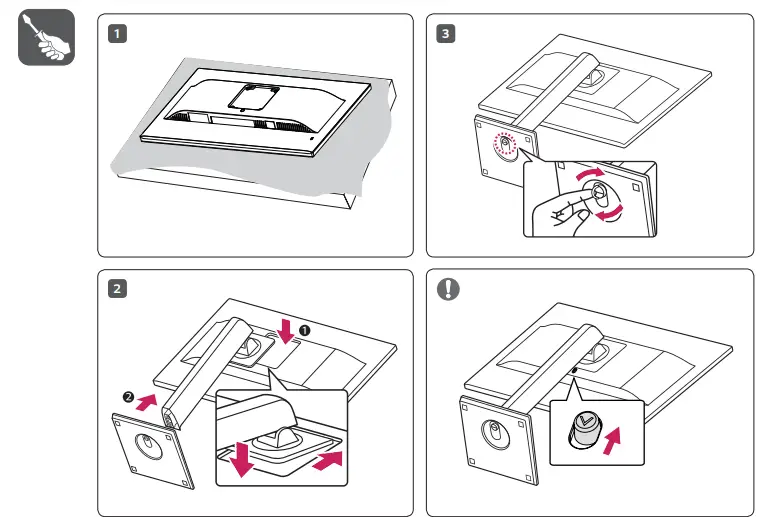
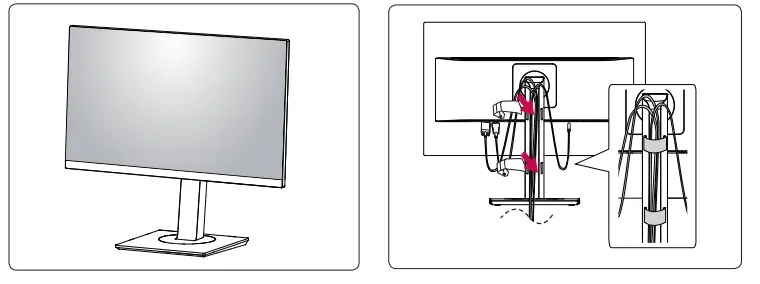
HOW TO PLUG
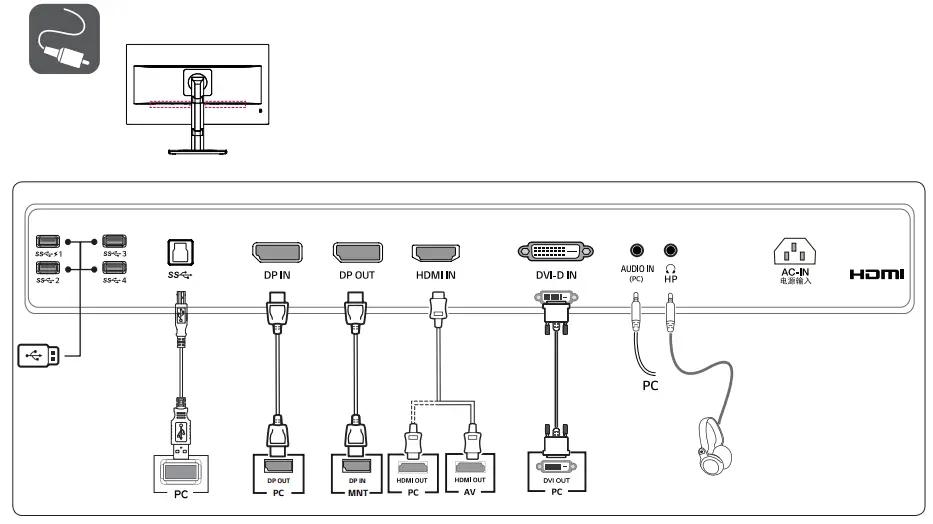
- Using a DVI to HDMI / DP (DisplayPort) to HDMI cable may cause compatibility issues.
- The USB port on the product functions as a USB hub.
- Make sure to use the supplied cable. Otherwise, this may cause the device to malfunction.
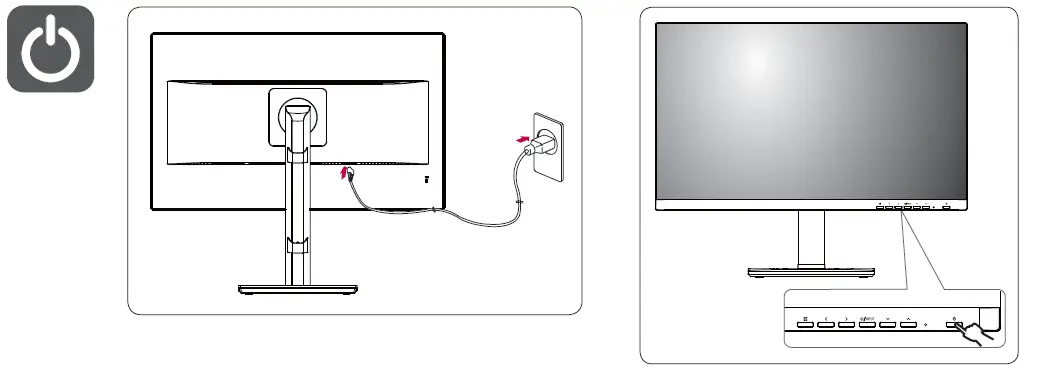
POWER
 LG Electronics & Home Appliances | Shop Now | LG USA