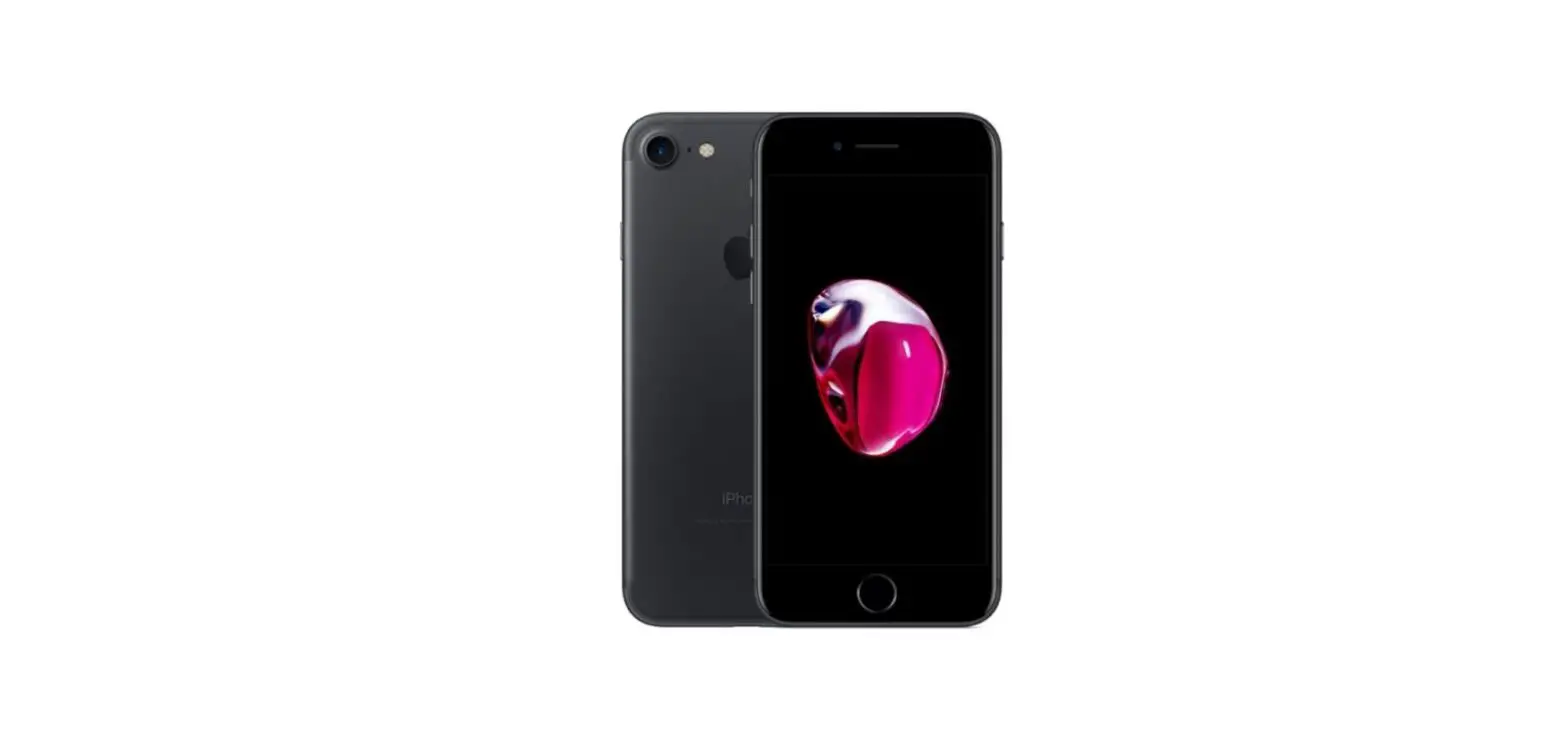
 Apple iPhone 7 – Restore backup
 Apple iPhone 7 – Restore backup
- Before you start
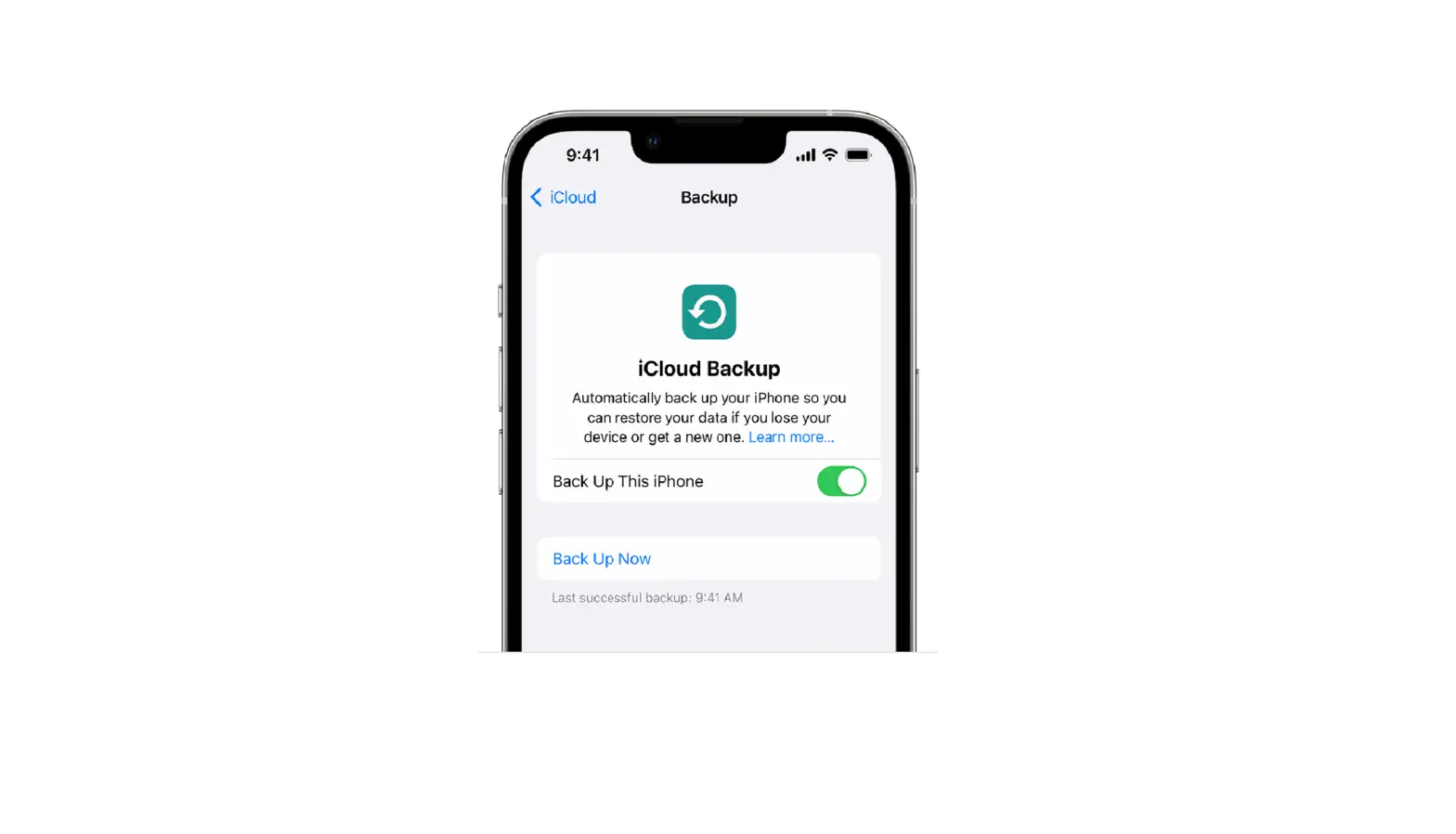
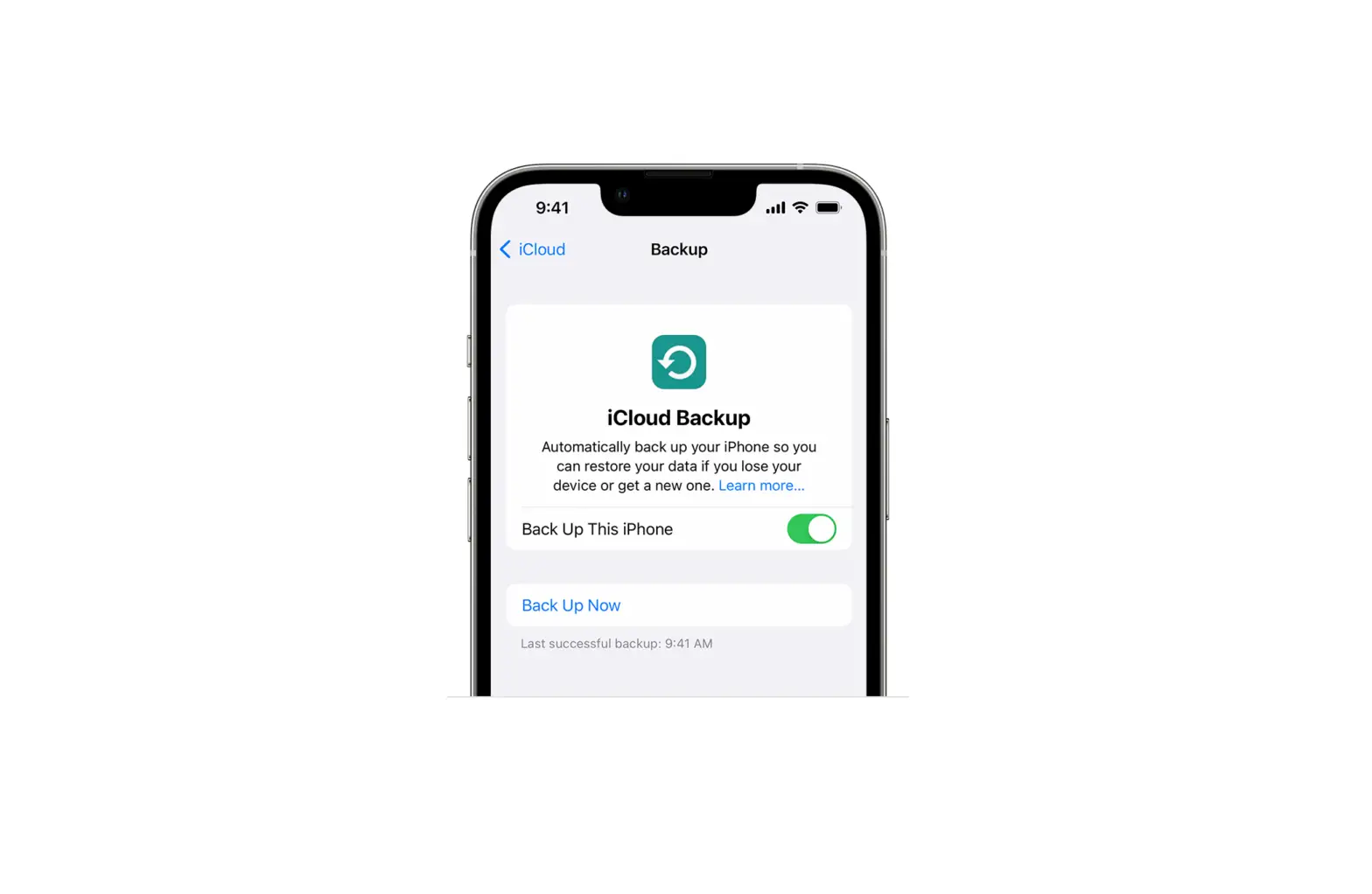
Did you lose or buy a new iPhone? Restore your phone with your latest backup. Make sure you read and follow all steps closely in this guide.
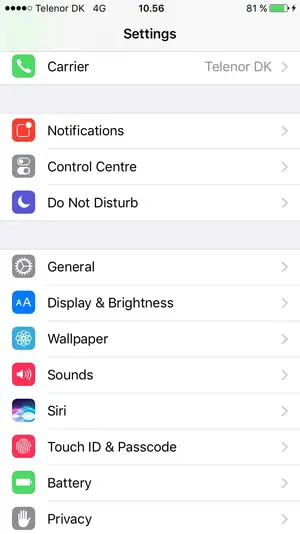
- Select Settings

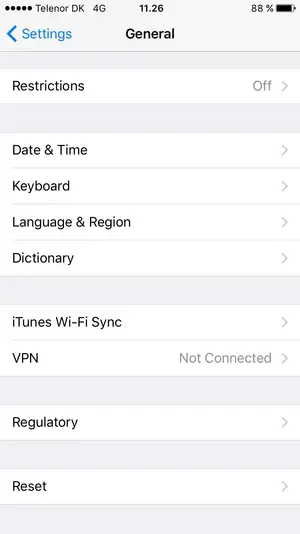
- Scroll to and select General
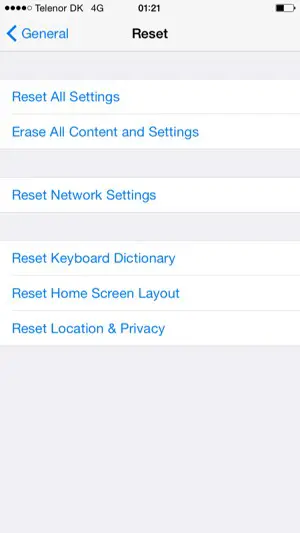
- Scroll to and select Reset
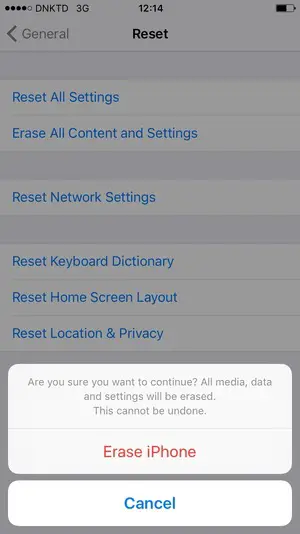
- Select Erase All Content and Settings

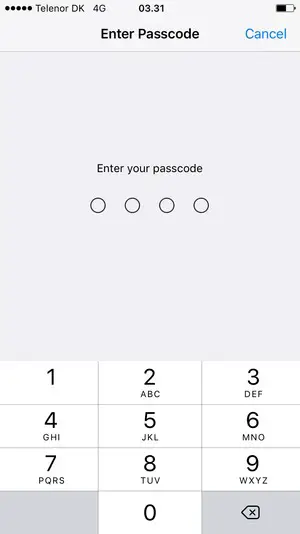
- Enter your Passcode if this is activated on your phone
- Select Erase iPhone
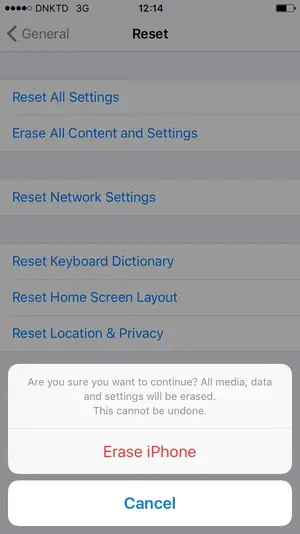
- Select Erase iPhone
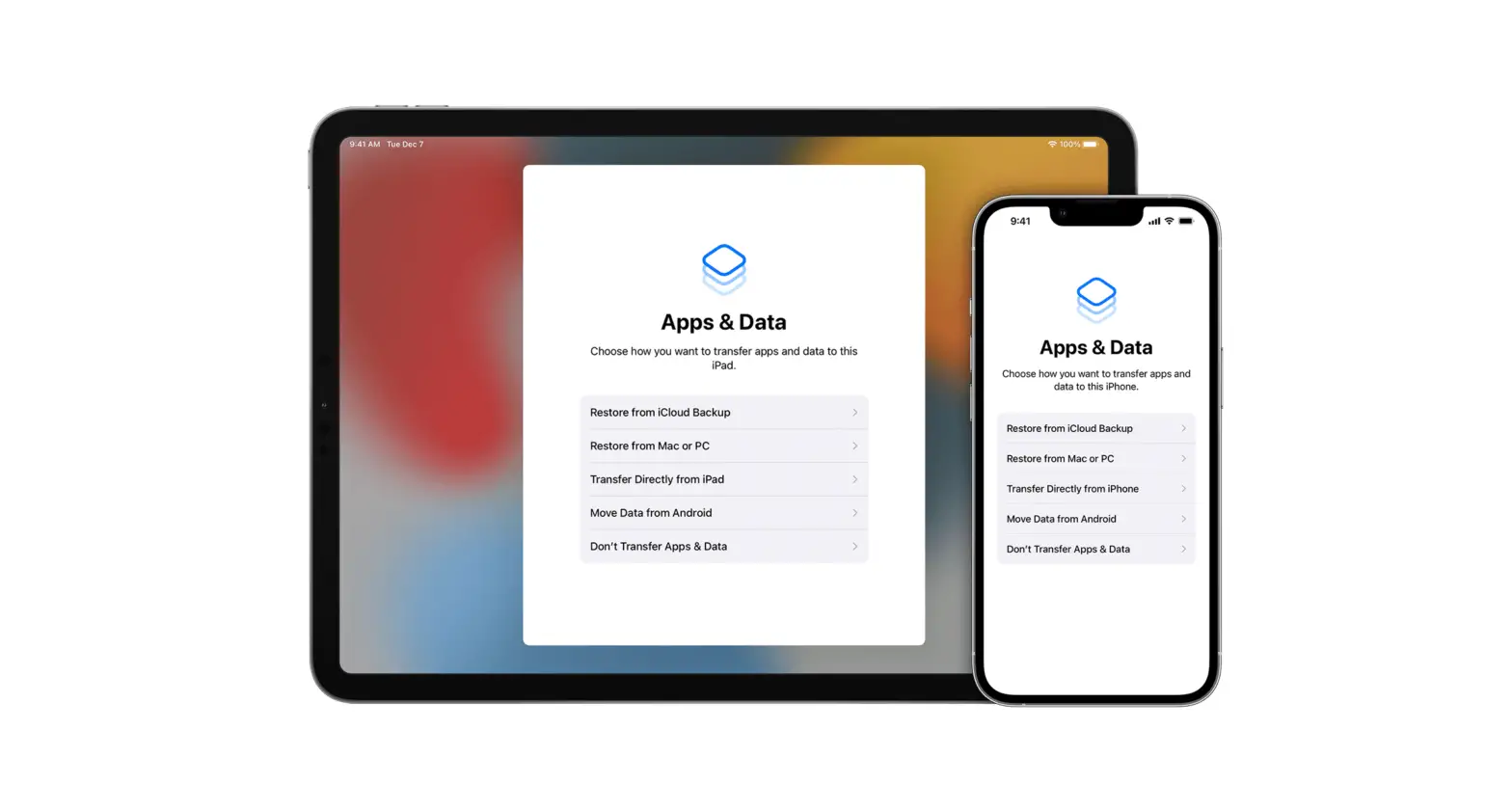
- Go through the setup assistant again as you did when your phone was new.
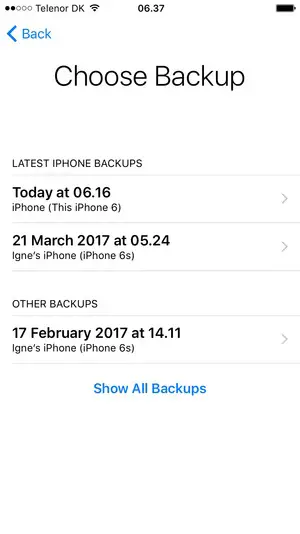
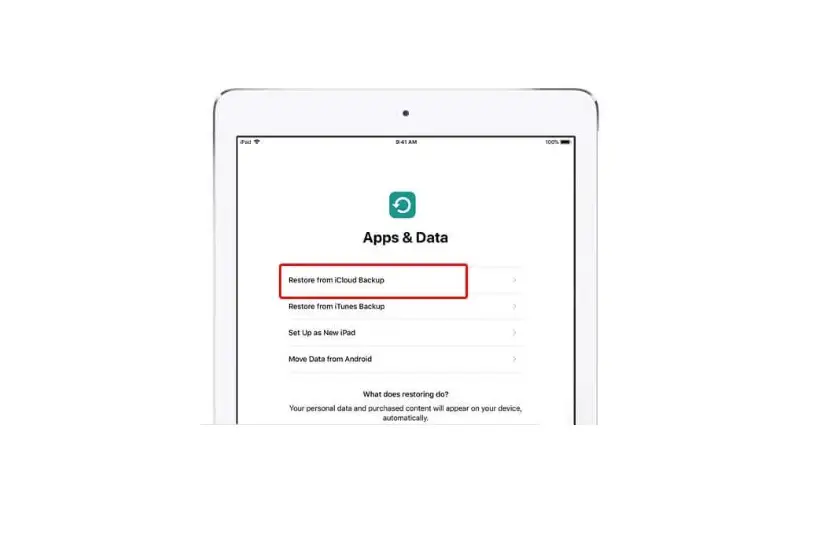
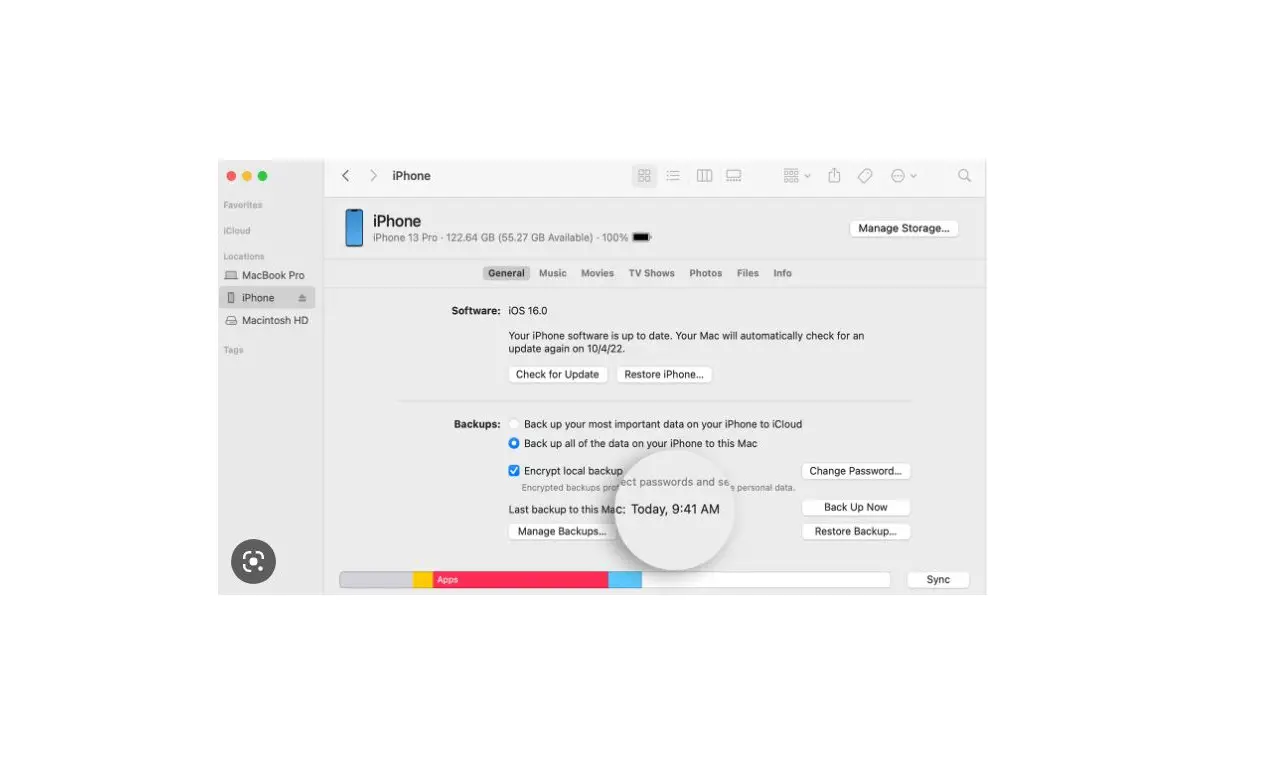
- Select the latest backup from the list and select Restore
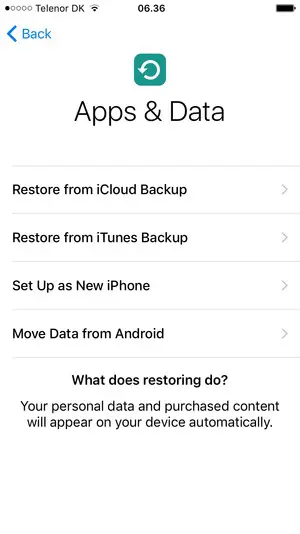
During this process, you will be given the option to Restore from iCloud Backup. Select Restore from iCloud Backup. - Connect your iPhone to your wall charger, make sure it is connected to Wi-Fi, and let it restore. Be patient as sometimes restoring from an iCloud backup can take hours to complete.