If restore from iCloud backup failed
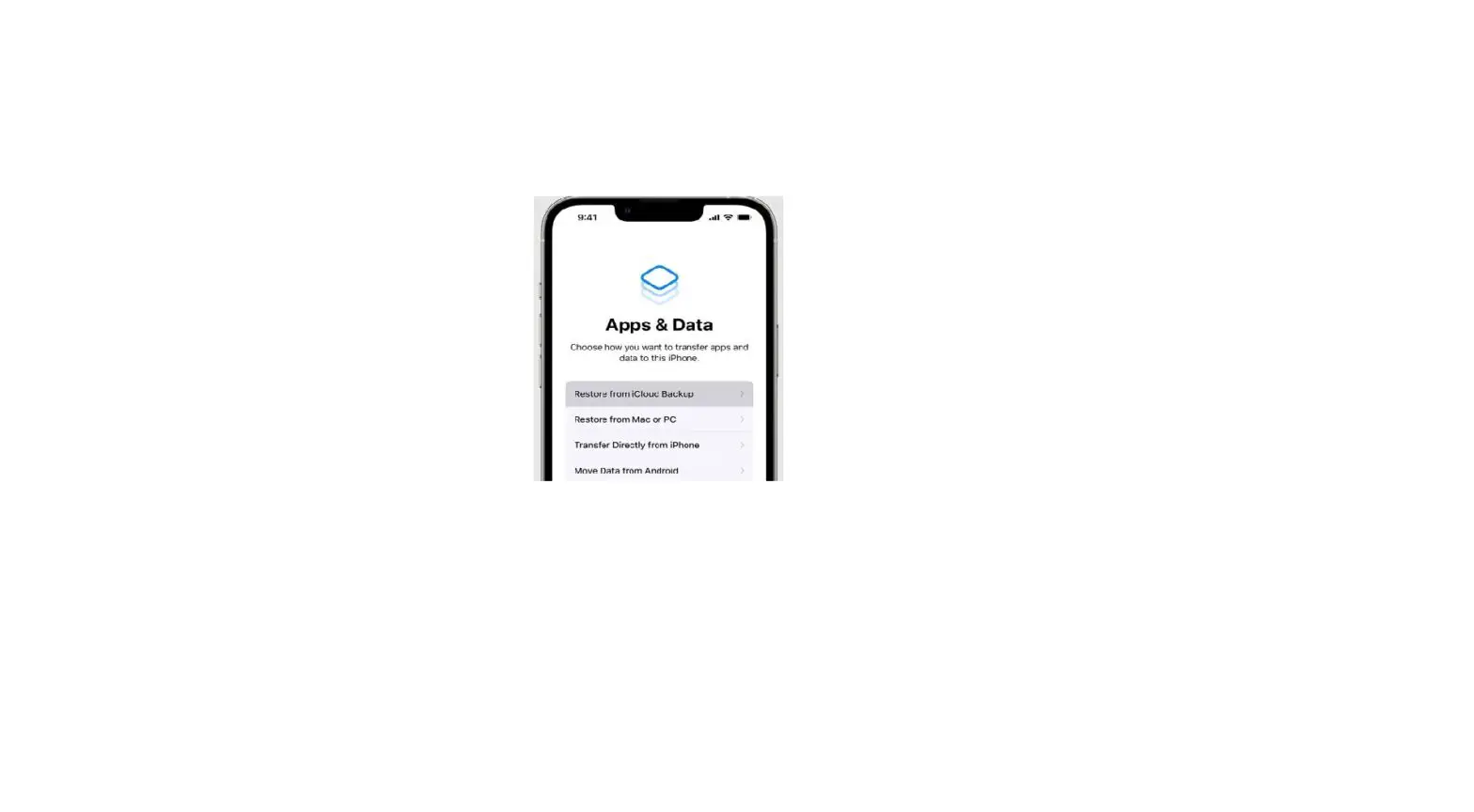
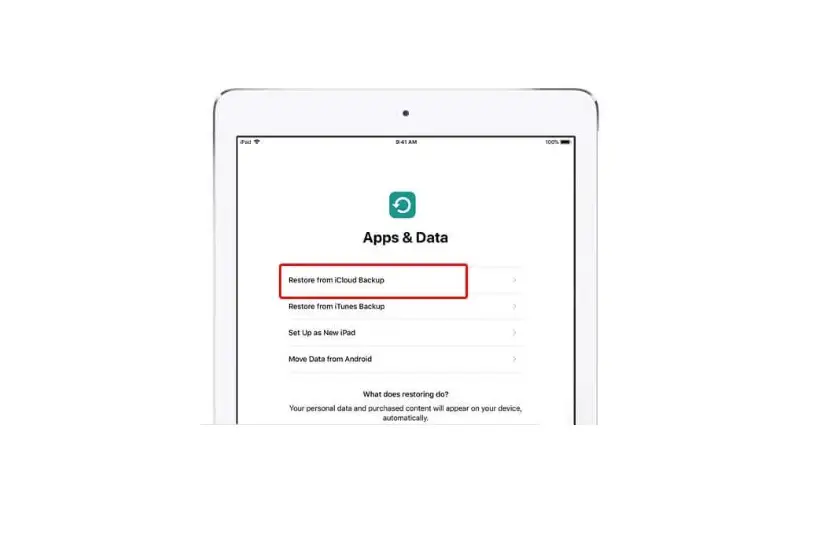
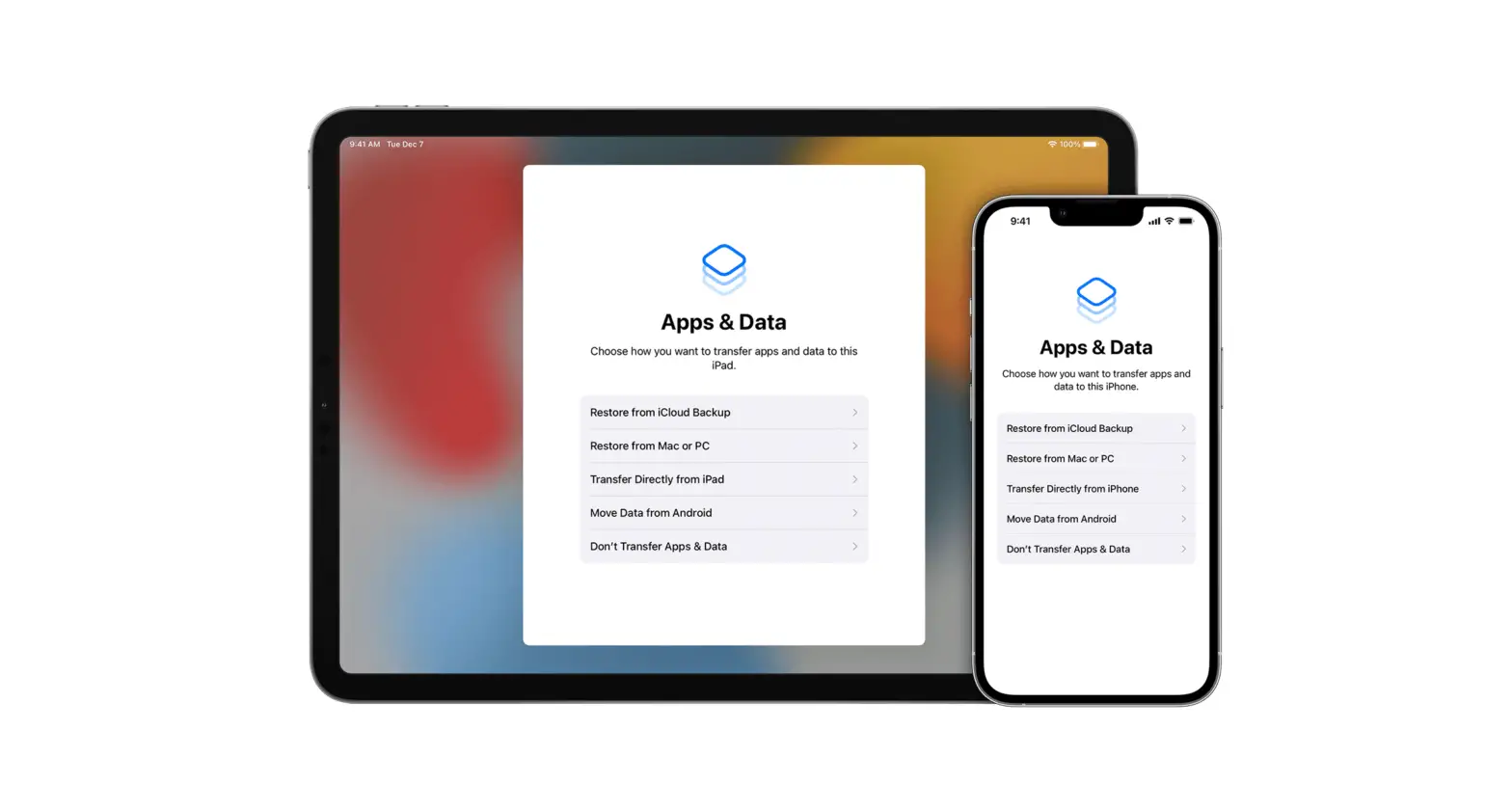
Learn what to do if you need help restoring an iCloud backup of your iPhone, iPad, or iPod touch.
- Plug your device into power and make sure that you’re connected to Wi-Fi. You can’t restore from a backup over a cellular Internet connection.
- Check your software version and update if needed.
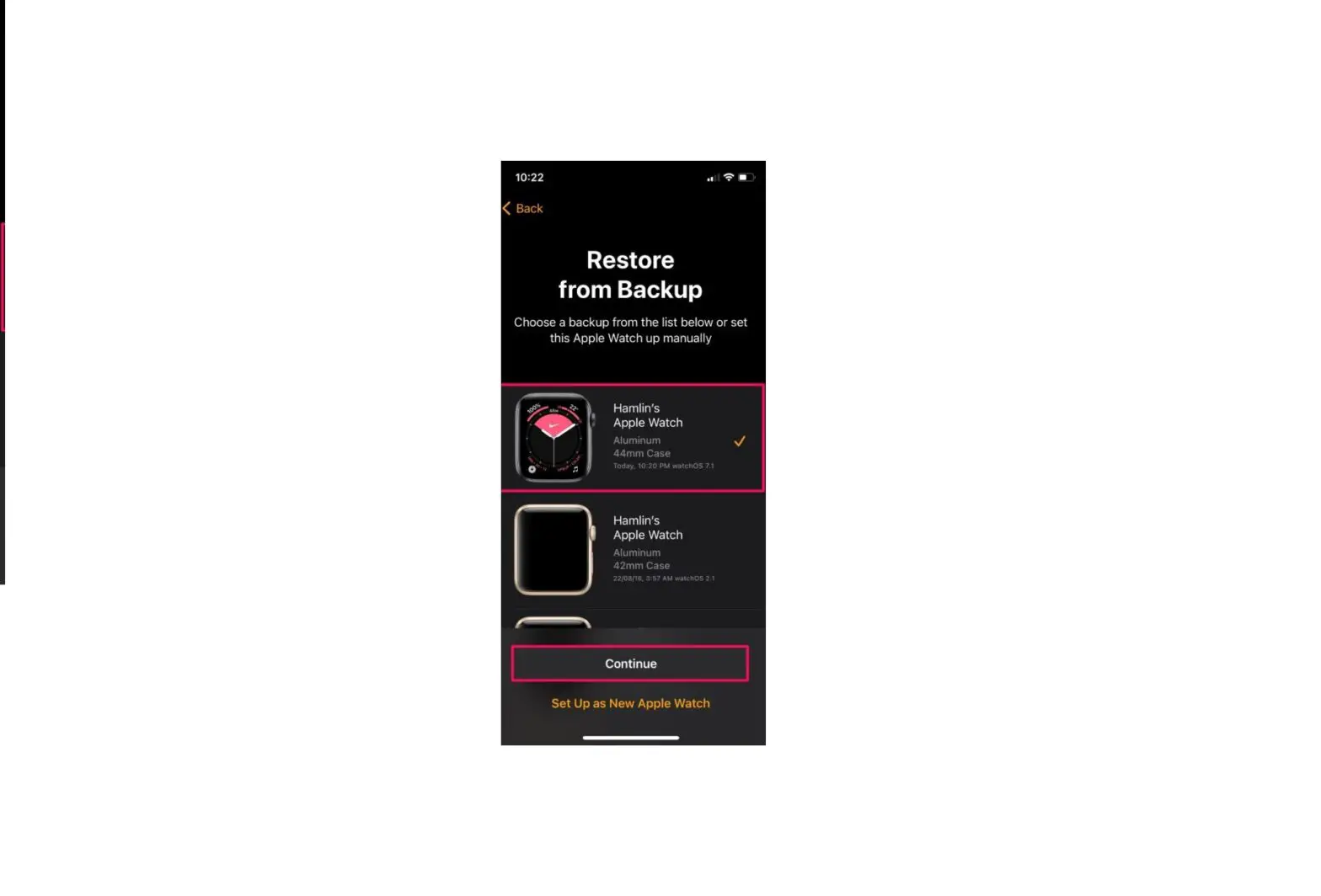
- If it’s your first time restoring from an iCloud backup, learn what to do. When you choose a backup, you can tap Show All to see all available backups.
The time it takes to restore from a backup depends on the size of your backup and the speed of your Wi-Fi network. If you still need help, check below for your issue or the alert message that you see.

If you receive an error while restoring from an iCloud Backup
- Try to restore your backup on another network.
- If you have another backup available, try to restore using that backup. Learn how to locate backups.
- If you still need help, archive important data then contact Apple Support.
If the backup you want to restore from doesn’t appear on the Choose a Backup screen
- Confirm that you have a backup available.
- Try to restore your backup on another network.
- If you still need help, archive important data then contact Apple Support.
If you get repeated prompts to enter your password
If you made purchases with more than one Apple ID, you might get repeated prompts to enter a password.
- Enter the password for each Apple ID requested.
- If you don’t know the correct password, tap Skip this Step or Cancel.
- Repeat until there are no more prompts.
- Create a new backup.
If you’re missing data after restoring from a backup
Get help backing up to iCloud
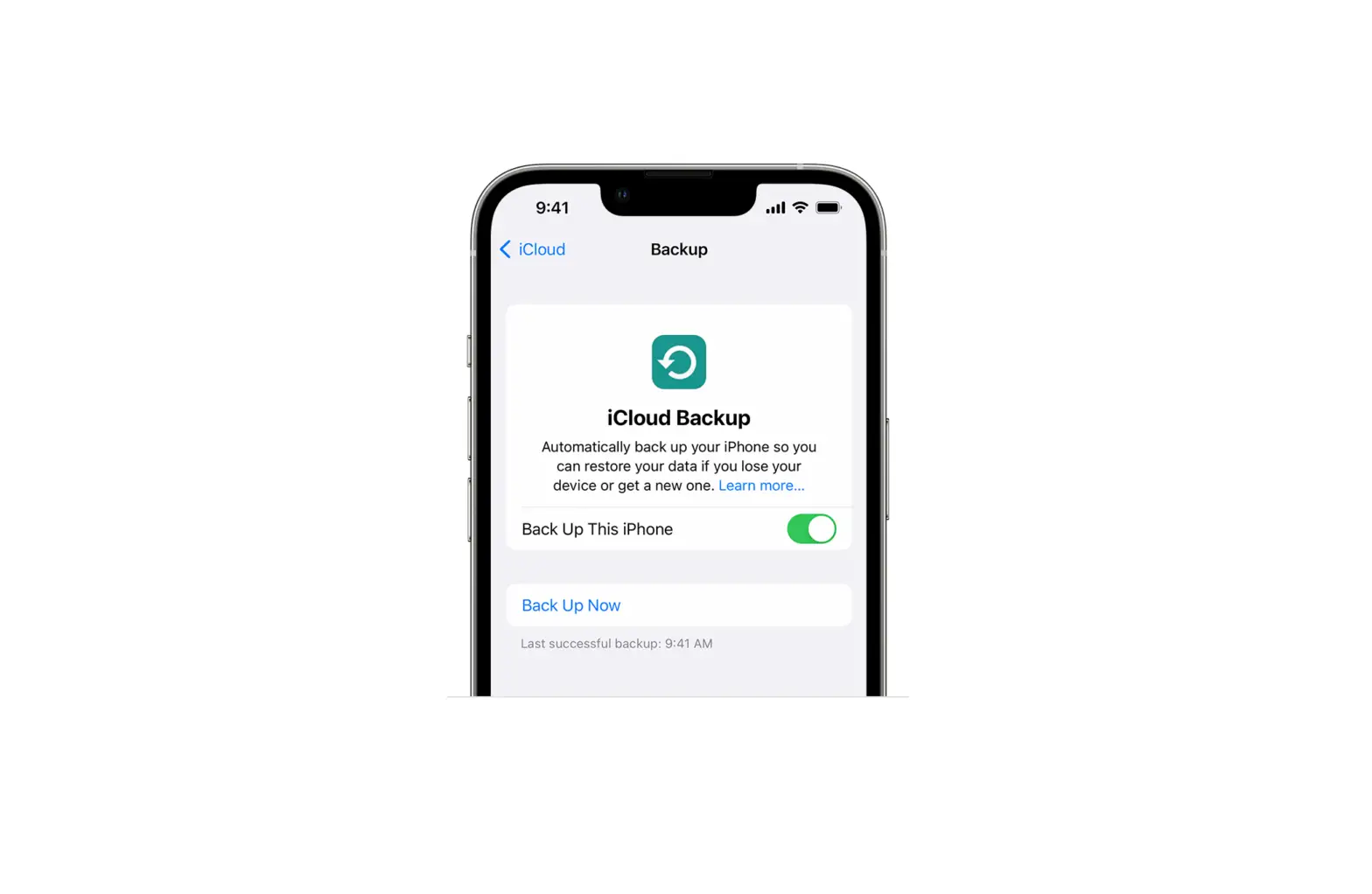
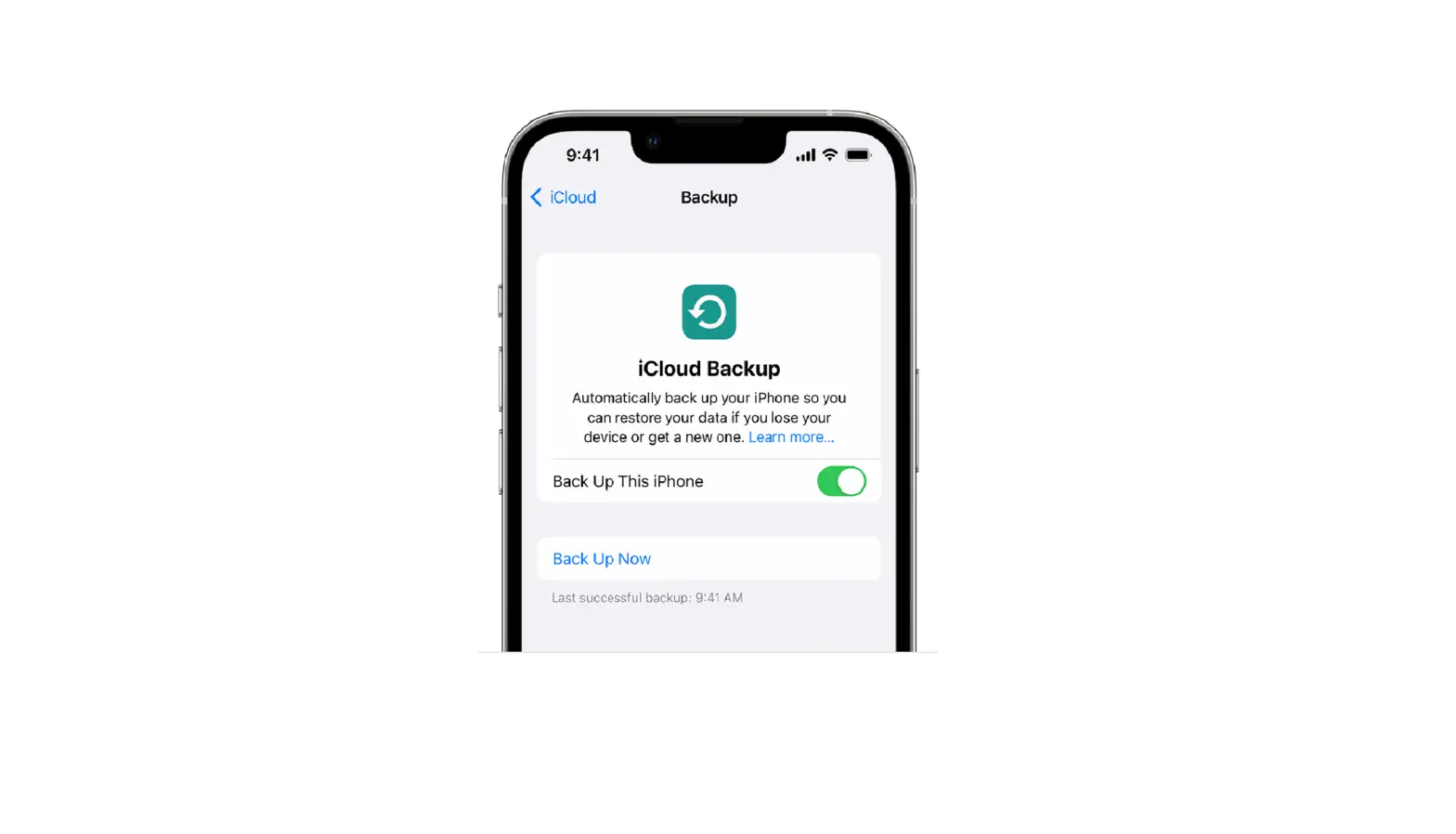
If you need help backing up your iPhone, iPad, or iPod touch with iCloud Backup, learn what to do.
Published Date: