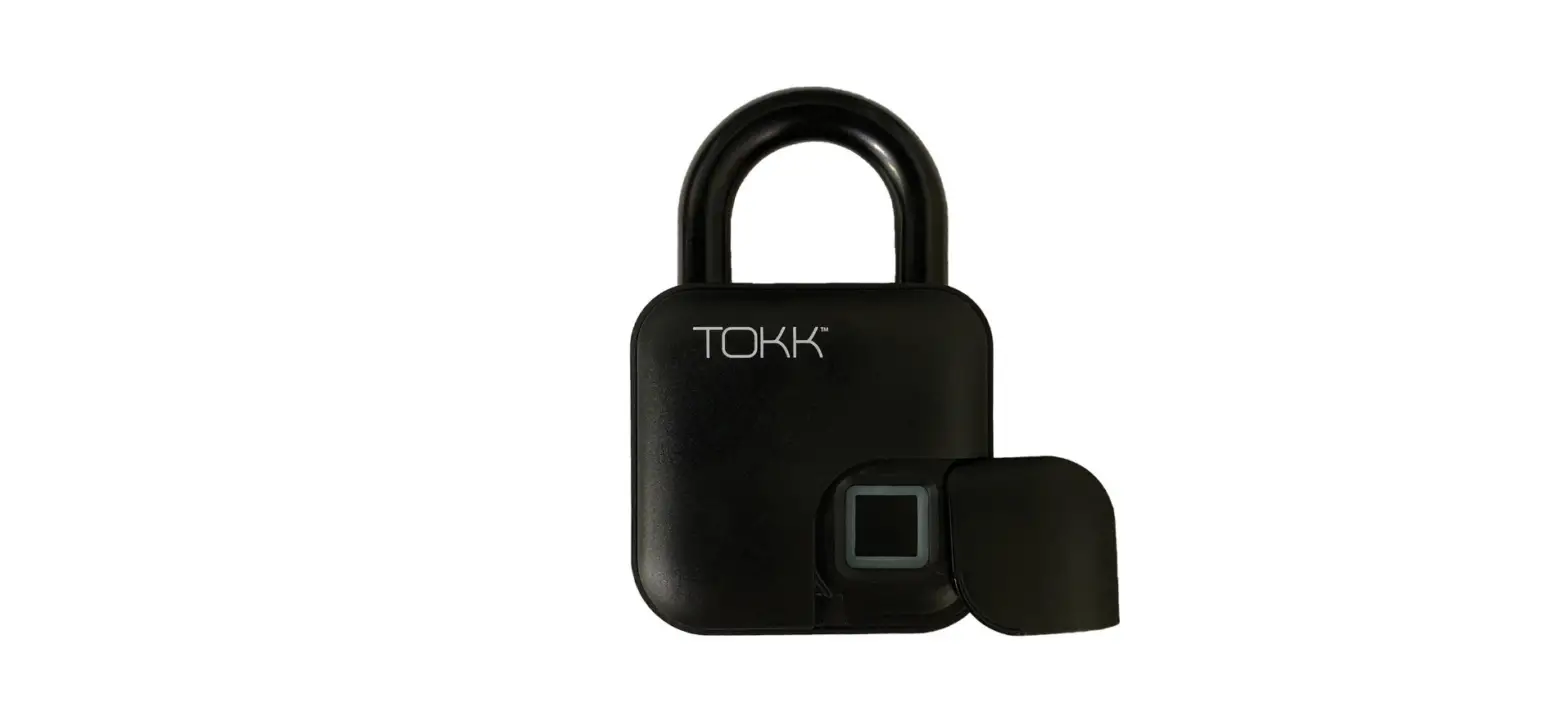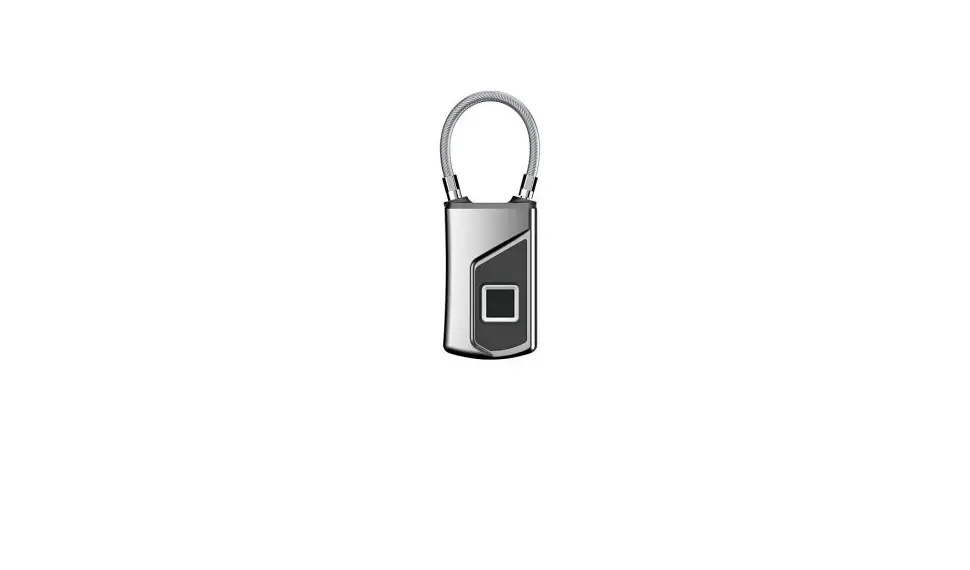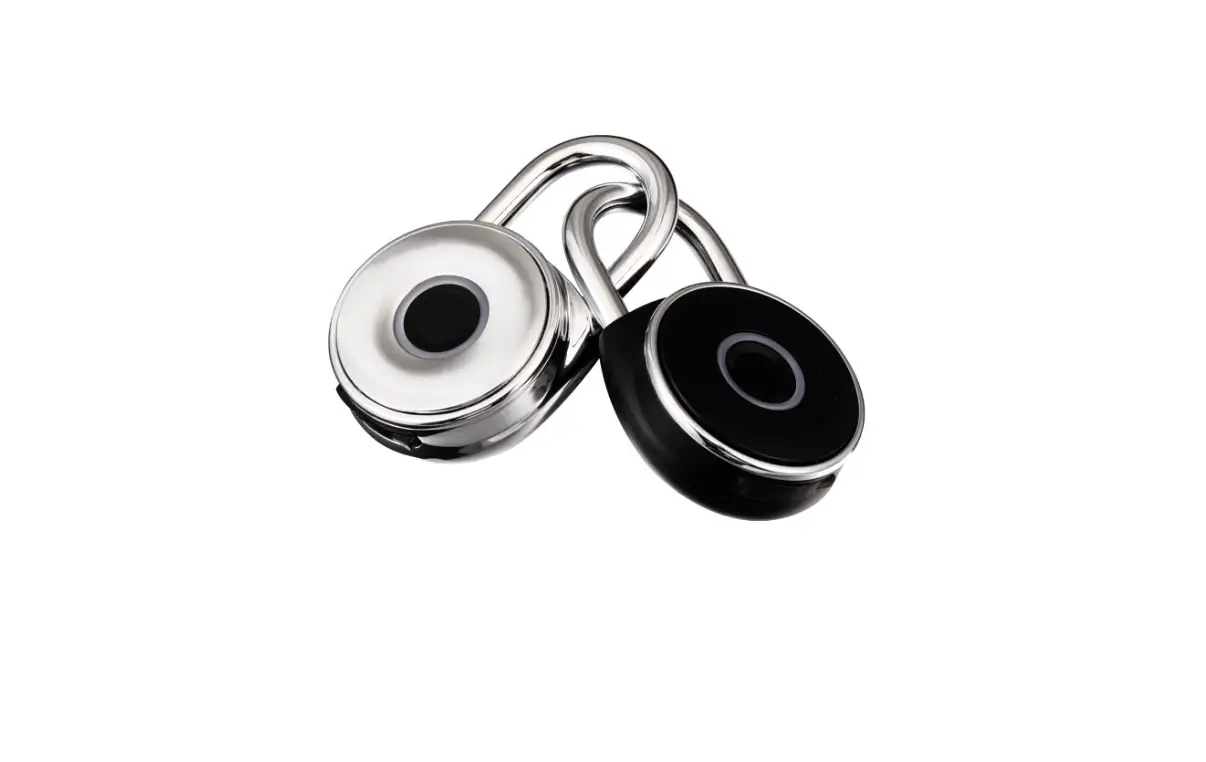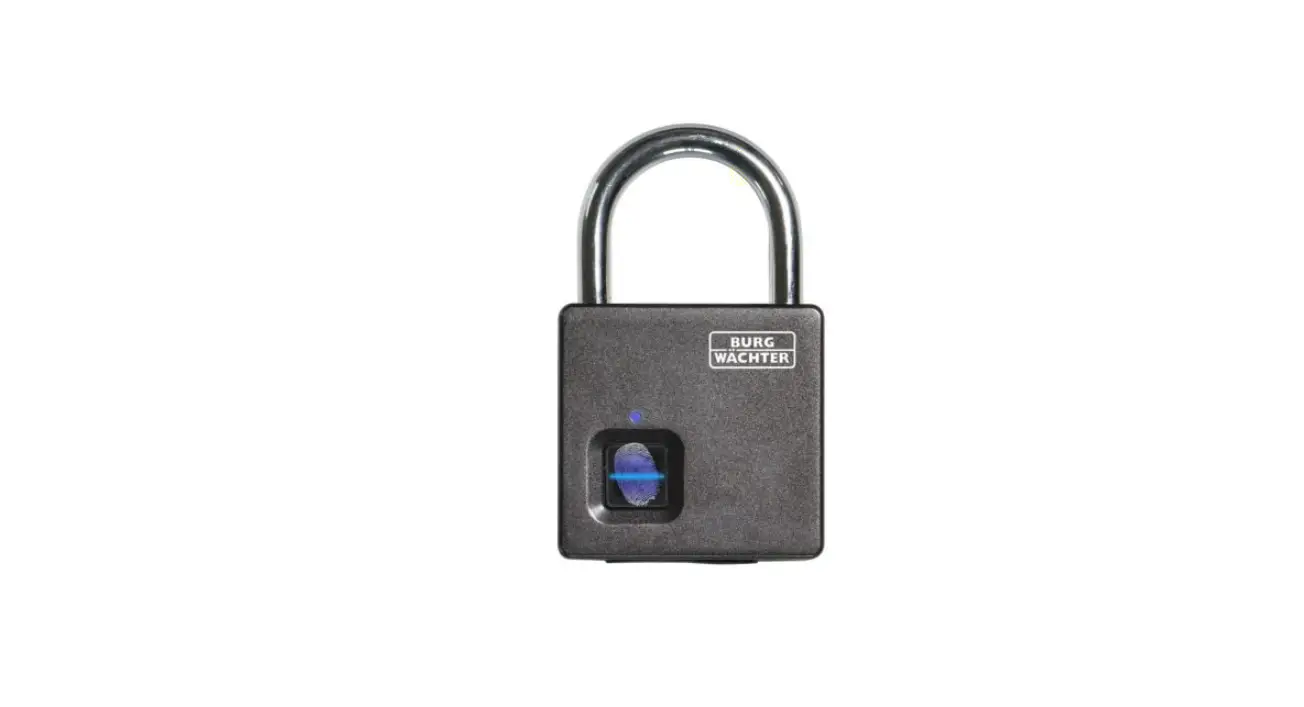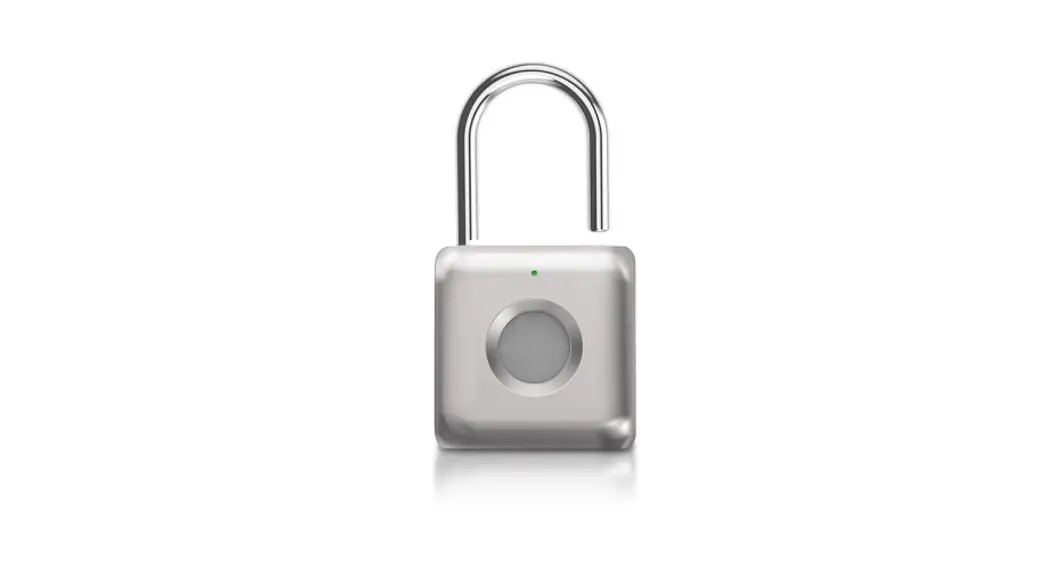

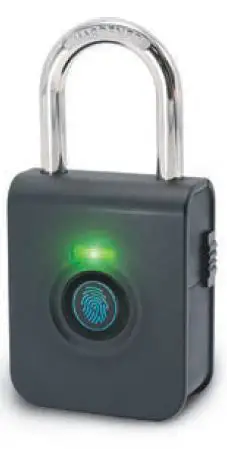
TOKK PL7001 Fingerprint Padlock Instruction Manual
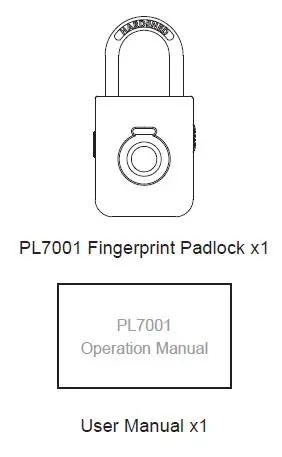
Contents
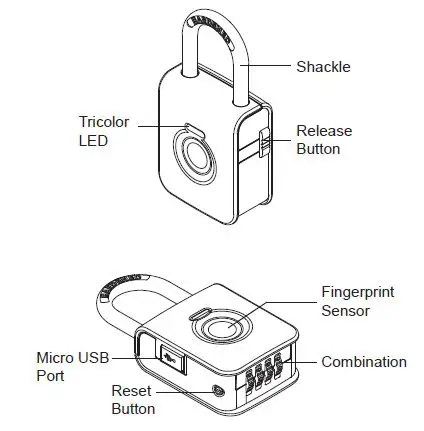
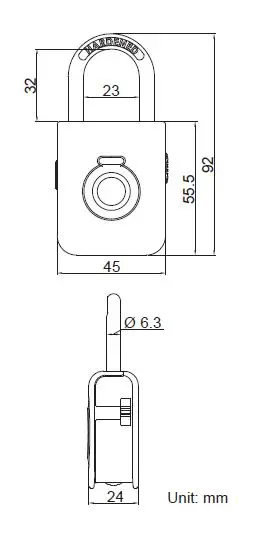
Part Name
Specifications
| Model | PL7001 Fingerprint Padlock |
| Battery | 50mAh 3.7V |
| Battery Life | Up to 1,500 times operations |
| Idle Mode | Standby over 130 days |
| Micro USB Input | DC 5V / 500mA |
| Operation Temp | -20°C ~ 70°C |
| Storage Temp | -40°C ~ 85°C |
| Body Material | Zinc Alloy, Hardened Steel |
| Weight | Net: 206g / Gross: 350g |
| Unlock Mechanism | Fingerprint / 4-digit pass code |
| Groups of Fingerprint | Stores up to 10 fingerprints |
Features
Battery Life
After each full charge, the PL7001 Fingerprint Padlock can be operated up to 1,500 times. Without any operation (Idle mode), PL7001 can standby over 130 days.
Low Battery Indicator
When batteries voltage ≤ 3.7V, each time it is successfully unlocked, the LED status indicator will light up in Green for 1 sec and flash in Red 4 times.
PL7001 Fingerprint Padlock can still operate up to 100 cycles in low battery condition. When batteries voltage ≤ 3.5V, PL7001 Fingerprint Padlock cannot be operated.
Emergency Unlock
4-digit resettable combination for emergency unlock.
Fully charging your battery before use.
Operation Instructions
Set Up The First Administrator’s Fingerprint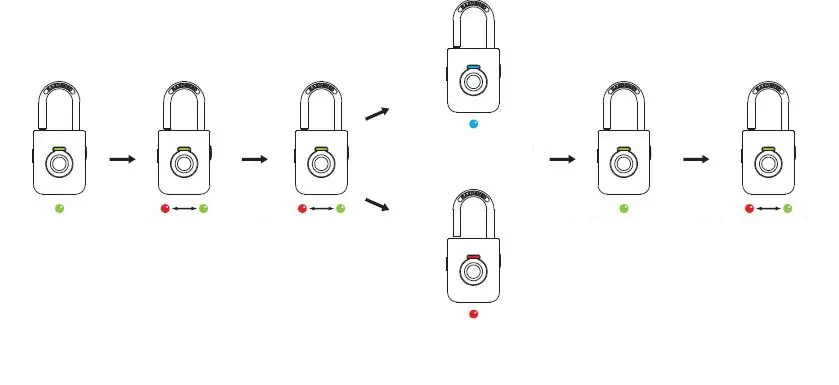
- Unlock PL7001
- Press and hold the sensor for 3 seconds Once the LED flashes Red and Green, lift your finger
- Repeat collecting the same fingerprint for 5 times
- Successful fingerprint collection: LED flashes Blue
- Failed fingerprint collection: LED flashes Red
- When the fingerprint was stored, the LED lights up Green
- The LED will keep flashing Red and Green for adding the second to tenth fingerprints. Without any setting, it will exit the Setting Mode after 10 seconds
Set Up The 2nd to 10th Fingerprints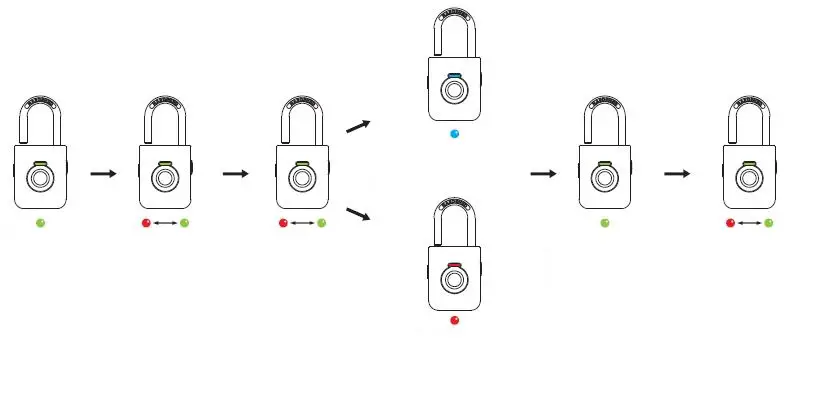
- The Administrator unlock PL7001
- The Administrator press and hold the sensor for seconds Once the LED flashes Red and Green, lift your Green, lift your
- Repeat collecting the same fingerprint for 5 times
- Successful fingerprint collection: LED flashes Blue
- Failed fingerprint collection: LED flashes Red
- When the fingerprint was stored, the LED lights up Green
- The LED will keep flashing Red and Green for adding other fingerprints. Without any setting, it will exit the Setting Mode after 10 seconds
Remarks:
- The first and second fingerprints are the administrators by default.
- One of the administrators fingerprint will be need to authorize when adding fingerprints.
Delete All Fingerprints
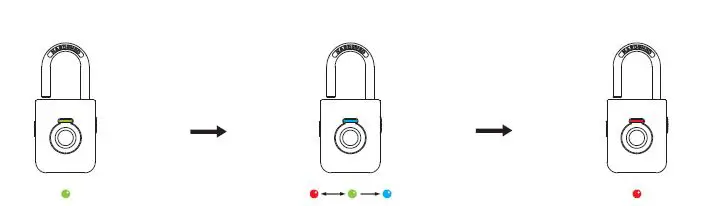
- Unlock PL7001
- Press and hold the sensor for 3 seconds, the LED will flash Red and Green Keep holding until the LED flashes Blue, lift your finger
- Press and hold the sensor, the LED will light up Red All fingerprints are deleted
Remarks:
Only the administrators can delete the fingerprints, all the fingerprints will be deleted at one time.
Setting Your Own Combination
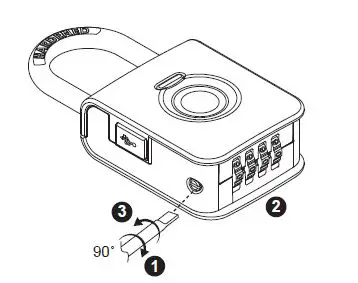
- Turn the Reset Button 90˚ clockwise
- Scramble the Dials to set your own combination
- Turn the Reset Button 90˚ counterclockwise back to its original position
Your lock is now ready to open at its new combination
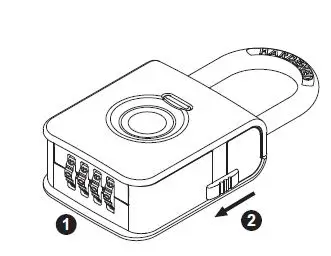
Emergency Unlock
- Scramble the Dials to the combination you’ve set
- Press the release button to unlock
Audio and LED Indications
Setting Mode
| Description | LED Indications | Sound Effect |
| Press and hold the sensor for 3 seconds to enter the Setting Mode | Flash Green and Red |
1 Short beep |
| Successful fingerprint collection | Lighting Blue for 0.5 sec | 1 Short beep |
| Failed fingerprint collection | Flash Red 3 times | 3 Short beeps |
| Fingerprint stored successfully | Lighting Green for 1 sec | 1 Long beep |
| Without any settings, it will exit the Setting Mode after 10 seconds | Green and Red LED off | – |
Reset Mode
| Description | LED Indications | Sound Effect |
| The administrator press and hold the sensor for 3 second | Flash Green and Red | 1 Short beep |
| The administrator keeps holding until the LED lights Blue to enter Reset Mode, life the finger |
Flash Blue |
1 Short beep |
| The administrator press and hold the sensor to erase all settings |
Lighting Red |
1 Long beep |
| Exit Reset Mode | Red LED off | – |
Unlock
| Description | LED Indications | Sound Effect |
| Successfully unlocked by fingerprint | Lighting Green for 1 sec | 1 Long beep |
| Failed to unlock by fingerprint | Flash Red 2 times | 2 Short beeps |
Recharging
| Description | LED Indications | Sound Effect |
| Recharging | Continuous Lighting Red | – |
| Complete charging | Continuous Lighting Green | – |