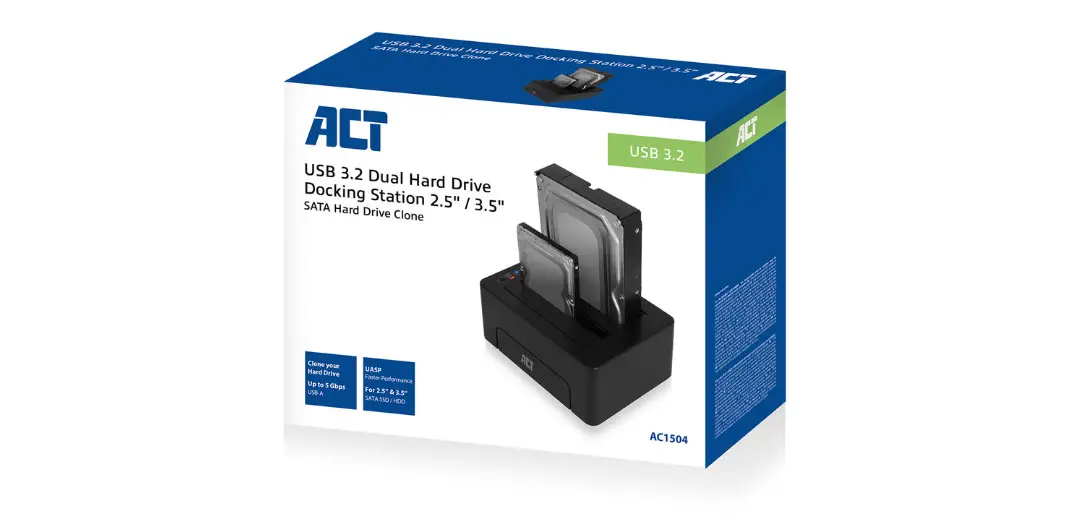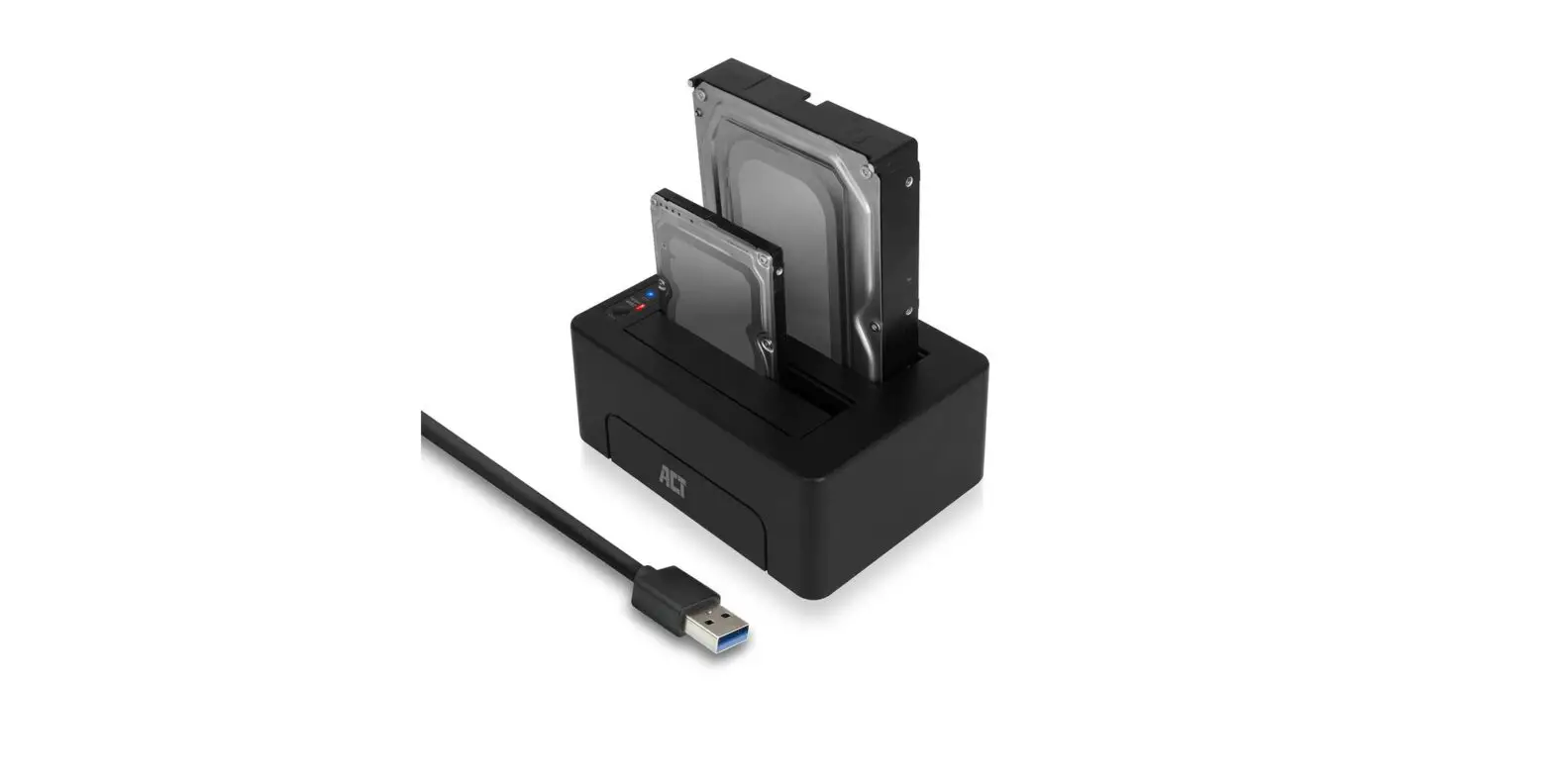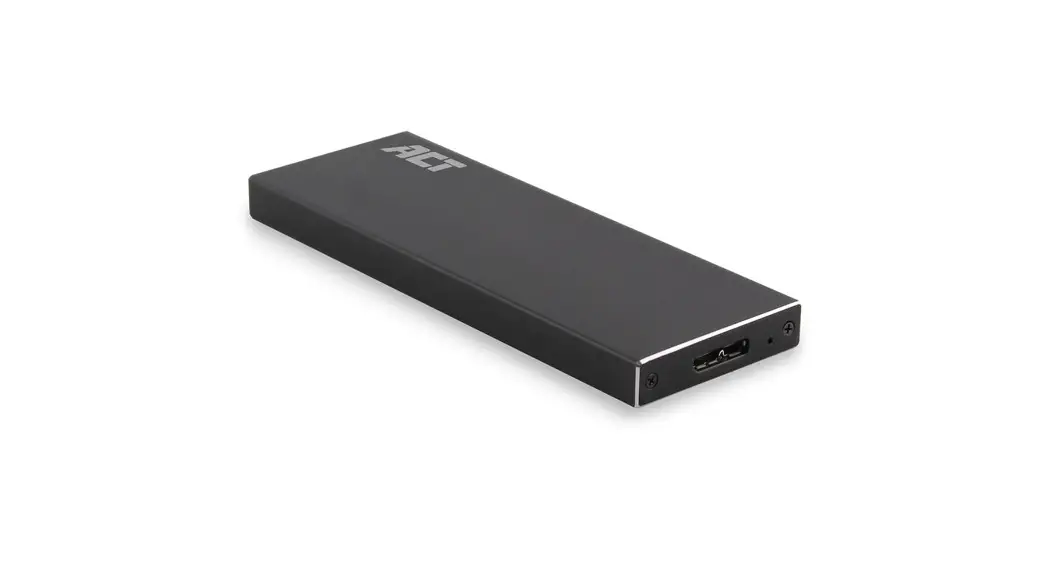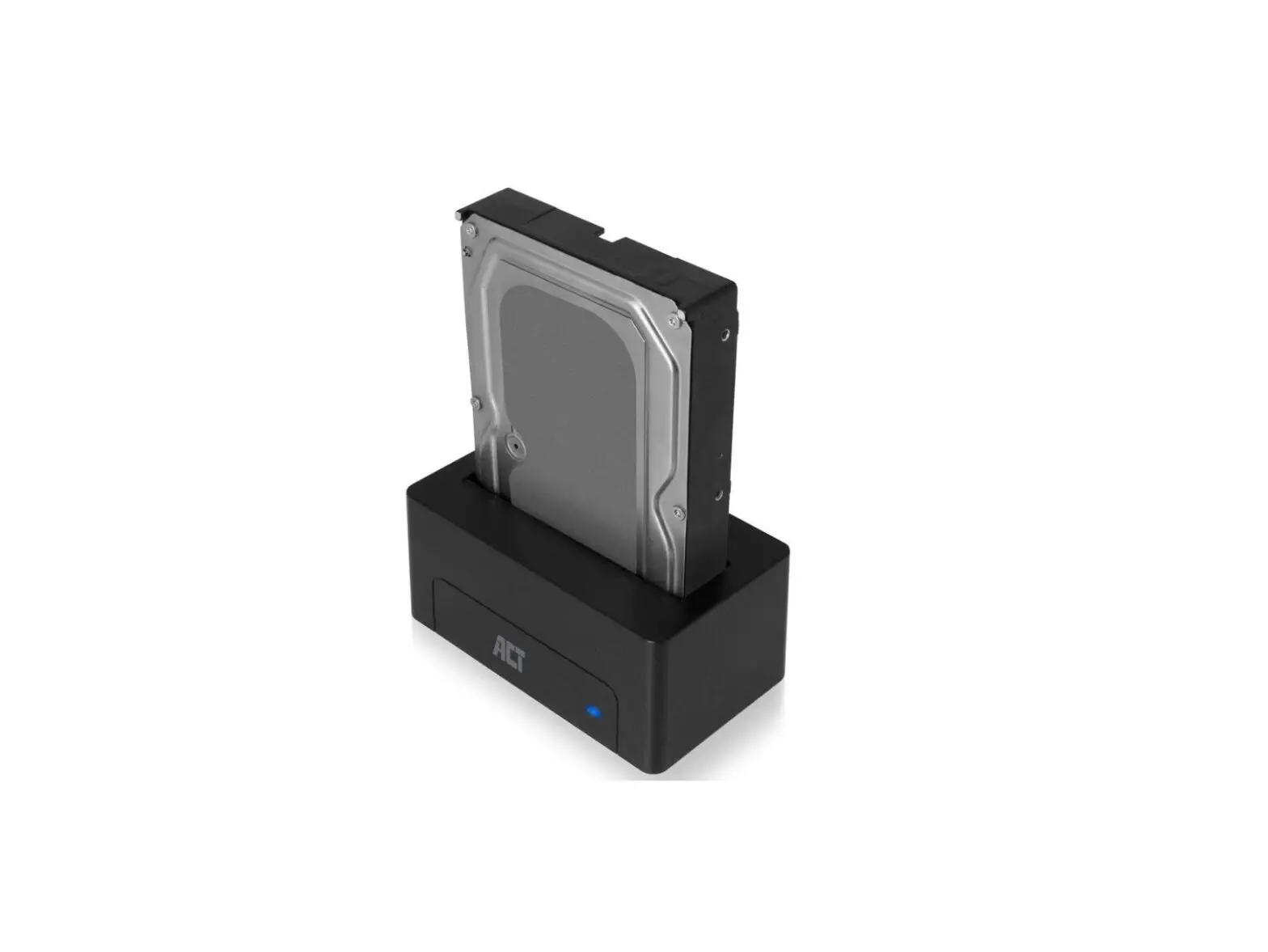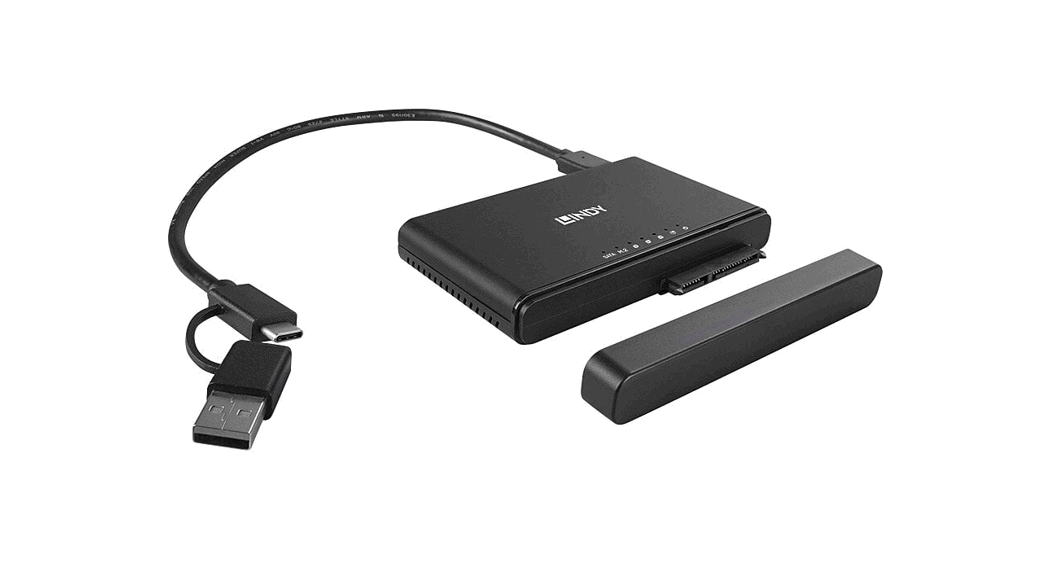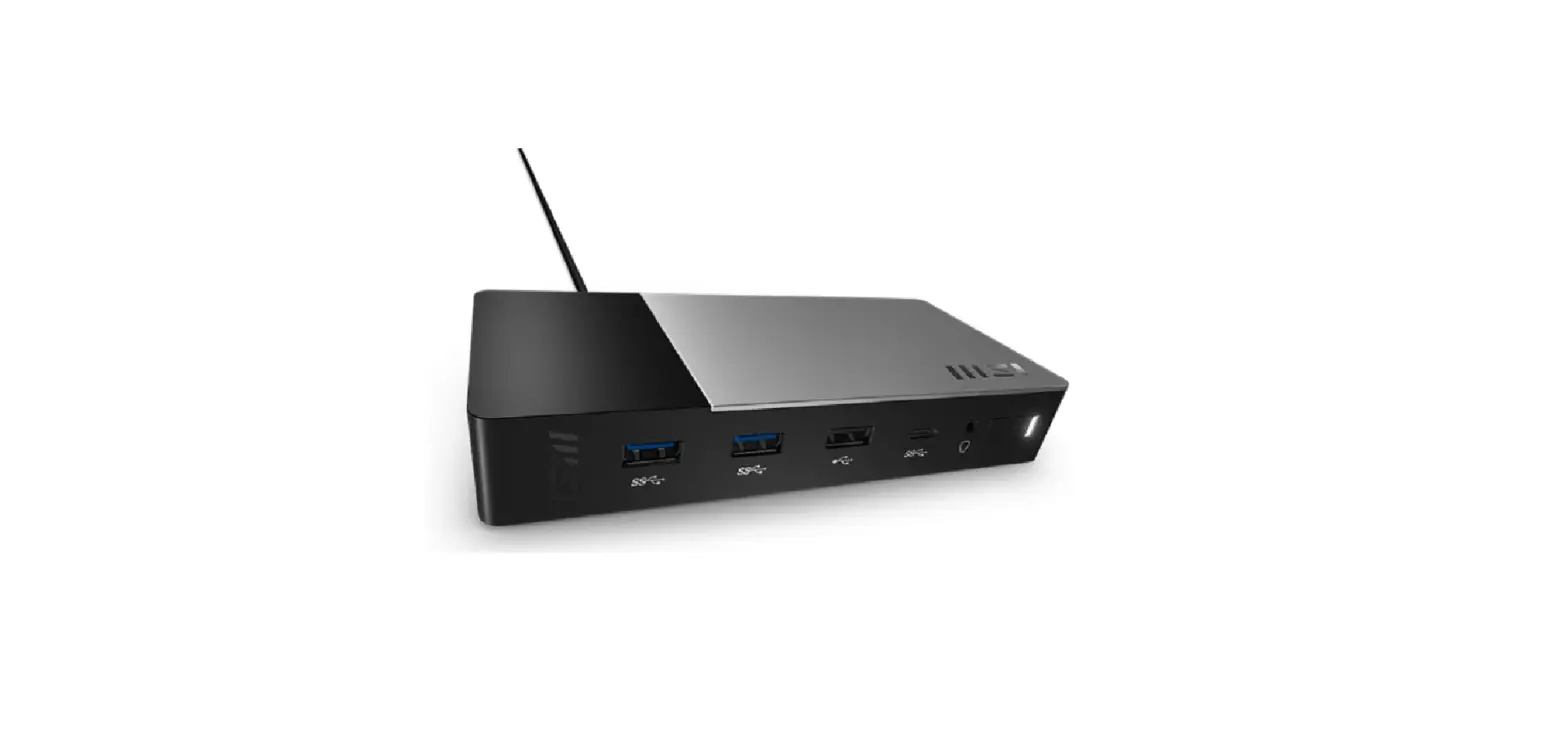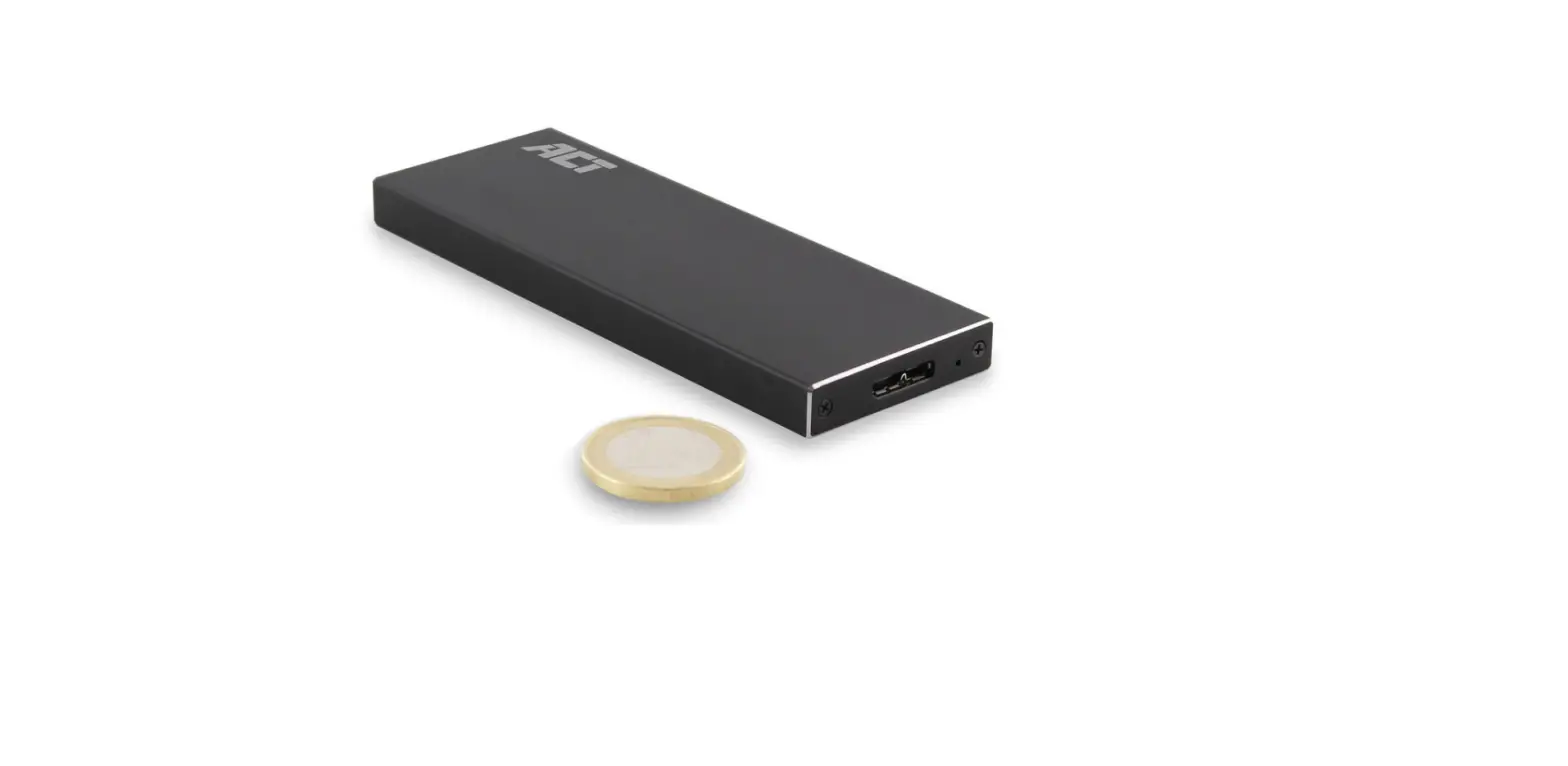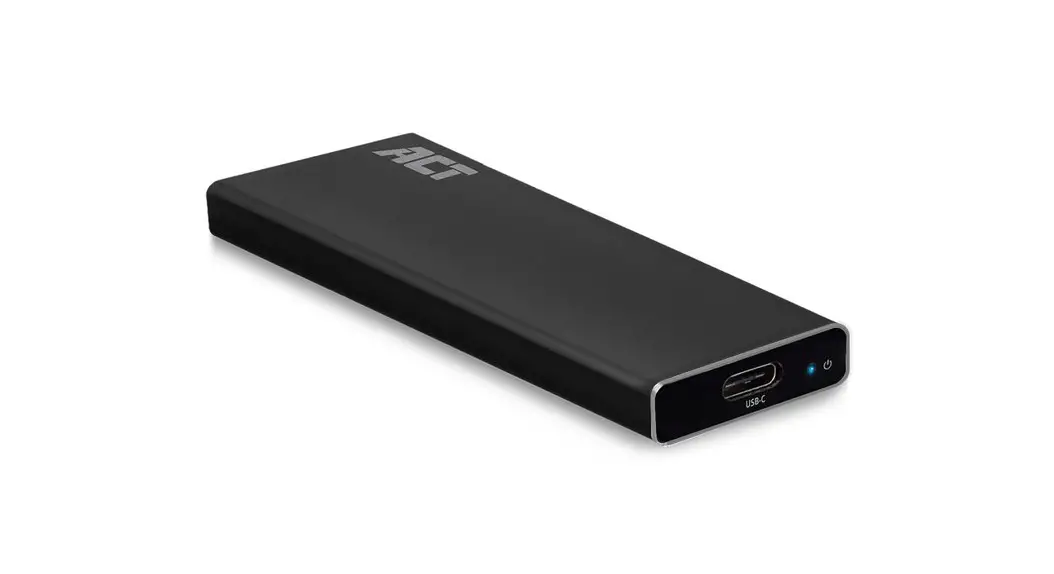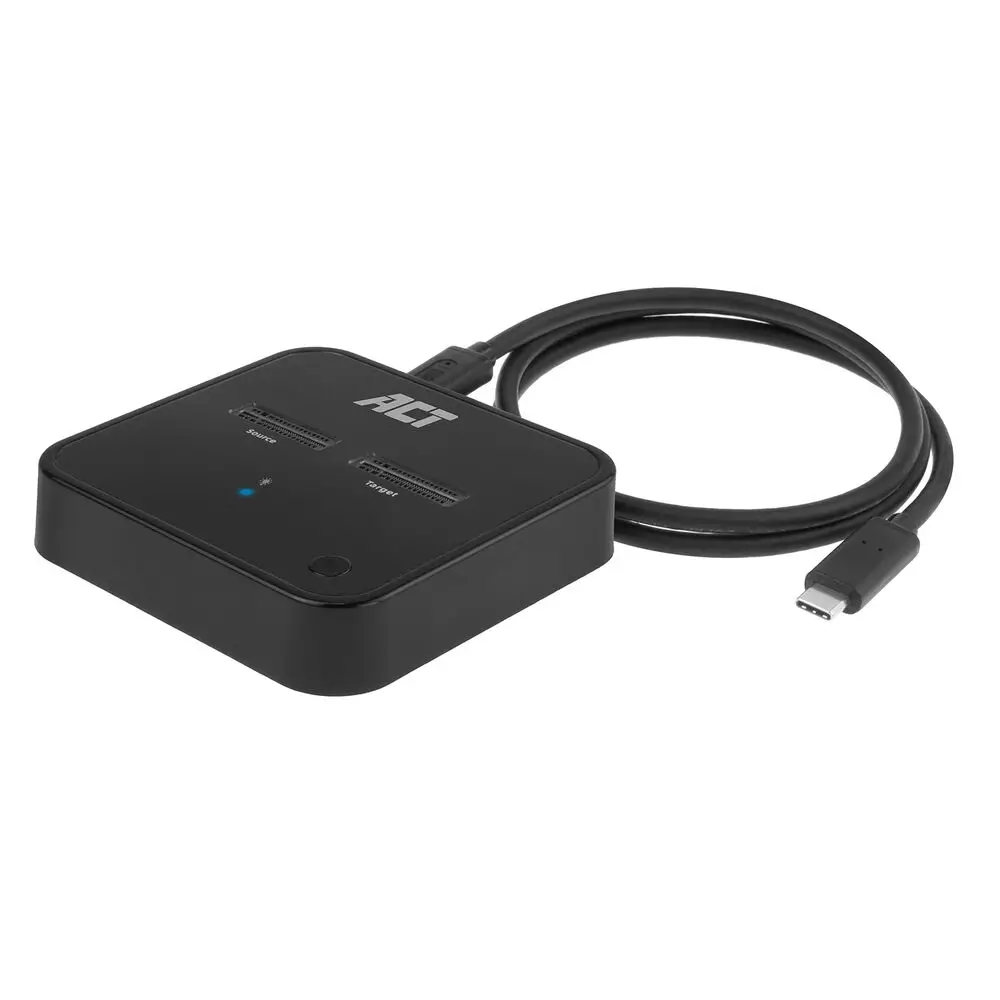

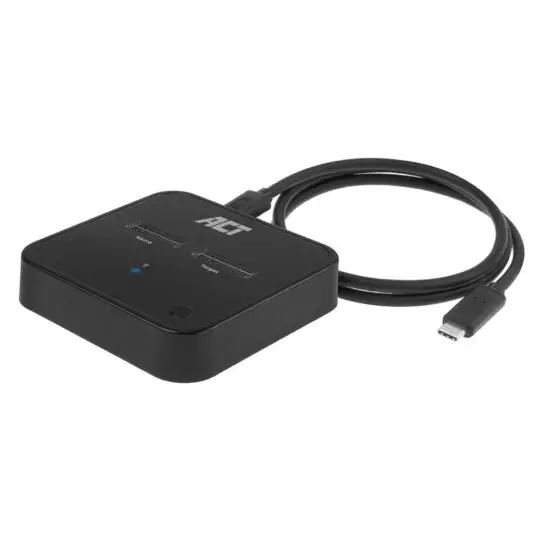
ACT AC1502 USB-C Dual M.2 SSD Docking Clone Station Installation Guide
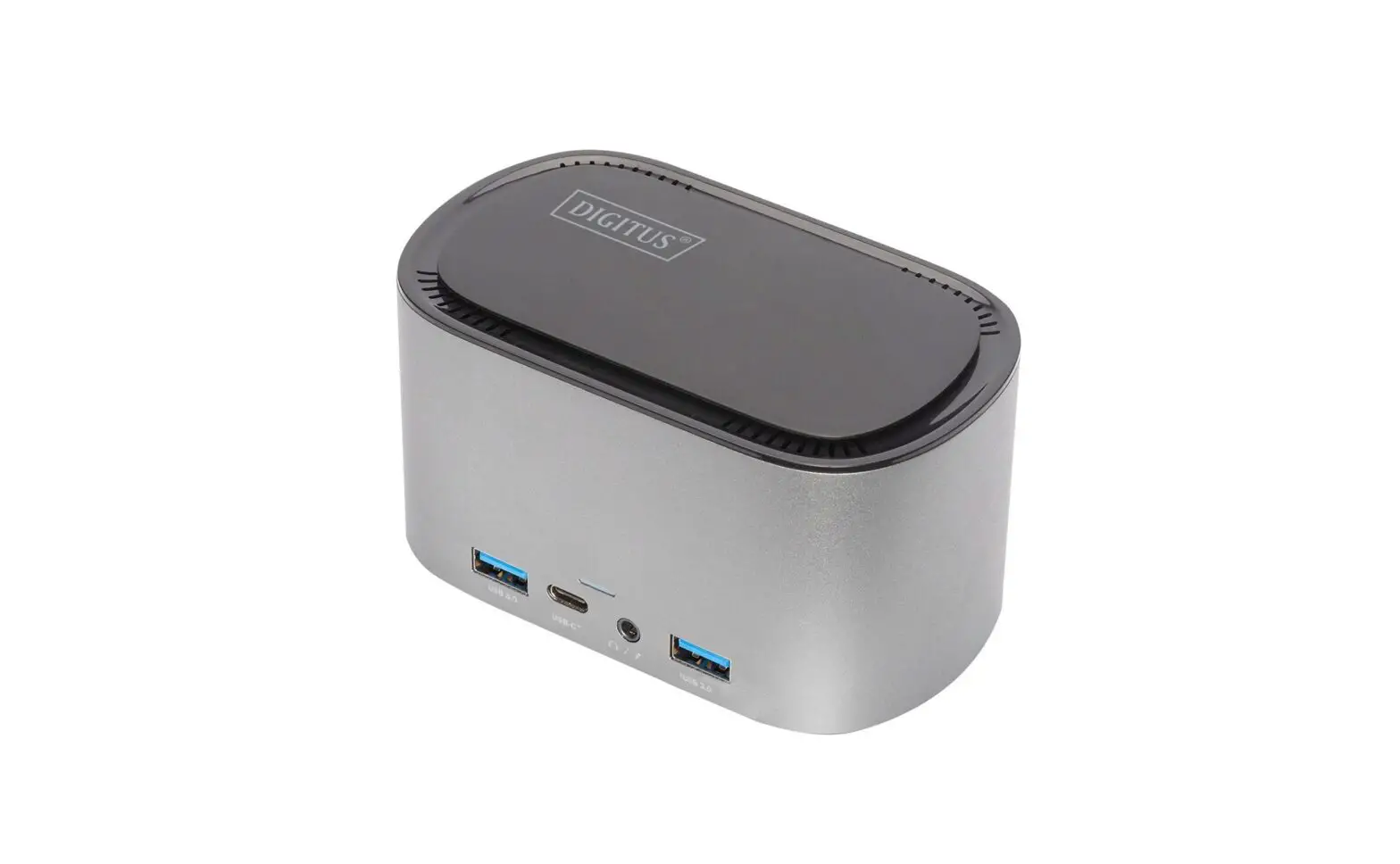
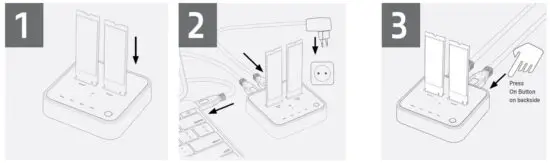
Access your drives on PC
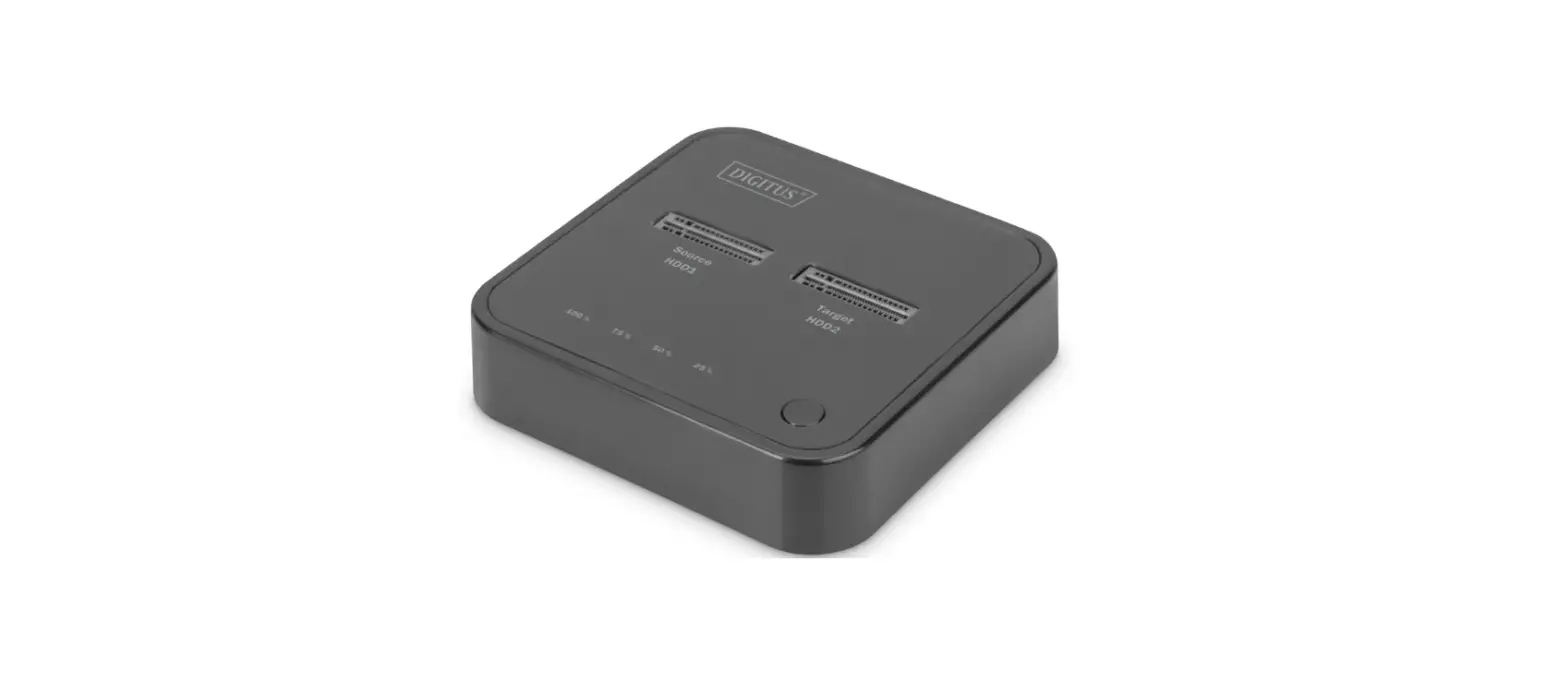
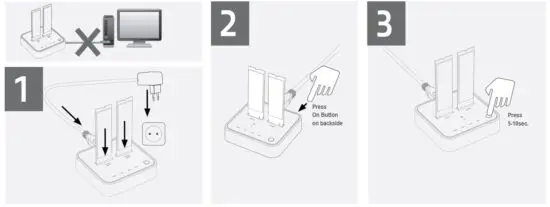
Clone your SSD (without using the pc)
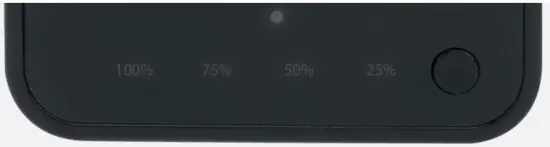
LED indicators for data cloning progress
For example, when the 50% LED fl ashes, data is transferred between 25% and 50%. If the 50% LED remains lit, 50% of the data has been transferred.
You can find safety information at www.act-connectivity.com/safety
For service, manuals, firmware or updates visit www.act-connectivity.com
5 Year Warranty
ACT, Koolhovenstraat 1E, 3772 MT Barneveld, The Netherlands
Safety Instruction:
For PLUGGABLE EQUIPMENT, the socket-outlet shall be installed near the equipment and shall be easily accessible
Made in China
Input power: 100-240V~50/60Hz, 0.55A Max. Output power: 5.0V  3.0A, 15.0W Max.

Read More About This Manual & Download PDF:
 Safety instructions | ACT
 Online Review & Business Listing Management | Connectivity
 Home | ACT