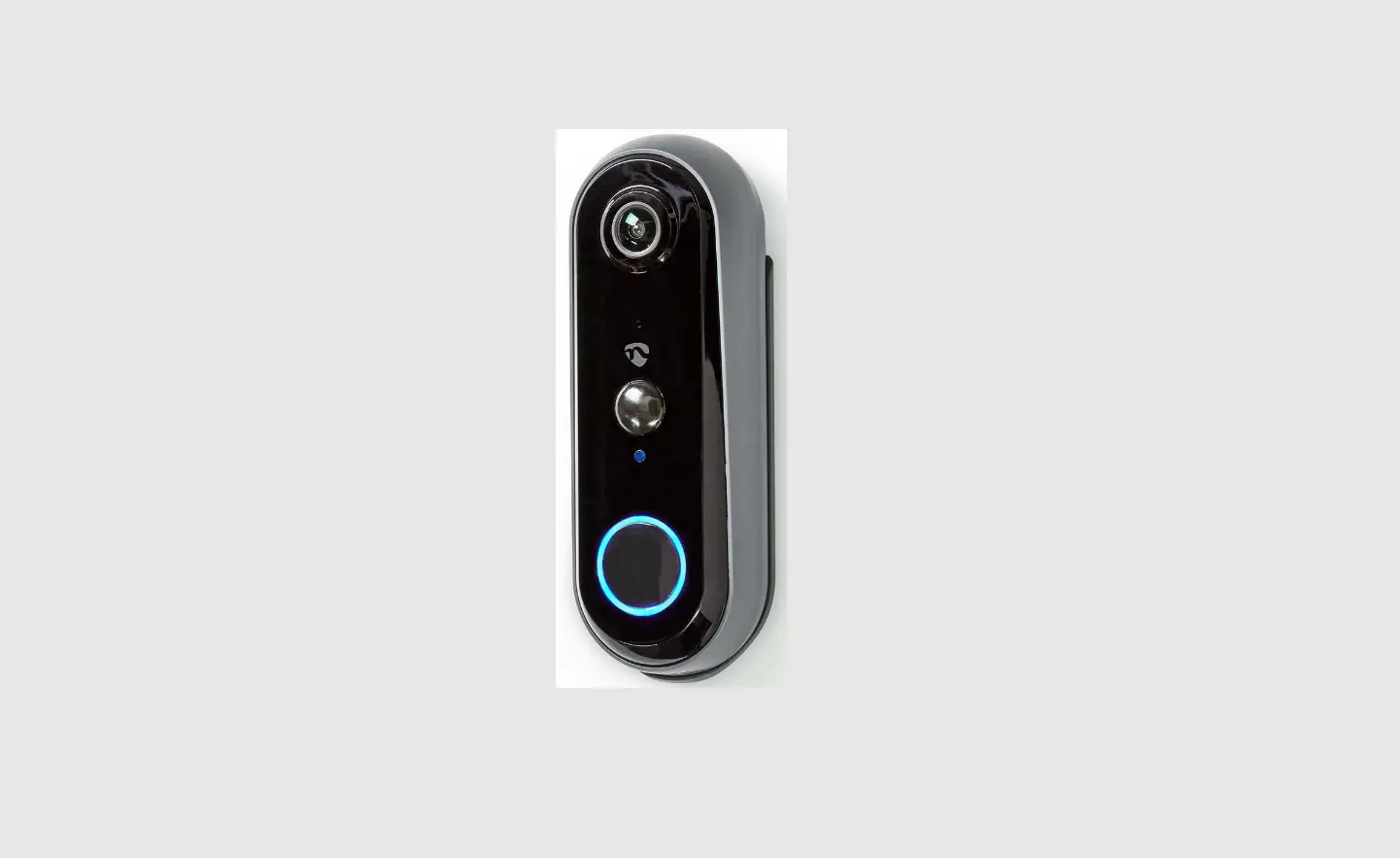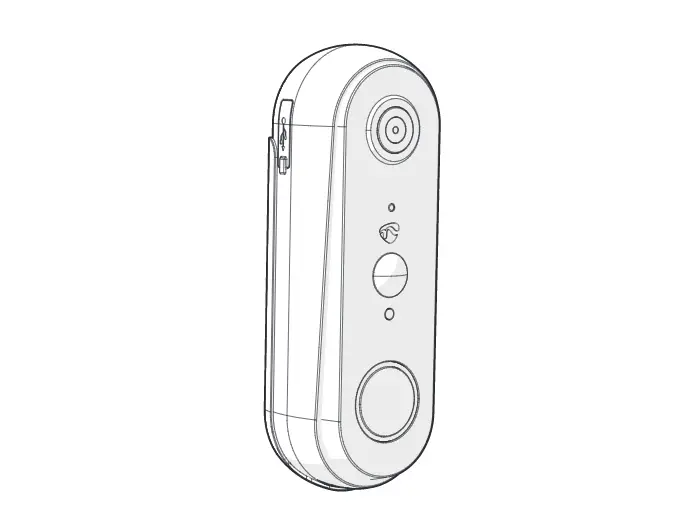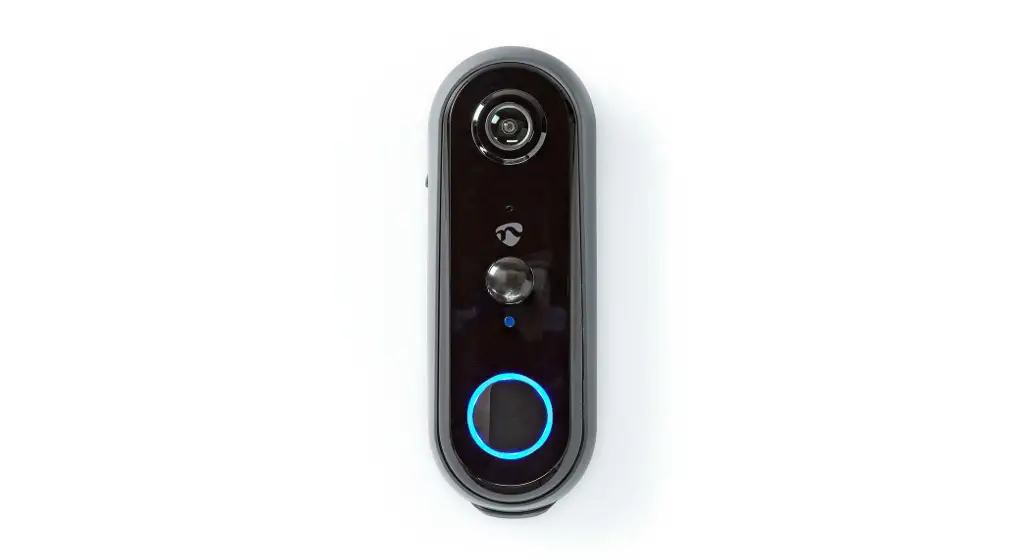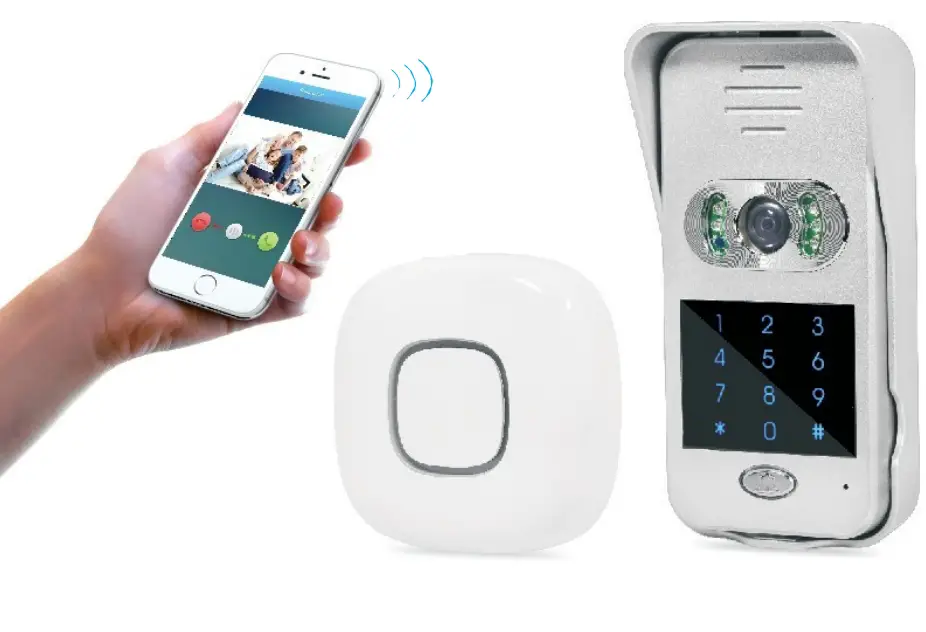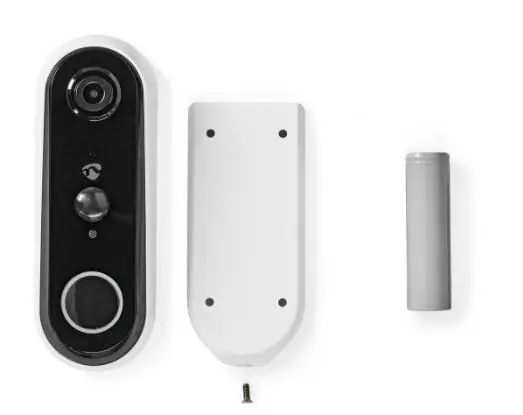

nedis WIFICDP20WT Rechargeable Smart Video Video Doorbell
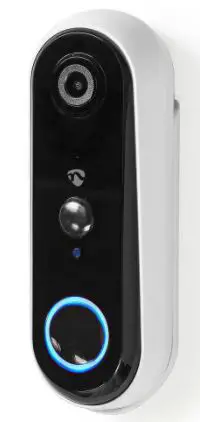
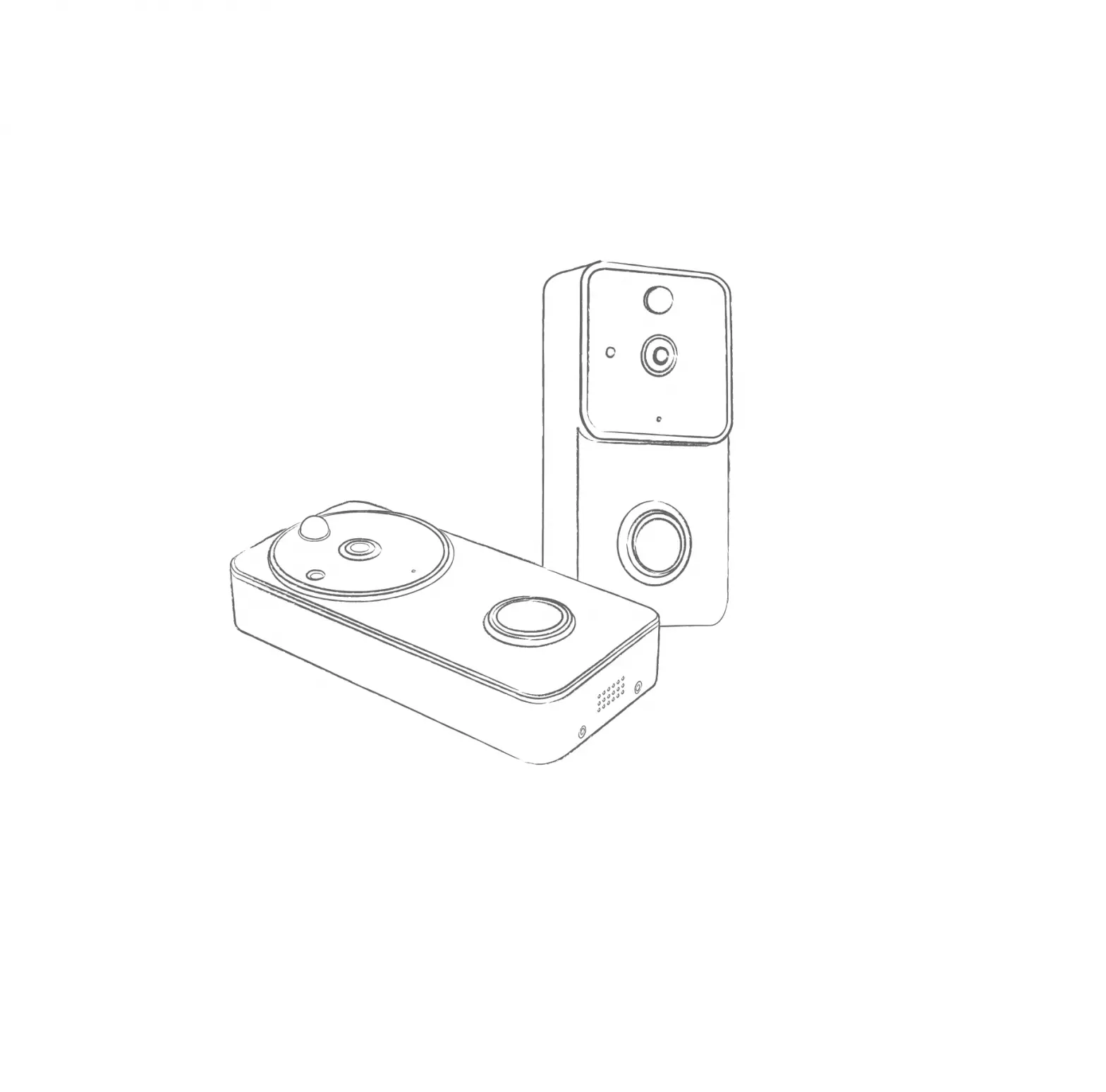
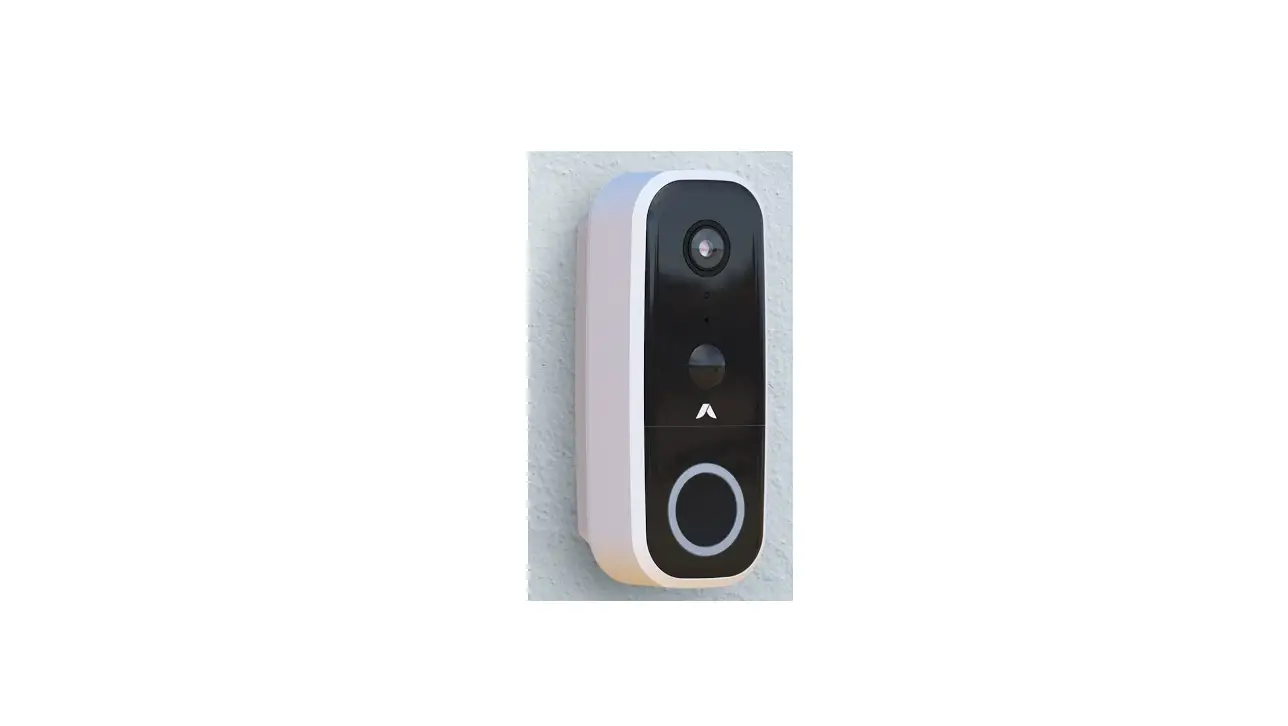
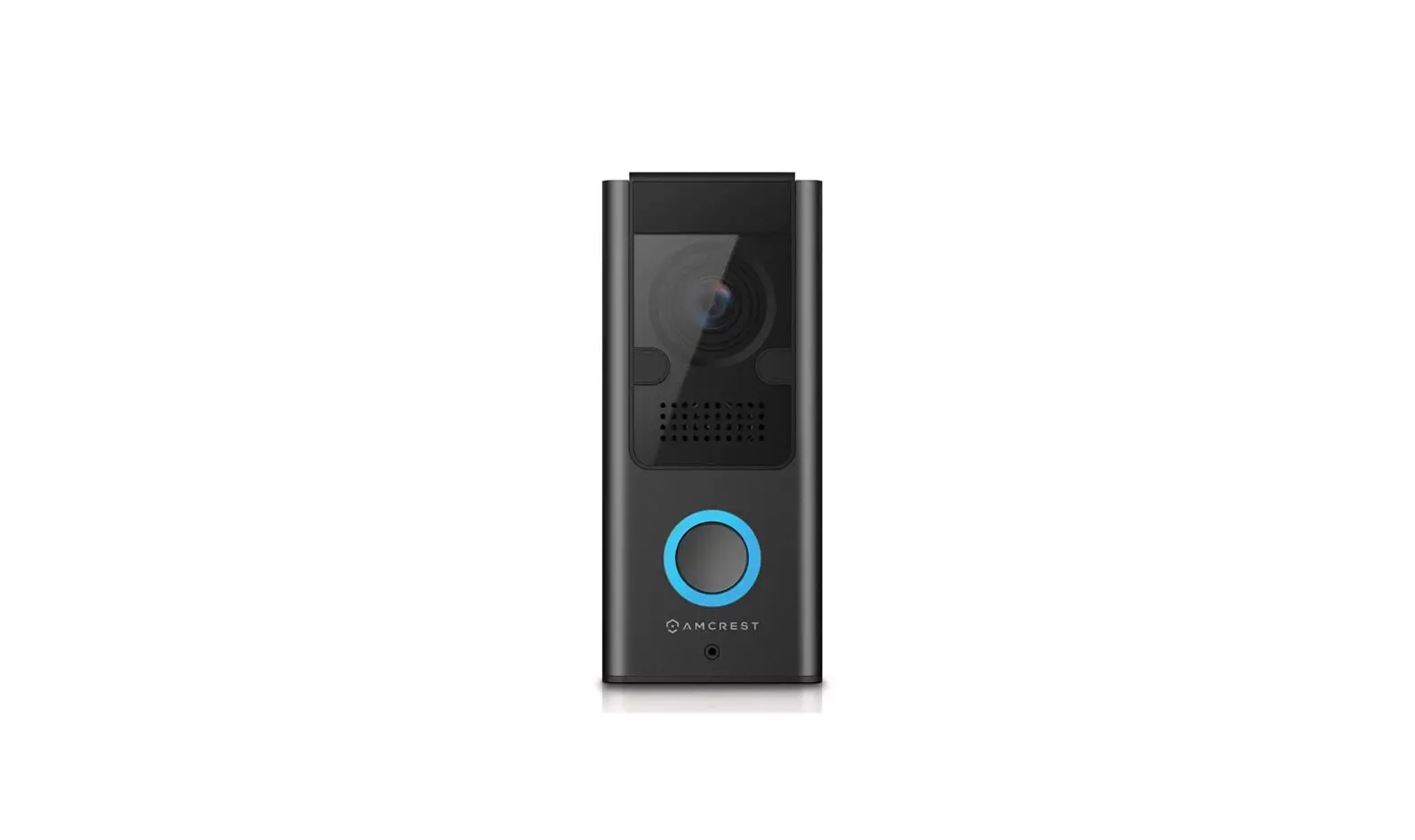
Product Overview
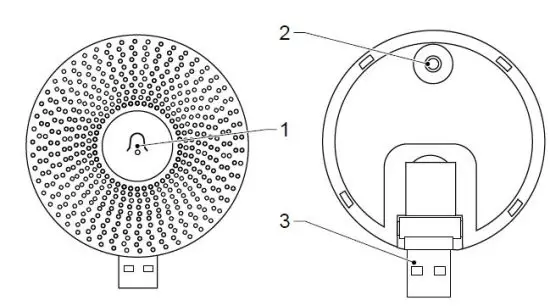
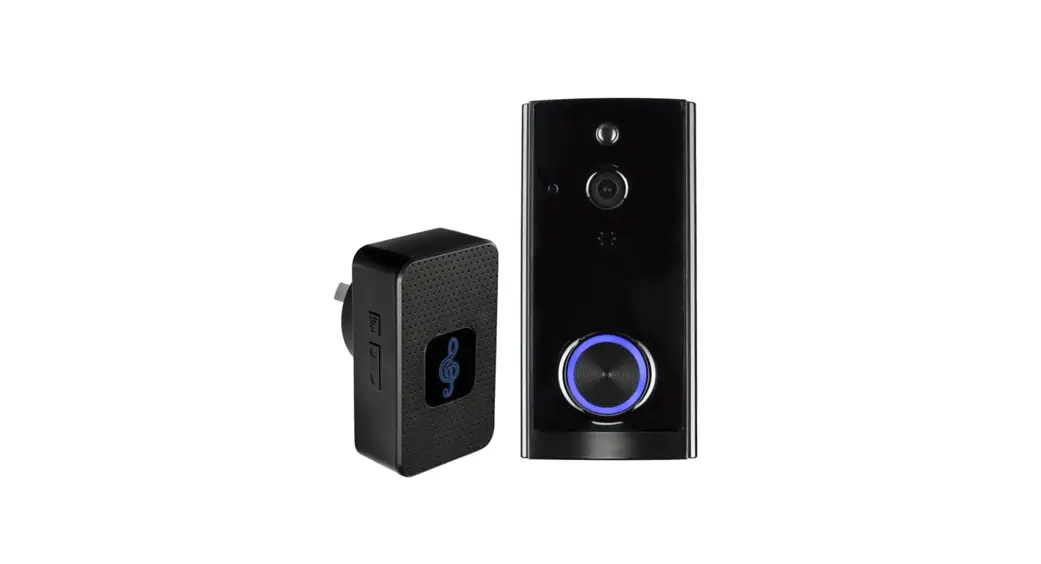
how to pair chime
- Plug in chime close to video doorbell using USB (3)
- Hold Chime reset button (2) for 5 seconds, LED on chime (1) flashes
- Shortly press chime reset button (2), LED on chime (1) will start blinking slowly
- Hold doorbell button 5 seconds, LED on chime (1) stops flashing
- Push doorbell to test pairing
- Relocate the chime to desired location
- Push doorbell again to test range
Nedis BV
De Tweeling 28, 5215 MC ’s-Hertogenbosch – The Netherlands.