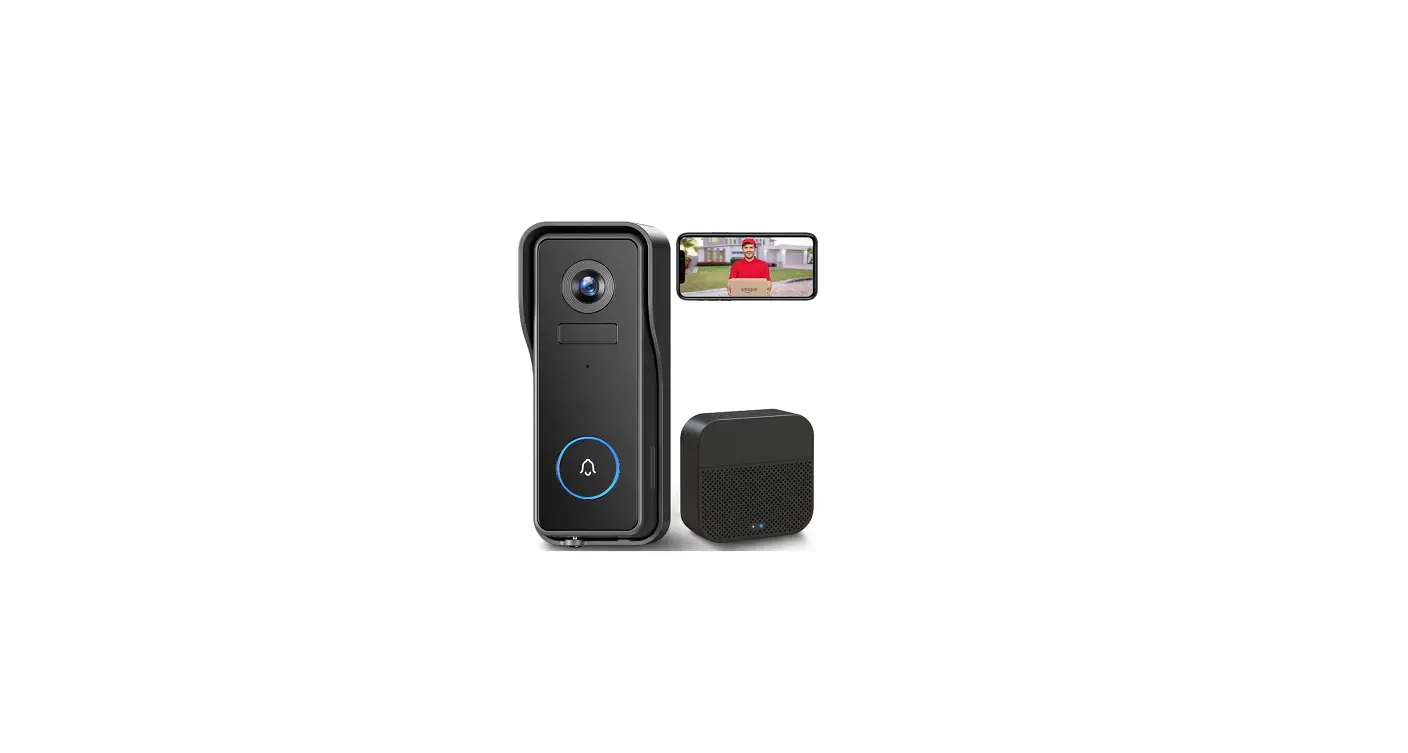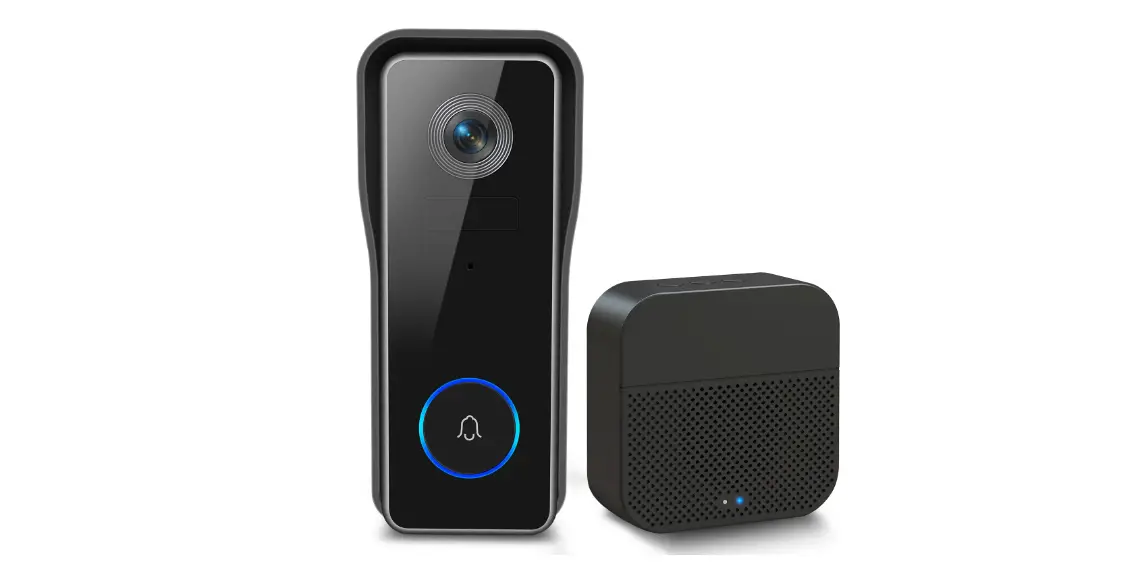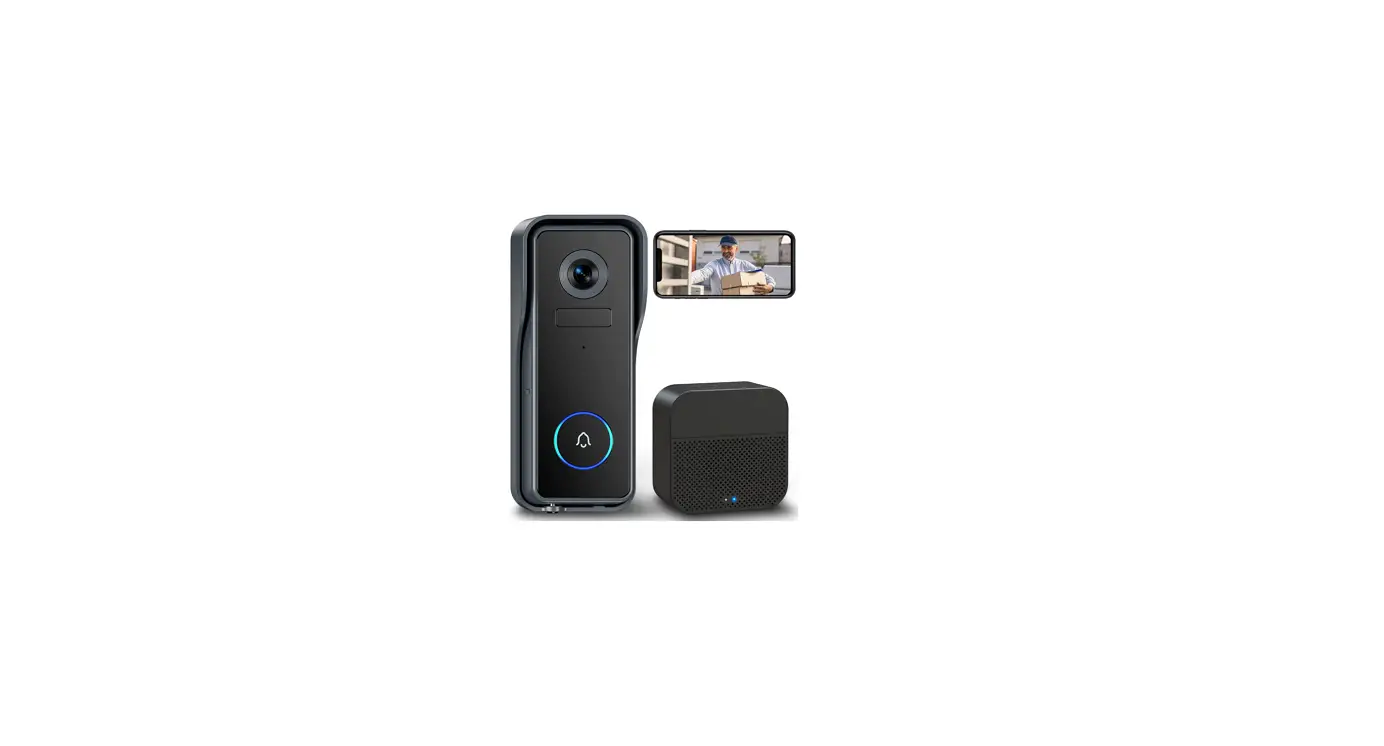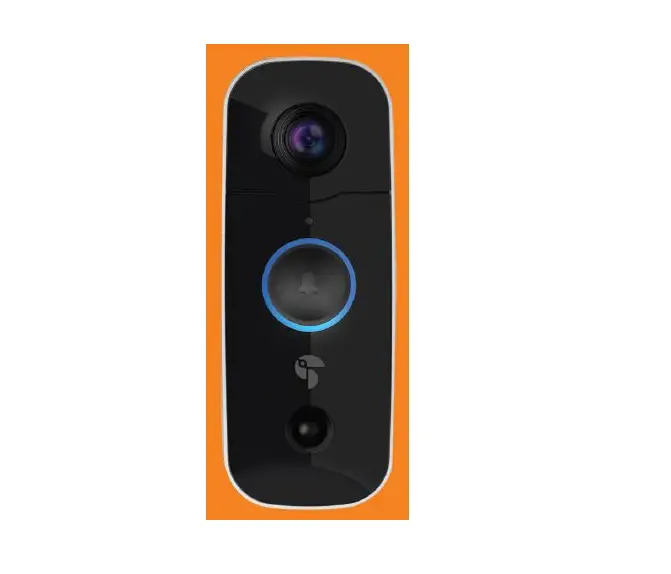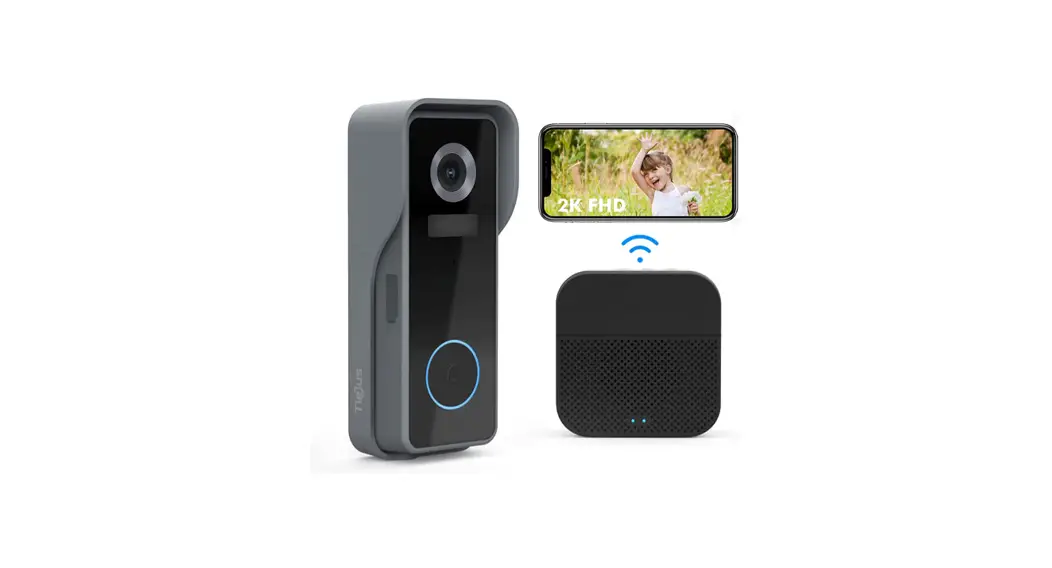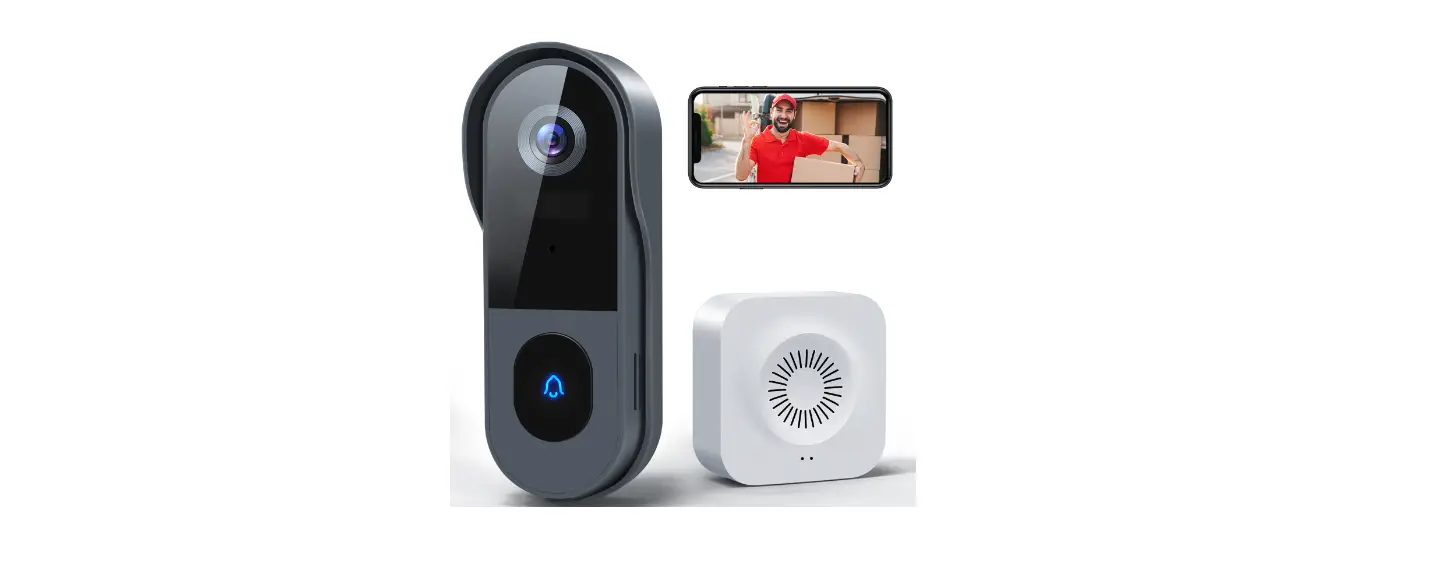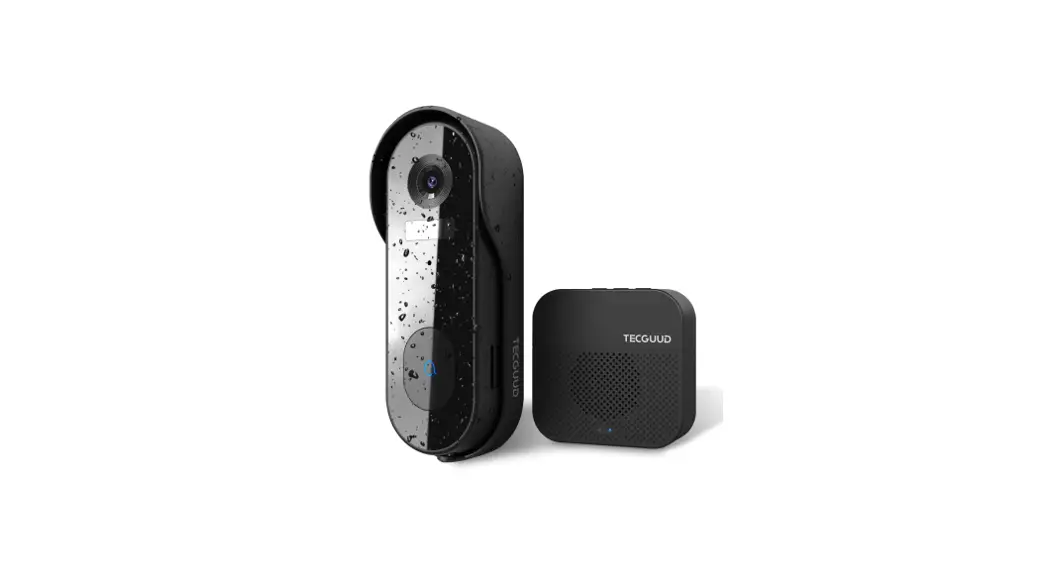
 Video Doorbell Camera
Wireless Instructions
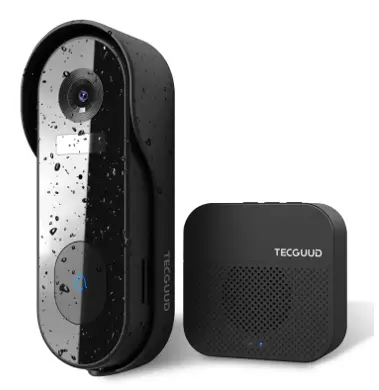
J7S Video Doorbell Camera Wireless
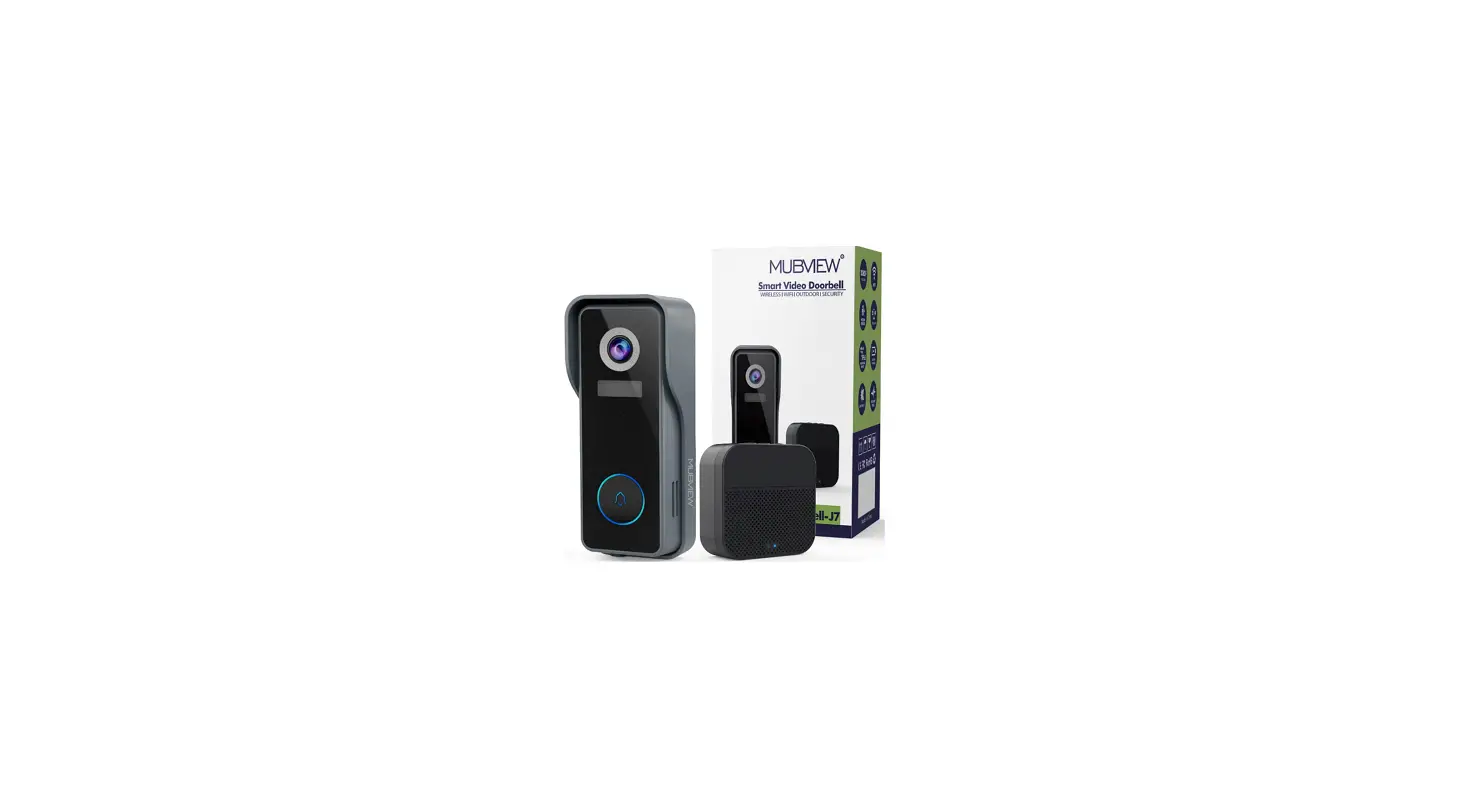
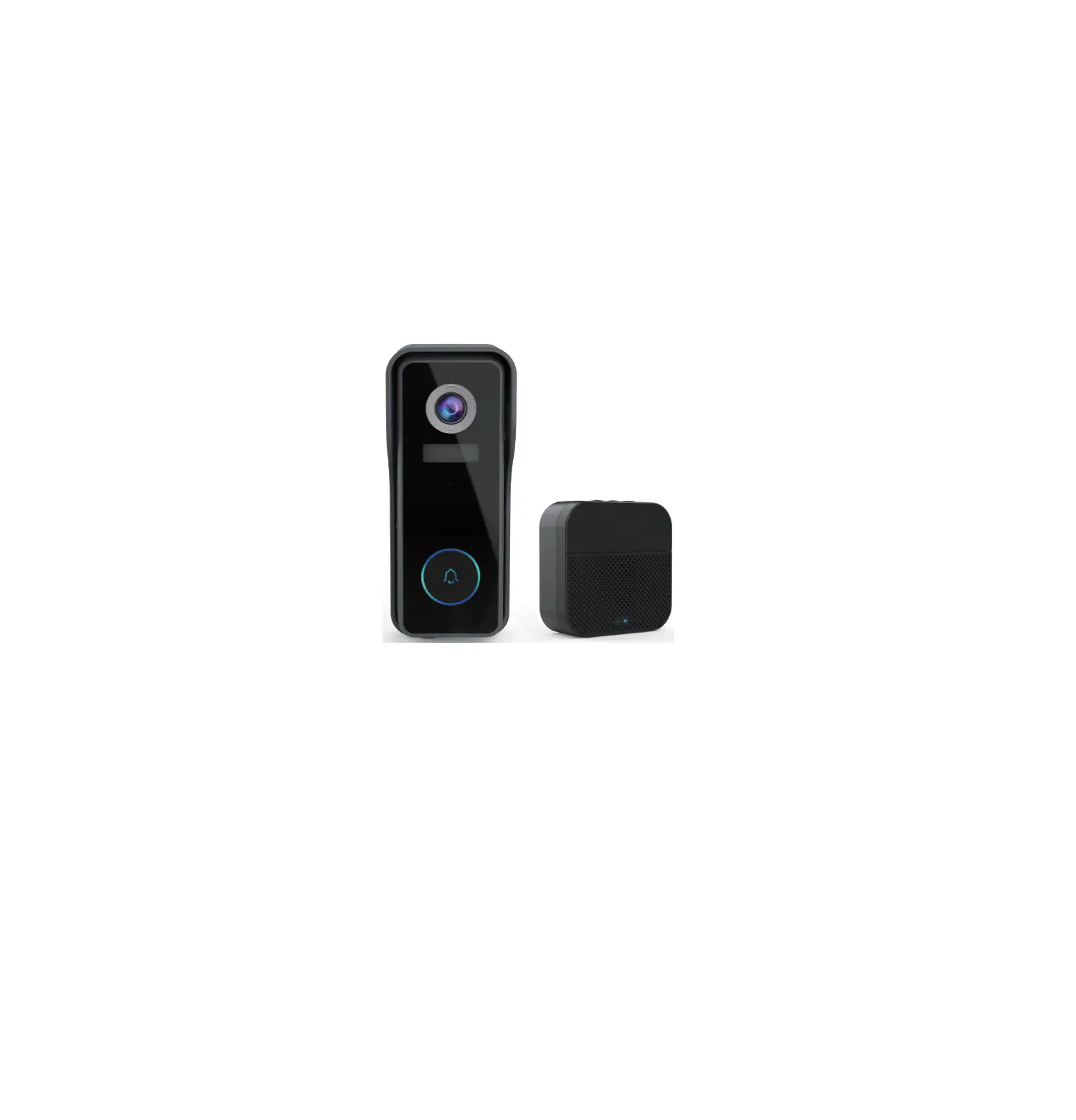
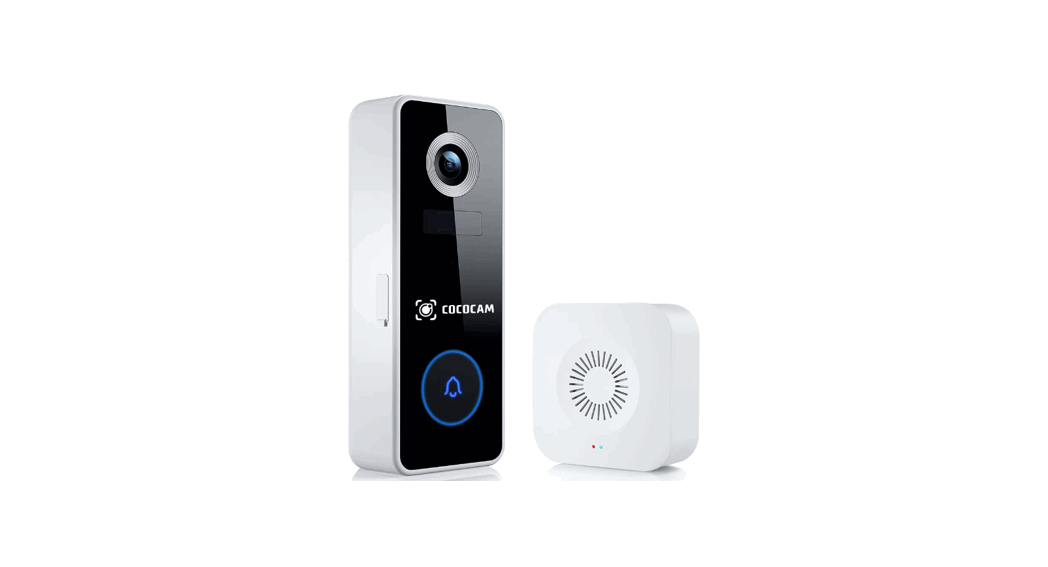
PAIR YOUR CHIME WITH A DOORBELL
- Insert batteries to power on your Chime.
 Note:
Note:
1Chime 03 and Chime 06 work with 3 pcs AA batteries, while Chime 09/Chime 10 work with AAA batteries.
2. Please mind the battery polarities while installing the batteries. - Click the SETTING button
 on the chime, and the chime will be in pairing mode for 20 seconds, with its red LED flashing.
 - Press the doorbell button to send a pairing signal, and your chime will sound to react, together with its blue LED flashing. Chime pairing succeeds.
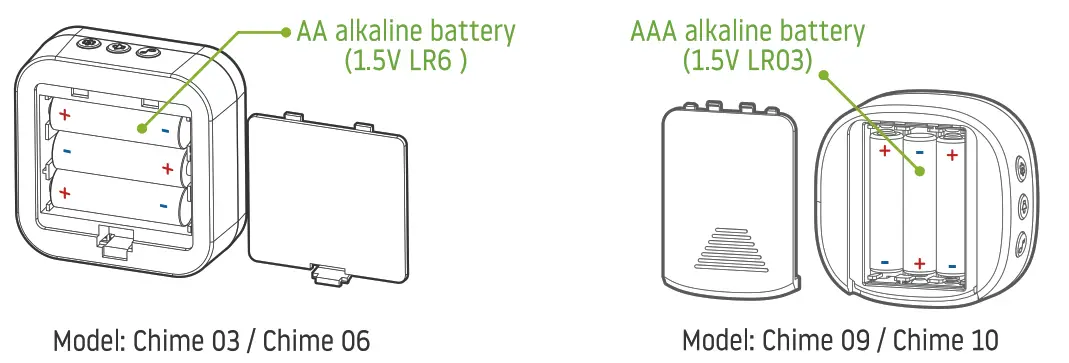 Note:
Note: Settings – Click to enter/quit pairing mode;
– Press & hold for 5 seconds to restore factory defaults. Volume control button – Click to control volume.
 Ringtone selection – Click to change ringtone (4 ringtones available).