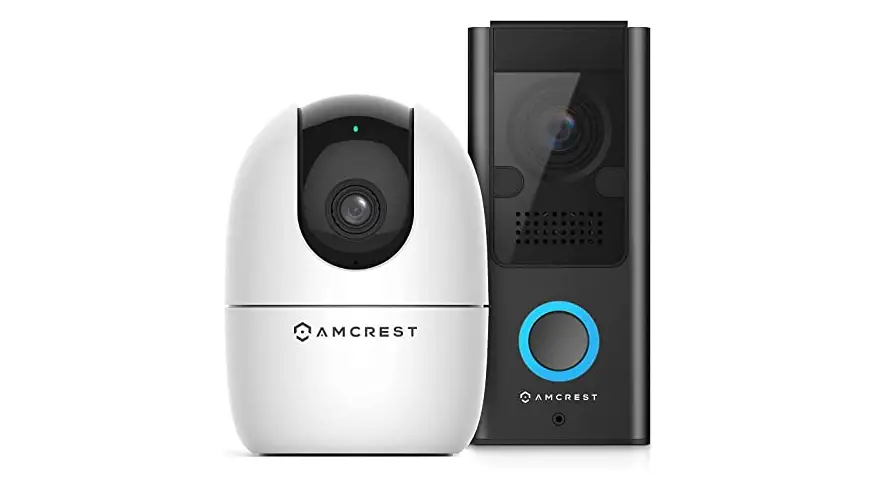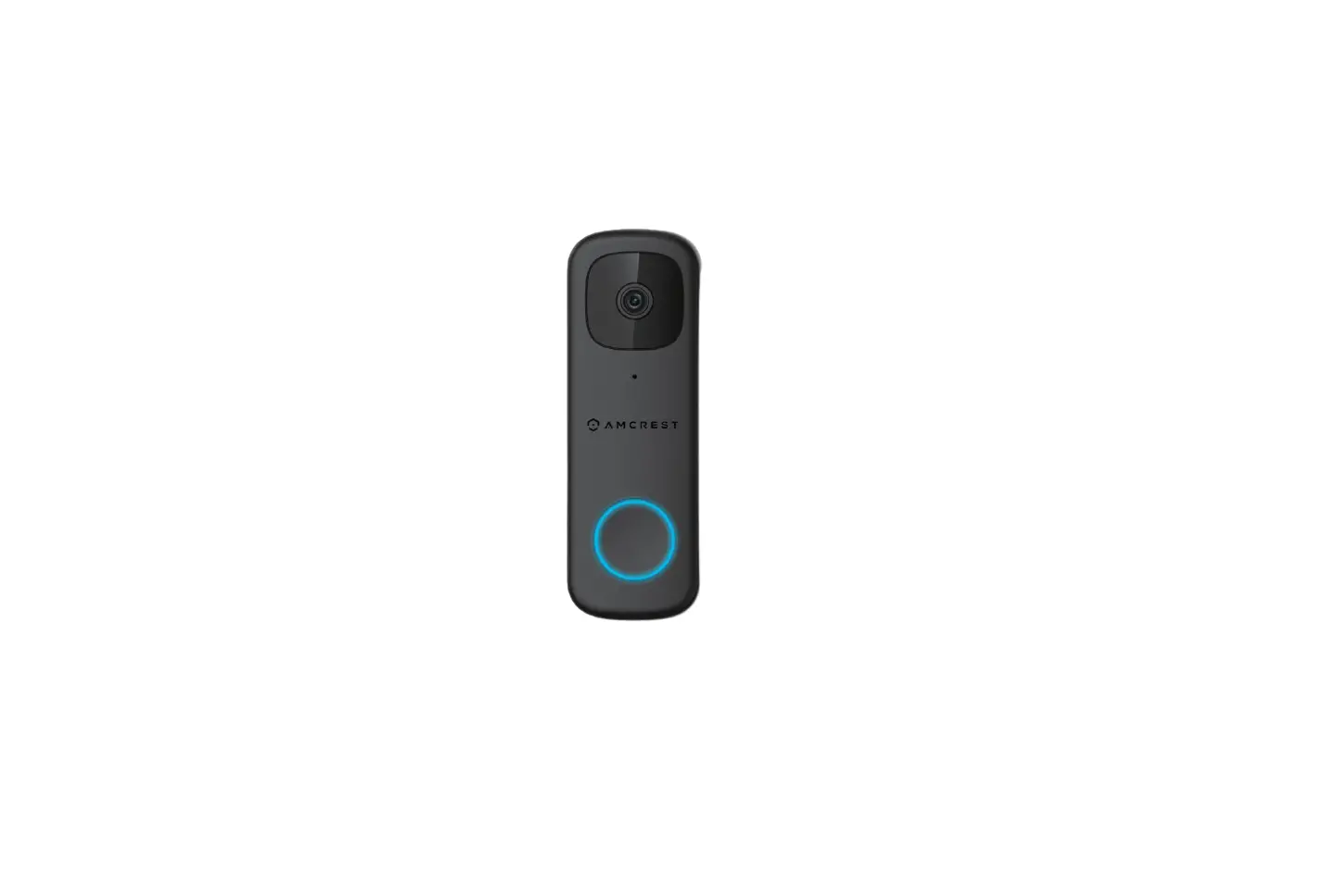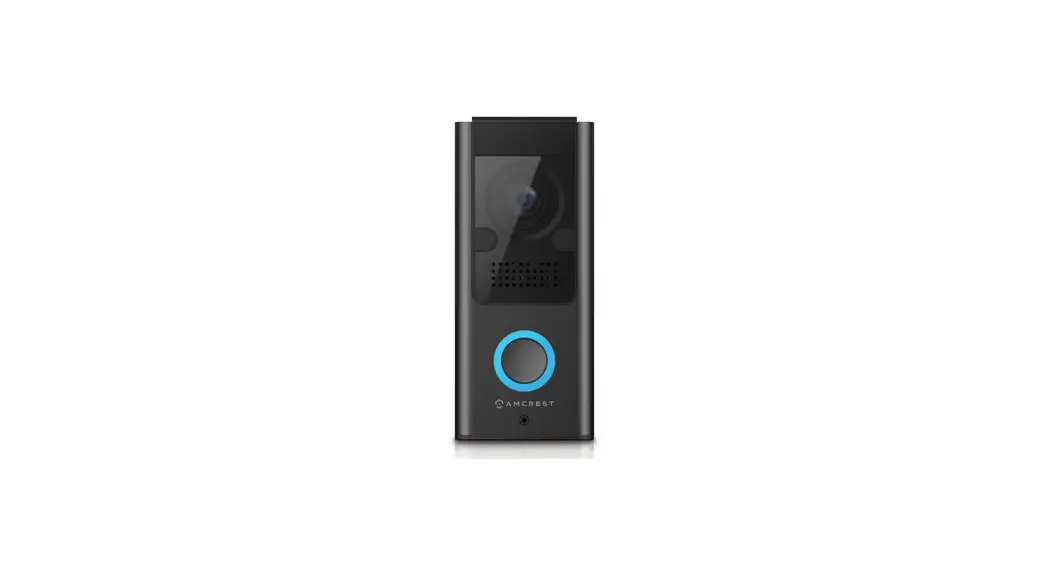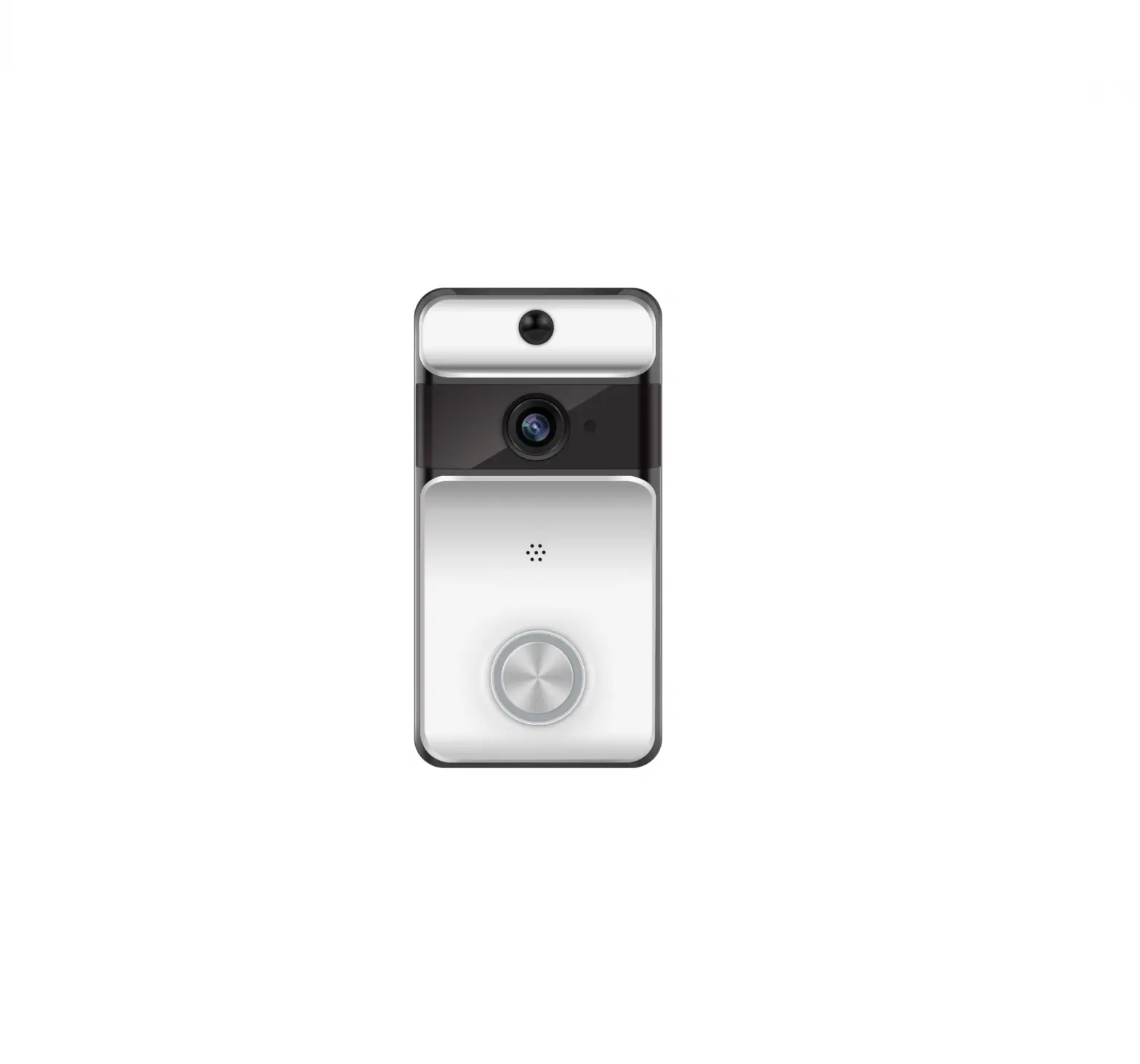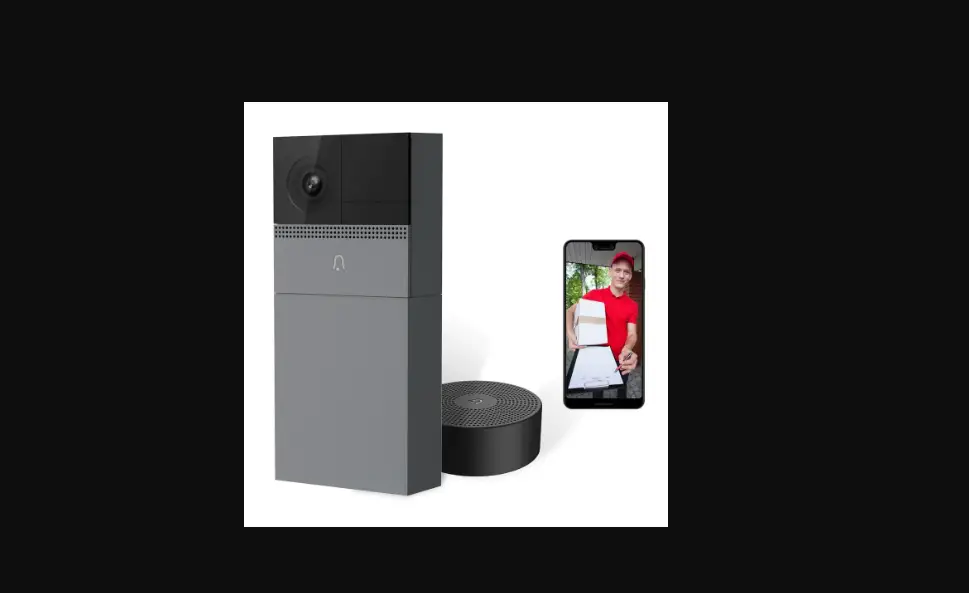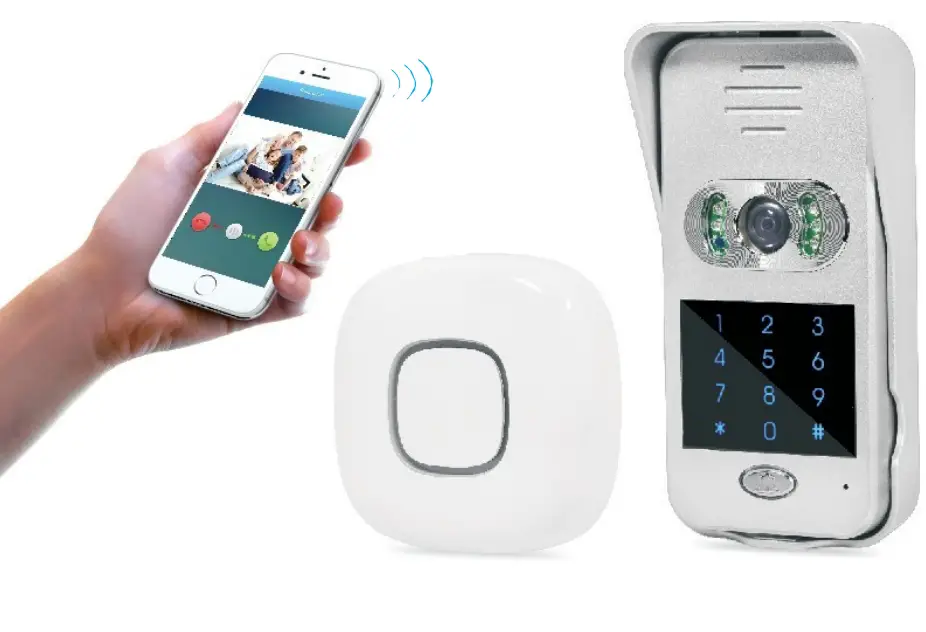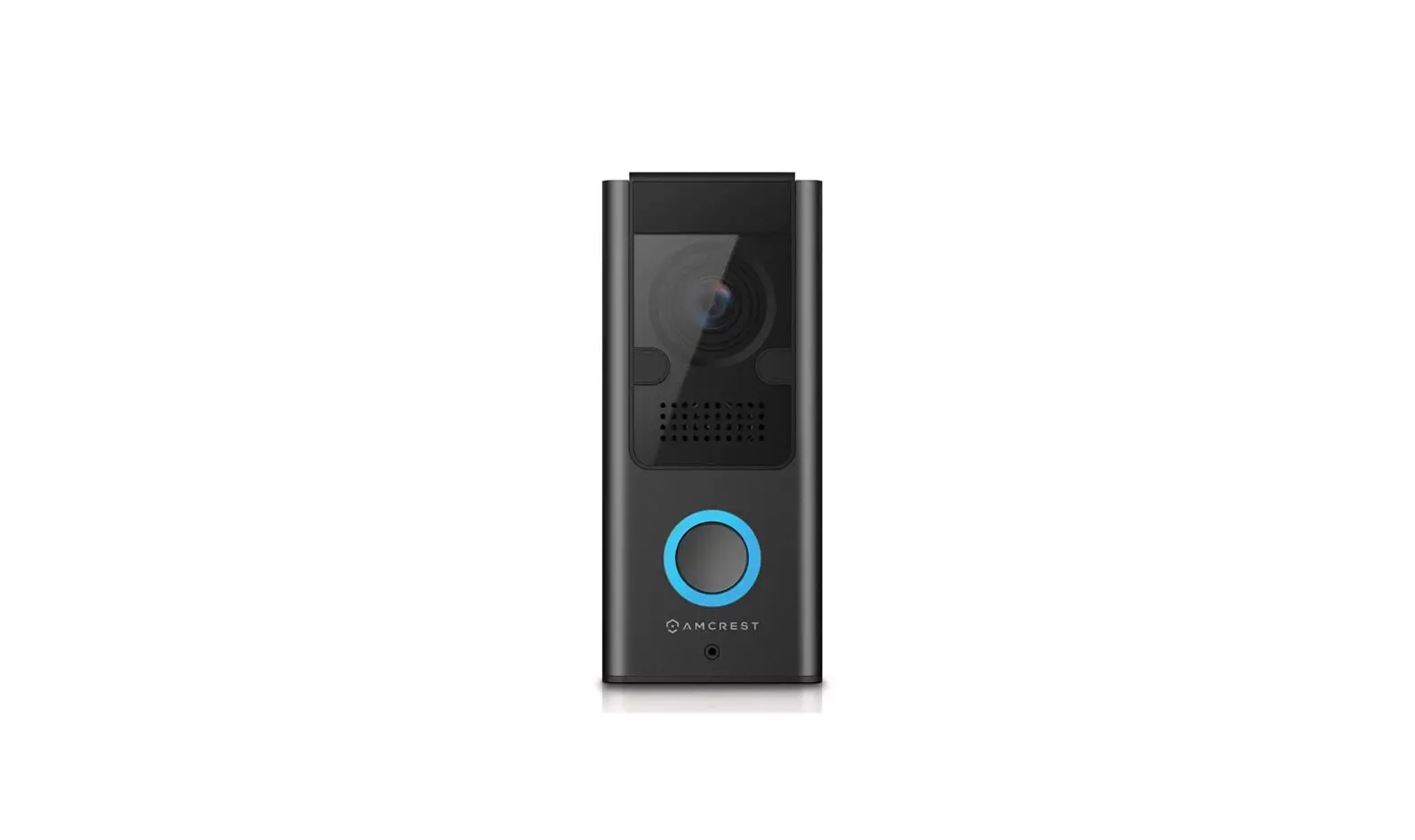
AMCREST Z05 Wi-Fi Video Doorbell User Guide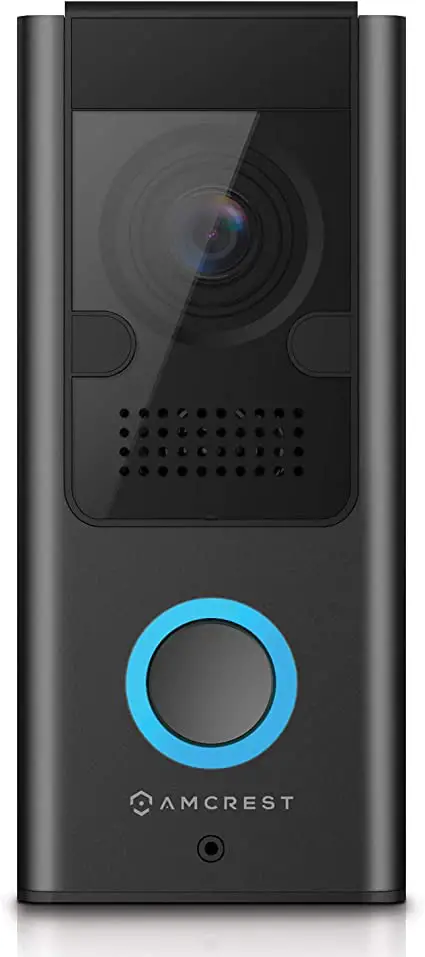
What You Will Need
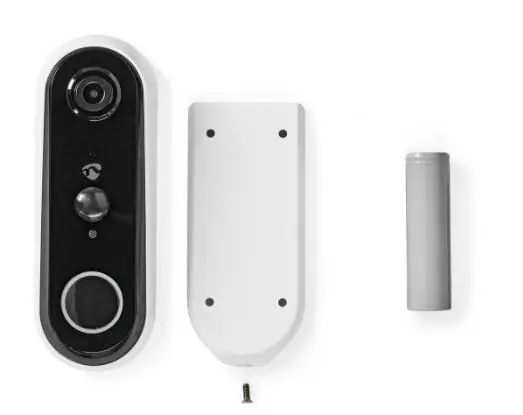
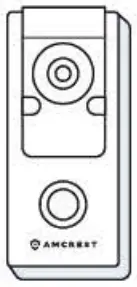
- Wi-Fi Doorbell

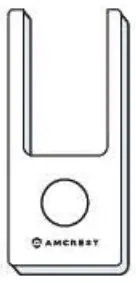
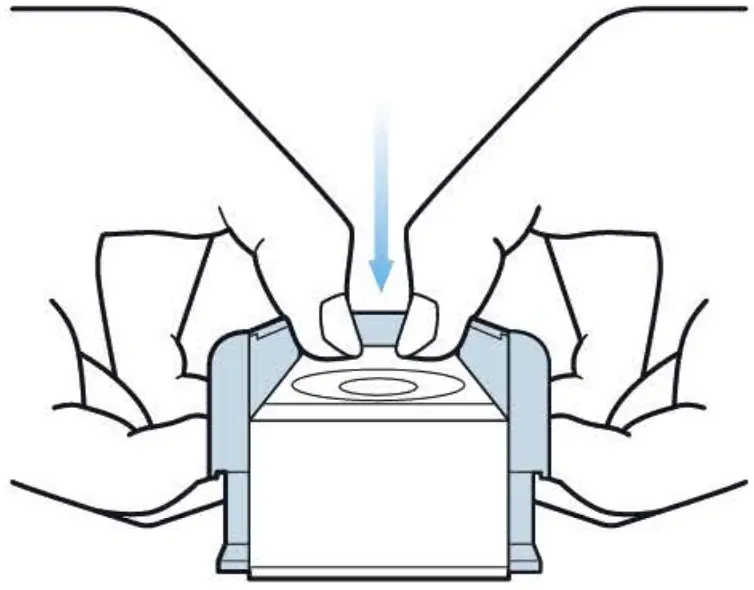
- Faceplate (Pre-installed)

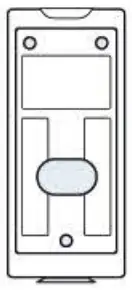
- Mounting Bracket (Pre-installed)

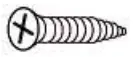
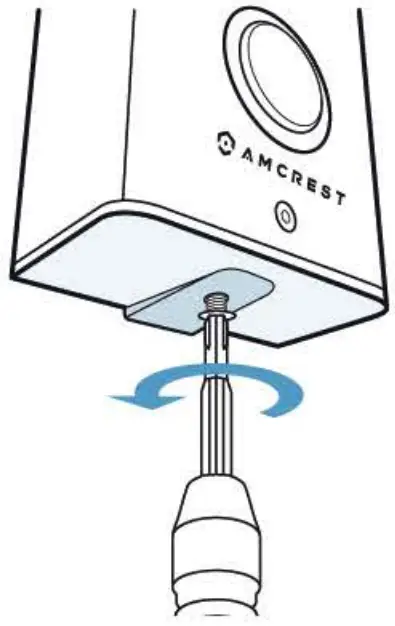
- Bracket Screw

- 3 Mounting Screws

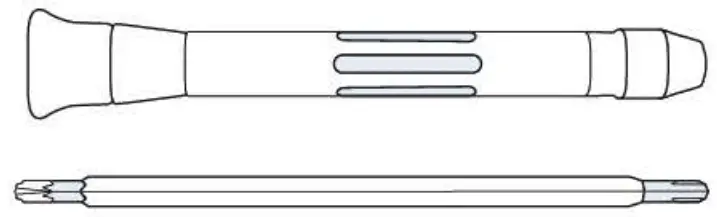
- Screwdriver

- 2 Terminal Screws (Pre-installed)



Extra Equipment
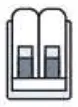
- Wire Connector

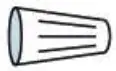
- 2 Wire Nuts

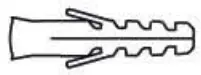
- 4 Wall Anchors

- 2 Wire Extenders

- 2 Extra Wires

- 6mm (15/64″) Masonry Drill Bit

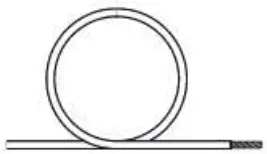
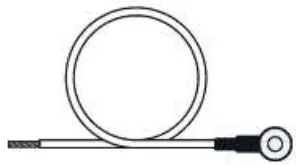

 NOTE: The 15/64″ masonry drill bit may be required if installing on concrete stucco or brick.
Step 1: Remove the Bracket and Faceplate
There is a preinstalled faceplate and bracket on the doorbell that you will need to remove.
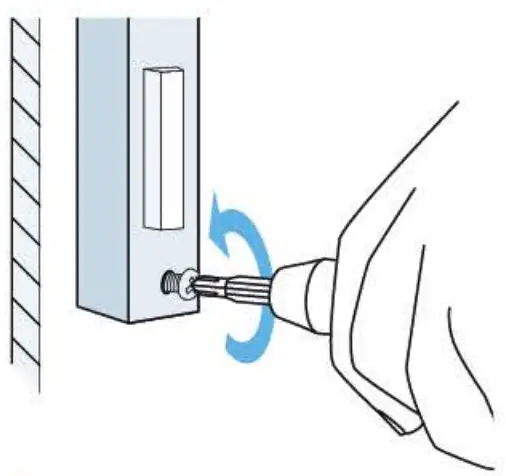
- A. Use the included Philips head screwdriver to remove the bracket screw from the doorbell.

- B. Place your (angers in the indentations on the sides of the doorbell, simultaneously pull away and push the pre-installed faceplate out.

Step 2: Installing the Mounting Bracket
- A. If you have an existing doorbell, remove it from the wall and disconnect the wires. These are the wires we will be using to install your new Amcrest Wi-Fi Doorbell.

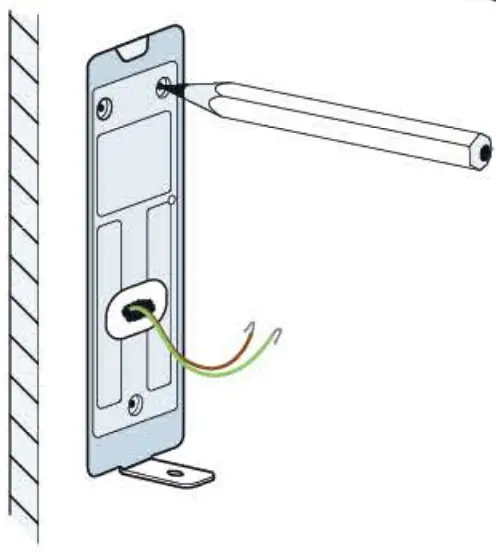
- B. Place the doorbell bracket to fit your existing doorbell wiring. Then mark the screw holes with a marker.

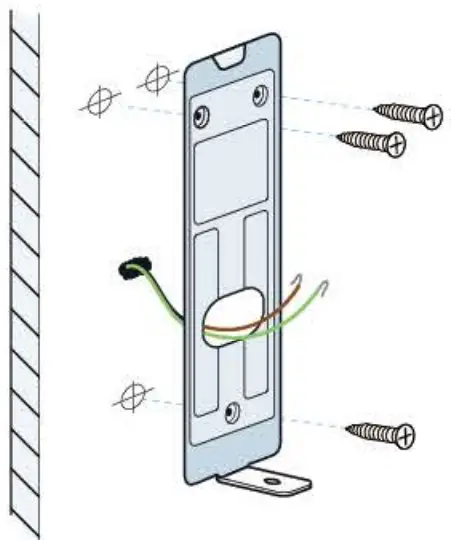
- C. For Wood, Drywall or Soft Surfaces: Secure the doorbell bracket to the mounting surface using the included screwdriver and mounting screws.
For Concrete, Stucco or Brick: Using your previously marked holes as a guide, drill holes into the mounting surface using the included drill bit. Then, insert wall anchors and secure the mounting brackets using the included mounting screws.
 View our online video tutorial at amcrest.com/doorbellsetup