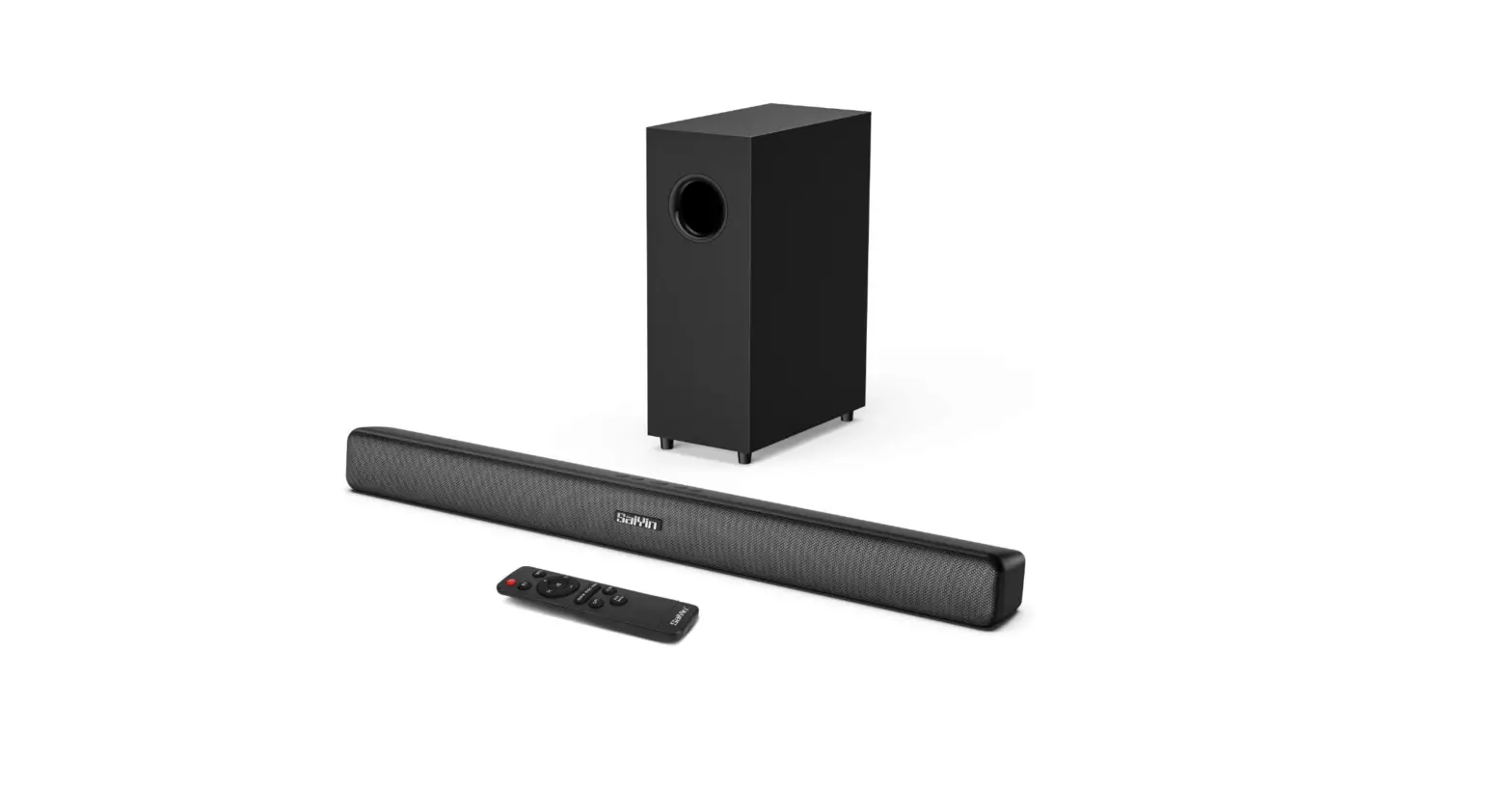

RIOWOIS R-DS6445SaiYin Audio Surround Sound Speaker
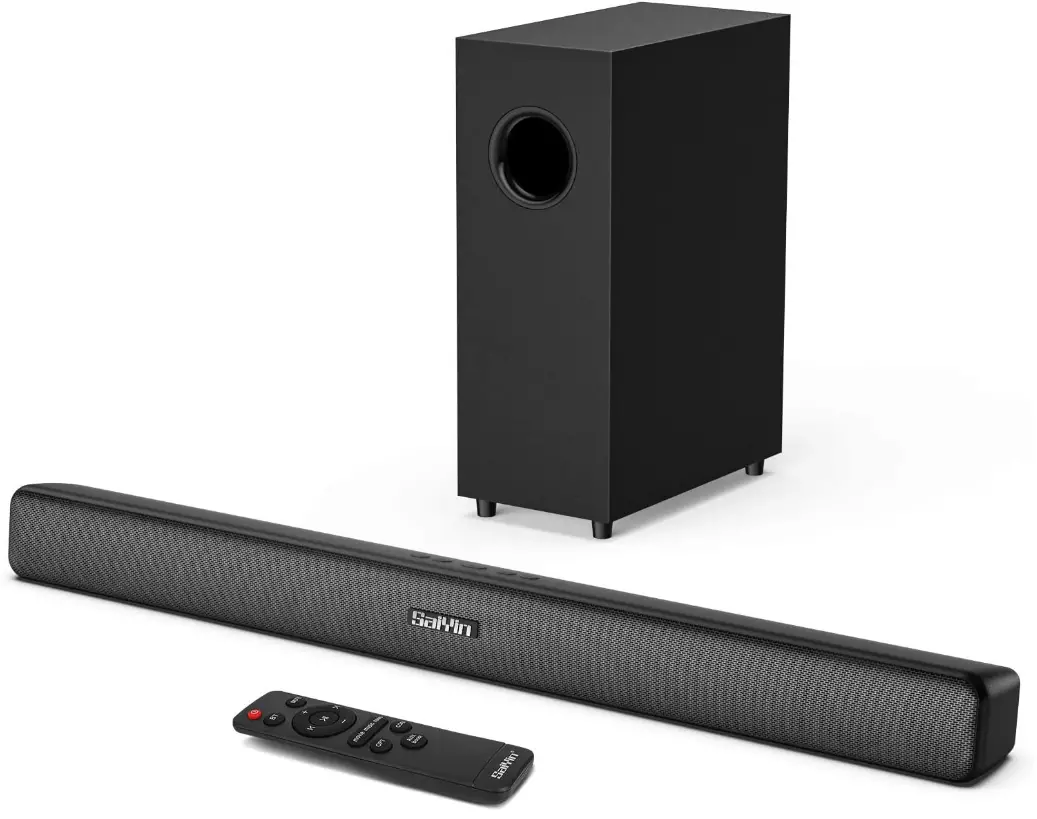
Specifications
- Package Dimensions: 30 x 12 x 6 inches
- Item Weight:58 pounds
- Model Name: R-DS6445SaiYin
- Speaker Type: Subwoofer
- Connectivity Technology: RCA, Bluetooth, Auxiliary, Optical, Coaxial
What’s in the box?
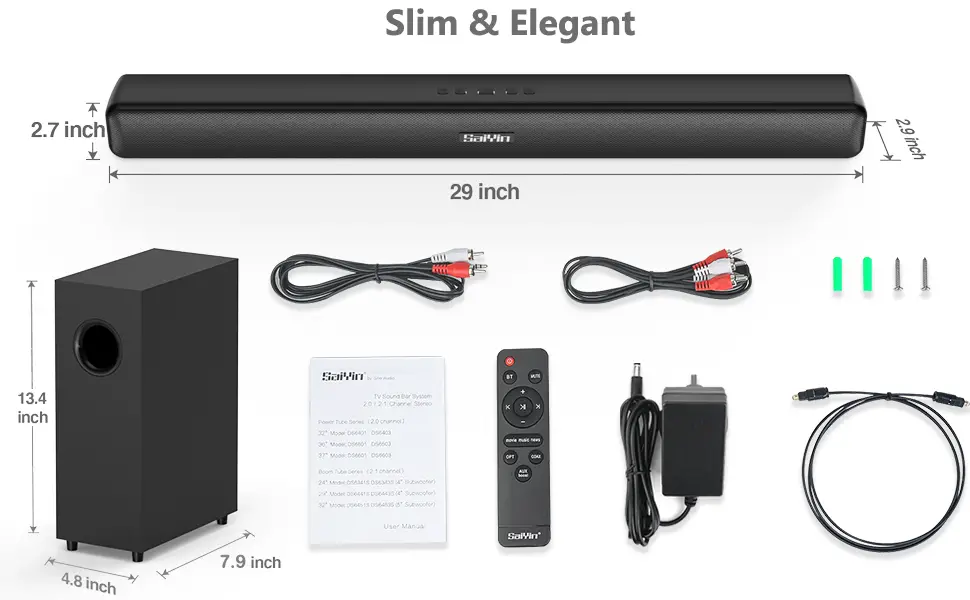
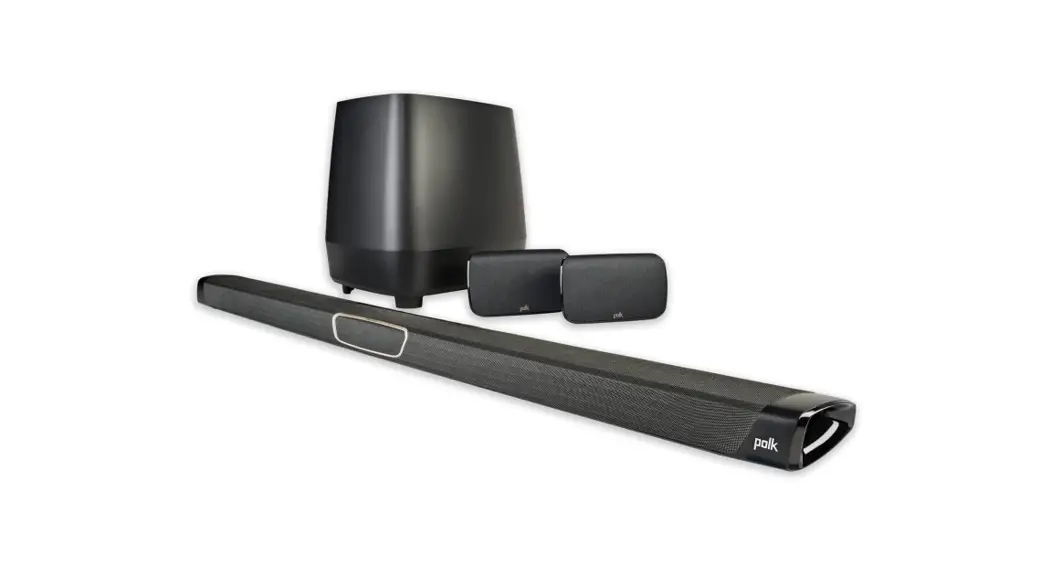
- Sound Bar
- Subwoofer
- Remote Control
- Power Adaptor
- Optical Cable, RCA Audio Cable, 3.5mm to RCA Cable, User Manual, and Wall Mount Kit.
Product Descriptions
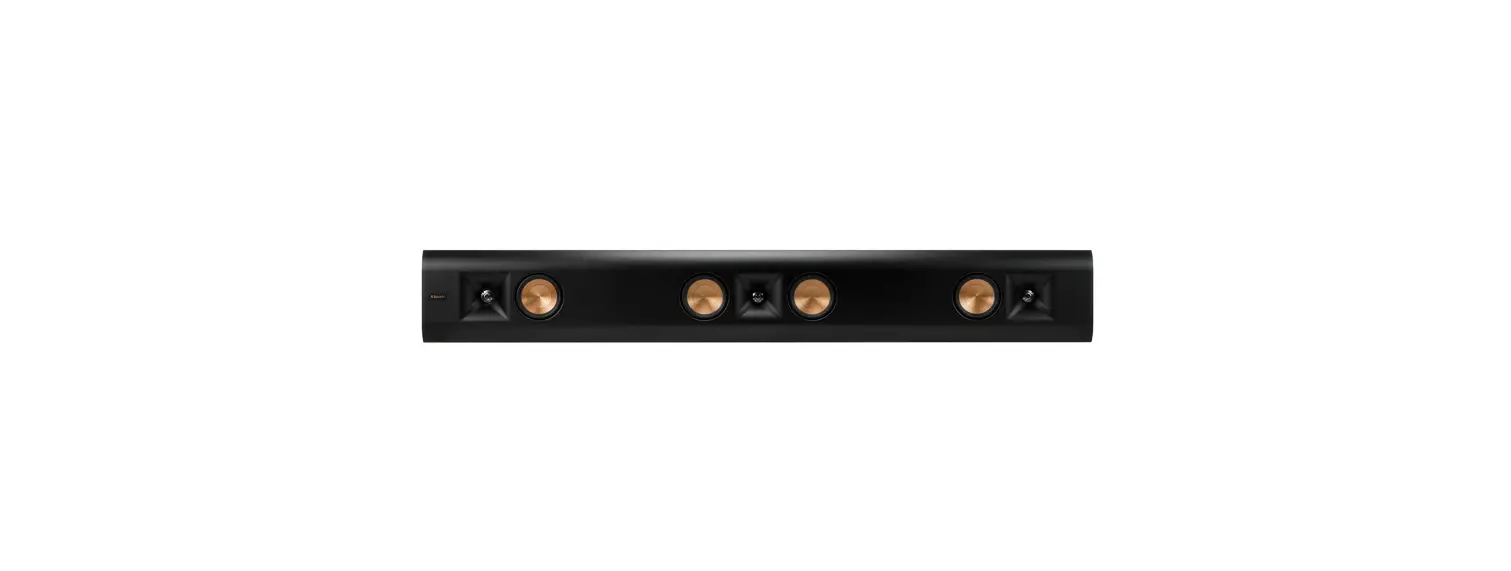
Slim yet Strong
A powerful full-range improved driver and deep, rich bass offer stunning speech clarity in a simple, immersive design.
Subwoofer – Wired (comes with fixed cable)
Please kindly note that the audio wire is connected to the TV audio output and the soundbar audio input. When connecting the audio cable, please make sure to plug it into a connector on your TV labeled Line OUT or Audio OUT, not Line IN or Audio IN.
Please make sure the protective caps at the ends of the optical cable are removed before plugging it in. For an optical connection, please set your TV’s audio output to “Optical” and the digital audio format to “PCM” (PCM is a digital recording of analogue audio and is an optional audio format in many televisions).
Please Note
Dolby Sound and DTS are not supported by sound bars for TVs, therefore please turn them off on your TV, Netflix, Amazon Prime Video, HBO, Hulu, and other streaming video apps.
Toggle Control
Buttons in the soundbar’s upper center
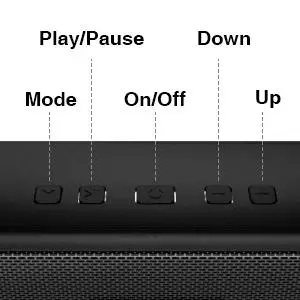
The connected LED light in the soundbar will turn blue and the sound bar will be ready to use when you select or switch your connection mode by pushing the “M” button on the soundbar or the corresponding button on the remote control.
Please set the soundbar volume to 80% of maximum (Note: The maximum volume drop 2 levels is 80%) and the volume of your source device to an appropriate level for better sound quality.
Wall or desktop mount

You can release the greatest power with the smallest unit because to the thin design and wall-mountable function, which also saves you a lot of room.
Remote Control
There are three equalization modes: Music, Movie, and News. Choose your preferred specialized mode for giving you a room-wide stereo experience using the remote control.
- Press the correct button on the remote control or the “M” button on the soundbar to select or switch your connection option.
- The connected LED indicator in the soundbar will turn blue and the soundbar will be ready to play.
- Only the remote control that comes with it or a learning remote control can access the soundbar.

Features
Upgrade your home theatre audio experience with a sound bar and subwoofer. A small soundbar with deep bass is produced by powerful full-range drivers with a combined output of 70 watts. A sound bar is the ideal TV speaker since it enhances sound clarity and produces amazing simulated surround sound that fills the entire room.
Rich, deep bass
With the deep bass of a subwoofer, you can feel the movement and the beat of the song. The best sound bar for a TV, PC, gaming console, computer, projector, television, surround sound system, music player, smartphone, or tablet. All TV sizes are compatible with the Sound Bar.
3 sound modes accessible by remote control
Three equalization settings are included with this small TV speaker: music, movies, and news. With the help of the remote control, you may choose your preferred specialised mode to fill the space with a variety of stereo effects and experience home theater-quality surround sound.
Simple Setup
The sound bar can be easily connected to your home theatre, Smart TV, phone, projector, DVDs, laptop, desktop, tablets, pad, and more via Wireless Bluetooth 5.0 connection, Optical, AUX(3.5mm), RCA, or Coaxial connection. Use the 3.5mm to RCA audio cable to connect the soundbar to your TV or other source devices if they only have a 3.5mm headphone jack.
What you receive?
Optical cable, RCA audio cable, 3.5mm to RCA cable, user manual, wall mounting kit, TV sound bar, subwoofer, remote control, power adaptor. Please don’t hesitate to get in touch with us right away if you need assistance.
Frequently Asked Questions
1.5 metres of cable connect the subwoofer to the speakers. The subwoofer’s connection cable is permanently attached to the back of the device. We appreciate you showing interest in our soundbar.
Not at all, no. Now, this soundbar has three different interface types: optical, coaxial, and RCA (AUX input). Also included are optical and RCA/Coaxial audio cables. Bluetooth can also be used to connect devices that support it.
The aptx Audio decoder is not presently supported by our soundbars.
No. Once you’ve paired it with your TV, for example. To connect to your TV, you must first switch on the bar with the remote and wait a short while. You must first disconnect from the TV’s Bluetooth before connecting to the new device if you want to pair it with another device afterwards.
I don’t have any pictures, and the item was sent back.
You can always get in touch with us if you need a new remote control.
No, there’s just 110–120 volts.
In a 220 Volt setting, a Step Down Transformer will be required.
I’m sorry, but I have to say no. because you already have an optical fibre connection to the TV and sound bar.
It cannot be replaced; however you may possibly use an extension cable if necessary. It is around 54 inches.
The length of the power wire.
The power chord is 145 cm long, which is almost 4.7 feet. Hope this is useful!
No, you can only activate the soundbar with the included remote control. We appreciate you showing interest in our sound bar.
The power adapter’s DC voltage is 15V. We appreciate you showing interest in our soundbar.
The soundbar at the back is connected to the sub using a provided connection.
Yes. The male end of the sub cable.
Yes, you may use Bluetooth to connect your phone to this soundbar. Hope this is useful! We appreciate you showing interest in our products.
Customer Service at RIOWOIS