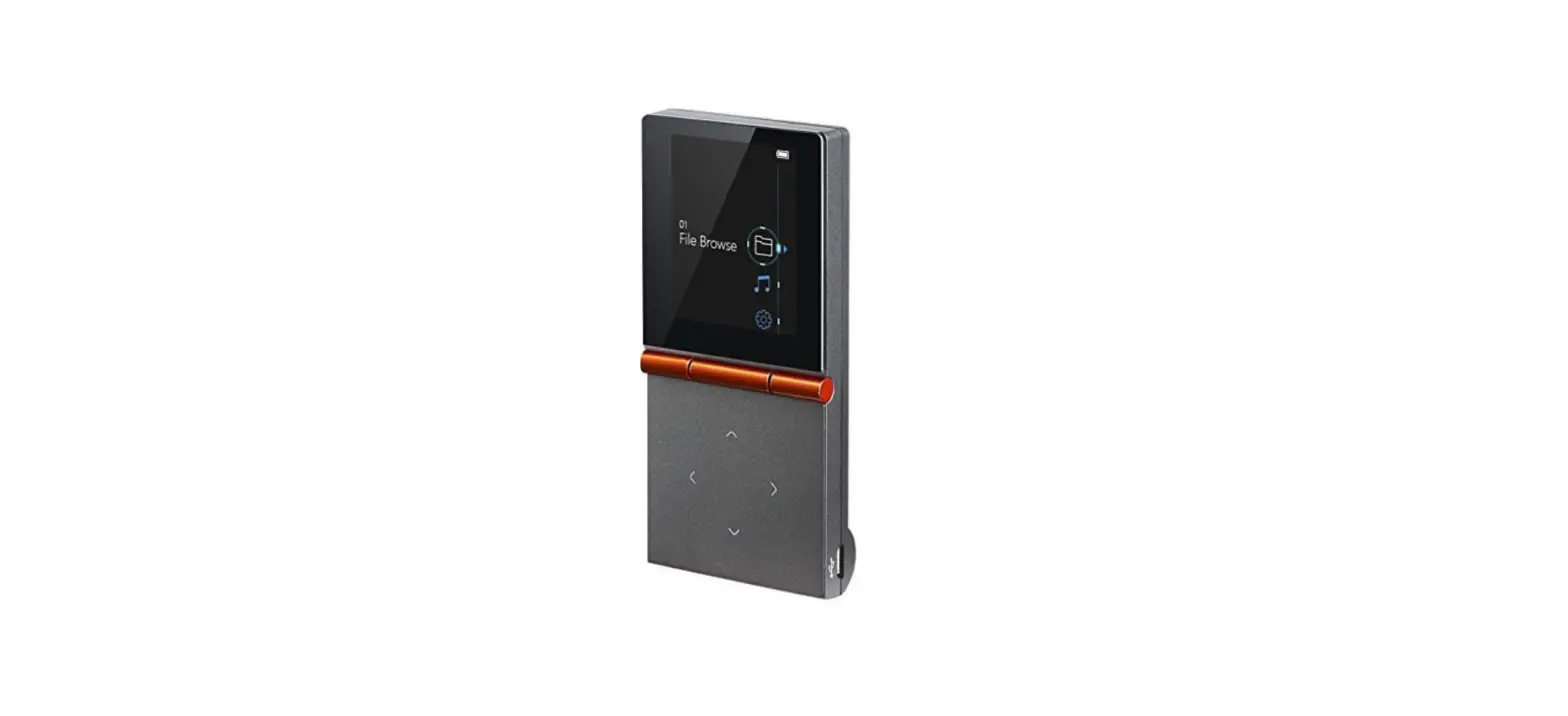

HIFIMAN HM-70032G Re-400 32G Portable Player plus
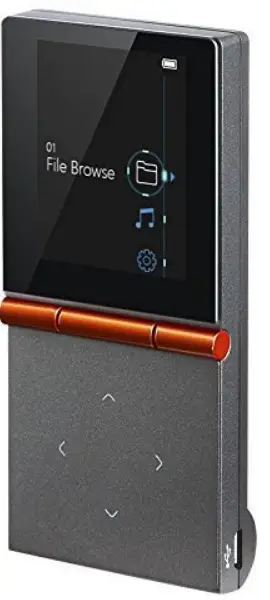
HIFIMAN HM-70032G Re-400 32G Portable Player plus
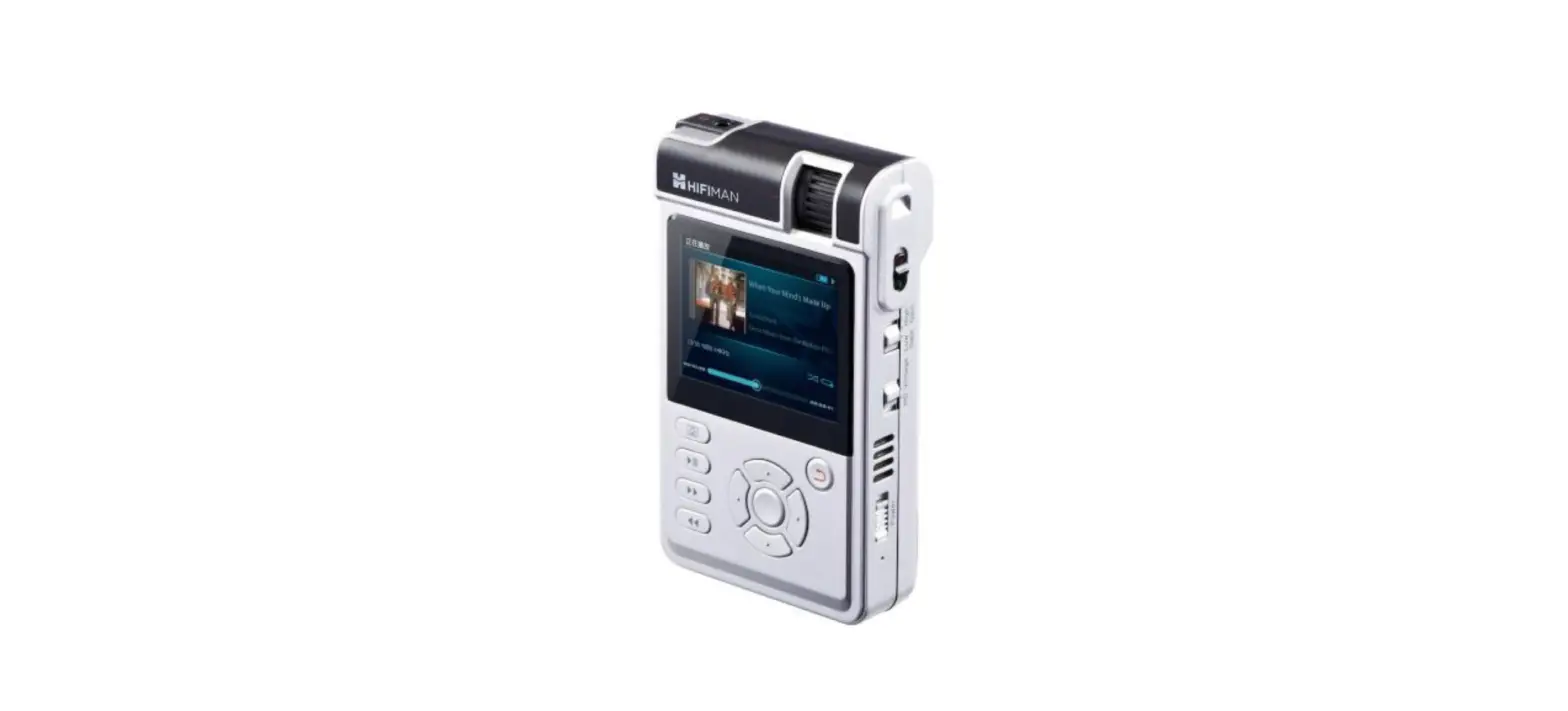
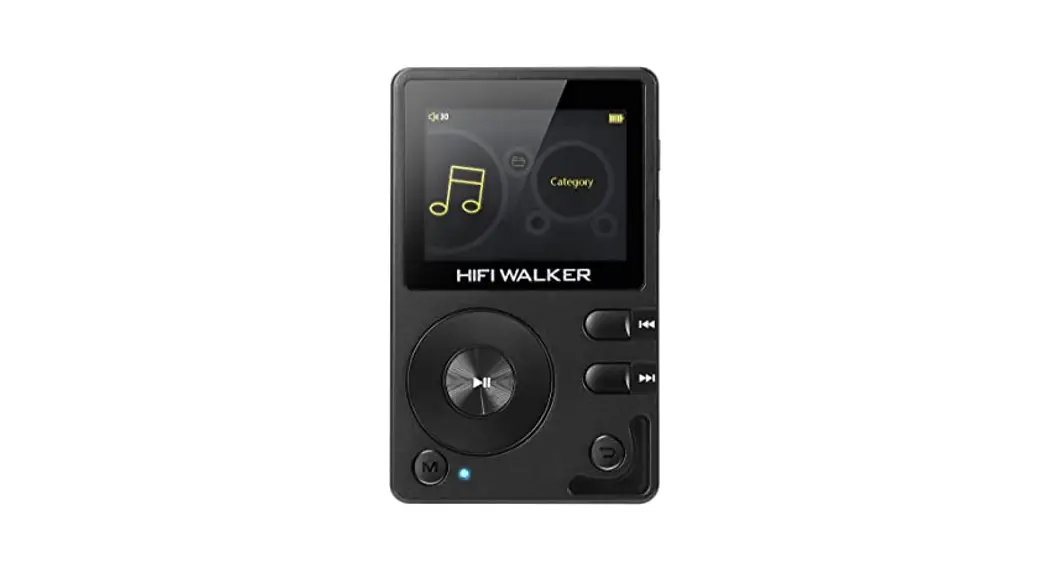
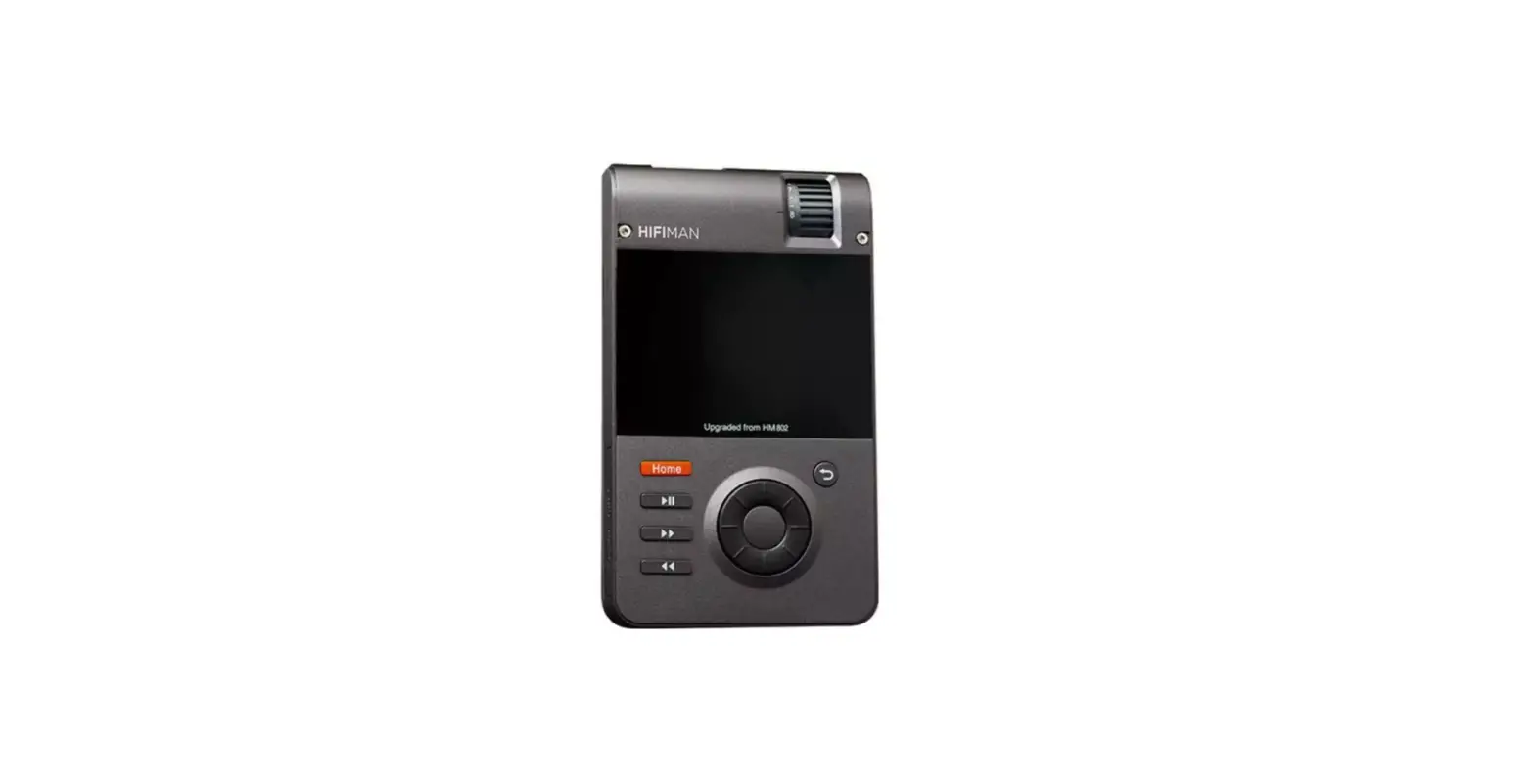
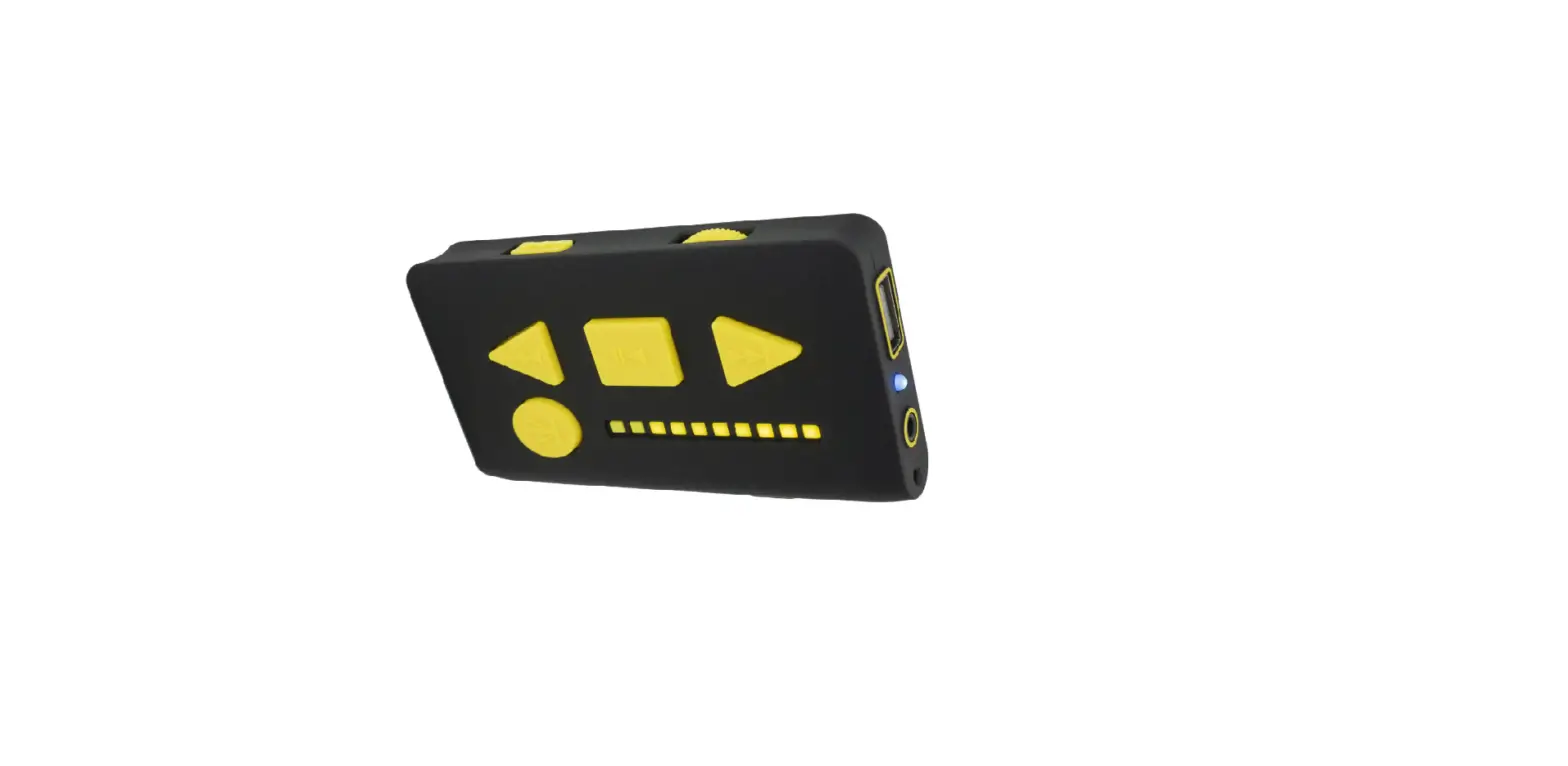
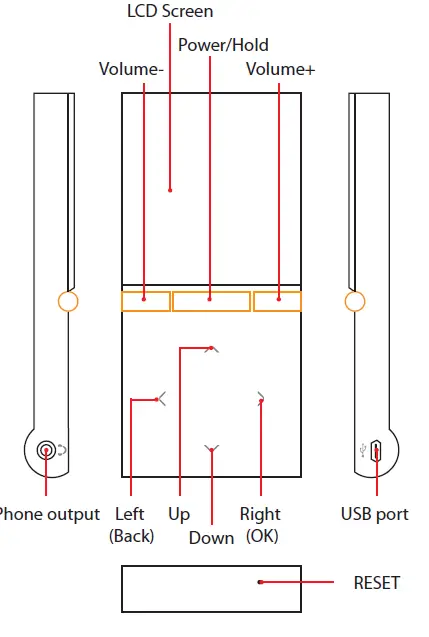
Function Buttons
Details
Press the power button for 2-3 sec to turn on the player. Press the button 2-3 sec to turn of the player when the HM-700 is powered on. When the player is powered on, by pressing the button once, the buttons can be locked. Press again to unlock.
 Up/Previous/Fast Rewind
 Down/Next/Fast Forward
 Back to the previous folder
 Go to selected file/folder
- Screen 2”LCD screen
- Volume Press“+”or“-”button to adjust the volume
- USB Port For Data exchange and charging via USB cable
- Phone Out 3.5mm TRRS balanced headphone output
- RESET Hole Note: Performing Reset will clear the player’s memory and put it back to the original factory default state.
 Up/Previous/Fast Rewind
 Down/Next/Fast Forward
 Back to the previous folder
 Go to selected file/folder
Features
- Supports lossless music up to 16Bit
- Compact and light weight
Specifications
- Frequency response: 20Hz-20KHz
- S/N: 91 dB
- Max output: 50mW(1.35V @36 Ohm)
- Dimensions: 49mm x105mm x12mm
- (1.9X4.1X0.5 Inch) WXHXD
- Weight: 82g (2.9 Oz)
- On-board flash memory: 32GB
- Battery life: 15 hours
- Acceptable music formats: WAV, MP3, APE, FLAC(16Bit)
- WAV(24Bit,44.1/48KHz)
Accessories
- USB cable*1
- Owner’s Guide*1
- RE-400/RE-600 Earphone* 1
Basics
Power ON/OFF
- Press the Power Button to turn the player on/of.
- You can also set the sleep time
Charge
The battery life is approximately 15 hours. When the player shows “low battery”, please use the supplied USB cable for charging. When the player is charged, the charging mark will be shown on the screen.
Note: If there is any background hiss with the player, please increase the volume to above 5 and turn off it to solve this problem; turning off the player at the volume of above 5 can help avoid this happening
Connecting the HM-700
Connecting Your HM-700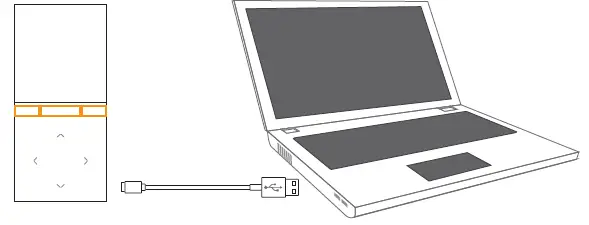
- Use the supplied USB cable to connect HM-700 to your computer.
- Copy the file or folder to your player by dragging and dropping.
- Click the right of the mouse and select “Delete” to delete the selected file.
- It is important to not remove the USB cable while music is being downloaded or the music files could be corrupted.
- The speed for data transfer can vary depending on the size of the transferred files and/or the operating system of your computer
Main menu
When the player is starting, the system will automatically go to main menu
File Browser
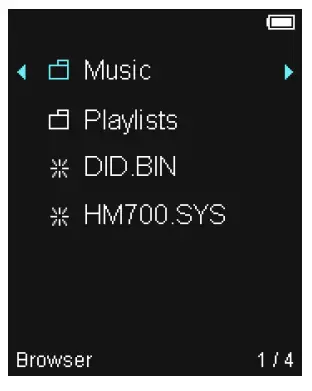
- On the main menu, select “file browser” and press the right button, you can see the file list. Delete a file
- Select the file you want to delete, press the right button for a few seconds and a window will show up.
- Press the up and down button to select “Yes” or “No”. Then press the right button to confirm.

Music
After the player goes to main menu, select Music to enter the list.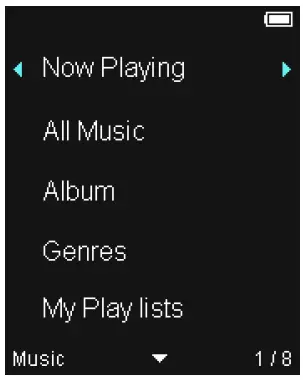
When the player is starting, the system will automatically go to main menu.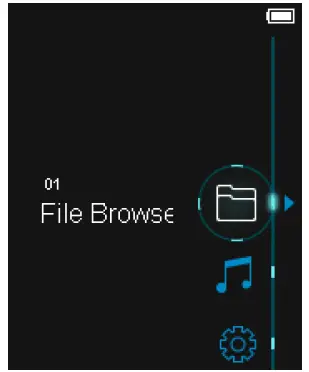
Playing menu
When the HM-700 is playing music, press the right button for 2-3 seconds to show options. Press the up and down buttons to make your selection. AB Repeat: select AB Repeat, press the right button to select “A” and press the button again to select “B”. Then the player will play “AB” part repeatedly. Play mode: to select Normal, repeat or shuffle. Study mode: on playing menu, select the time of skip period.
- Add Bookmark
- Select EQ: Normal, Rock, Pop, Classic, Jazz, Electronic,
- Full Bass.
- Setup EQ: custom EQ or fade-in.
- Rate: rate your songs on the player.
- Scan speed:
- Lyric display: to turn on/off the lyrics.
- Repeat times
- Repeat interval: set the AB interval.
- Delete file: delete the selected file.
- Information: show the info of your selected song, including the Bitrates, sampling rate, album, artist, etc.
Setting
After the player goes to main menu, select Settings to set.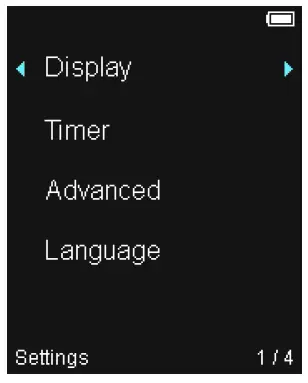
- Display: You can set the backlight and brightness.
- Timer: set the time for auto power of or sleep.
- Advanced: go to rebuild DB, format device, system information and reset all settings.
- Language: make your language selection
Product safety
- Keep the player away from rain, water, drinks, chemicals and cosmetics, etc. Or the player can be damaged.
- Avoid putting the player in a humid, dusty or smoky environment.
- Proper operating environment: 21F –104F (-6℃ ~ 40℃) in a non-tropical climate.
- Do not use chemicals or detergents to clean the player.
- It is not recommended to use headphones while riding, driving or operating motor vehicles.
- If you experience ringing in your ears, please reduce the volume or turn off the player.
- It is not allowed to disassemble, repair or modify the player.
Disposal and Recycling
The HM-700 contains electronic parts and a Lithium-Ion battery. Please dispose the player in a reasonable way when it reaches its end of life. Separate collection and recycling will help conserve and protect the environment.
FAQS
Yes, they are included dp we get re 400 along with it
There is no special software, you plug it in and drag your music into the device. I decided after buying to not use ITunes anymore since the point was to not condense songs to MP3
There is no external slot, just the internal 32Gigs. This is a fantastic sounding player. World Wide Stereo is 35 years old and a very proud HifiMan dealer.
The HM-700 doesn’t have a line-level output, just the headphone output which already has its own amplifier. You could use an external amp over the headphone output but it would be less than ideal and potentially cause background noise issues.
But we are sorry that we cannot figure out what item you want to ask about the compatibility with the HM-700. Would you please be so kind to make us clear
But we are sorry that we cannot figure out what item you want to ask about the compatibility with the HM-700. Would you please be so kind to make us clear
I am looking for a protective case for the hm-700 and re-400b. the arm band one that came with it gets too much moisture in during a jog or work out
This is a very basic player that provides incredible reproduction of high resolution files but provides no effects
Re-400 is different from Re-400B which comes with HM-700 player. Re-400B is a balanced headphone which has a 4-pin balanced output.
Yes it does. Both on the device itself and when hooked up to the computer
if you can take the itunes music out of itunes, i think it is can use, HM700 also can use the flac, but maybe a quiet slow when you have so many songs.( *̀ ω *́ ) i use this for a time
Like pretty much all other MP3 portable systems the battery is not exchangeable…in my experience they go for years without failing.
The HM-700 doesn’t have a line-level output, just the headphone output which already has its own amplifier. You could use an external amp over the headphone output but it would be less than ideal and potentially cause background noise issues
According to our technicians, this may not be caused by the incompatibility of the HM700 firmware. Please try update the USB driver and see if that could fix the problem.