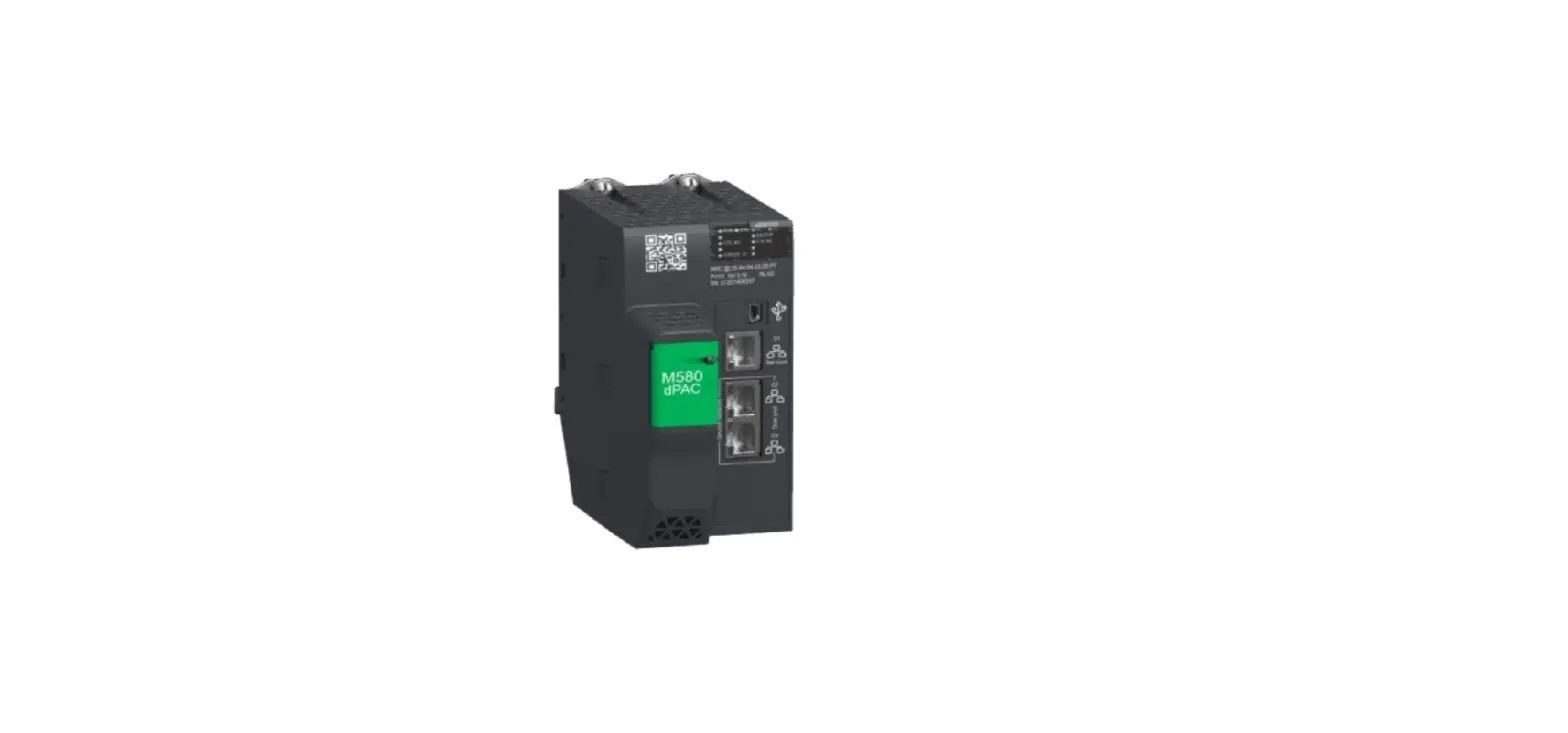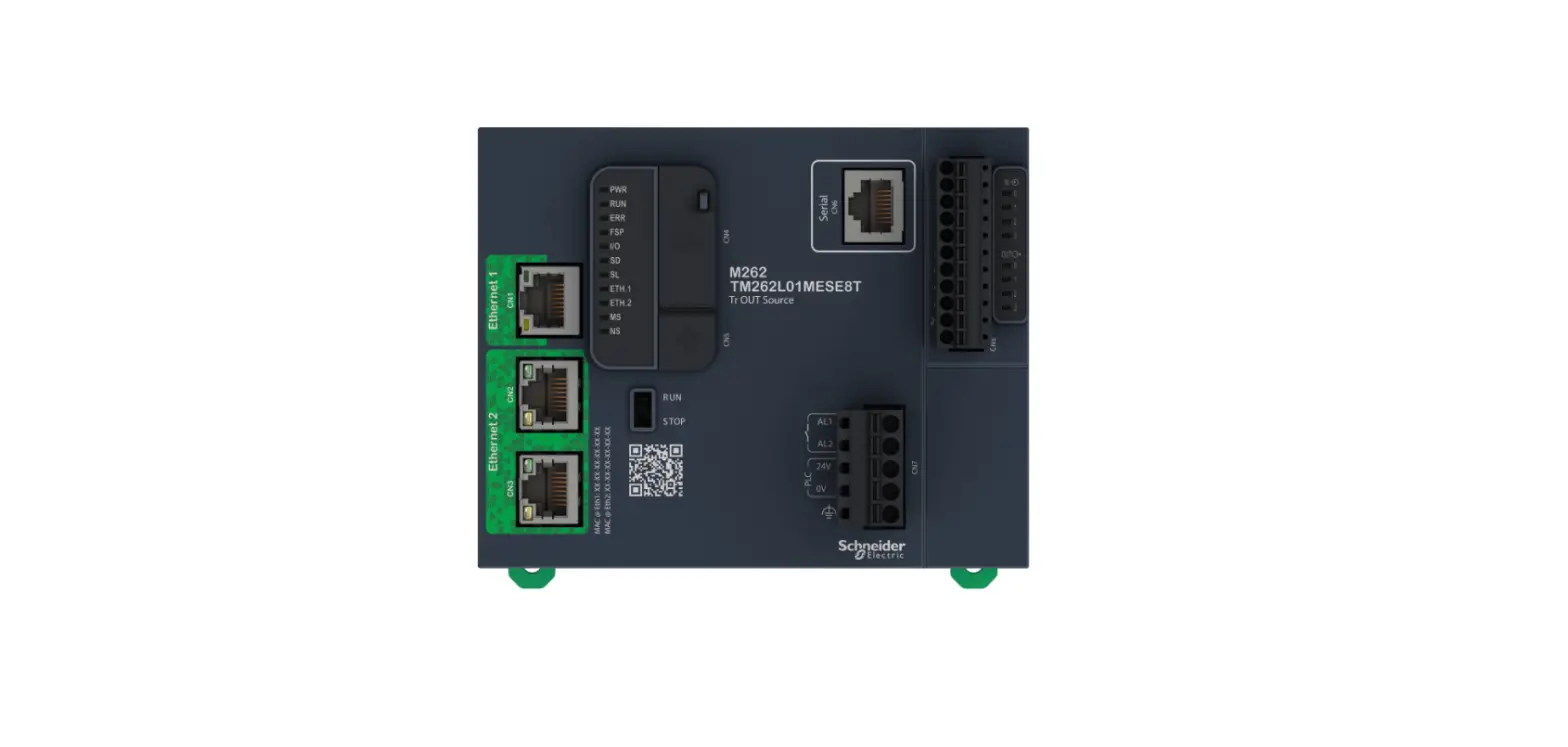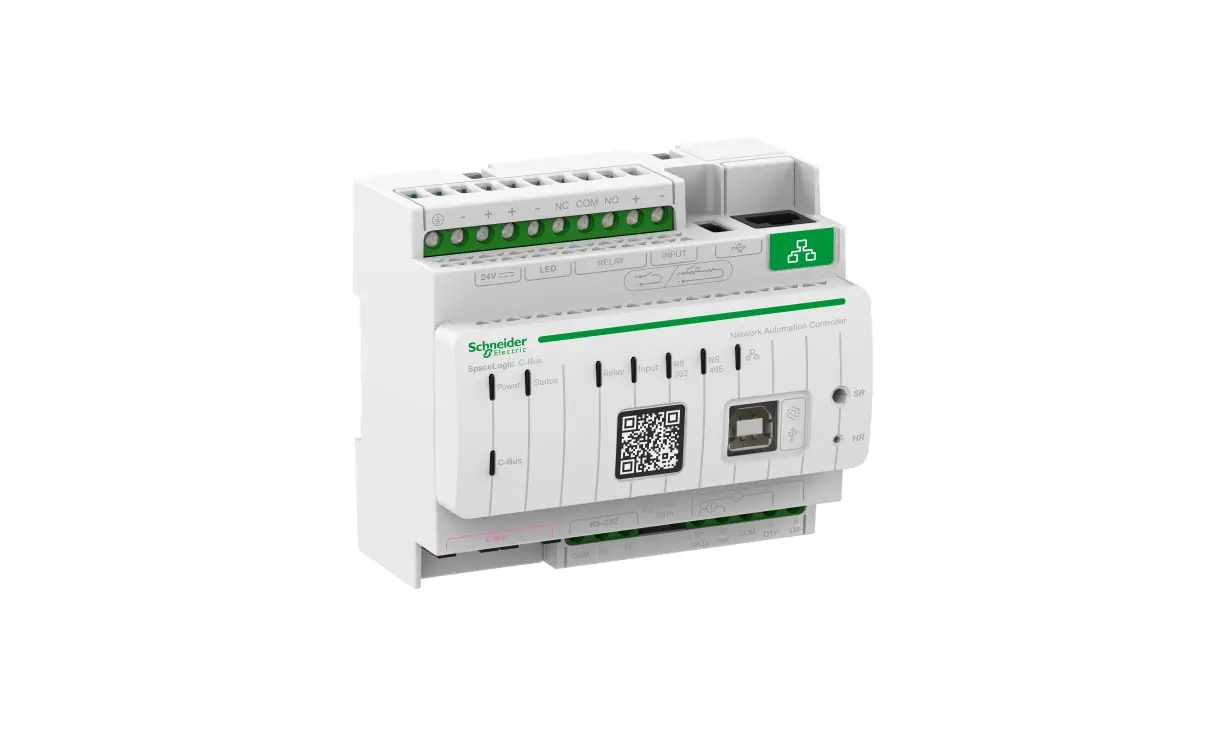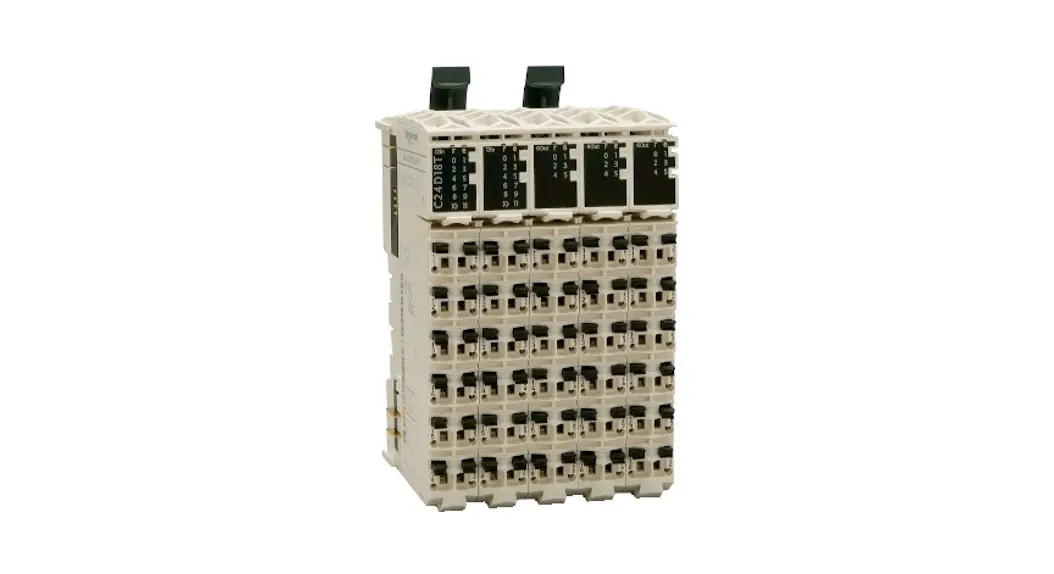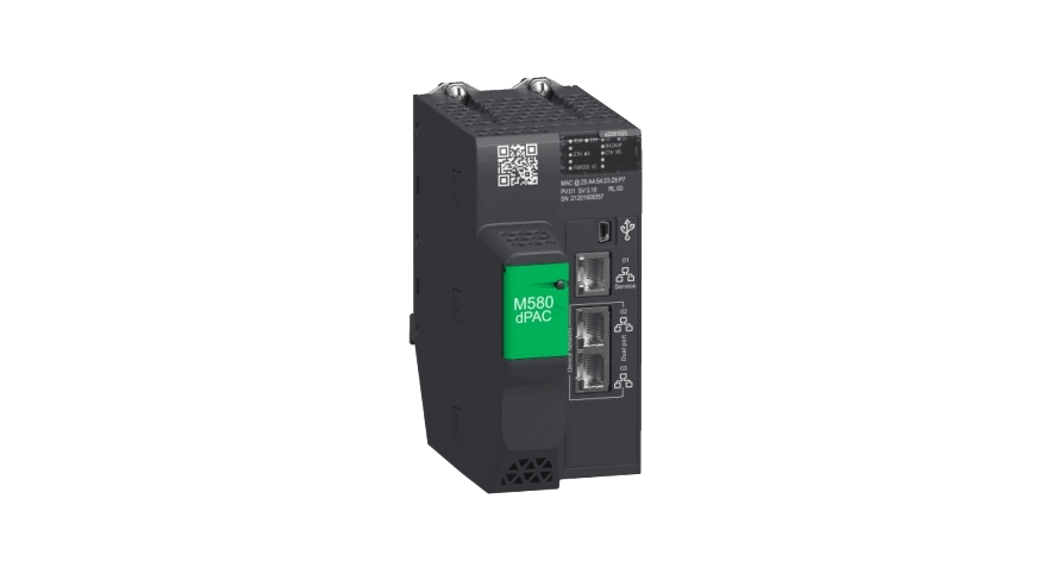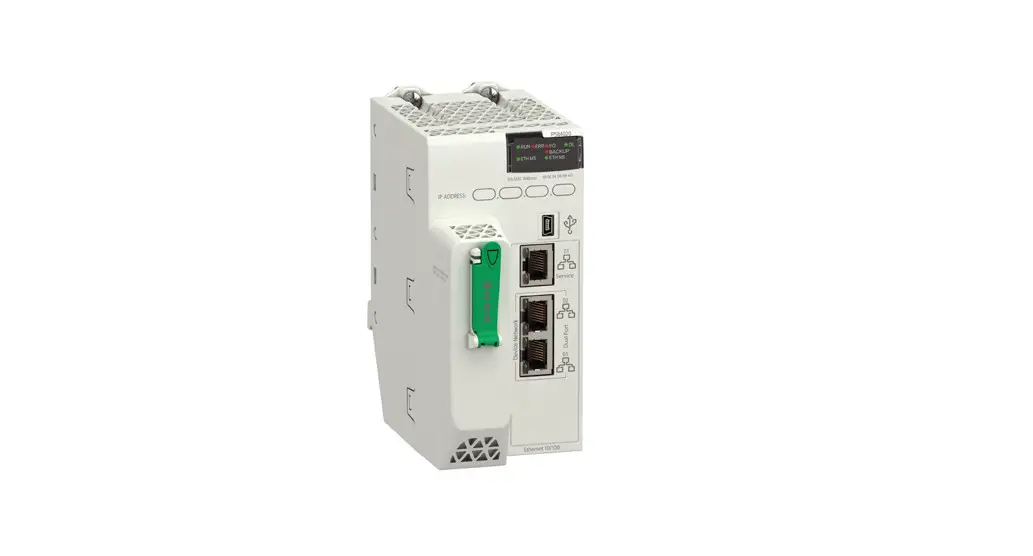
 Electric Modicon M580 Programmable Automation Controllers
User Guide
Legal Information
The Schneider Electric brand and any trademarks of Schneider Electric SE and its subsidiaries referred to in this guide are the property of Schneider Electric SE or its subsidiaries. All other brands may be trademarks of their respective owners.
This guide and its content are protected under applicable copyright laws and furnished for informational use only. No part of this guide may be reproduced or transmitted in any form or by any means (electronic, mechanical, photocopying, recording, or otherwise), for any purpose, without the prior written permission of Schneider Electric.
Schneider Electric does not grant any right or license for commercial use of the guide or its content, except for a non-exclusive and personal license to consult it on an “as is” basis.
Schneider Electric products and equipment should be installed, operated, serviced, and maintained only by qualified personnel.
As standards, specifications, and designs change from time to time, information contained in this guide may be subject to change without notice.
To the extent permitted by applicable law, no responsibility or liability is assumed by Schneider Electric and its subsidiaries for any errors or omissions in the informational content of this material or consequences arising out of or resulting from the use of the information contained herein.
As part of a group of responsible, inclusive companies, we are updating our communications that contain non-inclusive terminology. Until we complete this process, however, our content may still contain standardized industry terms that may be deemed inappropriate by our customers.
Safety Information
Important Information
Read these instructions carefully, and look at the equipment to become familiar with the device before trying to install, operate, service, or maintain it. The following special messages may appear throughout this documentation or on the equipment to warn of potential hazards or to call attention to information that clarifies or simplifies a procedure. The addition of this symbol to a ‘Danger or ‘Warning” safety label indicates that an electrical hazard exists which will result in personal injury if the instructions are not followed.
 This is the safety alert symbol. It is used to alert you to potential personal injury hazards. Obey all safety messages that follow this symbol to avoid possible injury or death.DANGER
DANGER indicates a hazardous situation which. if not avoided. will result in death or serious injury. WARNING
WARNING indicates a hazardous situation which, if not avoided, could result In death or serious injury.CAUTION
CAUTION indicates a hazardous situation which, if not avoided, could result in minor or moderate injury.
NOTICE
NOTICE is used to address practices not related to physical injury.
Please Note
Electrical equipment should be installed, operated, serviced, and maintained only by qualified personnel. No responsibility is assumed by Schneider Electric for any consequences arising out of the use of this material.
A qualified person is one who has skills and knowledge related to the construction and operation of electrical equipment and its installation, and has received safety training to recognize and avoid the hazards involved.
About the Book
Document Scope
This document addresses the firmware compatibility, exceptions, and recommendations for Modicon modules.
Validity Note
This documentation is valid for Unity Loader V12.0 and later, and for the product version (PV) and software version (SV) of products listed below.
Definitions
Abbreviations:
PV: product version
SV: software version: firmware version
Compatibility Rules and Regulations
Guidelines
| 1 | Modicon modules are upward compatible. You can update a processor with a later firmware version at any time. |
| 2 | Schneider Electric recommends that you upgrade the module’s firmware to the latest available version. |
| 3 | Schneider Electric recommends that you do not downgrade a module’s firmware. |
NOTICE
PRODUCT NO LONGER OPERATIONAL
For the products with indicated PV listed in the tables below, do not download firmware with a version SV earlier than the one mentioned in these tables.
Failure to follow these instructions can result in equipment damage.
X80 I/O Modules
Compatibility
This table shows the firmware compatibility among Modicon X80 I/Os:
| Module | Description | PV (= or later) | SV |
| BMXNOE0100 | Ethernet 10/100 RJ45 | 12 | 2.30 |
| BMXNOE0100H | H Ethernet 10/100 RJ45 | 08 | 2.30 |
| BMXNOE0110 | M340 FactoryCast Module | 09 | 5.71 |
| BMXNOE0110H | H M340 FactoryCast Module | 07 | 5.71 |
| BMXNOM0200 | Bus Module 2 RS485/232 Ports | 06 | 1.40 |
| BMXNOM0200H | H Bus Module 2 RS485/232 Ports | 06 | 1.40 |
| BMXNOR0200H | Harsh RTU (1 Ethernet Port, 1 Serial Port) | 09 | 1.60 |
| BMXP341000 | CPU340-10 Modbus | 13 | 2.30 |
| BMXP341000H | H CPU340-10 Modbus | 07 | 2.30 |
| Module | Description | PV (= or later) | SV |
| BMXP342000 | CPU340-20 Modbus | 09 | 2.30 |
| BMXP3420102 | CPU340-20 Modbus CANopen2 | 08 | 2.30 |
| BMXP3420102CL | M340 20102 CPU – Cardless | 04 | 2.30 |
| BMXP342020 | CPU340-20 Modbus Ethernet | 13 | 2.30 |
| BMXP342020H | H CPU340-20 Modbus Ethernet | 09 | 2.30 |
| BMXP3420302 | CPU340-20 Ethernet CANopen2 | 08 | 2.30 |
| BMXP3420302CL | M340 20302 CPU – Cardless | 04 | 2.30 |
| BMXP3420302H | CPU340-20 Ethernet CANopen2 | 08 | 2.30 |
| BMXP3420ITRB | CPU340-20 Data Center Mgt. | 07 | 2.30 |
| BMXPRA0100 | Peripheral Remote I/O Adapter | 07 | 2.30 |
Communication Adapter Modules
Compatibility
This table shows the firmware compatibility among Modicon 140CRA31200 and BM • CRA312 •• adapter modules:
| Module | Description | PV (= or later) | SV |
| 140CRA31200 | 1-channel Quantum RIO drop EtherNet/IP adapter | 05 (See note.) | 2.30 |
| 140CRA31200C | 1-channel Quantum RIO drop EtherNet/IP adapter coated | 05 (See note.) | 2.30 |
| BMECRA31210 | eX80 performance EIO adapter | 05 | 2.18 |
| BMECRA31210C | eX80 performance EIO adapter coated | 05 | 2.18 |
| BMXCRA31200 | X80 standard EIO adapter | 07 | 2.18 |
| BMXCRA31210 | X80 performance EIO adapter | 07 | 2.18 |
| BMXCRA31210C | X80 performance EIO adapter coated | 07 | 2.18 |
| NOTE: You cannot downgrade a 140CRA31200 PV05 module with firmware earlier than SV 2.30. | |||
Communication Head Modules
Compatibility
This table shows the firmware compatibility among Modicon BMENOC03•1 communication modules:
| Module | Description | PV (= or later) | SV |
| BMENOC0301 | M580 three-port Ethernet communication module | 12 (See note.) | 2.14 |
| 13 | 2.15 | ||
| BMENOC0301C | M580 coated three-port Ethernet communication module | 12 (See note.) | 2.14 |
| 13 | 2.15 | ||
| BMENOC0311 | M580 three-port FactoryCast Ethernet communication module | 13 (See note.) | 2.14 |
| 14 | 2.15 | ||
| BMENOC0311C | M580 coated three-port FactoryCast Ethernet communication module | 13 (See note.) | 2.14 |
| 14 | 2.15 | ||
| NOTE: Do not download a firmware version 2.12 or earlier in the module. Doing so will disable the Ethernet Backplane port and will result in limited functionality of the Ethernet module.This means that you will not be able to use the Backplane Ethernet link in your application. The operation is reversible by downloading a firmware version 2.14 or later. | |||
Momentum CPUs
Compatibility
This table shows the firmware compatibility among Modicon Momentum M1 and M1E processor modules:
| CPU | Description | PV (= or later) | SV |
| 171CBU78090 | USB, I/OBUS, RS232/485 RS485 | 07 | 2.00 |
| 171CBU98090 | USB, I/OBUS, RS232/485 10/100 Ethernet | 07 | 2.00 |
| 171CBU98091 | USB, I/OBUS, RS232/485 10/100 Ethernet GD | 07 | 2.00 |
MC80 Controllers
Compatibility
This table shows the firmware compatibility among Modicon MC80 controllers:
| Module | Description | PV (= or later) | SV |
| BMKC8020300 | Controller, 8 DI, 8 DO, and 4 AI | 04 | 1.50 |
| BMKC8020301 | Controller, 8 DI, 12 DO, and 4 AI | 04 | 1.50 |
| BMKC8020310 | Controller, 8 DI, 8 DO, and 2 HSC | 05 | 1.50 |
| BMKC8030310 | Controller, 8 DI, 8 DO, 2 HSC, and 4 AI | 05 | 1.50 |
| BMKC8030311 | Controller, 8 DI, 12 DO, 2 HSC, and 4 AI | 04 | 1.50 |
M580 CPUs
Compatibility
This table shows the firmware compatibility among Modicon M580 processor modules.
NOTE: When FW version 4.01 or higher is in the CPU, downgrade to FW versions inferior to 4.01 is not possible.
| CPU | Description | PV (= or later) | SV |
| BMEP581020 | M580 Processor Level 1 for DIOs | 09 | 2.50 |
| 14 | 2.90 | ||
| BMEP581020H | M580 Hardened Processor Level 1 for DIOs | 09 | 2.50 |
| 14 | 2.90 | ||
| BMEP582020 | M580 Processor Level 2 for DIOs | 09 | 2.50 |
| 14 | 2.90 | ||
| BMEP582020H | M580 Hardened Processor Level 2 for DIOs | 09 | 2.50 |
| 14 | 2.90 | ||
| BMEP582040 | M580 Processor Level 2 for DIOs and RIOs | 09 | 2.50 |
| 14 | 2.90 |
| CPU | Description | PV (= or later) | SV |
| BMEP582040H | M580 Hardened Processor Level 2 DIOs and RIOs | 09 | 2.50 |
| 14 | 2.90 | ||
| BMEH582040 | M580 HSBY Processor Level 2 for DIOs and RIOs | 11 | 2.90 |
| BMEH582040C | M580 Coated HSBY Processor Level 2 for DIOs and RIOs | 10 | 2.90 |
| BMEH582040K | Kit M580 HSBY Processor Level 2 for DIOs and RIOs | 10 | 2.90 |
| BMEP583020 | M580 Processor Level 3 for DIOs | 09 | 2.50 |
| 14 | 2.90 | ||
| BMEP583040 | M580 Processor Level 3 for DIOs and RIOs | 09 | 2.50 |
| 15 | 2.90 | ||
| BMEP584020 | M580 Processor Level 4 for DIOs | 09 | 2.50 |
| 15 | 2.90 | ||
| BMEP584040 | M580 Processor Level 4 for DIOs and RIOs | 09 | 2.50 |
| 14 | 2.90 | ||
| BMEH584040 | M580 HSBY Processor Level 4 for DIOs and RIOs | 11 | 2.90 |
| BMEH584040C | M580 Coated HSBY Processor Level 4 for DIOs and RIOs | 10 | 2.90 |
| BMEH584040K | Kit M580 HSBY Processor Level 4 for DIOs and RIOs | 10 | 2.90 |
| BMEP585040 | M580 Processor Level 5 for RIOs | 03 | 2.50 |
| 09 | 2.90 | ||
| BMEP585040C | M580 Coated Processor Level 5 for RIOs | 03 | 2.50 |
| 08 | 2.90 | ||
| BMEP586040 | M580 Processor Level 6 for RIOs | 03 | 2.50 |
| 08 | 2.90 | ||
| BMEP586040C | M580 Coated Processor Level 6 for RIOs | 03 | 2.50 |
| 08 | 2.90 | ||
| BMEH586040 | M580 HSBY Processor Level 6 for DIOs and RIOs | 11 | 2.90 |
| BMEH586040C | M580 Coated HSBY Processor Level 6 for DIOs and RIOs | 10 | 2.90 |
M580 Safety CPUs
Compatibility
NOTE: Do not downgrade a M580 Safety CPU BMEP584040S from the SV2.60 or later to SV2.40.
This table shows the firmware compatibility among Modicon M580 Safety processor modules:
| CPU | Description | PV (= or later) | SV |
| BMEP582040S | M580 Processor SIL3 Level 2 for DIOs | 01 | 2.60 |
| BMEH582040S | M580 HSBY Processor SIL3 Level 2 for DIOs | 01 | 2.80 |
| BMEP584040S | M580 Processor SIL3 Level 4 for DIOs and RIOs | 01 | 2.40 |
| 02 | 2.60 | ||
| BMEH584040S | M580 HSBY Processor SIL3 Level 4 for DIOs and RIOs | 01 | 2.80 |
| BMEH586040S | M580 HSBY Processor SIL3 Level 6 for DIOs and RIOs | 01 | 2.80 |
35 rue Joseph Monier
92500 Rueil Malmaison
France
+ 33 (0) 1 41 29 70 00
www.se.com
As standards, specifications, and design change from time to time, please ask for confirmation of the information given in this publication.
© 2022 Schneider Electric. All rights reserved.
EIO0000002634.04
05/2022
 Schneider Electric Global | Global Specialist in Energy Management and Automation