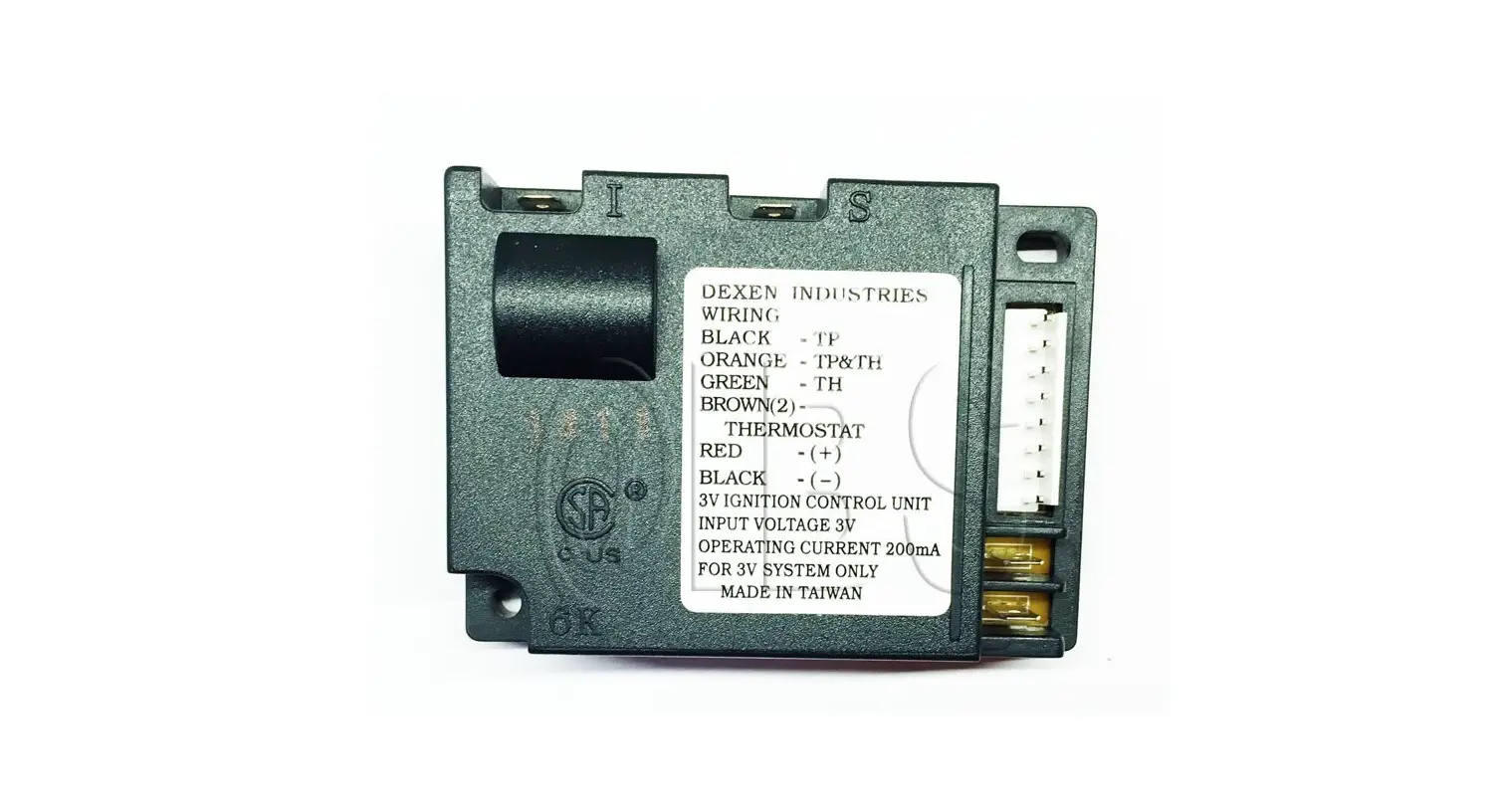
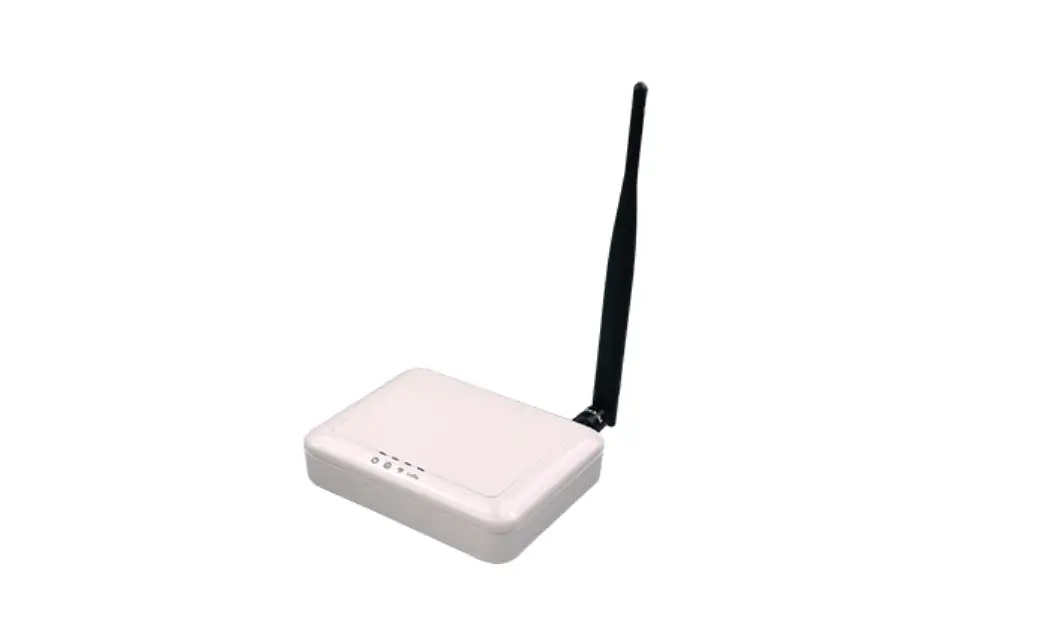
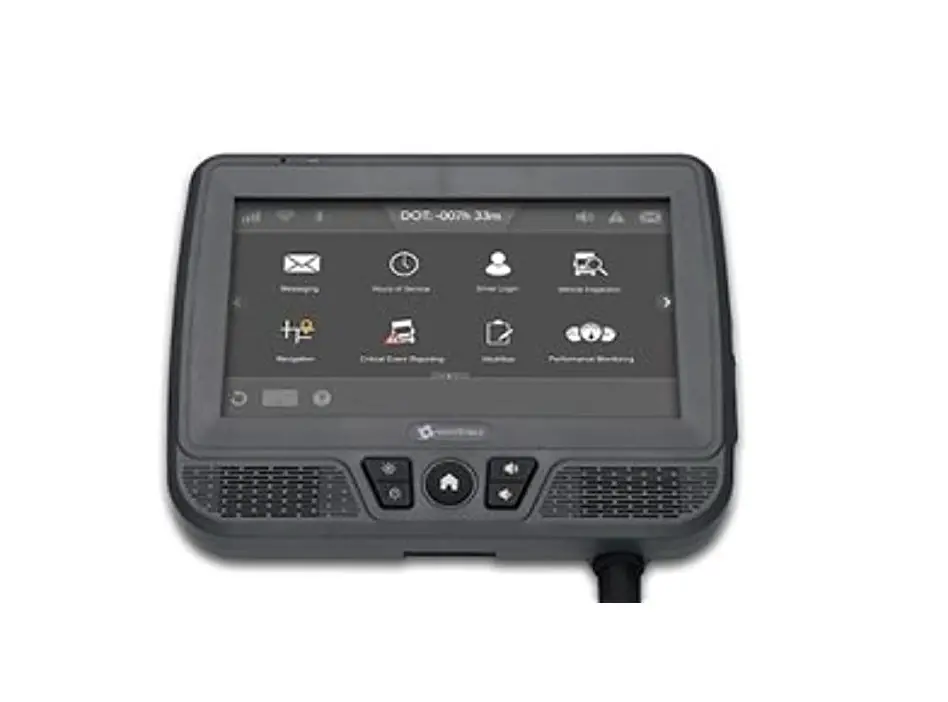
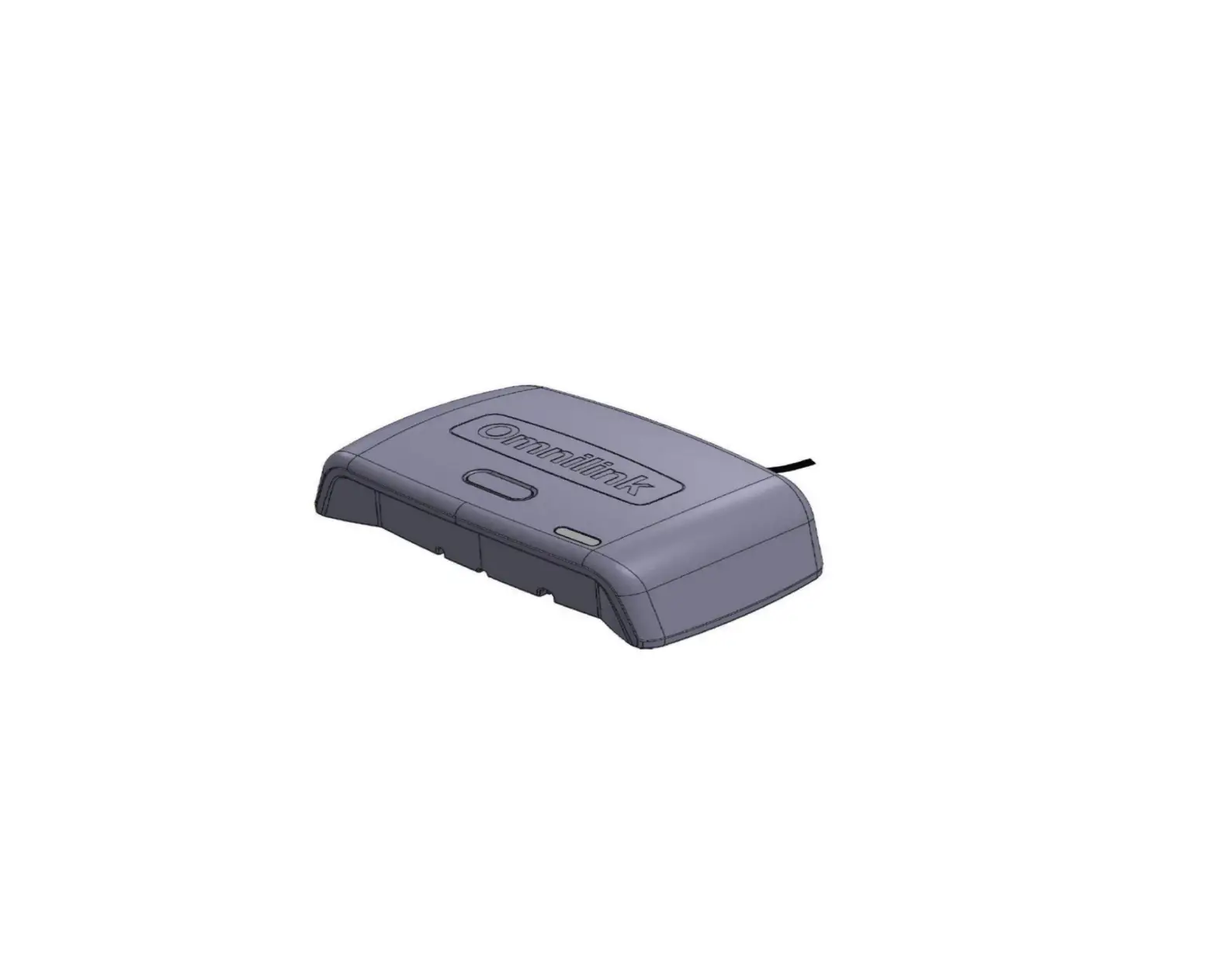
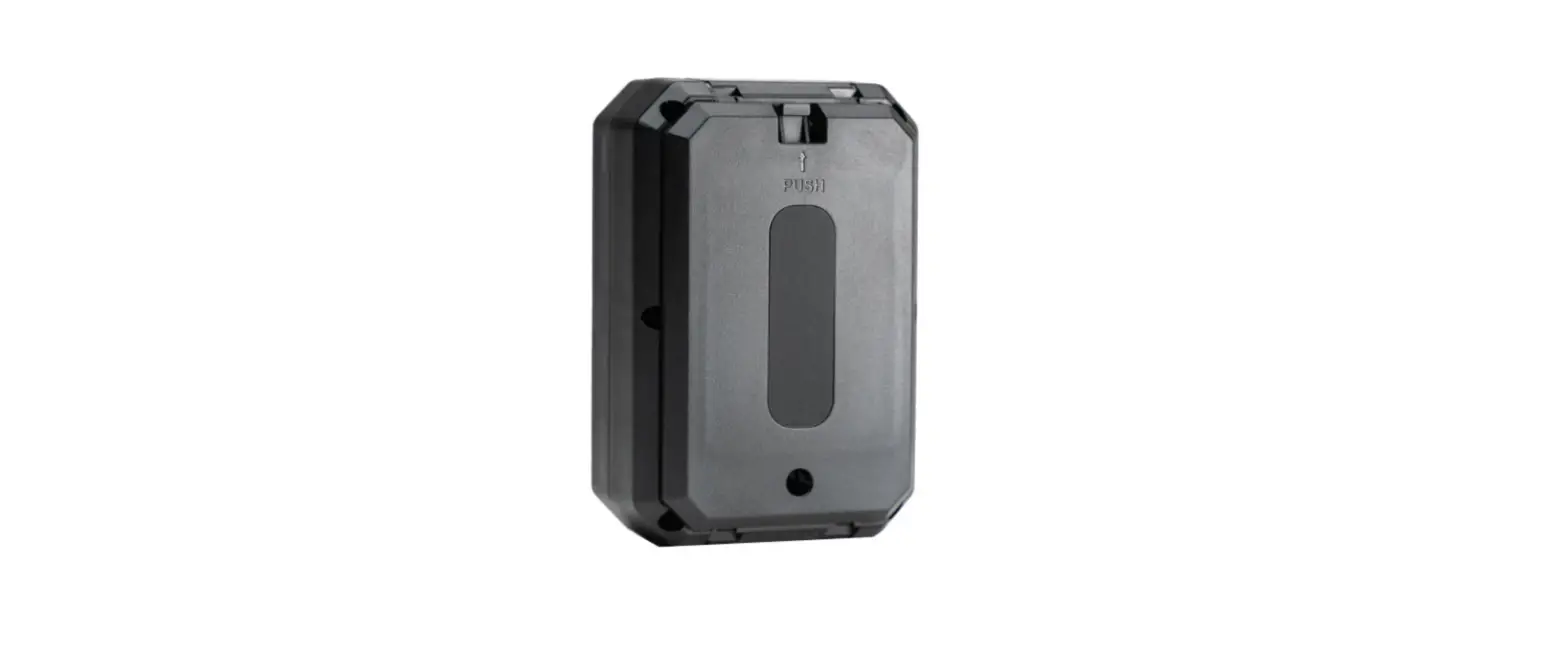
M136IOT Sharing Bike IOT Controller
Product Information: Sharing Bike IOT Controller
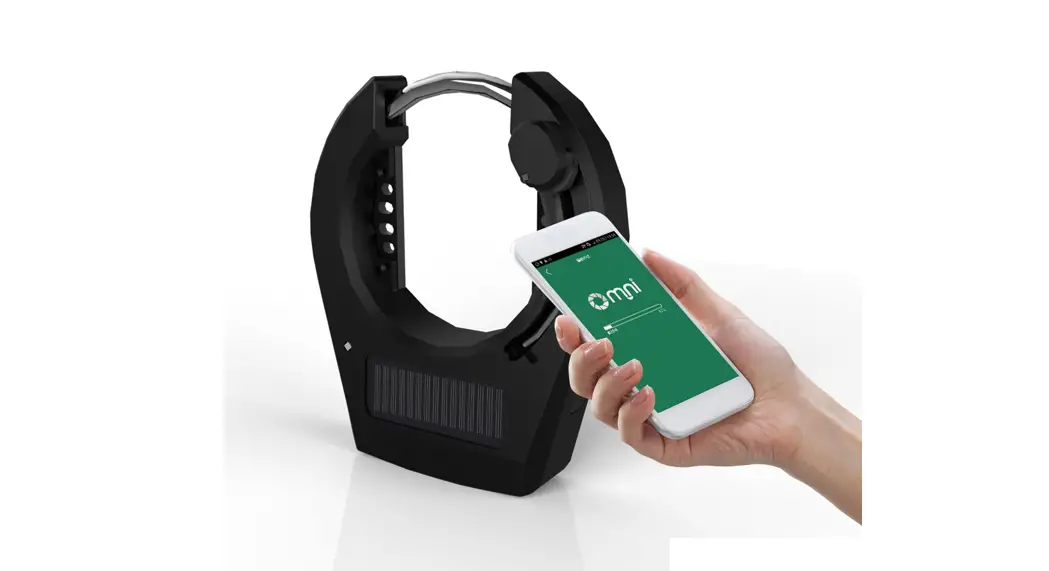
The Sharing Bike IOT Controller is a device that allows users to
control the lock and unlock of a sharing scooter through an app on
their smartphone. The controller uses 3G/4G, GPS, and BLE
technology to establish communication between the app and the
scooter’s lock/unlock mechanism. The cloud server account
automatically records riding time and charges for each user.
Requirements for Smartphone:
- Android 4.3 or higher with hardware support for 4.0 BLE and
optimal screen resolution of 1280×720 - iOS 7.1 or higher with iPhone 4s or newer
APP Installation and Login:
- Download the app
- Register and login with a valid network account (phone
number) - Make a deposit for toll charges
Lock/Unlock Manual:
- Open Bluetooth on your smartphone
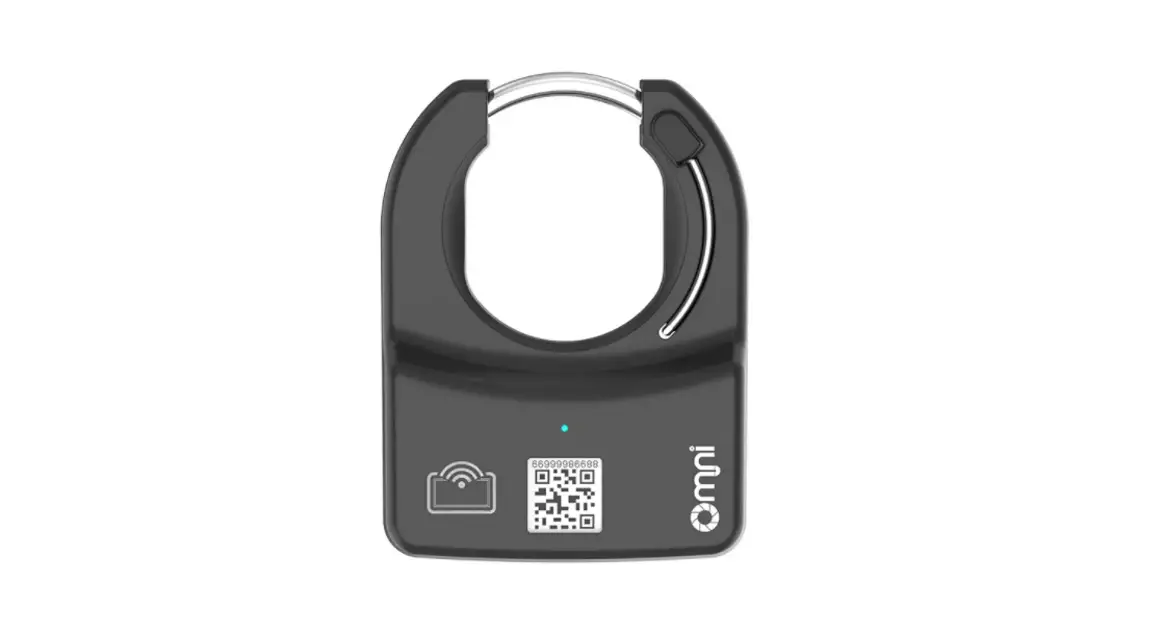
- Start the app and click the middle QR code button below the app
to enter the QR code scan page - Scan the QR code of the IOT controller to unlock the scooter
automatically - Begin riding
- Click lock when finished riding to stop the cloud server and
charge the IOT controller
Introduction of App Interfaces:
- Main Page
- Scan QR Code Page
- Unlocking Car Page
- End Successful Deduction Page
Note: Any changes or modifications not expressly approved by the
party responsible for compliance could void the user’s authority to
operate the equipment. This device complies with part 15 of the FCC
Rules. Operation is subject to the following two conditions: (1)
This device may not cause harmful interference, and (2) this device
must accept any interference received, including interference that
may cause undesired operation. To avoid interference, try to
reorient or relocate the receiving antenna, increase separation
between the equipment and receiver, or consult a dealer or
experienced radio/TV technician for help. The equipment should be
installed and operated with minimum distance 20cm between the
radiator and the user’s body.
sharing bike IOT controller
.Production description This is a IOT controller for sharing scooter which via 3G/4G,GPS, BLE to set up communication between app to control scooter lock/unlock.Cloud server account riding time and charge automatically.
APP installtion and log in 1.Download app. 2.Registration and Log in ,which need to be done with networkaccount should be valid
phone number 3.DepositToll charge.
Lock/unlock manual 1.Open Bluetooth. 2.StartAPP,click the middle QR code button below the APP.enter into QR
code scan pagescan the QR code of IOT controllerIOT will be unlocked automatically when apps get QR code informationsthen enter into riding status
3Click lock when riding is finishedcloud server will stop IOT and charge when receive lock request from IOT. IOT controller should work with smart phone.Requirements for smart phone
Over Android 4.3hardware support 4.0 BLE,Optimal screen resolution 1280x720over IOS 7.1over iphone 4s. Introduction of app interfaces
main page
Scan QR code page
Unlocking car page
End successful deduction page
Any Changes or modifications not expressly approved by the party responsible for compliance could void the user’s authority to operate the equipment.
This device complies with part 15 of the FCC Rules. Operation is subject to the following two conditions: (1) This device may not cause harmful interference, and (2) this device must accept any interference received, including interference that may cause undesired operation.
Note: This equipment has been tested and found to comply with the limits for a Class B digital device, pursuant to part 15 of the FCC Rules. These limits are designed to provide reasonable protection against harmful interference in a residential installation. This equipment generates, uses and can radiate radio frequency energy and, if not installed and used in accordance with the instructions, may cause harmful interference to radio communications. However, there is no guarantee that interference will not occur in a particular installation. If this equipment does cause harmful interference to radio or television reception, which can be determined by turning the equipment off and on, the user is encouraged to try to correct the interference by one or more of the following measures:
–Reorient or relocate the receiving antenna. –Increase the separation between the equipment and receiver. –Connect the equipment into an outlet on a circuit different from that to which the receiver is connected. –Consult the dealer or an experienced radio/TV technician for help.
This equipment complies with FCC radiation exposure limits set forth for an uncontrolled environment. This equipment should be installed and operated with minimum distance 20cm between the radiator& your body.