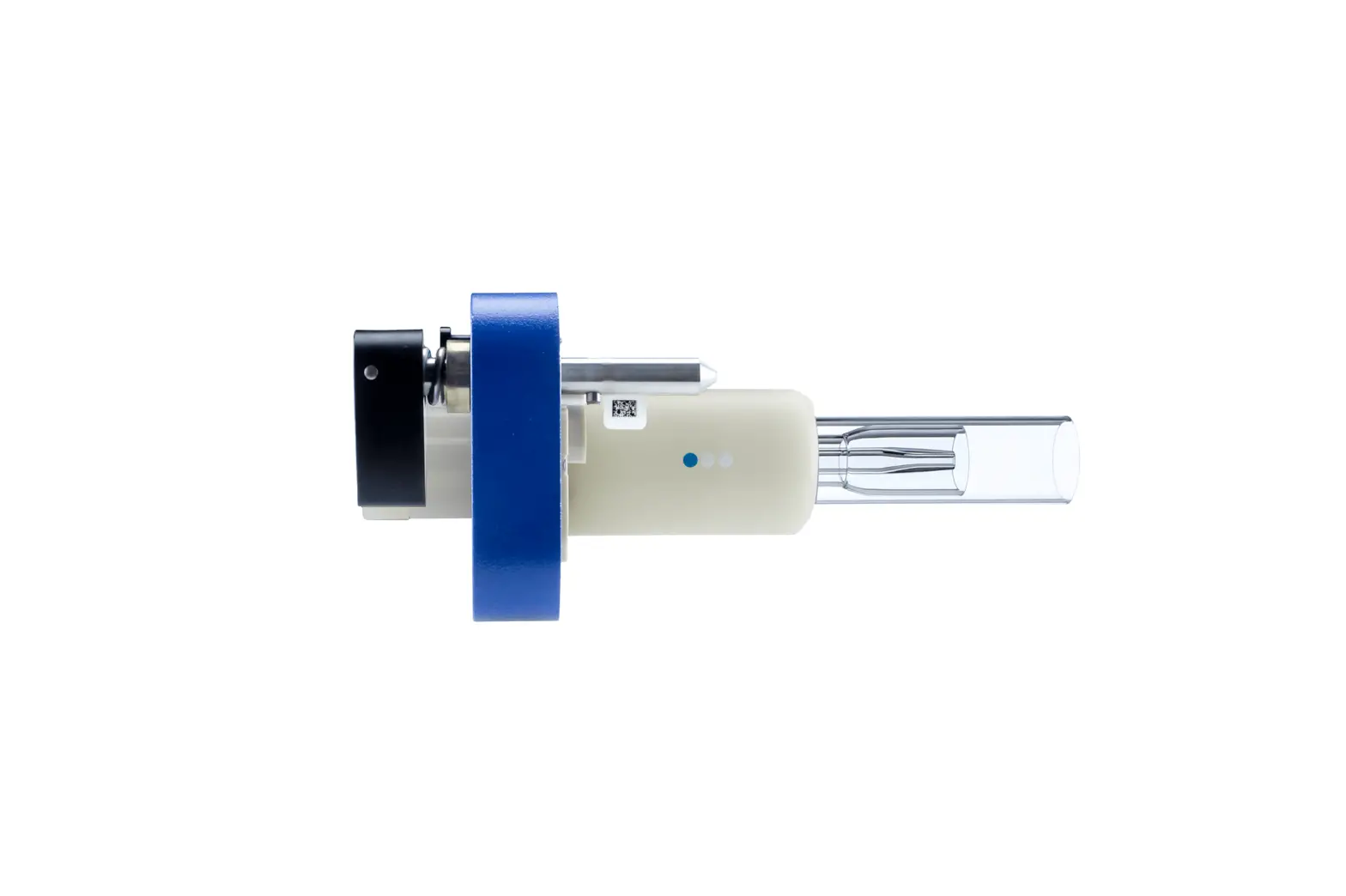
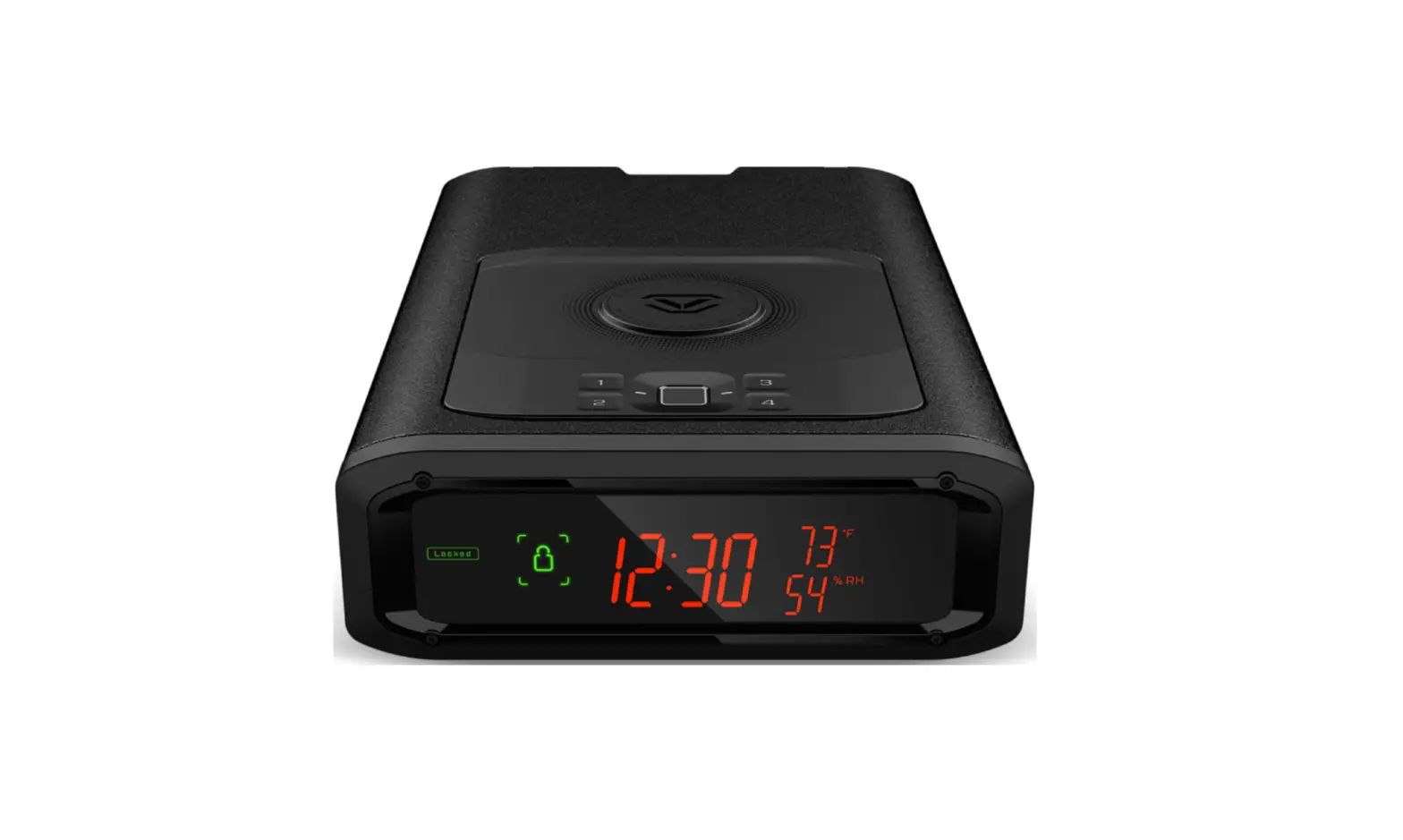
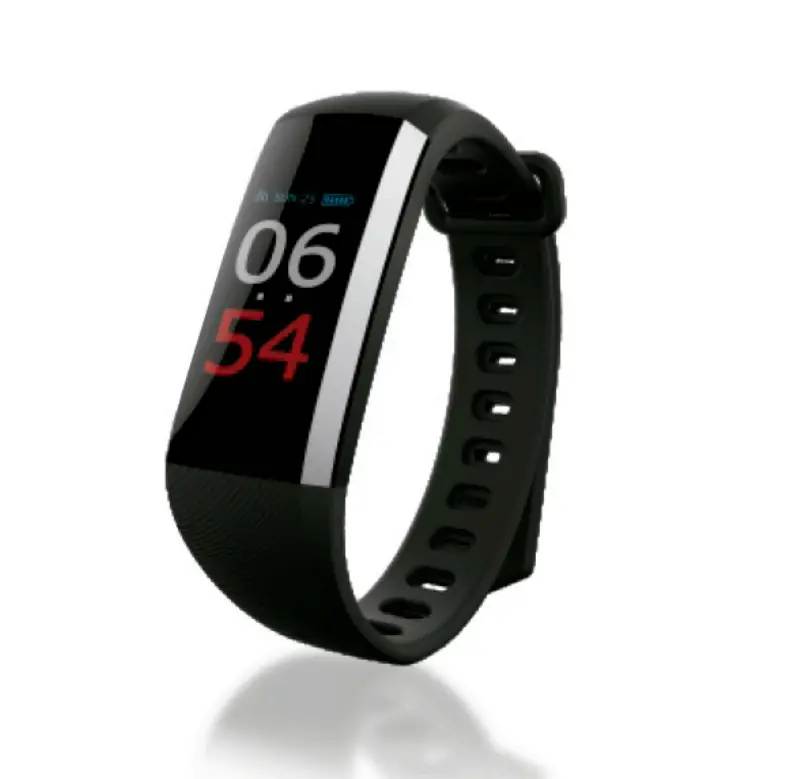
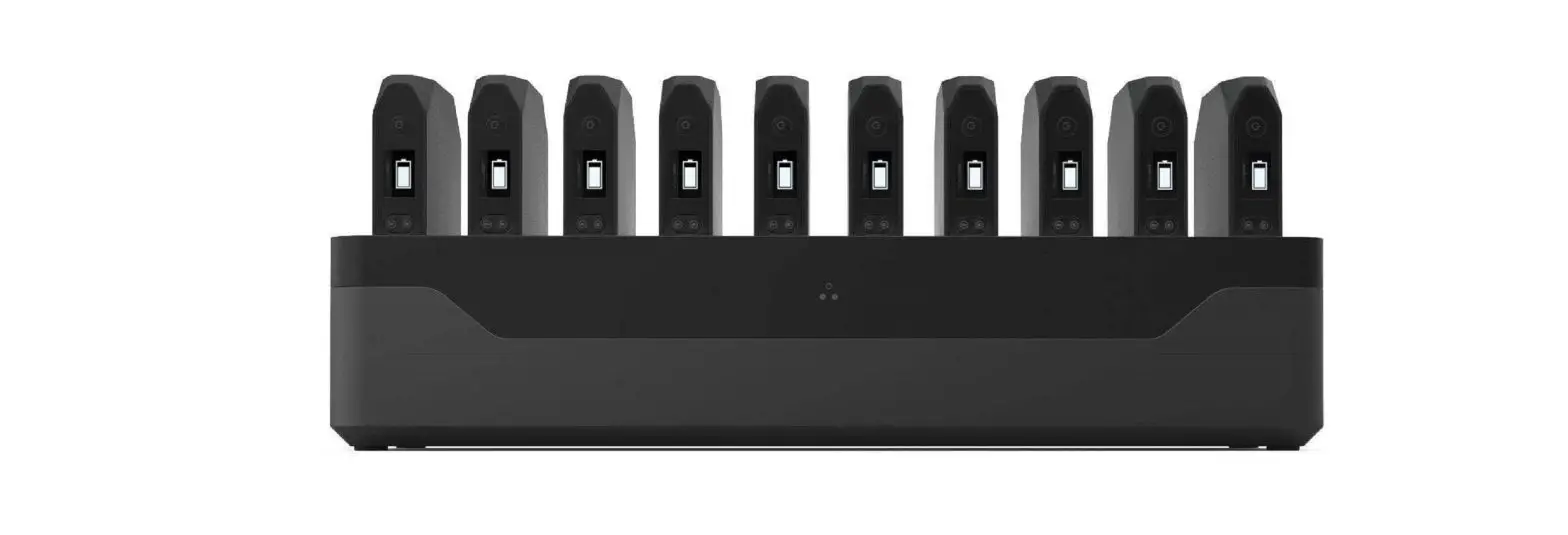
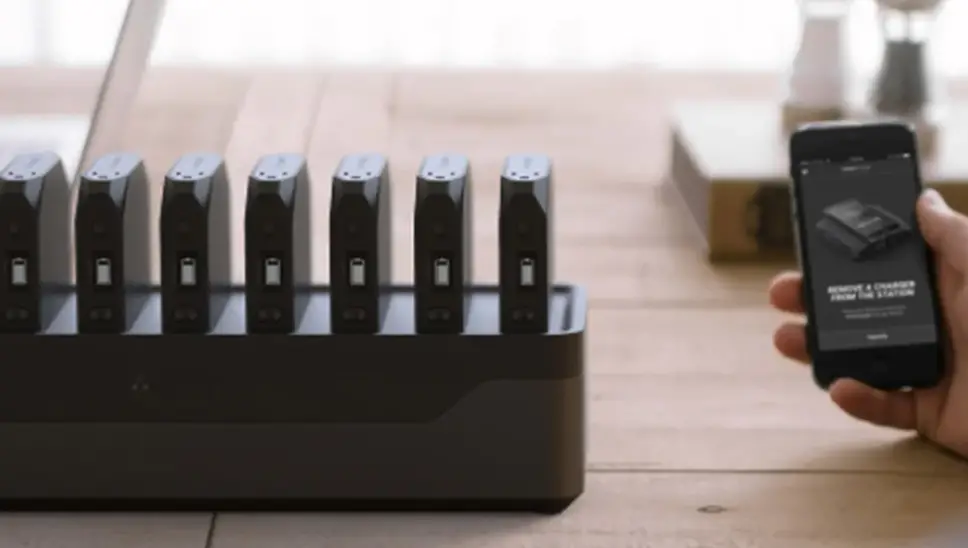
7590 OmniTrak Smart Station
Product Information:
The Smart Station, Model 7590, is a handheld device that can be
used in conjunction with OmniTrakTM Modules to provide immediate
feedback on the conditions in the immediate area. It allows users
to take measurements, create reports, and analyze data to help
improve conditions. The Smart Station is not designed to be worn on
the body or placed near an individual’s head. The device requires a
USB-C cable for charging and has a built-in power button for
powering on and off.
Specifications:
- AC and DC Power Requirements:
- AC/DC Power Supply
- Device Input Power: 100 to 240 VAC, 50/60 Hz, 0.3A; 5 VDC,10W
2A, 10W
- Environmental/Installation Requirements:
- Maximum Altitude: 3000 meters (10,000 feet)
- Pollution Degree: 2
- Installation Category: I
- Operating Temperature
- Storage Temperature
- Humidity: 0% – 95% (non-condensing)
- Compliance:
- FCC ID: 2A22JOTSTATION IC ID: 28101-OTSTATION
Laser Warning:
The OmniTrakTM Modules used with the Smart Station are Class 1
laser-based instruments. During normal operation, there is no
exposure to laser radiation. It is important not to open the
OmniTrakTM Module when it is powered on or disassembled. The PM
sensor inside the OmniTrak Module contains a laser, and it should
not be opened when the module is powered.
Battery Warning:
It is advised not to attempt to replace the battery in the Smart
Station. The battery should not be abused in any way, as it may
rupture or catch fire. Only use the specified rechargeable battery
for this instrument and avoid using substitute or non-rechargeable
batteries. Do not short-circuit, incinerate, dismantle, or mutilate
lithium-ion batteries. Avoid exposing the battery to water or heat.
If a battery shows signs of damage, such as bulging or swelling, do
not use it.
Product Usage Instructions:
- Power On: On the right side of the Smart Station, hold
the circle power button down for 3 seconds. - Power Off: On the right side of the Smart Station, hold
the circle power button down for 2 seconds. Two options will appear
on the screen to either Power Off or Restart. - Charging:
- Plug the USB-C cable into the bottom of the device.
- Connect the other end of the USB-C cable to a power
source.
doesn’t appear, press Refresh.
Smart Station. A green checkmark indicates a successful
connection.
of the Smart Station with the connected OmniTrakTM Module.
Note: Dispose of the battery in accordance with local rules and
regulations.
Smart Station
Model 7590
Operation Instructions
1. Power On: On the right side of the Smart Station, hold circle power button down for 3 seconds.
What’s Included in the Box Device USB-C Cable
2. PowerOff: On the right side of the Smart Station, hold circle power button down for 2 seconds. Two options then pop-up on the screen to either Power Off or Restart.
3. Charging: Plug USB-C cable into bottom of device and then into power source
4. Connecting to a Module: Power on module by holding down the circle on the left for 1 second. A blue LED light will start to blink indicating Bluetooth® is on.
– The module will appear in the list on the Smart Station. If not, hit Refresh.
– Press desired module on screen to connect to Smart Station. A green check mark indicates a successful connection.
– Press Done
Now you’re ready to take measurements.
The OmniTrakTM Smart Station can be used in conjunction with any OmniTrakTM Module to provide immediate feedback as to the conditions in the immediate area. Take measurements, create reports, and analyze data provided to help improve conditions. This instrument is a handheld device, not to be worn on the body, or near an individual’s head.
Dispose of battery in accordance with local rules and regulations.
Smart Station
Model 7590
Specifications AC and DC Power Requirements AC/DC Power Supply
Device Input Power
100 to 240 VAC, 50/60 Hz, 0.3A
5 VDC,10W 2A, 10W
Environmental/Installation Requirements
Maximum Altitude
3000 meters (10,000 feet)
Pollution Degree
2
Installation Category
I
Operating Temperature
5°C to 40°C
Storage Temperature
-20°C to 60°C
Humidity
0% – 95% (non-condensing)
Compliance
FCC ID: 2A22JOTSTATION IC ID: 28101-OTSTATION
This device complies with part 15 of the FCC Rules. Operation is subject to the following two conditions: 1. This device may not cause harmful interference. 2. This device must accept any interference
received, including interference that may cause undesired operation.
Per FCC 15.21 Changes or modifications not expressly approved by TSI will void the product warranty and may void the user’s authority to operate the equipment.
This device contains license-exempt transmitter(s)/ receiver(s) that comply with Innovation, Science and Economic Development Canada’s licenseexempt RSS(s). Operation is subject to the following two conditions: 1. This device may not cause interference. 2. This device must accept any interference, including
interference that may cause undesired operation of the device.
Le présent appareil est conforme aux CNR d’Industrie Canada applicables aux appareils radio exempts de licence. L’exploitation est autorisée aux deux conditions suivantes: 1. l’appareil ne doit pas produire de brouillage, et 2. l’utilisateur de l’appareil doit accepter tout brouillage
radioélectrique subi, même si le brouillage est susceptible d’en compromettre le fonctionnement.
To satisfy RF exposure requirements, this device and its antenna may be operated near a persons body and the extremities, but must be operated with a separation distance of at least 20 cm from all person’s head.
Pour satisfaire aux exigences d’exposition RF, cet appareil et son antenne peuvent être utilisés à proximité du corps et des extrémités d’une personne, mais doivent être utilisés avec une distance de séparation d’au moins 20 cm de la tête de toute personne.
Smart Station
Model 7590
LASER WARNING
OmniTrakTM Modules are Class 1 laser-based instruments. During normal operation, you will not be exposed to laser radiation. DO NOT open the OmniTrakTM Module when it is powered ON. You will not be exposed to the laser radiation when the OmniTrakTM Module is disassembled. The PM sensor has a laser inside it. DO NOT open the PM sensor inside OmniTrak Module
when the OmniTrak Module is powered.
AVERTISSEMENT LASER
Les modules OmniTrakTM sont des instruments à base de laser de classe 1. Pendant le fonctionnement normal, vous ne serez pas exposé au rayonnement laser. N’ouvrez PAS le module OmniTrakTM lorsqu’il est sous tension. Vous ne serez pas exposé au rayonnement laser lorsque le module OmniTrakTM est démonté. Le capteur PM contient un laser. NE PAS ouvrir le capteur PM à l’intérieur du module OmniTrak
lorsque ce dernier est alimenté.
WARNING
DO NOT attempt to replace the battery in this instrument. DO NOT abuse the battery in any way as the battery may rupture or catch fire. DO NOT use a substitute or non-rechargeable battery in this instrument. DO NOT short-circuit, incinerate, dismantle or mutilate Lithium ion batteries DO NOT expose to water or heat. DO NOT use any battery which shows signs of damage, such as bulging, swelling,
a swollen plastic wrap, liquid in the plastic wrap, etc.
Specifications are subject to change without notice.
Wi-Fi is a registered trademark of Wi-Fi Alliance®.
The Bluetooth® word mark and logos are registered trademarks owned by Bluetooth SIG, Inc.
TSI, and the TSI logo are registered trademarks of TSI Incorporated in the United States and may be protected under other country’s trademark registrations.
TSI Incorporated – Visit our website www.tsi.com for more information.
USA
UK France Germany
Tel: +1 800 874 2811 Tel: +44 149 4 459200 Tel: +33 1 41 19 21 99 Tel: +49 241 523030
India
Tel: +91 80 67877200
China
Tel: +86 10 8219 7688
Singapore Tel: +65 6595 6388
P/N 5003016 Rev B
©2023 TSI Incorporated
Printed in U.S.A.
4420176118
 Home | TSI