
QUICK START GUIDE
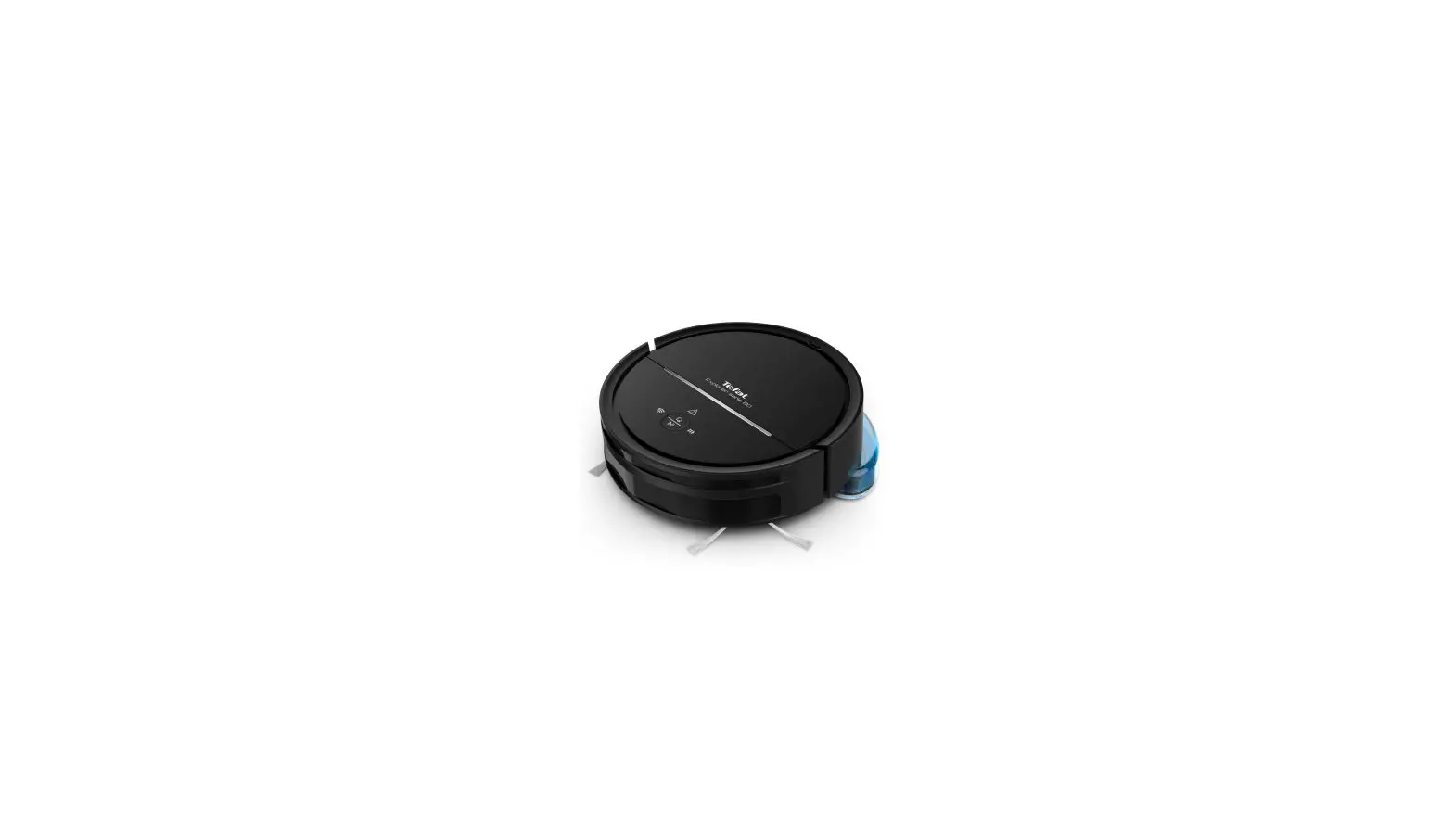
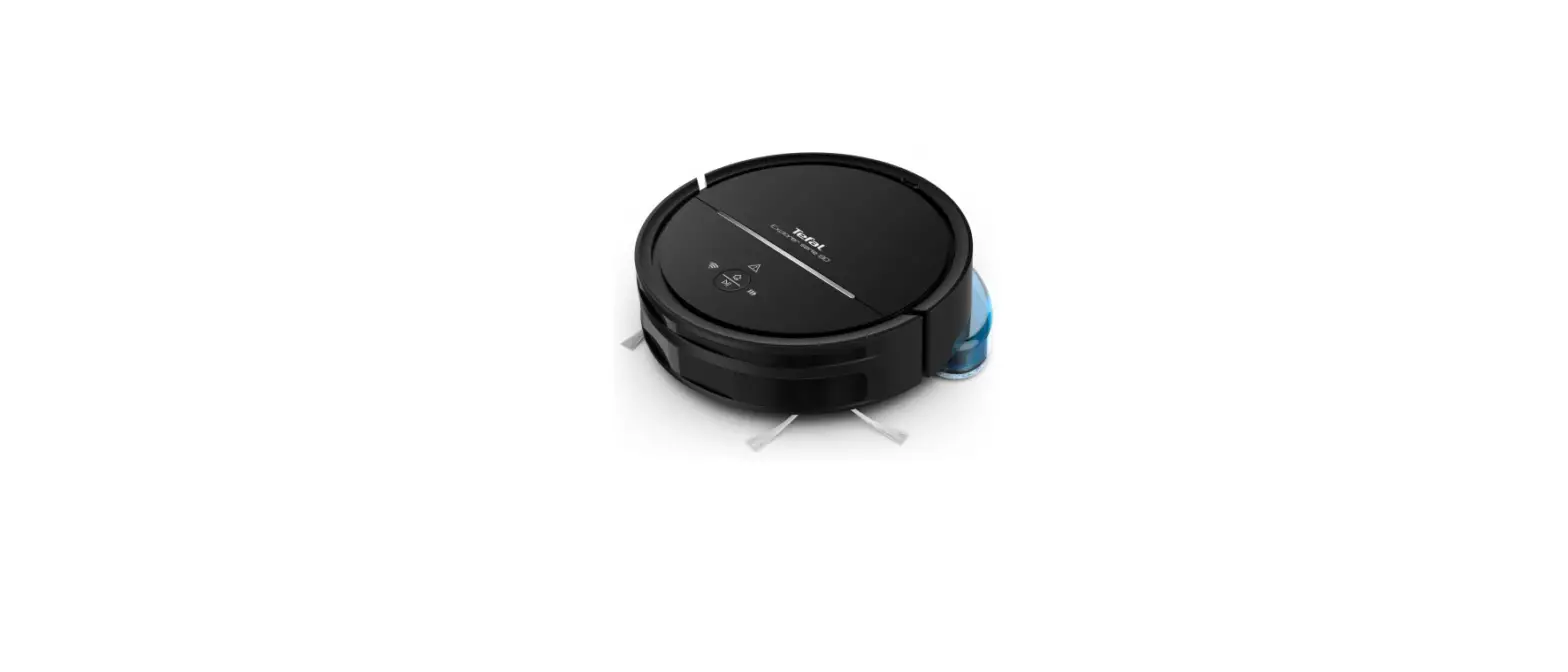
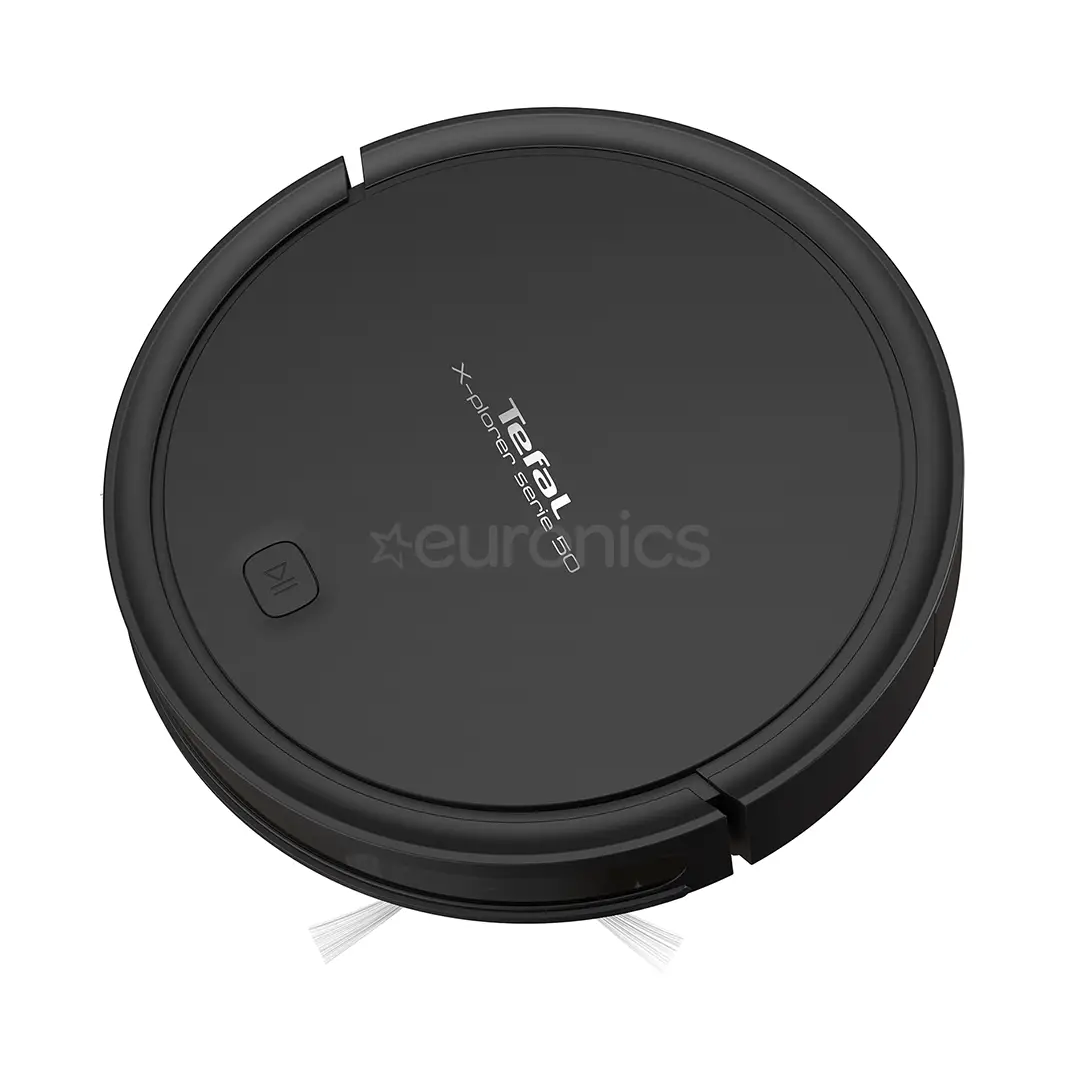
X-PLORER SERIE 50
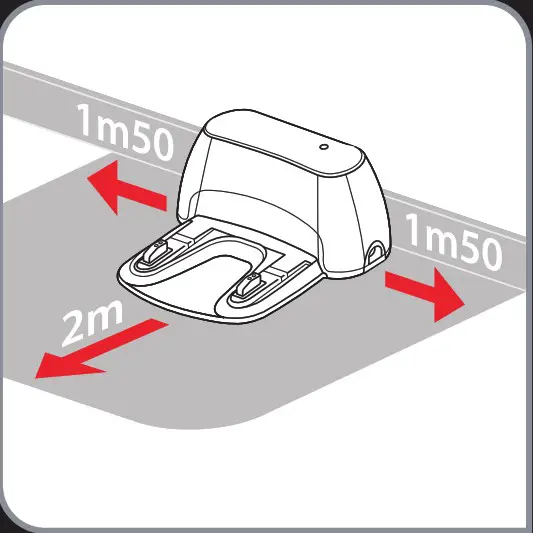
- Choose the location of your docking station.

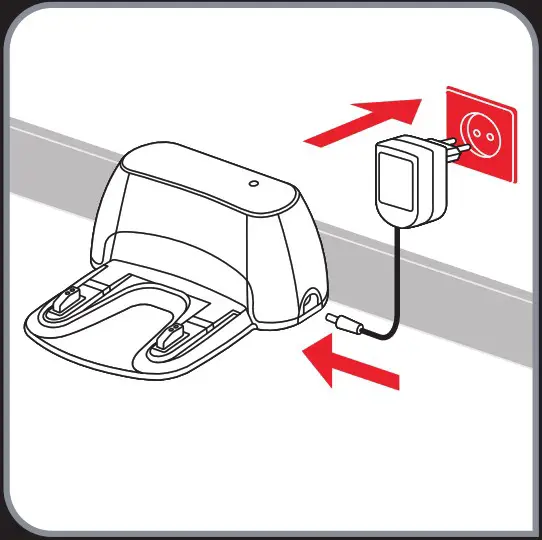
- Plug your docking station.

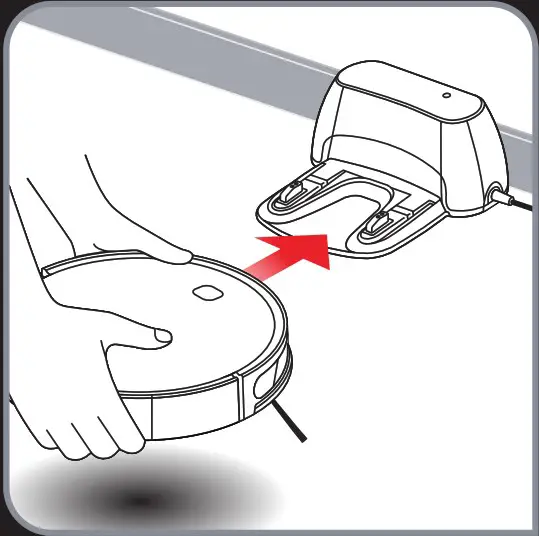
- Position your robot on its docking station until the button is flashing re

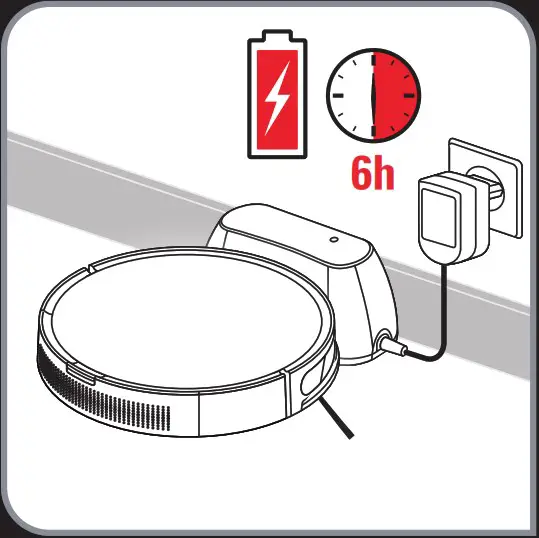
- Wait 6 hours for the robot to be fully charged.

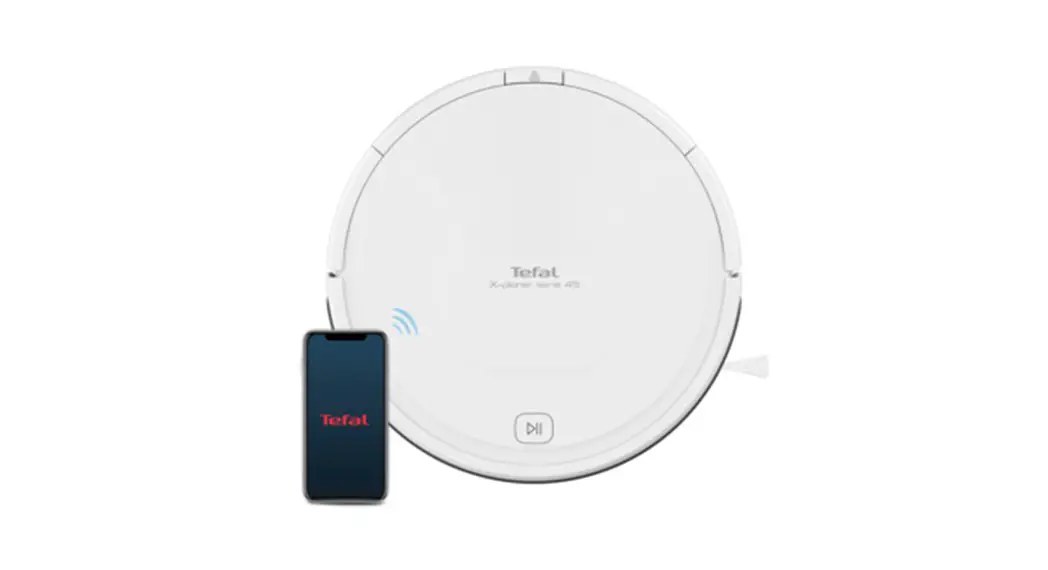
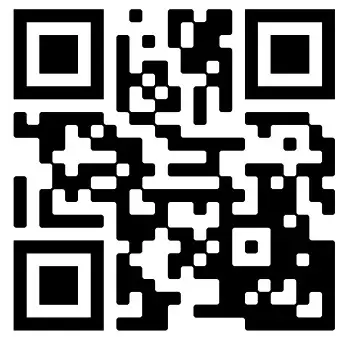
- Download Tefal Robots app for free (cf. QR code) http://opn.to/a/qMyFg


- To enjoy your robot, simply just follow the instructions in the app!

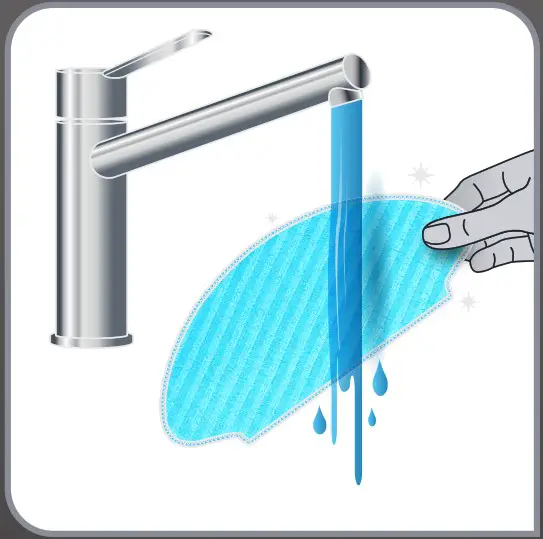
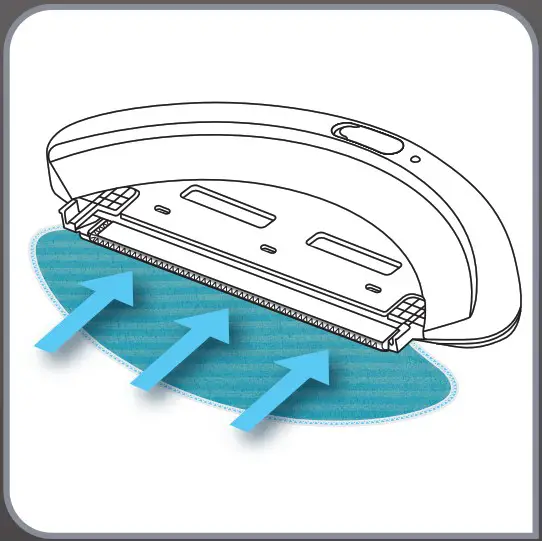
- Moisten the mop with water before use.

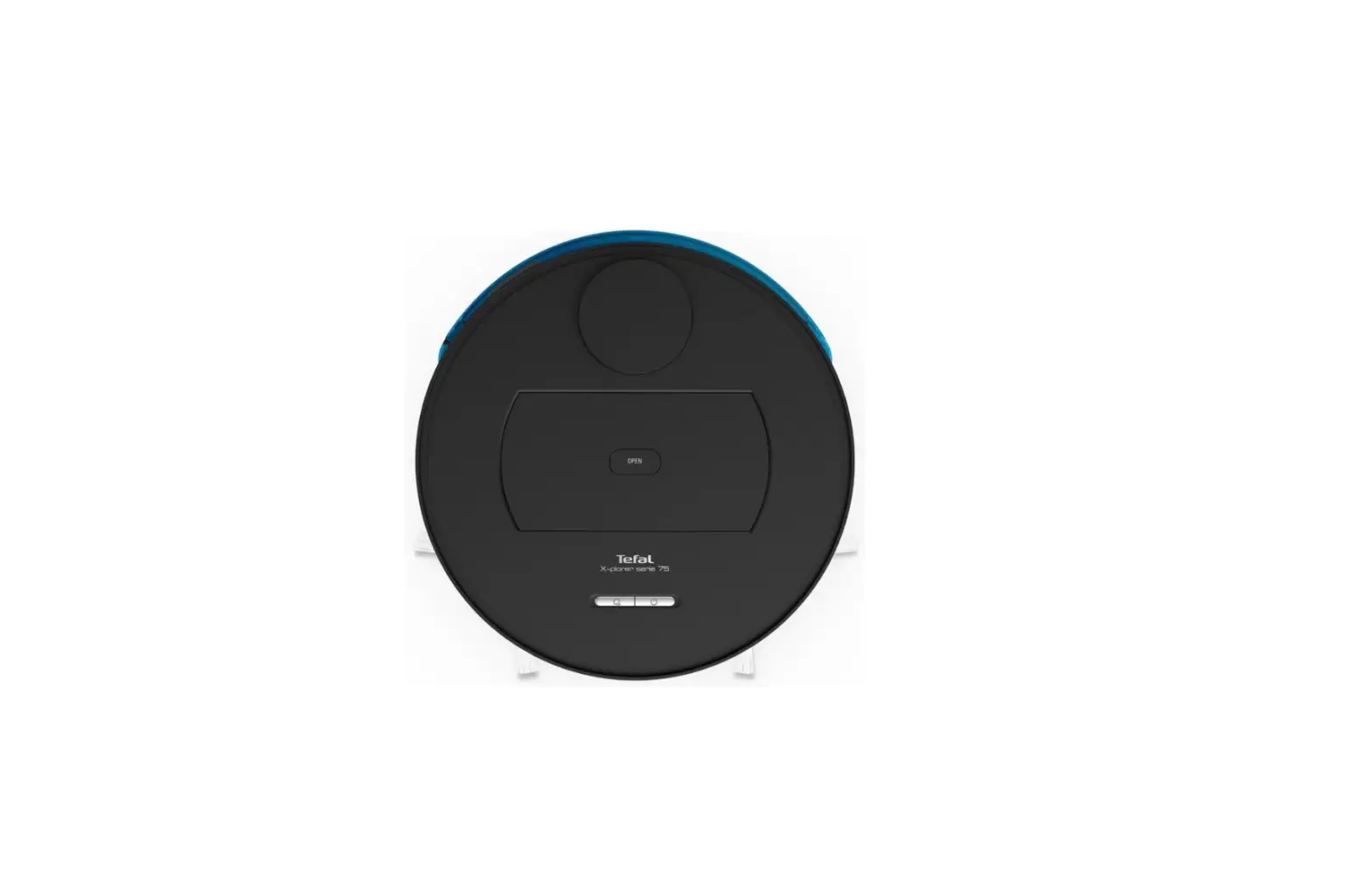
- Attach the mop to the water tank.

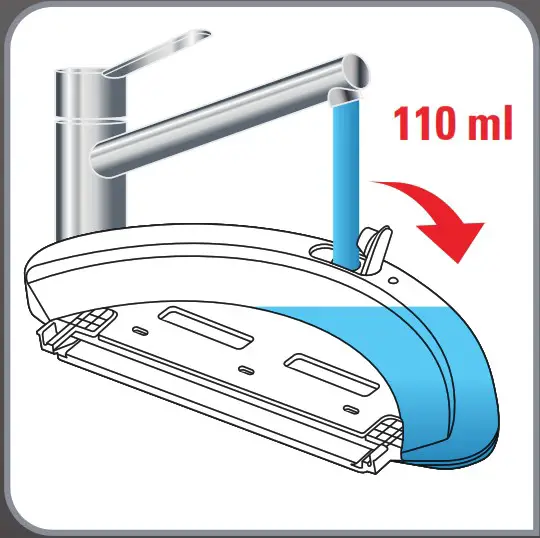
- Open the water tank of the mop support and fill it with 110ml of water.

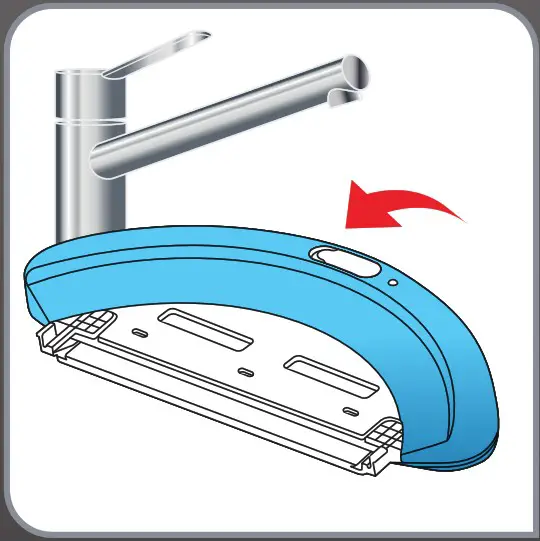
- Close the water tank.

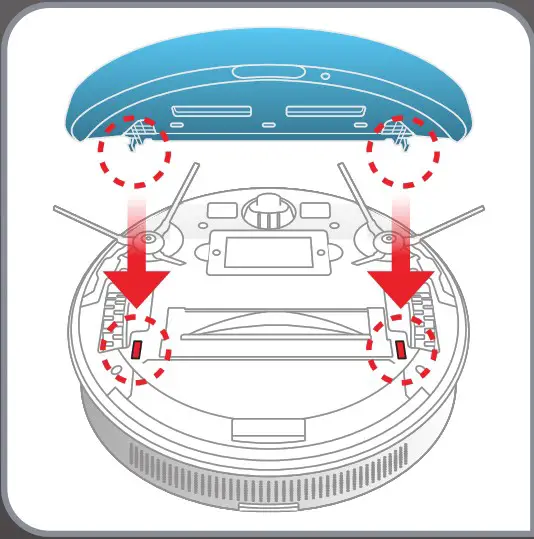
- Clip the mop support in the two holes provided for this purpose.

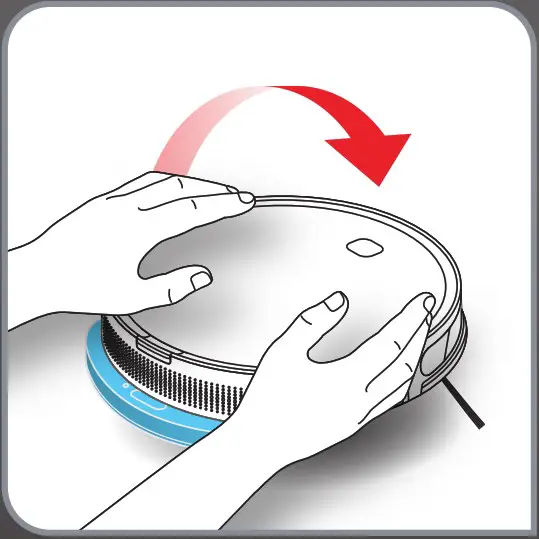
- Turn back your robot.

- 3 cleaning modes available:
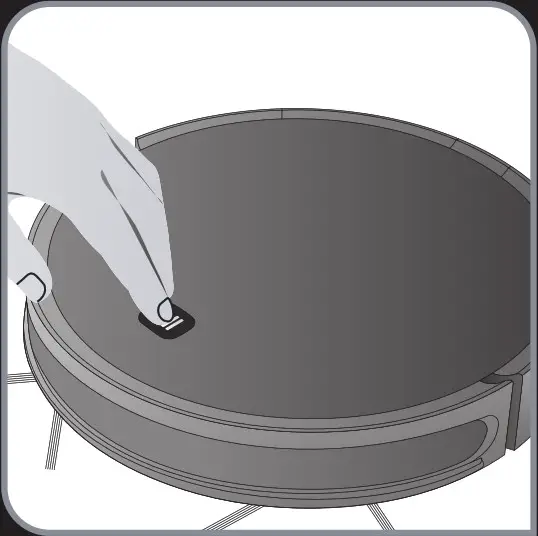
• «Methodic» mode: press once the button
• «Spot» mode: press twice the button
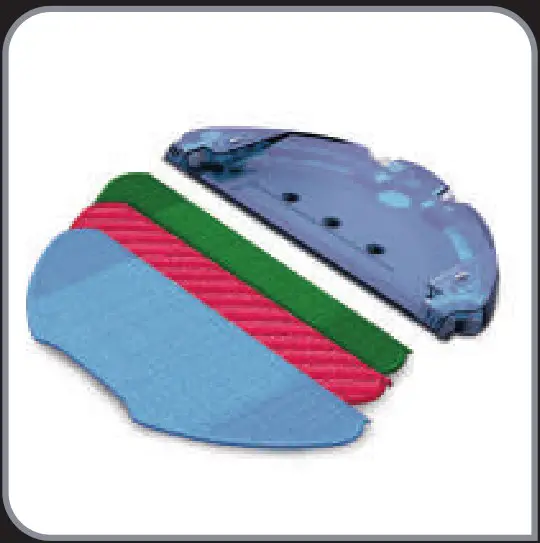
- Mops description (depending on model):
• Blue mop: Standard mop
• Red mop: Animal Scrub mop for pet stains
• Green mop: Allergy mop for fine
 Kitchen appliances and home appliances - T-fal