 Quick Guide
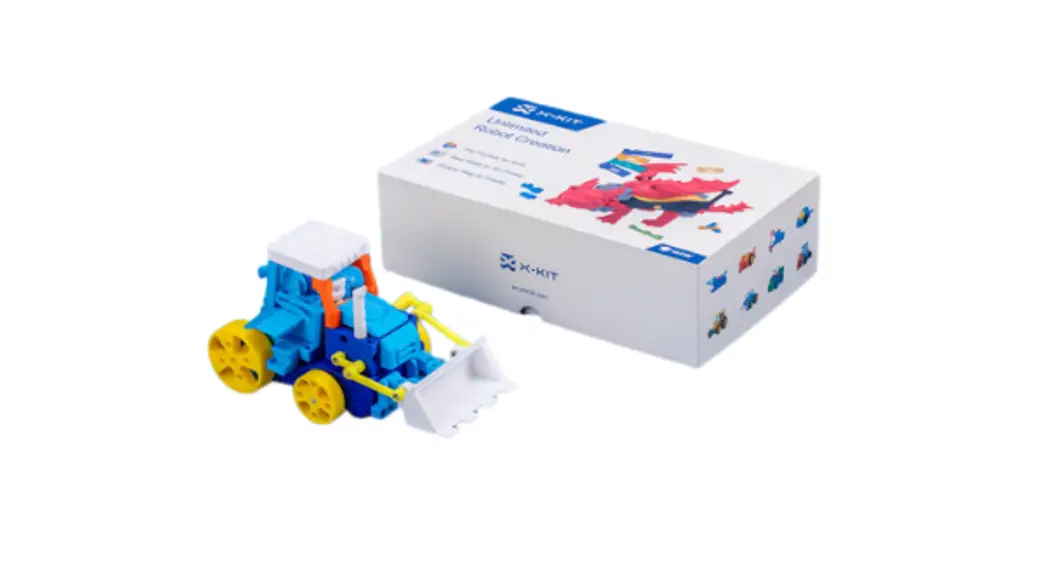
X-KIT Unlimited Robot Toy
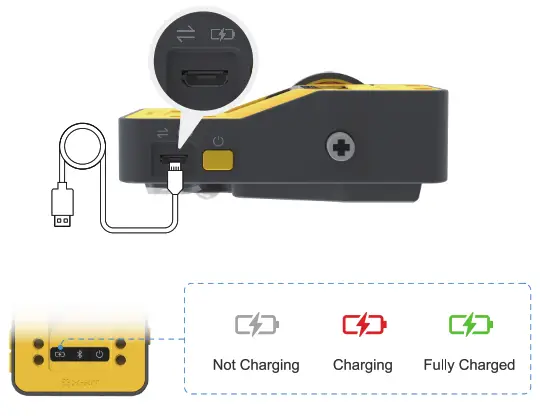
Micro-USB
- It is used for both charging and transferring data
- Make sure the Hub is ON when transferring data
 Install the 2 wheels onto the hub with 2 axle pins.lf you are using the 3D printed wheels, put tires on them before installation
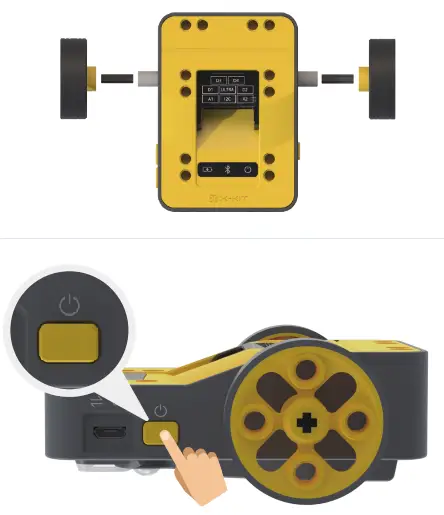
Press & hold the power-on button for 5s to turn your device on
Install the X-KIT APP
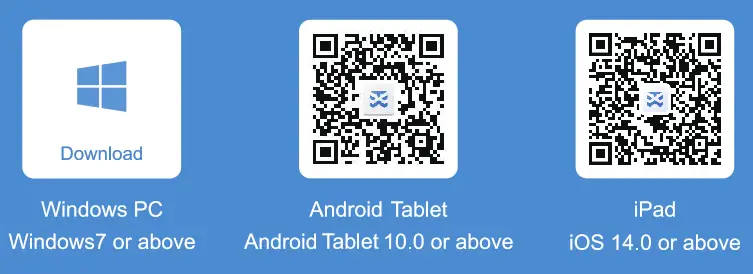
https://www.aoseed.com/support/X-KIT
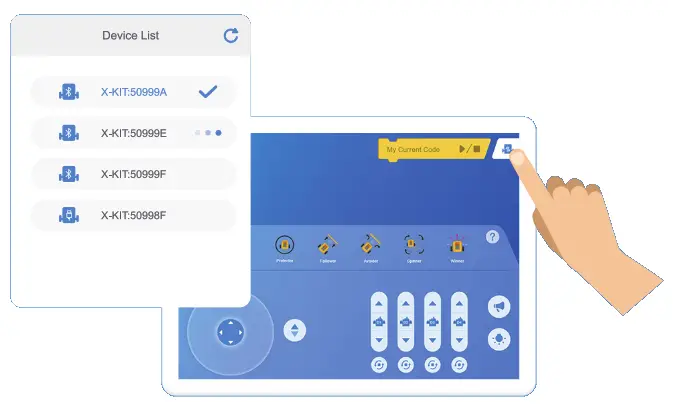 | 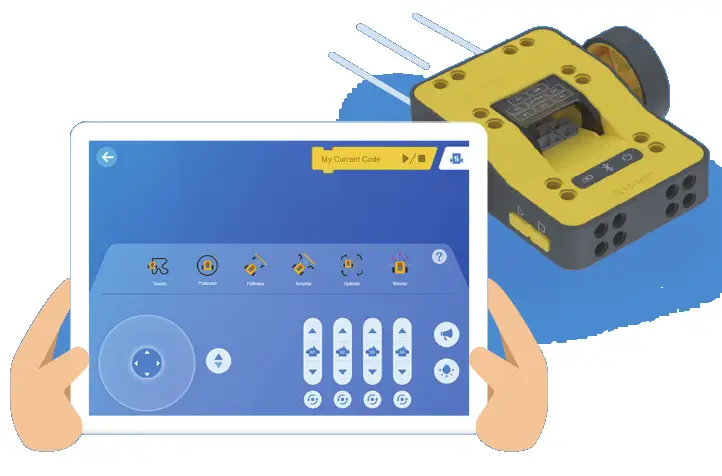 |
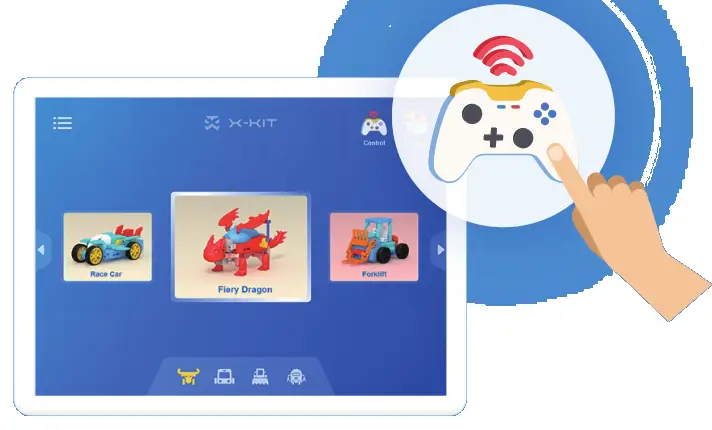 |  |
for How-to Videos and further supports https://www.aoseed.com/support/X-KIT