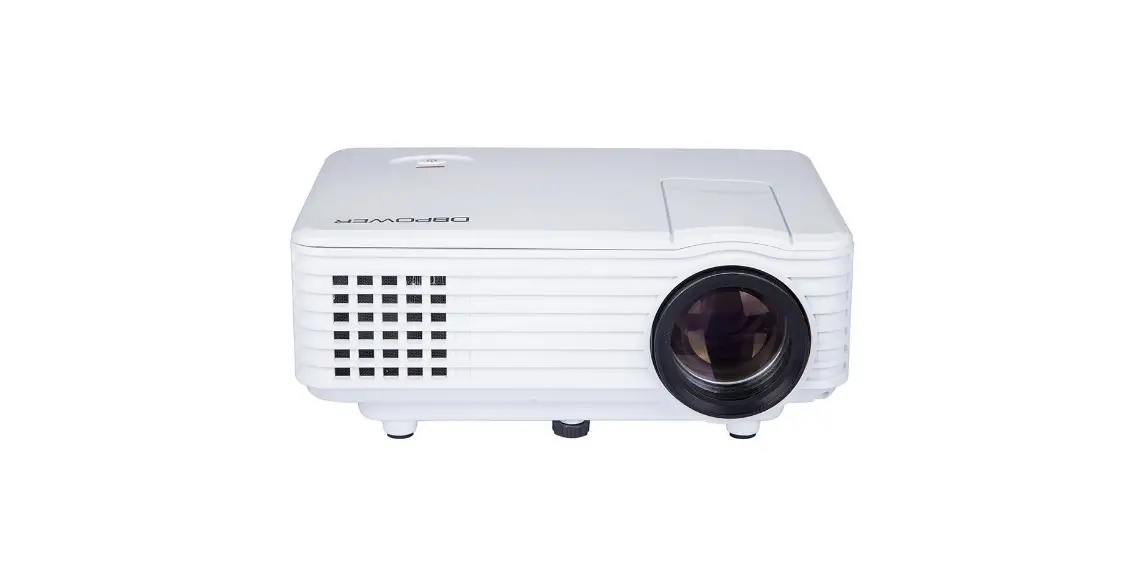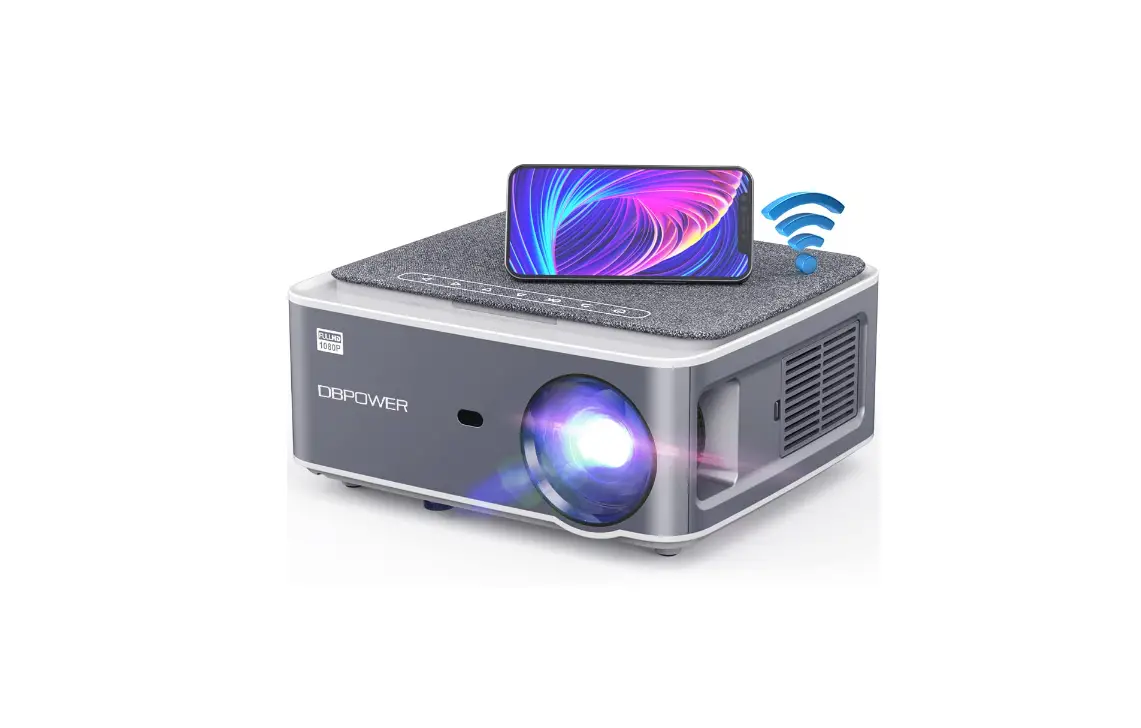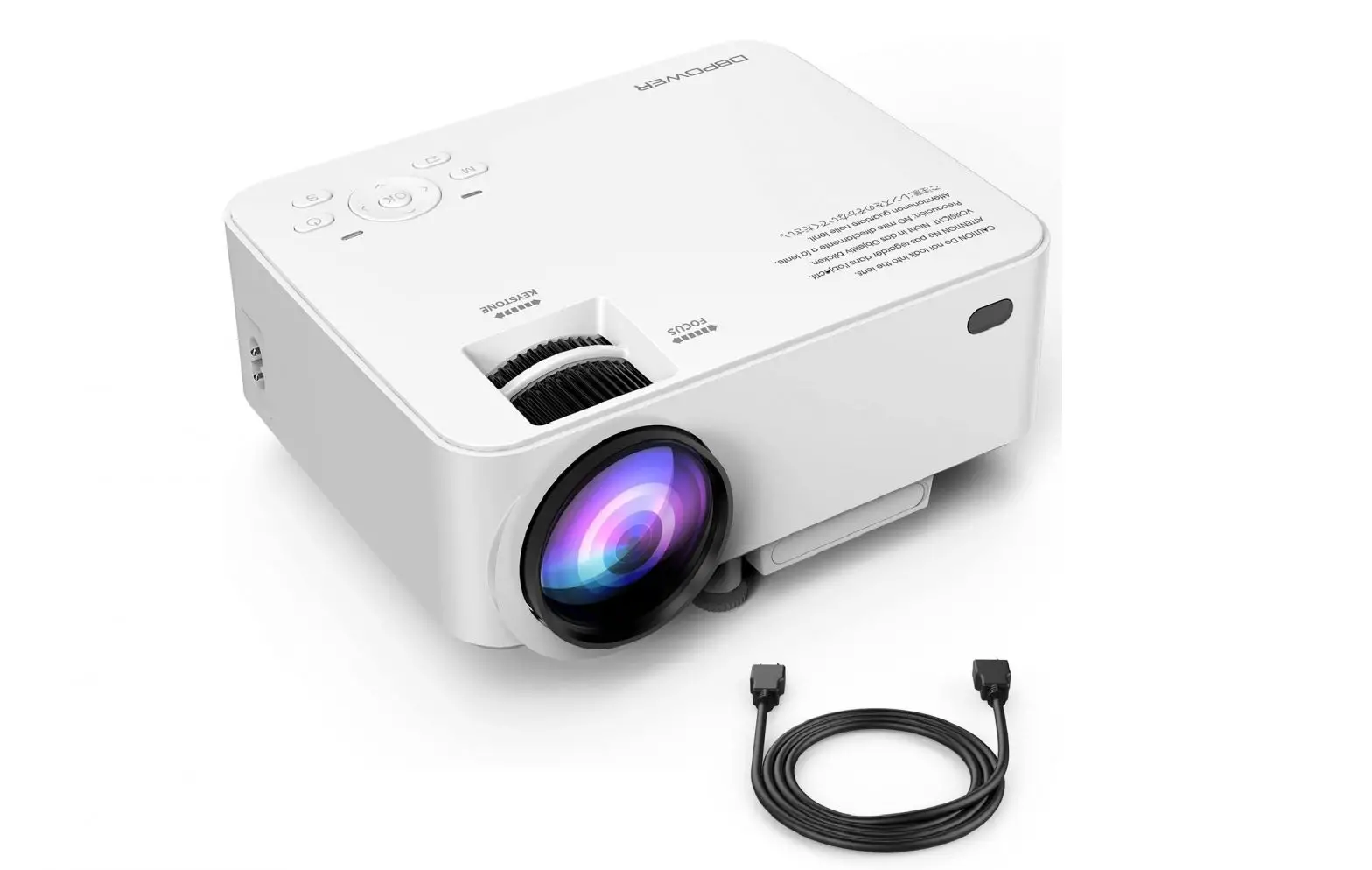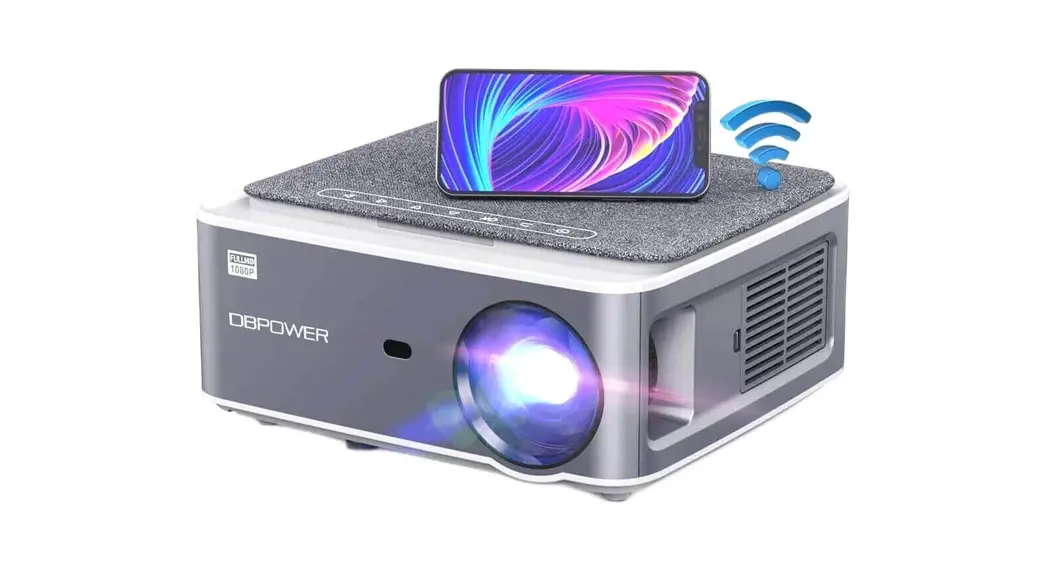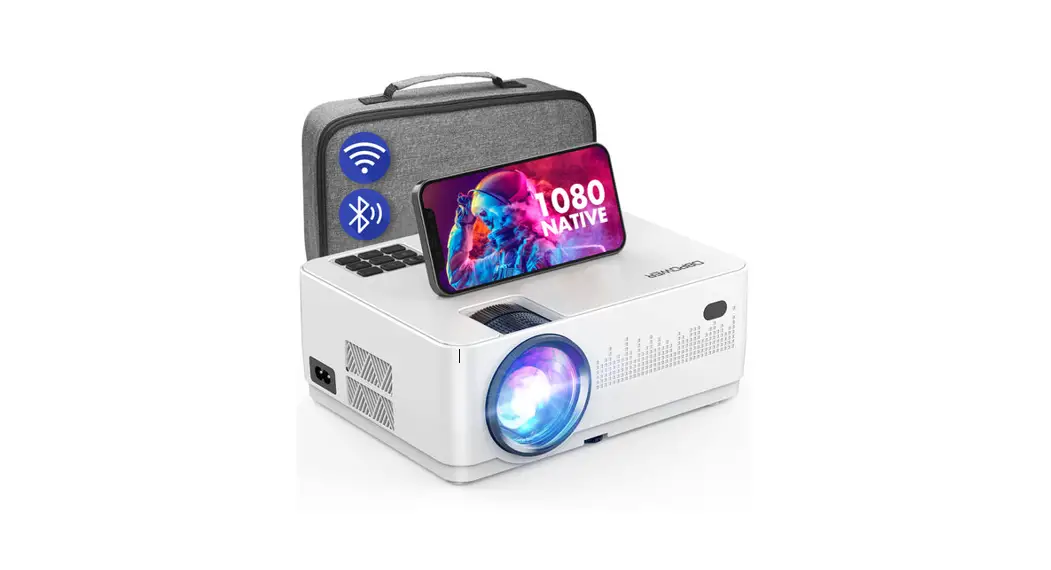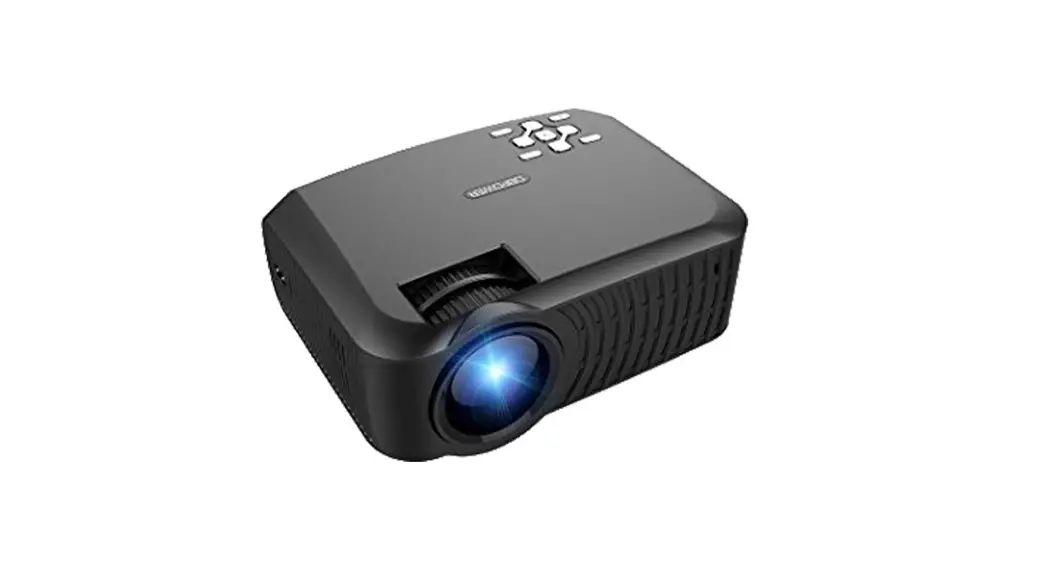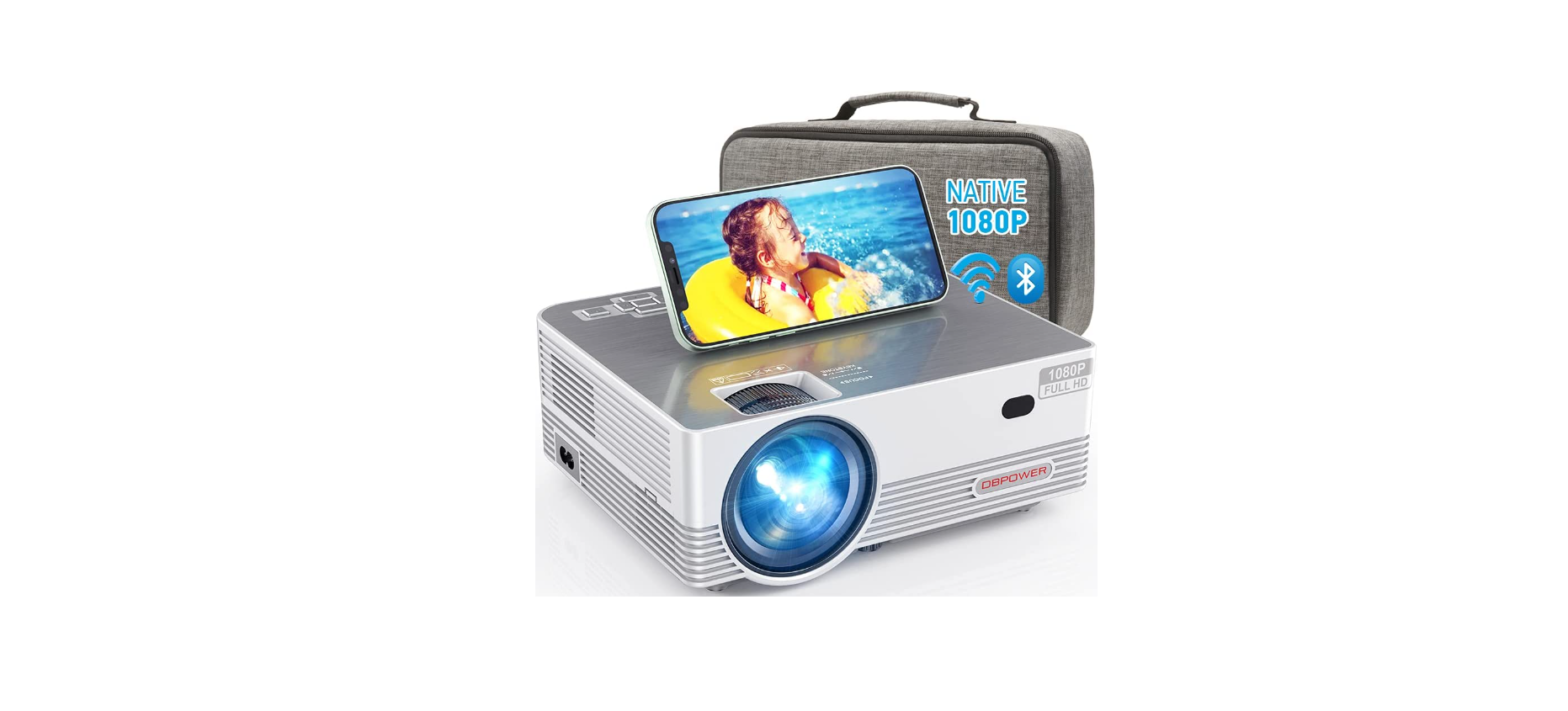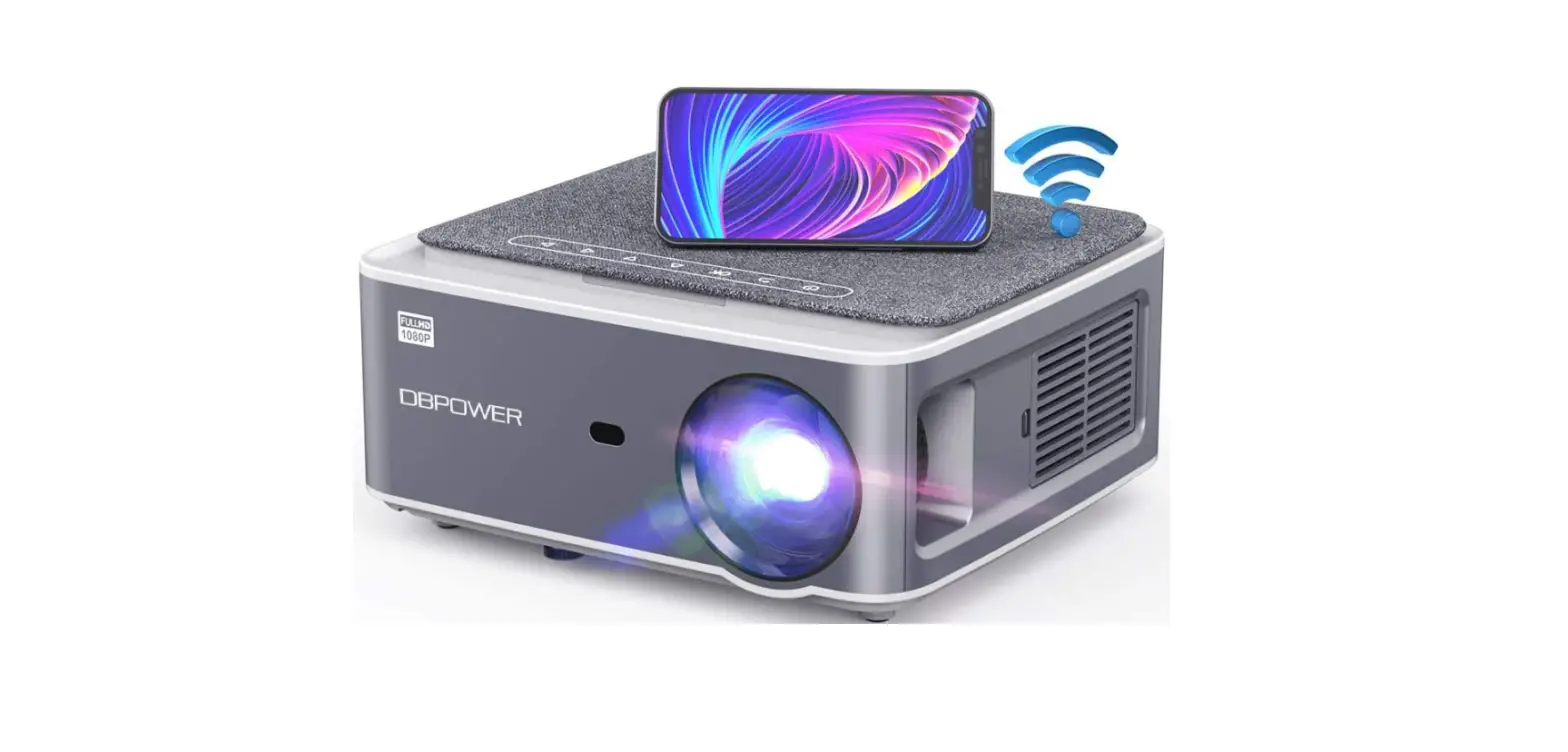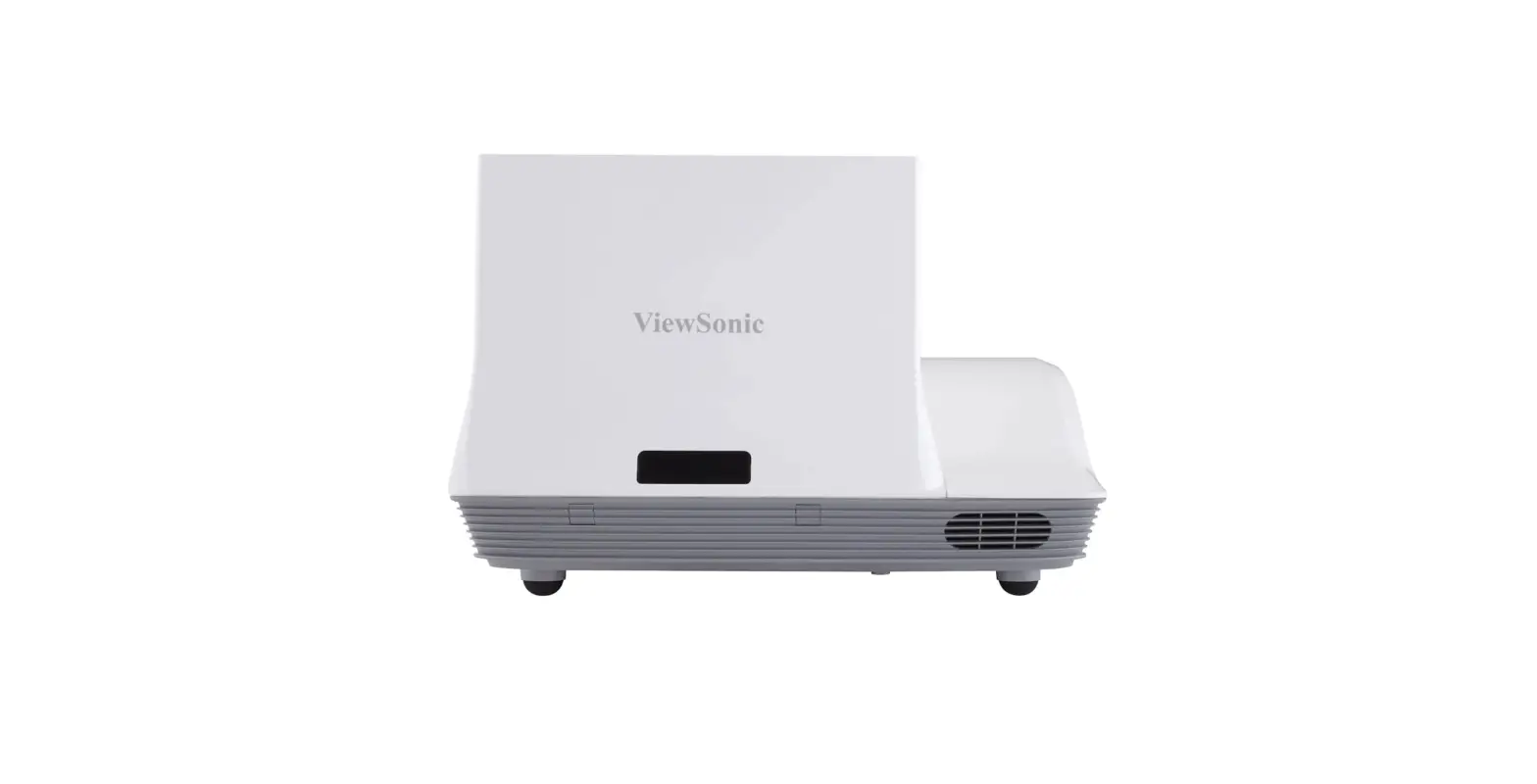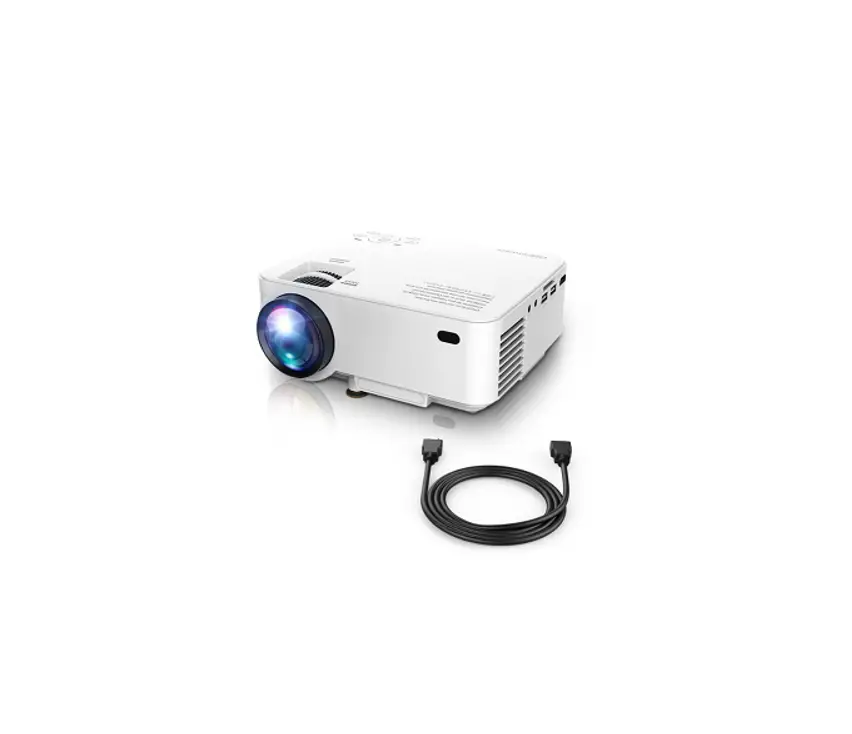
DBPOWER Projector User Guide

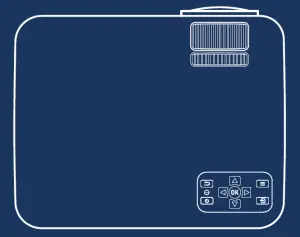
QUICK-START GUIDE
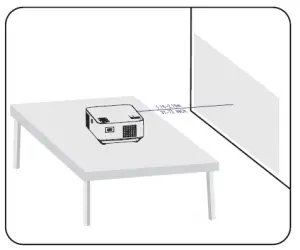
- Place the projector on a flat desk or table in front of the projector screen.

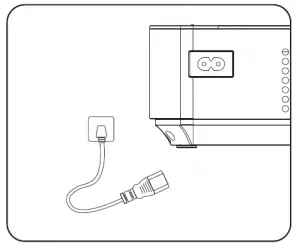
- Connect the power supply.

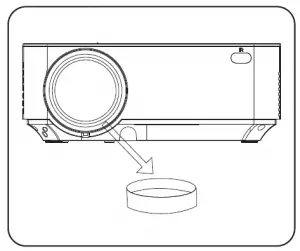
- Remove the lens cover.

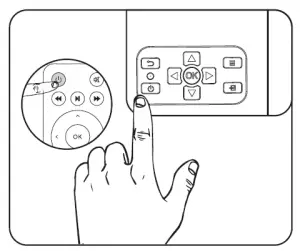
- Press the power button.

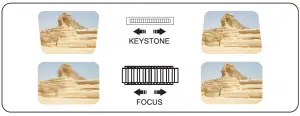
- Adjust picture clarity using focus and keystone.
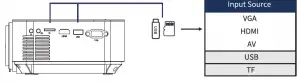
A. Multimedia Connection

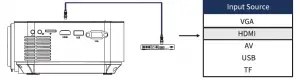
B.HOMI Connection
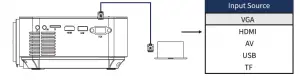
C.VGA Connection
- Select data source.
 DBPOWER - The Power of Innovation PayPal Venmo