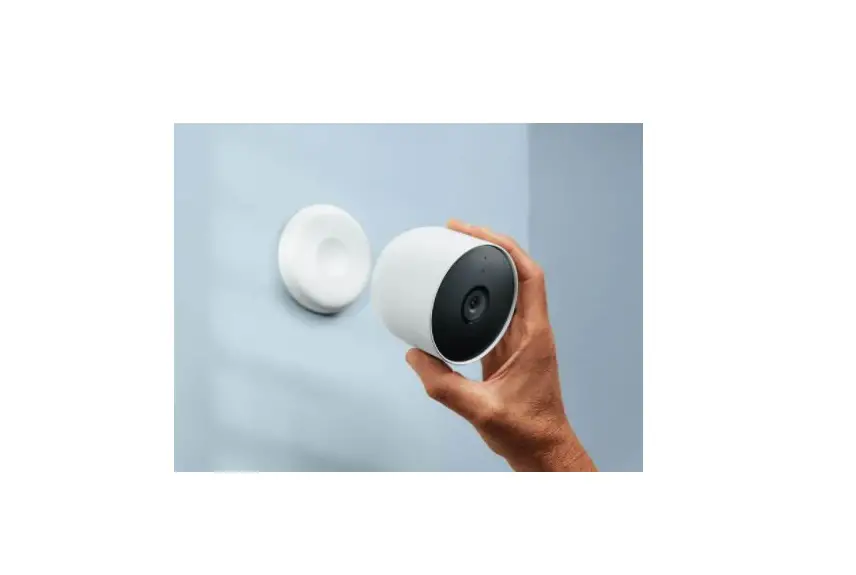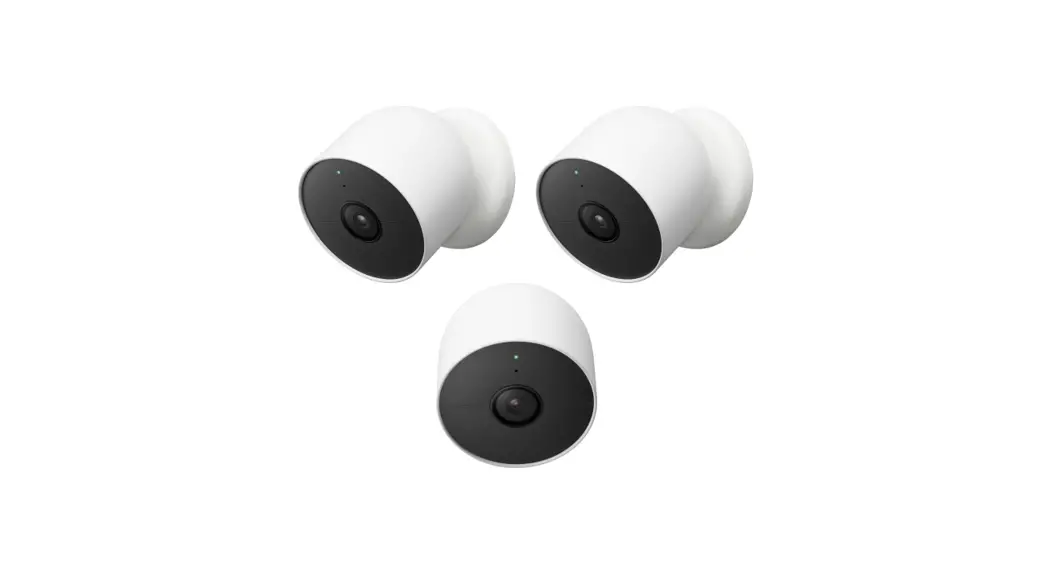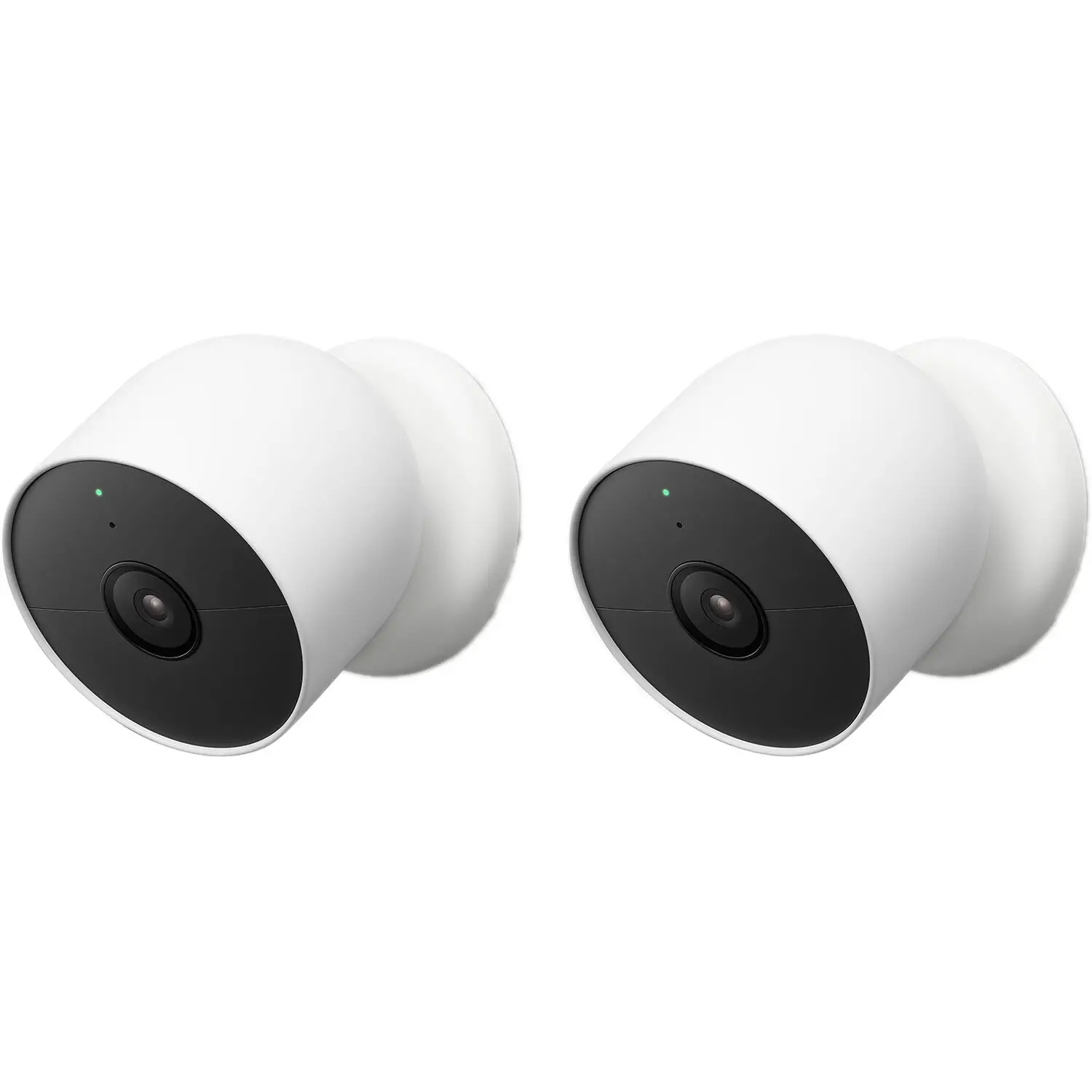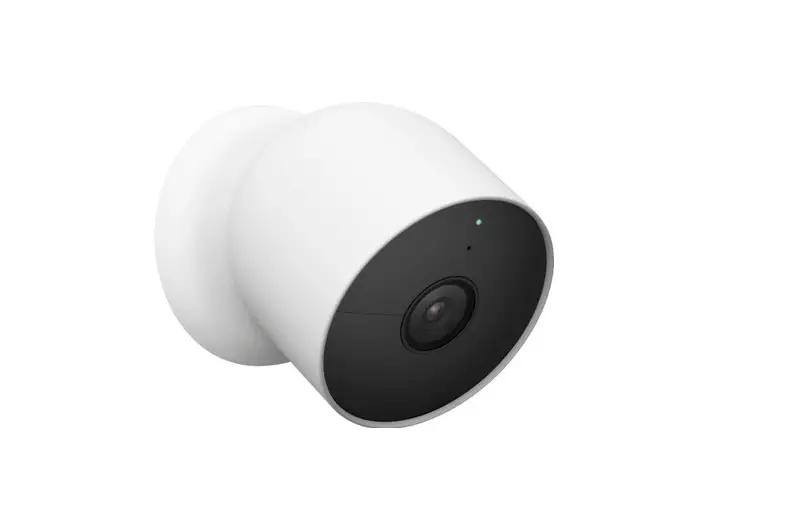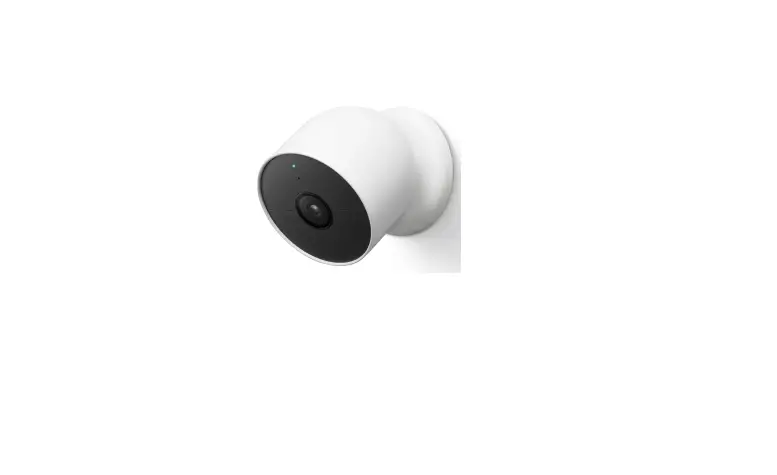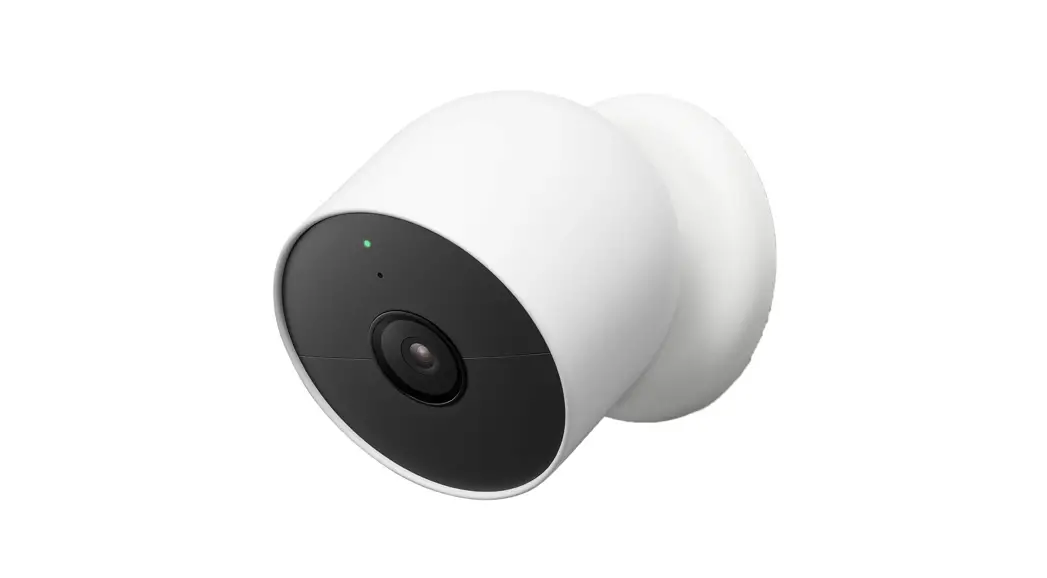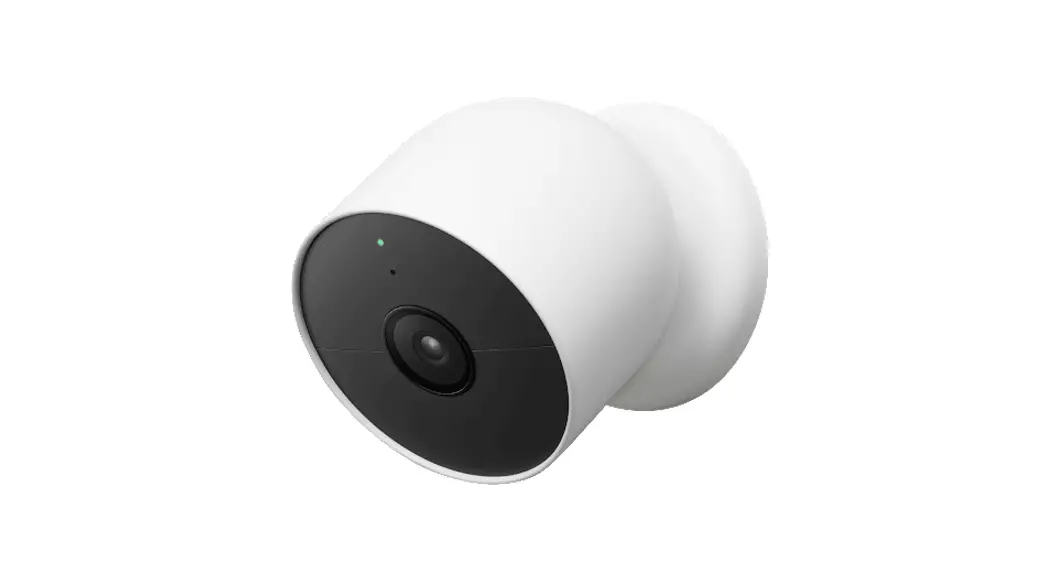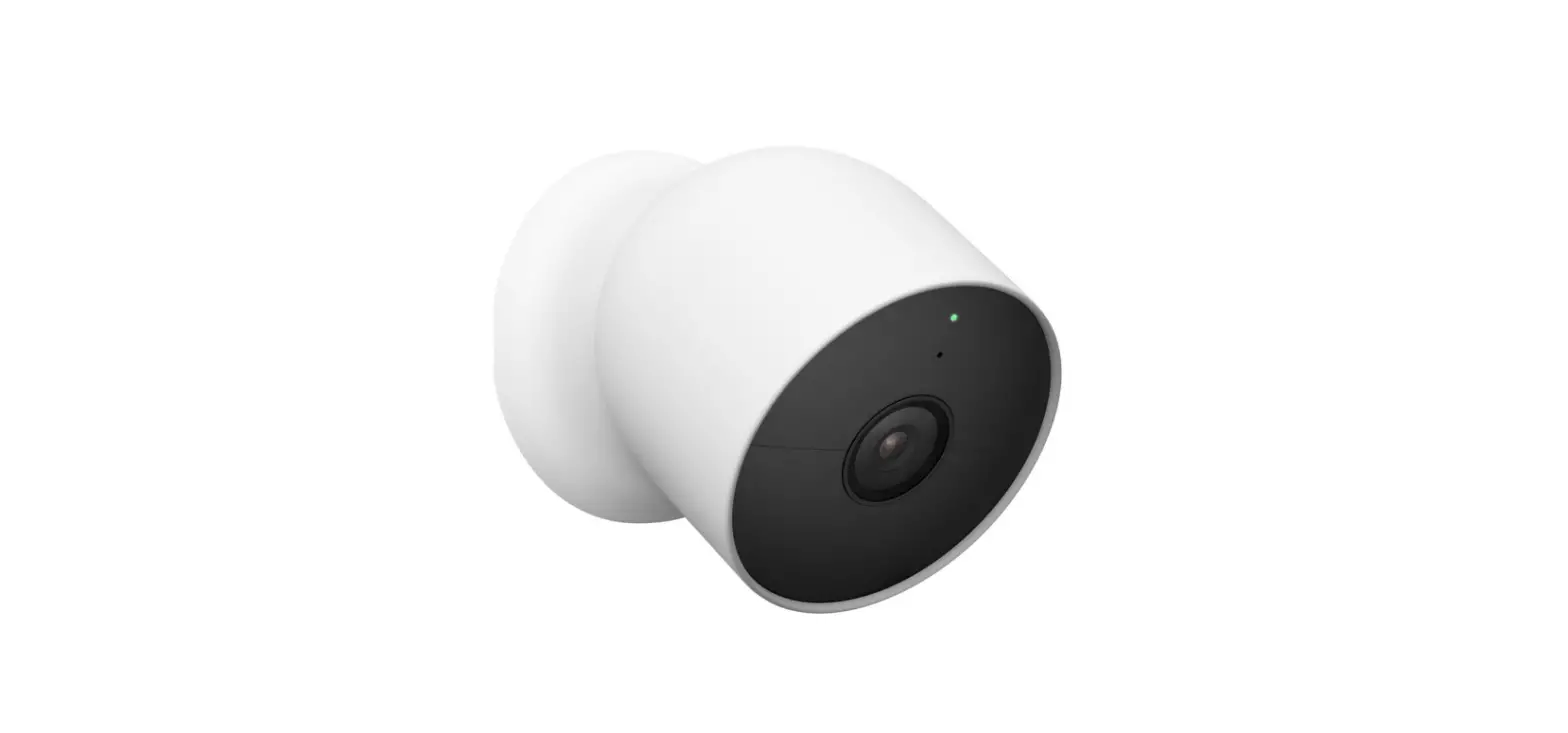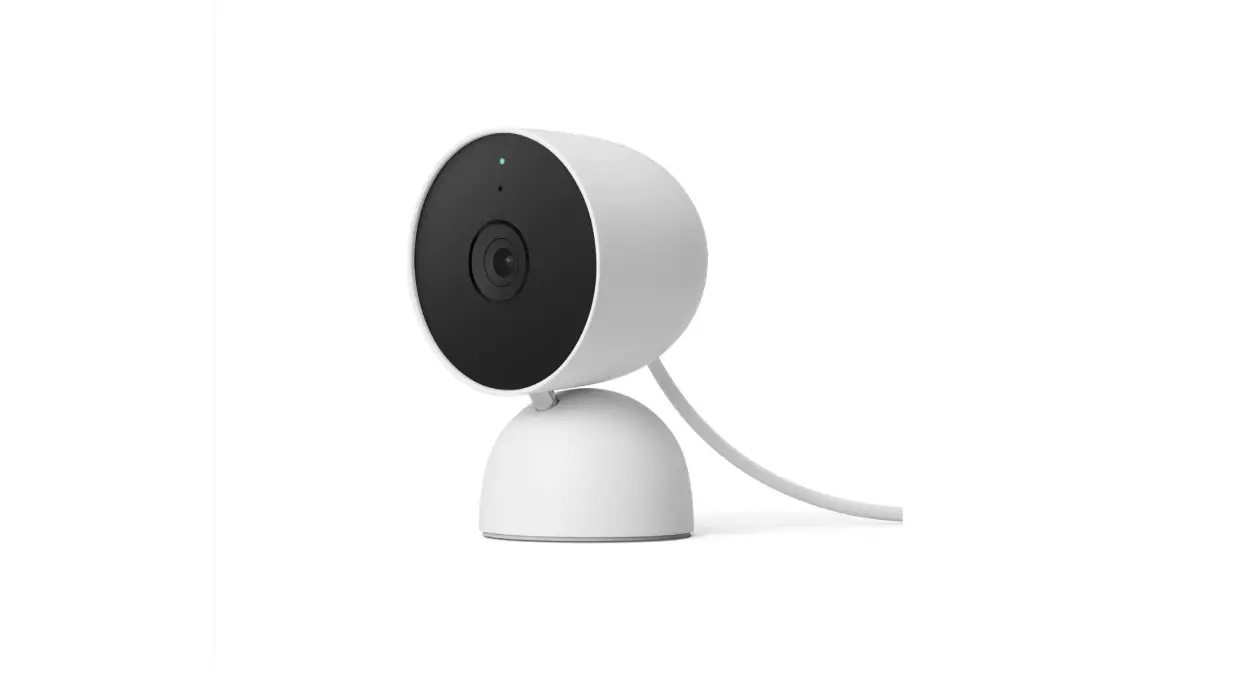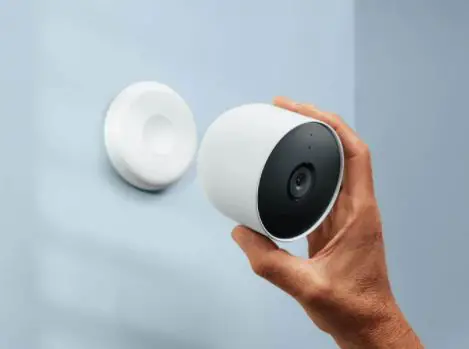

Google GA01317-US Indoor/Outdoor Nest Cam Battery
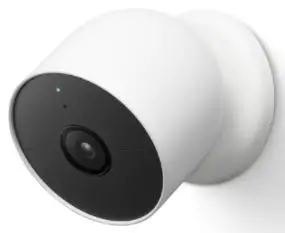
Set up your Google Nest Cam
 Plug your Nest Cam into an outlet
 Get the Google Home app
 Tap + to add your camera
 Plug your Nest Cam into an outlet
 Get the Google Home app
 Tap + to add your camera
A Nest Pro installer can help
Connect with an independent installer who’s trained to install
Google Nest products at g.co/nest/install
What’s included
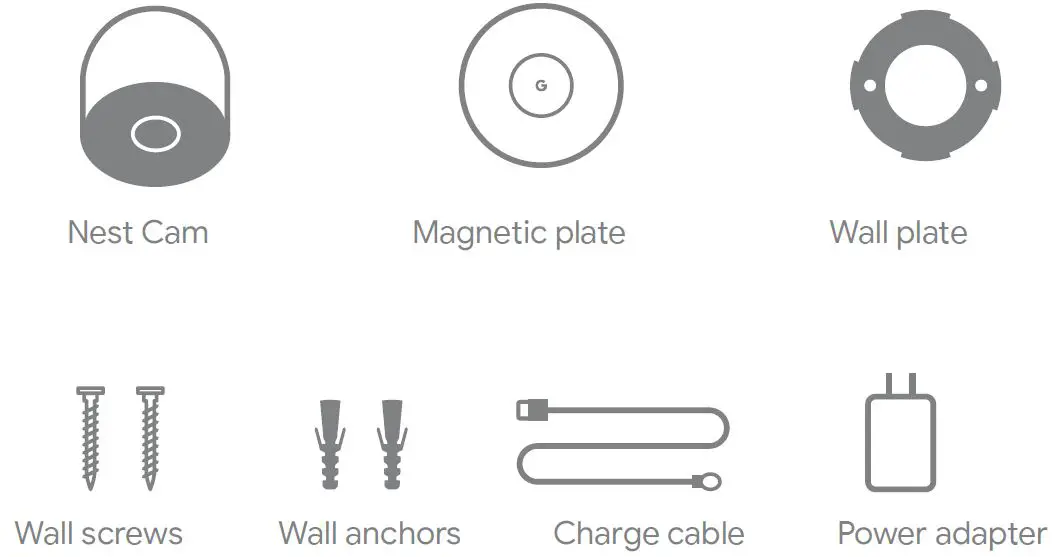
You may need a screwdriver, drill, and step ladder
To purchase and install with a weatherproof cable or indoor stand, visit g.co/nestcam/accessories
charge cable and power adapter per box
We’re here for you
For online help and support, visit g.co/nest/help
For an installation video, visit g.co/nestcam/setup
For help with accessibility, visit g.co/disabilitysupport