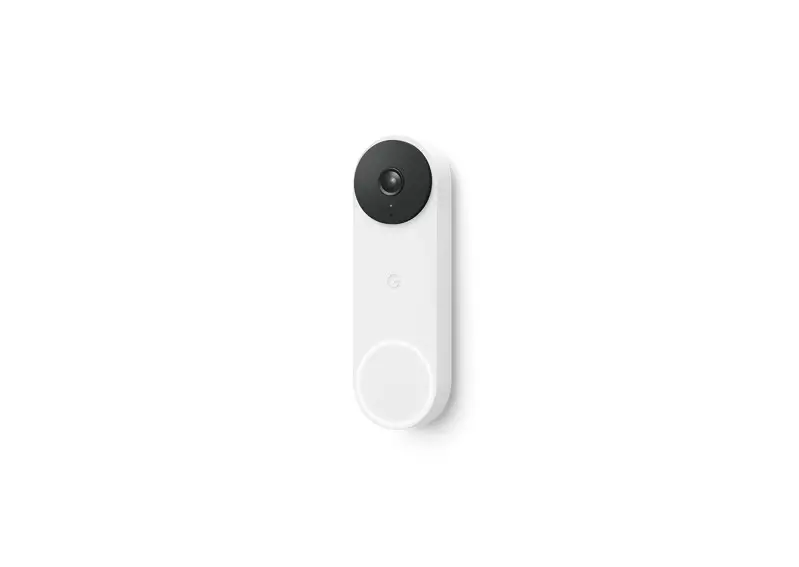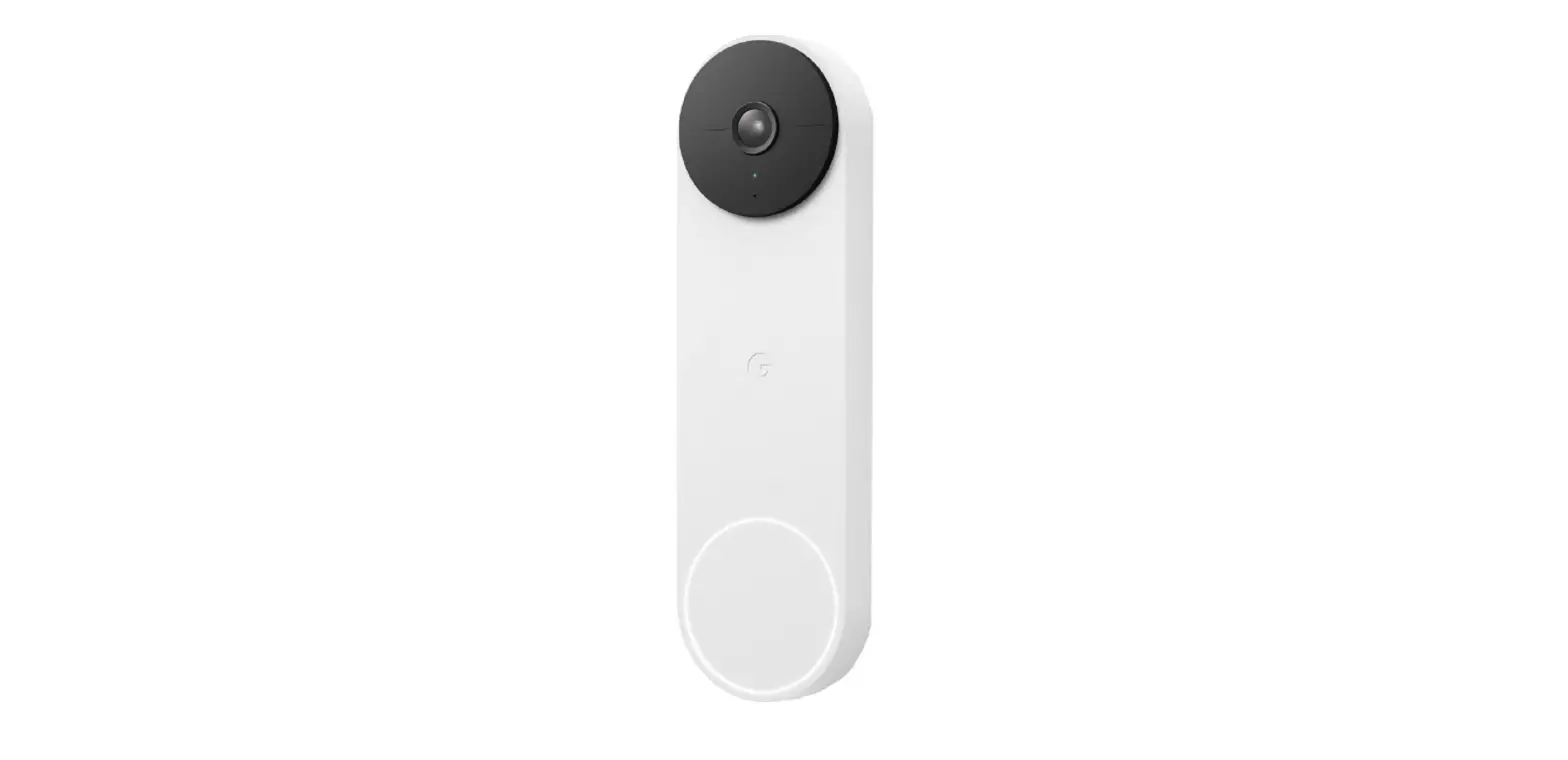
Google GA01318-FR Nest Smart Doorbell Cameras User Guide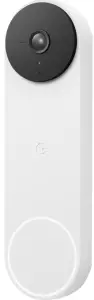
Let’s get started
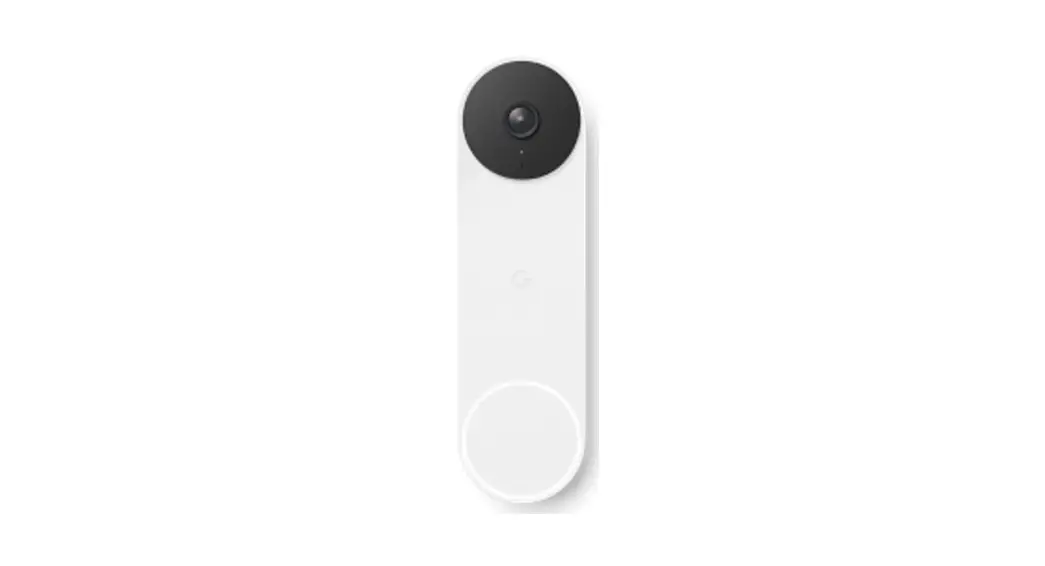
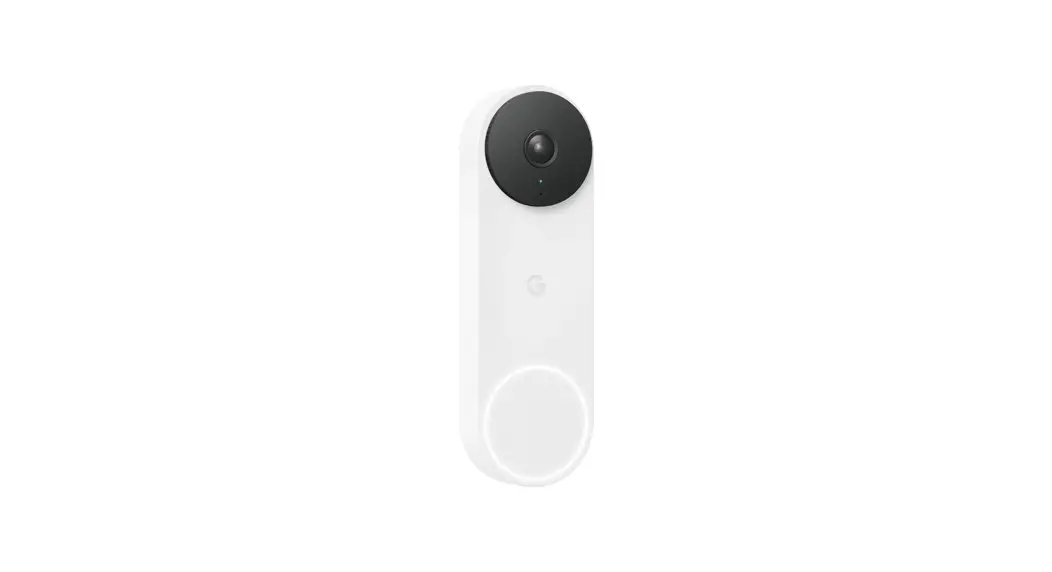
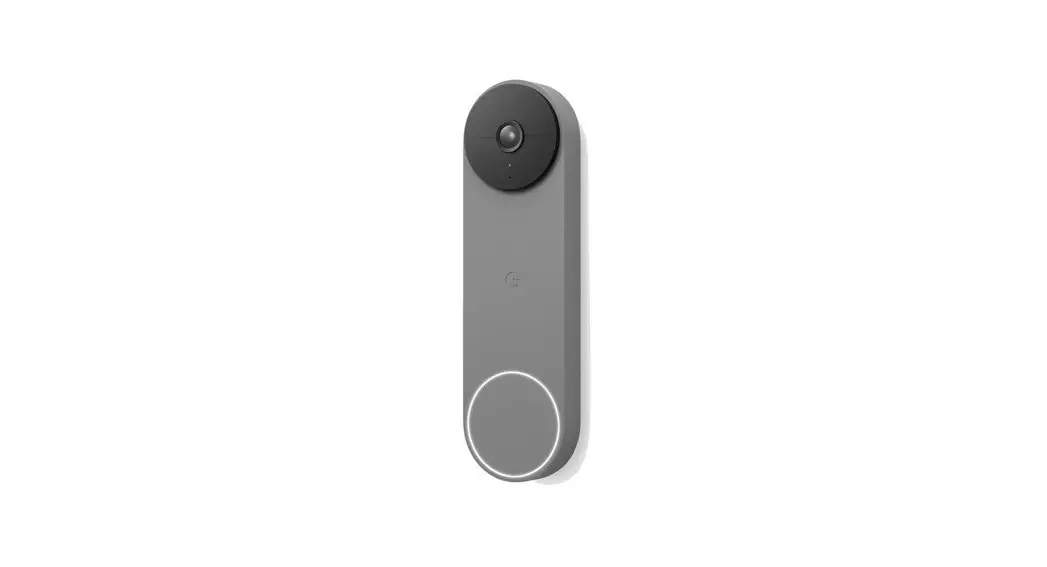
 Plug your Google Nest Doorbell into a socket.
 Get the Google Home app. Tap to add your doorbell.
 Scan the QR code below.
 Plug your Google Nest Doorbell into a socket.
 Get the Google Home app. Tap to add your doorbell.
 Scan the QR code below.
Watch an installation video at g.co/nest/installdoorbell
What’s included
- Nest Doorbell

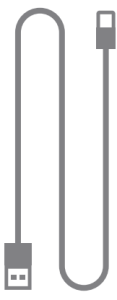
- Charging cable

- Base plate

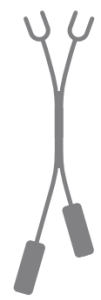
- Release tool

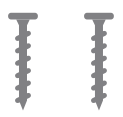
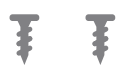
- Wall screws

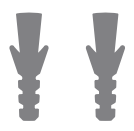
- Wall anchors

- Wire connector

- 20° wedge

- Wedge screws

- Spacers






You can hear your doorbell with a Nest Mini. Get one at g.co/mini
A Nest Pro can help
The Google Nest Doorbell is easy to install yourself, but you can also hire
a Nest Pro to do it for you. Go to g.co/nest/install to find a Nest Pro.
For online help and support, visit g.co/nest/help
For help with accessibility, visit g.co/disabilitysupport