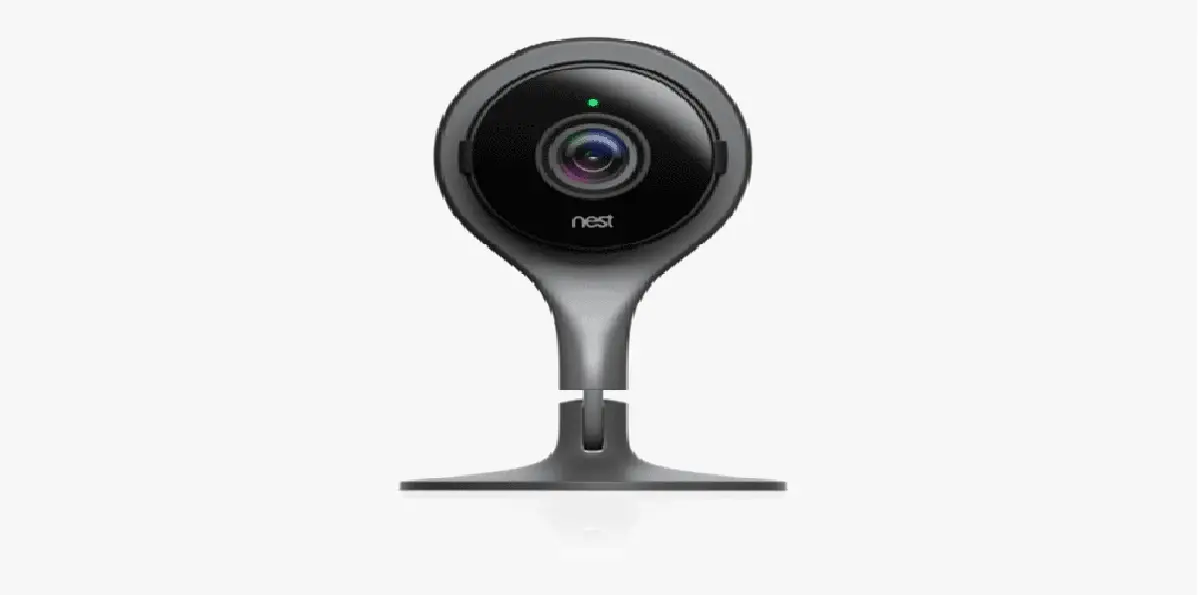
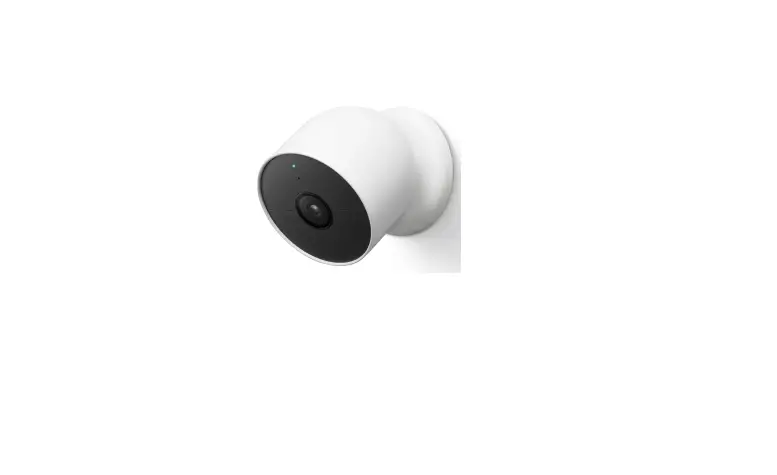
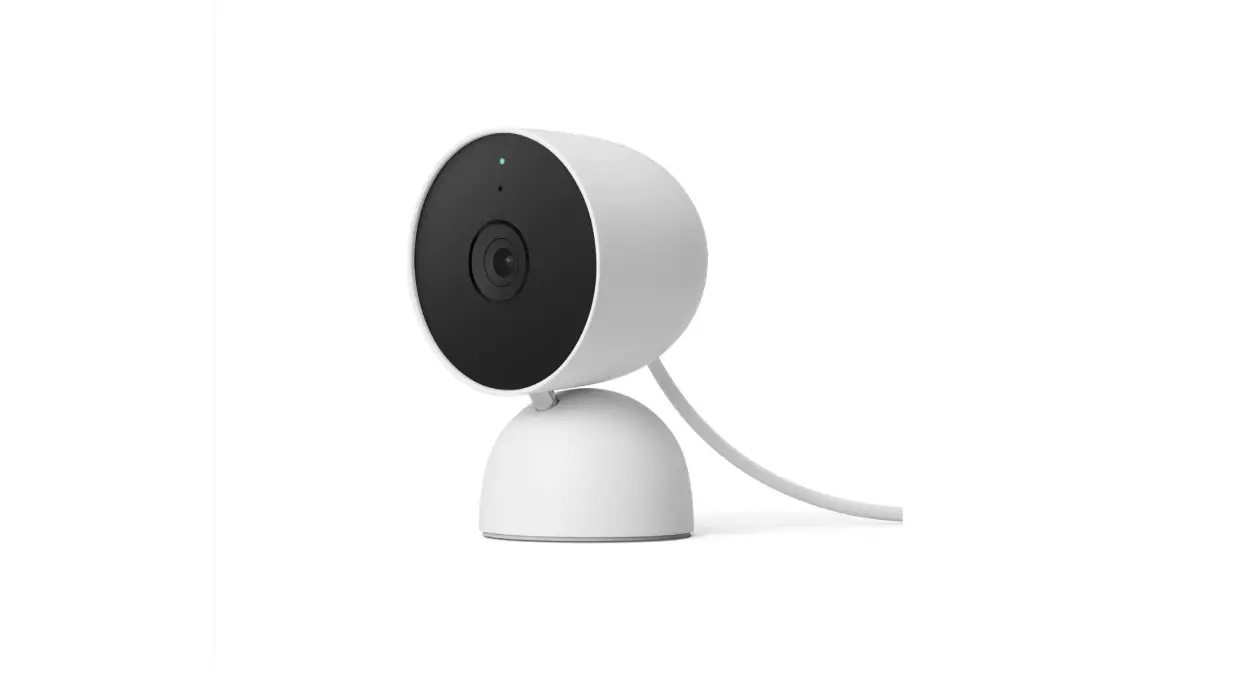
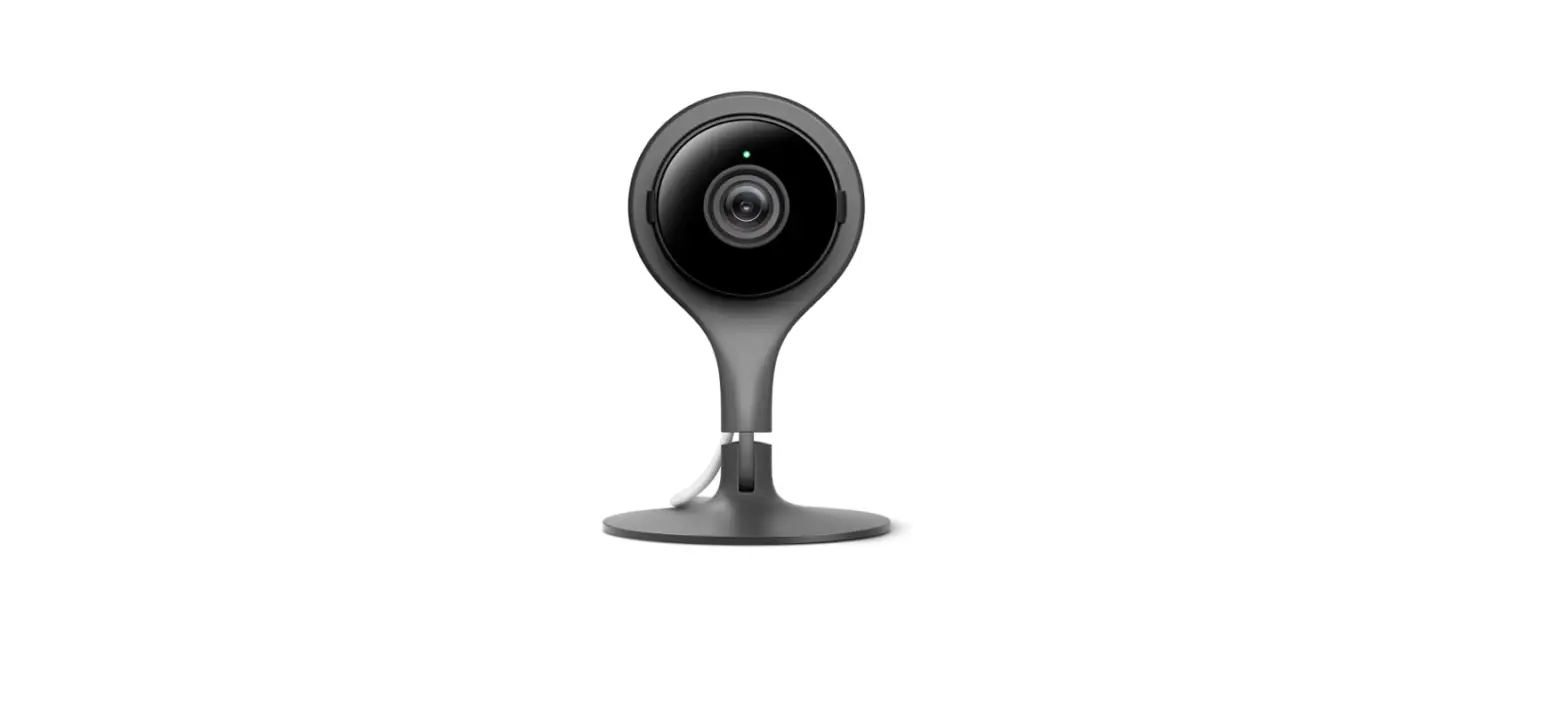
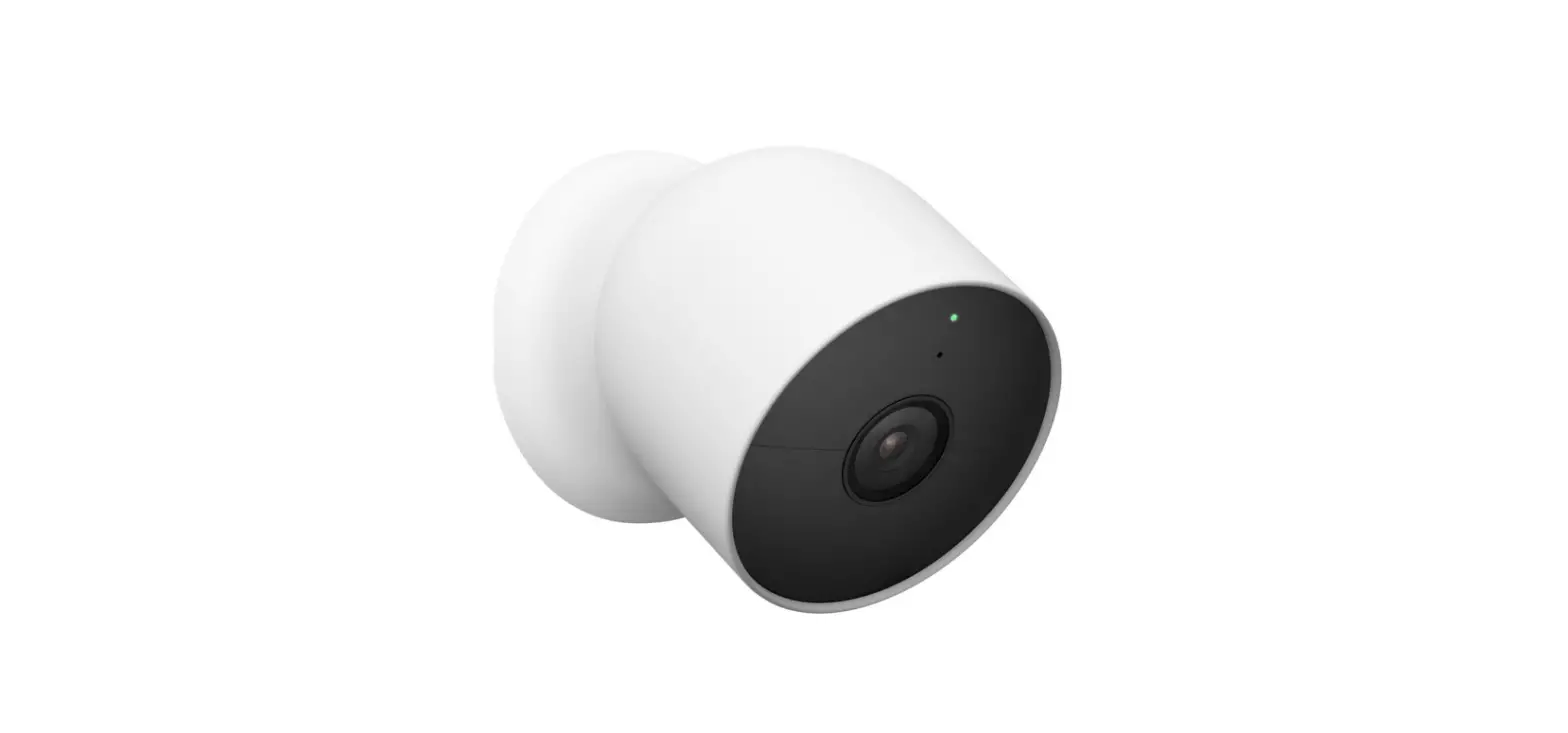
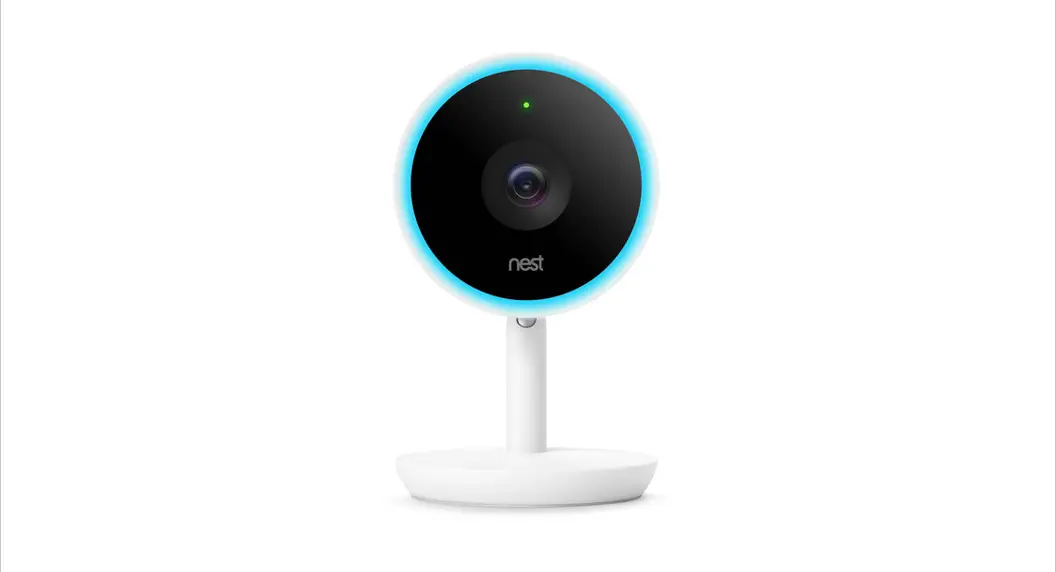
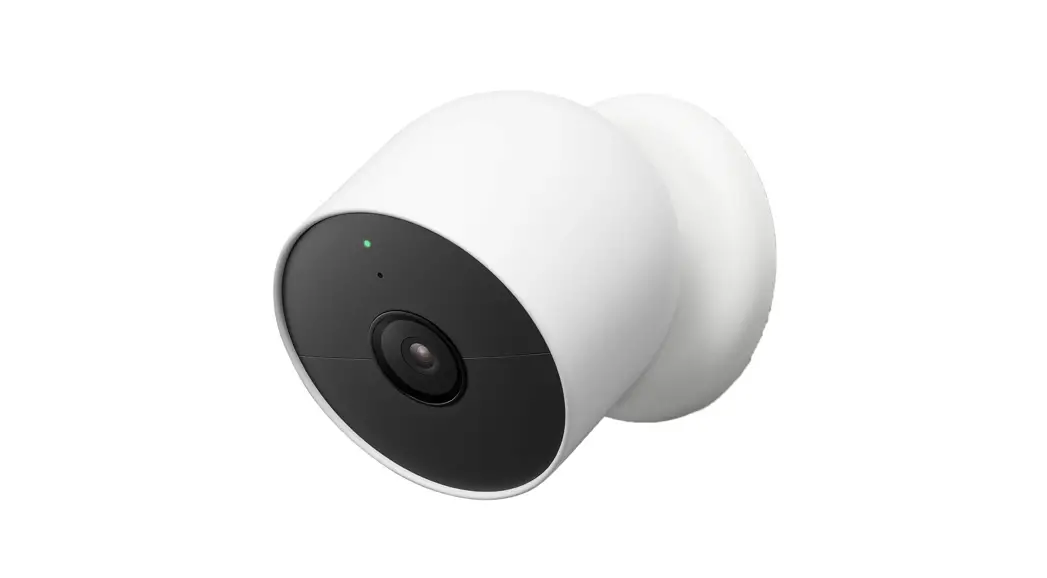
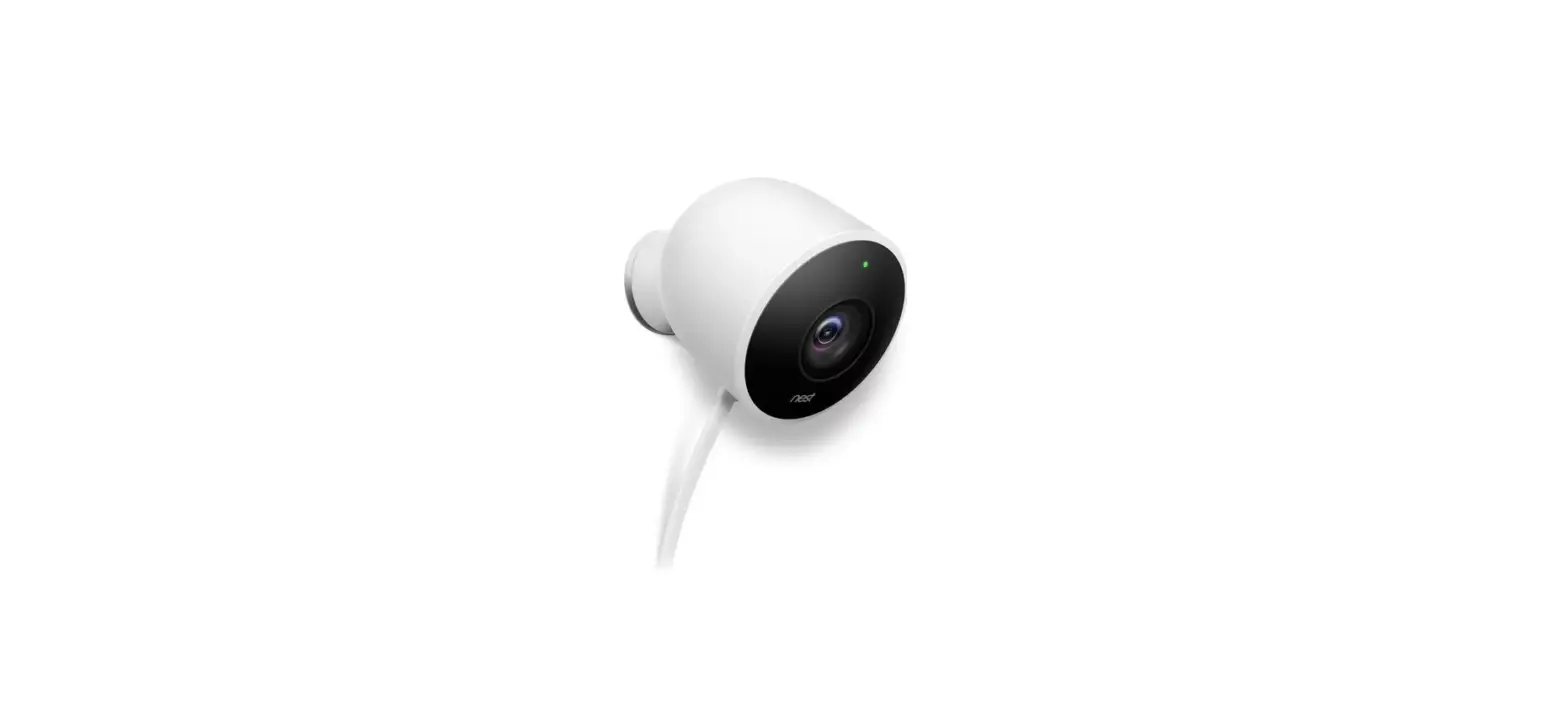
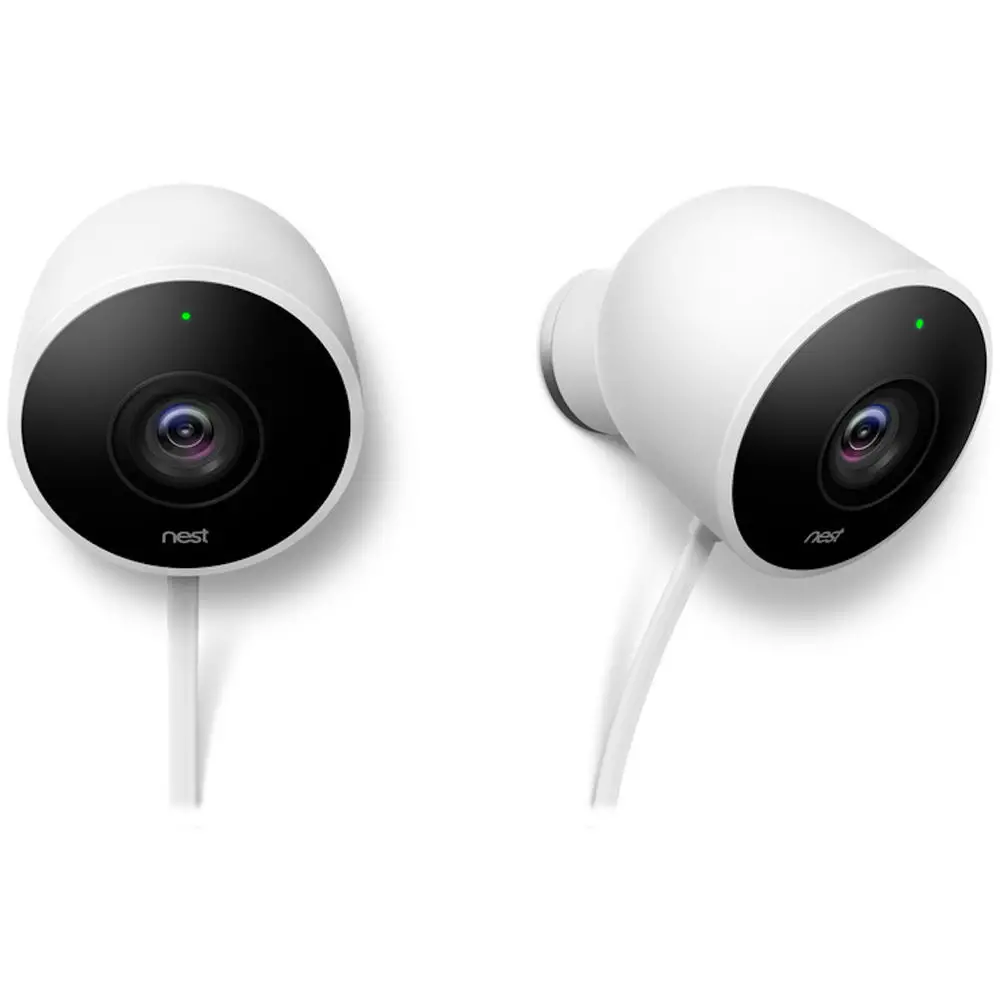
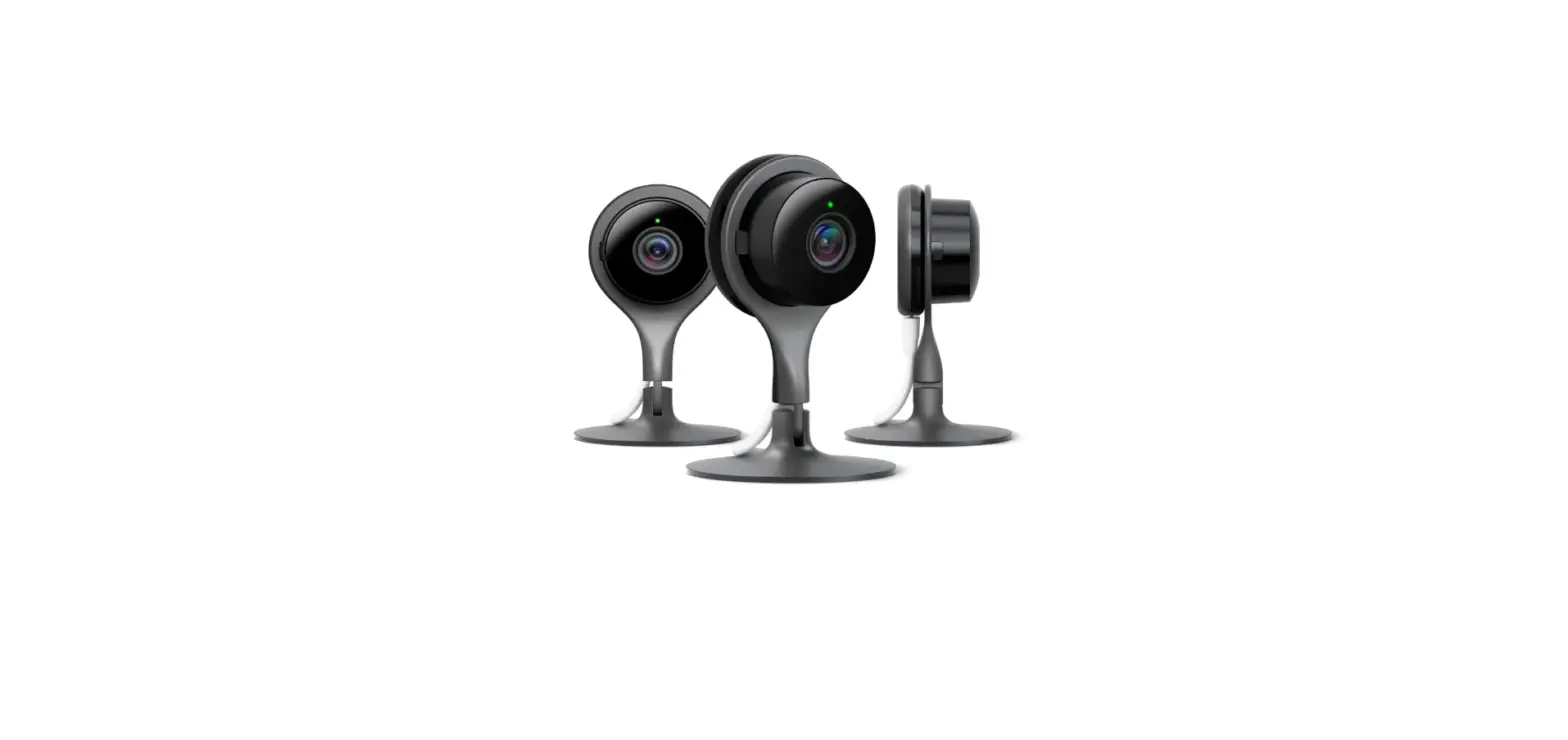
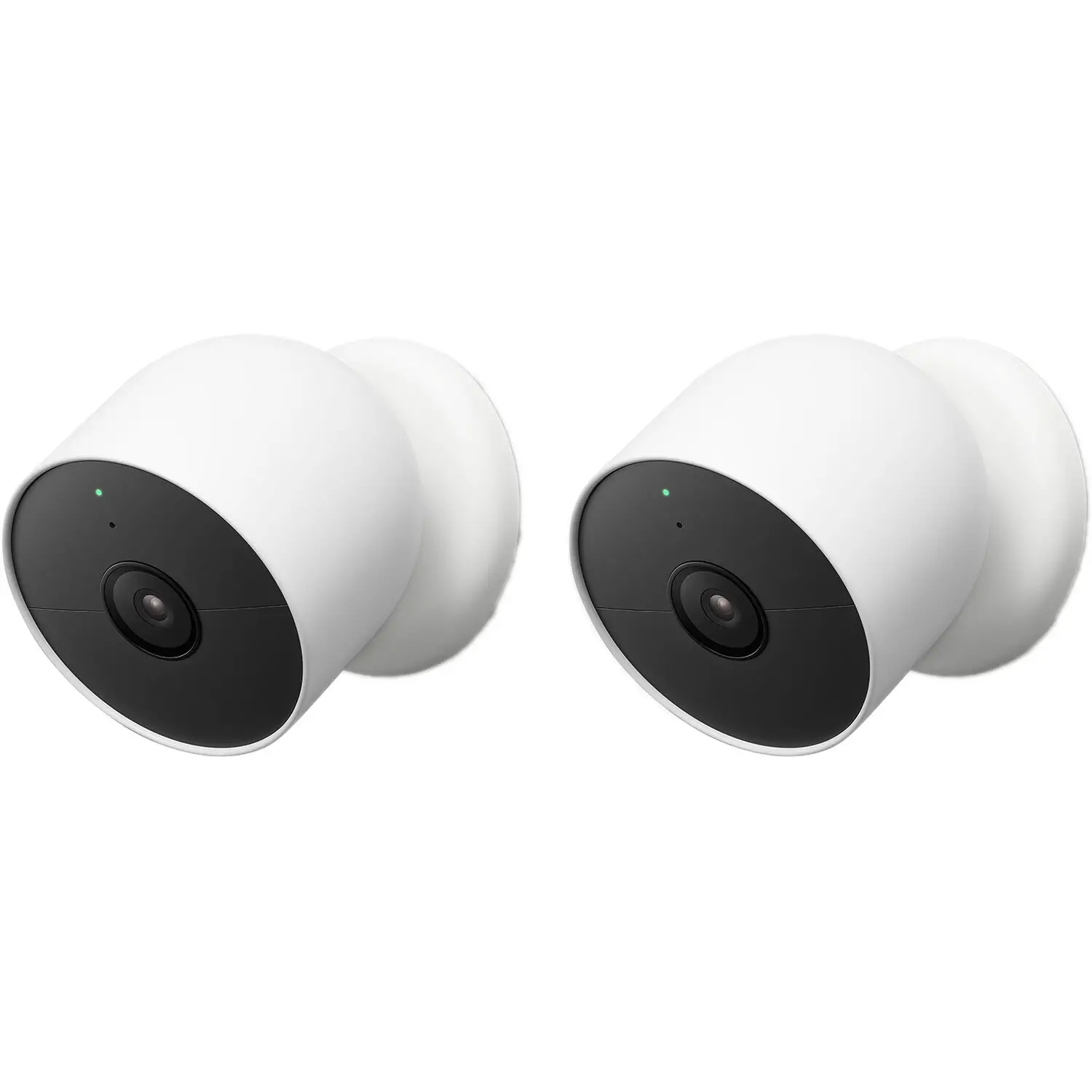
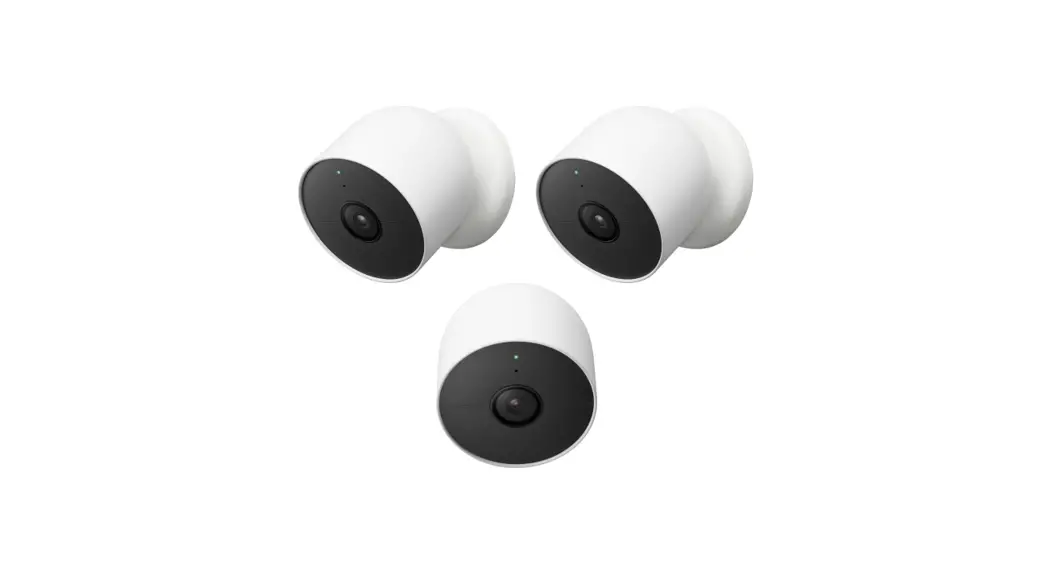
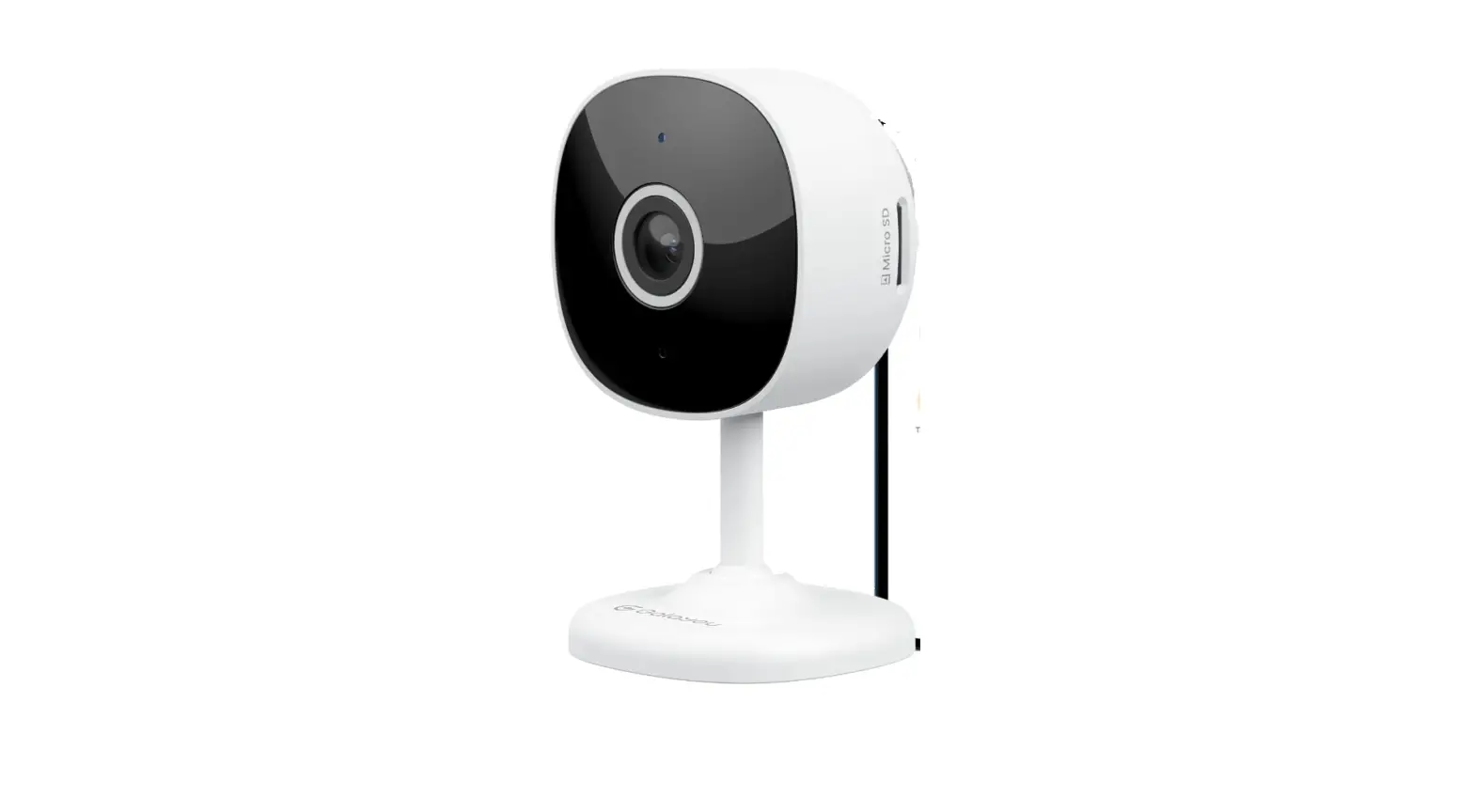
G953 Indoor and Outdoor Security Camera
Product Information: Google Store G953 Nest Indoor and Outdoor
Security Camera User Guide
The Google Store G953 Nest Indoor and Outdoor Security Camera is
a high-quality security camera suitable for both indoor and outdoor
use. It is designed to provide you with peace of mind by allowing
you to monitor your home or office from anywhere in the world. The
camera comes with a charging cable and power adapter per box. To
purchase and install with a weatherproof cable or indoor stand,
visit g.co/nestcam/accessories.
Product Usage Instructions: Set up your Google Nest Cam
Before using your Google Nest Cam, you need to set it up as
follows:
Step 1: Determine the Location
Choose the location where you want to install your Google Nest
Cam. Keep in mind that it requires a power outlet nearby and a
reliable Wi-Fi connection.
Step 2: Download the Nest App
Download the Nest app on your smartphone or tablet from the App
Store or Google Play Store.
Step 3: Create an Account
Create a new account or sign in to your existing Nest
account.
Step 4: Add your Google Nest Cam
Add your Google Nest Cam to the app by scanning the QR code on
the bottom of the camera. Follow the on-screen instructions to
connect your camera to your Wi-Fi network.
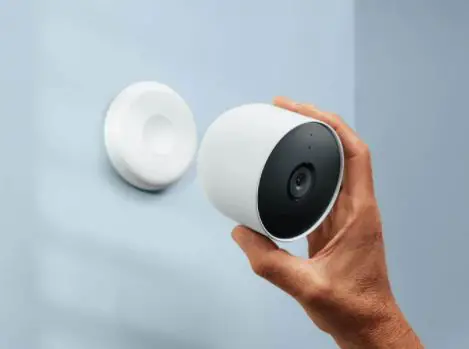
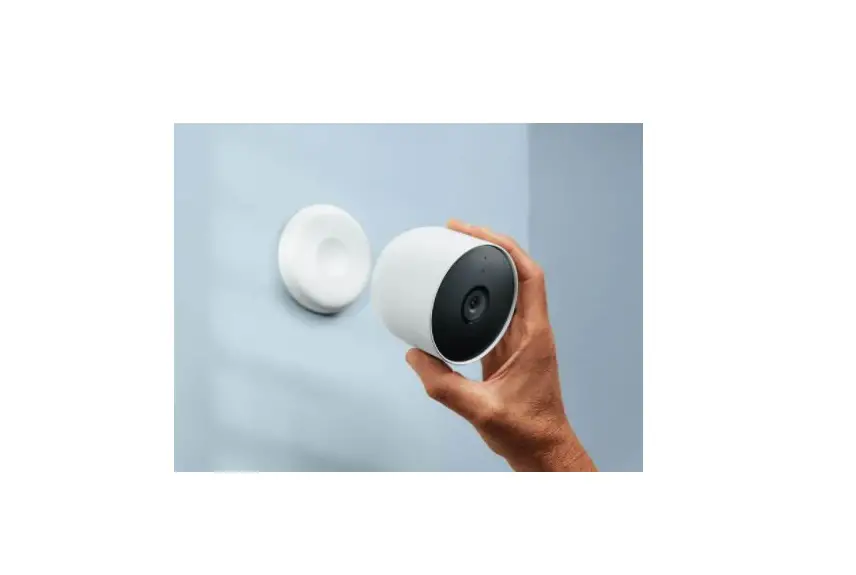
Step 5: Mount the Camera
Mount the camera using a screwdriver, drill, and step ladder if
necessary. For more information on mounting, refer to the user
guide included with your camera.
Step 6: Start Monitoring
Once your camera is set up and mounted, you can start monitoring
your home or office from anywhere in the world using the Nest app
on your smartphone or tablet.
We’re here for you
If you need any help or support with your Google Nest Cam, visit
g.co/nest/help. For an installation video, visit
g.co/nestcam/setup. If you need help with accessibility, visit
g.co/disabilitysupport.
manualsee.com — User Manuals Simplified.
Google Store G953 Nest Indoor and Outdoor Security Camera User Guide
Home » Google Store » Google Store G953 Nest Indoor and Outdoor Security Camera User Guide
Contents [ hide 1 Google Store G953 Nest Indoor and Outdoor Security Camera 2 Set up your Google Nest Cam 3 What’s included 4 We’re here for you 5 Documents / Resources 6 Related Posts
Google Store G953 Nest Indoor and Outdoor Security Camera
Set up your Google Nest Cam
What’s included
You may need a screwdriver, drill, and step ladder nTo purchase and install with a weatherproof cable or indoor stand, visit g.co/nestcam/accessories
charging cable and power adaptor per box
We’re here for you
For online help and support, visit g.co/nest/help For an installation video, visit g.co/nestcam/setup For help with accessibility, visit g.co/disabilitysupport Place and label QR codes here:
Documents / Resources
Google Store G953 Nest Indoor and Outdoor Security Camera [pdf] User Guide G953, Nest Indoor and Outdoor Security Camera
Related Posts
manualsee.com, home privacy
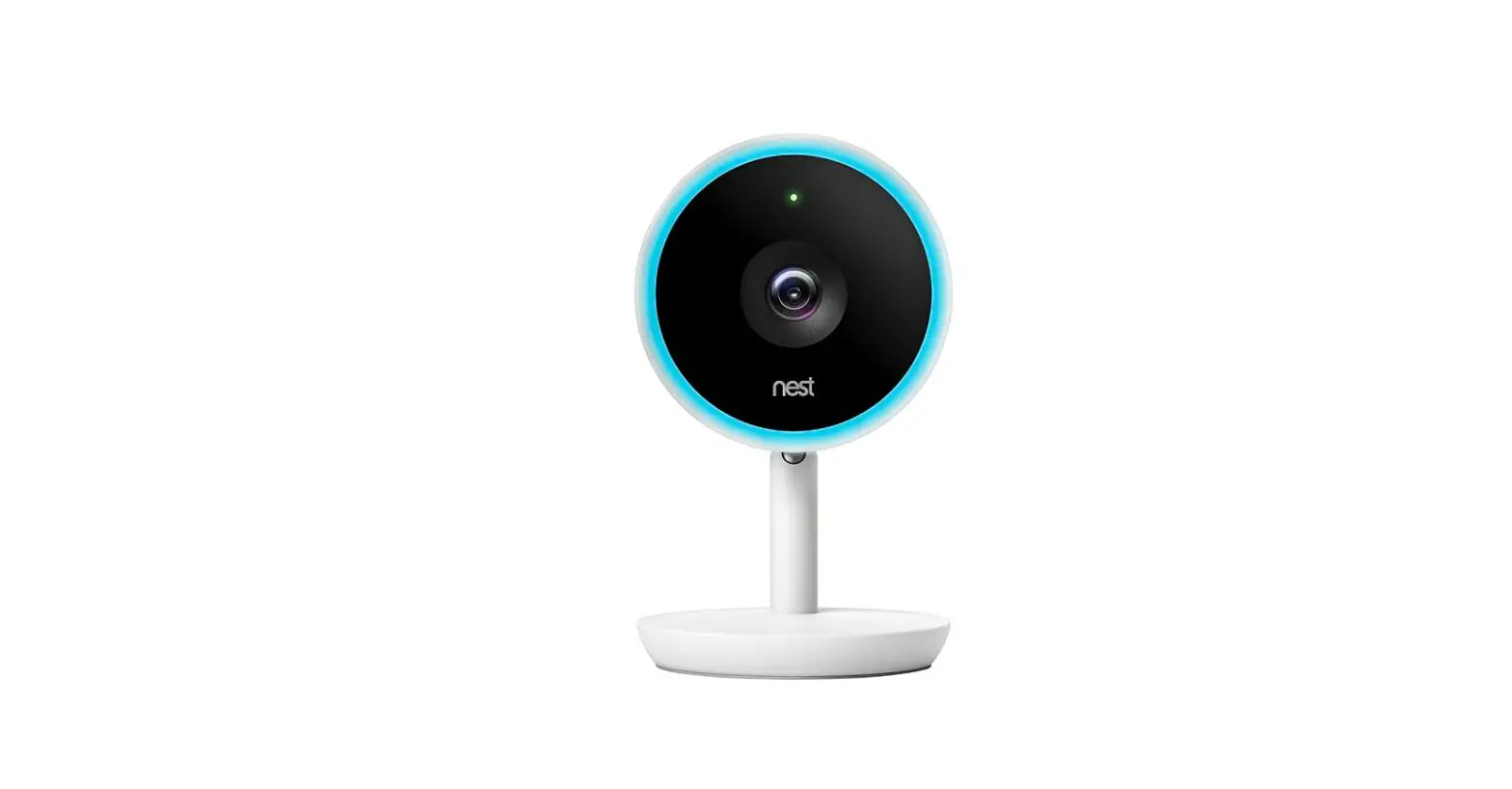
Google 385545654 Nest Cam IQ Indoor Security Camera User Guide Let’s get started Set up your Google Nest Cam Plug your camera into a socket Get the Google…
Google GA01317-US Nest Camera with Base User Guide Let’s get started Set up your Google Nest Cam Plug your camera into an outlet Get the Google…
What’s the difference between device protection from Google Fi and Google Store? What’s the difference between device protection from Google Fi and Google Store? Device protection from Google Fi, and…
ONR with Google Nest Wifi Singtel Setup Instruction Manual ONR with Google Nest Wifi Singtel Setup Set up with ONR with Google Nest Wifi I have a…