
Xplova Lightning 5
APP User Manual
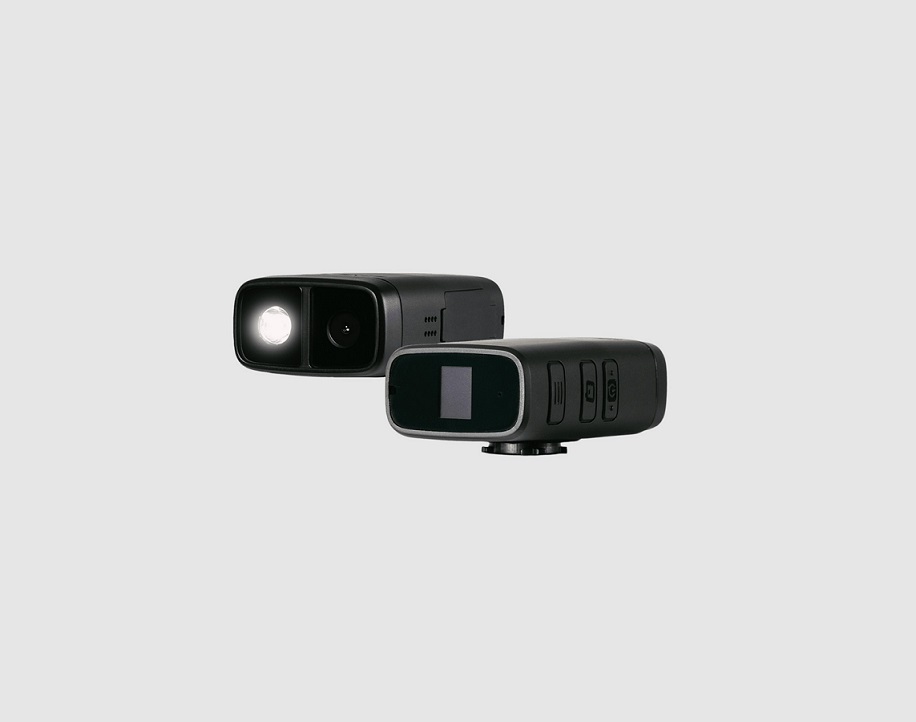
X5 Evo GPS Bike Computer with Integrated Action Camera
How to use the APP on your mobile phone
- Download APP
In Google Play, please download Xplova Lightning 5
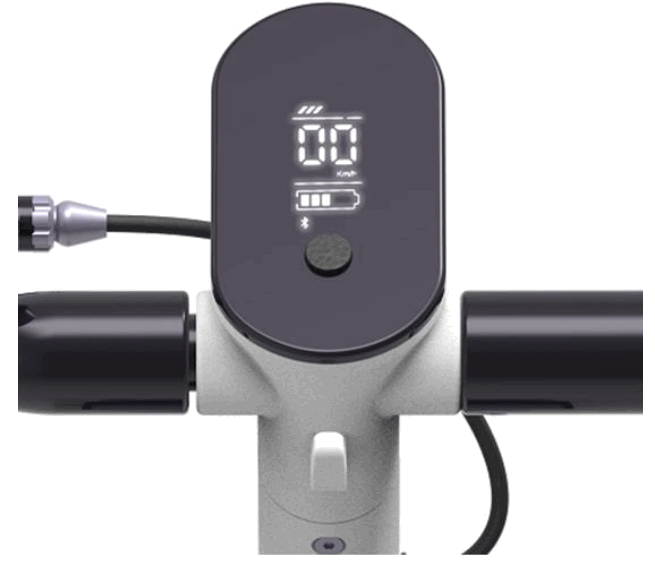
In iOS App Store, please download Xplova Lightning 5 - Click e-scooter APP installed on your mobile phone (please power on the scooter, and turn on Bluetooth on your mobile phone first)

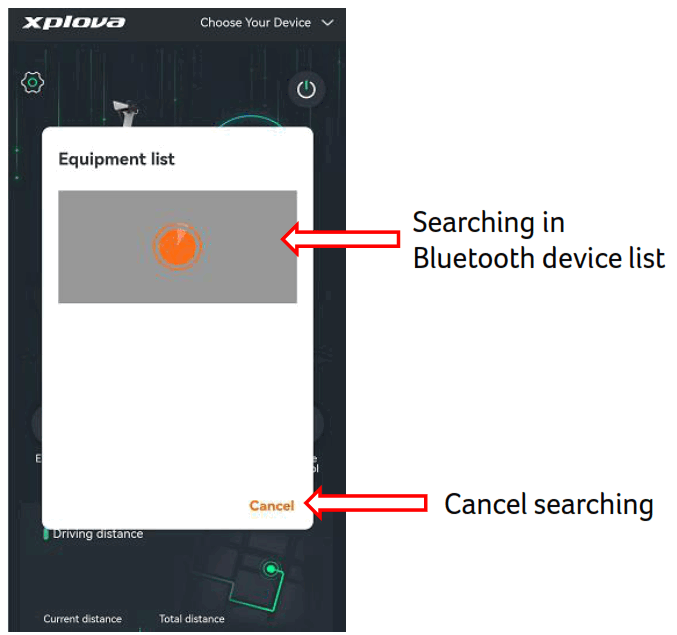
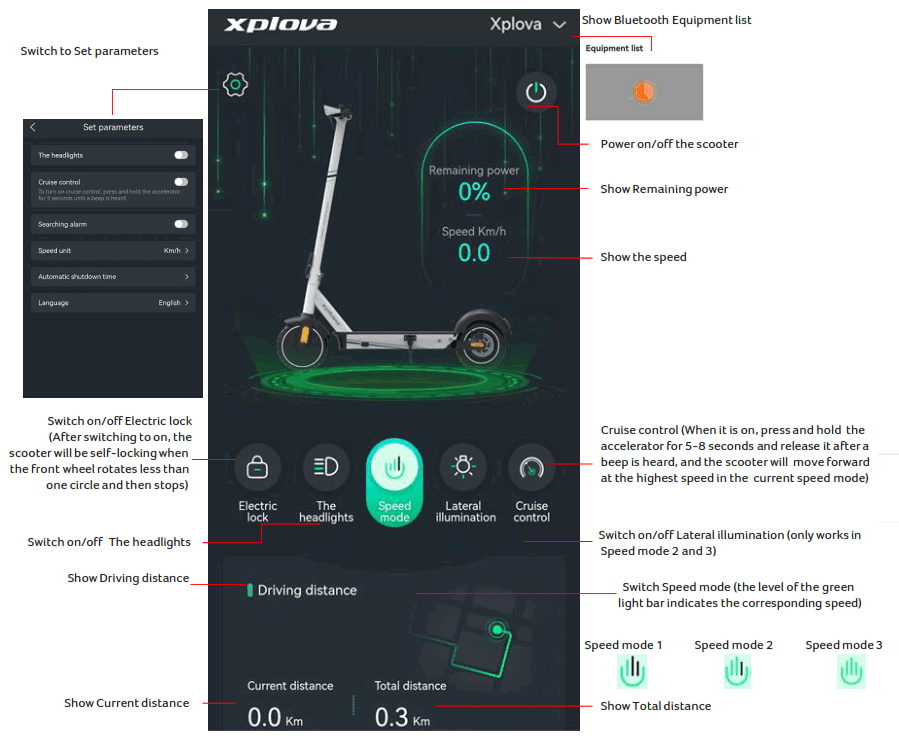
- The mobile phone starts to pair the scooter via Bluetooth; click Close to disconnect from Bluetooth

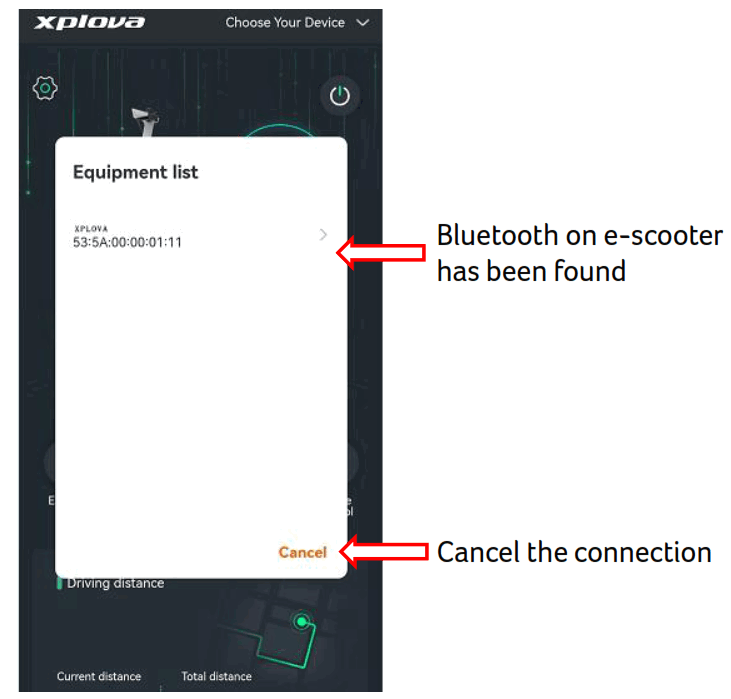
- Click to use the connected Bluetooth, or press Cancel to disconnect from this Bluetooth

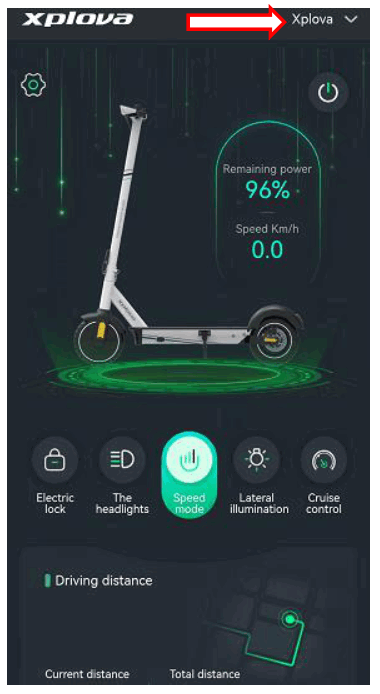
- “acer” will show on the screen once Bluetooth is connected successfully

- Function Introduction

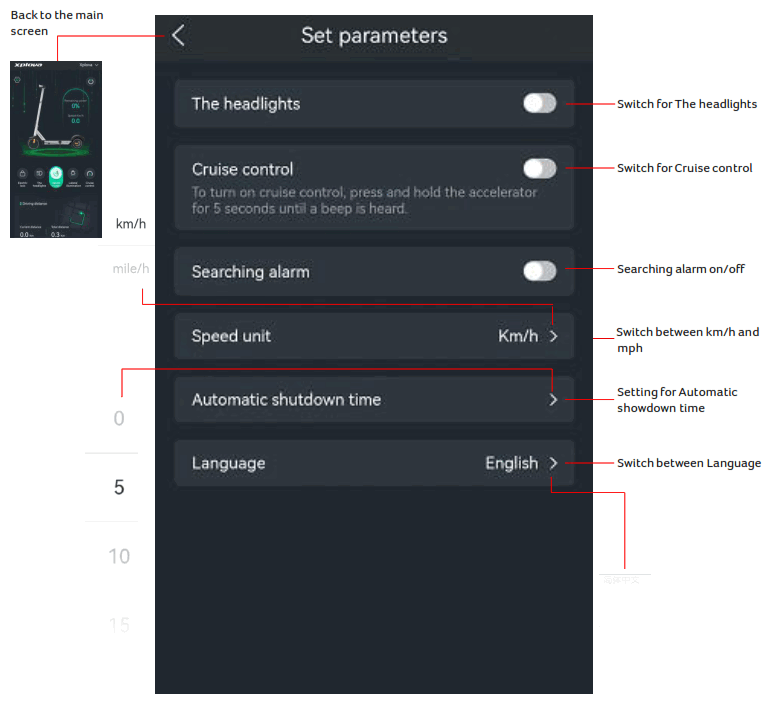
- Set parameters Screen