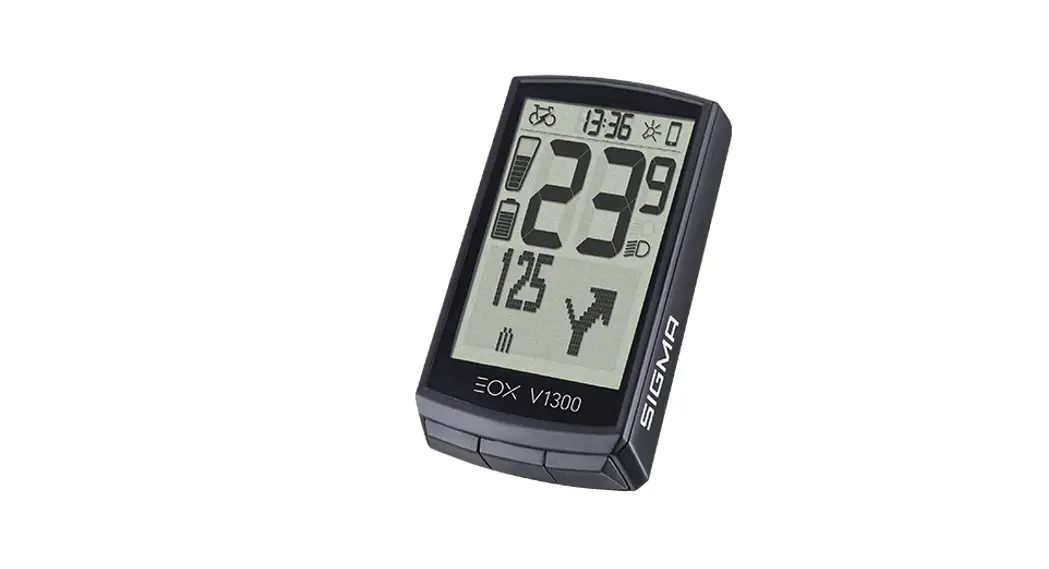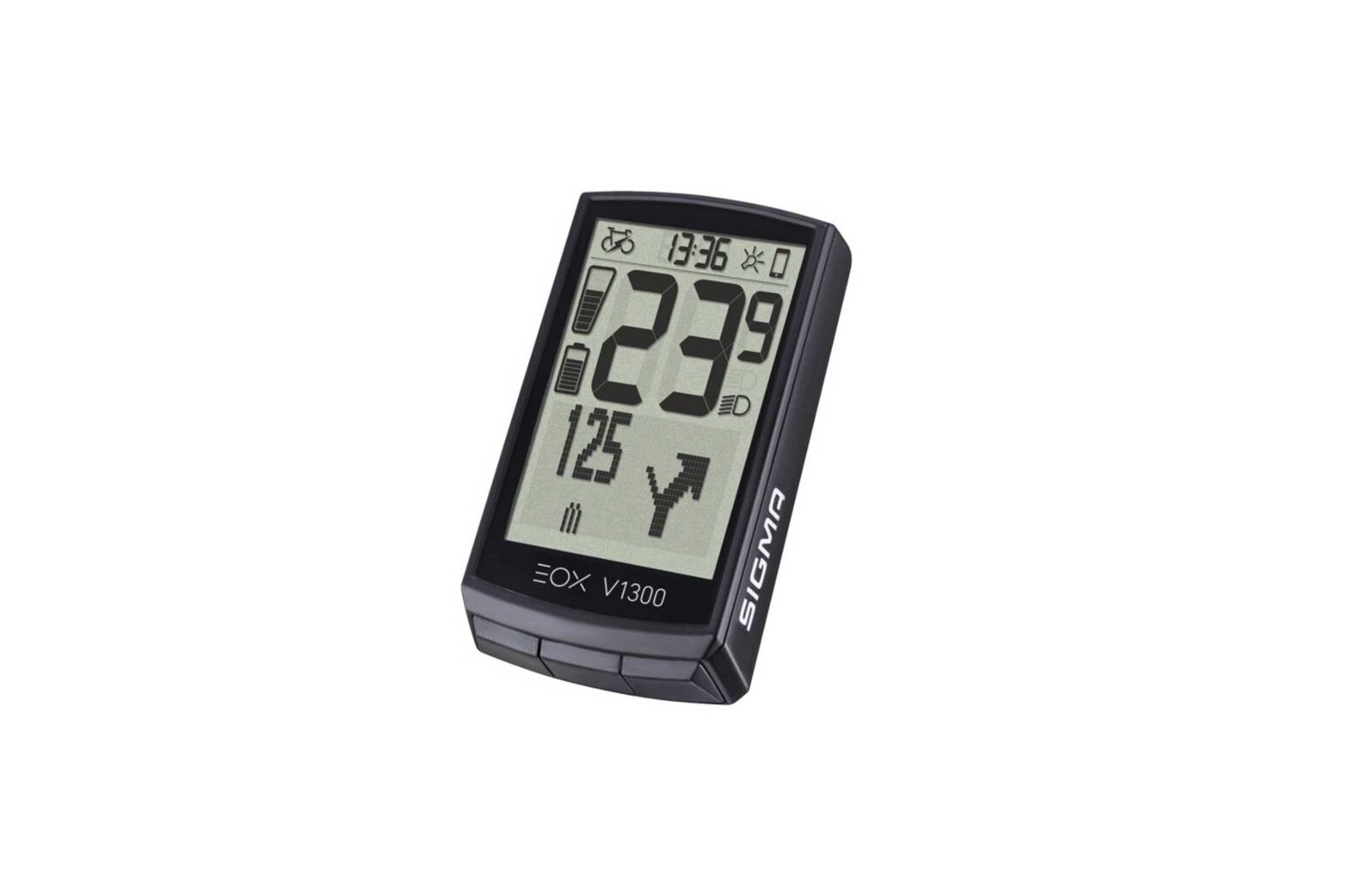
SIGMA EOX View 1300 Cycling Computer for E-Bike User Guide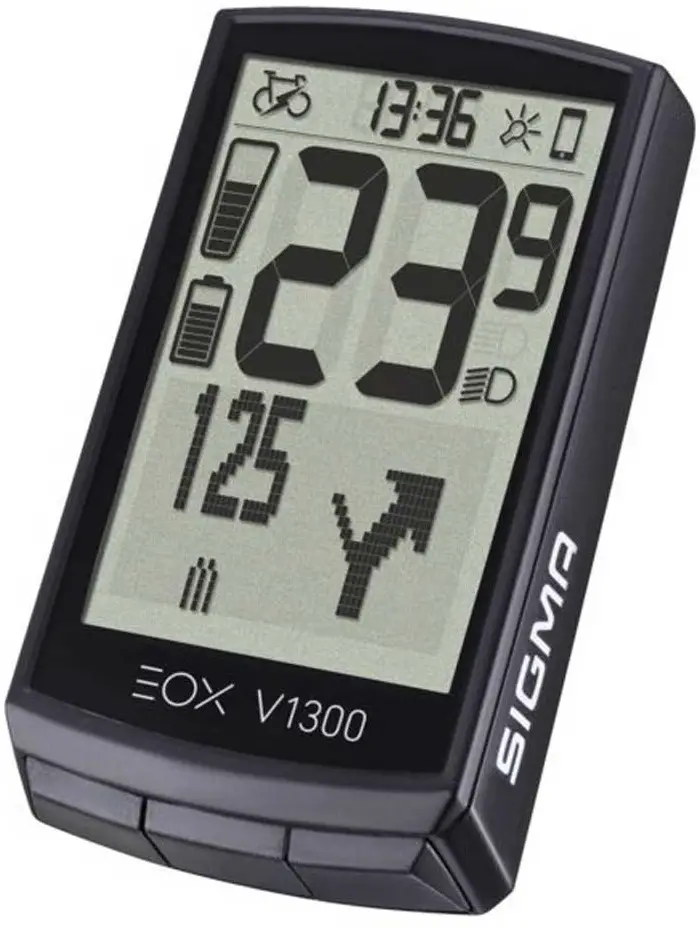
REMARKS
This manual is a quick guide.
You can access the detailed instructions by following this link:
goto.sigmasport.com/eoxview1300-service
CONTENTS
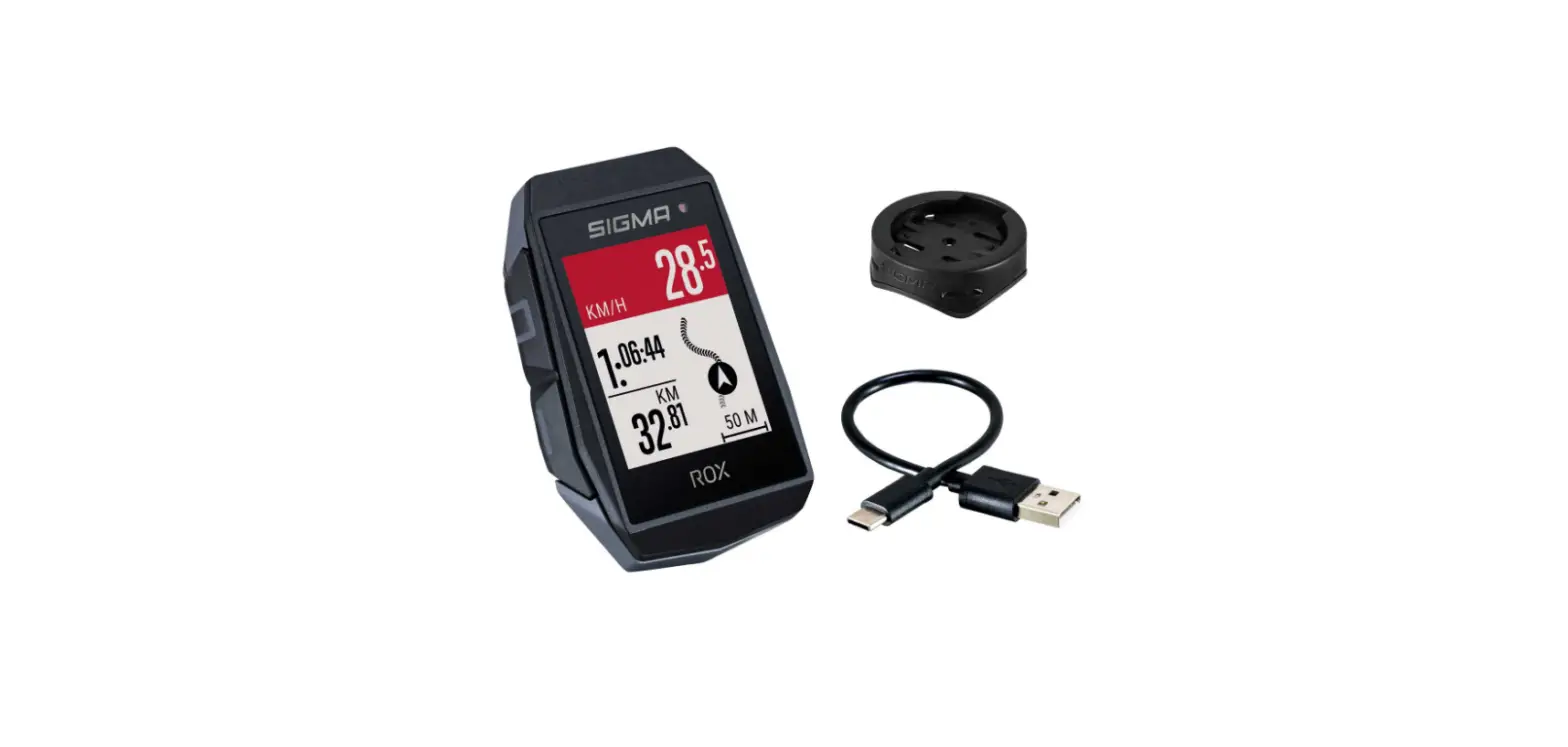
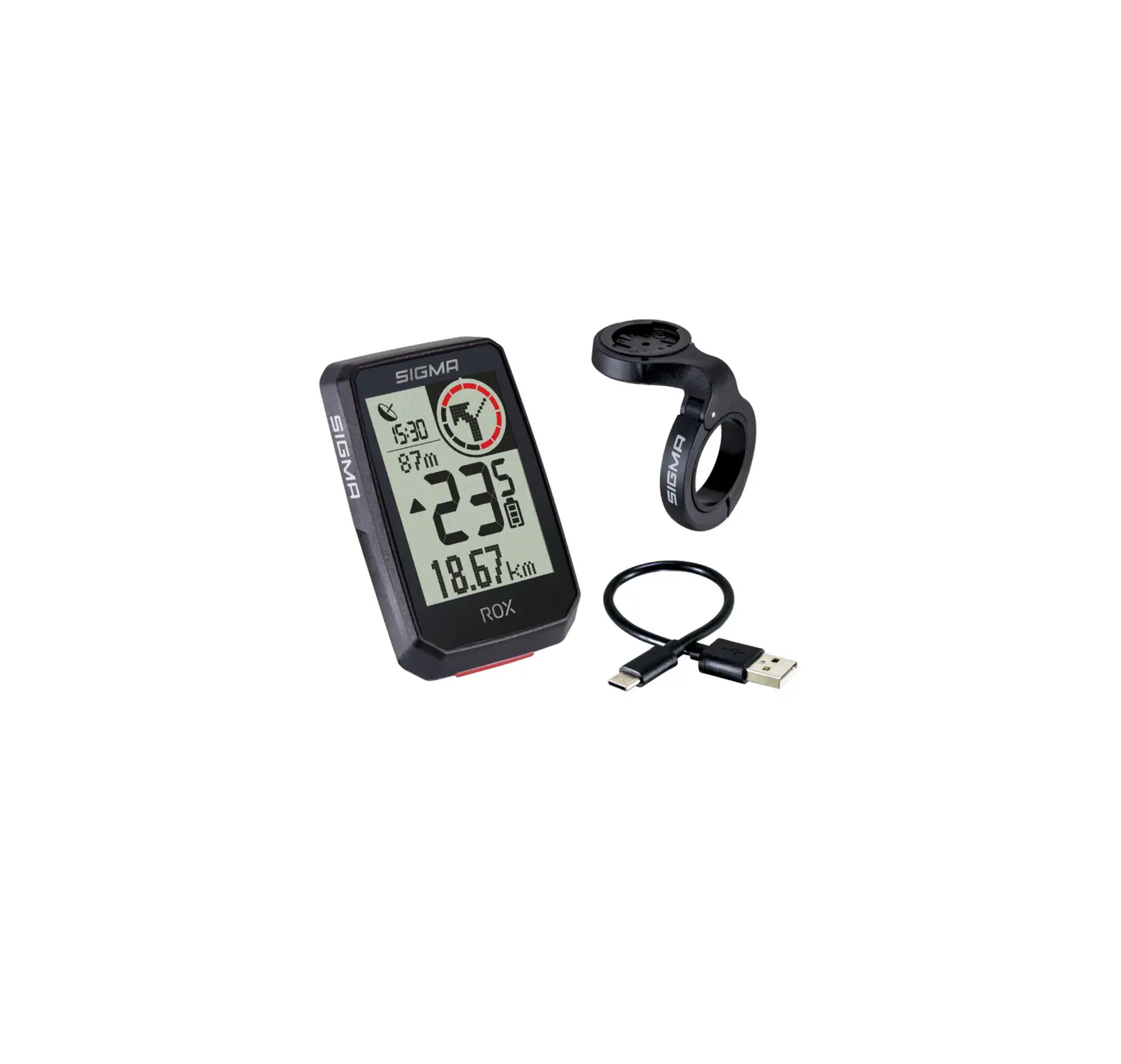
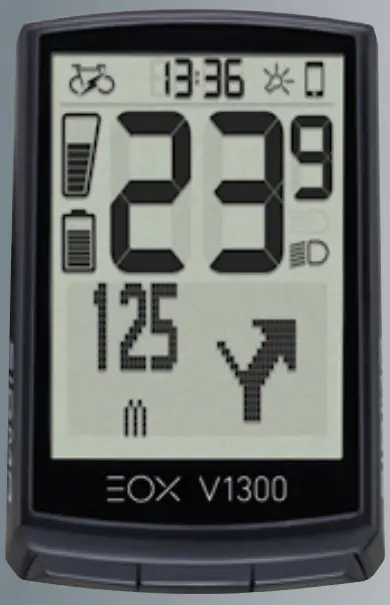
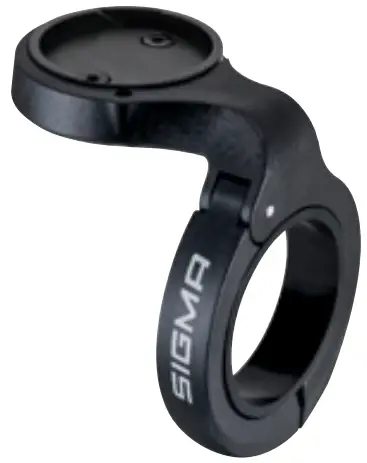
- EOX VIEW 1300

- Art.-Nr. 485050

- Art.-Nr. 080467
- Art.-Nr. 010503

- Art.-Nr. 090190



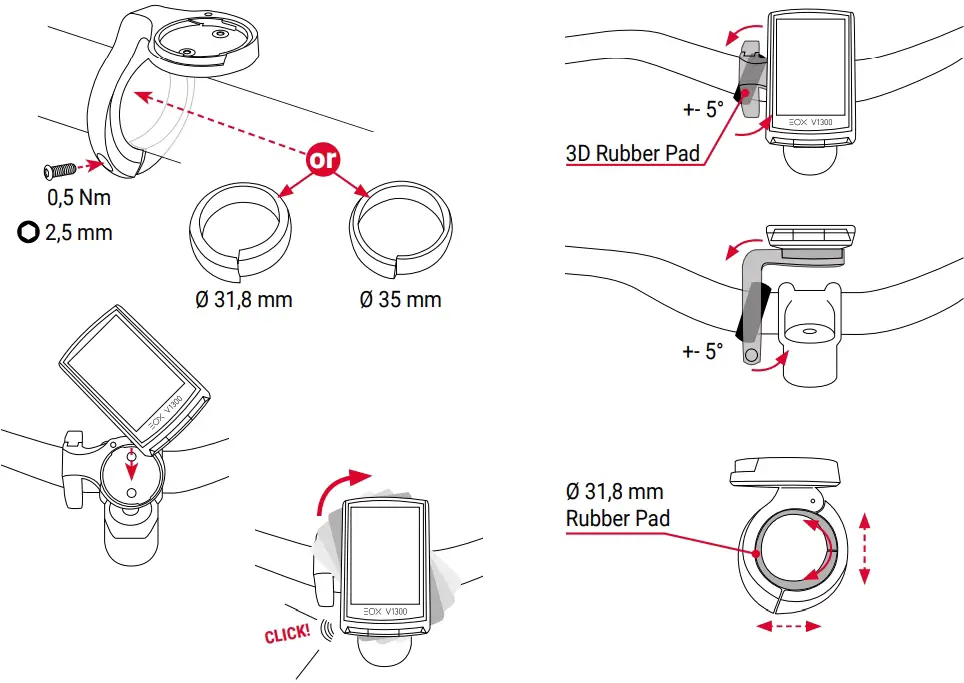
INSTALLATION
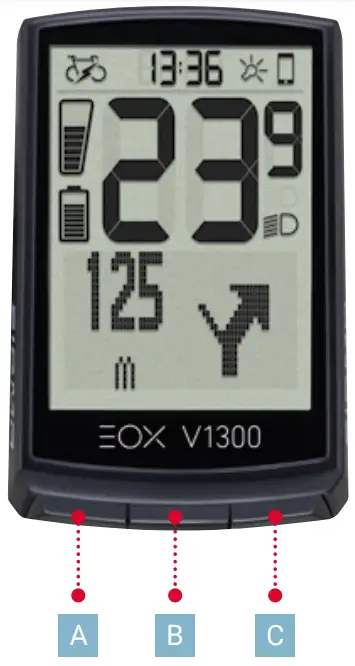
A. Button
- One page backward
- Decrease value
Press and hold button:
- Turn device off
B. Button
- Confirm input
- One menu level down
Press and hold button:
- Open and close menu
C. Button
- One page forward
- Increase value
Press and hold button:
- Reset training values
INITIAL WAKE-UP
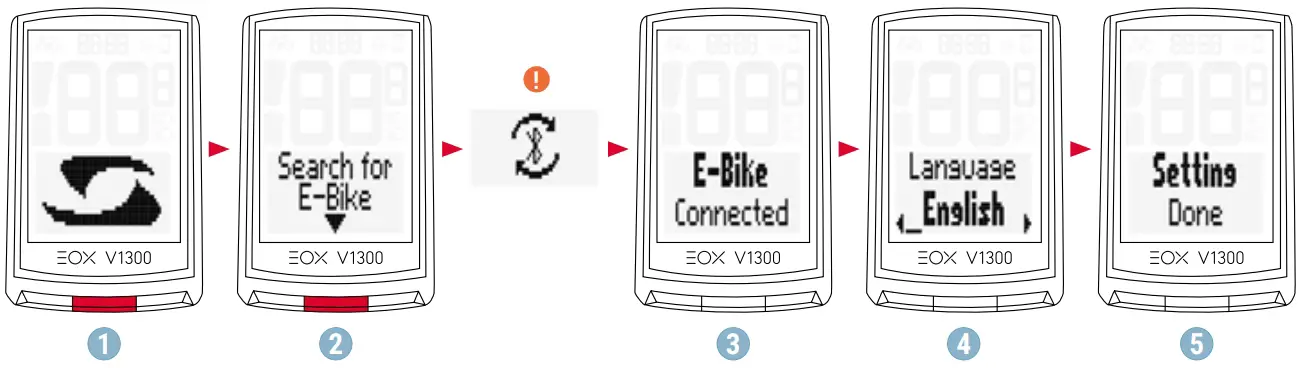
- Press B Button for 5s to Wake-Up.
- Press B Button to start searching for compatible E-Systems.
- Select your E-System to initiate the first connection. Your EOX® VIEW 1300 and your E-System will now automatically connect the next times.
- Set device and user settings.
- Enjoy your device and start your first ride!
Ensure E-System is turned on and Bluetooth interface is advertising while EOX® VIEW 1300 is scanning for comaptible E-Systems.
- SHIMANO STePS system can be found by Bluetooth for 30s after power on or pressing a button of STePS system.
- To ensure Bike Computer can find STePS system it is recommended to press button of STePS system (e.g. button of EOX® Ribbon Butler) while Bike Computer searches for compatible E-Systems.
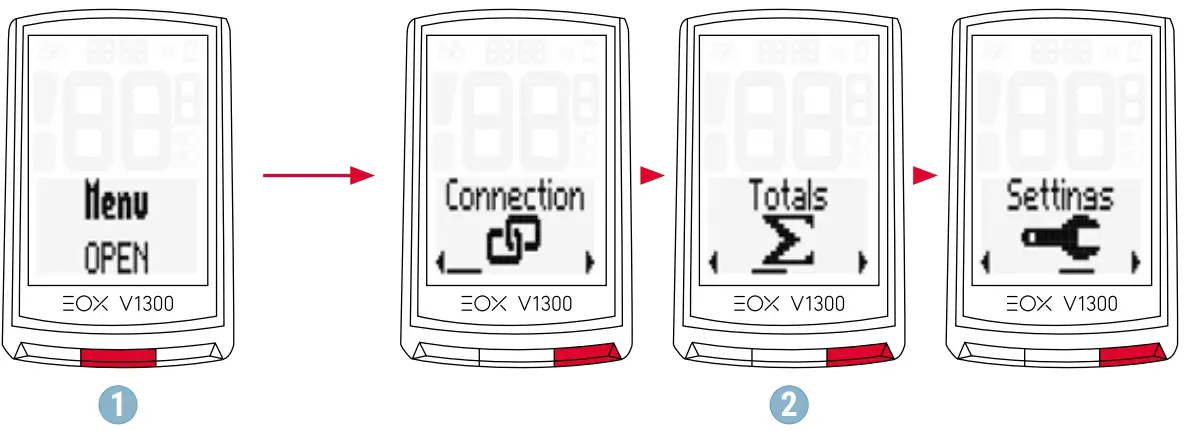
- Hold B button when in ride mode.
- You have access to the main menu of EOX® VIEW 1300.
The app offers you many functions for setting up and customising the EOX® VIEW 1300. For more information on the app‘s functions, see the “SIGMA EOX® App” page.

SETTINGS
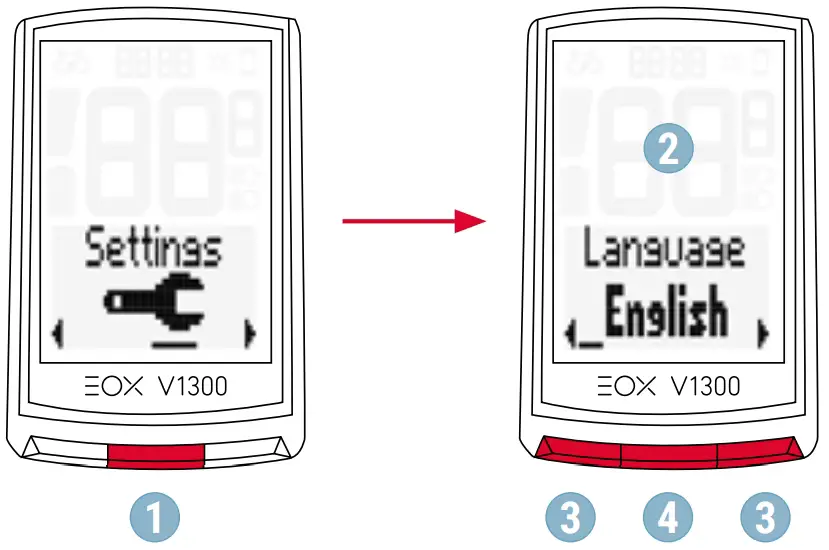
- Choose Settings in main menu to set the device.
- Choose a setting (A and C button) you want to edit and press B button.
- Press C button to increase a value or to toggle through options. Press A button to decrease a value or toggle through options.
- Press B button to confirm the setting.
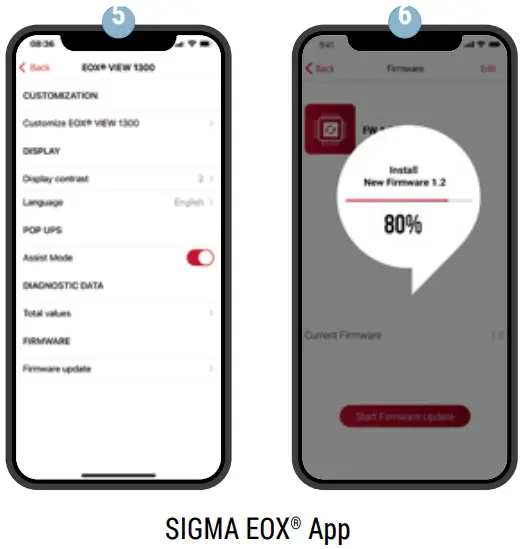
- Use the SIGMA EOX® App to customize your trainingview.
- Use the SIGMA EOX® App to update the firmware of EOX® VIEW 1300.

SIGMA EOX® APP
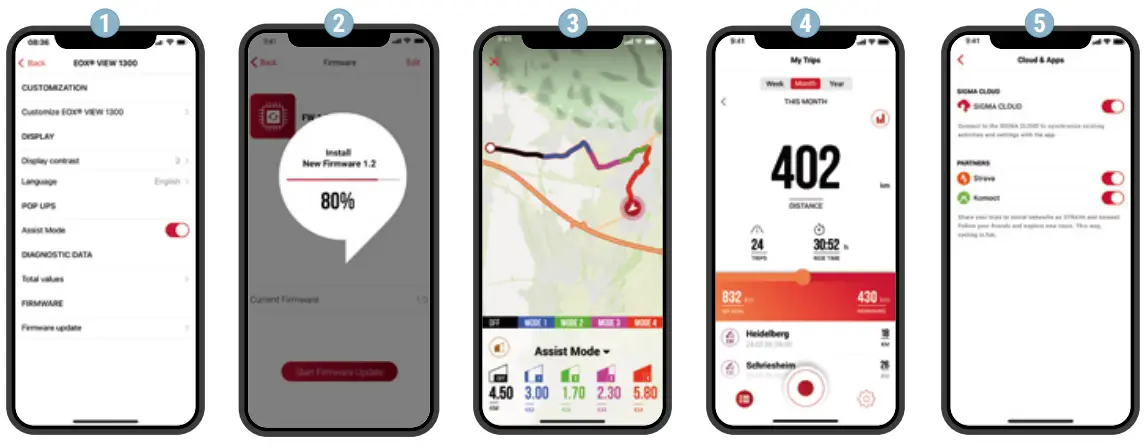
- Set device and cutomize training views
- Update Firmware of EOX® VIEW 1300
- Record your trip
- Analyze your trip
- Share your data and many more…
 TIP: Check for Firmware Updates regularly. To access the change log, follow this link:
goto.sigmasport.com/eoxview1300-service
TECHNICAL INFORMATION
EOX® VIEW 1300 | |
| Power supply | CR 2450 |
| Weight | 43 g |
| Operating temperature | -10/25/60 °C (min/typ/max) |
| Storage temperature | -20/25/70 °C (min/typ/max) |
| Operation frequency | ANT+: 2457MHz @ 1dBm nominal Bluetooth: 2402-2480MHz @ 1dBm nominal |
| IP rating | IPX6K, IPX7 |
You can find the CE declaration at: ce.sigmasport.com/eoxview1300
Support
GmbH ELEKTRO SIGMADr.
15 .-Julius-Leber-Straße 15
D-67433 Neustadt/Weinstraße
[email protected]

 ce.sigmasport.com/eoxview1300
 goto.sigmasport.com/
 SIGMA SPORT - Bike Computer, Bike Lights, Data World