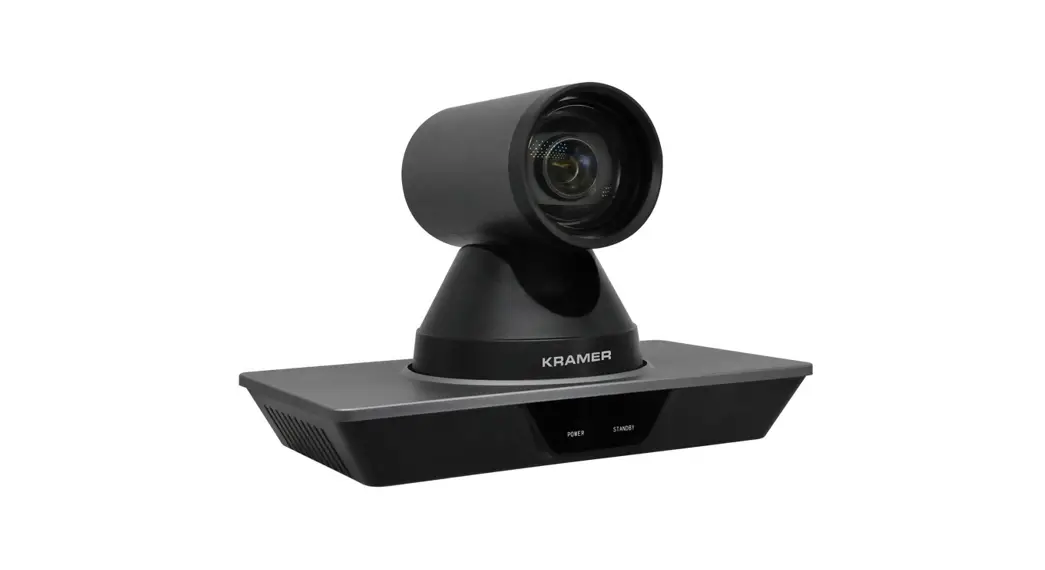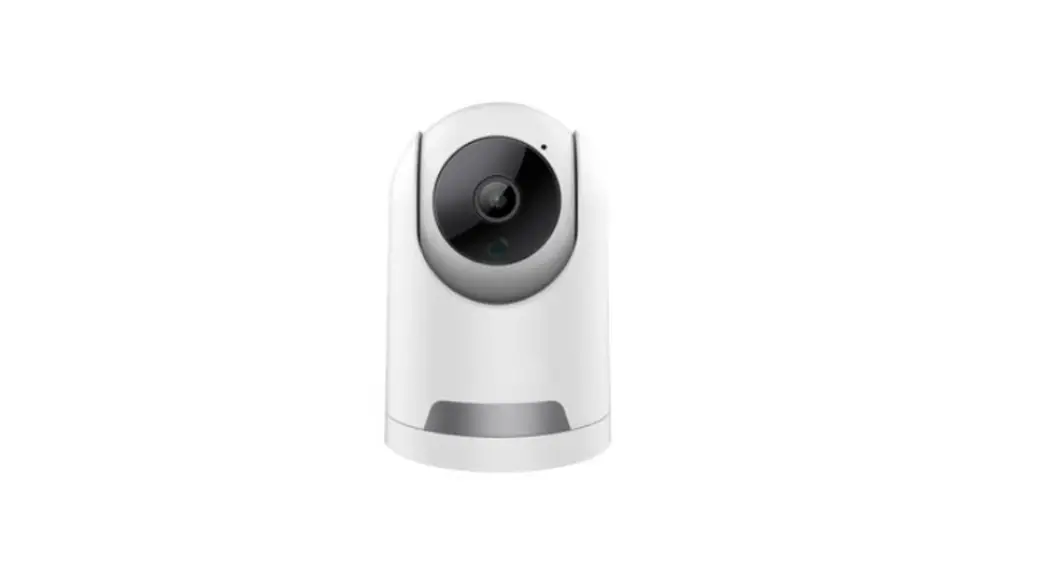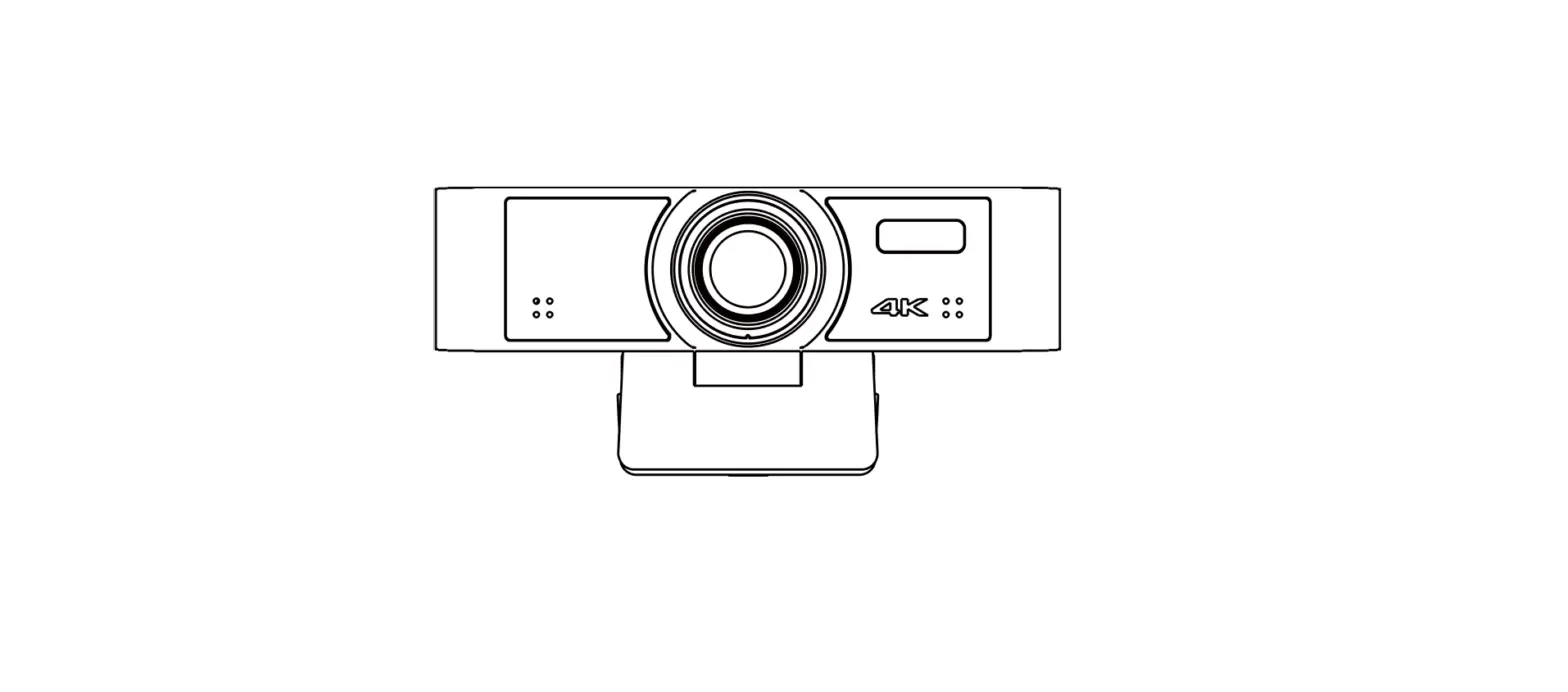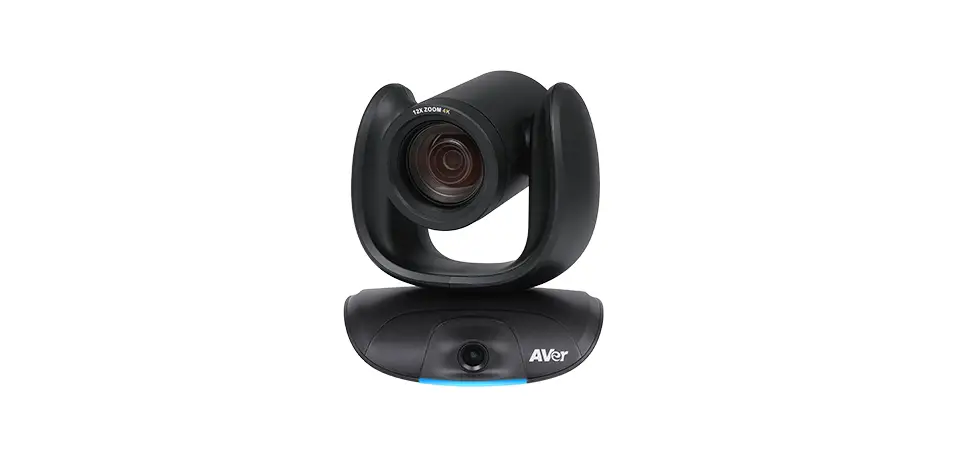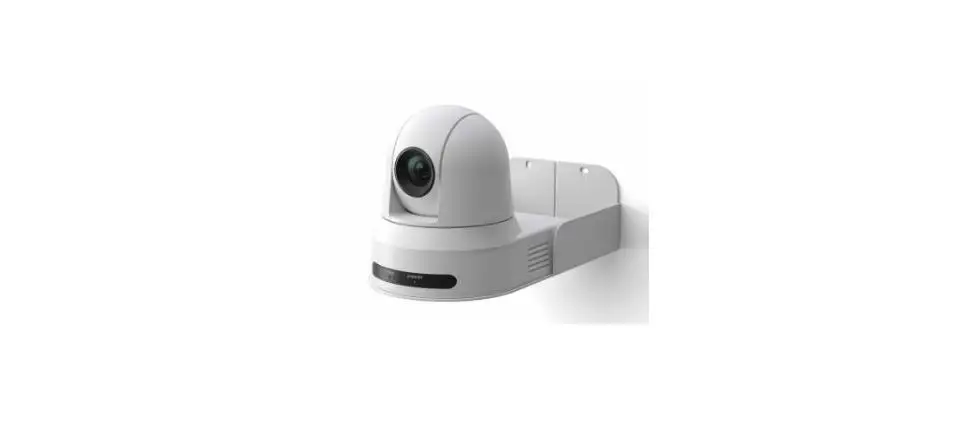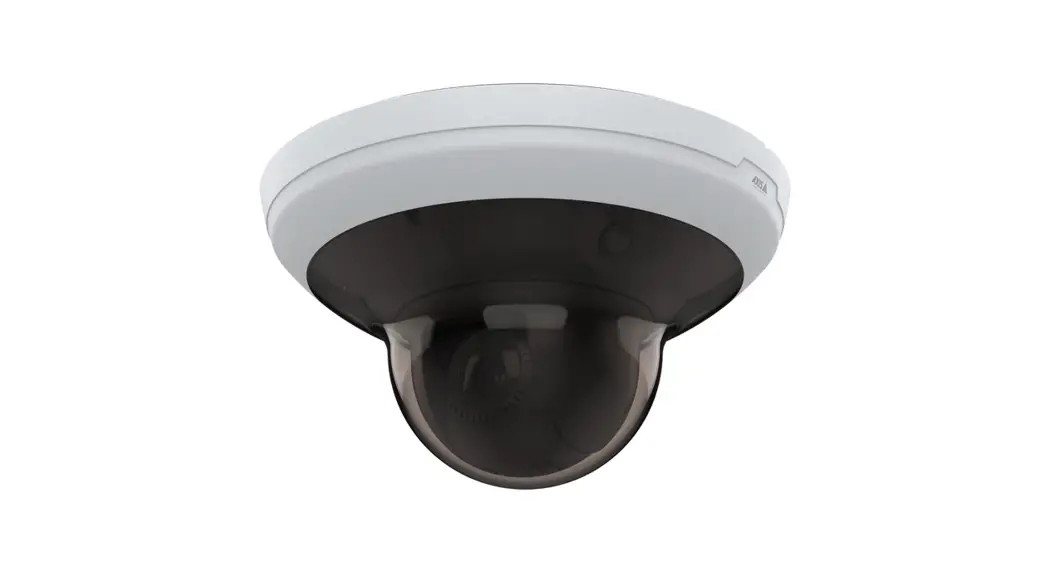

BlueEyes iCam Max 4K EPTZ Camera

iCam Max Installation Guide
Back Panel
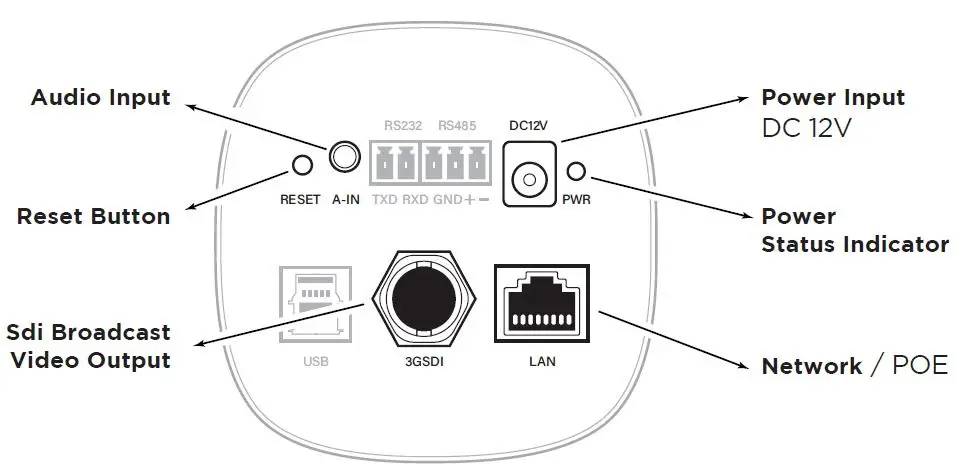
- Audio Input
- Reset Button
- Sdi Broadcast Video Output
- Power Input DC 12V
- Power Status Indicator
- Network / POE
Back Panel Descriptions
| DC12V | DC12V power input. |
| LAN | RJ-45 Fast Ethernet port. |
| 3GSDI | SDI broadcast video output |
| A IN | Connect to an audio input source. |
Live Video
Follow these steps to watch live video on the notebook: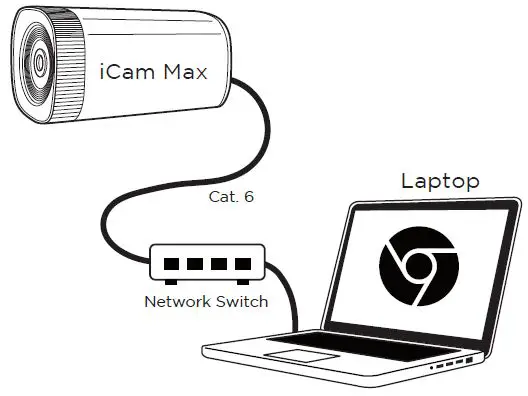
- Open Google Chrome browser.
- Enter the camera IP address.
- Enter username and password.
- Choose “Live View” to watch the video.
DEFAULT
- ID admin
- PWD 27507522
We recommend using Google Chrome 89 or higher.