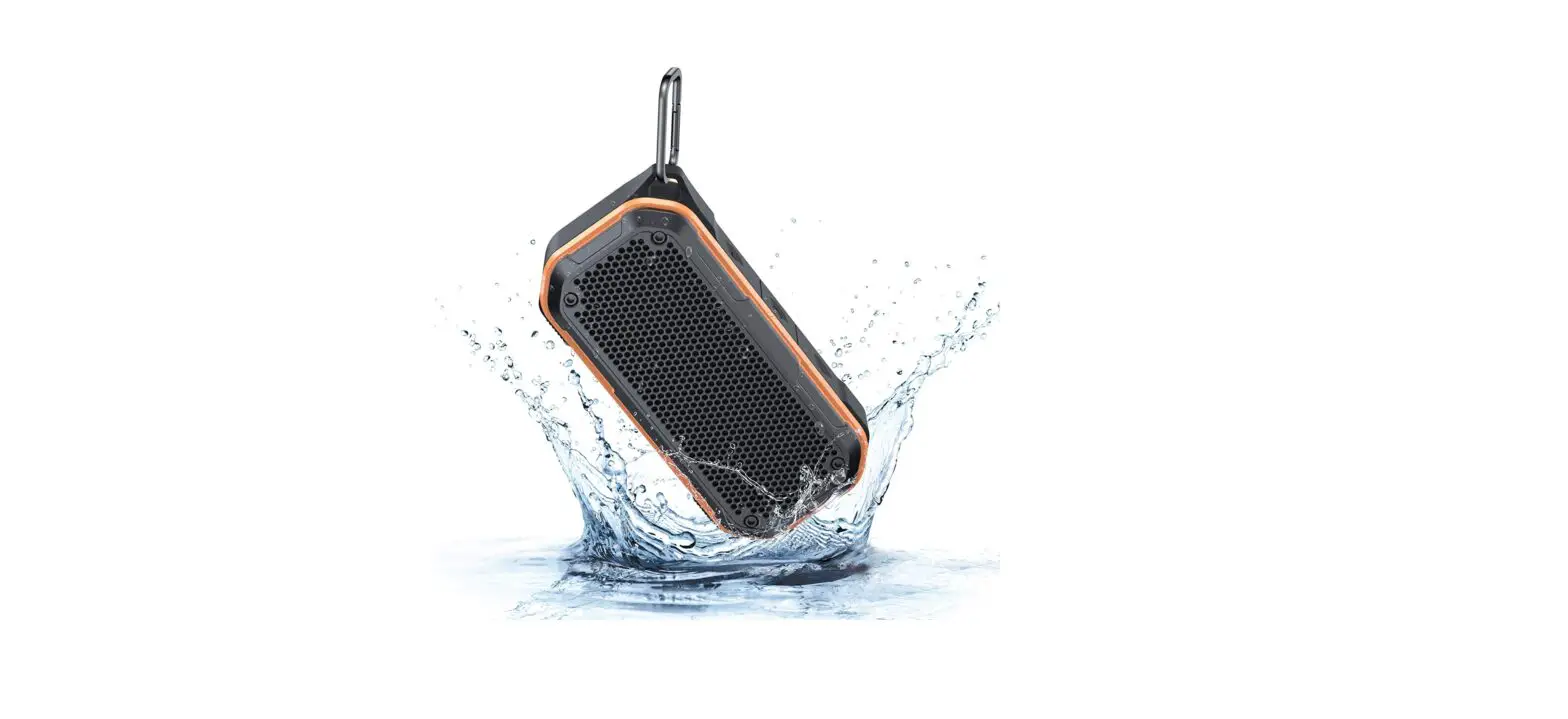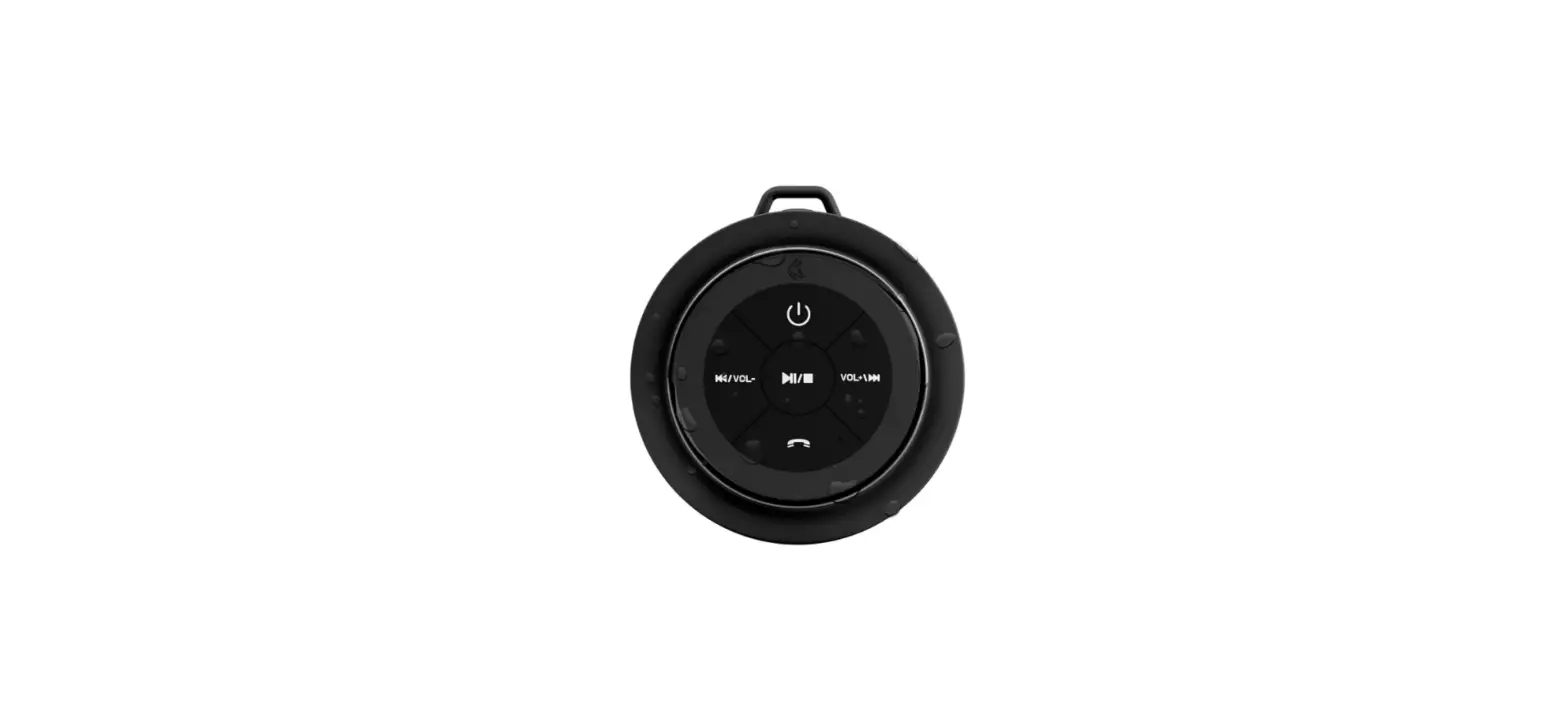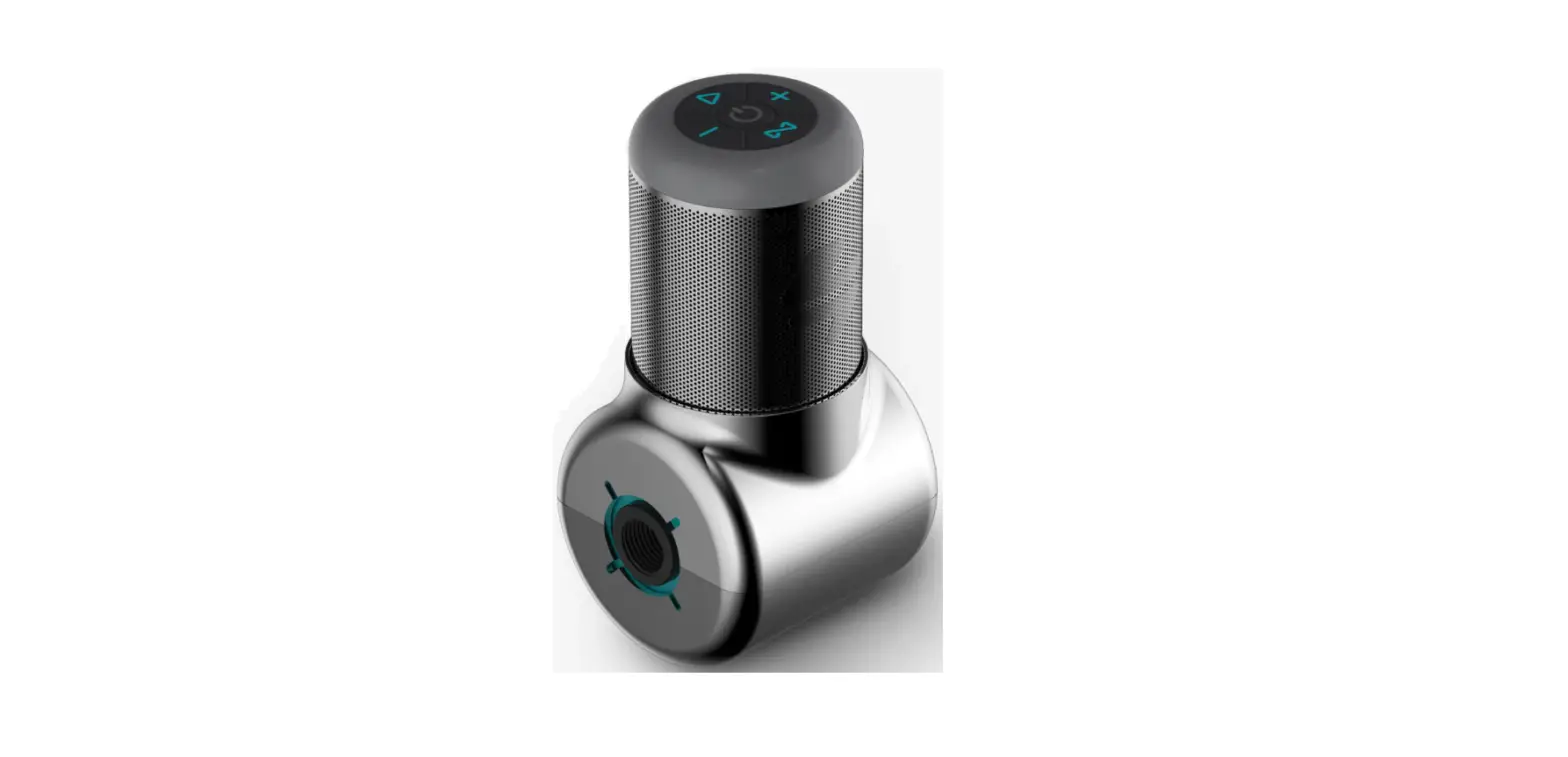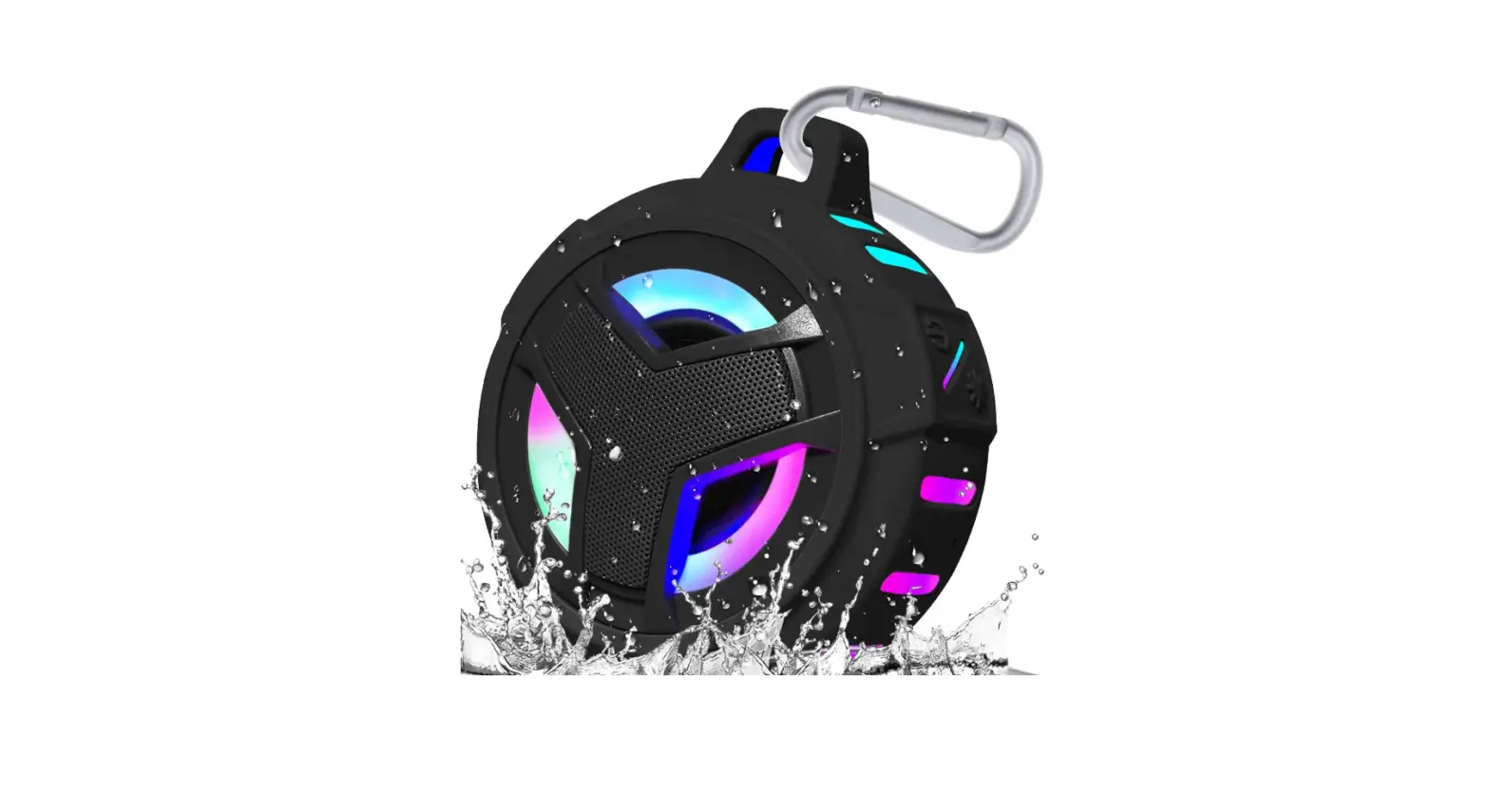
Ginsey
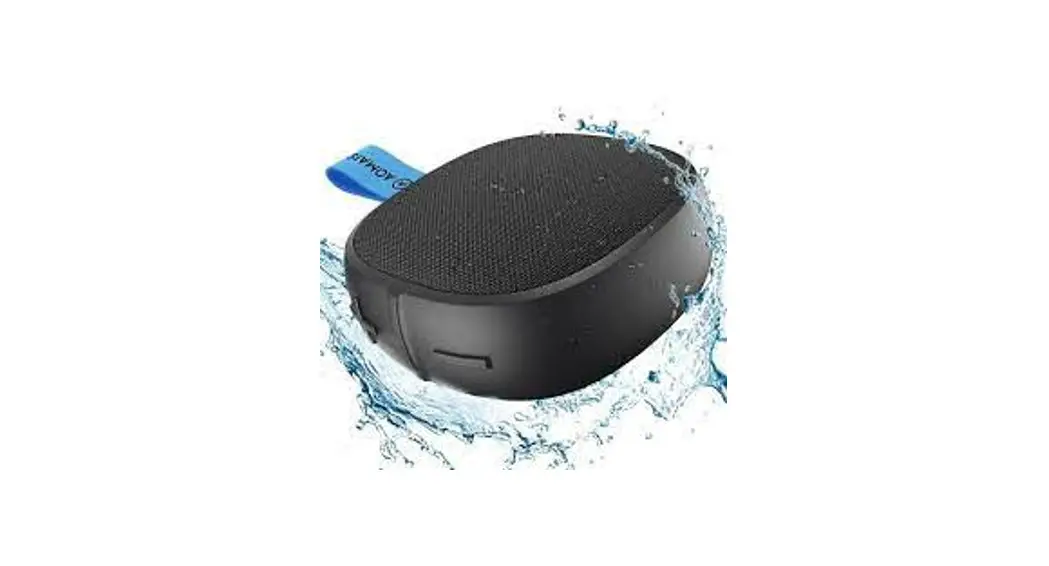
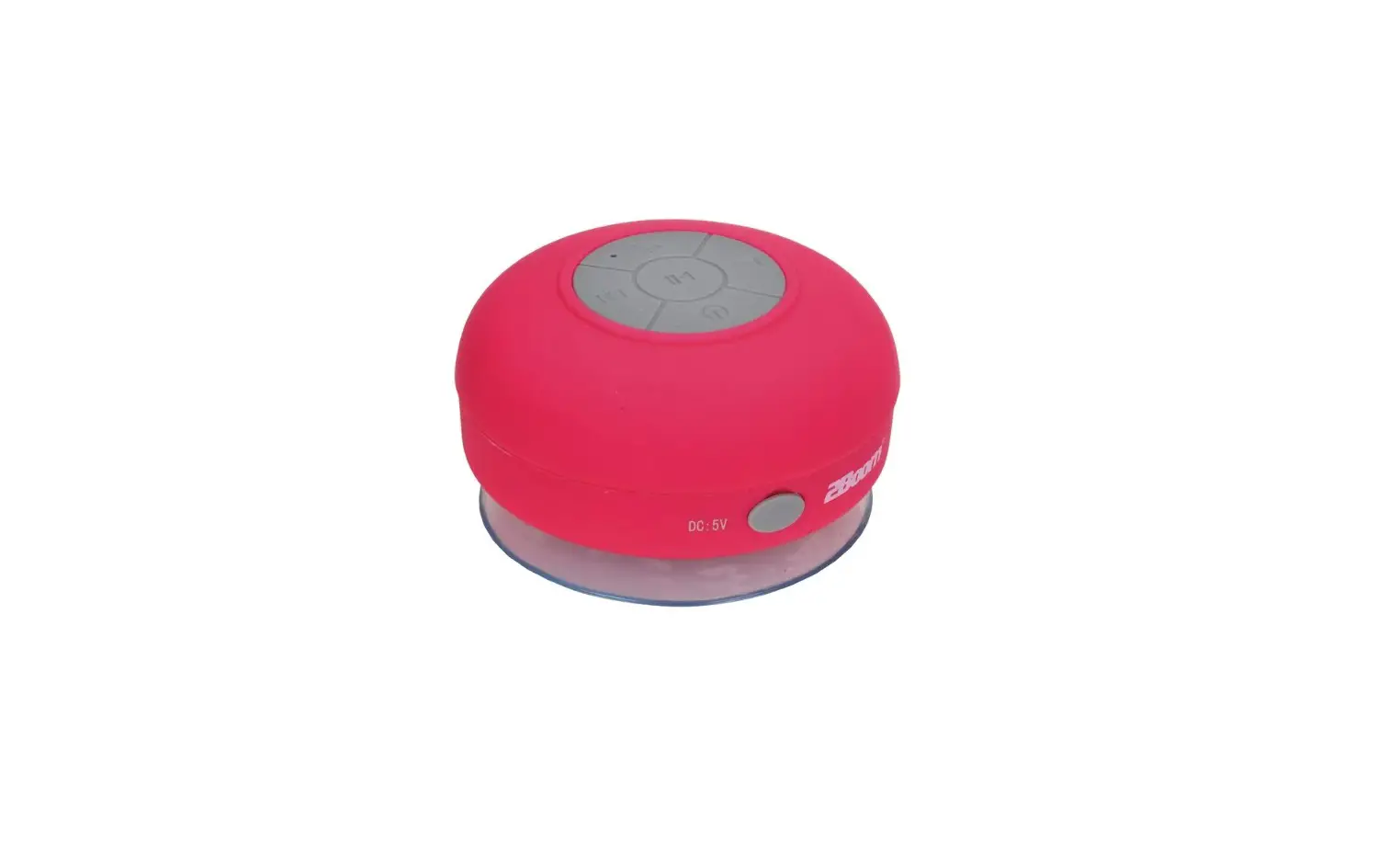
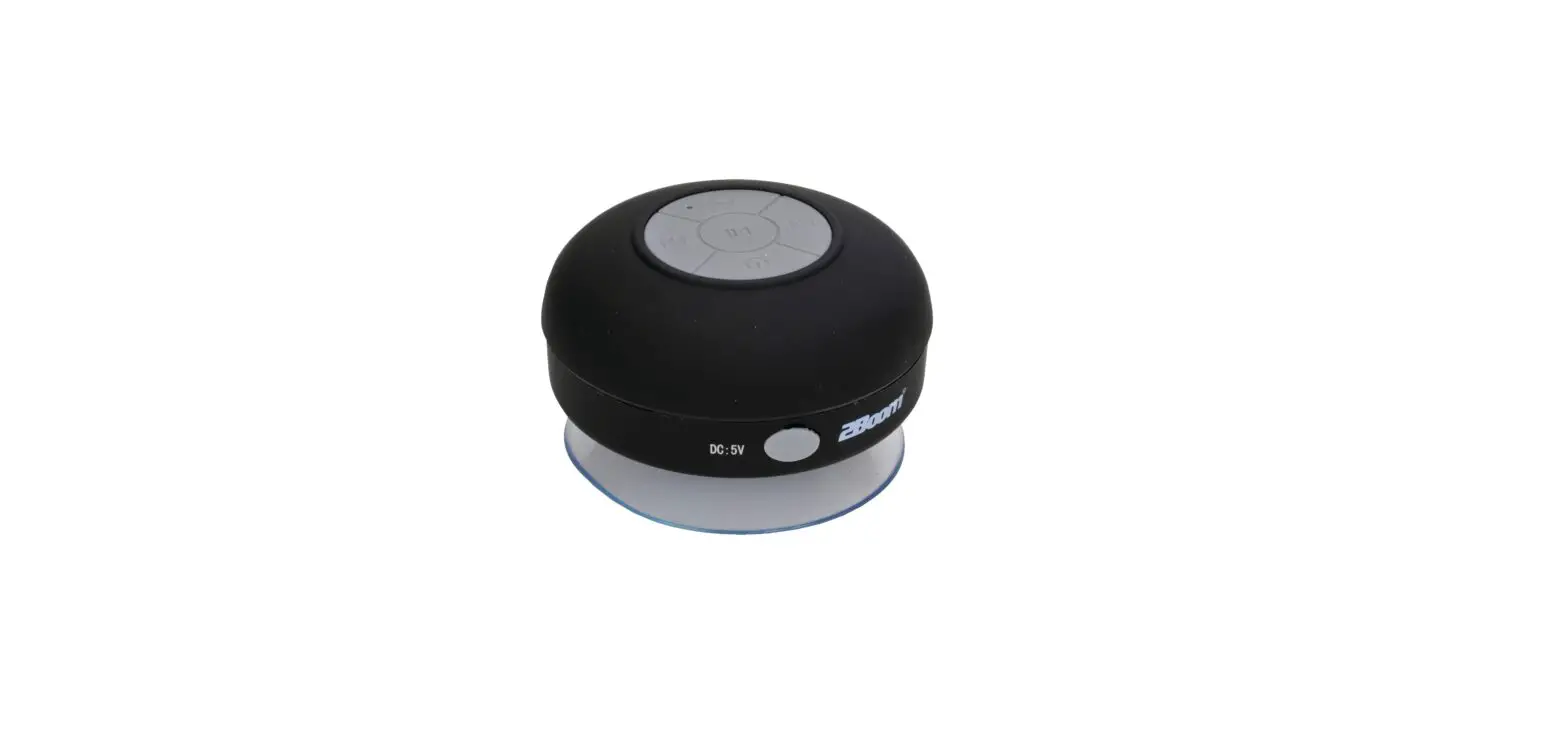
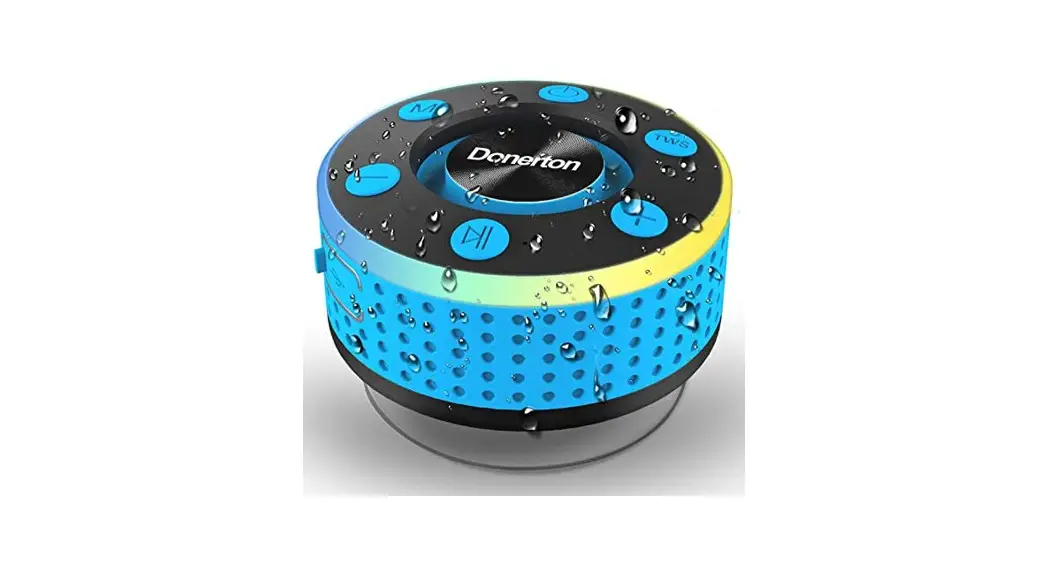
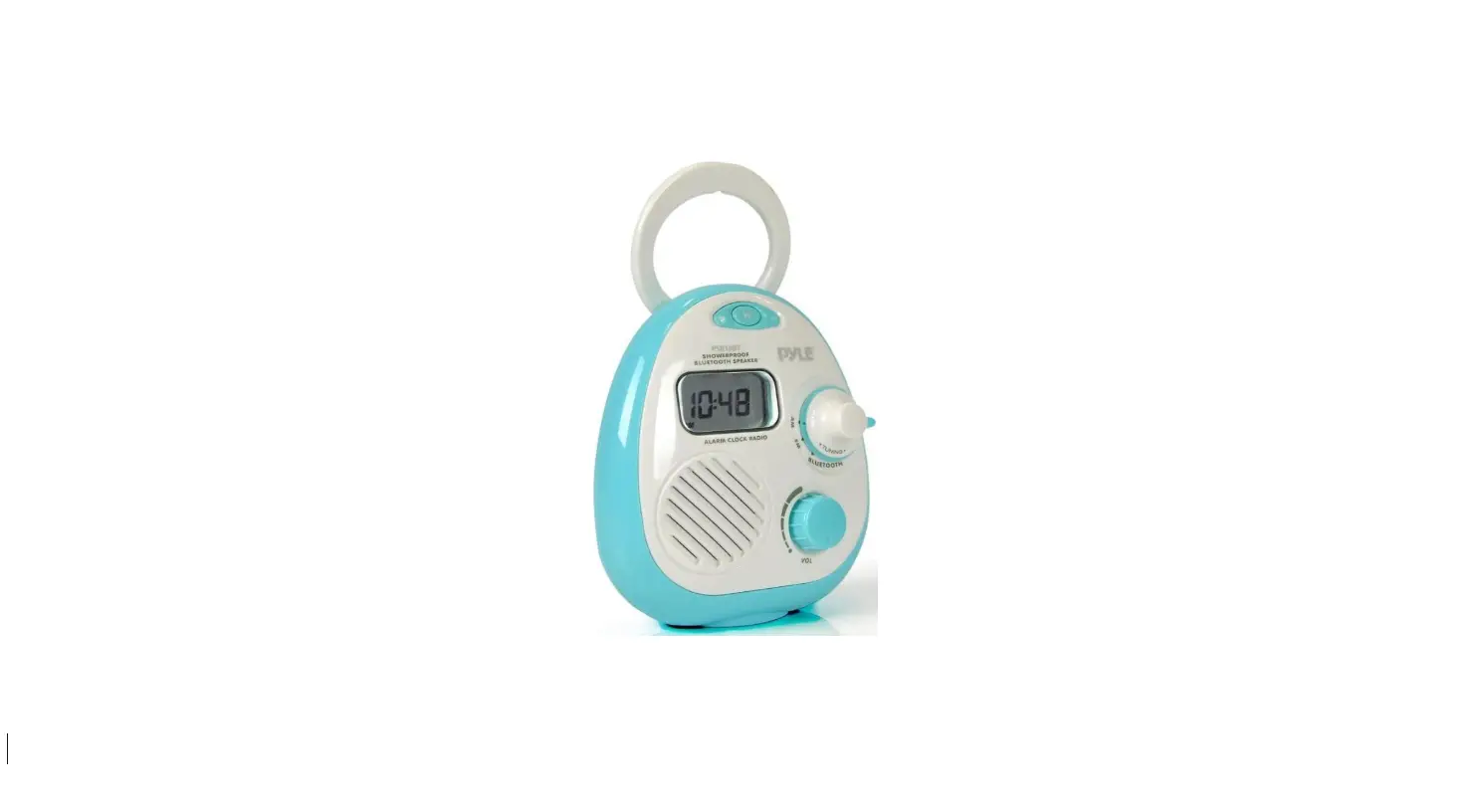
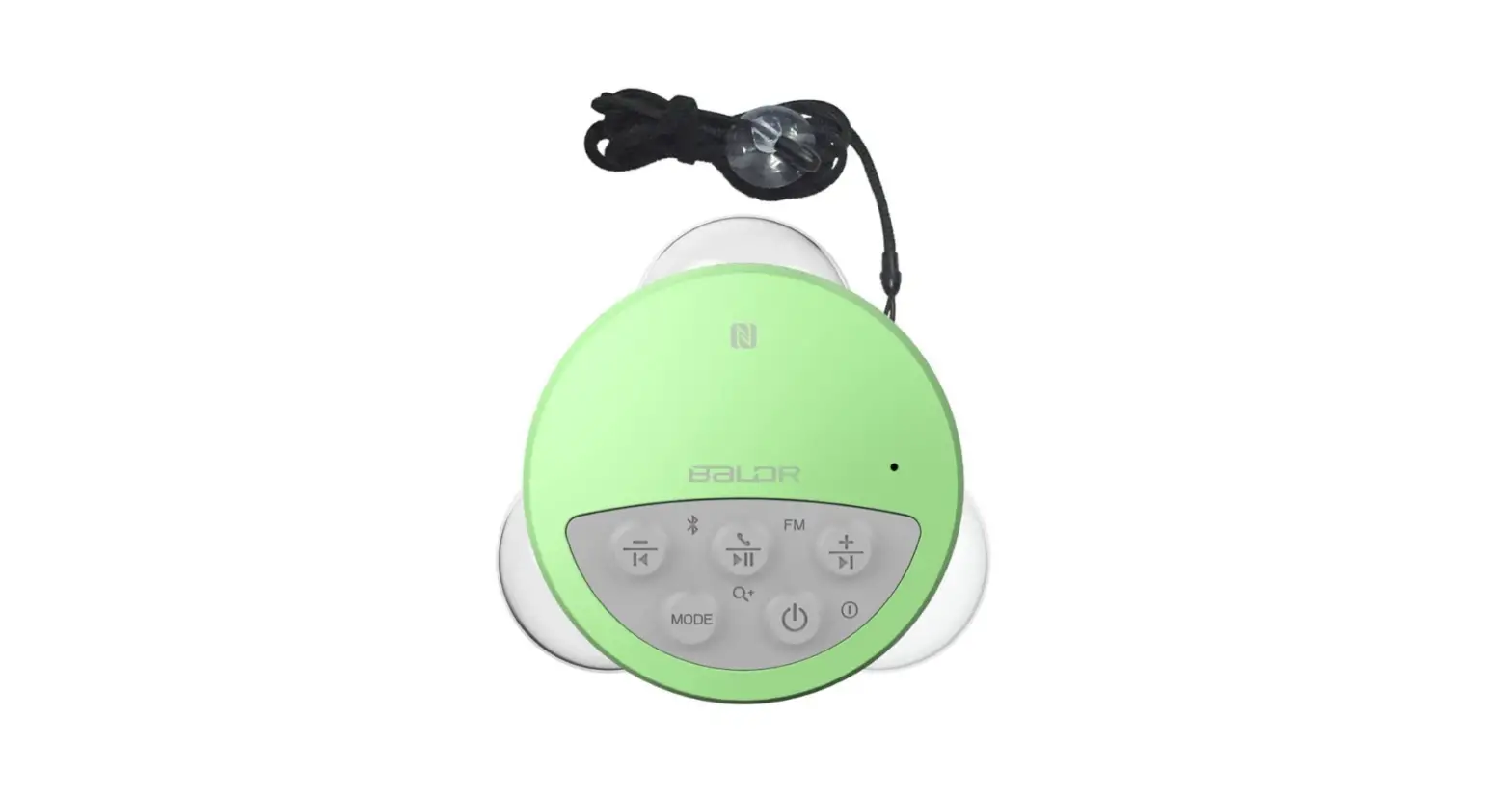
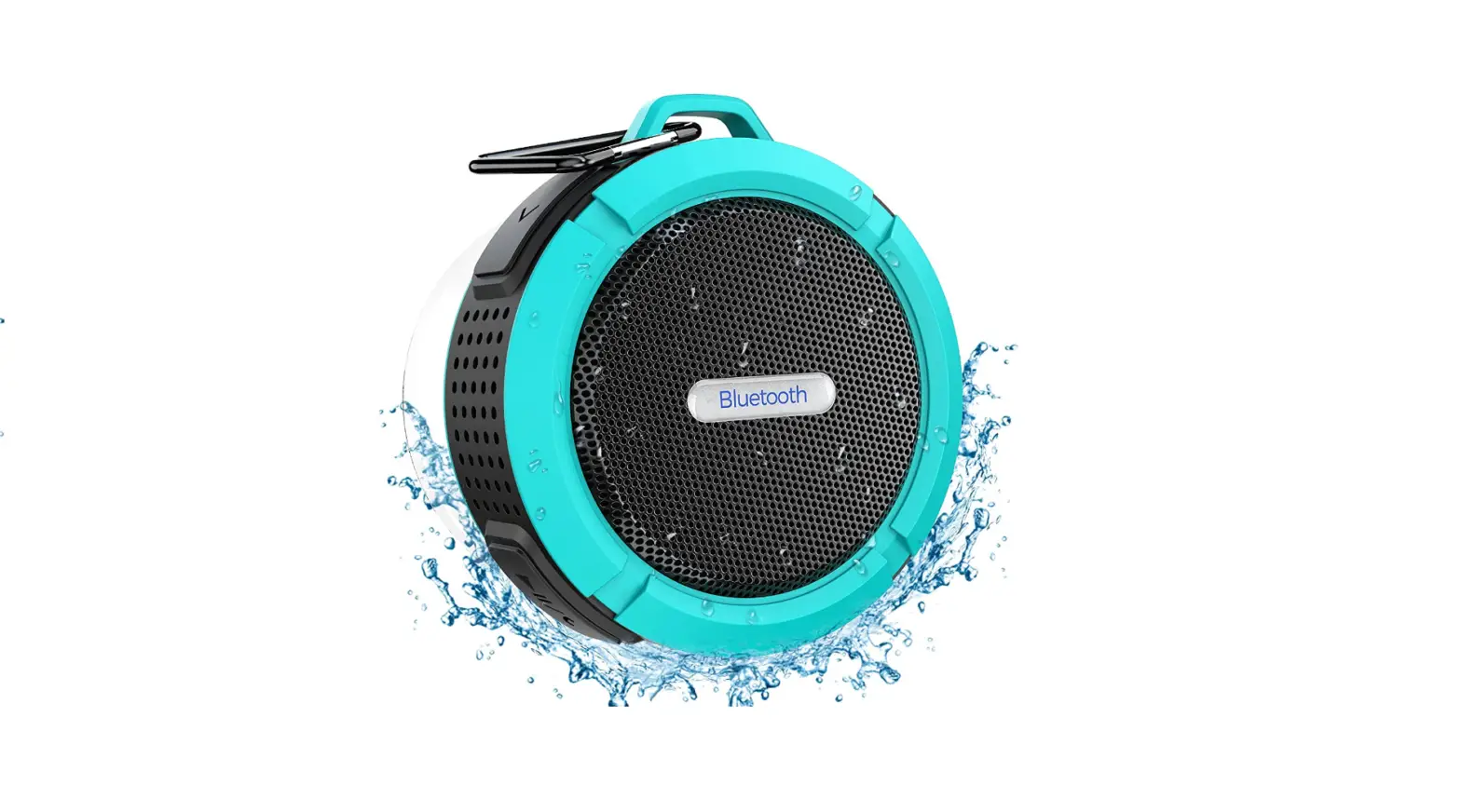
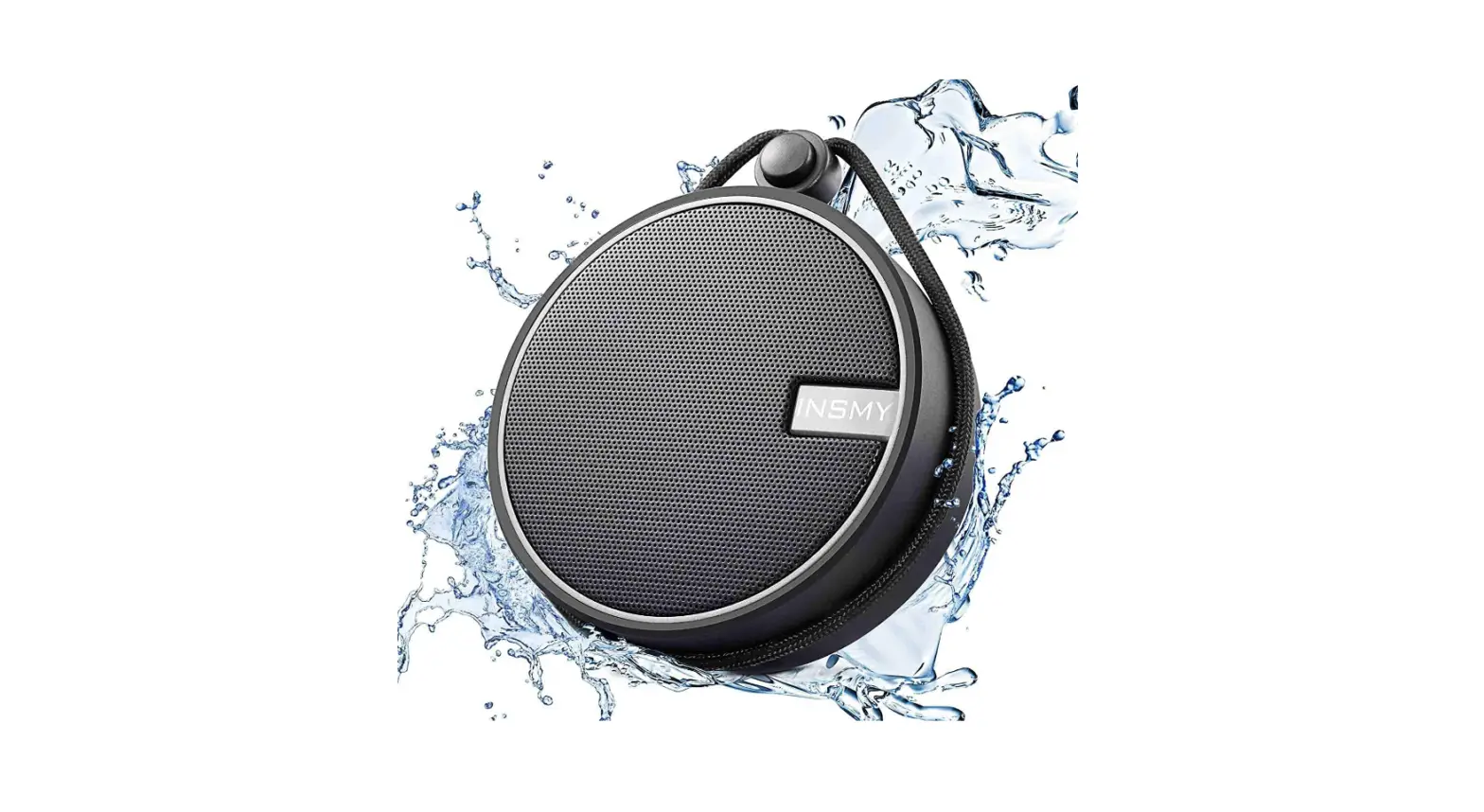
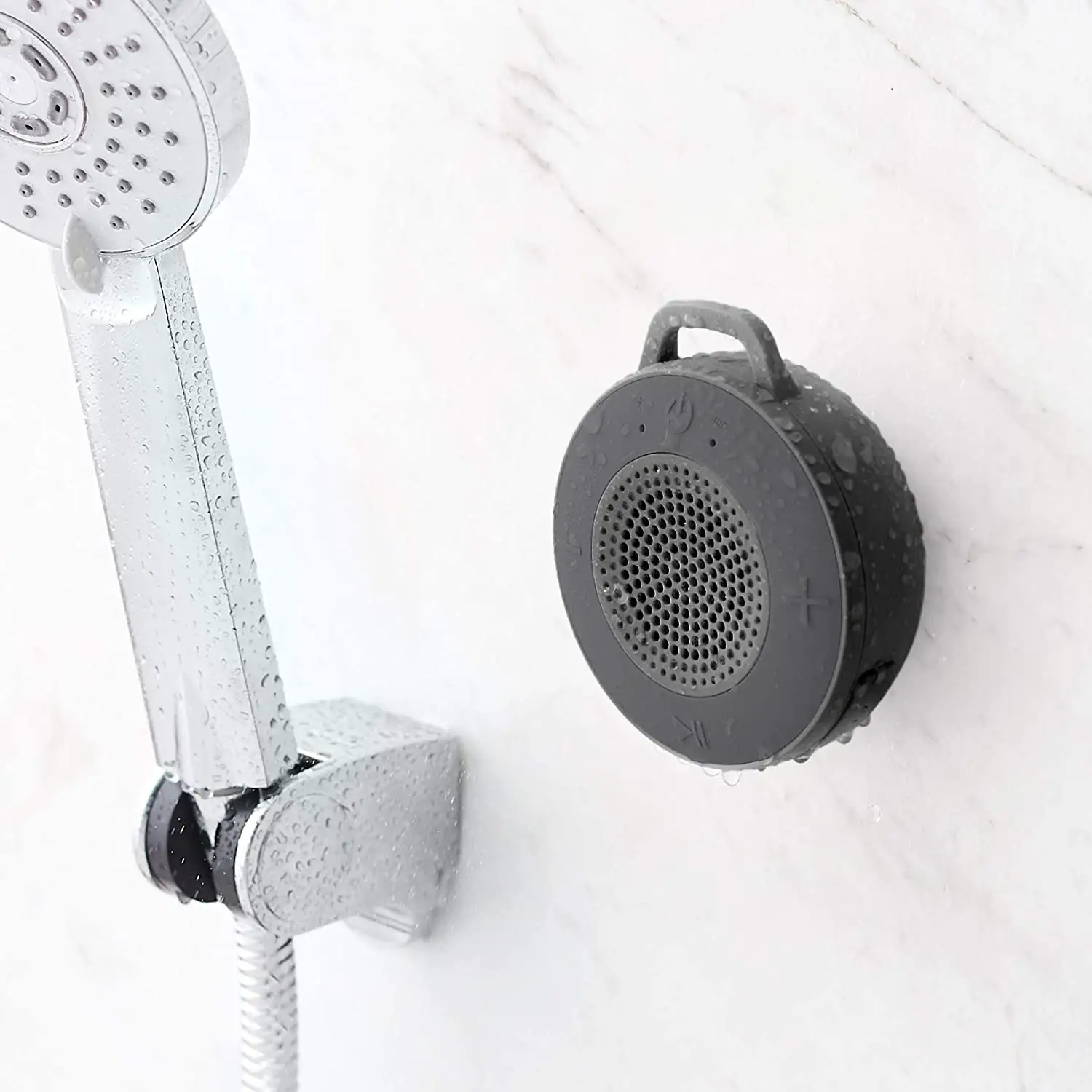
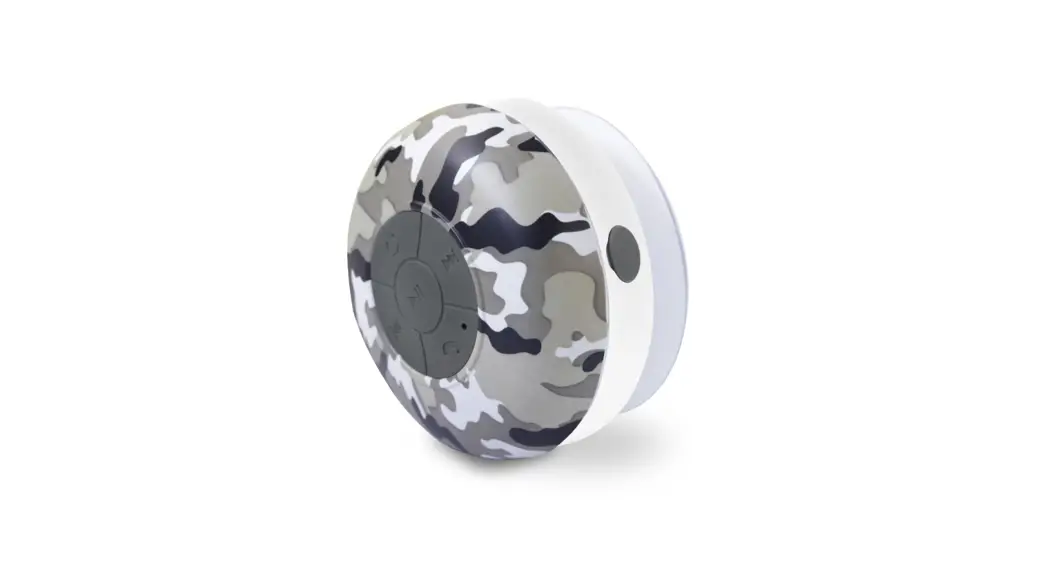
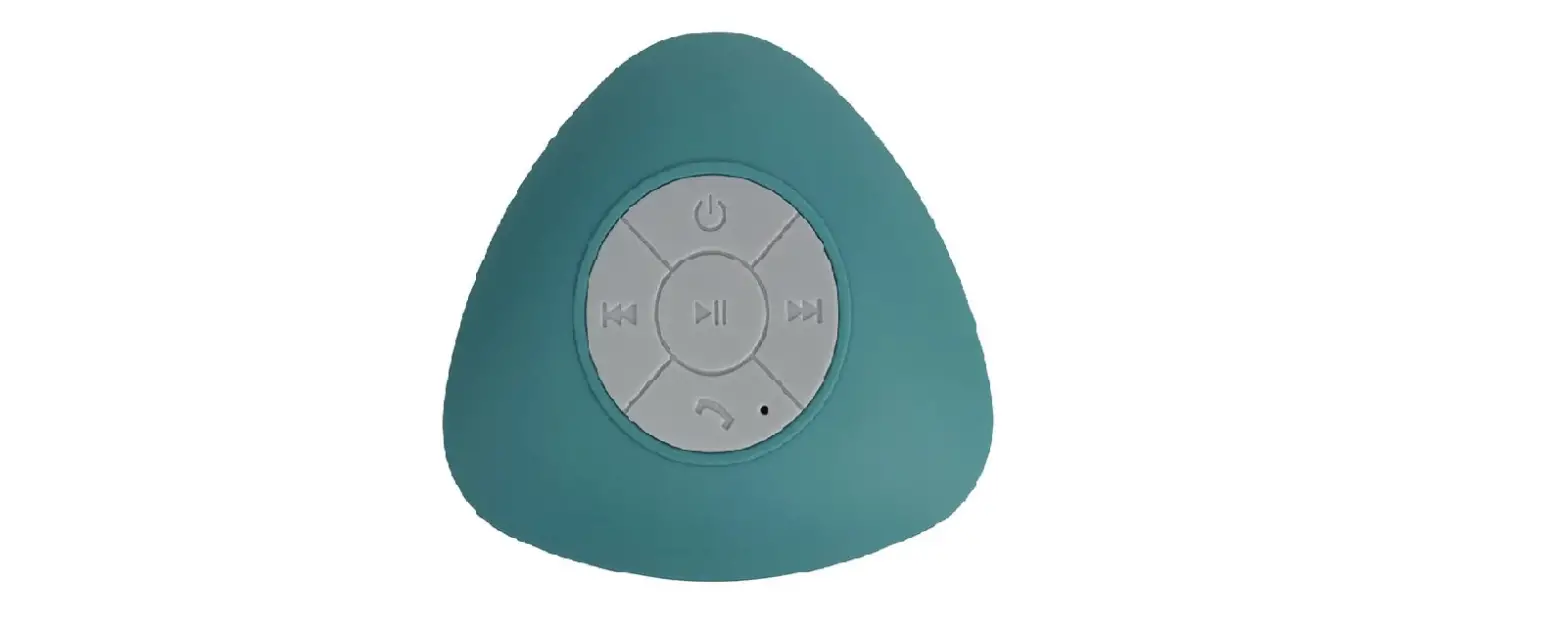
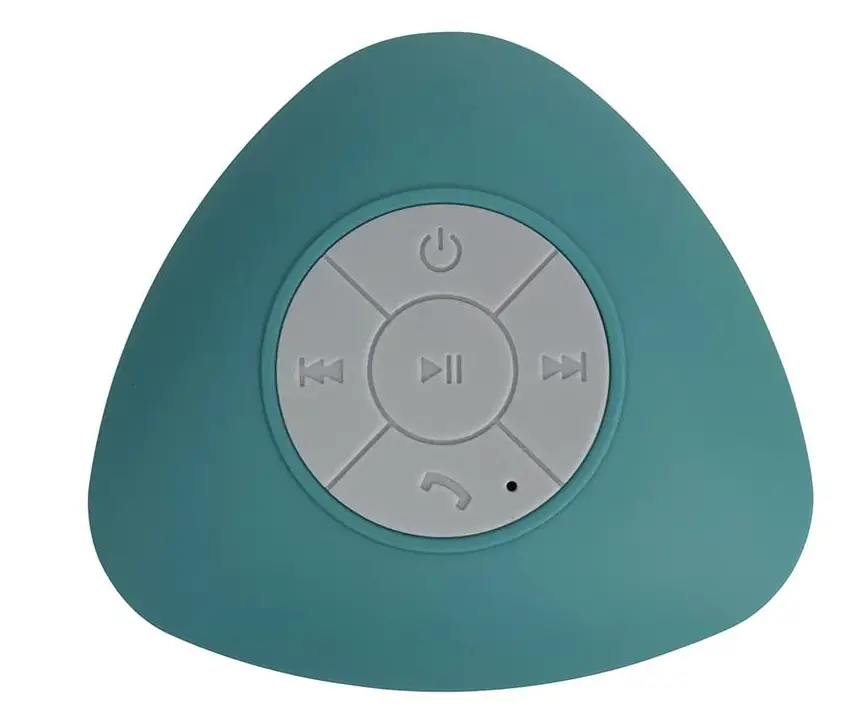
Ginsey BeU Bluetooth Suction Wireless Shower Speaker, Turquoise
Specifications
- BATTERY LIFE: 8 hours
- CONNECTIVITY TECHNOLOGY: Bluetooth, USB
- BRAND: Ginsey
- MODEL NAME: Bluetooth Wireless Shower Speaker
- RECOMMENDED USES FOR PRODUCT: Music, Musical
- MOUNTING TYPE: Plug Mount
- BATTERIES: 1 Product Specific battery
- PRODUCT DIMENSIONS: 6.5 x 5.5 x 2.2 inches
- ITEM WEIGHT: 0.352 ounces
Introduction
Use the be U Bluetooth wireless suction shower radio to add some music to your mornings. 8 hours of battery life, music search and skip functionality, a built-in microphone, and stable suction cup mounts are all included. Get through countless tracks and take calls hands-free throughout your daily routine by pairing your Bluetooth-enabled smartphone.
HOW IT WORKS
A transmitter attached to the stereo system sends alternating current through an antenna to convert electrical signals to radio waves. The antenna emits radio waves into the air. On the wireless speaker, an antenna and receiver pick up the radio signal, which the receiver then transforms into an electrical signal.
HOW TO TURN ON
Activate the water-resistant speaker. Turn up the volume on your device using the volume control. Inspect the waterproof speaker to make sure it is completely charged. For 3 seconds, hold down the ON/OFF button to turn it on.
HOW TO RESET
simultaneously pressing and holding the button. The system has been reset, and it will now switch off on its own. 3. Next, press and hold the button to turn on the Bluetooth Speaker. Note: If the gadget is functioning properly, do not reset it.
HOW TO CHARGE
The speaker has a rechargeable battery integrated into it. To charge, plug the included USB cord into a computer or a DC 5V power converter. The LED indication light on the speaker will become red as it charges. The red LED on the speaker will stop glowing when it is fully charged (the charging time is approximately 3 hours).
HOW TO KNOW IF SPEAKER IS FULLY CHARGED
The built-in lithium ion battery is fully charged if the CHARGE indication remains off when the speaker power is off and connected to an AC outlet. Even if the speaker is kept plugged into an AC outlet, the battery won’t be able to be charged any further after it has reached its maximum capacity.
HOW TO FIX BLUETOOTH PAIRING FAILURE
- Make sure Bluetooth is activated.
- Find out the pairing method your device uses.
- activate discoverable mode.
- Ensure that the two devices are sufficiently close to one another.
- Turn the gadgets on and off again.
- Eliminate previous Bluetooth connections.
HOW TO DRAIN THE WATER INSIDE THE SPEAKER
- Eliminate any moisture from the speaker’s surface by wiping it.
- To drain any water that may have accumulated within the speaker, place it on a dry, soft towel with the fabric portion facing down.
Frequently Asked Questions
Bluetooth speakers may be fully charged in around 3 hours. Before using your Bluetooth speaker again, make sure the battery is fully charged if you find that it is losing power or not lasting as long as it once did.
The battery will be harmed even if you leave the Bluetooth speaker connected the entire day. Even when the battery is fully charged, continuing to charge the speaker could cause the battery to overheat and perhaps explode.
If the battery is fully charged, the CHARGE indicator won’t turn on. Depending on the model, the speaker’s CHARGE indication could not turn on while it is being charged. The CHARGE indicator will turn on if the battery is charging while the speaker is off.
Both devices’ volumes should be turned up. Ensure that the music is playing on your source device. Move the Bluetooth speaker as far away from metal objects and other potential interference-causing gadgets as you can. Make sure nothing is plugged into the wireless speaker’s AUDIO IN port.
Check the connections for the speakers. Make sure your speakers are plugged in correctly by inspecting the connections on the back of the speaker. Reconnect any loose connections by plugging them in once more to maintain the connection. You could have a loose connection if your speaker isn’t working.
When Android Bluetooth stops working, you may occasionally only need to restart the device; this is especially true if it has been on for a while. So, all you have to do is toggle the Bluetooth connection on and off. The Bluetooth symbol will be visible; tap it to turn it off. To turn it on, tap it once more.
Although it may seem obvious, Android devices offer different categories for loudness levels. Ringtone, Media, Notifications, and System are some of these. It’s possible that when you press the volume rocker, it adjusts the volume at an inappropriate level.
Open the silicone control panel cover on the back of your waterproof speaker to access the charging port. Connect your waterproof speaker’s USB port to the included USB cable. The other end of the USB wire should be connected to a 5V 1A USB wall charger or a USB port on your computer.
Instead of an internet connection, short-range radio waves are how Bluetooth operates. This means you don’t need a data plan or even a cellular connection for Bluetooth to function anywhere you have two compatible devices.
Yes, the majority of wireless speakers plug into standard power outlets or power strips using AC adaptors. To become “truly wireless,” some systems employ rechargeable batteries, although this feature necessitates repositioning and charging as routine tasks in order to use this type of surround sound system.