
User Manual
BT290
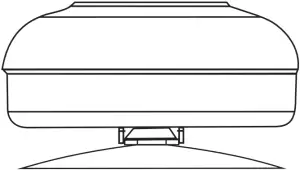

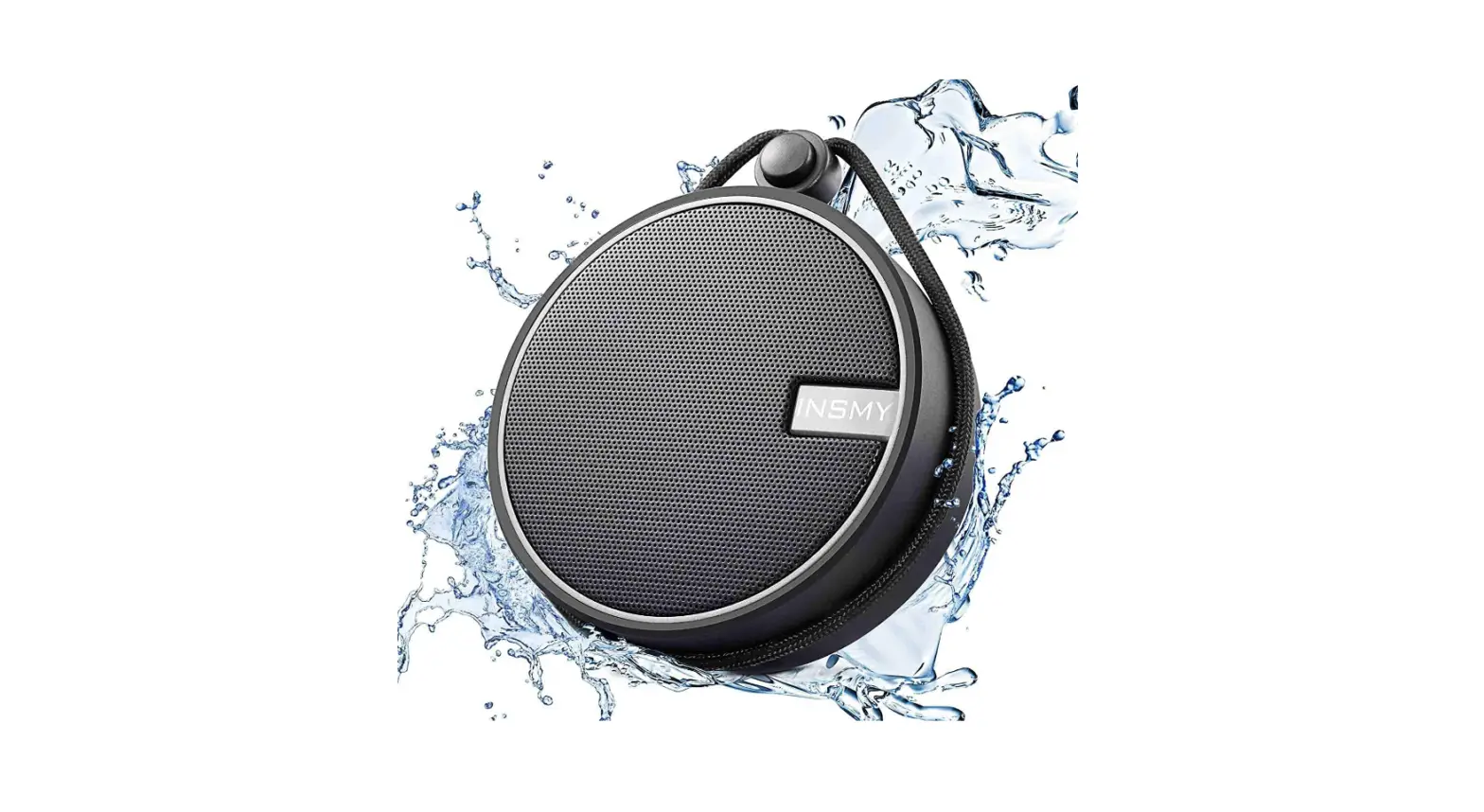
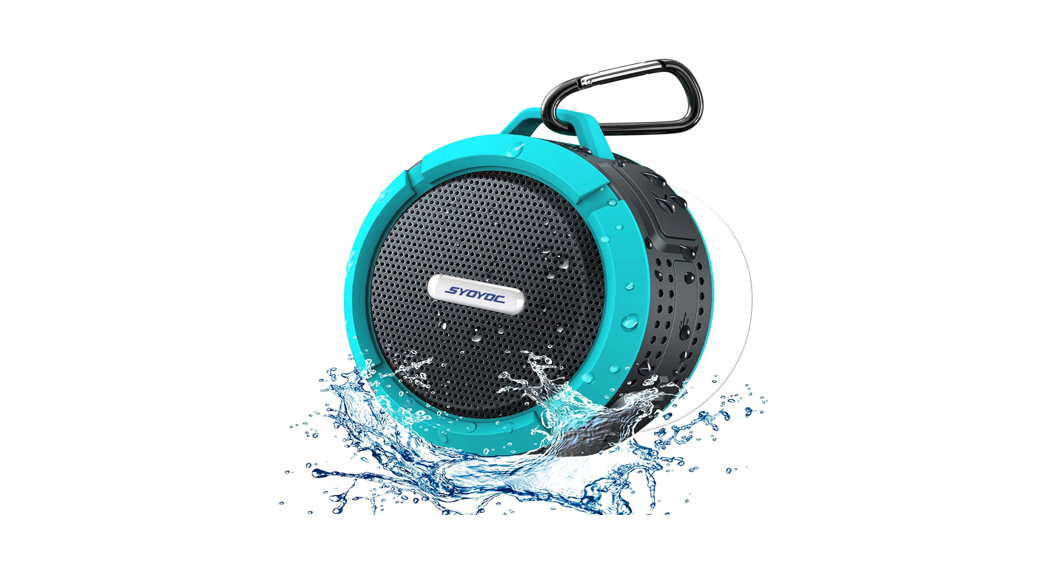
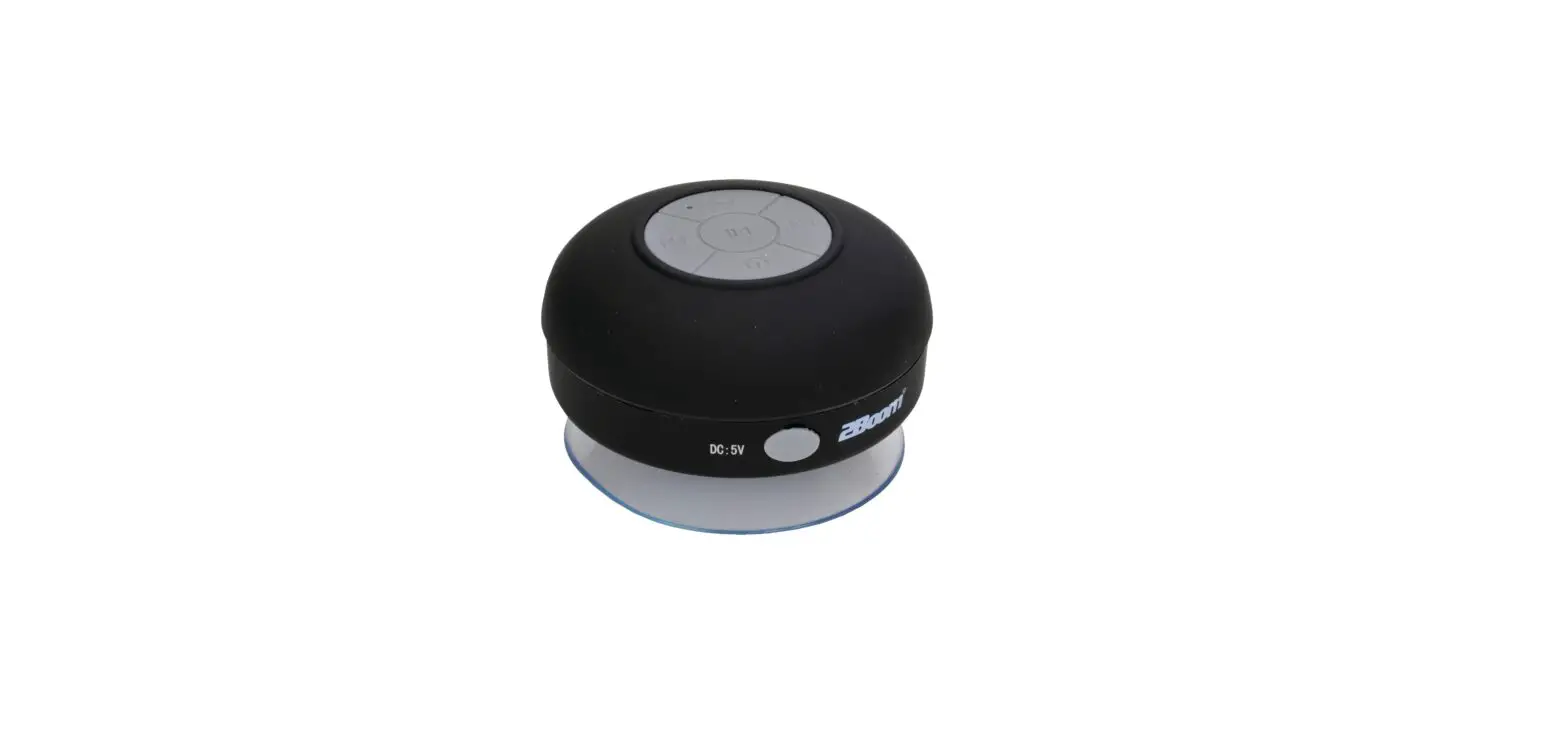
Shower Speaker
Bluetooth Pairing
 When the speaker off state, long press the Switch button(about 3 seconds), will appear blue lights flashing,then enter into the be searched state (remember that the Speaker can be searched by other devices ,when it only in the be searched state.)
Open the phone’s bluetooth and click search for Bluetooth devices, until your mobile phone search to a signal from the speaker, and show the speaker name: BT290
Click the name of your speaker to connect, when the connection is successful, the speaker indicator light will keep blue (if the older versions of Bluetooth mobile phone prompted for a password, enter0000)At last open the music from your phone and play.
Once this speaker is paired and connected with your mobile phone,next time when you switch on this speaker* will connect to your mobile phone automatically as long as the Bluetooth in your mobile phone is on
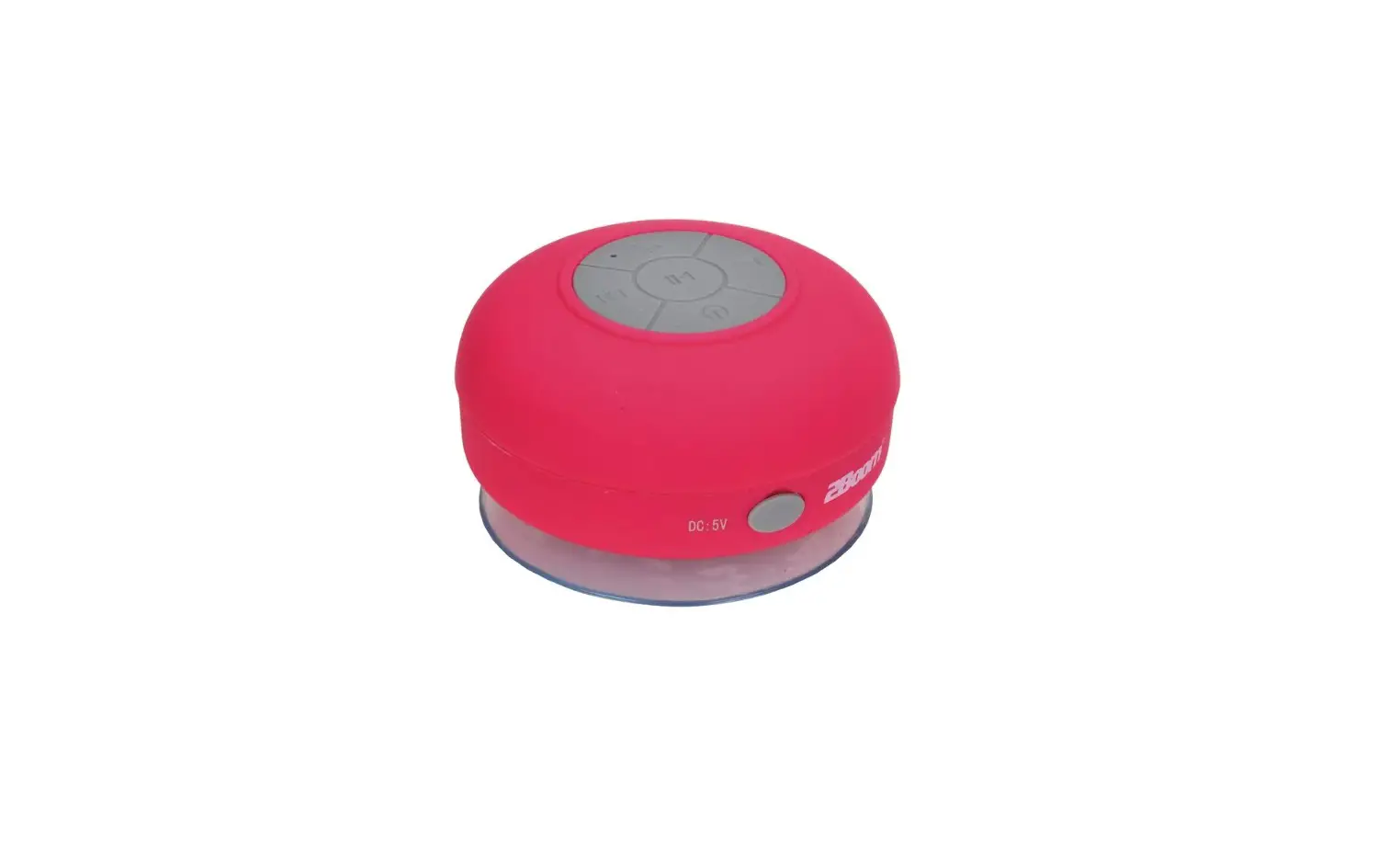
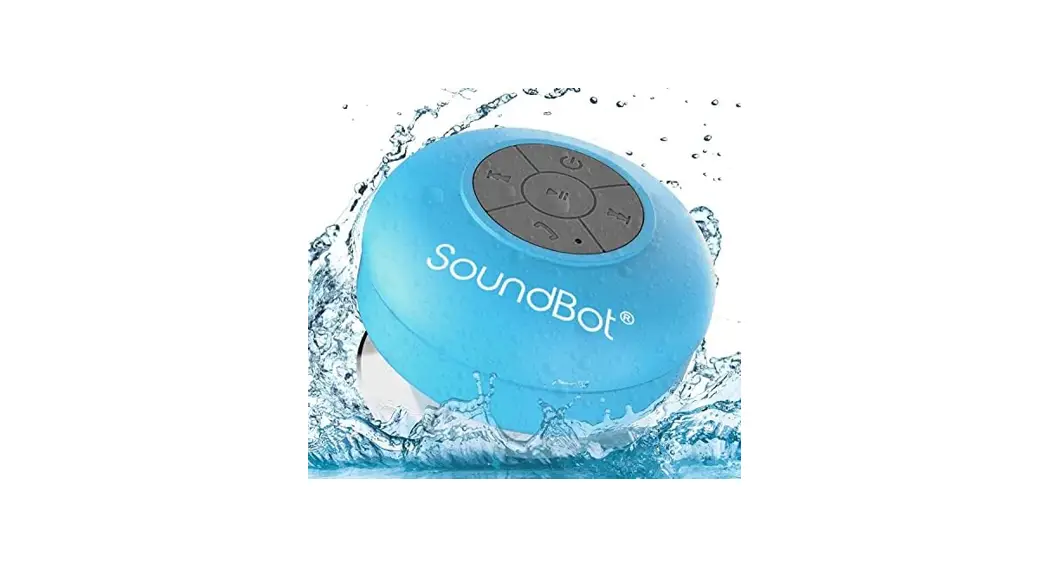
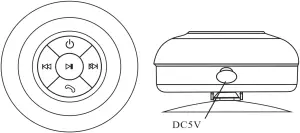
 On/Off:To switch on or off the unit
 Short press for the previous song,long press for turning down the volume.
 Short press for the next song,long press for turning up the volume.
 Phone:To pick up or hang up a phone call
 Play/Pause the music
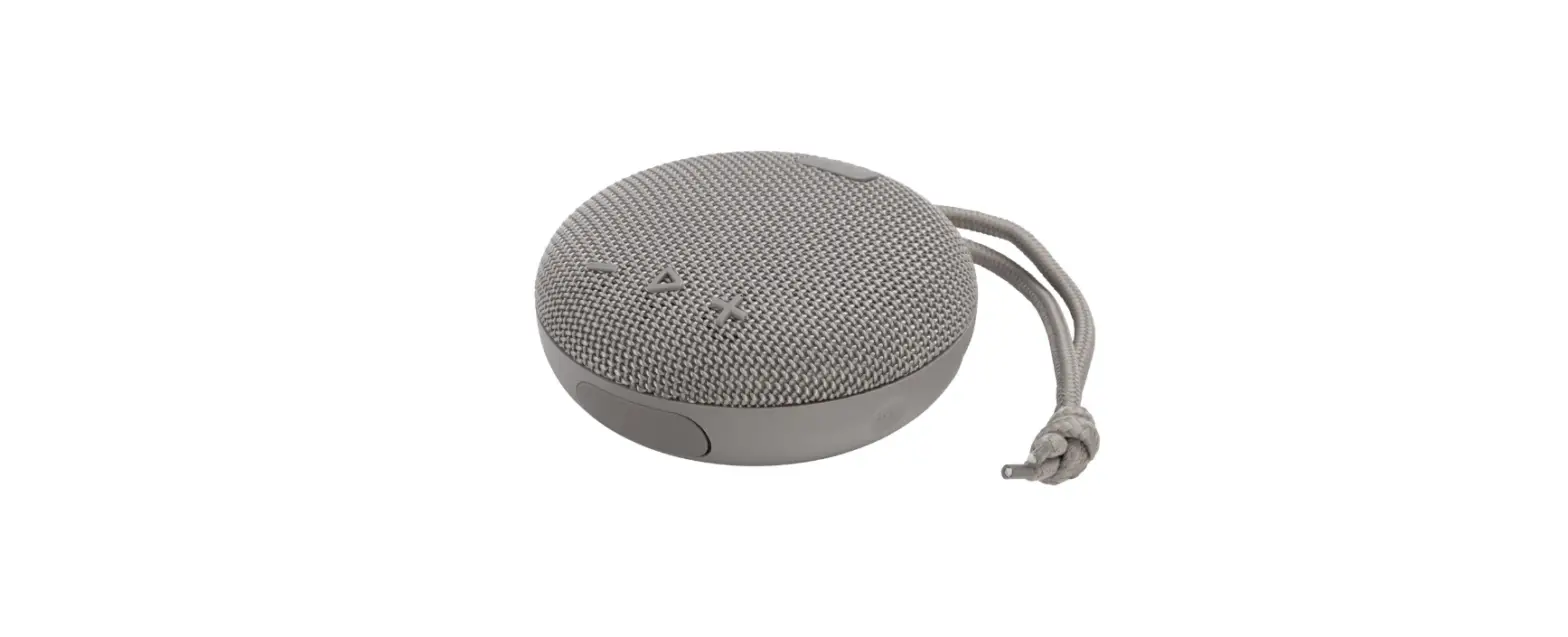
Product Overview

Usage Tips
Make sure your mobile devices are Bluetooth -enabled before using this product.
Please fully charge the speaker before using it for the first time.
In order to protect the circuit of this speaker and ensure the long-term performance of the built-in battery, please do not play music while charging.
The operating range of the speaker may be influenced by obstructions such as wallsand pillars. To ensure astable connection, we recommend avoiding these.
What’s Included
1pc Speaker
1 pc user manual
1pc USB Charging cable
Trouble shooting
| Symptoms | Causes | Solutions |
| Can not switch the speaker on | Battery empty | Charge the battery |
| Unable to pair the speaker | Speaker is already switched on, and it is not in pairing mode. | Refer to the section of “Pairing BT290 to mobile phone or other device” |
Technical Specification
Bluetooth Speaker
Power output: 3W*1 RMS
Speaker size: 45MM
Frequency response: 100Hz-18KHz
Built-in lithium battery 350maH
FCC ID:2AIDL-BT290
FCC STATEMENT
- This device complies with Part 15 of the FCC Rules. Operation is subject to the following two conditions:
(1) This device may not cause harmful interference, and
(2) This device must accept any interference received, including interference that may cause undesired operation. - Changes or modifications not expressly approved by the party responsible for compliance could void the user’s authority to operate the equipment.
This equipment has been tested and found to comply with the limits for a Class B digital device, pursuant to part 15 of the FCC Rules. These limits are designed to provide reasonable protection against harmful interference in a residential installation. This equipment generates, uses and can radiate radio frequency energy and, if not installed and used in accordance with the instructions, may cause harmful interference to radio communications. However, there is no guarantee that interference will not occur in a particular installation. If this equipment does cause harmful interference to radio or television reception, which can be determined by turning the equipment off and on, the user is encouraged to try to correct the interference by one or more of the following measures:
— Reorient or relocate the receiving antenna.
— Increase the separation between the equipment and receiver.
— Connect the equipment into an outlet on a circuit different from that to which the receiver is connected.
— Consult the dealer or an experienced radio/ TV technician for help.
FCC Radiation Exposure Statement:
This equipment complies with FCC radiation exposure limits set forth for an uncontrolled environment. The device can be used in portable exposure condition without RF striction.