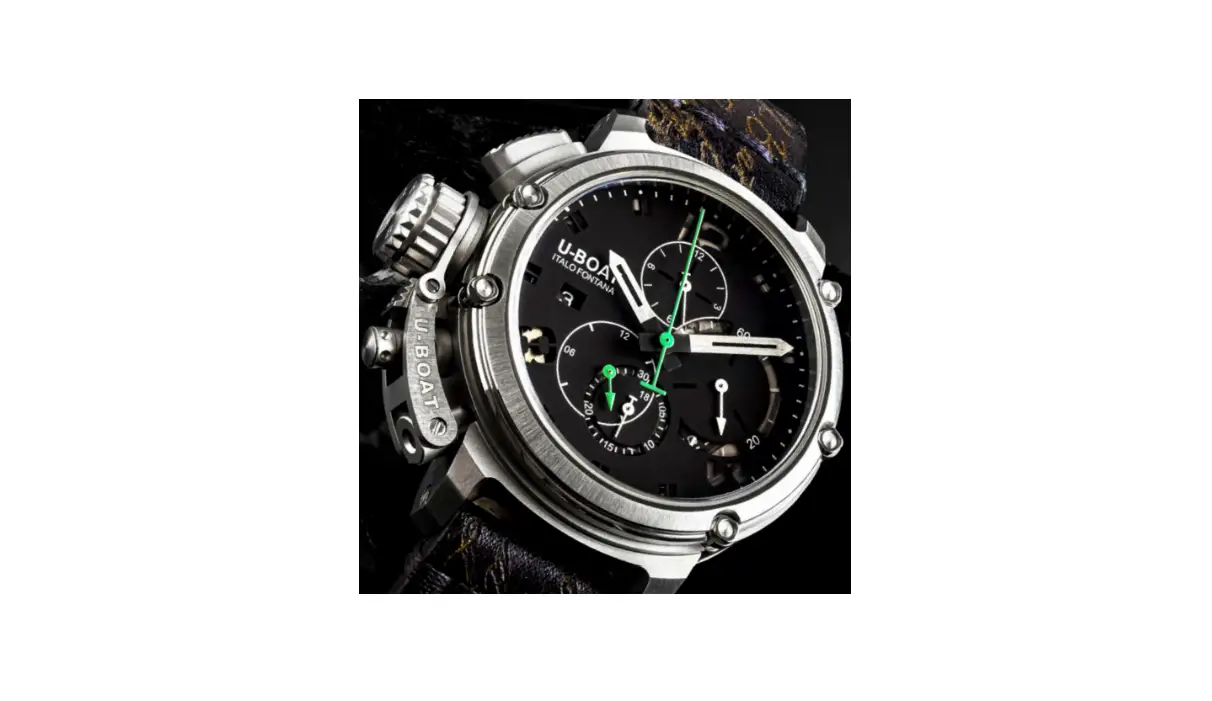
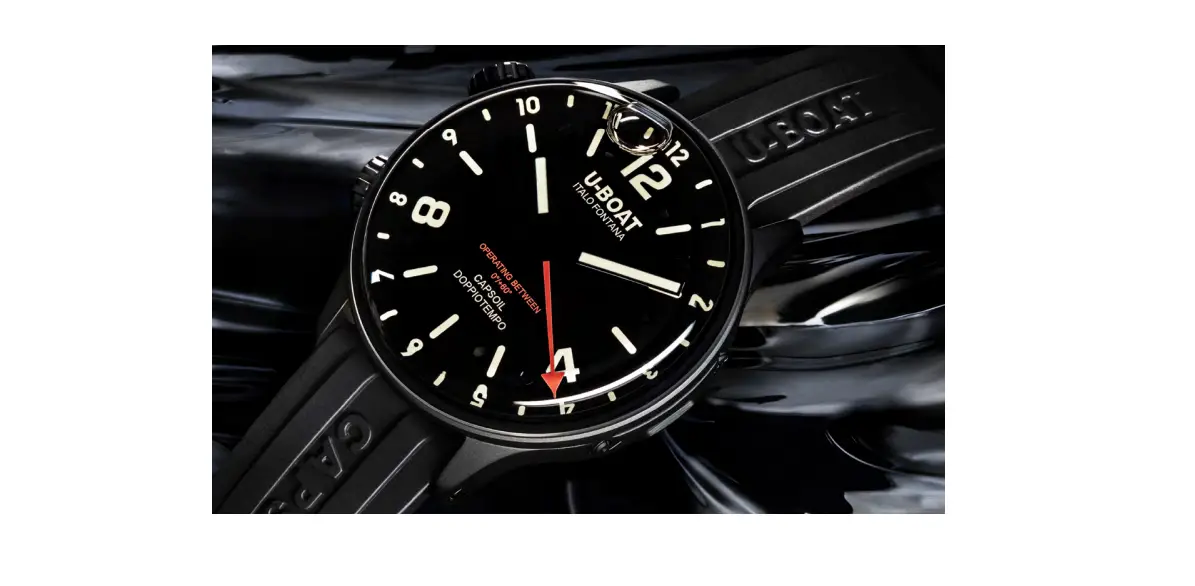
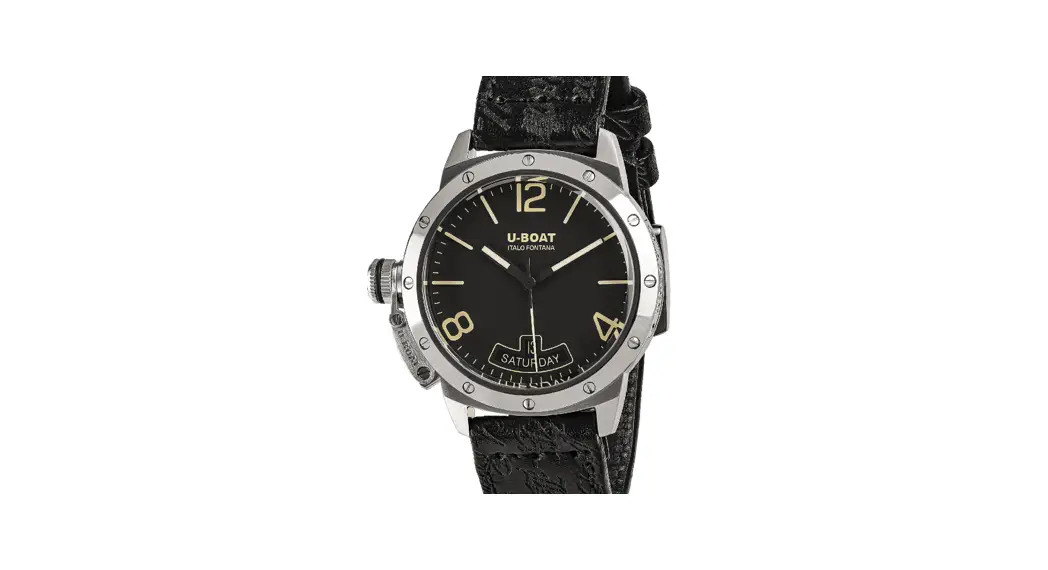
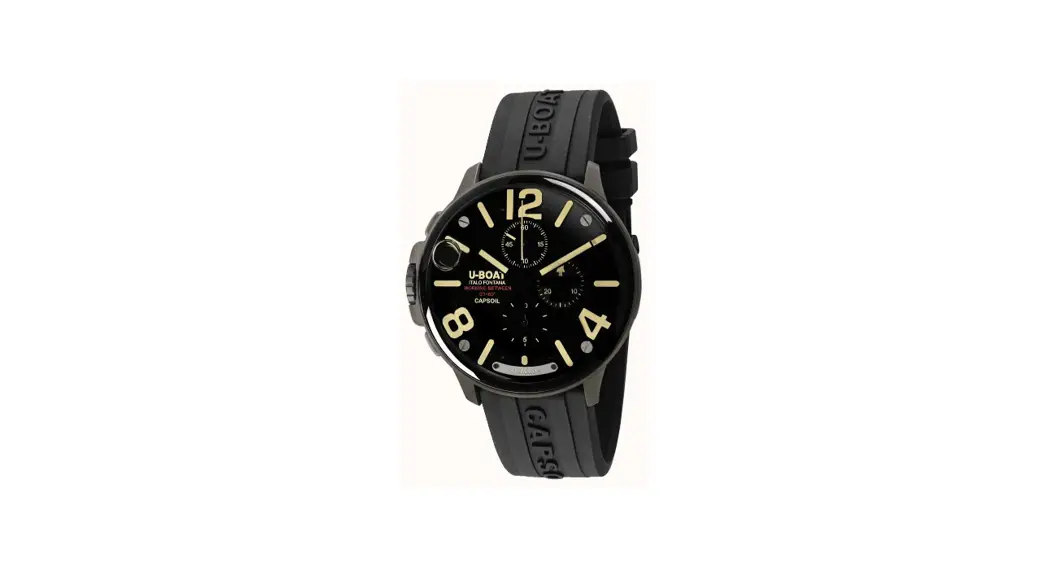
Flightdeck Chrono Smart Watch
Product Information
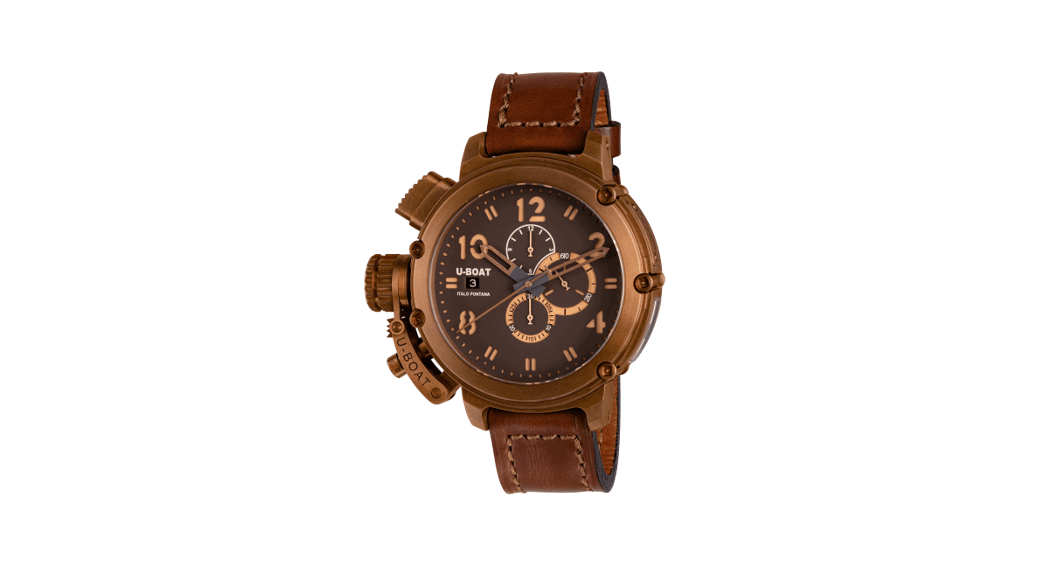
Congratulations on your purchase of the U-Boat Flightdeck Chrono
watch! This mechanical automatic chronograph watch features various
components for different functions:
- A – Crown Cover
- B – Crown
- C – Chronograph Start/Stop Pusher
- D – Chronograph Reset Pusher
- E – Chronograph Seconds Hand
- F – Chronograph Hour Counter
- G – Seconds Counter
- H – Chronograph Minute Counter
- I – Date
- J – Hour Hand
- K – Minute Hand
Please note that the positions of these components may vary in
your watch.
Product Usage Instructions
- Unscrew the crown cover (A) to access the crown (B).
- Position 1 (Neutral Position): To wind up and start the watch,
turn the crown (B) clockwise. - Position 2 (First Click): Extract the crown (B) to position 2.
Turn the crown (B) clockwise to set the desired date (I). - Position 3 (Second Click): Extract the crown (B) to position 3.
Turn the crown (B) clockwise to set the desired time.
- Position 1 (Neutral Position): To wind up and start the watch,
- Press the crown (B) all the way down to return it to position
1. Carefully screw down the crown cover (A) until it locks
completely. - *Caution: To avoid misalignment or breakage of the date click
wheel when setting the date, follow these steps:- Ensure that the hand (J) is not positioned between 21 and 03
o’clock when resetting the date (I) manually. - Align the day indicated by the date window with the
window. - Bring the crown (B) to position 3, position the watch hand (J)
at 3 o’clock, bring the crown (B) to position 2, and move the date
(I) to the desired day while paying attention to point 2.
- Ensure that the hand (J) is not positioned between 21 and 03
- For chronograph functions, press the chronograph start/stop
pusher (C) to start the chronograph hand and the hours/minutes
totalizer. Press the pusher (C) again to stop the chronograph, and
press it once more to restart it. To reset the chronograph and
totalizer hands to zero, press the chronograph reset pusher (D)
while the chronograph is stopped.
Care and Maintenance
For any further assistance or inquiries, please contact U-Boat
Head Office:
U-BOAT HEAD OFFICE
Via Pesciatina 751H Gragnano, Capannori – 55010 Lucca – Italy
Tel: +39 0583 469288
Fax: +39 0583 462249
Website: www.uboatwatch.com
Email: [email protected]
FLIGHTDECK
CHRONO
Dear Customer
WE CONGRATULATE YOU ON THE PURCHASE OF THIS U-BOAT WATCH.
IN THIS BOOKLET YOU WILL FIND THE USER INSTRUCTIONS.
WE KINDLY INVITE YOU TO REGISTER YOUR WATCH ON OUR OFFICIAL WEB SITE IN THE U-CLUB AREA, DEDICATED EXCLUSIVELY TO THE U-BOAT WATCHES OWNERS, SO TO GET ACCESS TO FURTHER BENEFITS AND PREVIEWS ON OUR LATEST NEWS, EVENTS AND OFFERS.
Mechanical Automatic Chrono
A CROWN COVER B CROWN C CHRONOGRAPH START/STOP PUSHER D CHRONOGRAPH RESET PUSHER E CHRONOGRAPH SECONDS HAND F CHRONOGRAPH HOUR COUNTER G SECONDS COUNTER H CHRONOGRAPH MINUTE COUNTER I DATE J HOUR HAND K MINUTE HAND
A
WATCH FUNCTIONS
D
E
J F
K
B
I
G
C
H
Representative image. Some components may be in different positions or not fitted.
MECHANICAL AUTOMATIC CHRONO · FLIGHTDECK I7
B I
A 8I FLIGHTDECK · MECHANICAL AUTOMATIC CHRONO
B I
A · POSITION 1
NEUTRAL POSITION
· POSITION 2
FIRST CLICK
· POSITION 3
SECOND CLICK
POS. 3 POS. 2 POS. 1
USER INSTRUCTIONS
1. Unscrew the crown cover A to access the crown B .
POSITION 1
NEUTRAL POSITION
to wind up and start the watch, turn the crown B clockwise.
POSITION 2
FIRST CLICK
extract the crown B to lead it to position 2. Turn the crown B clockwise to set the desired date I .
POSITION 3
SECOND CLICK
extract the crown B to lead it to position 3. Turn the crown B clockwise to set the desired time.
2. Press the crown B all the way down to return it to position 1. Carefully screw down the crown cover A until it locks completely.
MECHANICAL AUTOMATIC CHRONO · FLIGHTDECK I9
J B
I
*CAUTION IMPORTANT
INCORRECT POSITION
CORRECT POSITION
3
*CAUTION IMPORTANT
To avoid misalignment or breakage of the date click wheel when setting the date, make sure that: 1. When resetting the date I manually, the hand J is not positioned between 21 and 03 o’clock. 2. The day I indicated by the date window is aligned with the window (see figure alongside). 3. Bring the crown B to position 3, position the watch hand J at 3 o’clock, bring the crown B to position 2, move the date I to the desired day paying attention to point 2.
10I FLIGHTDECK · MECHANICAL AUTOMATIC CHRONO
MECHANICAL AUTOMATIC CHRONO · FLIGHTDECK I11
D C 12I FLIGHTDECK · MECHANICAL AUTOMATIC CHRONO
CHRONOGRAPH FUNCTIONS Press the (on/off) pusher C to start the chronograph hand and the hours/minutes totalizer. Press the pusher C again to stop the chronograph, which will restart by pressing it again. After measuring the times, with the chronograph stopped, press the pusher D to reset the chronograph and totalizer hands to zero.
MECHANICAL AUTOMATIC CHRONO · FLIGHTDECK I13
CARE AND MAINTENANCE
· Your watch will keep its performance intact for a long time, with proper care. · We recommend that you have your watch checked every 3-4 years at one of our Authorized Dealers/Authorised Service Centres, to carry out ordinary maintenance on all mechanical parts and water resistance. · We also recommend contacting an Authorized Dealer/Authorised Service Center to replace the strap. · Do not leave the watch in places exposed to extreme temperature changes, humidity, the sun and strong magnetic fields. · Make sure the watch is suitable for use in water. · Always rinse the watch with fresh water after contact with salt water. AUTOMATIC WATCHES REQUIRE MANUAL WINDING FOLLOWING A LONG PERIOD OF INACTIVITY.
MECHANICAL AUTOMATIC CHRONO · FLIGHTDECK I15
U-BOAT HEAD OFFICE
Via Pesciatina 751H Gragnano, Capannori – 55010 Lucca – Italy Tel: +39 0583 469288 – Fax: +39 0583 462249 www.uboatwatch.com – [email protected]
 boatwatch.com
 U-Boat