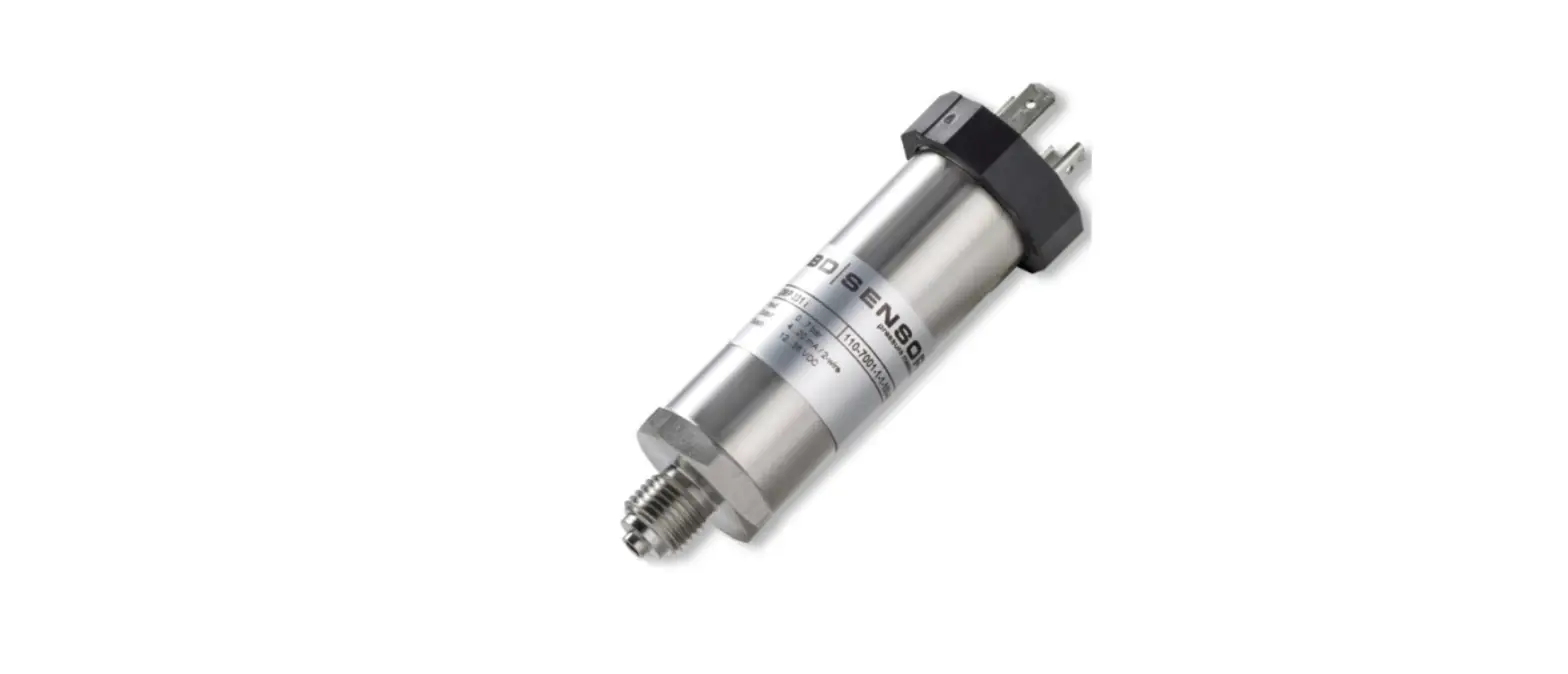
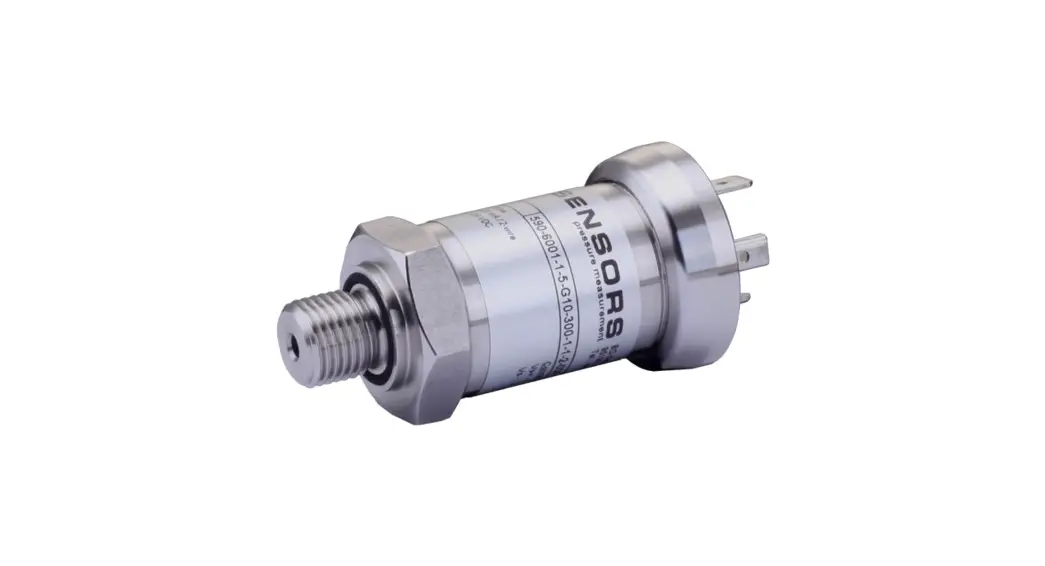
S-BPB-CM50 Barometric Pressure Smart Sensor
Barometric Pressure Smart Sensor (S-BPB-CM50)
The Barometric Pressure Smart Sensor (S-BPB-CM50) is a device
that measures barometric pressure and is compatible with various
weather stations. It provides accurate and reliable readings of
atmospheric pressure, which can be used for weather monitoring,
research, and other applications.
Product Usage Instructions:
- Before connecting the sensor, ensure that the weather station
is stopped if it is currently logging data. - Locate an open smart sensor port on the weather station where
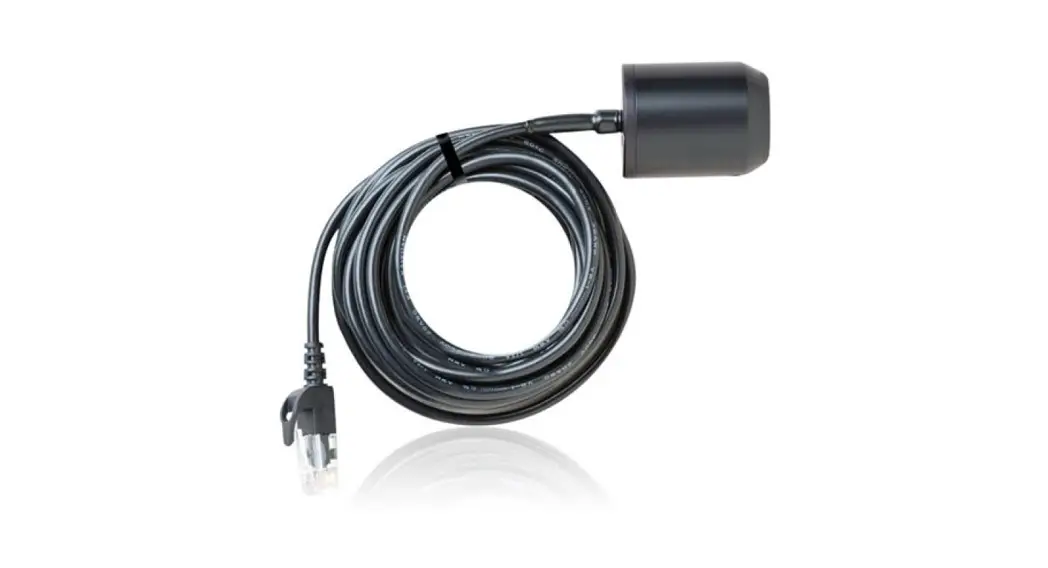
the smart sensor jack can be plugged in. - Plug the smart sensor jack into the open smart sensor port
firmly. - Once the sensor is connected, start the logging process on the
weather station according to the instructions provided in the
station manual. For detailed operating instructions, refer to the
station manual available at www.onsetcomp.com/resources/documentation/12291-man-s-bpb.
For more detailed information about the Barometric Pressure
Smart Sensor (S-BPB-CM50), please refer to the full product manual.
You can either scan the QR code on the left or visit www.onsetcomp.com/resources/documentation/12291-man-s-bpb.
If you have any further questions or need assistance, you can
contact our U.S. and International Sales team at 1-508-759-9500 or
visit our support page at www.onsetcomp.com/support/contact.
21829-B MAN-S-BPB-QSG
Barometric Pressure Smart Sensor (S-BPB-CM50) Quick Start
Connecting to a Station 1. Stop the station if it is logging. 2. Plug the smart sensor jack into an open smart sensor port on the station. 3. Start logging. See the station manual at www.onsetcomp.com/resources/documentation/12291-man-s-bpb for details on operating
stations with smart sensors.
Mounting the Smart Sensor · Use the cable ties to mount the smart sensor to a pole or tripod mast as shown in the photo. · To mount the sensor on a flat, vertical surface, use the screws provided. · The sensor must be mounted vertically to prevent water from collecting
under the cap. · Mount the sensor so that the cable is hanging straight down and create a
drip-loop to prevent moisture from entering the logger connection as shown in the illustration. · Do not screw the sensor to the side of the HOBO station case. Inserting screws in the side of the HOBO station case will violate the integrity of the unit. You can use double-sided tape.
For more information about this smart sensor, refer to the full product manual. Scan the code at left or go to www.onsetcomp.com/resources/documentation/12291-man-s-bpb.
U.S. and International Sales: 1-508-759-9500 www.onsetcomp.com/support/contact
© 2023 Onset Computer Corporation. All rights reserved. Onset and HOBO are registered trademarks of Onset Computer Corporation. All other trademarks are the property of their respective companies.
21829-B MAN-S-BPB-QSG
 Barometric Pressure Smart Sensor (S-BPB-CM50) User's Manual | Onset's HOBO and InTemp Data Loggers