KRT-4 Cable Retractor
KRT-4 Product Information
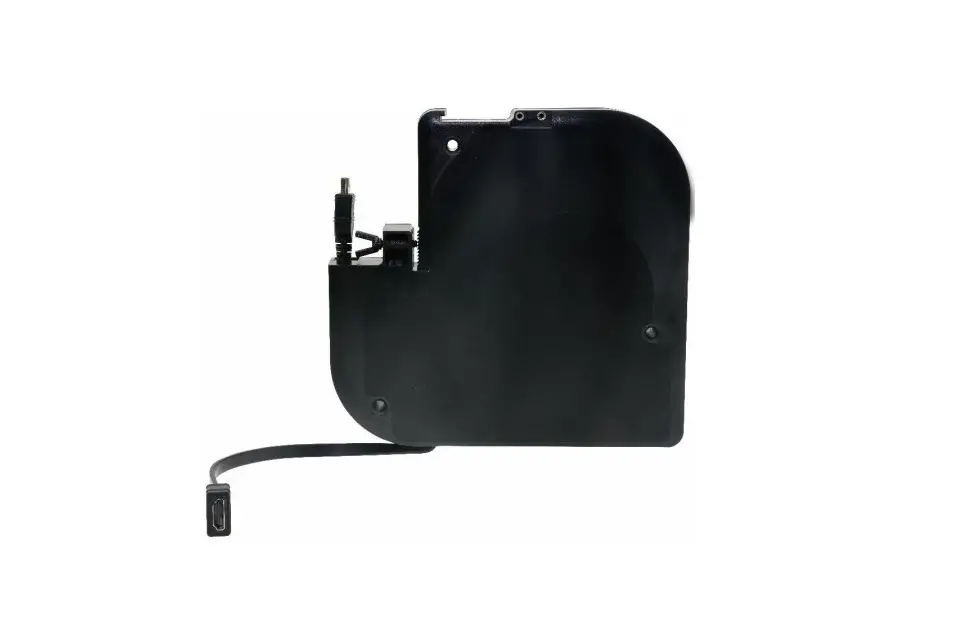
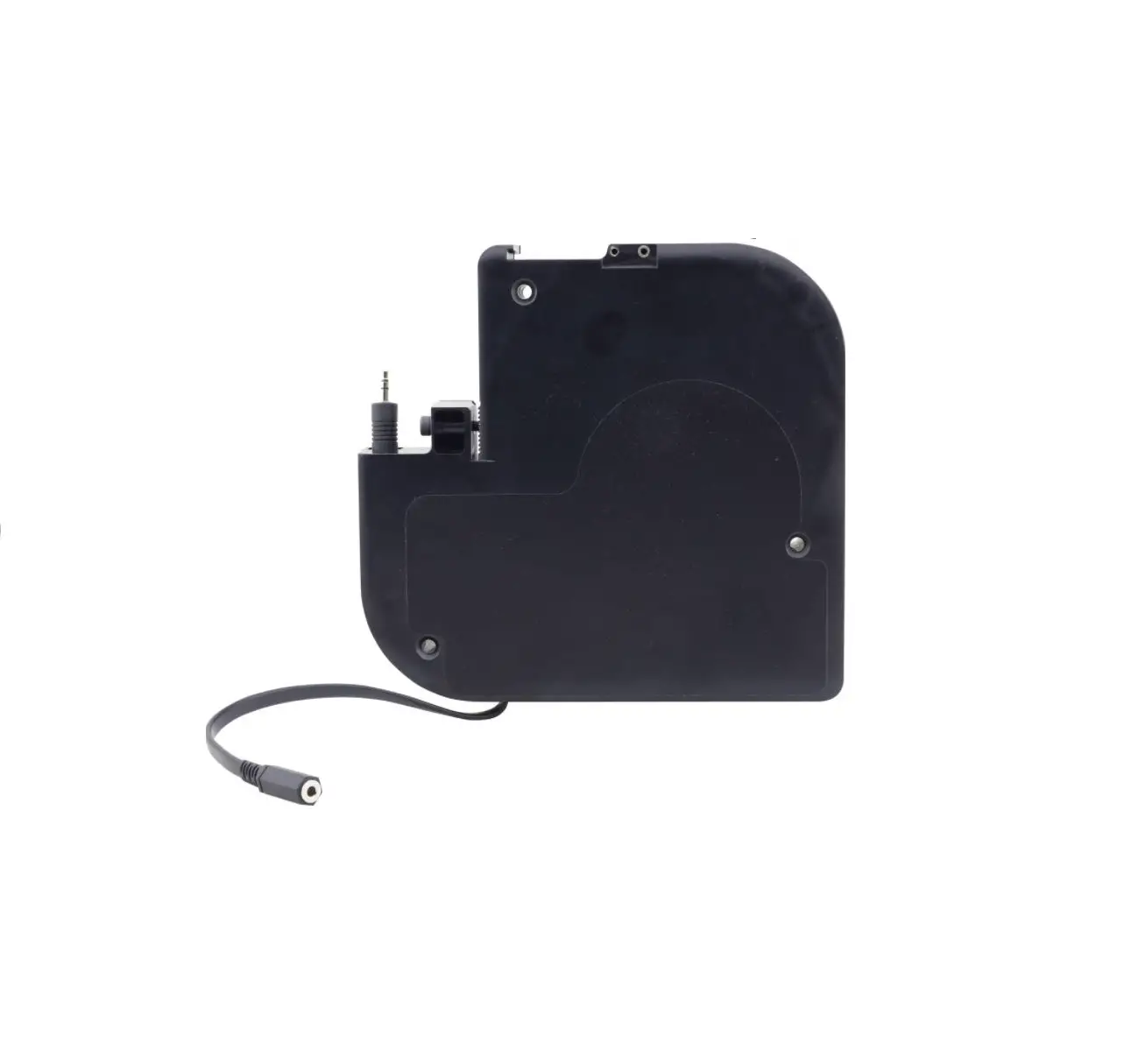
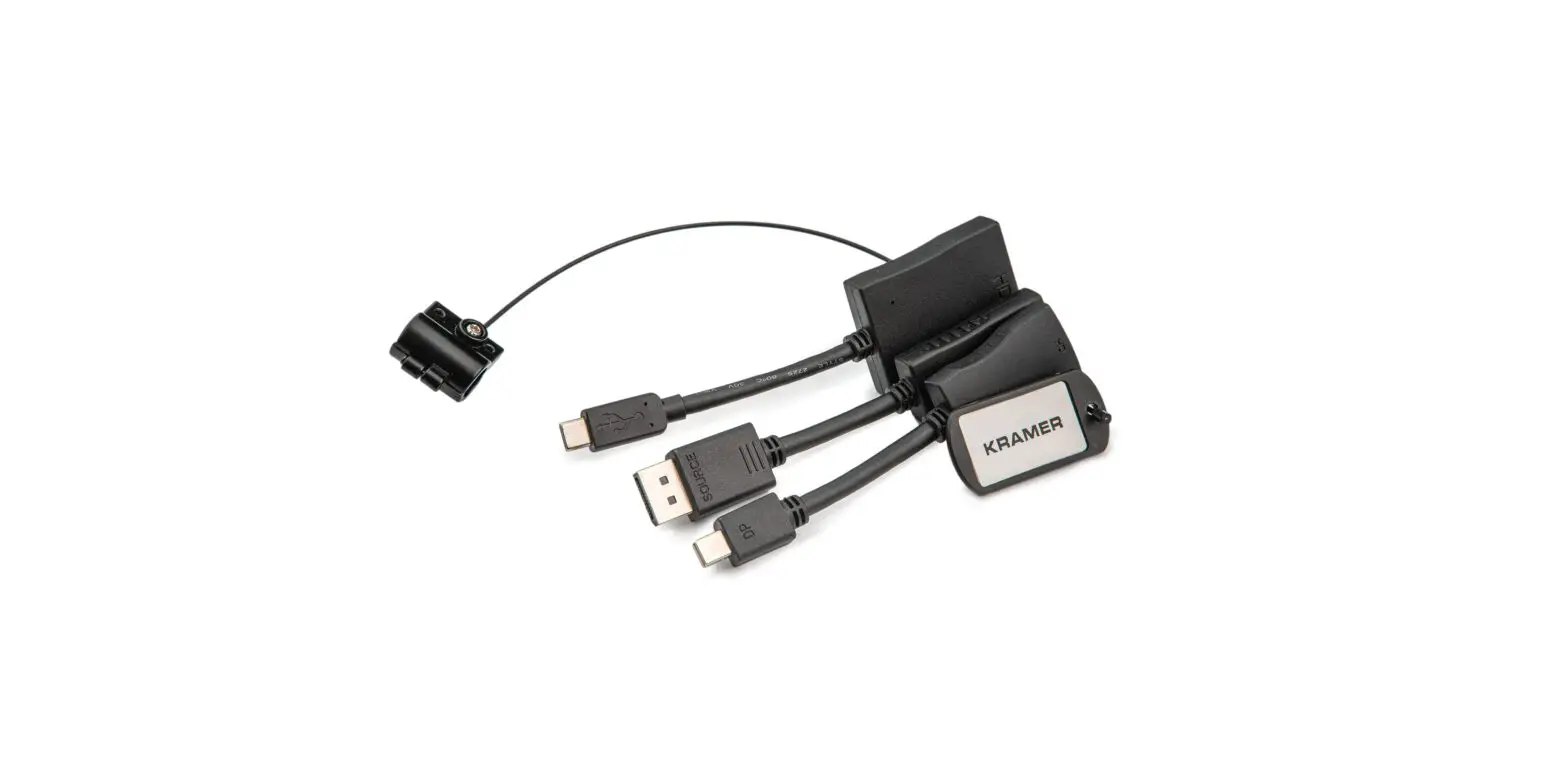
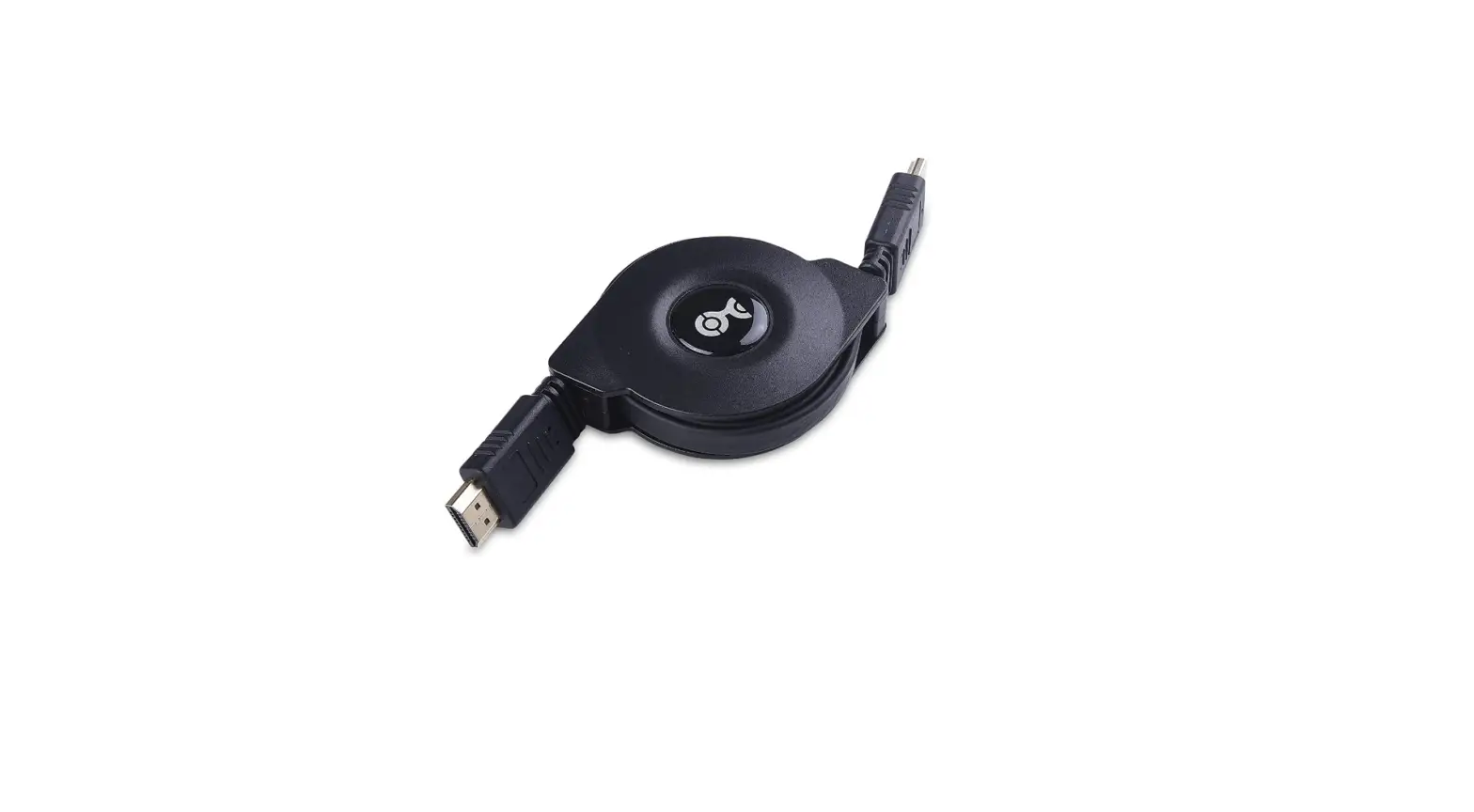
The KRT-4 is a Cable Retractor designed to assist in cable
management. It is compatible with various cables including HDMITM,
USB-C, VGA, audio (3.5mm), LAN, USB-3.0, MDP/H (up to 4K30Hz), 3H2
(HDMI extender), and DisplayPort. For the updated configuration
list, please refer to https://www.kramerav.com/product/KRT4.
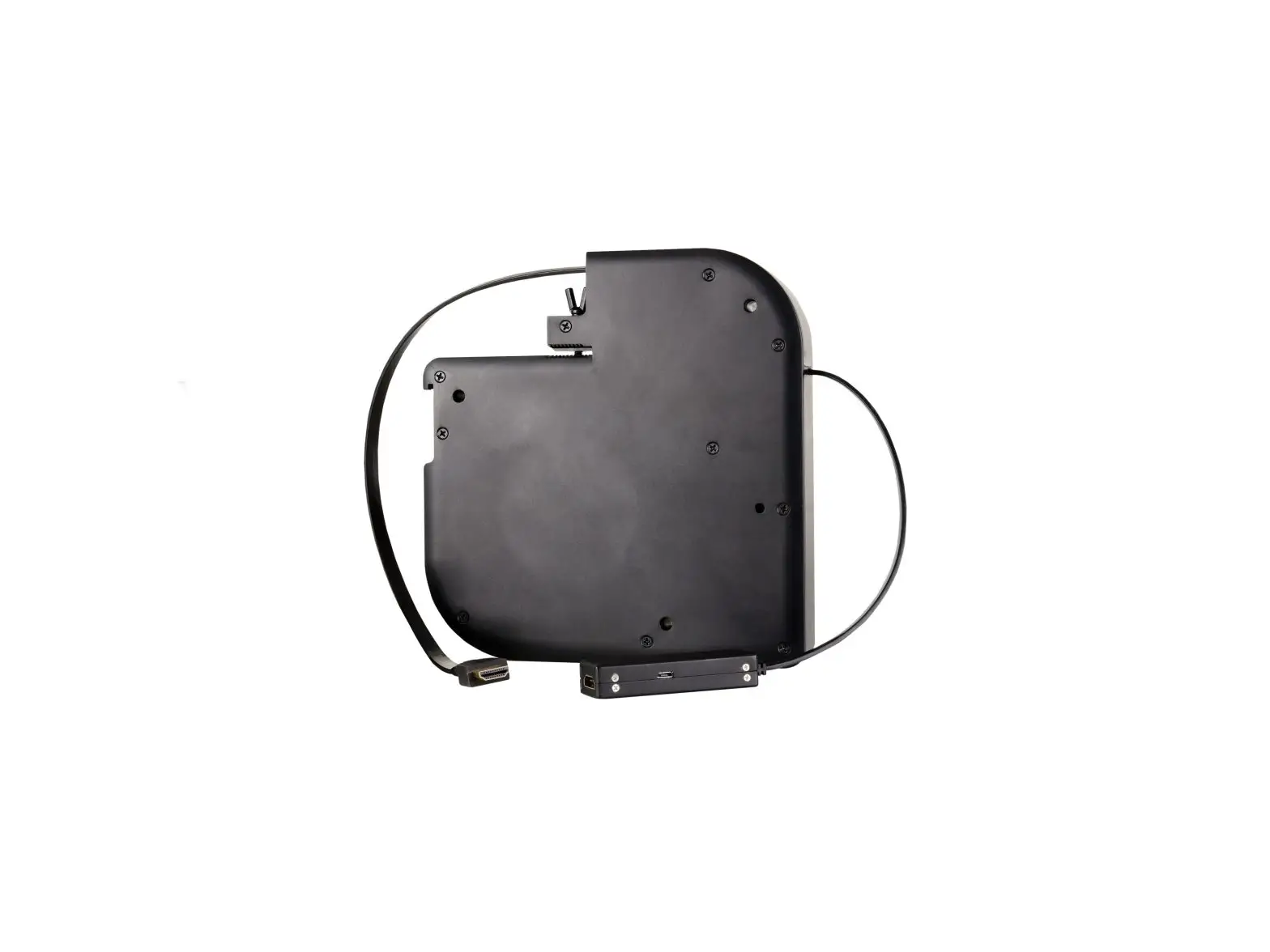
The KRT-4 features the following:
| Feature | Function |
|---|---|
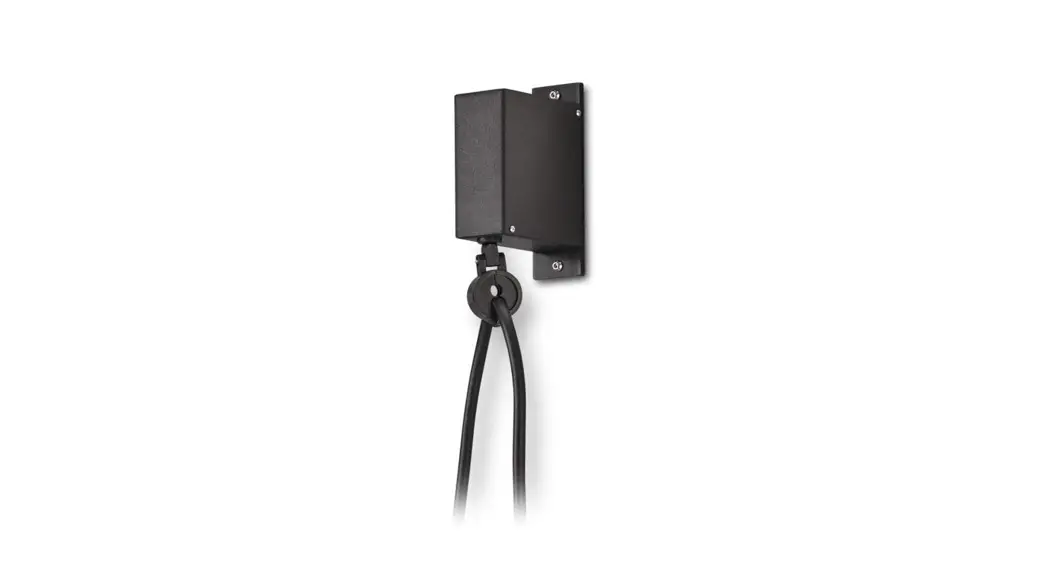
| Retractor Enclosure | Contains the retractable cable mechanism. |
| Fixed Cable Female Connector | Connects to a male connector under the table. |
| Fixed Cable End | Short connector cable. |
| Screw Openings for Mounting Under the Table (3) | Used to attach the KRT-4 directly under a table. |
| Wing-Head Thumb Screw | Used to turn and lock the KRT-4 to the TBUS enclosure. |
| TBUS Installation Slot | Inserts TBUS enclosure side into the slot to attach the KRT-4 to a TBUS. |
| Retracting Cable | Pulls to connect to a connector above the table. |
| Retracting Cable Male Connector | Connects to a female connector. |
KRT-4 Product Usage Instructions
Step 1: Check what’s in the box
- KRT-4 Cable Retractor
- 3 M4x50 screws
Step 2: Get to know your KRT-4
- WCP (KRT) insert kit
- 1 Quick start guide
Step 3: Mount KRT-4
Use this procedure to mount the KRT-4 onto the following Kramer
TBUS units: TBUS-1AXL, TBUS-3xl, TBUS-4xl, TBUS-5xl, TBUS-6xl,
TBUS-10XL, and so on.
Step 4: Attach KRT-4 to a TBUS
To attach the KRT-4 to a TBUS:
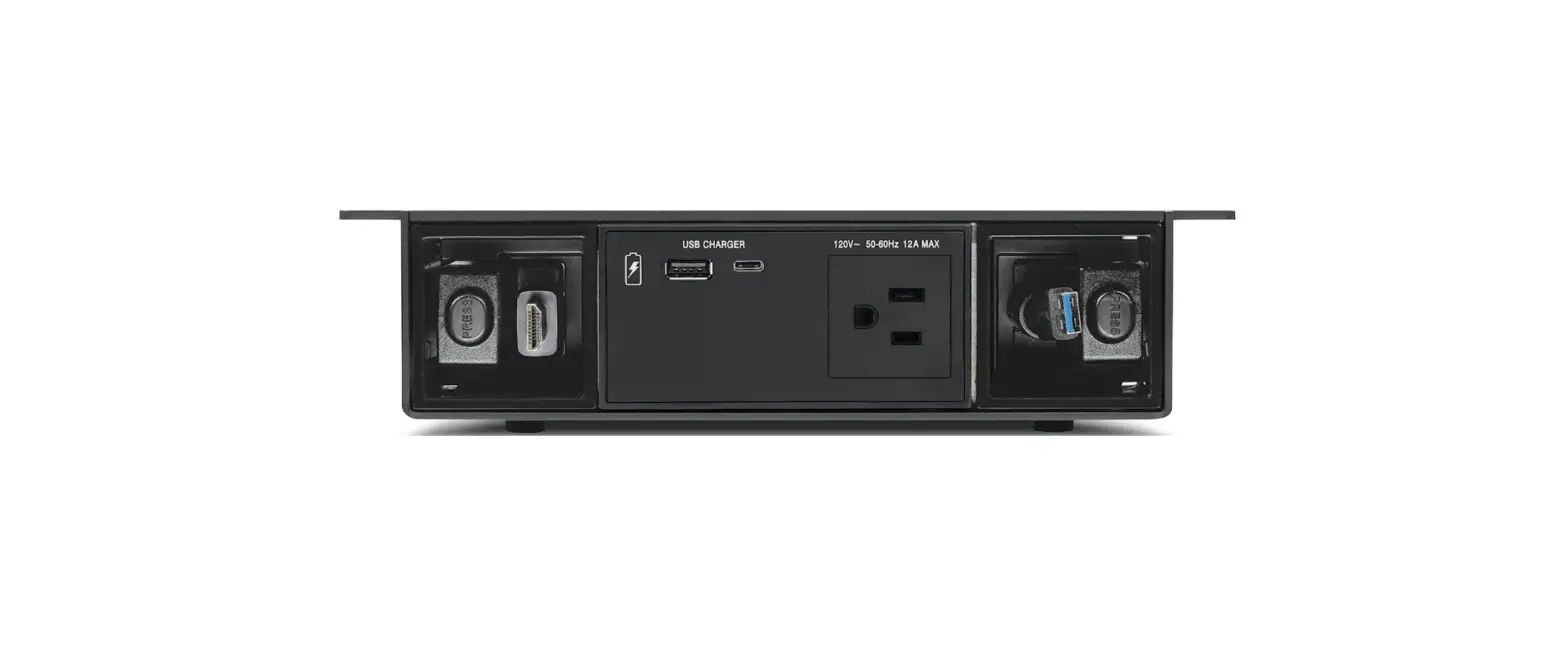
- From under the table, slide the KRT-4 onto one of the side
walls of the TBUS. Make sure that the fixed cable is directed
downwards and the retracting cable is directed upwards. - Use the wing-head thumb screw to fix the KRT-4 firmly in place
and pass the retracting cable end through the cable pass-through
bushing.
Note: The KRT-4 can also be attached as a standalone unit to
the underside of a table. The thickness of the table should be at
least 18mm to prevent damage to the table. Kramer Electronics is
not responsible for any damage caused to the table.
To attach the KRT-4 to the underside of a table:
- Place the KRT-4 under the table in the desired location. Make
sure that the retracting cable faces the edge of the table. - Pass the 3 M4x50 screws through the table screw openings and
tighten them to fix the retractor under the table.
For more detailed information and firmware upgrades, please
download the latest user manual from https://www.kramerav.com/downloads/KRT-4.
KRT-4 Quick Start Guide
Scan for full manual
This guide helps you install and use your KRT-4 for the first time.
Go to www.kramerav.com/downloads/KRT-4 to download the latest user manual and check if firmware upgrades are available.
Step 1: Check what’s in the box
KRT-4 Cable Retractor
3 M4x50 screws
Step 2: Get to know your KRT-4
WCP (KRT) insert kit
1 Quick start guide
KRT-4 is available for the following cables: HDMITM, USB-C, VGA, audio (3.5mm), LAN, USB-3.0, MDP/H (up to 4K30Hz), 3H2 (HDMI extender) and DisplayPort. Refer to www.kramerav.com/product/KRT4 for the updated configuration list.
# Feature
Function
1 Retractor Enclosure
Contains the retractable cable mechanism.
2 Fixed Cable Female Connector
Connect to a male connector under the table.
3 Fixed Cable End
Short connector cable.
4 Screw Openings for Mounting Under Use to attach the KRT-4 directly under a table. the Table (3)
5 Wing-Head Thumb Screw
Use to turn and lock KRT-4 to the TBUS enclosure.
6 TBUS Installation Slot
Insert TBUS enclosure side into the slot to attach KRT-4 to a TBUS.
7 Retracting Cable
Pull to connect to a connector above the table.
8 Retracting Cable Male Connector
Connect to a female connector.
The terms HDMI, HDMI High-Definition Multimedia Interface, and the HDMI Logo are trademarks or registered trademarks of HDMI Licensing Administrator, Inc.
Step 3: Mount KRT-4
Use this procedure to mount KRT-4 onto the following Kramer TBUS units: TBUS-1AXL, TBUS-3xl, TBUS-4xl, TBUS-5xl, TBUS-6xl and TBUS-10XL and so on.
· Before mounting the KRT-4 onto a TBUS, you need to configure and install the TBUS inner frame (including inserts and power sockets) and mount the TBUS onto a table.
· Remember to prepare an opening in the TBUS inner frame for the retracting cable connector (for example, use the Kramer WCP pass-through insert).
· Ensure that the environment (e.g., maximum ambient temperature & air flow) is compatible for the device.
· Avoid uneven mechanical loading. · Appropriate consideration of equipment nameplate ratings should
be used for avoiding overloading of the circuits. · Reliable earthing of rack-mounted equipment should be
maintained.
KRT-4 Quick Start
P/N: 2 9 0 0 – 3 0 1 4 7 0 QS
Rev: 4
Step 4: Attach KRT-4 to a TBUS
To attach KRT-4 to a TBUS: 1. From under the table, slide the KRT-4 onto one of the side walls of the TBUS. Make sure that the fixed cable is directed downwards and the retracting cable is directed upwards.
2. Use the wing-head thumb screw to fix the KRT-4 firmly in place and pass the retracting cable end through the cable pass-through bushing.
The KRT-4 is now firmly fixed in place.
Attaching KRT-4 (as a Standalone) to the Underside of a Table The thickness of the table should be at least 18mm so as not to damage the table. Kramer Electronics is not responsible for any damage caused to the table.
To attach KRT-4 to the underside of a table: 1. Place the KRT-4 under the table in the desired location. Make sure that the retracting cable faces the edge of the table. 2. Pass the 3 M4x50 screws through the table screw openings and tighten them to fix the retractor under the table.
 Application Diagrams - Kramer Electronics