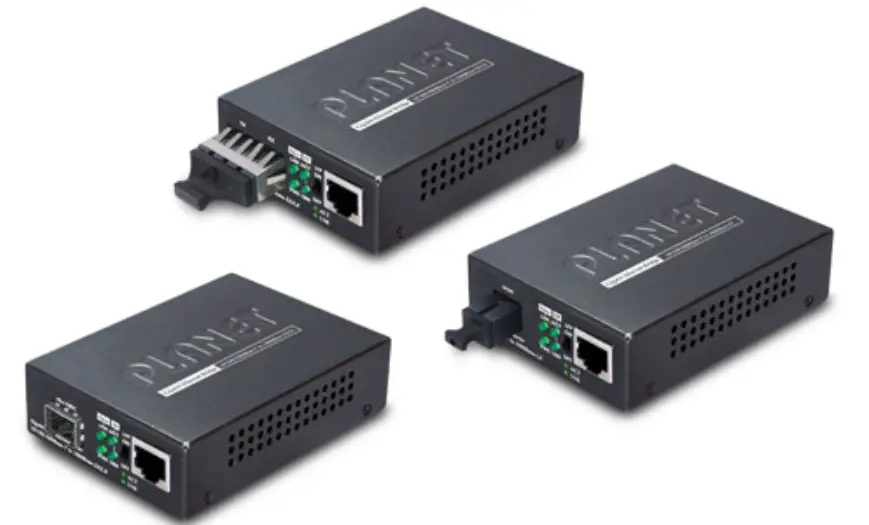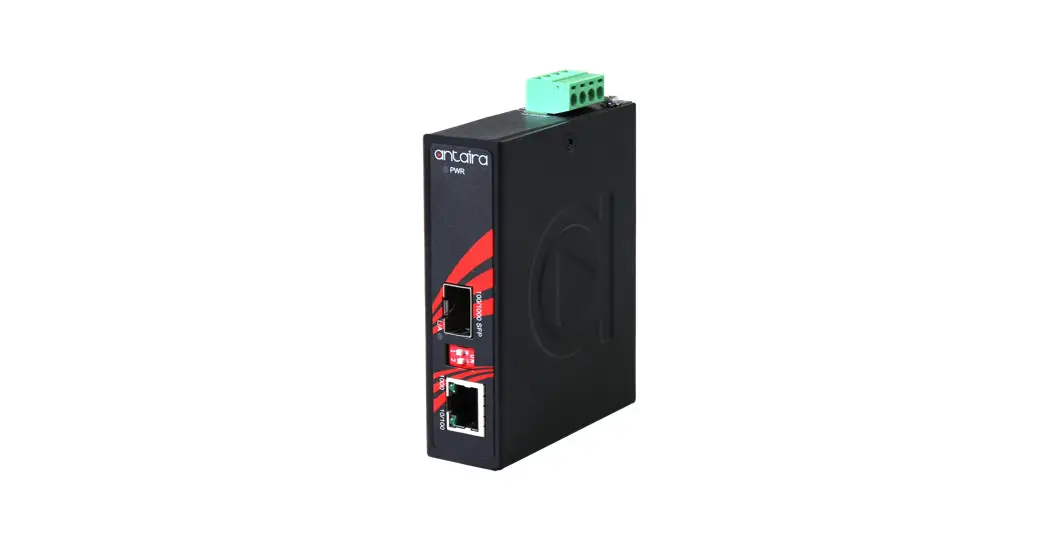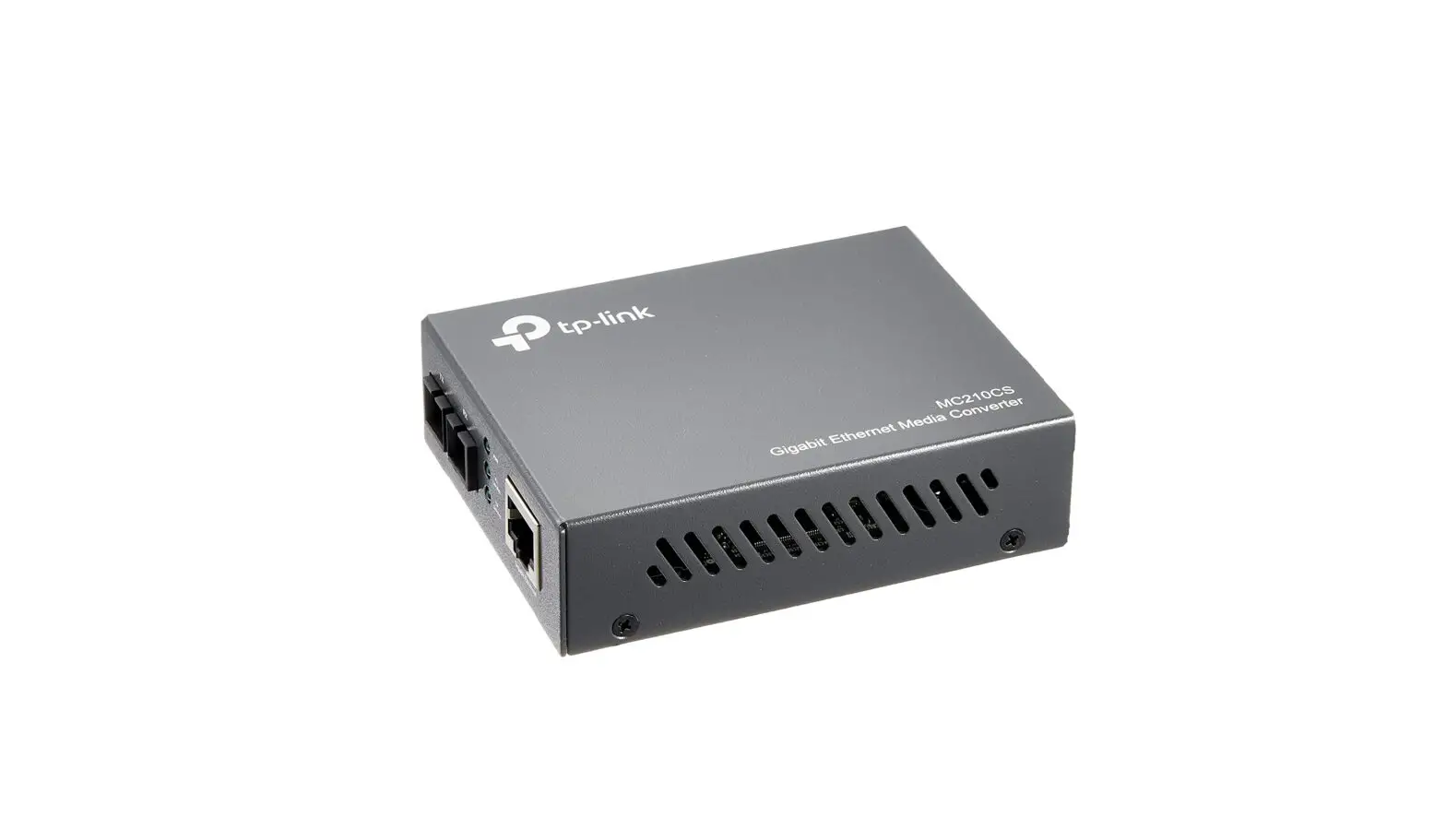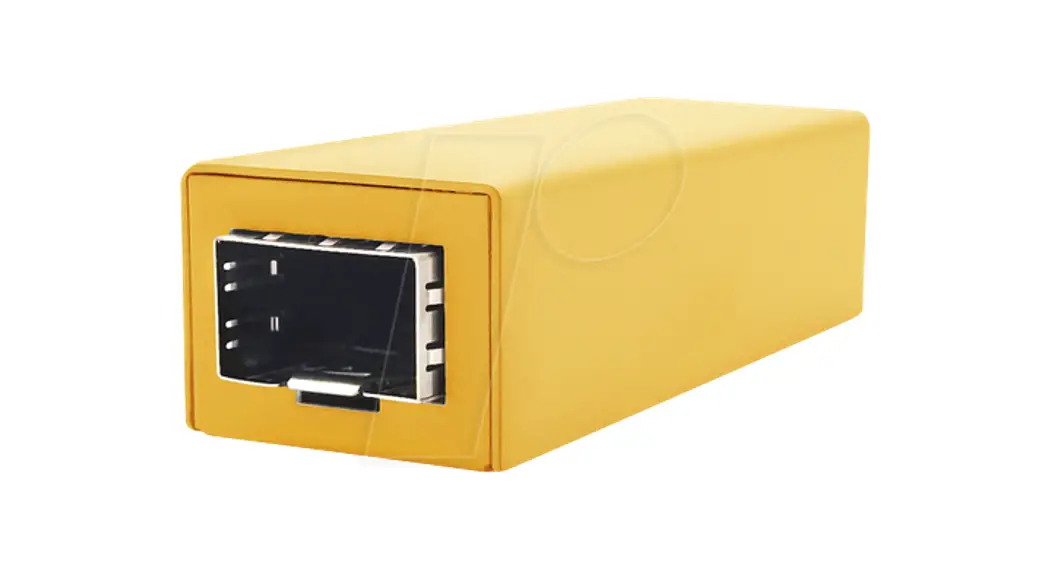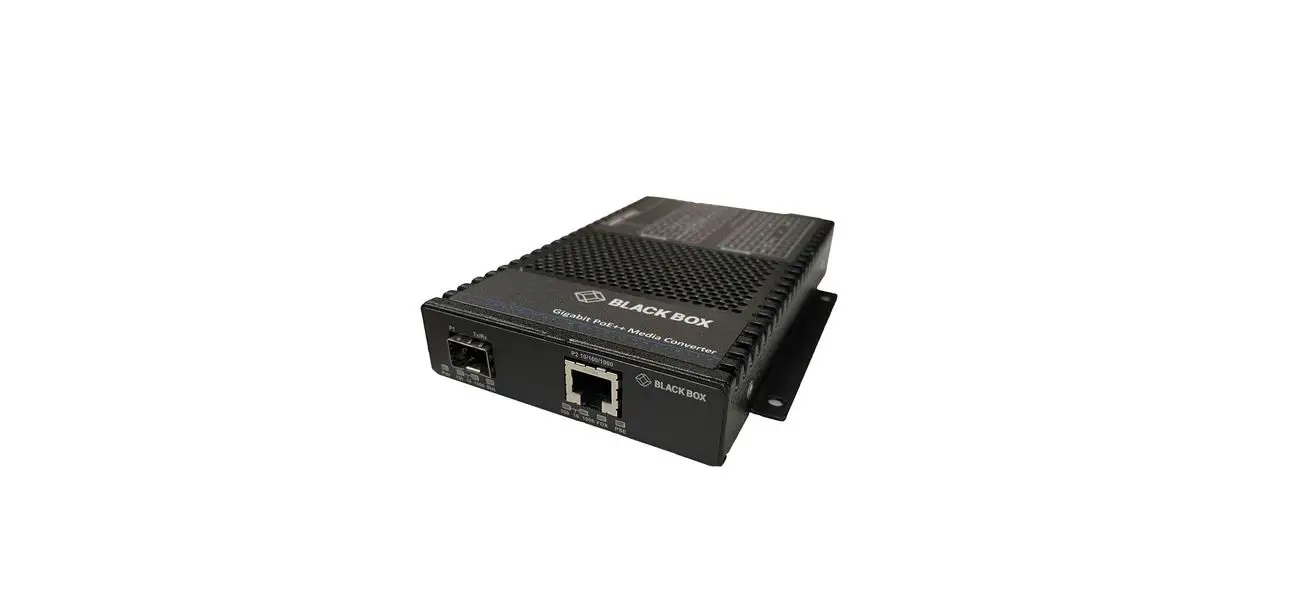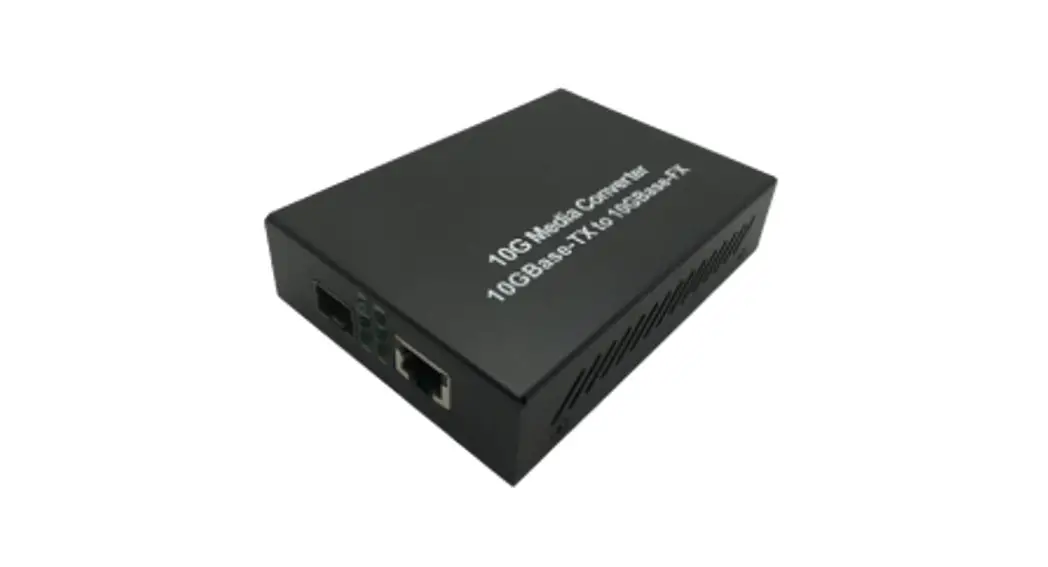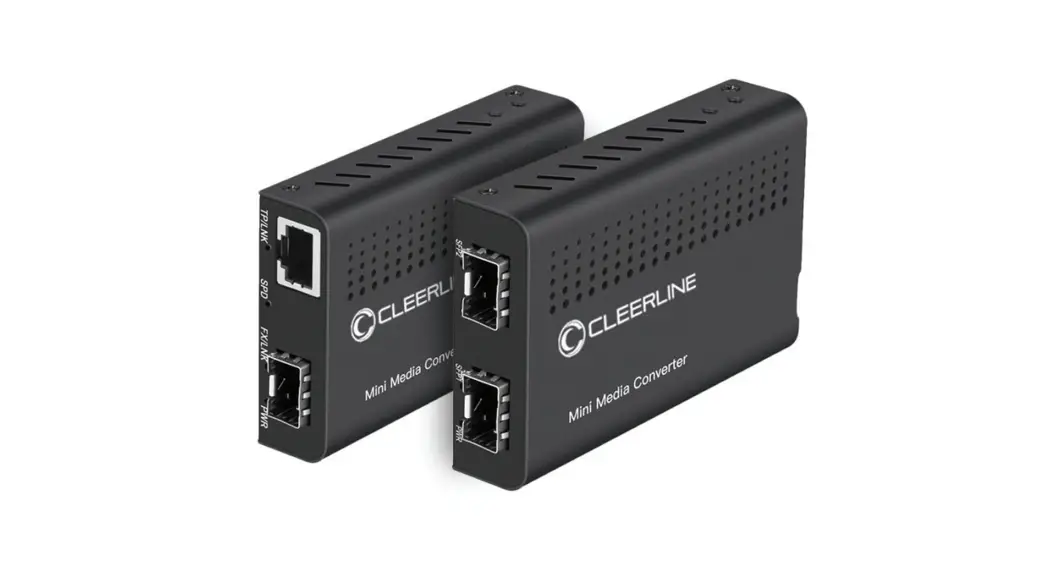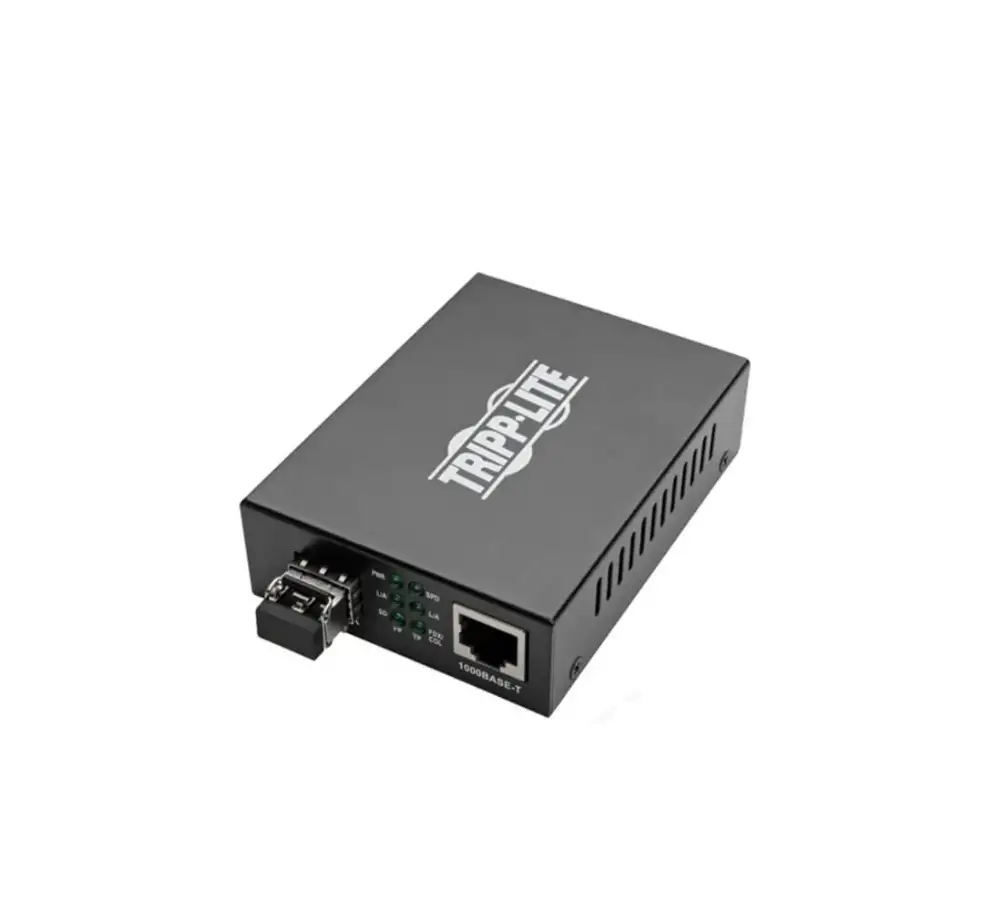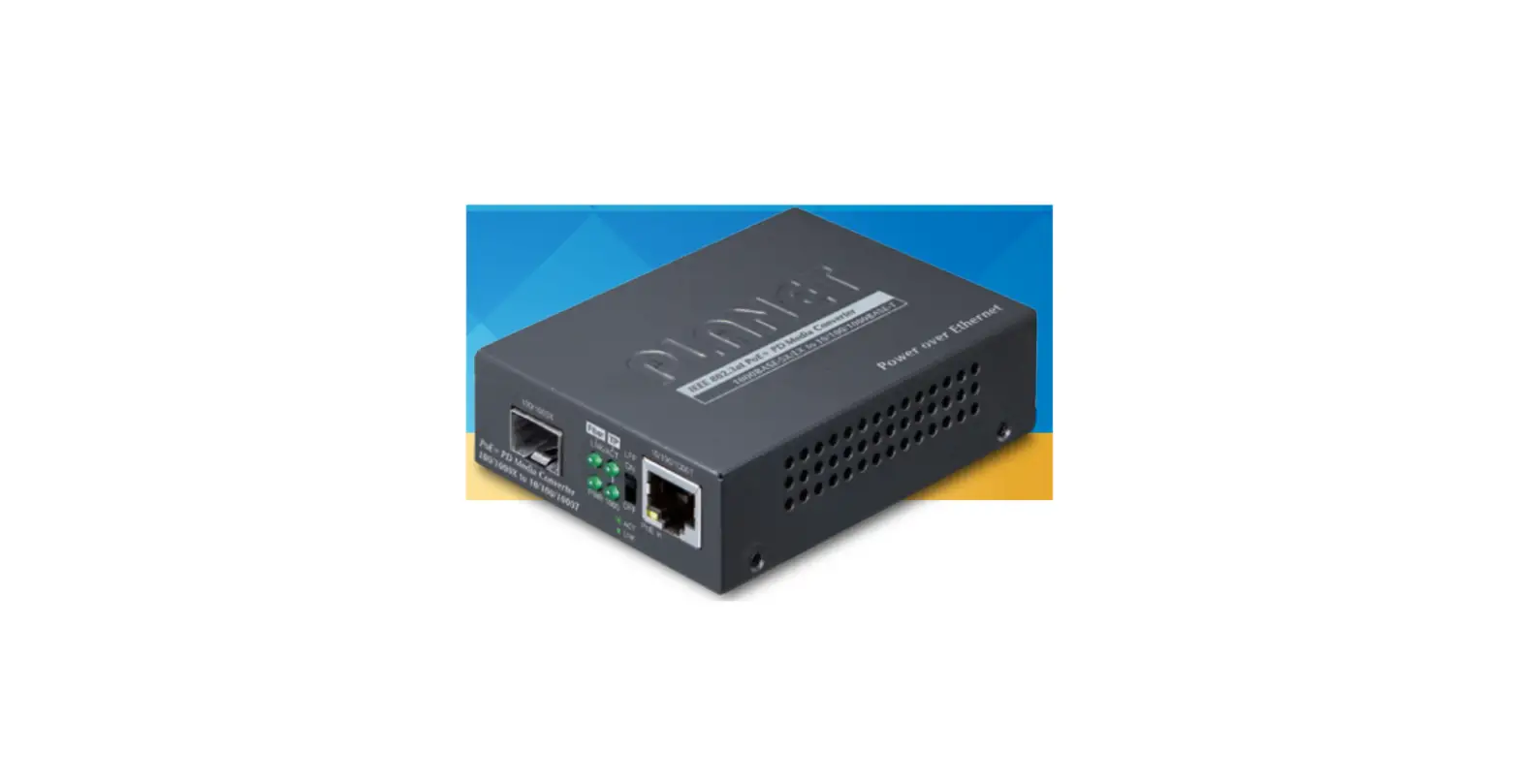

PLANET GT-805A-PD Standard Gigabit Media Converter
Package Contents
Your GT-805A-PD carton should contain the following items:
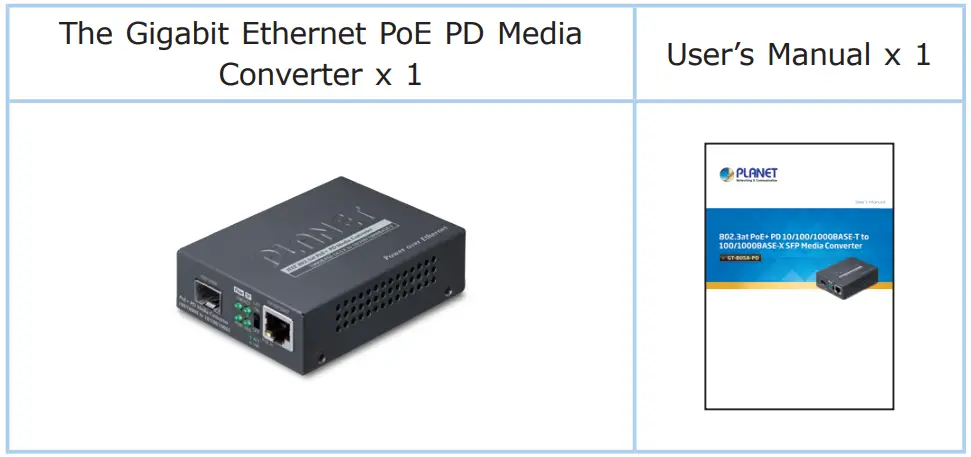
If any item is missing or damaged, please consult the dealer from whom you purchased your Gigabit Ethernet PoE PD Media converter.
Note: The GT-805A-PD comes with one vacant SFP module slot. The mini GBIC SFP module is not bundled in the package.
Product Features
Physical Port
- „ Media conversion between 10/100/1000BASE-T and 100BASE-FX/1000BASE-SX/LX
- „ TP Port supports 802.3af/at/bt PoE 48V-54V DC in-line-power
- TP port supports 10/100/1000BASE-T auto-negotiation and auto-MDI/MDI-X.
- Fiber media allows
- Multi-mode fiber using LC connector
- Single-mode fiber using LC connector
Power over Ethernet
- „ Compatible with IEEE 802.3bt Power over Ethernet plus plus end-span + mid-span PSE
- „ Compatible with IEEE 802.3at Power over Ethernet plus end-span/mid-span PSE
- „ Backward compatible with IEEE 802.3af Power over Ethernet
Layer 2 Features
- „ Store-and-Forward mechanism
- „ Non-blocking full wire-speed forwarding rate
- IEEE 802.1Q Tag VLAN transparent, multicast pass through „ 9K jumbo frame
- IEEE 802.3x full-duplex and half-duplex back-pressure flow control to eliminate the loss of packets
Mechanical
- „ DIP switch for LFP function (Disable/Enable) setting
- „ LED indicators for easy network diagnostics
- Wall mounting or DIN-rail installation
- Compact in size, easy installation
- Two power input designs (IEEE 802.3af/at/bt 48V~54V DC in-line power or optional 5V DC input)
- Compact size for working with PLANET MC family media chassis (MC-700/MC-1500/MC-1500R/MC-1500R48)
Hardware Description
Front View
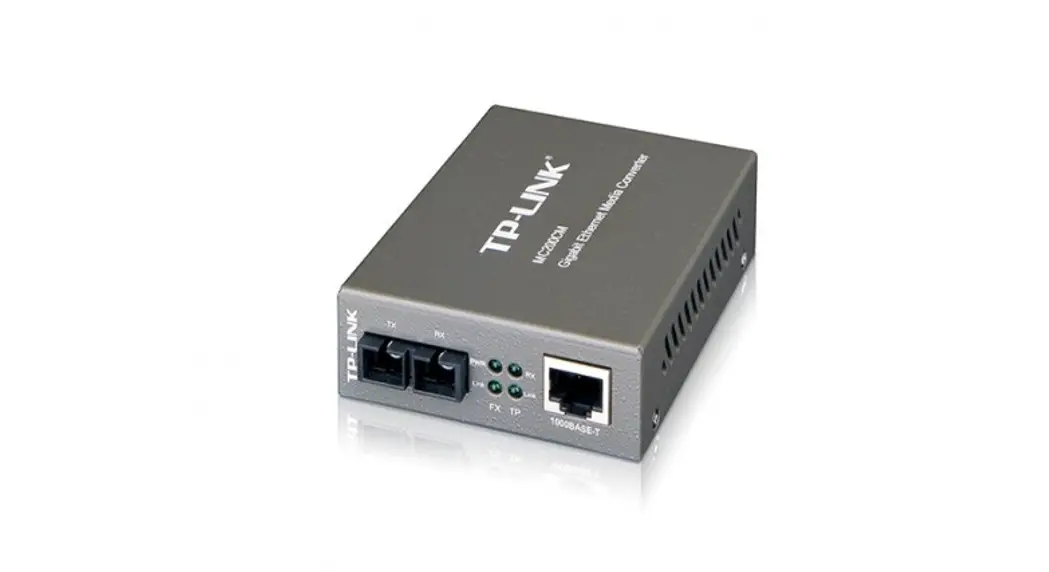
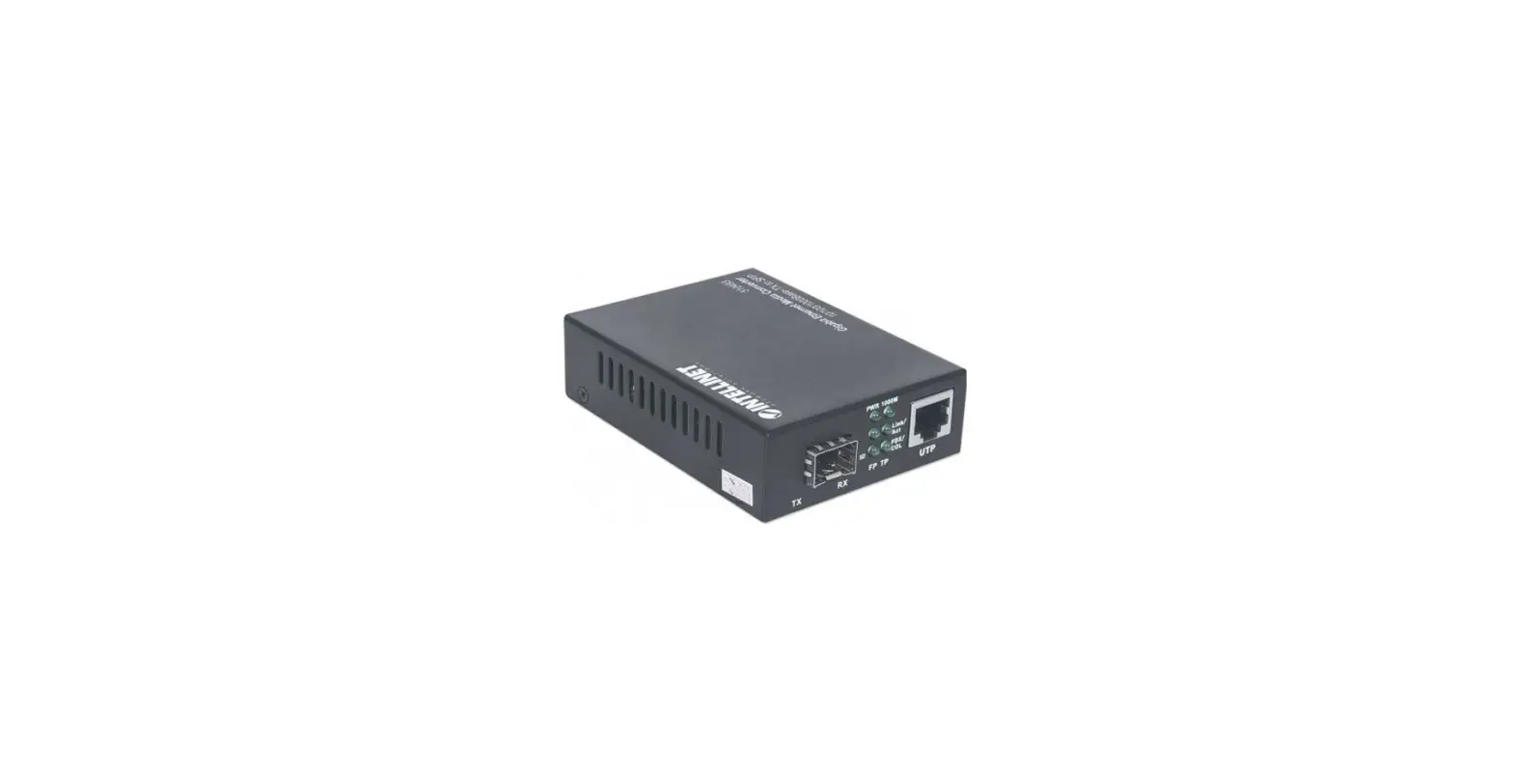
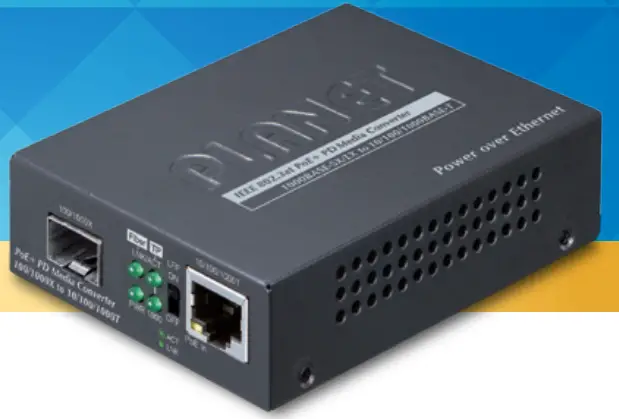
- There are one RJ45 twisted-pair jack (auto-MDI/MDI-X) with one “PoE In” LED indicator, one 100/1000X SFP fiber-optic slot, four LED indicators and one DIP switch for Link-Fault Passthrough (LFP) feature.
- When the DIP switch is turned on, the LLCF and LLR are activated.

The Gigabit Ethernet PoE PD media converter provides two power input systems, IEEE 802.3af/at/bt 48V~54V DC in-line power via 10/100/1000T RJ45 port or optional 5V DC input via DC jack on the rear panel.
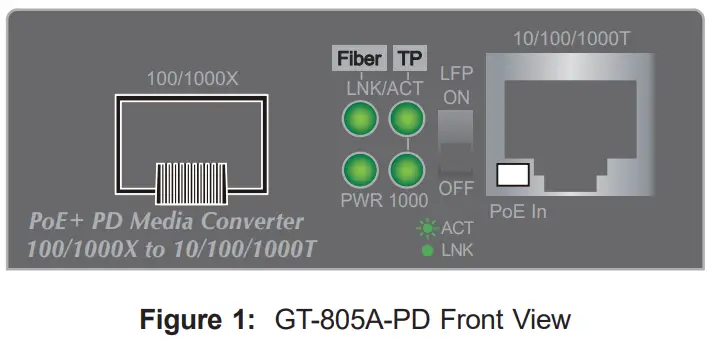
LED Indication
System
| LED | Color | Function | |
|
PWR |
Green | Lit | To indicate that the Gigabit Ethernet PoE PD media converter has power. |
| Off | To indicate that the power is not detected. | ||
100/1000BASE-X SFP Slot
| LED | Color | Function | |
|
Fiber LNK/ ACT |
Green | Lit | To indicate the link through fiber port is successfully established. |
| Blink | To indicate the fiber port is actively sending or receiving data. | ||
| Off | To indicate that the fiber optic port is linked down. | ||
10/100/1000BASE-T Port
| LED | Color | Function | |
|
LNK/ ACT |
Green | Lit | To indicate the link through TP port is successfully established. |
| Blink | To indicate the port is actively sending or receiving data. | ||
| Off | To indicate that the copper port is linked down. | ||
|
1000 LNK/ ACT |
Green | Lit | To indicate that the copper port is operating at 1000Mbps. |
| Blink | To indicate the port is actively sending or receiving data at 1000Mbps. | ||
| Off | To indicate that the copper port is linked down or operating at 10/100Mbps. | ||
|
PoE In |
Amber | Lit | To indicate the RJ45 port is receiving the PoE power. |
| Off | To indicate the connected device is not a PoE power sourcing equipment (PSE). | ||
Rear View
The rear panel of the Gigabit Ethernet PoE PD media converter comes with one DC jack, which accepts input power of 5V DC 2A.
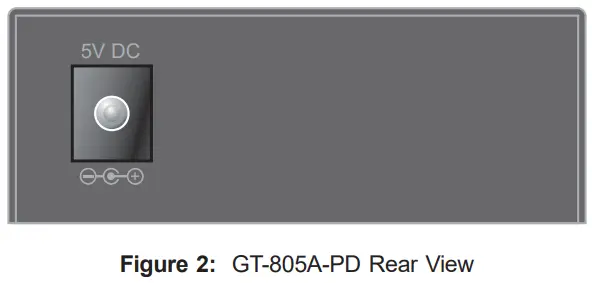
Power Notice
The default package of Gigabit Ethernet PoE PD media converter does not include DC 5V power adapter. If you need this DC 5V power adapter, please contact your local dealer or distributor for more assistance.
Power Information
The power jack of Gigabit Ethernet PoE PD media converter measures 2.5mm in the central post and requires +5VDC power input. It conforms to the bundled AC-DC adapter and PLANET’s media chassis. Should you have the issue of power connection, please contact your local sales representative.
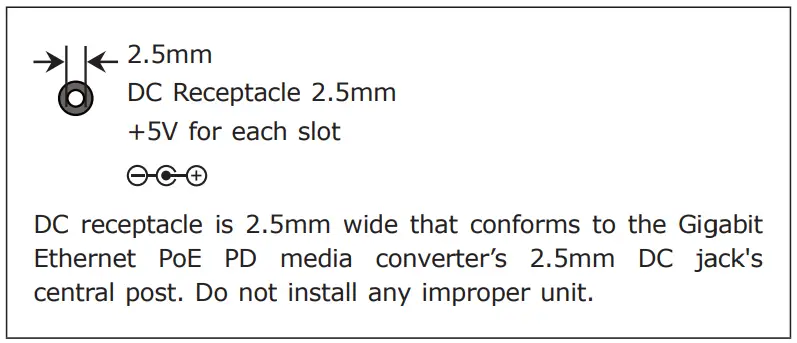
Link Fault Pass-through (LFP)
- It includes the Link Fault Passthrough (LFP) function and the DIP switch. The LFP function includes the Link Loss Carry Forward (LLCF) and Link Loss Return (LLR). LLCF and LLR can immediately alert administrators the issue of the link media and provide efficient solution to monitor the network. The DIP Switch will disable or enable the LFP function.
- LLCF means when a device is connected to the converter and the TP line loses the link, the converter’s fiber will disconnect transmission link. LLR (Link Loss Return) means when a device is connected to the converter and the fiber line loses the link, the converter’s fiber will disconnect transmission link.
Note: LFP function is ON by default setting. If you are familiar with the network installation and for diagnostic purpose (i.e. check which end is broken), you can turn it off and reset the converter to make it take effect. Otherwise, please keep it in the default position.
Installation
Before Installation
The GT-805A-PD is installed with the PSE (power source equipment); it is powered by PSE and forwards the Ethernet data to the remote media converter. The GT-805A-PD doesn’t require an external power supply and it can be installed easily by just plug and play without affecting the data transmission performance.
Note
- To provide you with better PoE power and data extension quality, we strongly recommend that you use “Solid UTP Cable” when installing the GT-805A-PD.
- The GT-805A-PD can be installed with a third-party device if the device complies with IEEE 802.3af/at/bt standard.
Connecting GT-805A-PD to Power Source Equipment (PSE)
- This section describes how to install GT-805A-PD and make connection to it. Please read the following topics and perform the procedures in the order being presented.
- The “RJ45 PoE IN” port functions as “PoE (Data and Power) input”.
- Step 1: Slide in the SFP transceiver module and connect fiber cable from the GT-805A-PD to the fiber network.
- Step 2: Connect a standard Cat5e/6 UTP cable from power source equipment (PSE), such as PoE switch, PoE injector hub and single port PoE injector, to the “PoE IN” port of the GT-805A-PD.

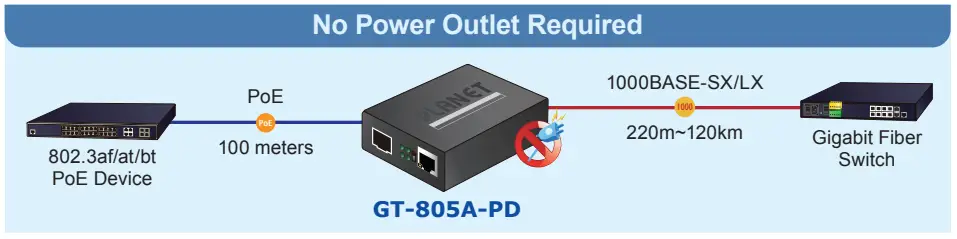
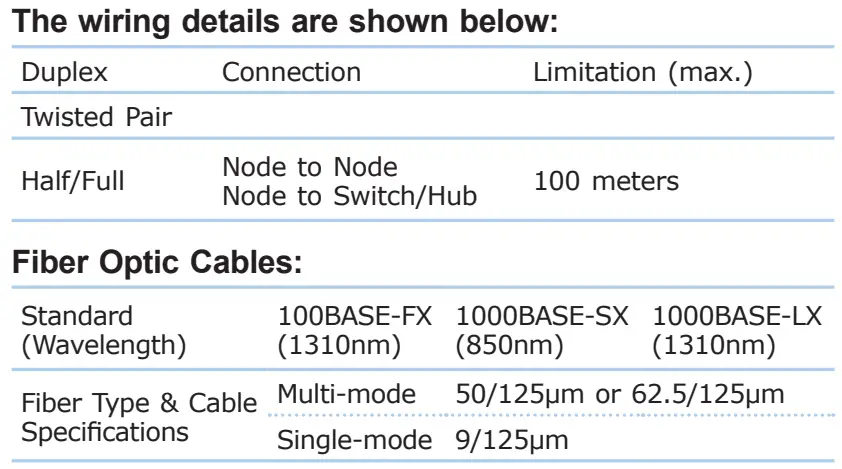
Cable Connection Parameter
Product Specifications
| Model | GT-805A-PD |
| Hardware Specifications | |
| Copper Port | 10/100/1000BASE-T Ethernet TP RJ45 port (auto-MDI/MDI-X) twisted pair |
| Fiber Port | 100/1000BASE-X |
| Fiber Port Type (connector) | SFP (LC) |
| Copper Maximum Distance | 100m |
| Fiber Maximum Distance | Vary by SFP Transceiver |
|
LED Indicator | System: Power x 1 (Green) TP LINK/ACT, 1000 LINK/ACT (Green). PoE In (Amber) Fiber LINK/ACT (Green) |
| DIP Switch | LFP function (Disable/Enable) setting |
| Power Consumption | 2 watts/6.8 BTU (maximum) |
| Power Requirements | IEEE 802.3af/at/bt PoE 48V-54V DC in-line-power or optional DC 5V/2A external power adapter (Not included in standard package) |
| Dimensions (W x D x H) | 70 x 94 x 26 mm |
| Weight | 186g |
| Converter Specifications | |
|
Speed | Twisted-pair: 10/20Mbps for half/full duplex 100/200Mbps for half/full duplex 2000Mbps for full duplex Fiber-optic: 200Mbps for full duplex 2000Mbps for full duplex |
|
Network Cables | Twisted-pair: 10BASE-T: 2-pair UTP Cat. 3, 4, 5, up to 100m 100BASE-TX: 2-pair UTP Cat. 5, up to 100m 1000BASE-T: 4-pair STP Cat. 5, up to 100m Fiber-optic Cable 1000BASE-SX: 50/125μm or 62.5/125μm multi-mode fiber cable, up to 220/550m/2km. 1000BASE-LX: 9/125μm single-mode cable, providing long distance for 2/10/20/40/80/120km (vary on SFP module) 100BASE-FX: 50/125μm or 62.5/125μm multi-mode fiber cable for up to 2km (vary on SFP module) 9/125μm single-mode cable for 20/40/60/120km (vary on SFP module) |
| Jumbo Packet Size | 9K |
| Standard Conformance | |
|
Standards Compliance | IEEE 802.3 10BASE-T IEEE 802.3u 100BASE-TX/100BASE-FX IEEE 802.3ab 1000BASE-T IEEE 802.3z 1000BASE-SX/LX IEEE 802.3x full-duplex and half-duplex back-pressure flow control to eliminate packet loss IEEE 802.3af Power over Ethernet IEEE 802.3at Power over Ethernet Plus IEEE 802.3bt 4-pair Power over Ethernet Plus Plus (Type 3) IEEE 802.3bt 4-pair Power over Ethernet Plus Plus (Type 4) |
| Regulatory Compliance | FCC Part 15 Class A, CE |
| Environment | |
| Operating Temperature | 0 ~ 50 degrees C |
| Storage Temperature | -10 ~ 70 degrees C |
| Operating Humidity | 5 ~ 95%, relative humidity, non-condensing |
| Storage Humidity | 5 ~ 95%, relative humidity, non-condensing |
Warning
- This equipment is compliant with Class A of CISPR 32.
- In a residential environment this equipment may cause radio interference.
Energy Saving Note of the Device
This power required device does not support Standby mode operation. For energy savings, please remove the DC plug or slide the hardware-based Power Switch to the OFF position to disconnect the device from the power circuit. Without removing the DC plug from or switching off the device, the device will still consume power from the power source. In view of Saving the Energy and reducing the unnecessary power consumption, it is strongly suggested to power off or to remove the DC plug from the device if this device is not intended to be active.