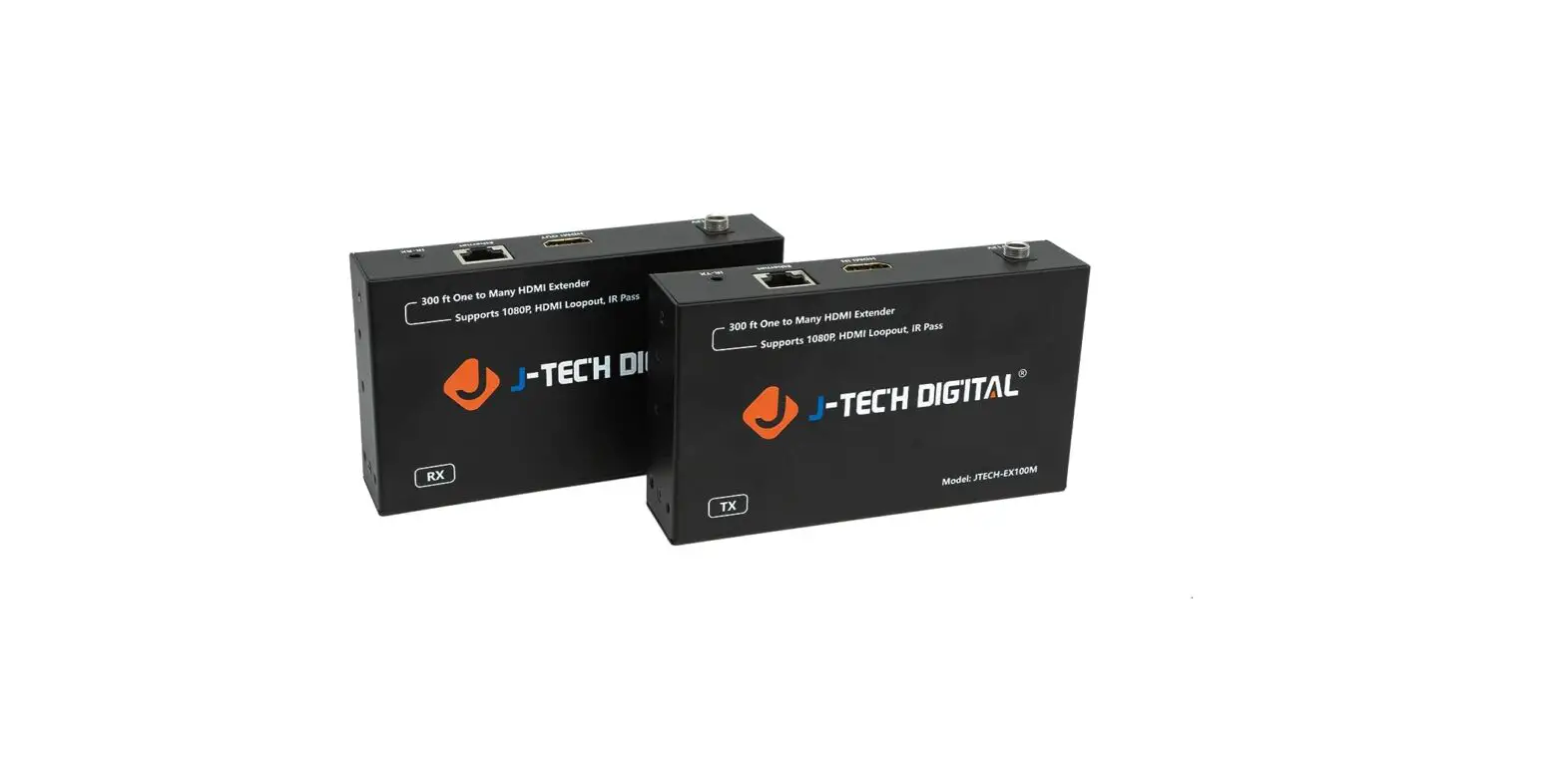
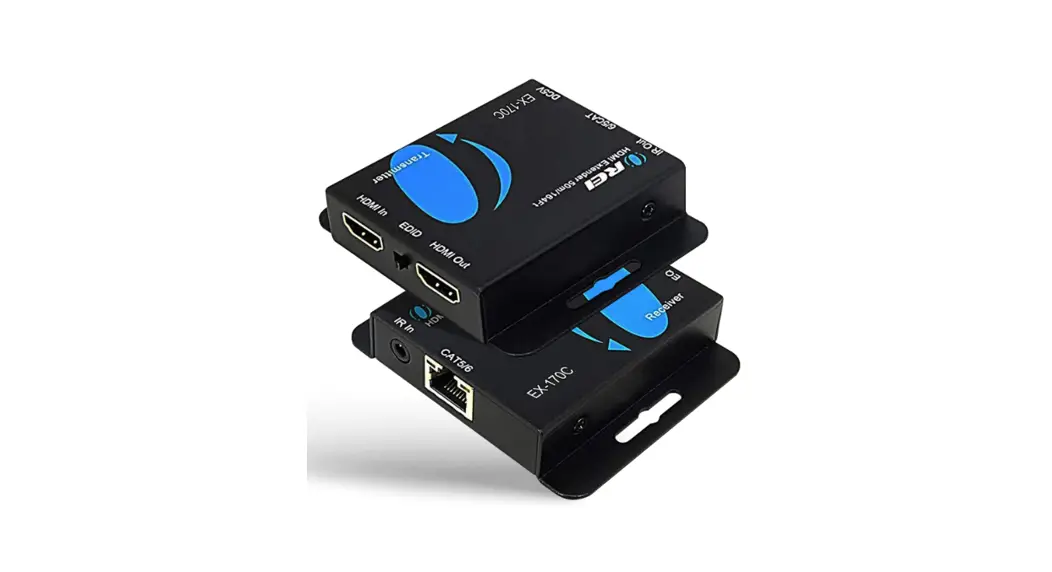
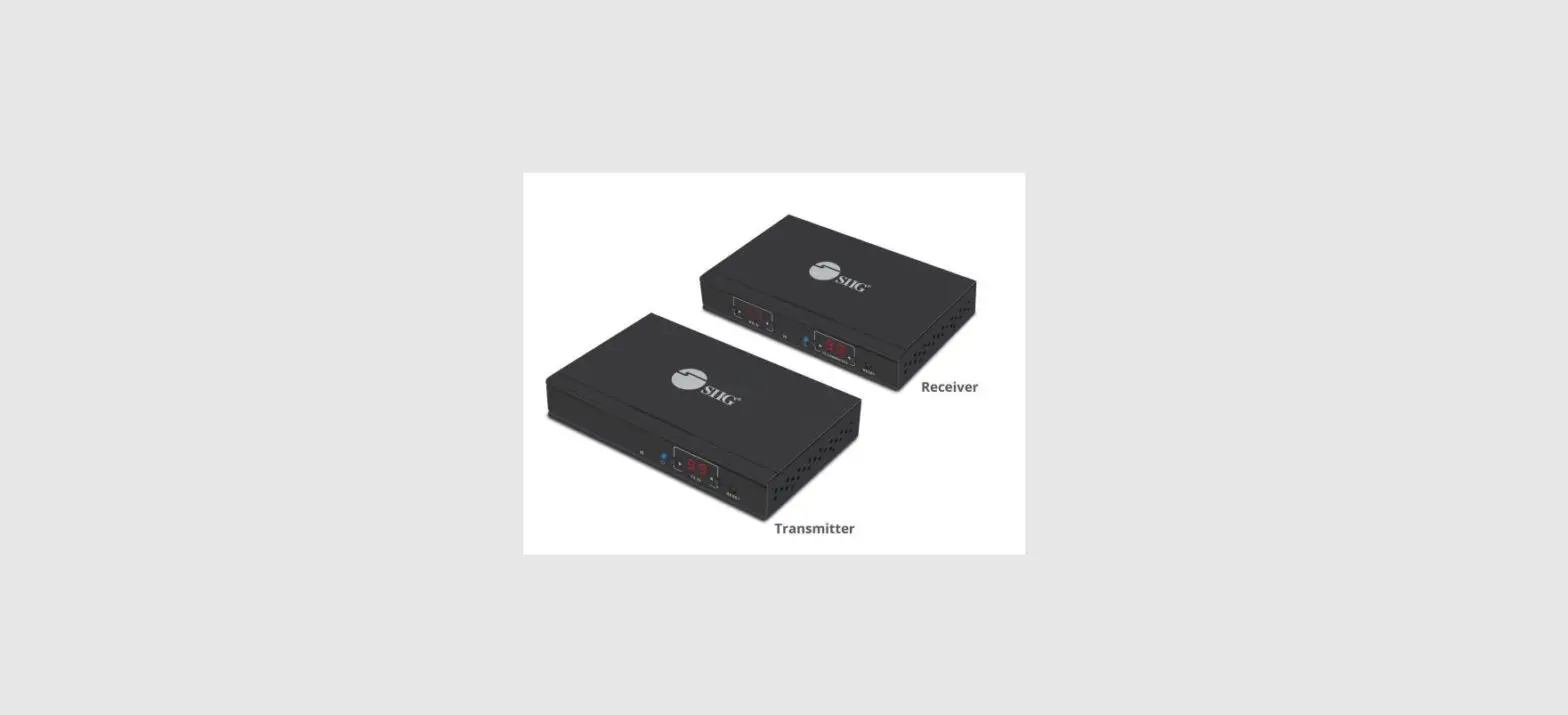
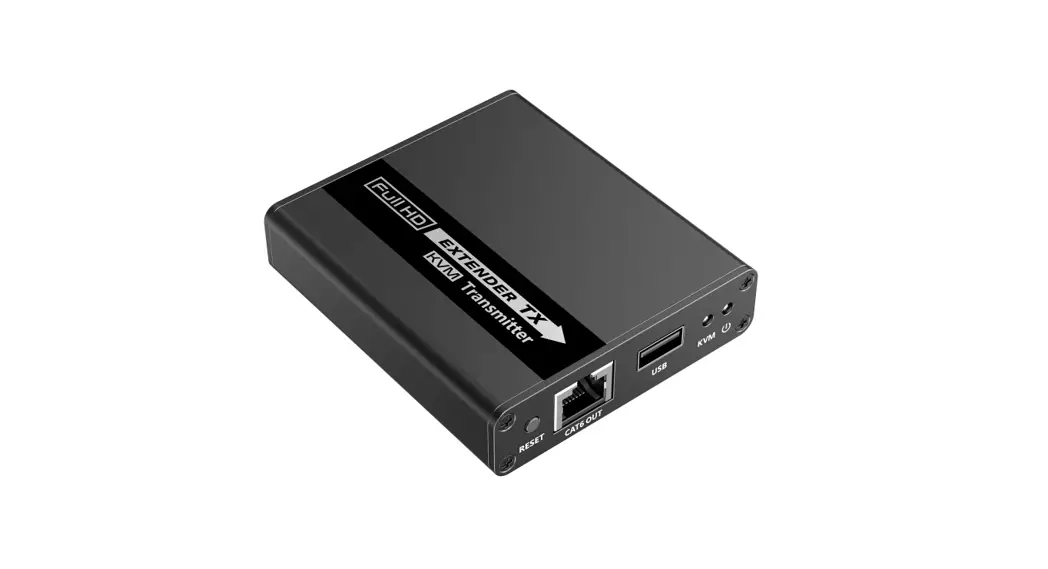
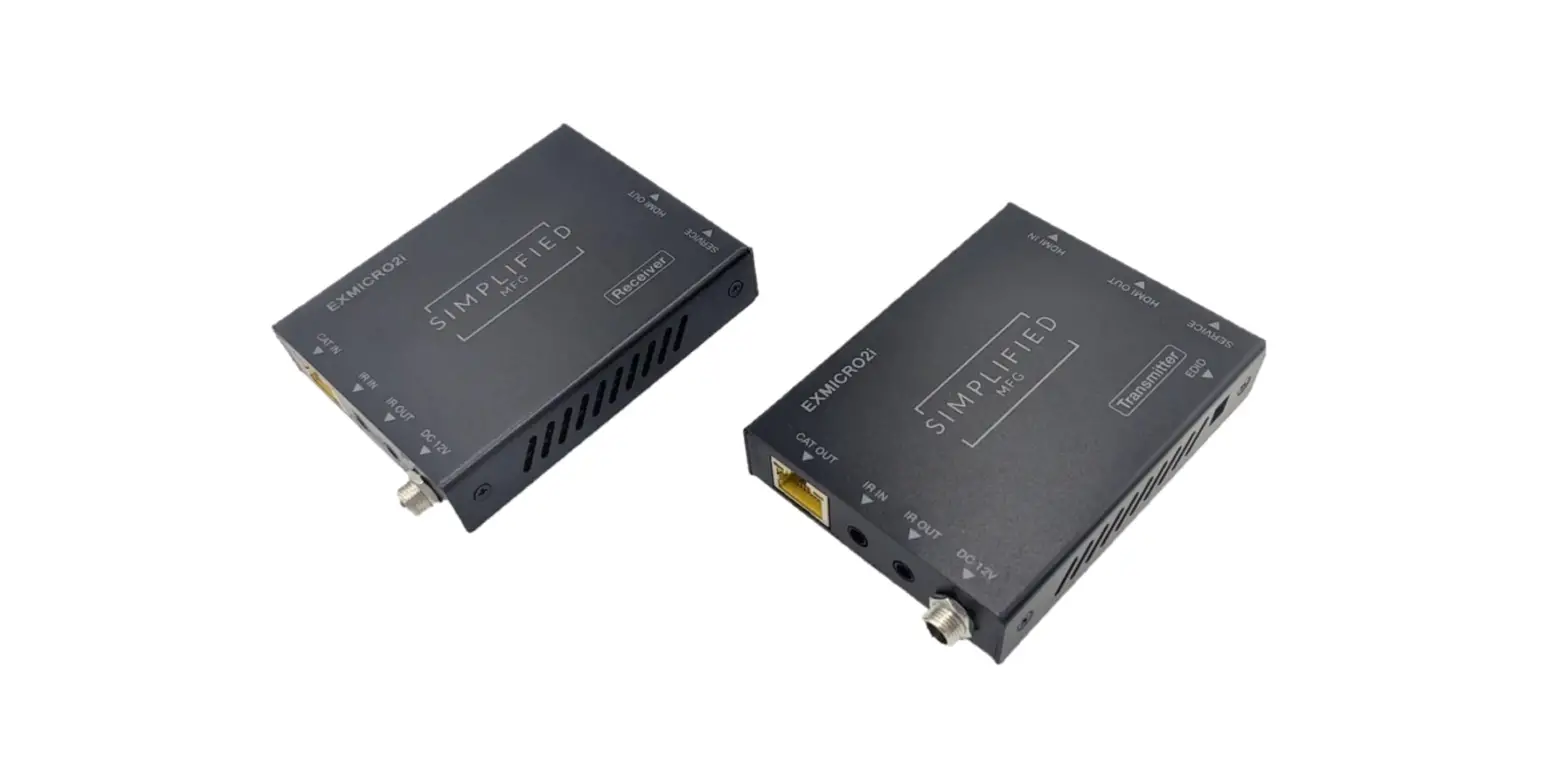
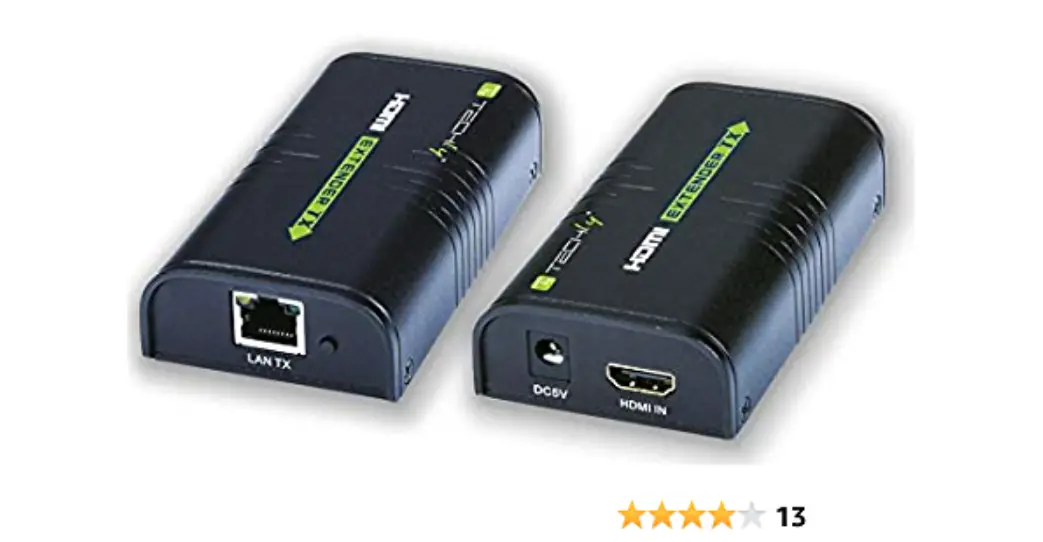
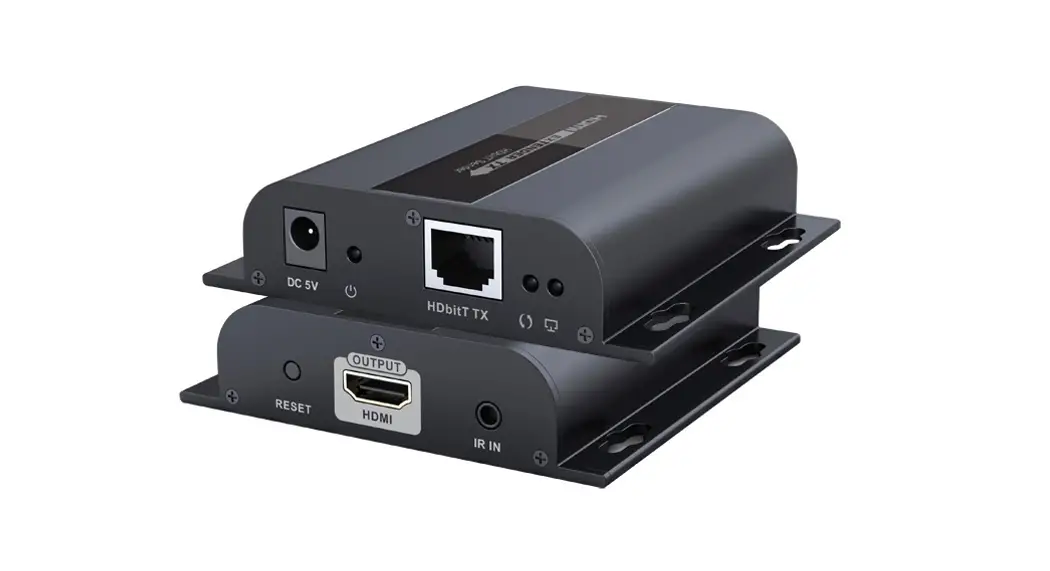
ZT-EX150 HDMI Over Ethernet Extender
Product Information
Zenty | Professional A/V Solution Provider
Contact: (844) 200-1945 | [email protected]
Address: 9807 EMILY LANE STAFFORD, TX 77477
Technical Specifications:
- HDMI Compliance: HDMI 1.4
- HDCP Compliance: HDCP 1.4
- Video Bandwidth: 225MHz
- Video Resolution: Up to 1080P 60Hz
- Color Space: YUV 4:4:4, RGB 4:4:4
- Color Depth: RGB, YUV 4:4:4, YUV 4:2:2
- HDMI Audio Formats (Pass-through): LPCM 2/5.1/7.1CH, Dolby
Digital, DTS 5.1, Dolby Digital+, Dolby TrueHD, DTS-HD Master
Audio, Dolby Atmos, DTS:X
ESD Protection: Human body model – +-8kV (air-gap discharge)
& +-4kV (contact discharge)
Connections:
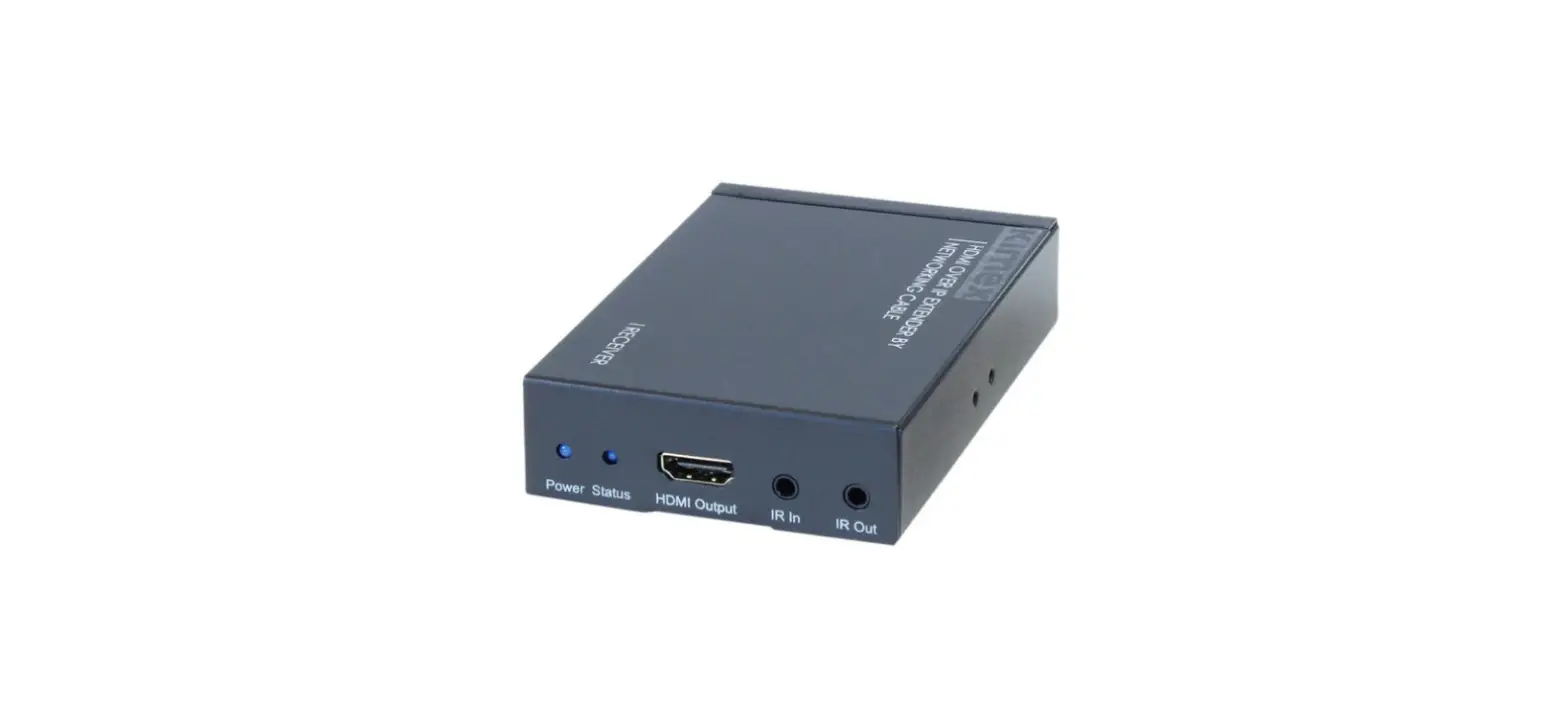
- Transmitter Inputs: 1 x HDMI Type A [19-pin female], 1 x IR
Input [3.5mm Stereo Mini-jack], 1 x RS232 [Phoenix jack] - Transmitter Outputs: 1 x HDBaseT Out [RJ45], 1 x IR Output
[3.5mm Stereo Mini-jack] - Receiver Inputs: 1 x HDBaseT In [RJ45], 1 x IR Input [3.5mm
Stereo Mini-jack], 1 x RS232 [Phoenix jack] - Receiver Outputs: 1 x HDMI Type A [19-pin female], 1 x IR
Output [3.5mm Stereo Mini-jack]
Mechanical:
- Housing Color: N/A
- Dimensions: N/A
- Weight: N/A
Power Supply: DC 24V/1A adapter
Power Consumption: N/A
Operation Temperature: N/A
Storage Temperature: N/A
Relative Humidity: N/A
Product Usage Instructions
Transmitter:
- Connect the power adapter to an AC wall outlet for power
supply. - Connect the HDMI source device (e.g., Blu-ray or PS5) to the
“HDMI In” port. - Connect an IR receiver cable to the “IR In” port (Channel 2 IR
receiver). - Connect an IR transmitter cable to the “IR Out” port (Channel 1
IR transmitter). - If required, connect a UTP cable from the “HDBaseT Out” port to
the HDBaseT receiver using the standard direct interconnection
method. - If necessary, use the RS-232 Phoenix jack for serial port
control from the transmitter to the receiver.
Receiver:
- Connect the power adapter to an AC wall outlet for power
supply. - Connect the HDBaseT transmitter to the “HDBaseT In” port using
a UTP cable. - Connect an HD display to the “HDMI Out” port using an HDMI
cable. - Connect an IR receiver cable to the “IR In” port (Channel 1 IR
receiver). - Connect an IR emitter cable to the “IR Out” port (Channel 2 IR
transmitter). - If necessary, use the RS-232 Phoenix jack for serial port
control from the transmitter to the receiver.
Note: The connection status between the transmitter and receiver
can be determined by the indicator lights. Refer to the user manual
for more information on interpreting the indicator lights.
Zenty | Professional A/V Solution Provider
(844) 200-1945 | [email protected]
Page 1 of 11
ZENTY ®
9807 EMILY LANE STAFFORD, TX 77477
(844) 200-1945 [email protected]
Copyright © Zenty AV
(844) 200-1945 | [email protected]
Page 2 of 11
Copyright © Zenty AV
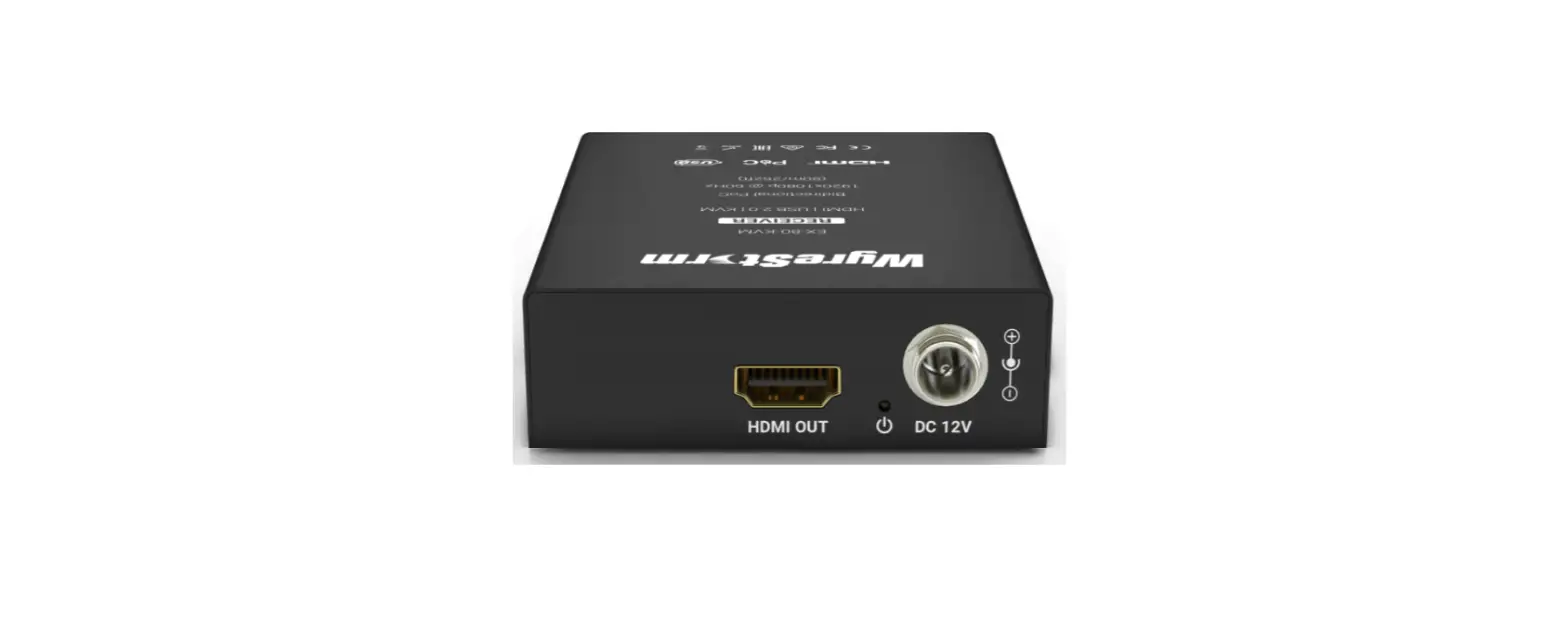
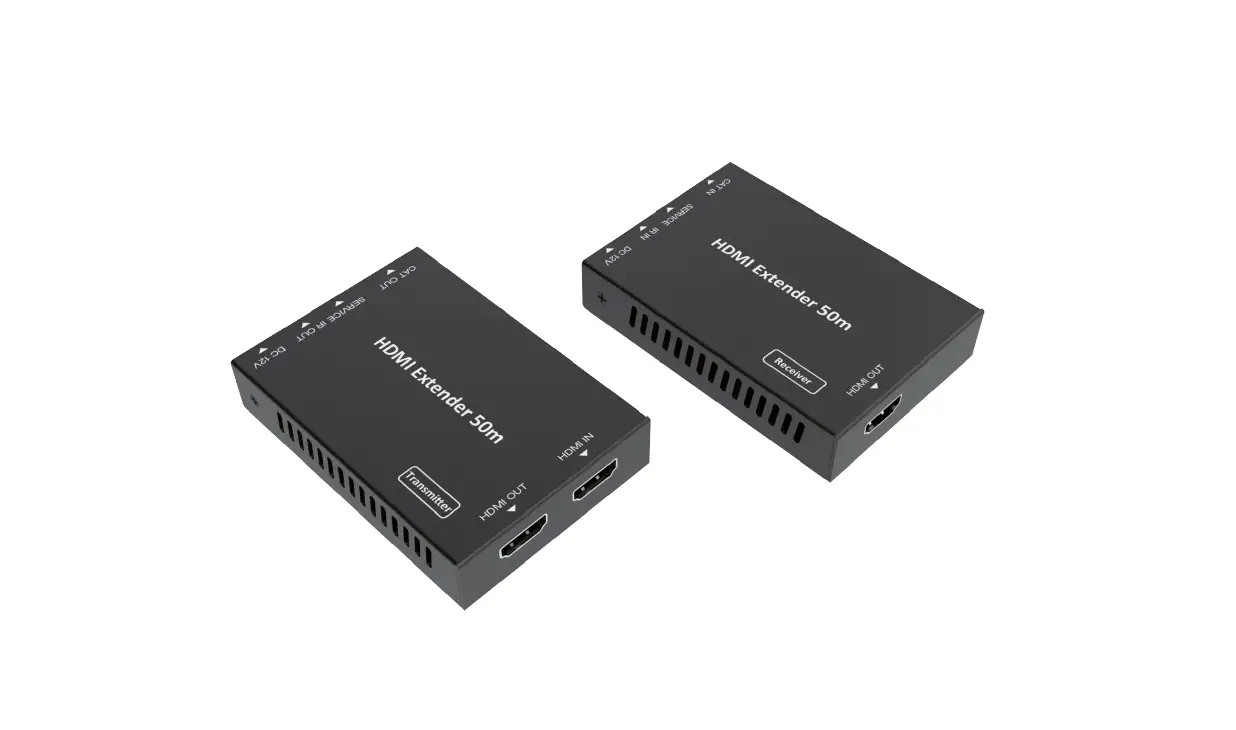
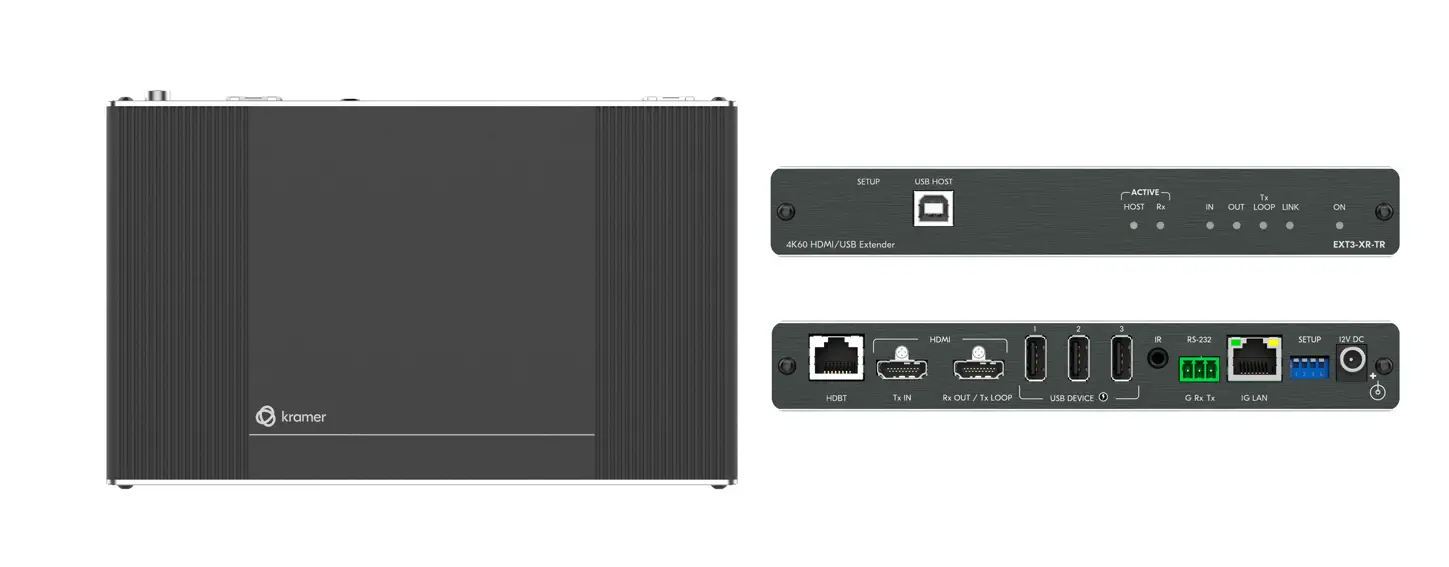
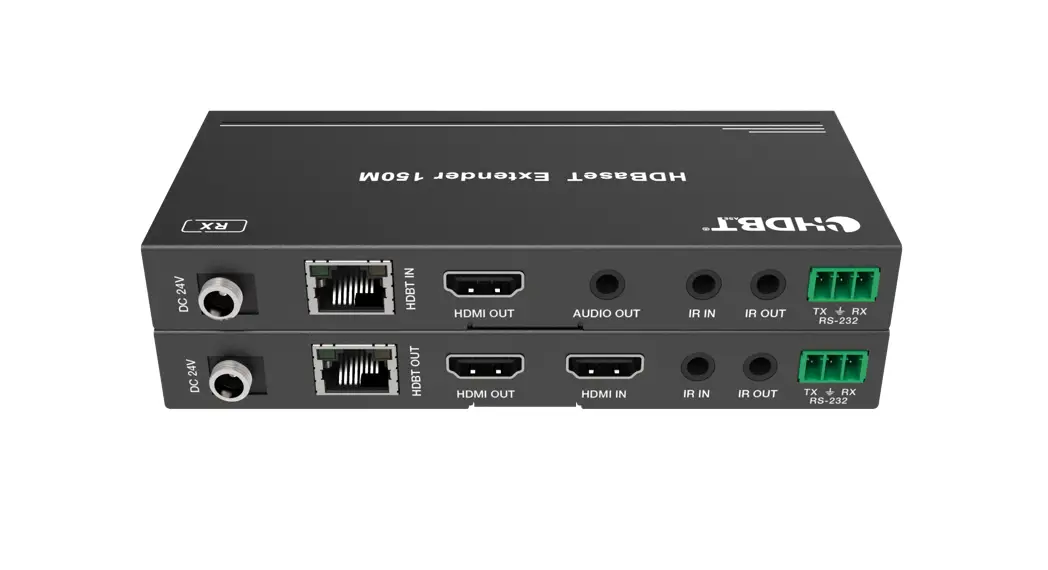
The Zenty ZT-EX150 HDMI over Ethernet extender can transmitter a full 1080P 60Hz signal up to 492ft. using the latest HDBaseT transmission protocol. This extender features bi-directional power over cable (PoC), and only requires power to be connected to either the receiver or the transmitter, allowing for a clean installation. Using EDID pass-through, the extender will automatically detect which resolutions and audio formats are compatible with the connected display, and set those options to the highest standard available. Also features CEC commands, allowing source and display devices, that support CEC, to communicate with each other via the extender, RS232 commands for control, and bi-directional IR function.
· 492ft. transmission distance over single CAT6 cable · HDMI 1.4 | HDCP 1.4 compliant · Video resolution up to 1080P 60Hz (YUV 4:4:4) · HDMI High bit-rate (HBR) audio pass-through · Power over cable (PoC) function; either the transmitter OR the receiver can be powered via
one 24V 1A included power supply · Bi-directional IR, bi-directional RS232, CEC
Technical HDMI Compliance HDCP Compliance Video Bandwidth Video Resolution Color Space Color Depth HDMI Audio Formats (Pass-through)
HDMI 1.4 HDCP 1.4 225MHz Up to 1080P 60Hz YUV 4:4:4, RGB 4:4:4 RGB, YUV 4:4:4, YUV 4:2:2 8-bit LPCM 2/5.1/7.1CH, Dolby Digital, DTS 5.1, Dolby Digital+, Dolby TrueHD, DTS-HD Master Audio, Dolby Atmos, DTS:X
(844) 200-1945 | [email protected]
Page 3 of 11
Copyright © Zenty AV
ESD Protection Connections Inputs
Outputs
Mechanical Housing Color Dimensions Weight Power Supply
(844) 200-1945 | [email protected]
Human body model – +-8kV (air-gap discharge) & +-4kV (contact discharge)
Transmitter: 1 x HDMI Type A [19-pin female] | 1 x IR Input [3.5mm Stereo Mini-jack] | 1 x RS232 [Phoenix jack] Receiver: 1 x HDBaseT In [RJ45] | 1 x IR Input [3.5mm Stereo Mini-jack], 1 x RS232 [Phoenix jack]
Transmitter: 1 x HDBaseT Out [RJ45] | 1 x IR Output [3.5mm Stereo Mini-jack] Receiver: 1 x HDMI Type A [19-pin female] | 1 x IR Output [3.5mm Stereo Mini-jack]
Metal Enclosure Black 115mm [W] x 64.7mm [D] x 17mm [H] 406g Input AC100 240V 50/60Hz Output: DC 5V/1A (US/EU Standards, CE/FCC/UL certified)
Page 4 of 11
Copyright © Zenty AV
Power Consumption Operation Temperature Storage Temperature Relative Humidity
Transmitter
5.76W (Max) 32°F 104°F | -20°C 60°C -4°F 140°F | -20°C 60°C 20 90% RH (No Condensation)
1. Power: System power indicator 2. DC 24V: Connect 24V/1A adapter to AC wall outlet for power supply 3. HDBaseT Out: Standard HDBaseT output port. Connect HDBaseT receiver with a UTP cable
following the standard of direct interconnection method 4. HDMI In: Connect to HDMI source device, such as Blu-ray or PS5 5. IR In: Channel 2 IR receiver. Connect to an IR receiver cable 6. IR Out: Channel 1 IR transmitter. Connect to an IR transmitter cable 7. RS-232: Phoenix jack provides serial port control from transmitter to receiver 8. Connection signal indicator light:
a. Illuminating: The transmitter and receiver are in a good connection status
(844) 200-1945 | [email protected]
Page 5 of 11
Copyright © Zenty AV
b. Flashing: The transmitter and receiver are in poor connection status c. No light: The transmitter and receiver are not connected 9. Data signal indicator light: a. Illuminating: HDMI signal with HDCP b. Flashing: HDMI signal without HDCP c. No light: No HDMI signal Receiver
1. Power: System power indicator 2. DC 24V: Connect 24V/1A adapter to AC wall outlet for power supply 3. HDBaseT In: Standard HDBaseT input port. Connect HDBaseT transmitter with a UTP cable 4. HDMI Out: Connect to an HD display via HDMI 5. IR In: Channel 1 IR receiver. Connect to an IR receiver cable 6. IR Out: Channel 2 IR transmitter. Connect to an IR emitter cable 7. RS-232: Phoenix jack provides serial port control from transmitter to receiver 8. Connection signal indicator light:
a. Illuminating: The transmitter and receiver are in a good connection status b. Flashing: The transmitter and receiver are in poor connection status
(844) 200-1945 | [email protected]
Page 6 of 11
Copyright © Zenty AV
c. No light: The transmitter and receiver are not connected 9. Data signal indicator light:
a. Illuminating: HDMI signal with HDCP b. Flashing: HDMI signal without HDCP c. No light: No HDMI signal
(844) 200-1945 | [email protected]
Page 7 of 11
Copyright © Zenty AV
(844) 200-1945 | [email protected]
Page 8 of 11
Copyright © Zenty AV
(844) 200-1945 | [email protected]
Page 9 of 11
Copyright © Zenty AV
Clean this unit with a soft, dry cloth. Never use alcohol, paint thinner, or benzine to clean.
If your product does not work properly because of a defect in materials of workmanship, our company (referred to as “the warrantor”) will, for the length of the period indicated as below, “Parts and Labor (5) Years”, which starts with the date of original purchase (“Limited Warranty period”), at its option either (a) repair your product with new or refurbished parts, or (b) replace it with a new or a refurbished product. The decision to repair or replace will be made by the warrantor.
During the “Labor” limited warranty period, there will be no charge for labor. During the “Parts” warranty period, there will be no charge for parts. You must mail-in your product during the warranty period. This Limited Warranty is extended only to the original purchaser and only covers products purchased as new. A purchase receipt or other proof of original purchase date is required for Limited Warranty service.
When shipping the unit, carefully pack and send it prepaid, adequately insured, and preferably in the original carton. Include a letter detailing the complaint and provide a day time phone and/or email address where you can be reached.
This Limited Warranty ONLY COVERS failures due to defects in material or workmanship, and DOES NOT COVER normal wear and tear or cosmetic damage. The Limited Warranty ALSO DOES NOT COVER damages which occurred in shipment, or failures which are caused by products not supplied by warrantor, or failures which result from accidents, misuse, abuse, neglect, mishandling, misapplication, alteration, faulty installation, set-up adjustments, mis-adjustment of consumer controls, improper maintenance, power line surge, lightning damage, modification, or service by anyone other than a Factory Service center or other Authorized Servicer, or damage that is attributed to acts of God.
THERE ARE NO EXPRESS WARRANTIES EXCEPT AS LISTED UNDER “LIMITED WARRANTY COVERAGE”. THE WARRANTOR IS NOT LIABLE FOR INCIDENTAL OR CONSEQUENTAIL DAMAGES RESULTING FROM THE USE OF THIS PRODUCT, OR ARISING OUT OF ANY BREACH OF THIS WARRANTY. (As examples, this excludes damages for lost time, cost of having someone remove or re-install an installed unit if applicable, travel to and from the service, loss of or damage to media or images, data or other recorded content. The items listed are not exclusive, but are for illustration only.) PARTS AND SERVICE, WHICH ARE NOT COVERED BY THIS LIMITED WARRANTY, ARE YOUR RESPONSIBILITY.
(844) 200-1945 | [email protected]
Page 10 of 11
Copyright © Zenty AV
WWW.ZENTY.COM 9807 EMILY LANE STAFFORD, TX 77477
(844) 200-1945 [email protected]
[email protected]
(844) 200-1945 | [email protected]
Page 11 of 11
Copyright © Zenty AV
 Zenty - The AV Technology Leader