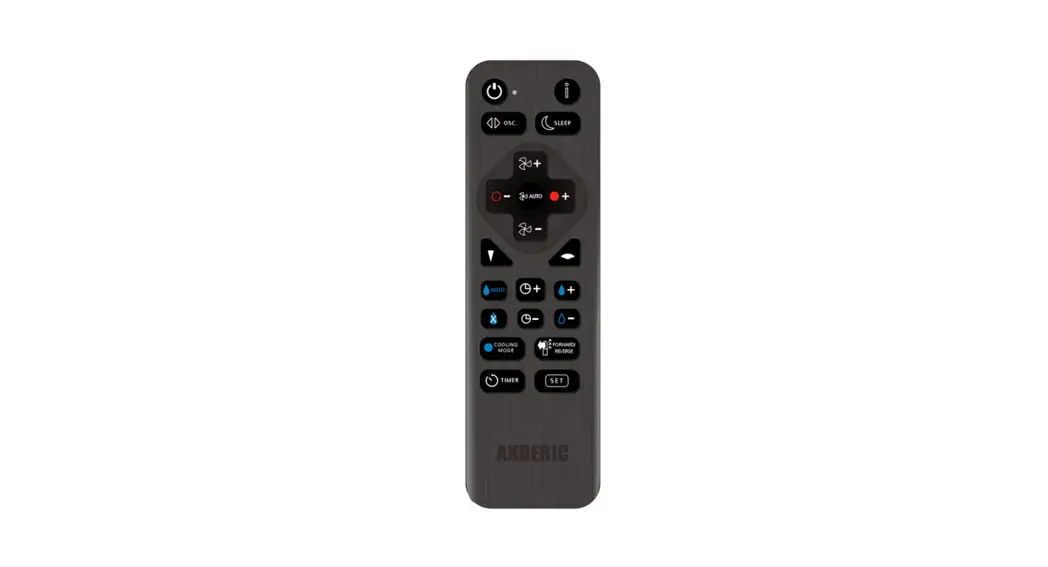
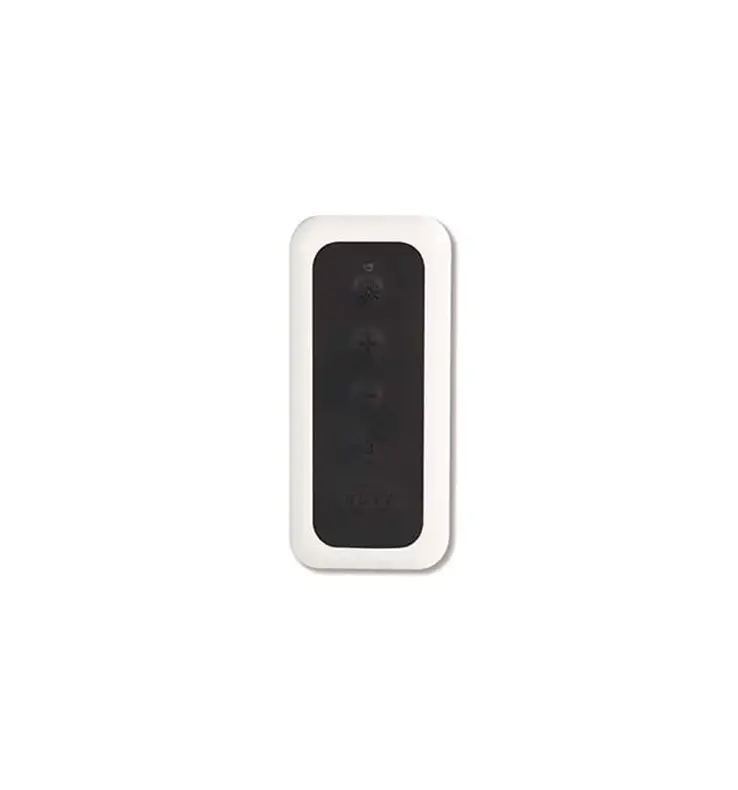
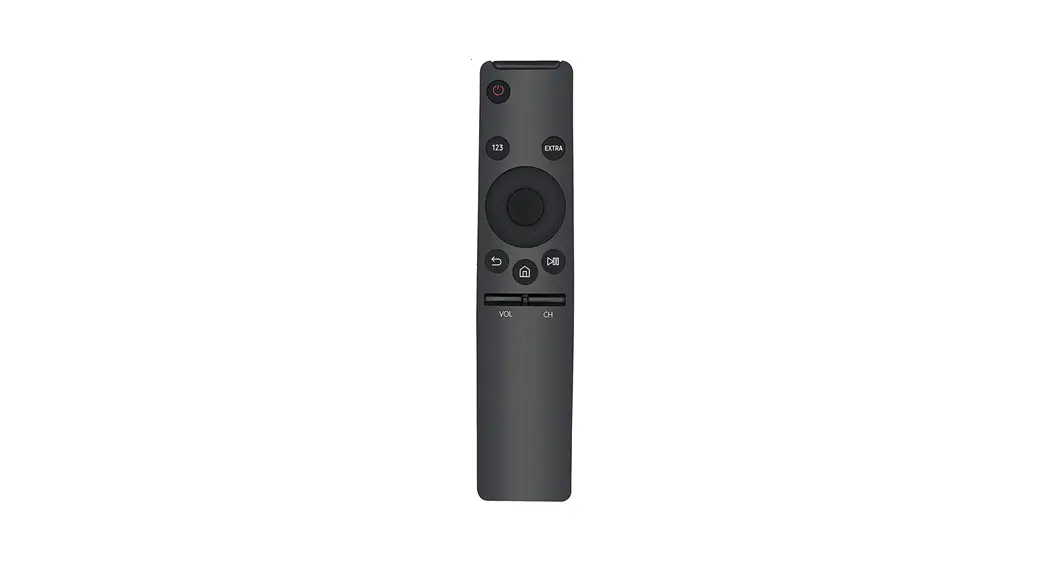
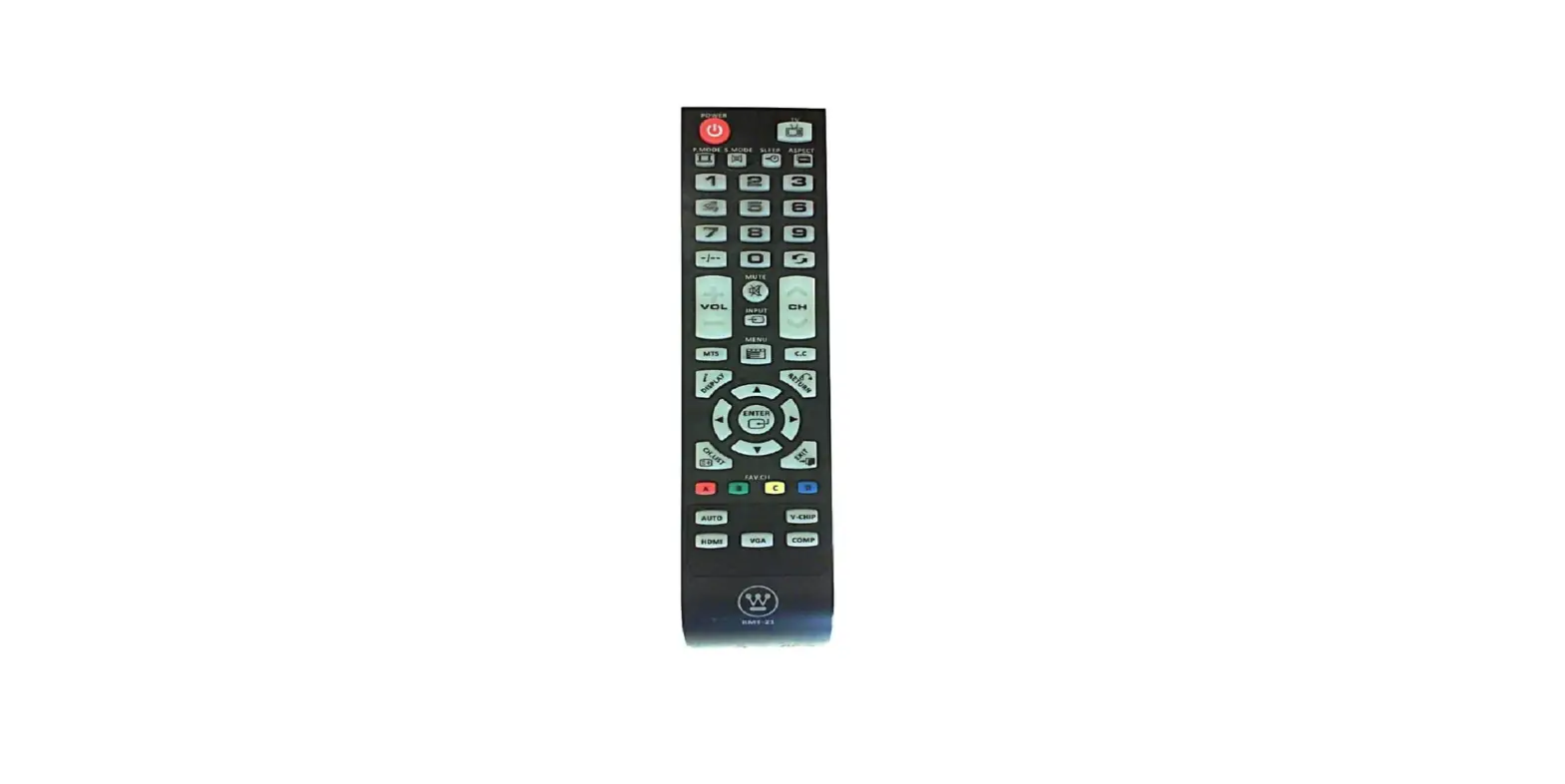
RRDYS01 Remote Control
Product Information:
The RRDYS01 is a universal remote control that can be programmed
to operate various models of fans. It is designed to provide
convenient control and operation of your fan.
Key Features:
- Universal remote control for fans
- Easy programming process
- Optional security cable attachment available
Note: The RRDYS01 may not work with all styles of fans.
Product Usage Instructions:
- Find your model of fan using the programming chart
provided. - Press and hold the two keys shown beside your fan model for
about 3 seconds. - The indicator light on the remote control will blink twice to
indicate successful programming. - Release the keys.
- Refer to the key operations chart to understand the functions
of each key on the remote control. - If your fan does not operate as expected, you can try using
other codes provided in the programming chart.
Note: In case of any difficulties or further assistance, you can
visit Anderic.com/rrdys01 for help.
Legal: Anderic is a registered trademark of
Dan’s Electronics Etc., Inc. All rights reserved. Dyson is a
registered trademark of Dyson Limited. Dan’s Electronics Etc., Inc.
is in no way affiliated with Dyson Ltd.
RRDYS01 Operating Manual
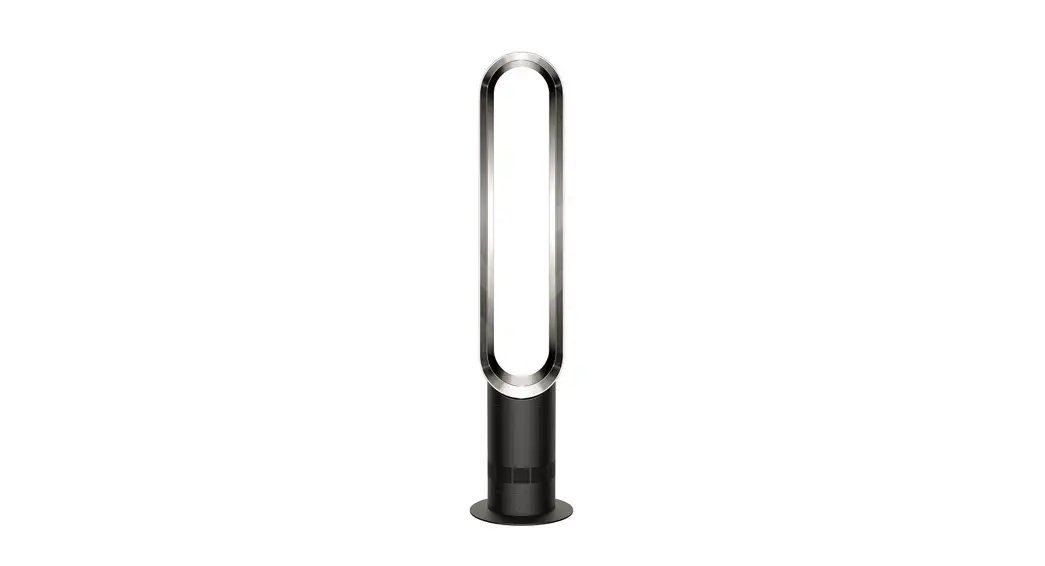
Anderic® RRDYS01 Remote Control for Dyson® Hot, Cool, Humidifier, and Purifying upright floor fans.
Programming to your fan: 1. Find your model of fan using chart below. 2. Press and hold the two keys shown beside your fan model for about 3 seconds. The indicator light will blink twice, release the keys. Note: Please refer to key operations chart to see which keys should operate. If your fan does not operate as expected, you can also try the other codes, there may be a better suited code. This is a universal but may not work all style fans.
Optional security cable (PN: CBL01) attachment can be purchased at Anderic.com.
Programming chart
Press & hold keys:
1
&
2
&
3
&
4
&
5
&
6
&
7
&
8
&
9
&
10
&
11
&
12
&
13
&
Fan model(s):
TP01, TP02, DP02
PH02
HP09
HP07 TP04, TP05,
969154 HP02, 967826
AM10
BP01, 970192 TP04, TP05,
969154 TP06 AM05, AM04, 922662 HP01, 967197 AM06, AM08, 965824
Help: Go to Anderic.com/rrdys01 for help.
Legal: Anderic is a registered trademark of Dan’s Electronics Etc., Inc. All rights reserved. Dyson is a registered trademark of Dyson Limited. Dan’s Electronics Etc., Inc. is no way affiliated with Dyson Ltd.
Key operations chart Refer to the below chart to determine which keys are active, as well as the key descriptions.
KEY Key description
Code number (Refer to programming chart above)
POWER
FILTER INFORMATION
AUTO MODE (PURIFY)
AUTO MODE (HUMIDIFY) HEATING CONTROL (INCREASE TEMP) HEATING CONTROL (DECREASE TEMP) FAN SPEED (INCREASE)
FAN SPEED (DECREASE)
ON/OFF HUMIDIFIER
ON/OFF SLEEP TIMER
ON/OFF COOLING MODE
FOCUSED MODE DIFFUSED MODE SLEEP TIMER (INCREASE)
SLEEP TIMER (DECREASE) HUMIDITY CONTROL (INCREASE) HUMIDITY CONTROL (DECREASE) ON/OFF OSCILLATION
AIRFLOW DIRECTION
ON/OFF NIGHT MODE
1 2 3 4 5 6 7 8 9 10 11 12 13
 Anderic Official Site | Home | North Carolina