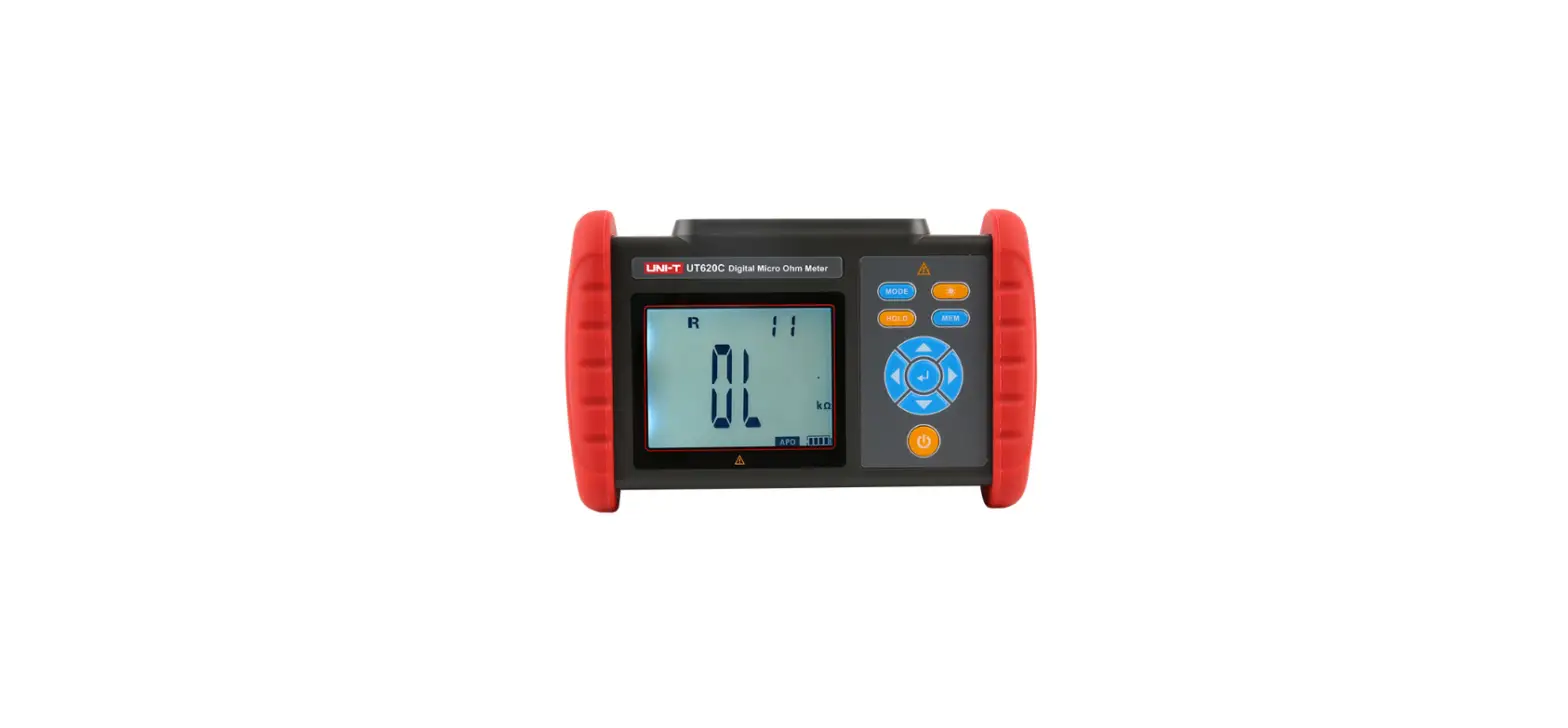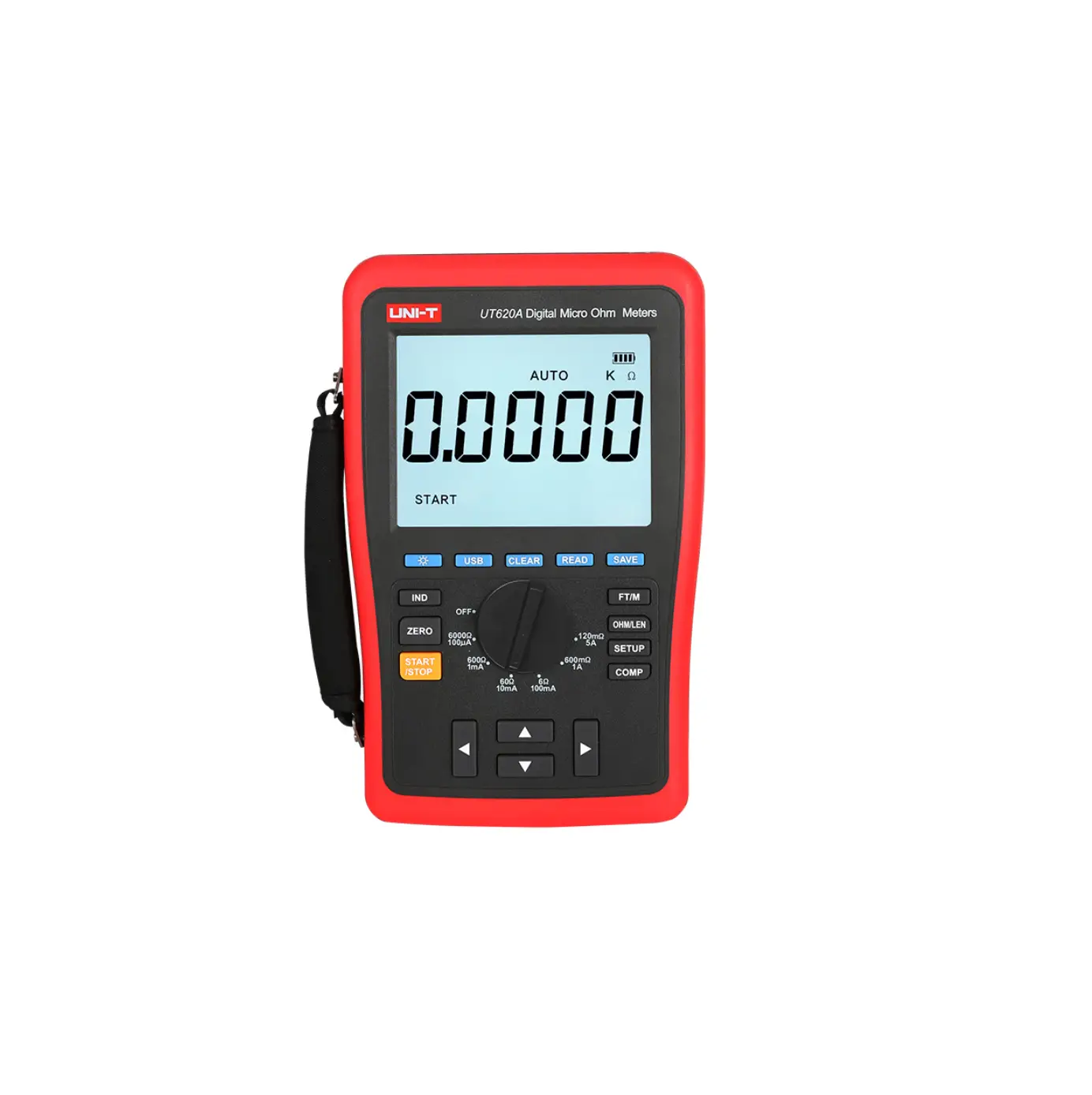
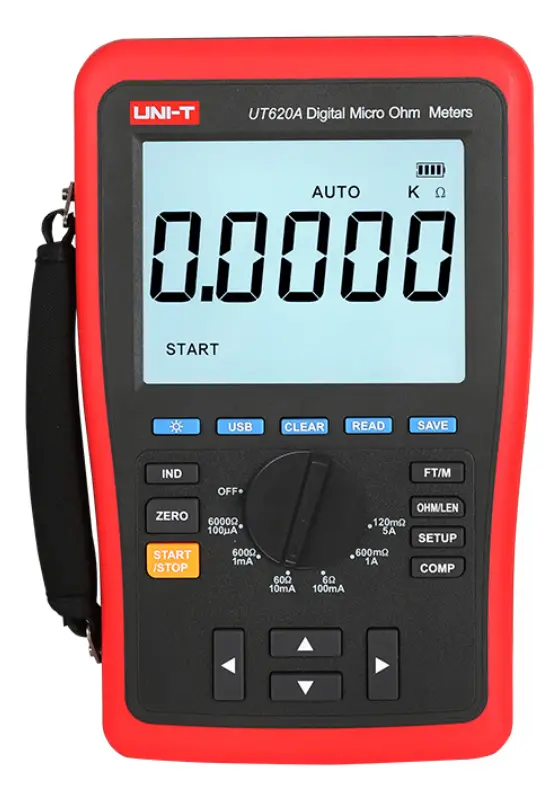
UNI-T UT620A Digital Micro Ohm Meter
System Prerequisites
Recommended configuration
| Processor | Pentium® 4 or higher with support of all customary operating systems |
| Operating system | Microsoft Windows® XP / Vista / Win7 |
| Memory | 512 MB RAM or higher |
| Monitor | VGA (1024 x 768) |
| Drive | CD-ROM |
| Input device | Mouse or compatible |
| Interface | USB |
Install Soft
ware
- Insert the provided CD disk into CD-ROM drive.
- Double-click “XXX_VX.XX.exe” (X can be 0 to 9 or blank, indicating the software version)
- The pop-up windows will guide you through the program setup process.
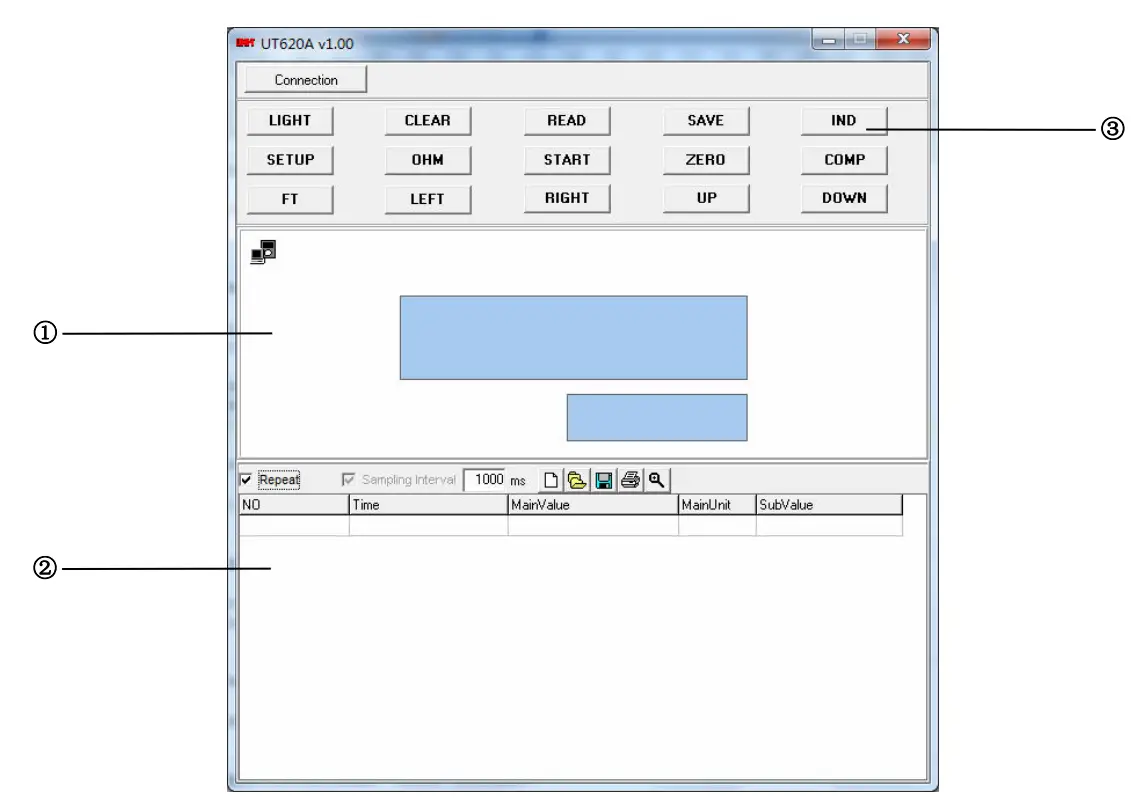
Main Screen
① Main display screen of measurement
② Secondary display screen for measurement
③ Control buttons
Using Program
Click “Connection” and is blinking indicates meter is successfully connected to the PC and meter will automatically start taking measurements. Primary display screen shows measurement, secondary display screen shows all measurement data.
① Zoom grid
② Print data
③ Save data (*.txt, *.xls, *.xml)
④ Open files (*.txt, *.xls, *.xml)
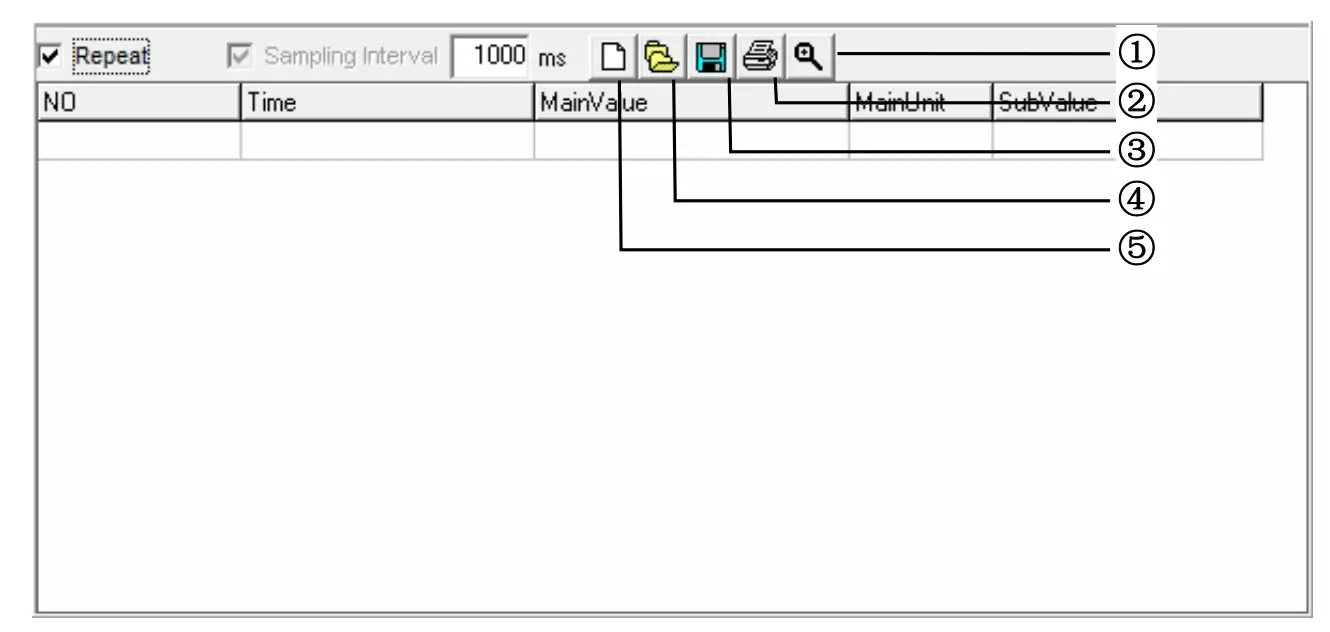
Repeat: Tick to display every measurement with the interval you set. Un-tick “Repeat”, the secondary display screen will only show measurement result that is different from the last measured temperature. The graph display will show complete measurement result in graphics despite “Repeat” is ticked or un ticked.