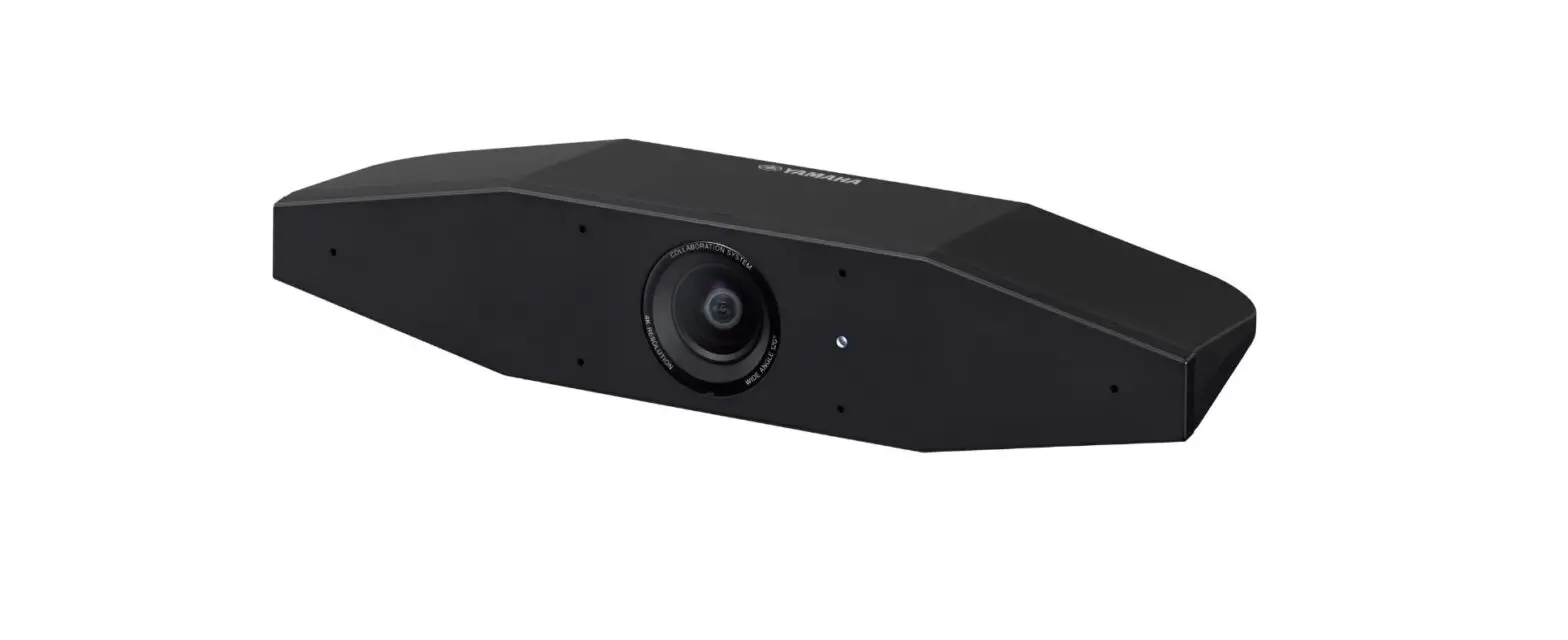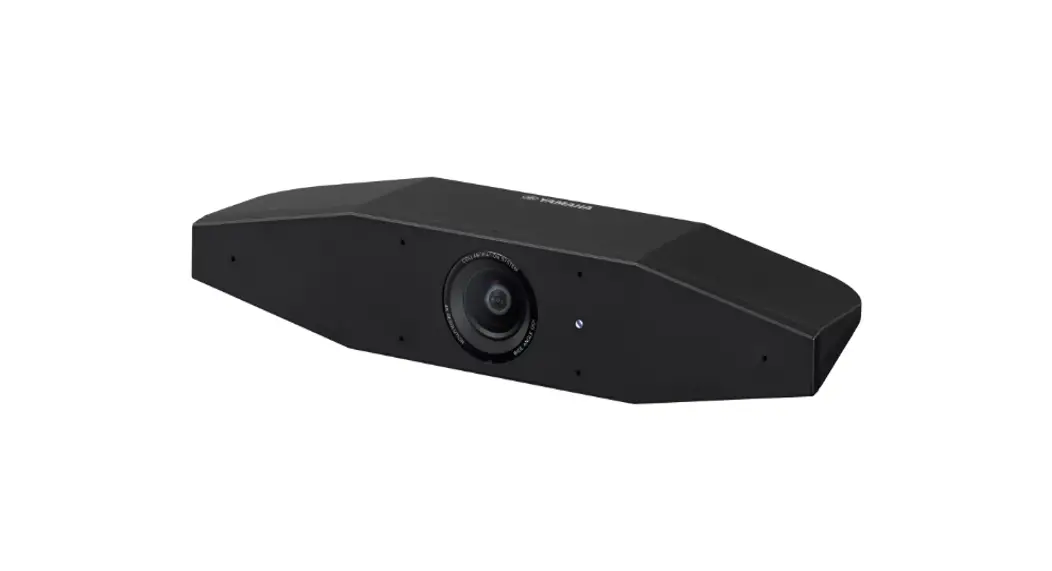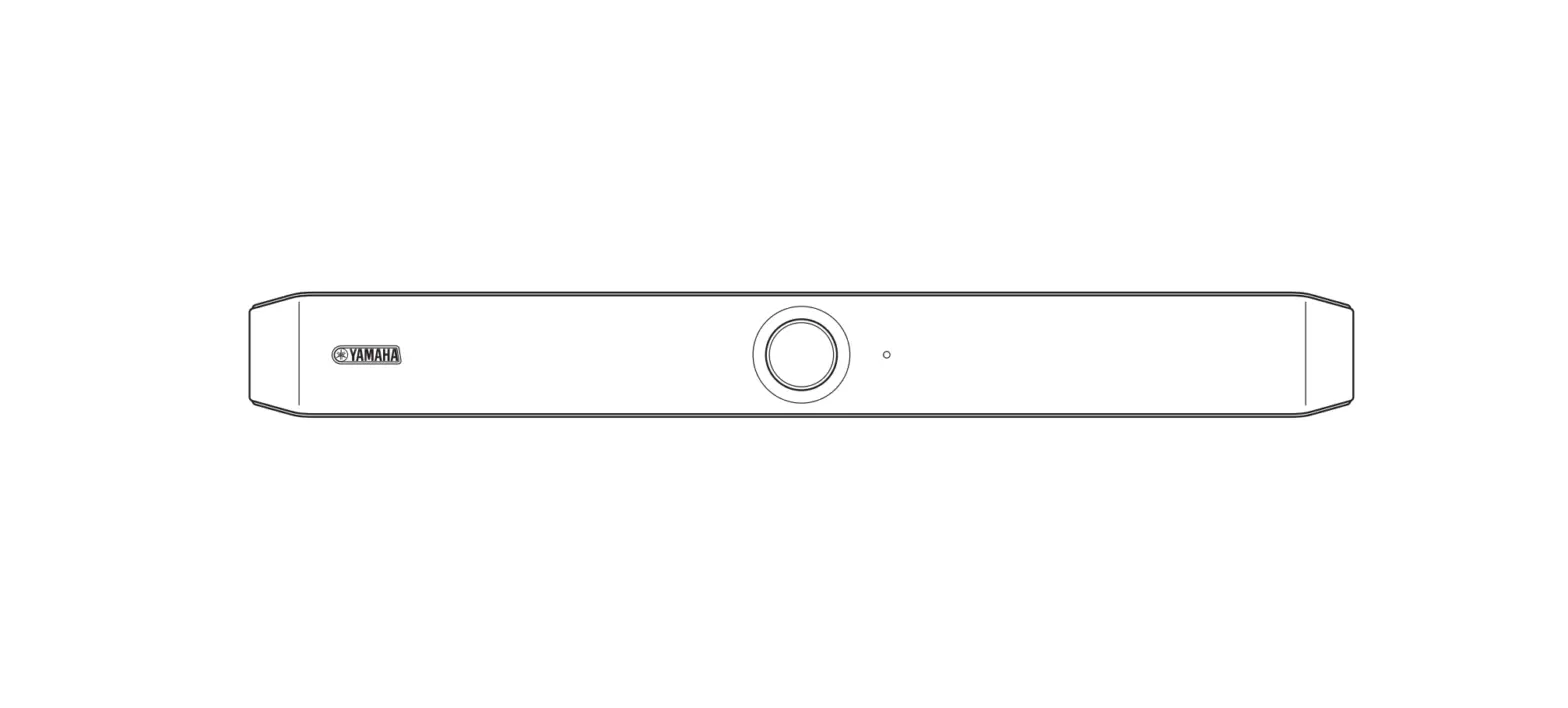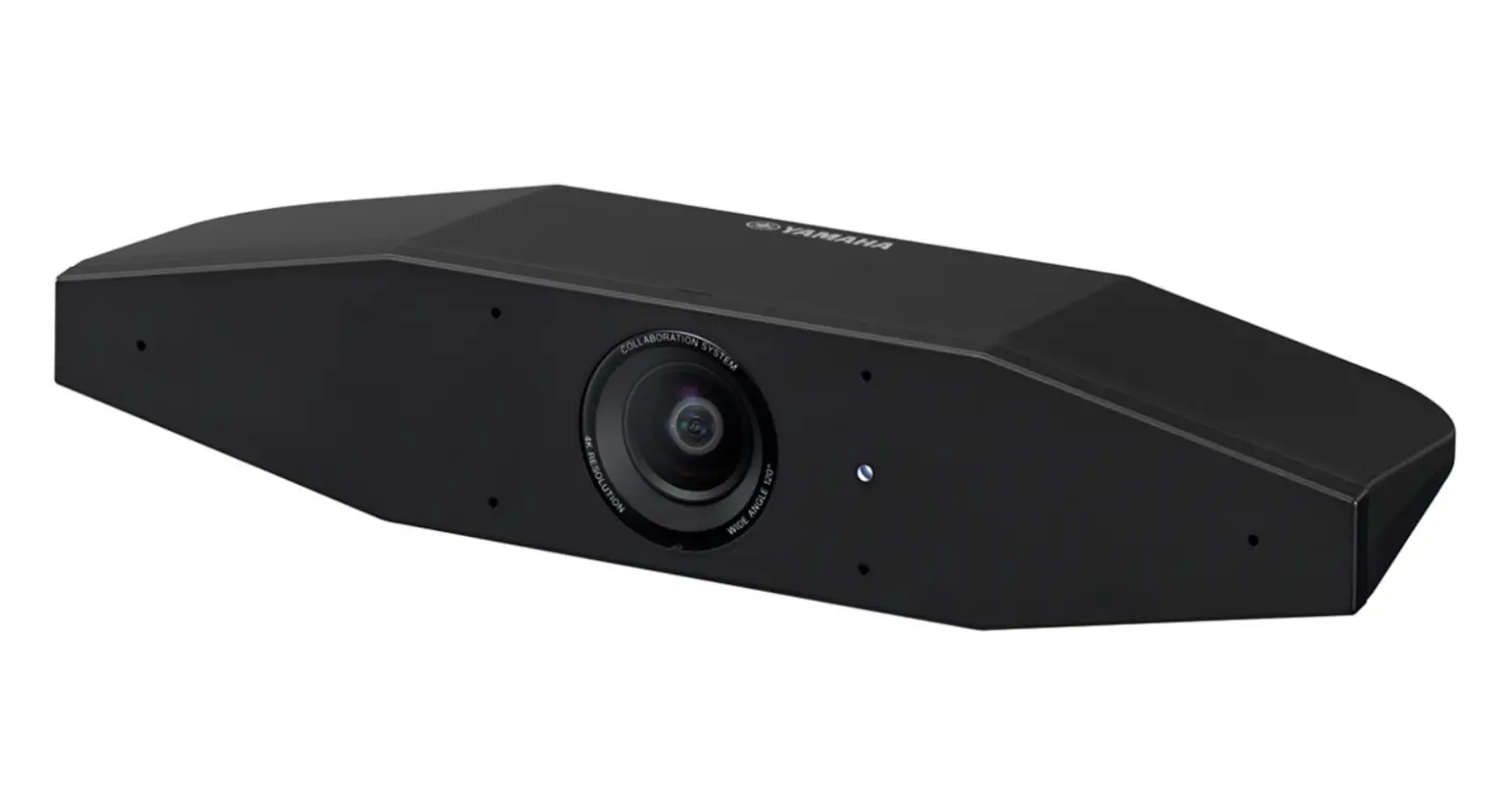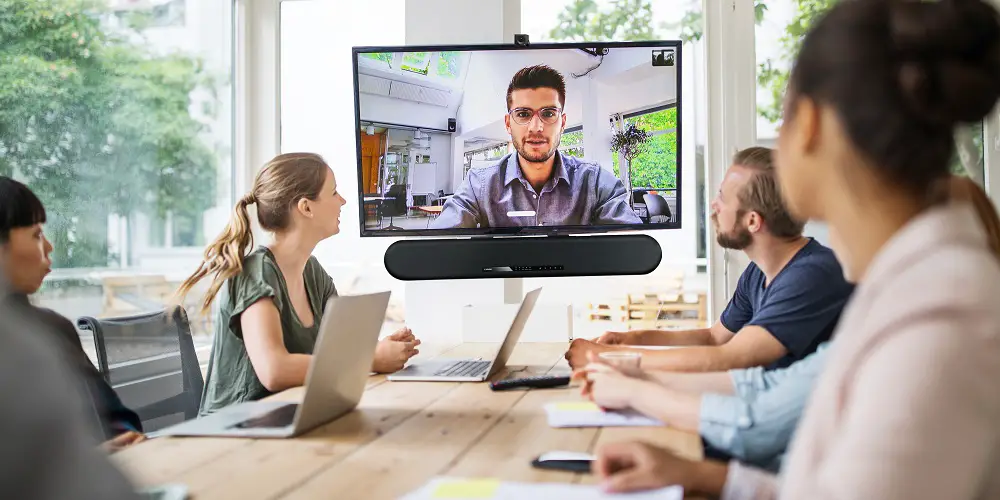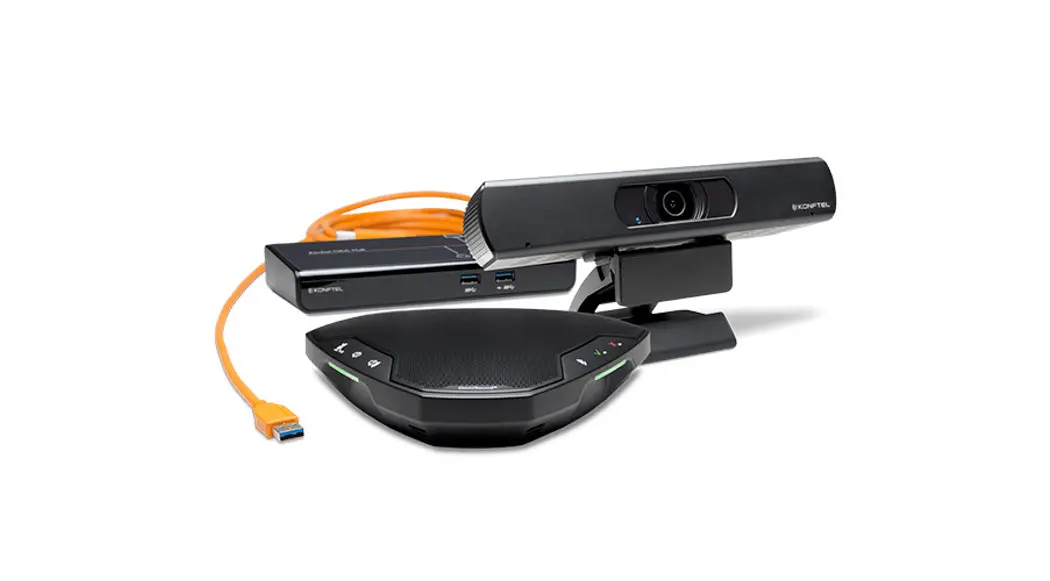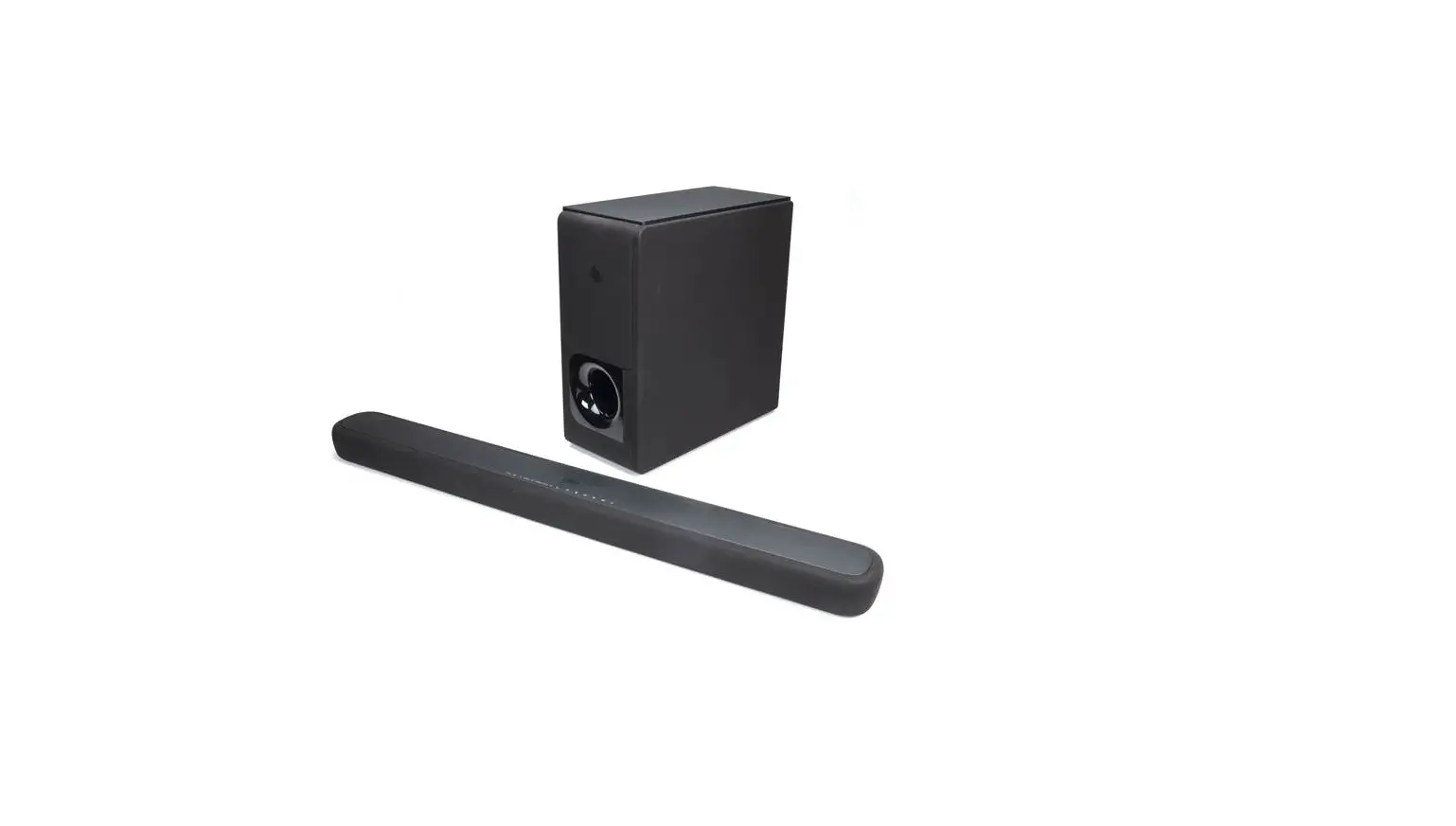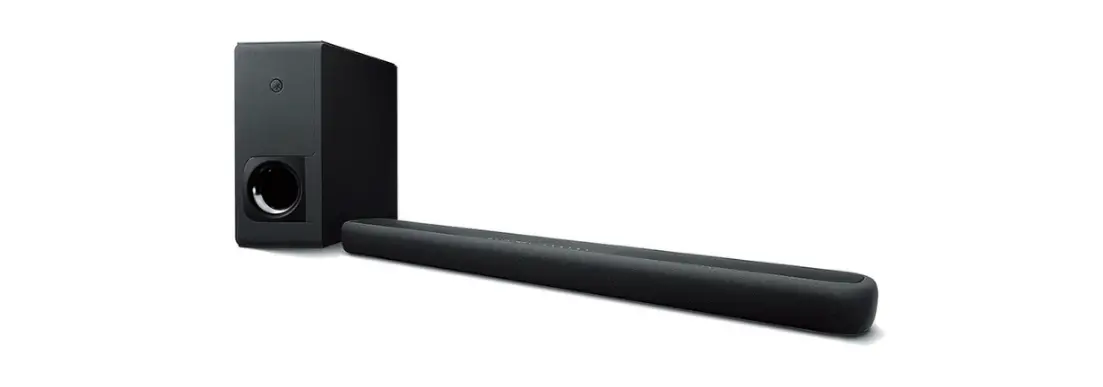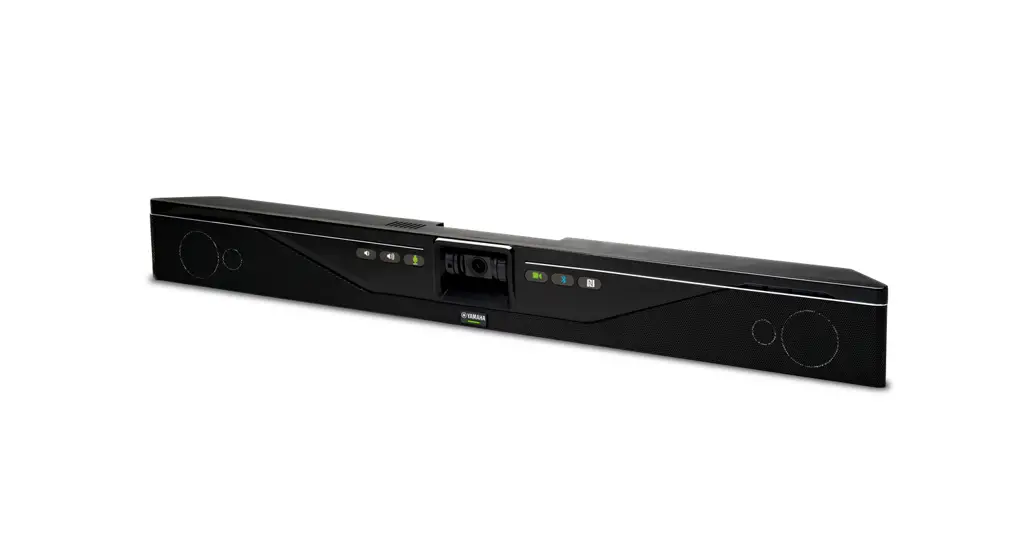

Video Sound Collaboration System for Huddle Rooms
CS-700
Always update the firmware to the latest version.
Please refer to the user’s manual that provides detailed information on how to use the product.
You can download the latest firmware and user’s manual from the following website: https://uc.yamaha.com/products/video-sound-bar/huddle-room-system/
Content
| 1 x | 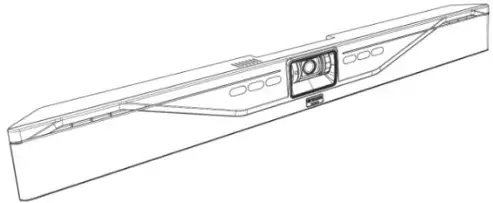 CS700-AV, CS700-SP, CS700-DL, CS700-DS CS700-AV, CS700-SP, CS700-DL, CS700-DS |
| 1 x | 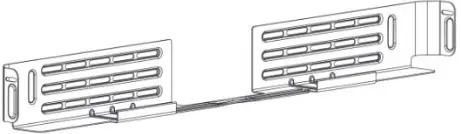 |
| 4 x | 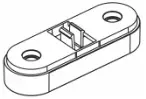 |
| 1 x | 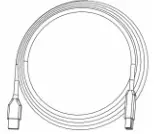 |
| 1 x CS700-DS CS700-DL | 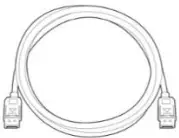 |
| 1 x | 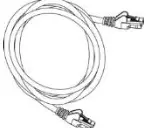 |
| 1 x | 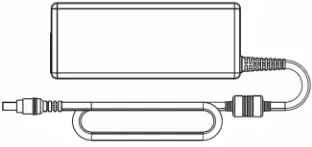 |
| 1 x | 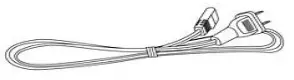 |
| 2 x |  |
| 2 x |  |
Bracket installation
Install the bracket with 4 appropriate screws on the wall, spacing two pairs of screws as far apart as possible. Ensure that the bracket is tight to the wall or the spacers to avoid vibration. If installed below the display ensure that the distance is big enough to fit the CS-700 unit. You can adjust the depth of the installation by using the appropriate number of spacers (0-2) on each side. The maximum mounting height is 2m / 6’ 8” from the floor. Always use 4 screws.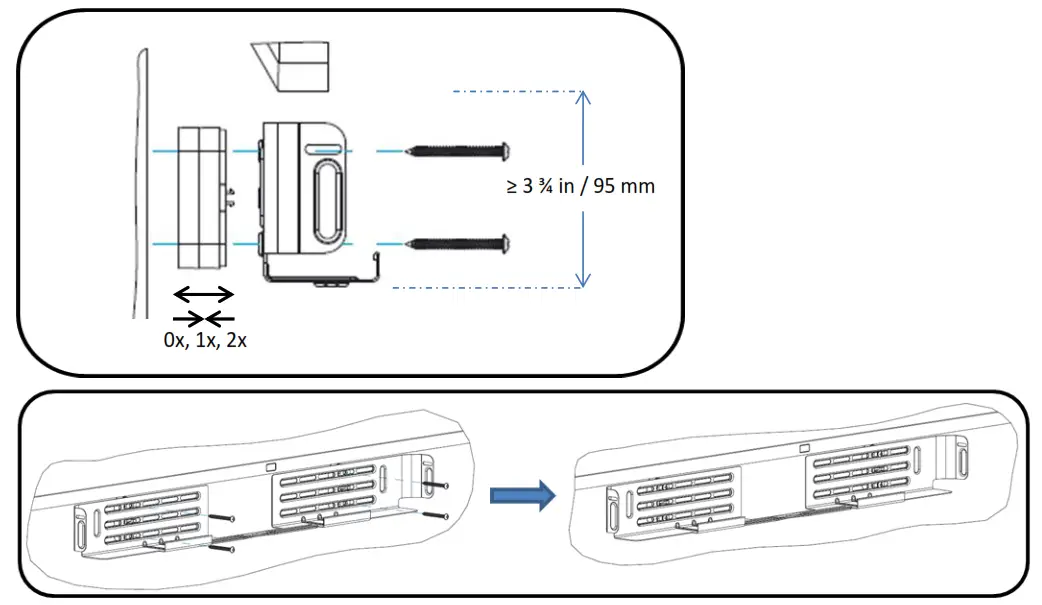
Placing the CS-700 unit on the bracket
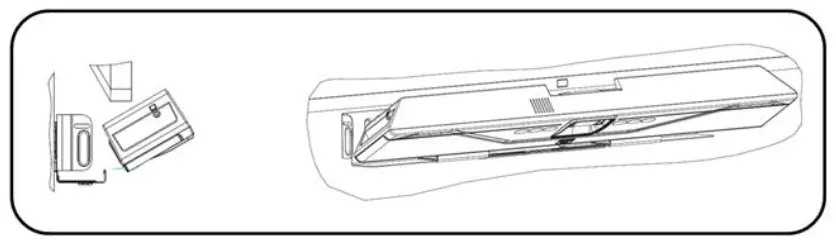
Position the CS-700 in such a way that the two hooks in the front of the bracket fit into the cavities on the lower part of the CS-700. Ensure that the CS-700 is safely held by the hooks.
 Connect the CS-700
 Connect the CS-700
Once the CS-700 is safely positioned on the hooks of the bracket, connect the power cable and the USB cable to the CS-700 as shown. If it is planned to manage the CS-700 using the web browser, also connect the network cable into the corresponding connector.
Secure the cable using the provided cable ties to the CS-700 unit.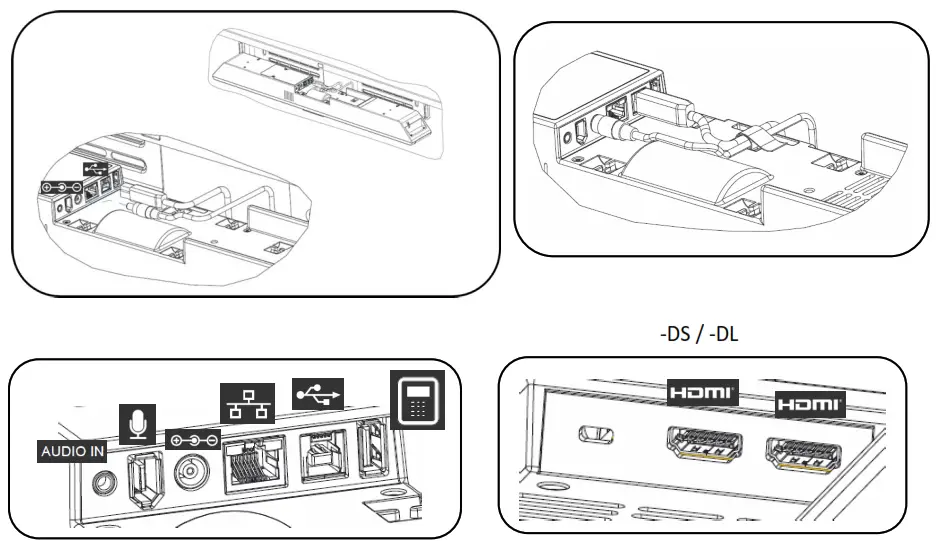
Installing unit in Bracket
Once all cables are correctly connected and secured, tilt the CS-700 back on the bracket and push it to pack into the bracket.
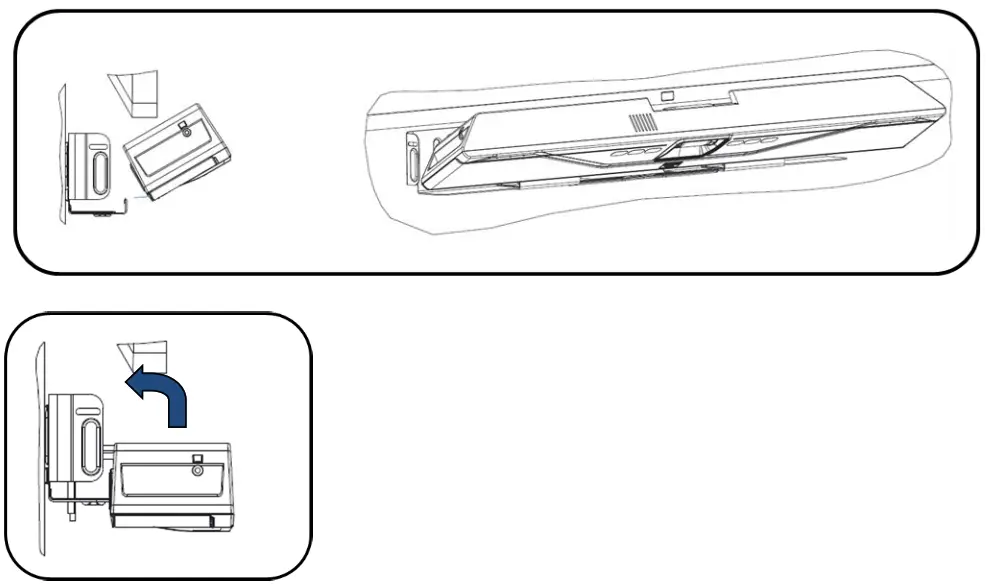
Secure unit
Secure the CS-700 unit in the bracket with the provided machine screws.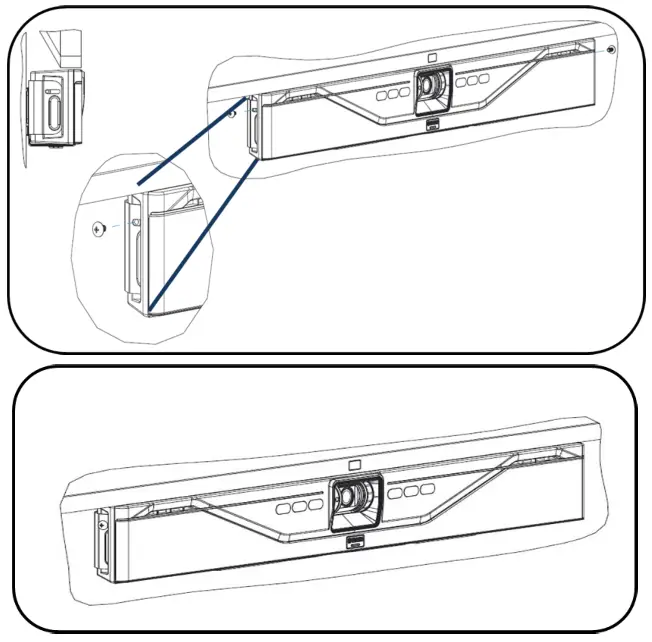
Connect to power and computer
Connect the power cord to the power supply, and plug the power cord into a mains power connector. Connect the USB cable to a USB 3 (USB SuperSpeed) connector on the computer.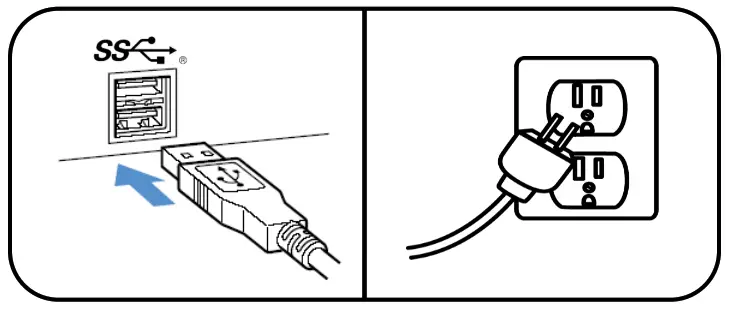
Select device
In your operating system select the “Yamaha AudioVideo Device” as your default audio playback and recording device.
In your unified communications application, select the CS-700 as the Video device.
Manage through IP interface
If an IP connection was made to the CS-700, the unit is configured to receive a DHCP address.
Press the two middle buttons (volume up / Bluetooth) for 5 seconds, and the system will speak the IP address that was assigned to it.
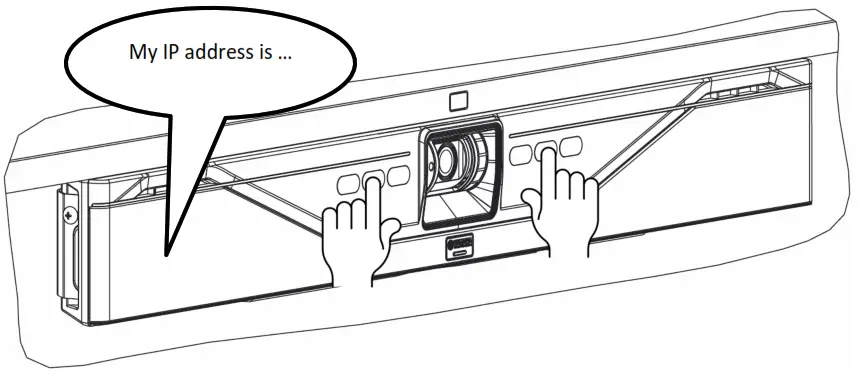
For more information, download the full documentation:
https://uc.yamaha.com/products/video-sound-bar/huddle-room-system/
Specifications
| Power adapter | |
| Model Number | |
| Bluetooth Specifications | |
| Bluetooth specification version | 2.1 + EDR |
| Supported profiles | HFP (1.6), A2DP |
| Supported Codecs | SBC, mSBC, CVSD |
| Wireless output | Class 2 |
| Maximum communication distance | 10 m |
| Radio frequency (Operational frequency) | 2,402 MHz to 2,480 MHz |
| Maximum output power (EIRP) | 4.0 dBm (2.5 mW) |
| Audio | |
| Speaker Bar | 4 Speaker elements with tweeter and mid-woofer on left and right |
| Speaker Frequency Response | 160 – 20,000 Hz |
| Max SPL | 90 dB at 1m |
| Microphones | 4 microphone dynamic beamforming array with human voice activity detection |
| Microphone Coverage | 180 degrees audio pickup, best results within 12 feet / 3.60m |
| Microphone Frequency Response | 160 – 16,000 Hz |
| Full Duplex Audio | Yes |
| Echo Cancellation | Ultra-wideband adaptive AEC |
| LED indicator | Call activity and microphone mute/unmute |
| Video | |
| Camera Sensor | High Definition CMOS |
| Image resolution | 1080p, 30 fps (USB 3.0/3.1) 640 x 360, 30 fps (USB 2.0) |
| Privacy Cover | Digital privacy control |
| LED Indicators | Camera activity and video stream mute/unmute |
| UVC Support | UVC 1.5 |
| Field of View | 120 degrees diagonally |
| Interfaces | |
| Mount Connector | Wall Mount Bracket for above or below display mounting |
| USB Host Port | USB with strain relief Audio, video, HID and graphics display supported over USB 2.0 and 3.0/3.1 |
| Ethernet | RJ 45, 10M / 100M |
| Bluetooth® | Yes. HFP and A2DP support |
| Aux Audio Input | 3.5mm Stereo |
| HDMI (2) | (2) HDMI connectors on CS-700DL and CS-700DS models with Display Link |
| SIP (-SP and –DS models only) | |
| Call Handling | Make, Answer, Hold, Resume, Transfer (Blind and Supervised), Forwarding, Do not disturb, Redial, Call Timer, Call-ID, Speed Dial, Missed Call Notifications, Voice Mail Notifications (Call Manager configured) |
| Call Bridging | Supports Bridging SIP and USB Calls. Join, Split, Hold, Resume, 2+1+1 Lines: Up to 2 SIP calls, 1 USB call, 1 Bluetooth® call, plus the user |
| Codecs | G.711 (A-law and μ-law), G.722, G.726, G.729 |
| DTMF Support | RTP event, SIP in-band, SIP info package |
| Security | SRTP/SRTCP Support (RFC 1889), IETF SIP support (RFC 3261 and companion RFCs), SSIP, Password protected configuration files, Password-protected login |
| Network & Provisioning | DHCP or Static IP, Server Based Central Provisioning, Web Portal for Individual Unit Configuration |
| Compliance | |
| Safety | IEC60065, IEC60950, IEC62368 |
| EMC | CISPR13/CISPR22/CISPR32/ FCC/J55013/ ETSI EN 300 328 / ETSI EN 302 291-2 / ETSI EN 300 330-2 EN55024/ CISPR24 or 35 and ETSI EN 301 489-1 |
| Environmental | RoHS, Reach, WEEE |
| Warranty | |
| Global except for EU | 1 Year return to factory |
| European Union | 2 Year return to factory |
| Size, Weight, Power, Operating Temperature | |
| Height | 3.9in/98.75mm |
| Length | 2.7in/68.5mm |
| Width | 34.in/861.7mm |
| Weight (incl. bracket) | 7.3 lbs/3.3kg |
| Input Voltage (power supply) | 100-240 VAC |
| Input Current (power supply) | 1A |
| Input Frequency (power supply) | 50-60 Hz |
| Input Voltage (CS-700) | 15V |
| Input Current (CS-700) | 2.4A |
| Power consumption (max) | 36 W |
| Power consumption (network stand-by) Stand-by time | 1.6 W |
| Stand-by time | 20 minutes (user selectable) |
| Power Cord Length | 10ft/3m – Please order correct SKU for regional power cord requirements |
| Operating Temperature | 32 to 104 °F (0 to 40 °C) |
| Storage Temperature | -22 to 131 °F (-30 to 55 °C) |
| Operating / Storage Relative Humidity | 20%-85% (non-condensing) |
| Maximum operating altitude | 2,000m |
Date code
The date code on the CS-700 label indicates when the product was manufactured. The first digit indicates the year.
| First digit | Calendar year |
| 7 | 2017 |
| 8 | 2018 |
| 9 | 2019 |
| 0 | 2020 |
| 1 | 2021 |
The second and third digits indicate the calendar week in that year – from 01 at the beginning of the year to 52 (or 53).
Important Notice: Precautions and legal information for customers in European Economic Area (EEA), Switzerland, and Turkey
Precautions and legal information:
For detailed precaution and legal information about this Yamaha product for customers in EEA*, Switzerland, and Turkey, please visit the website address below or contact the Yamaha representative office in your country.
* EEA: European Economic Area
Important Notice: Guarantee Information for customers in EEA* and Switzerland
For detailed guarantee information about this Yamaha product, and Pan-EEA* and Switzerland warranty service, please either visit the website address below (Printable file is available at the website) or contact the Yamaha Unified Communications representative office for your country.
* EEA: European Economic Area
https://uc.yamaha.com/warranty
For details of products, please contact your nearest Yamaha representative or the authorized importer listed below.
North America
Yamaha Unified Communications, Inc.
144 North Road, Suite 3250, Sudbury, MA
01776, USA
Tel +1-800-326-1088
© Yamaha Corporation. All Rights Reserved.
Published 07/2018
Printed in China
QS-CS700-201807-MUL / 2950267-00
Manufacturer: Yamaha Unified Communications, Inc.
Address: 144 North Road, Suite 3250
Sudbury, MA 01776, USA
![Yamaha Video Sound Collaboration System For Huddle Rooms [cs-700] User Manual](https://static-data1.manualsee.com/1/img/166/57375/2021/02/Yamaha-Video-Sound-Collaboration-System-for-Huddle-Rooms-CS-700-User-Manual.jpg "Yamaha Video Sound Collaboration System For Huddle Rooms [cs-700] User Manual")