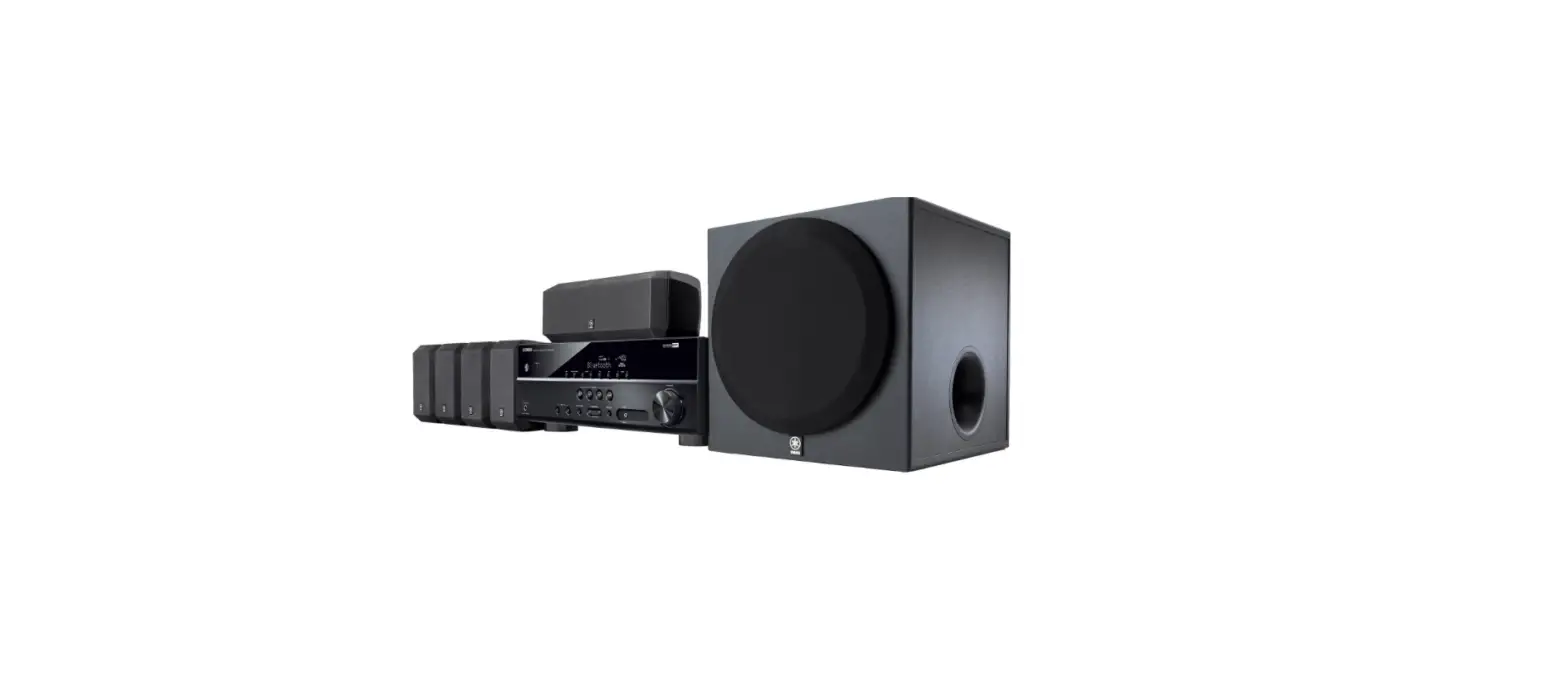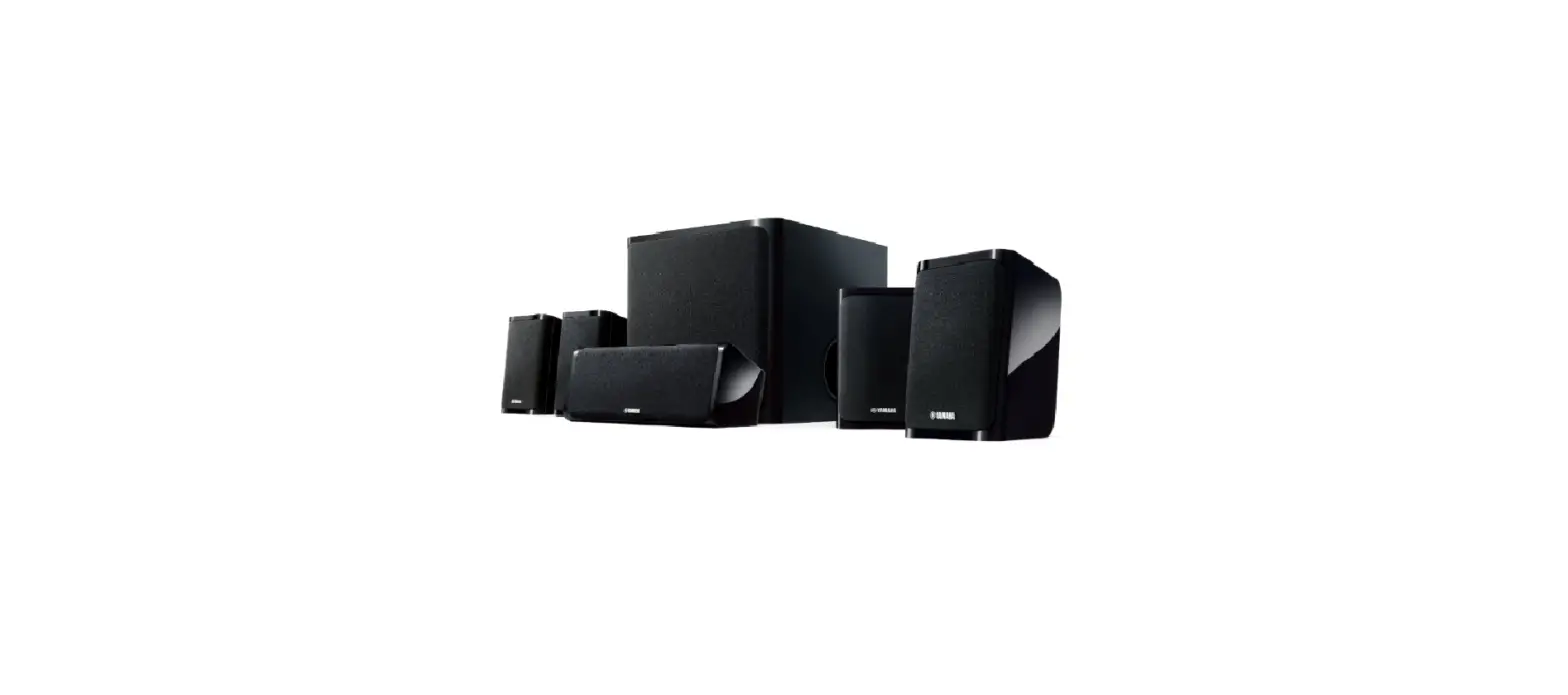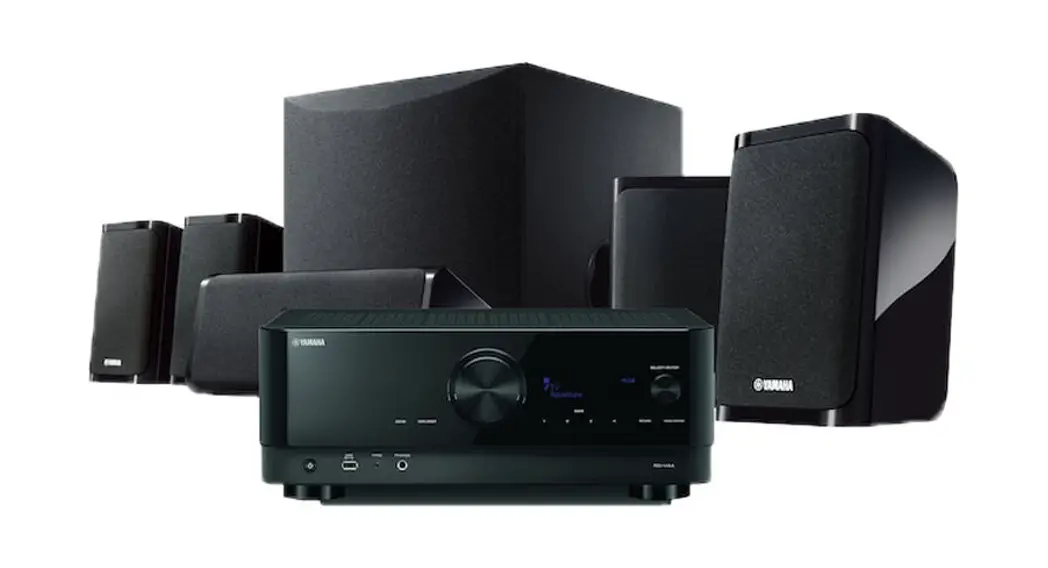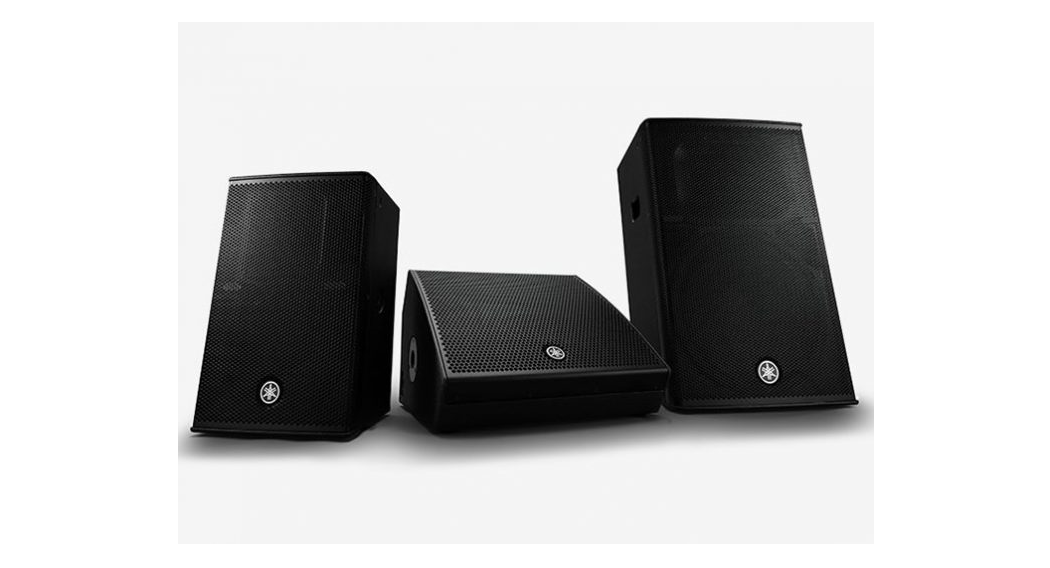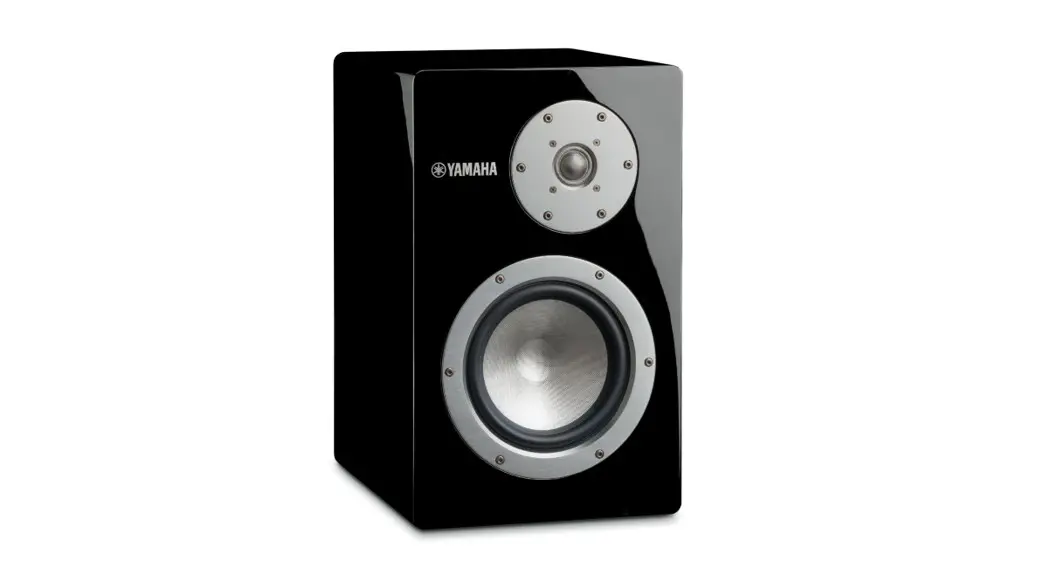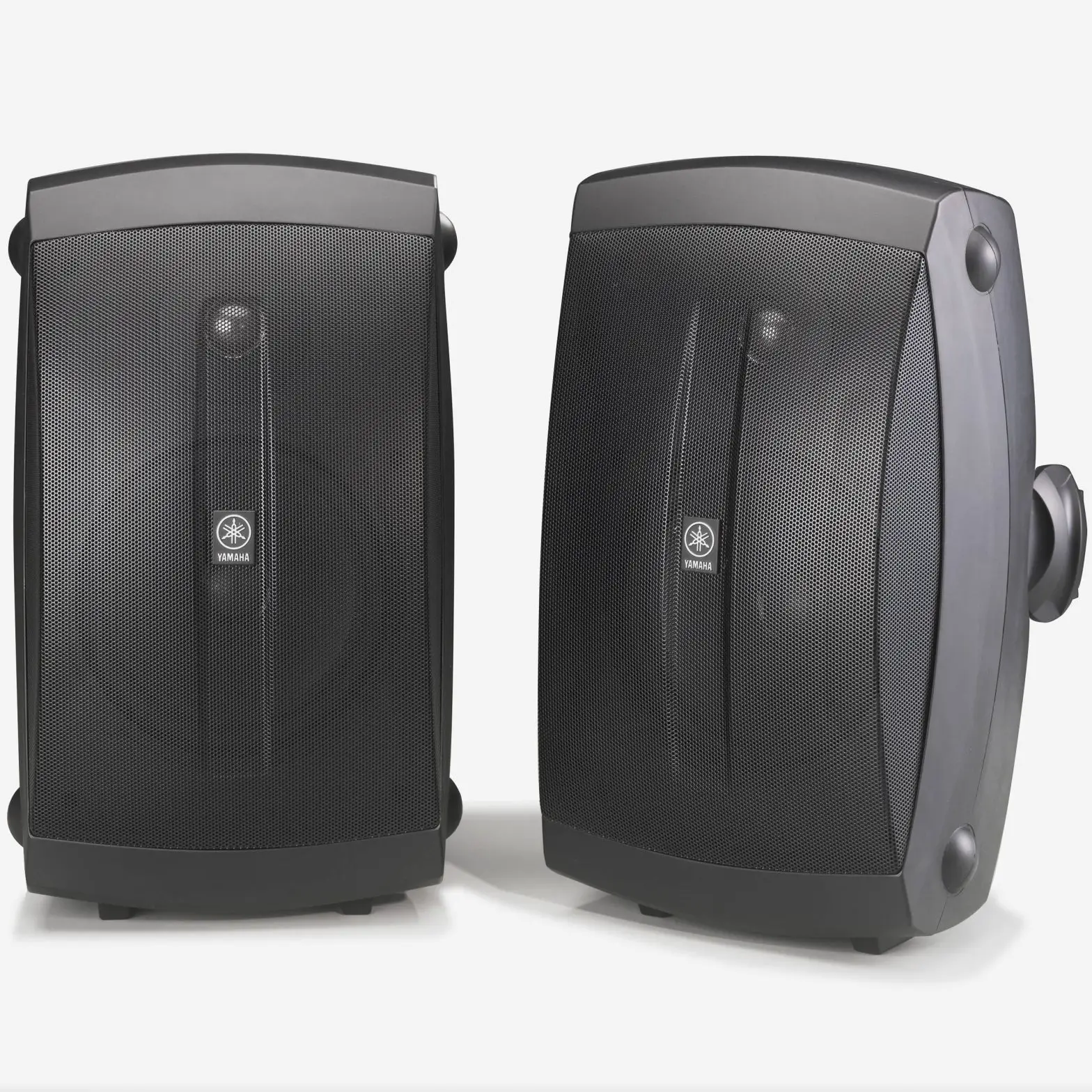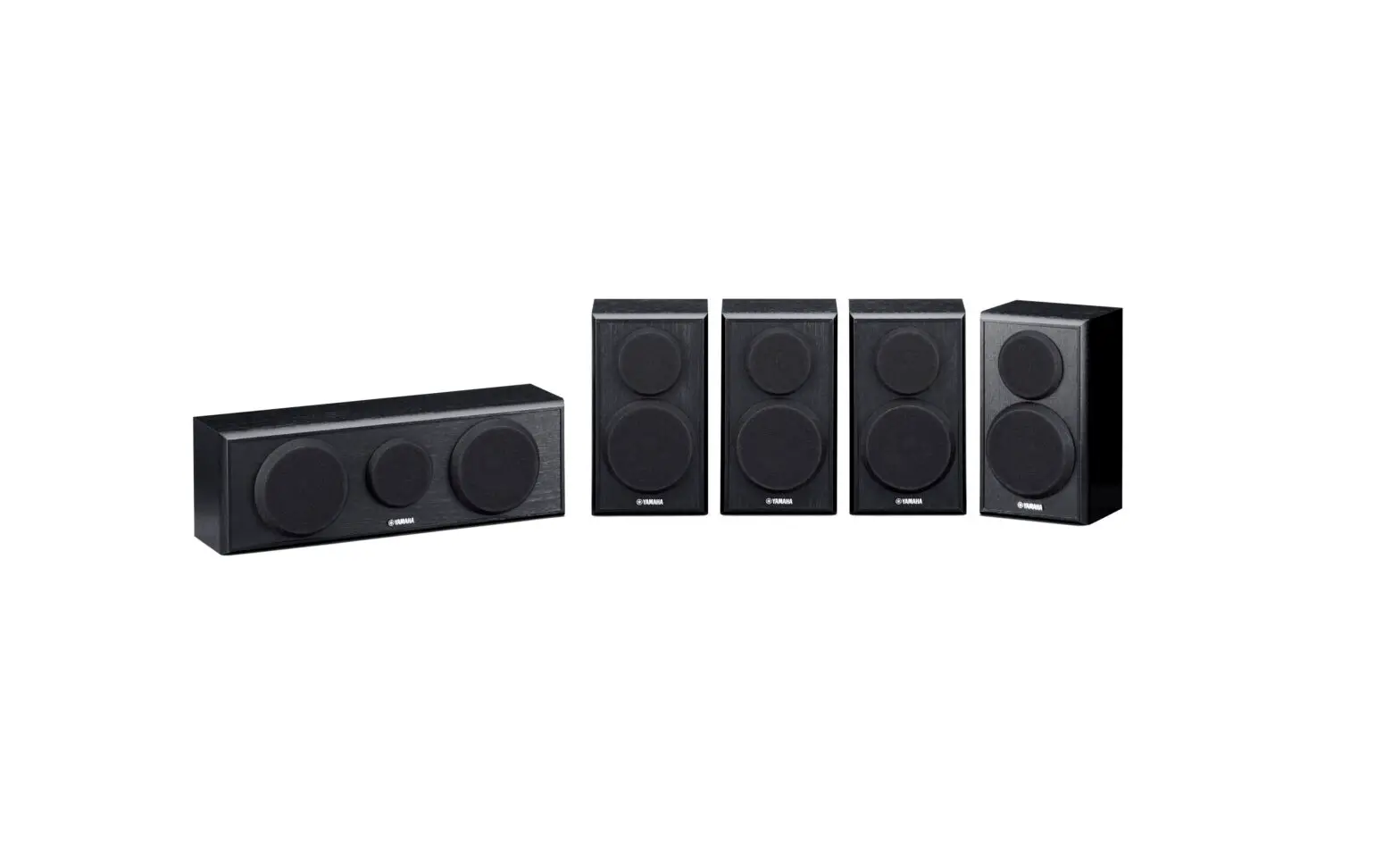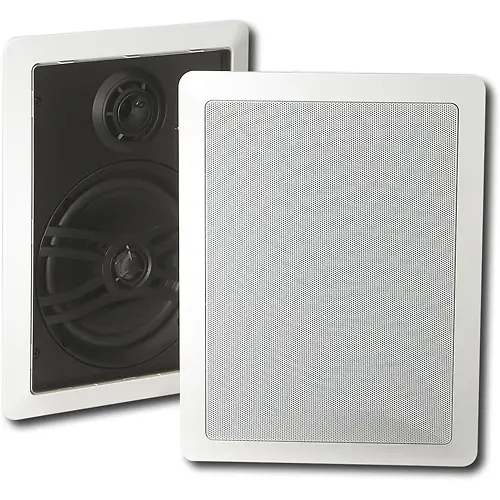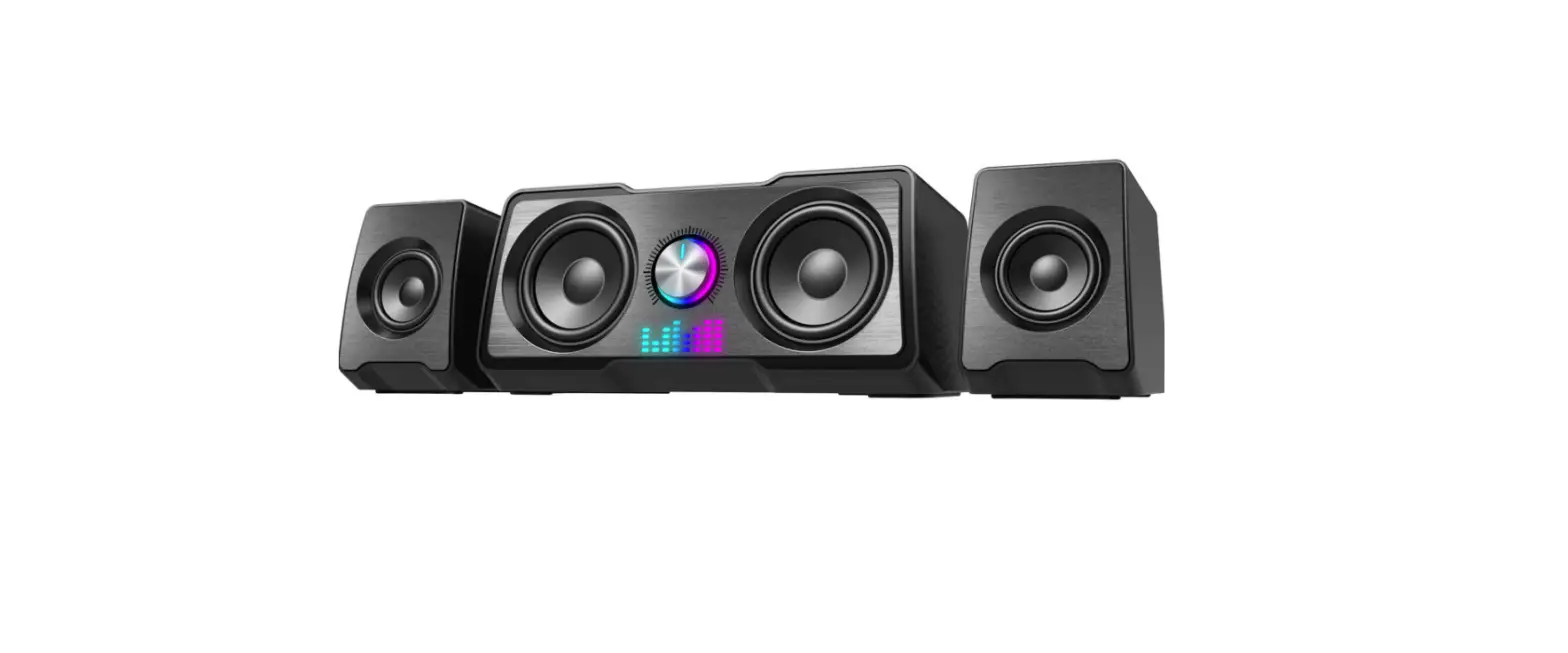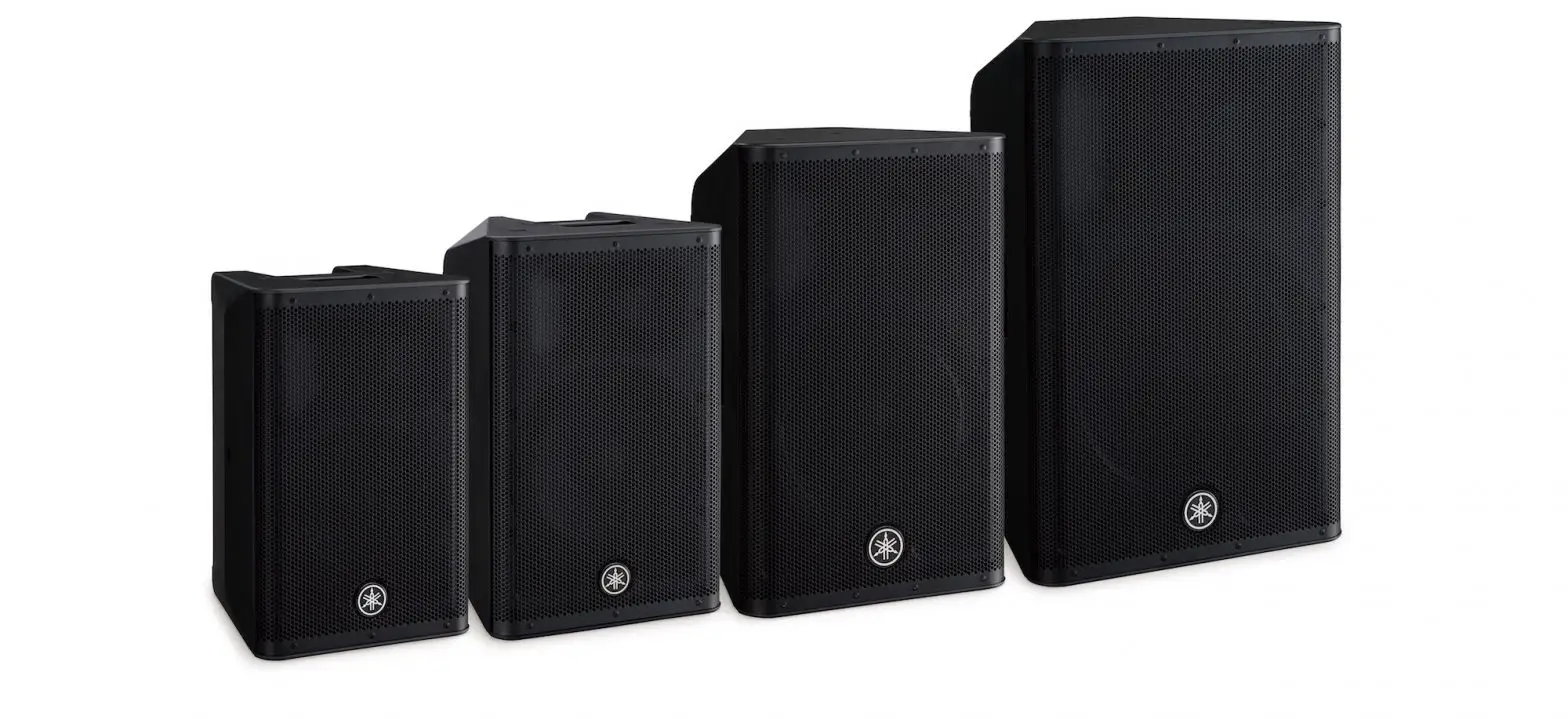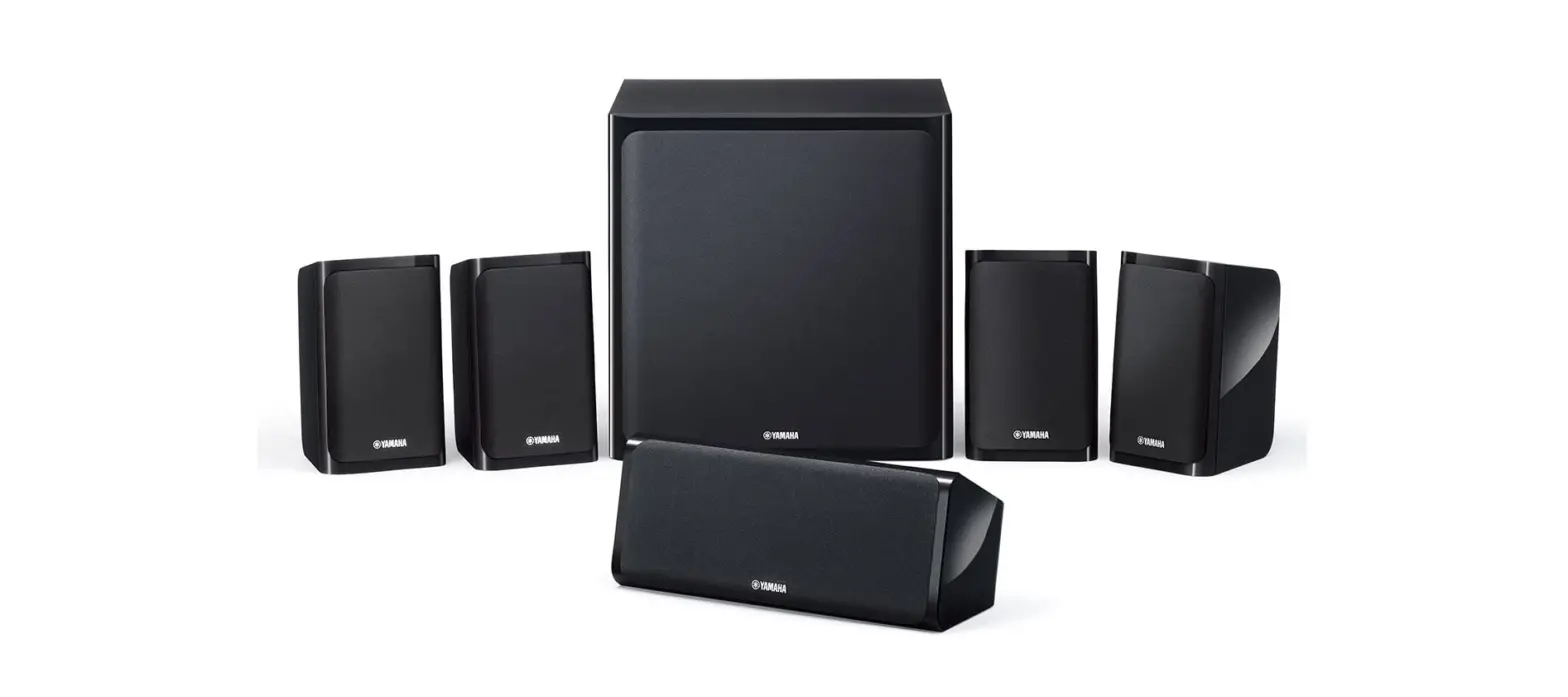
 Yamaha YHT-5920UBL MusicCast Home Theater SPEAKER
 Yamaha YHT-5920UBL MusicCast Home Theater SPEAKER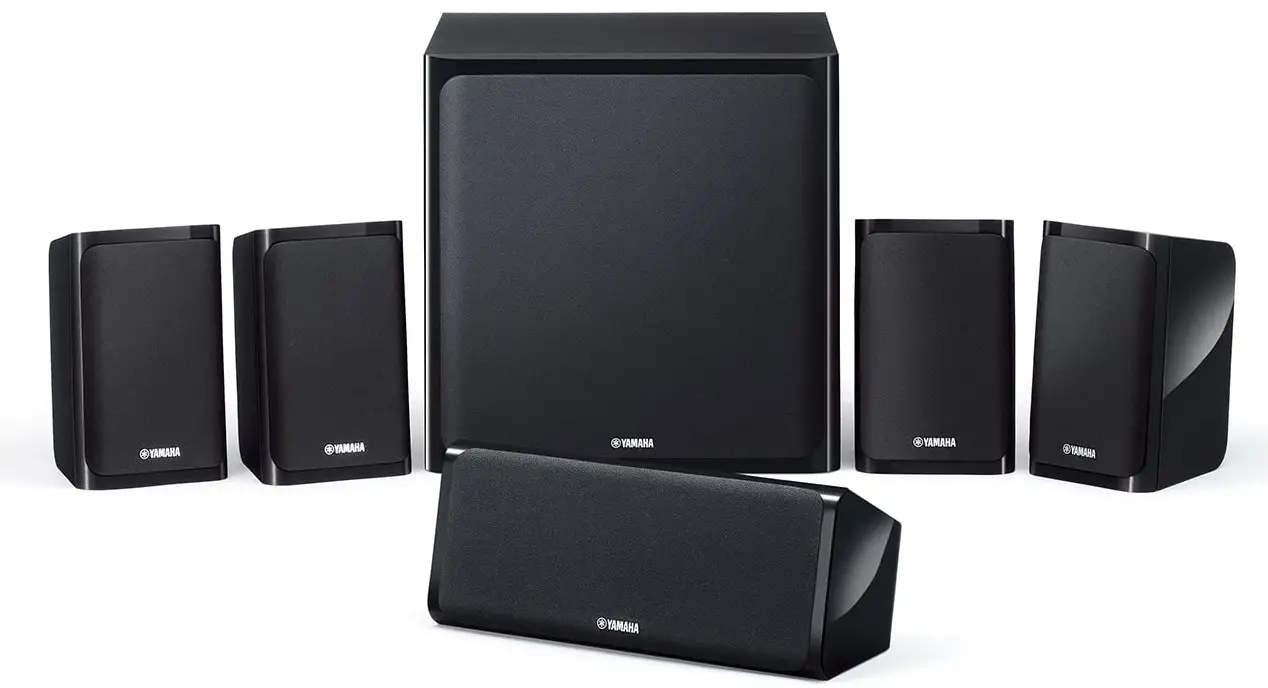
AV SETUP GUIDE
Yamaha AV Receiver Setup Guide App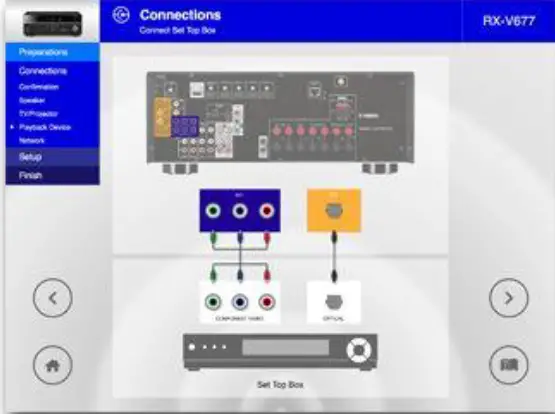
AV SETUP GUIDE is an application that assists you with cable connections between AV receiver and source devices as well as AV receiver setup.
This app guides you through the various settings such as speaker connections, TV and source device connections and assigning the power amp.
System illustrations and actual AV receiver images help you understand easily how to make the connections between devices.
If your receiver is network capable, setting parameters on this app will automatically be copied to your AV receiver for simple setup.
Product Information
AV SETUP GUIDE
Yamaha AV Receiver Setup Guide App
Wide Range of Functions
AV Receiver Model Select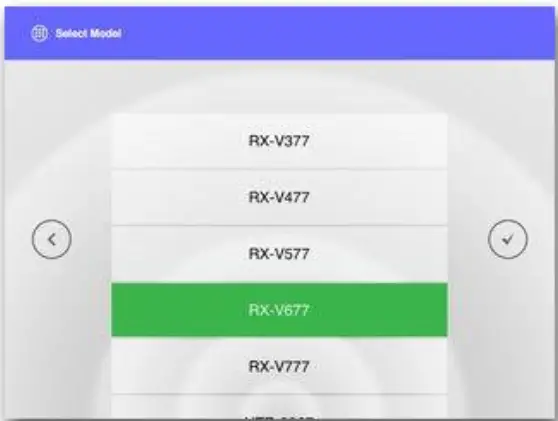
Select your model
Home Menu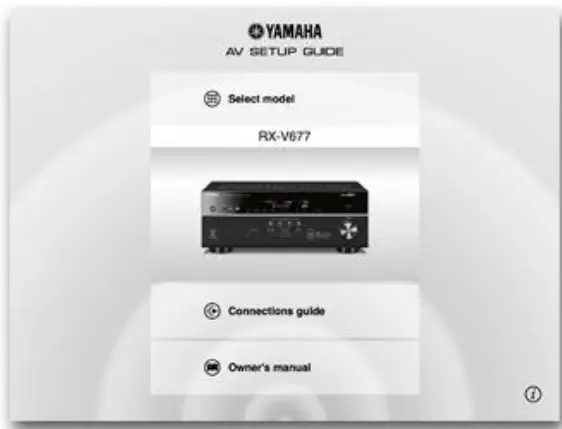
Your model is displayed.
Start the connection guide or view the owner’s manual.
Speaker Layout
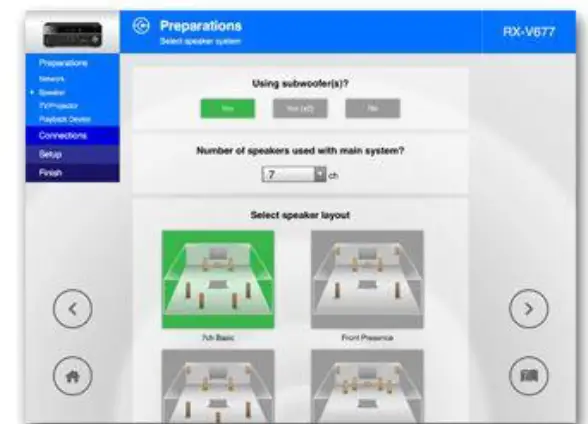
Based on your selected speaker configuration for the room, this app shows you all the possible speaker layout avaialble to select.
Source Device Select
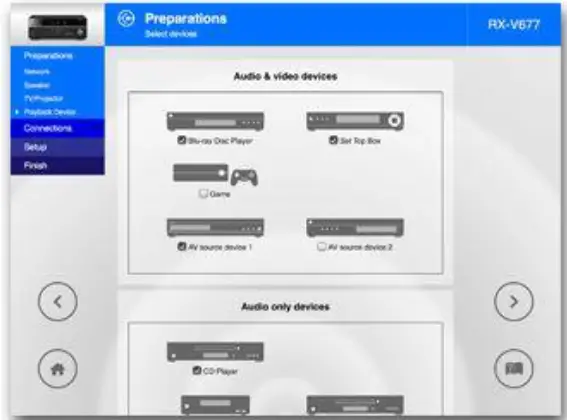
Select all connecting devices from the list.Check input/output terminals on these devices.
Confirmation of TV/source devices and cables
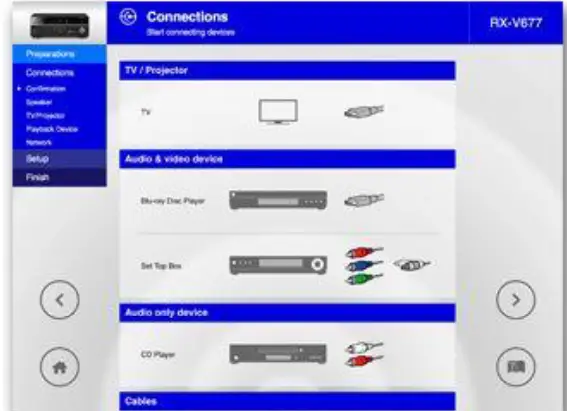
Based on Source Device Select result, this app shows you all necessary interconnection cables.
TV / Source Devices Connection
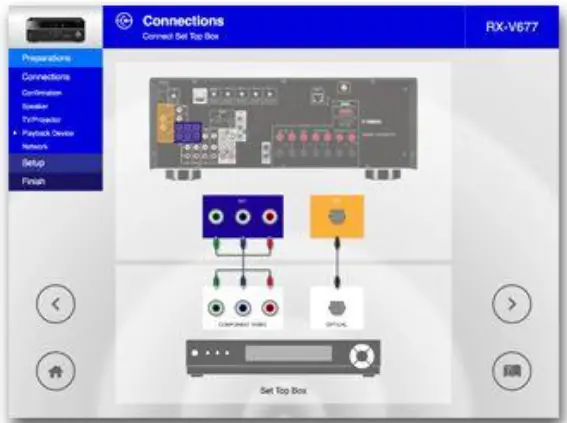
Based on your selection of input/output on connected devices, this app shows you to which input / output terminals on the receiver these devices need to be connected.
Speaker Connection
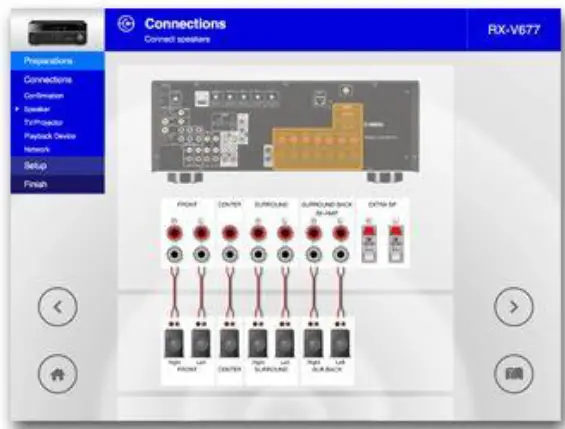
Based on your selected speaker layout in earlier step, this app shows you to which speaker terminals the speakers need to be connected.
Automatic Setup via Network
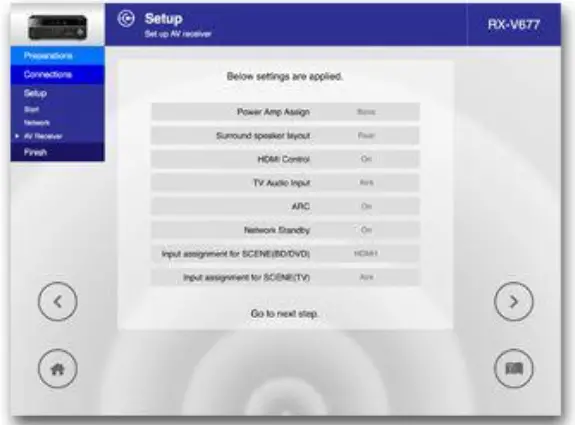
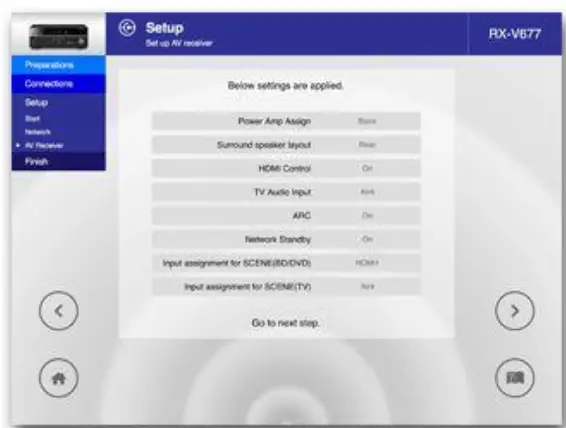
Setting parameters in this app will be automatically copied to your AV receiver.
*This function is supported only by network-capable models.
YPAO Setting Guidance
YPAO automatically optimizes the speaker settings to suit your room.
This app guides you on how to engage YPAO and checks if the speaker connection is correct.
*Certain models will skip this step.
Compatible Models
CX-A5100, CX-A5000
RX-A3070, RX-A2070, RX-A1070, RX-A870, RX-A770, RX-A670, RX-A3060, RX-A2060, RX-A1060, RX-A860, RX-A760, RX-A660, RX-A3050, RX-A2050, RX-A1050, RX-A850, RX-A750, RX-A550, RX-AS710, RX-AS710D, RX-A3040, RX-A2040, RX-A1040, RX-A840, RX-A740
RX-V3083, RX-V2083, RX-V1083, RX-V683, RX-V583, RX-V483, RX-V383, RX-V3081, RX-V2081, RX-V1081, RX-V781, RX-V681, RX-V581, RX-V481, RX-V481D, RX-V381, RX-V3079, RX-V2079, RX-V1079, RX-V779, RX-V679, RX-V579, RX-V479, RX-V379, RX-V3077, RX-V2077, RX-V1077, RX-V777, RX-V677, RX-V577, RX-V477, RX-V377
HTR-5071, HTR-4071, HTR-3071, HTR-2071, HTR-5069, HTR-4069, HTR-3069, HTR-6068, HTR-4068, HTR-3068, HTR-6067, HTR-5067, HTR-4067, HTR-3067
TSR-5830, TSR-7810, TSR-5810, TSR-7790, TSR-5790
*Some models are not available in some regions.
System Requirements
OS: iOS 6.0, Android OS 4.00 or higher
Screen Size: 7″ or higher
Screen Resolution: 1024×768 or higher
* Compatibility with certain tablet devices can’t always be guaranteed.
Privacy Policy
* This application will never collect nor externally transfer personal data stored in your smartphone / tablet.
* This application performs the following functions for purposes described below.
Making a connection under a WiFi-enabled environment
The application uses WiFi function on your mobile terminal for the purpose of operating network-enabled devices.
Accessing to music information stored in your smartphone/tablet
This application accesses to music information stored in your smartphone/tablet for the purpose of displaying, playing and editing the music information and/or playlist
FAQS
Can you use this sub with an older pioneer receiver that doesn’t have a lte sub output and if so how?
You may need to consider contacting the receiver manufacturer for their recommendation, as they may have a specific suggested output.
You will likely need to connect into one of your receiver’s available RCA Line Outputs.
If i use a splitter from the sub out ports to the lfr input, will there be a problem with impedance?
No
Can this connect to a sound bar via Bluetooth?
The S 808 does not feature wireless connectivity. The soundbar/source will need to have a dedicated RDA subwoofer output to connect the S 808 subwoofer.
How many watts is it?
50 watts of continuous power (100 watts peak)
What is the standby power consumption?
According to my Kill-A-Watt meter, it was about 0.4 W when I first installed it about 10 months ago,
can you connect it to SVS wireless kit?
It appears that a powered subwoofer like the Jamo S 808 would work with this wireless transmitter/receiver system according to the SVS website.
is this 220v or 110v
us 110v
Is there an APP for controlling this sound baser?
yes.but so basic setting only
Will this subwoofer turn on and off automatically with the amplifier?
“POWER” AUTO/ON/OFF – When this switch is in the “AUTO” position, the subwoofer will
automatically turn “on” when it senses a signal. It will automatically go into “standby mode”
after 15-20 minutes with no signal. When this switch is in the “OFF” position, the subwoofer
will remain “off” until the switch is manually turned back to the “ON/AUTO” position s
when will these be in stock through amazon again? I dont like third party sellers.
Do not know but get one from other places if need be. These are fantastic for small rooms
Klipsch says i will need a single-ended rca cable leading from the “sub out” port but it has both right and left channels. do i need a splitter?
No splitter will be needed. Using a male-male RCA subwoofer cable, connect the cable to the subwoofer’s RCA Line Input labeled “LFE.”