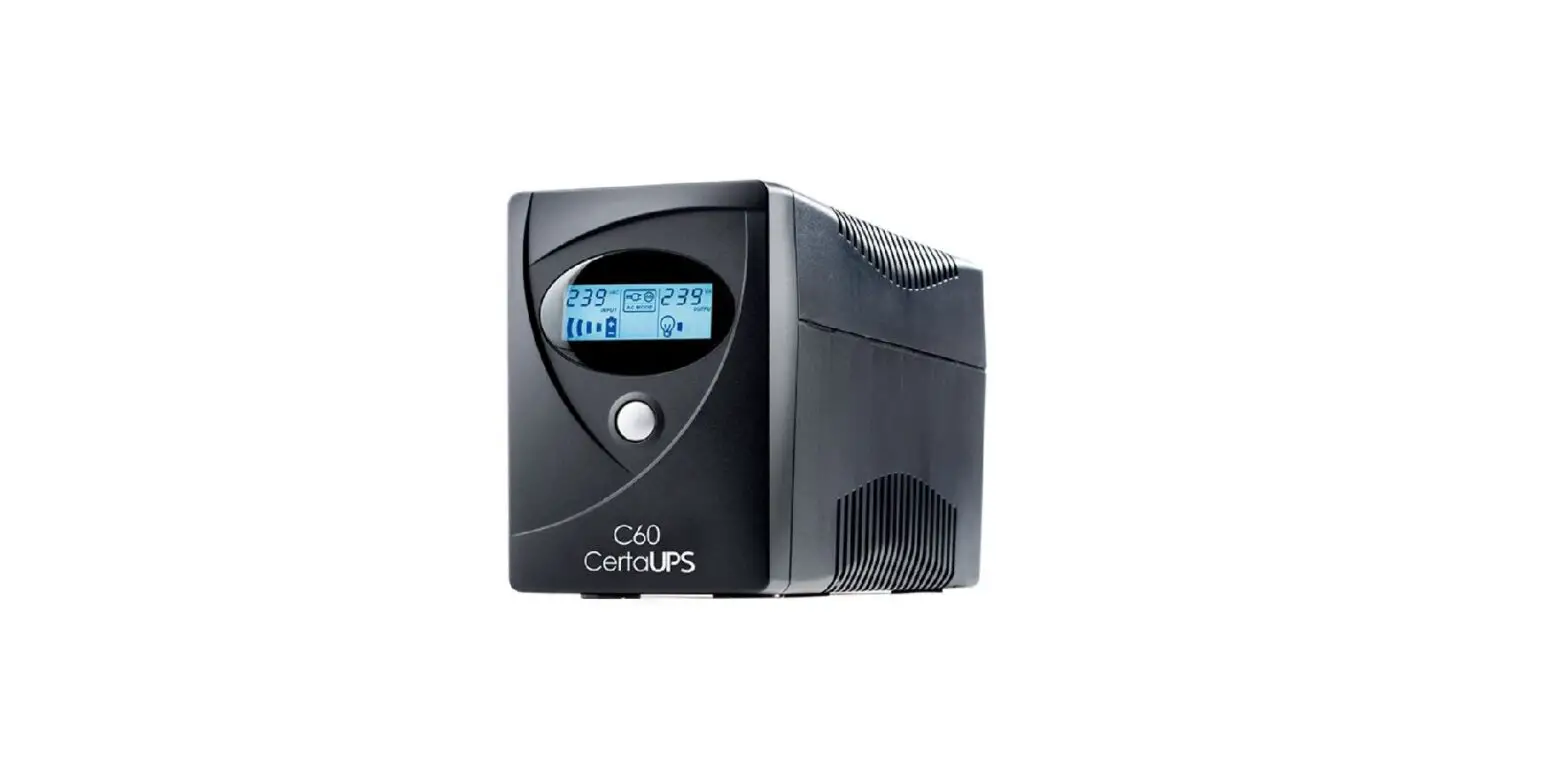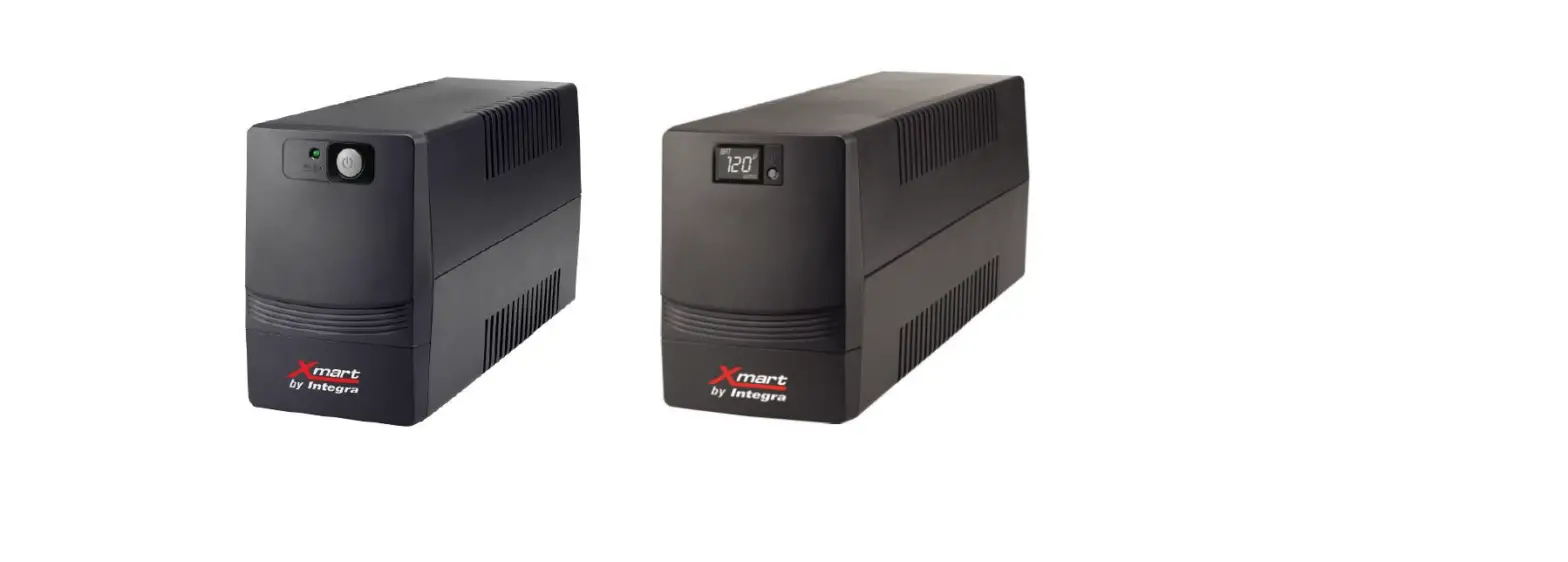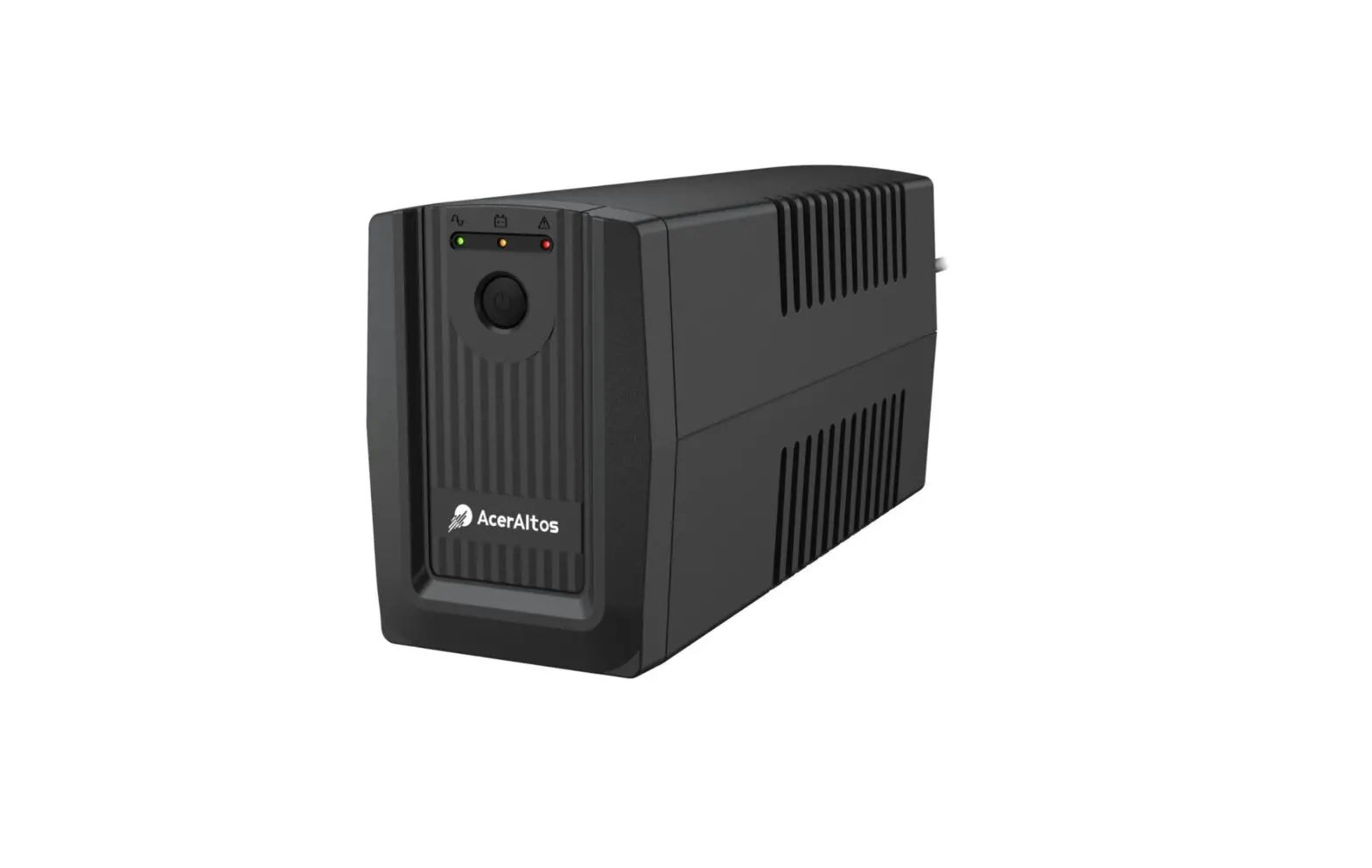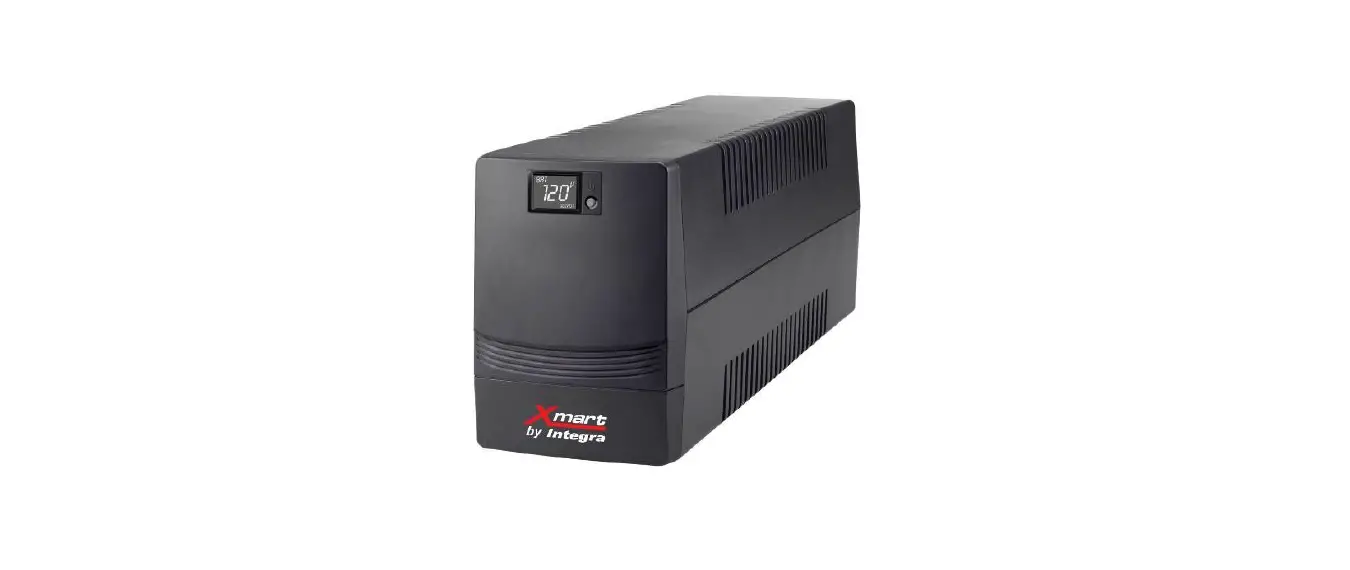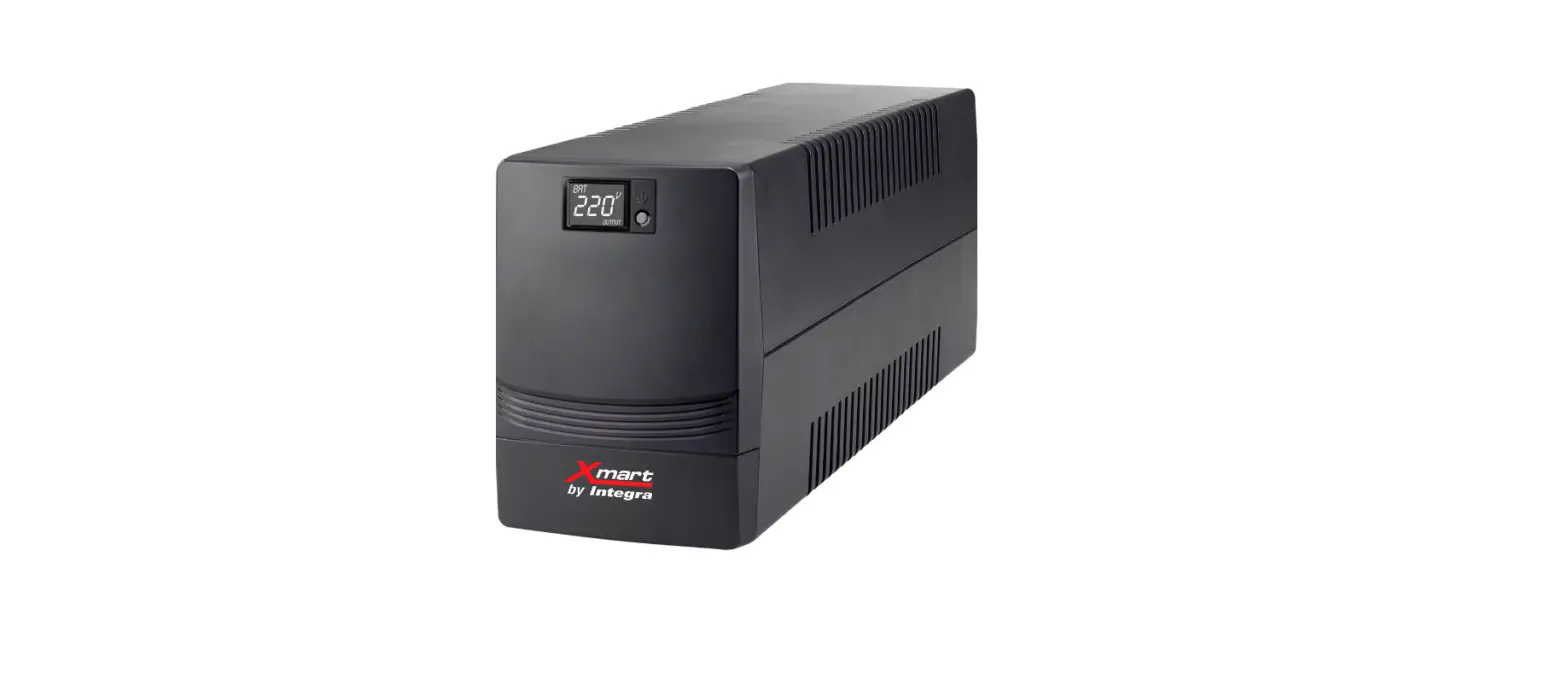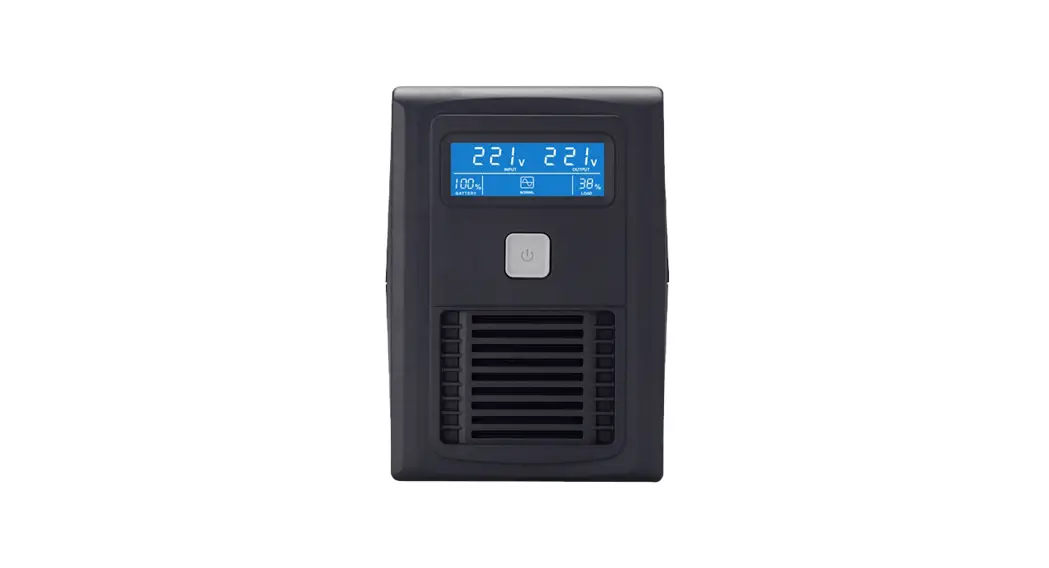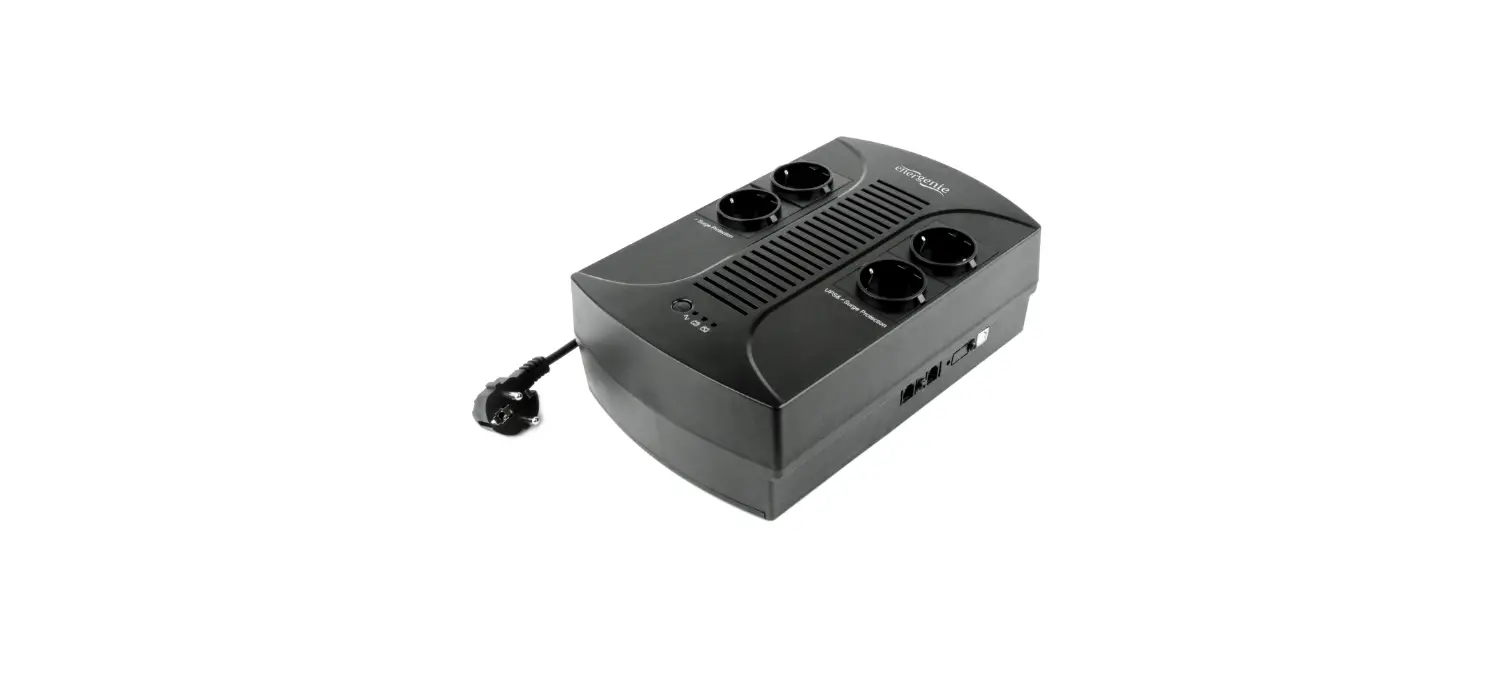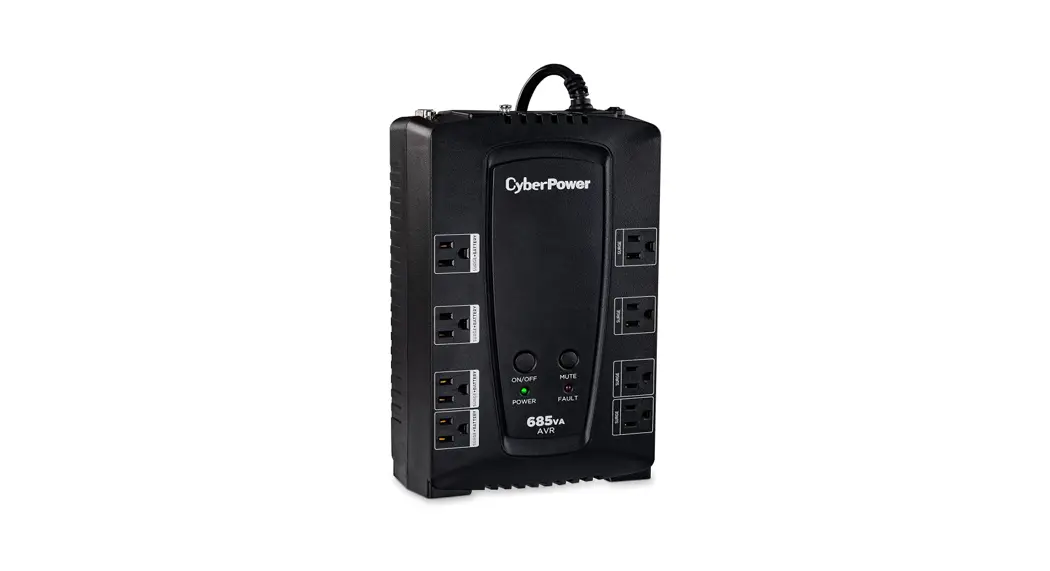
VSEVEN Desktop UPS User Manual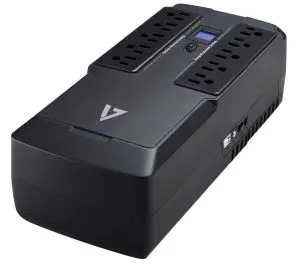
Desktop UPS
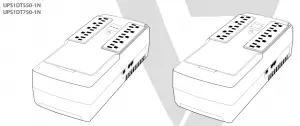
Installation & Operation
1.Inspection
The following items are inside the box: UPS Unit, User Manual
Remove the UPS from its package and inspect it for damage that may have occurred during shipping. If any damage is discovered, re-pack the unit and return it to the place of purchase.
2. Connect to Utility Power ·
Connect AC power cord to utility power. Then, the UPS will start to charge inside battery. For best result, charge the battery for 6 hours prior to initial use.
3. Plug in Equipment
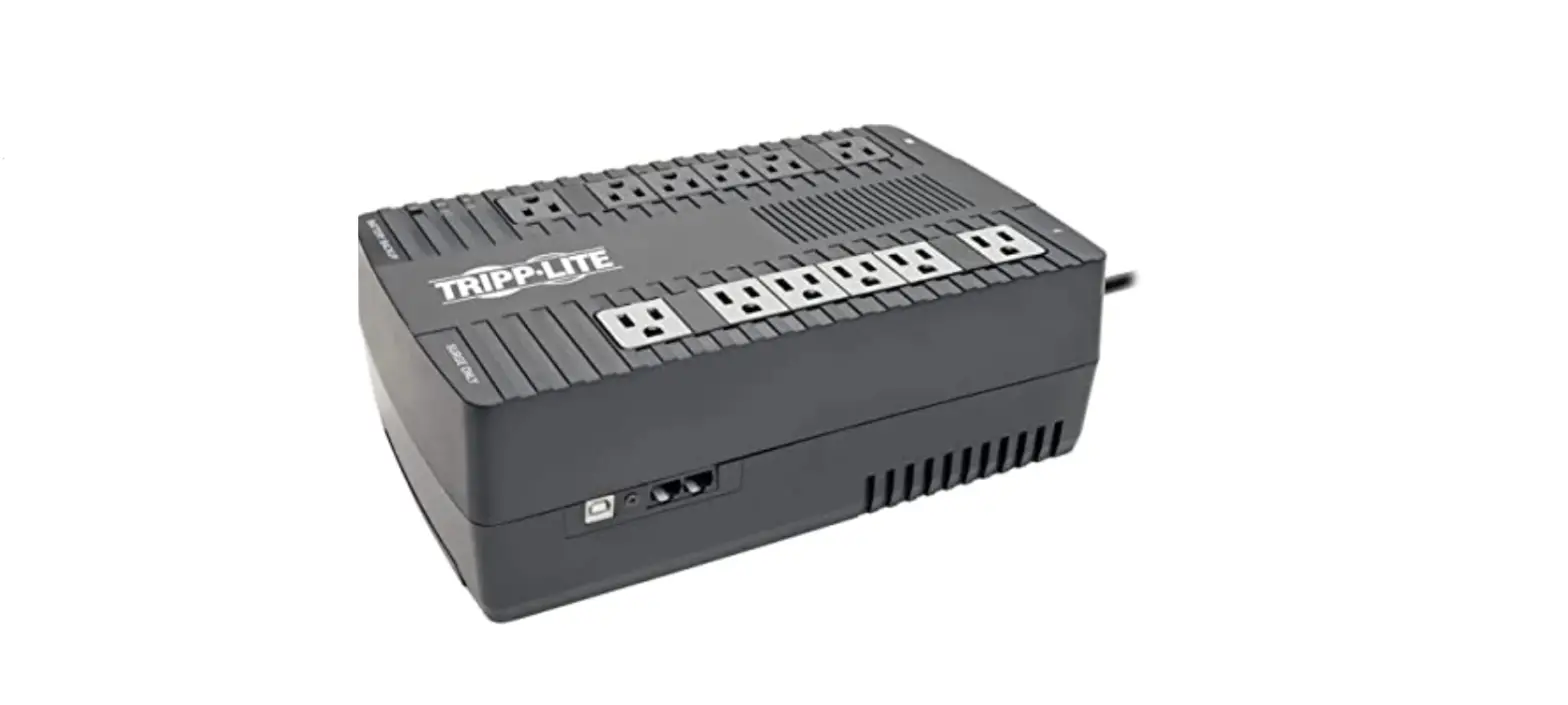
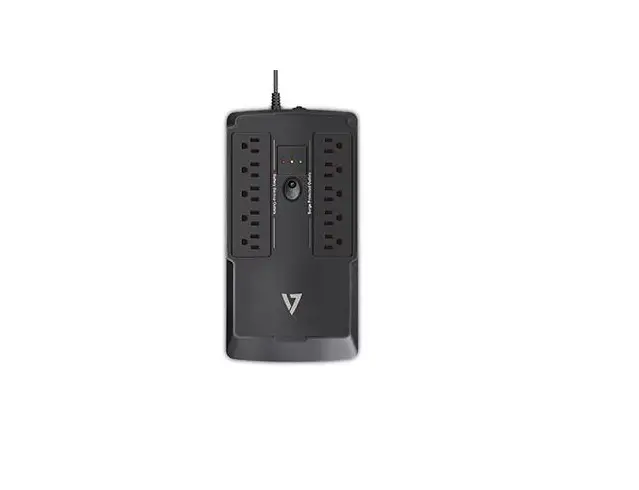
- Battery back-up Outlets (5)
- Connect computer and monitor to the “Battery Backup” outlets. These outlets provide battery backup, EMI filtering, line conditioning, and surge protection. Battery power is automatically provided in case of power failure.
- Surge-Protected Outlets (5)
- Connect a printer, fax machine, or scanner to the “Surge-protected” outlets. These outlets do not provide power during power failure.
CAUTION : NEVER connect a laser printer or scanner to the battery backup sockets of UPS. The equipment may draw significantly power to overload the UPS
- Connect a printer, fax machine, or scanner to the “Surge-protected” outlets. These outlets do not provide power during power failure.
4. Turn On/Off the UPS ·
- To turn on the UPS unit, press the power switch lightly. Then, the LED or LCD will light up. To turn off the UPS unit, press the power switch again. Then, display will shut off.
5. Install software (Optional for advanced users)
For optimal computer system protection, install UPS monitoring software to fully configure the UPS system. Please follow steps below to download and install monitoring software.
- Go to the website http://www.V7-world.com/downloads
- Select ViewPower software for your operating system to download the software.
- Follow the on-screen instructions to install the software.
Product Overview
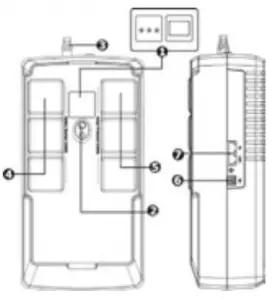
- LCD display or LED indicators (Please check LED or LCD section for the details)
- Power Switch
- AC input
- Battery backup
- Surge-protected outlets
- USB port 7. RJ11/RJ45 in/out
LED Indicators
UPS1DT550-1N only
| LED | Alarm | UPS Status |
| OFF | The mains is normal and |
| Sounds every 10 seconds | Power failure occurs and |
| Sounds every second | Low Battery |
| OFF | UPS is of |
 Red Red | Continuously Sounds | UPS fault |
| LED on |  LED of LED of |
|
 Yellow
Operation Display
UPS1DT750-1N only
UPS Mode | LCD | Description |
UPS Power ON | 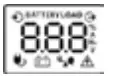 | When UPS is powered on, it will enter this mode for 4 seconds |
AC Mode | 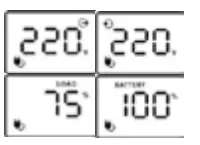 | LCD information will be displayed in the following order when LCD is touched. 1. Output voltage 2. Input voltage 3. Load Level 4. Battery capacity |
Overload in AC mode | 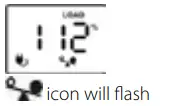 | When overload occurs, alarm will beep every 0.5 seconds |
Battery Mode | 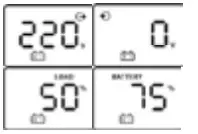 When batter level is low. | Alarm will beep every 10 seconds and LCD information will be displayed in the following order when LCD is touched 1. Output voltage 2. Input voltage 3. Load Level 4. Battery capacity |
Overload in battery mode | 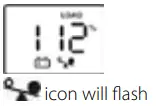 | When overload occurs, alarm will beep every 0.5 seconds |
 icon will flash.
*NOTE: If backlight shuts off, you may activate it by touching the screen
Fault Codes
Fault Condition | LCD | Solutions |
Output short circuited |  | Disconnect short- circuited loads and restart the UPS |
Overload fault |  | Disconnect all output loads and restart the UPS again |
Overcharge |  | Call for service immediately |
Bad or severely dis- charged battery |  | Replace battery |
High output voltage fault |  | Call for service immediately |
*If fault alarm occurs, please call for service immediately
Troubleshooting
Problem | Possible Cause | Solutions |
Nothing is displayed on the panel | The UPS is not on | Press the power switch again to turn on the UPS |
Battery voltage is too low | Charge the battery at least 6 hours | |
| Battery fault | Replace the battery | |
The UPS always on battery mode | Power cord is loose | Re-plug the power cord |
The UPS continuously beeps | Please check the fault code for the details | Check the fault code table for details |
Backup time too short | Battery voltage is too low | Charge the battery at least 6 hours |
| Overload | Remove some unnecessary loads. Before reconnecting equipment, please verify that the load matches the UPS capability specified in the specs. | |
Battery defect | Replace the battery |
* If any abnormal situations occur that are not listed above, please call for service immediately
Safety Information
- This UPS utilizes voltage that may be hazardous. Do not attempt to disassemble the unit. The unit contains no user replaceable parts. Only factory service personnel may perform repairs.
- During the installation of this equipment it should be assured that the sum of the leakage currents of the UPS and the connected loads does not exceed 3.5mA.
- Connection to any other type of receptacle other than a two-pole, three-wire grounded receptacle may result in shock hazard as well as violate local electrical codes.
- In the event of an emergency, press the “OFF” button and disconnect the power cord from the AC power supply to properly disable the UPS.
- Do not allow any liquids or any foreign object to enter the UPS.
- Do not place beverages or any other liquid-containing vessels on or near the unit.
- This unit intended for installation in a controlled environment (temperature controlled, indoor area free of conductive contaminants). Avoid installing the UPS in locations where there is standing or running water, or excessive humidity.
- Do not plug the UPS input into its own output.
- Do not attach an extension cord, power strip, or surge protector to the UPS.
- Do not attach non-computer-related items, such as medical equipment, life-support equipment, microwave ovens, or vacuum cleaners to UPS.
- Do not dispose of batteries in a fire as they may explode.
- A battery can present a risk of electrical shock and high short circuit current. The following precautions should be observed when working on batteries:
- Remove watches, rings, or other metal objects from the hands.
- Use tools with insulated handles.
- Wear rubber gloves and boots.
- Do not lay tools or metal parts on top of batteries.
- Disconnect charging source prior to connecting or disconnecting batteries terminal.
- Internal battery voltage is 12VDC Sealed, lead-acid, 6-cell battery.
- Servicing of batteries should be performed or supervised by personnel knowledgeable of batteries and the required precautions. Keep unauthorized personnel away from batteries.
- When replacing batteries, replace with the same number and type of sealed lead-acid battery.
- Do not open or mutilate the battery or batteries. Release electrolyte is harmful to the skin and eyes. It may be toxic.
- Attention, hazardous through electric shock. Also with dis- connection of this unit from the mains, hazardous voltage still may be accessible through supply from battery. The battery supply should be therefore disconnected in the plus and minus pole at the connectors of the battery when maintenance or service work inside the UPS is necessary.
- To reduce the risk of overheating the UPS, do not cover the UPS’ cooling vents and avoid exposing the unit to direct sunlight or installing the unit near heat emitting appliances such as space heater or furnaces.
- Unplug the UPS prior to cleaning and do not use liquid or spray detergent.
 Downloads