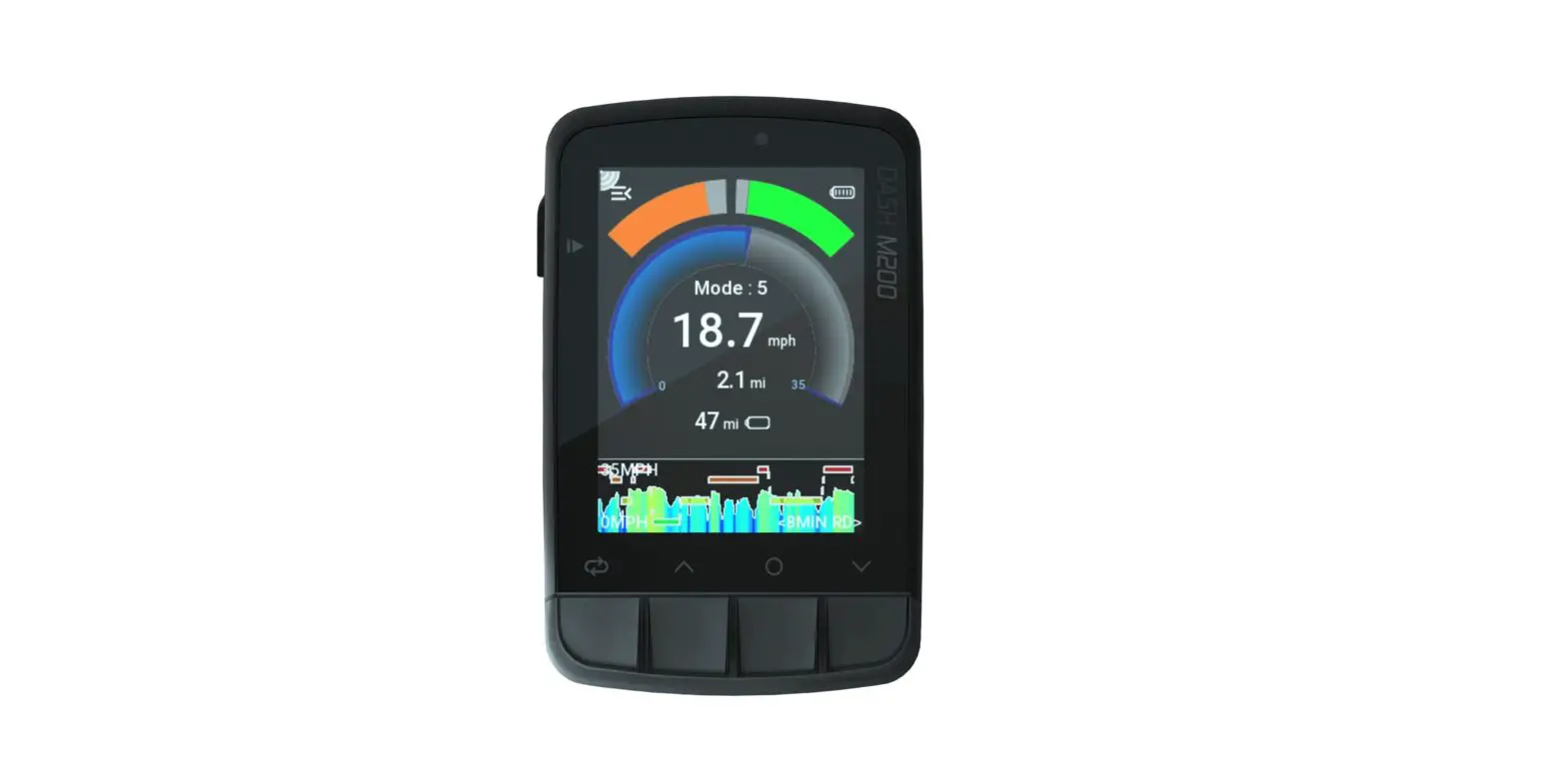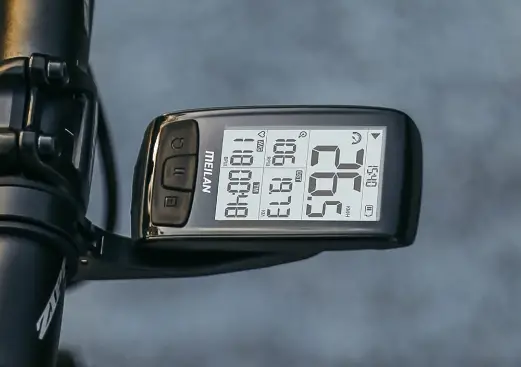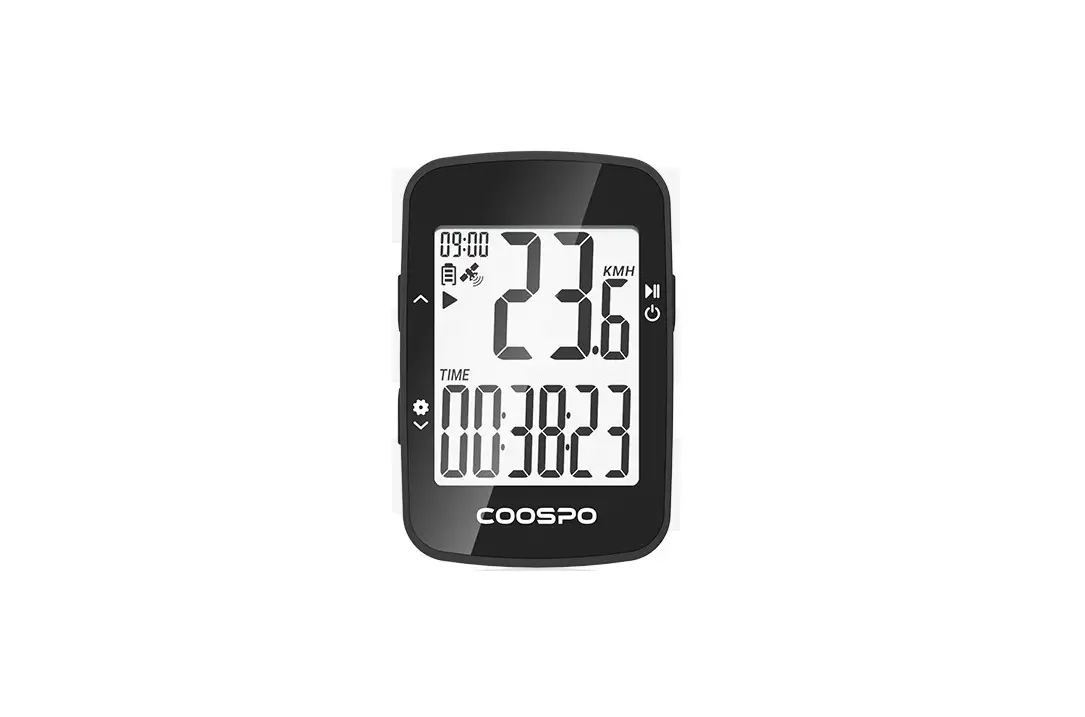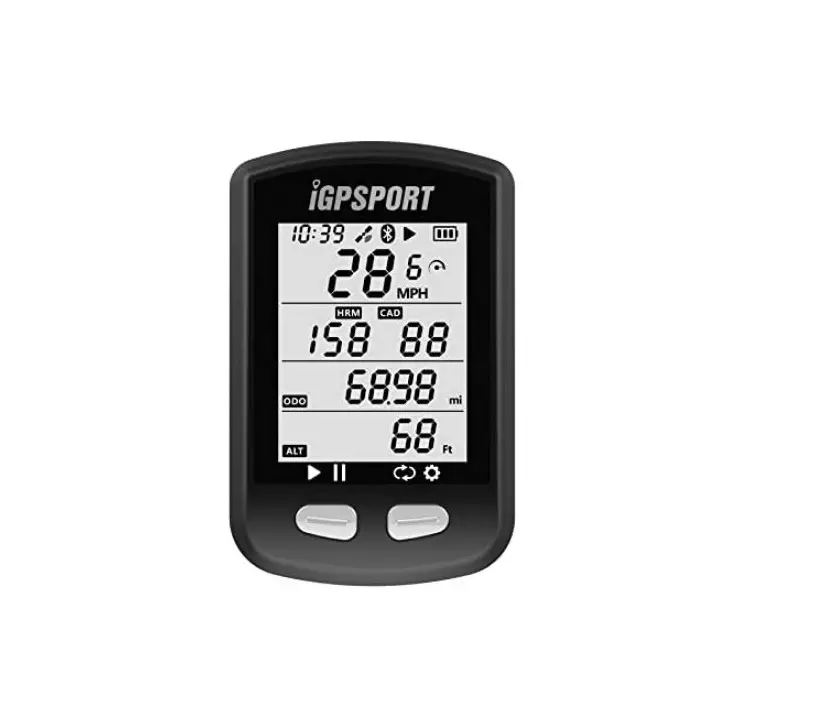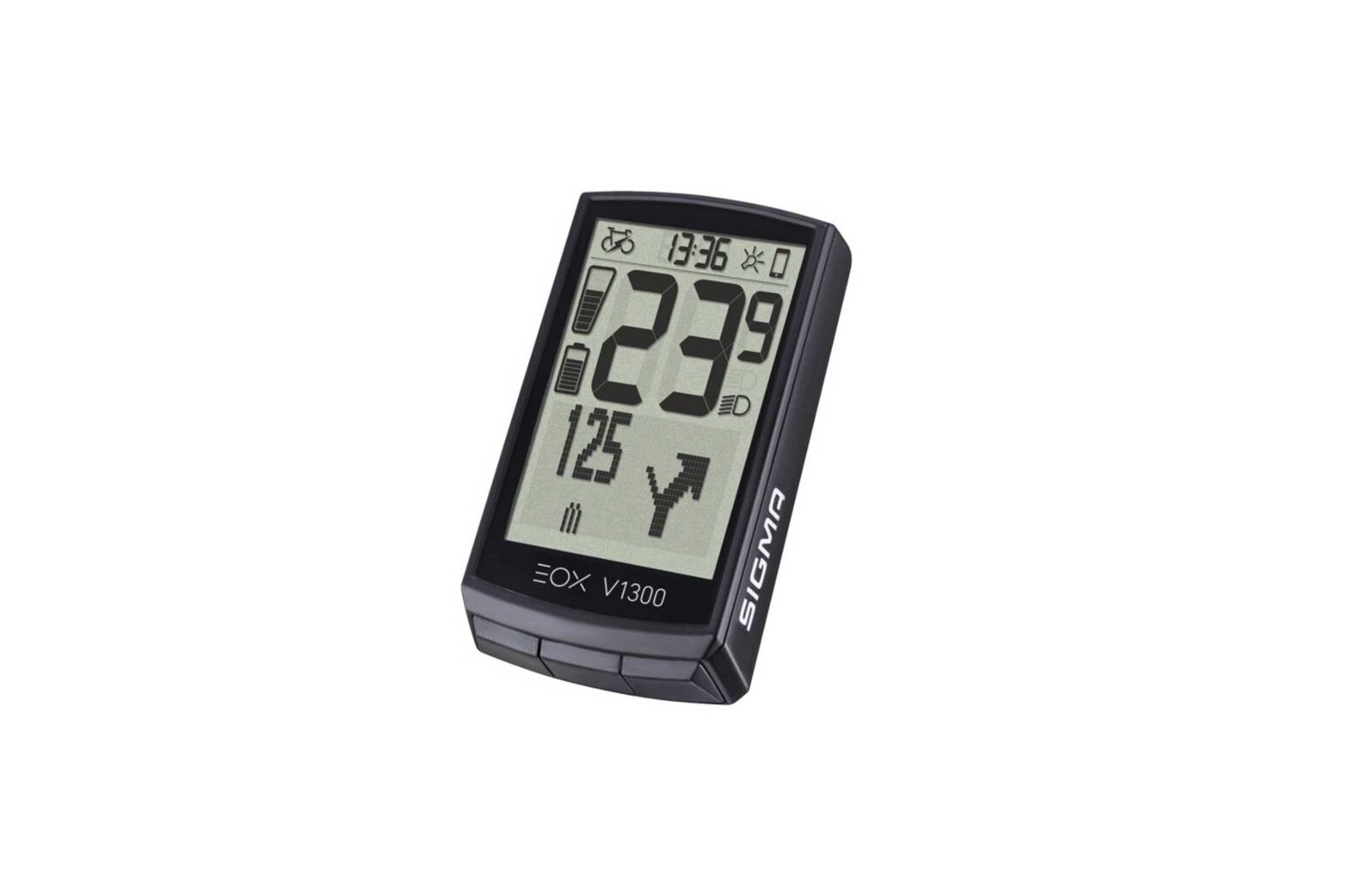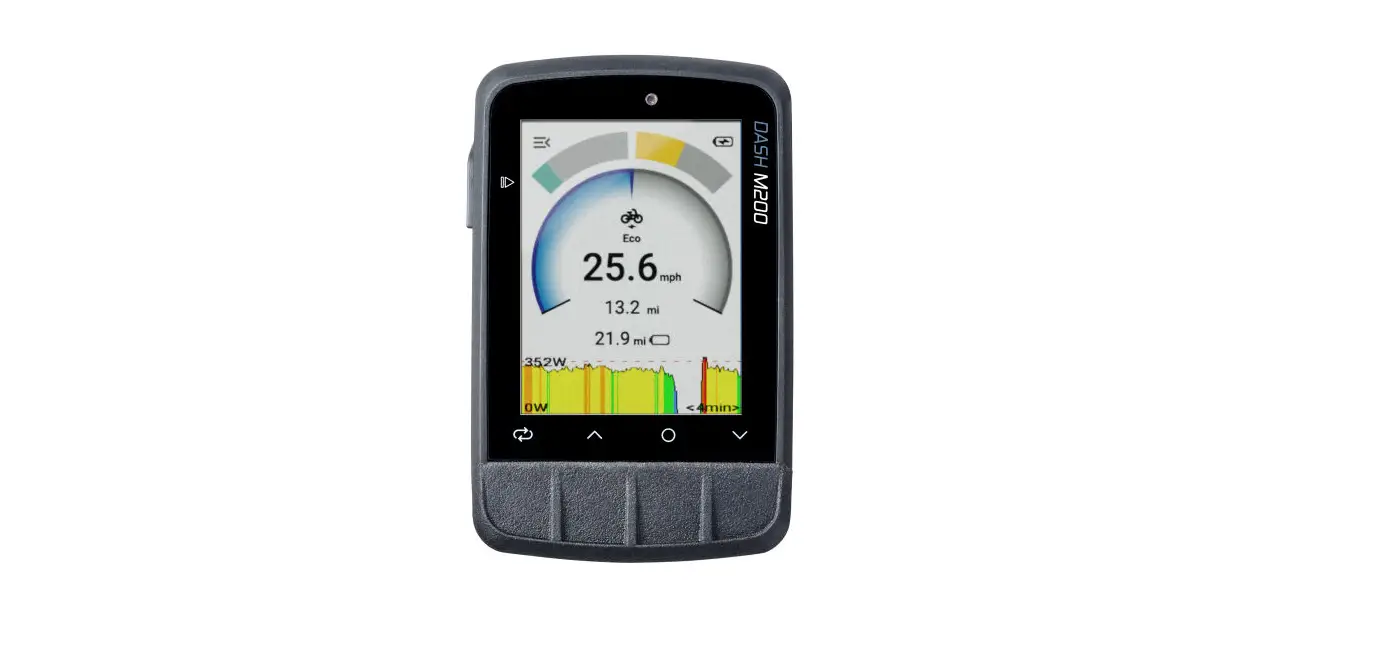

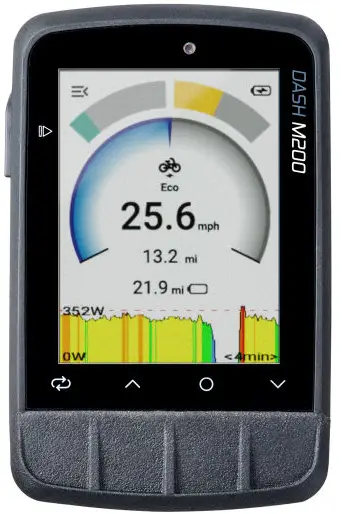
GIANT M200 Cycling Computer

DOWNLOAD APP AND CREATE AN ACCOUNT
App herunterladen und ein Account erstellen
FUNCTION KEYS
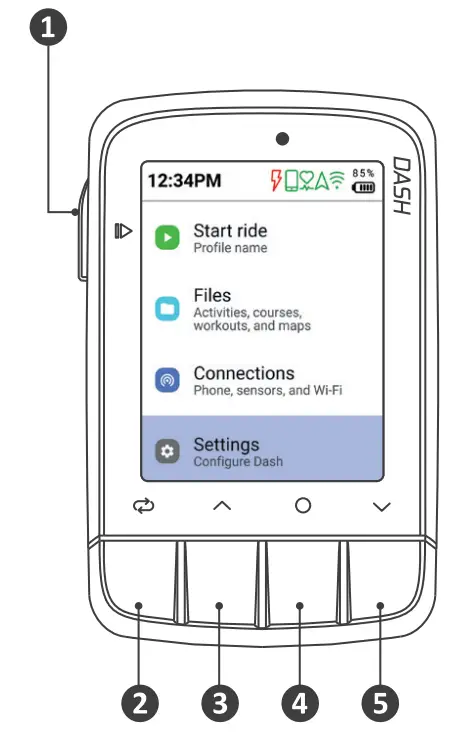
 Start/Stop, Power
 Lap
Lap Arrow key
 Select
 Arrow key
 Start/Stop, Power
 Lap
Lap Arrow key
 Select
 Arrow key
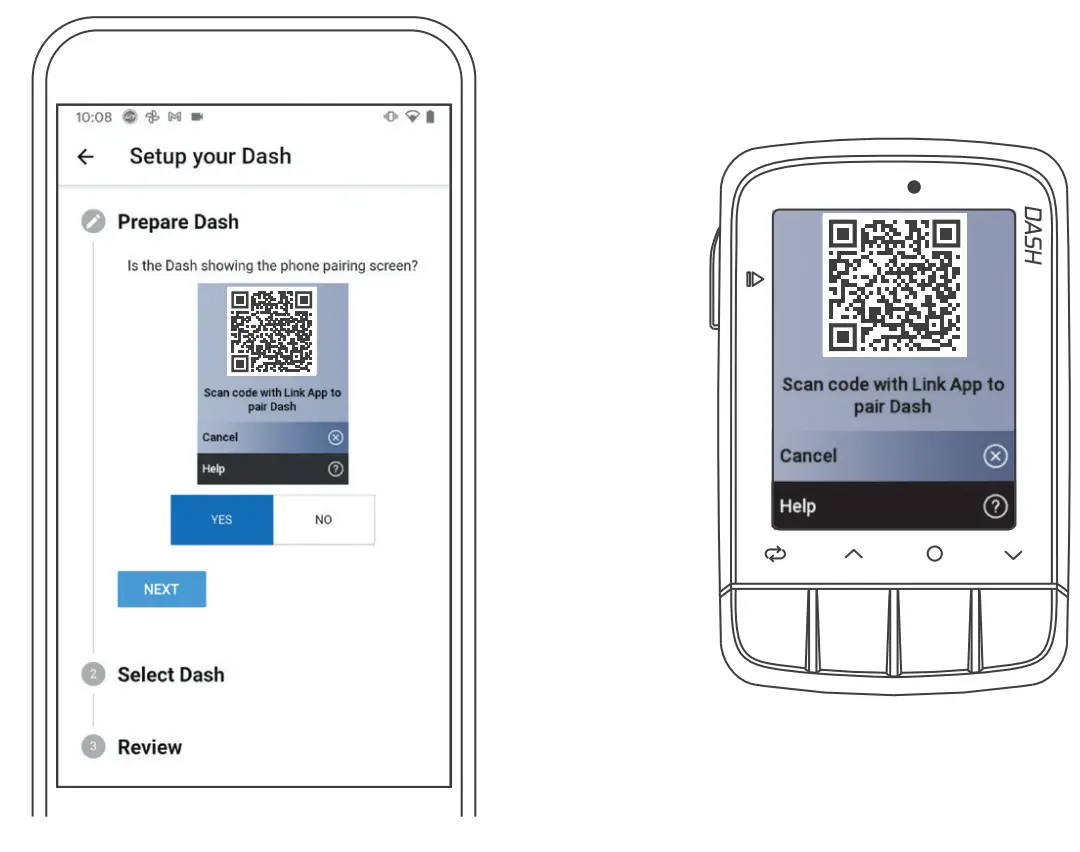
PAIR DASH TO DASH CYCLING APP
oppeln Sie Dash mit der App
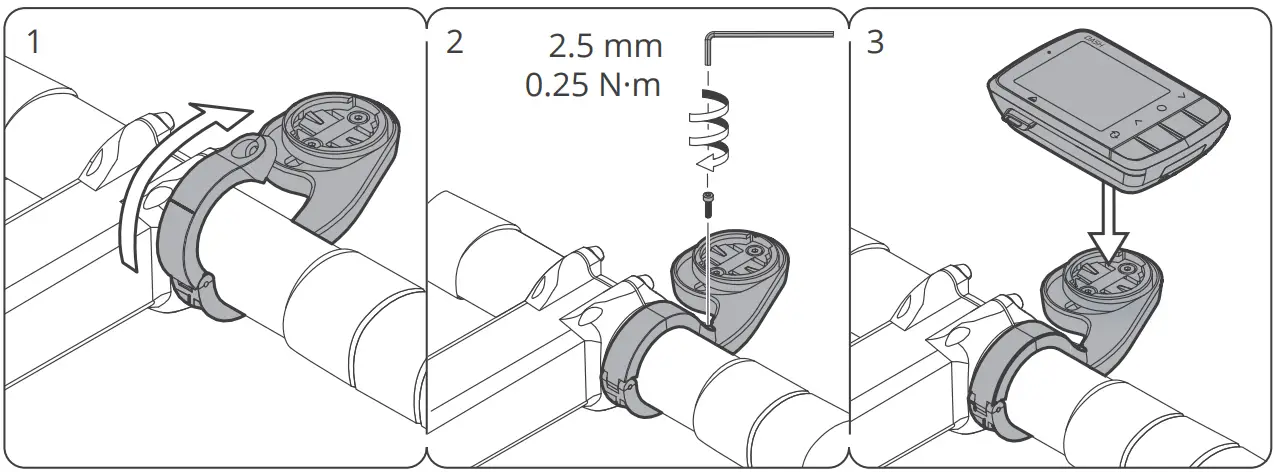
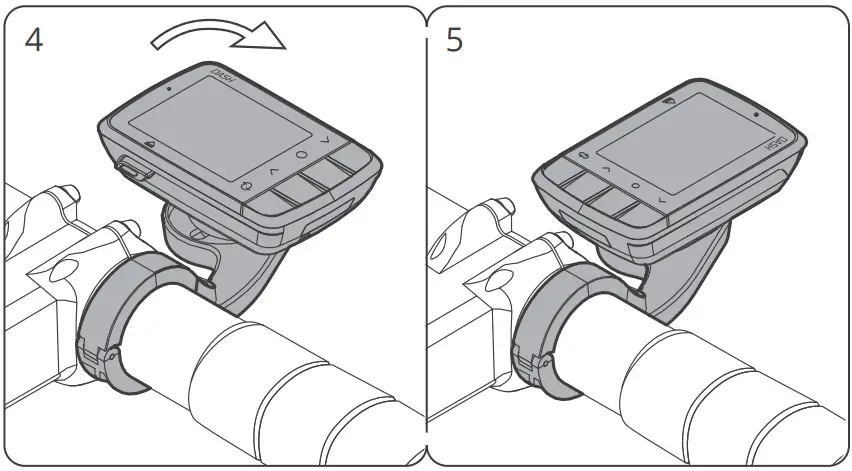
INSTALL DASH
nstallieren Sie Dash korrekt
PAIR DASH TO SENSORS
Koppeln Sie Dash mit der Sensoren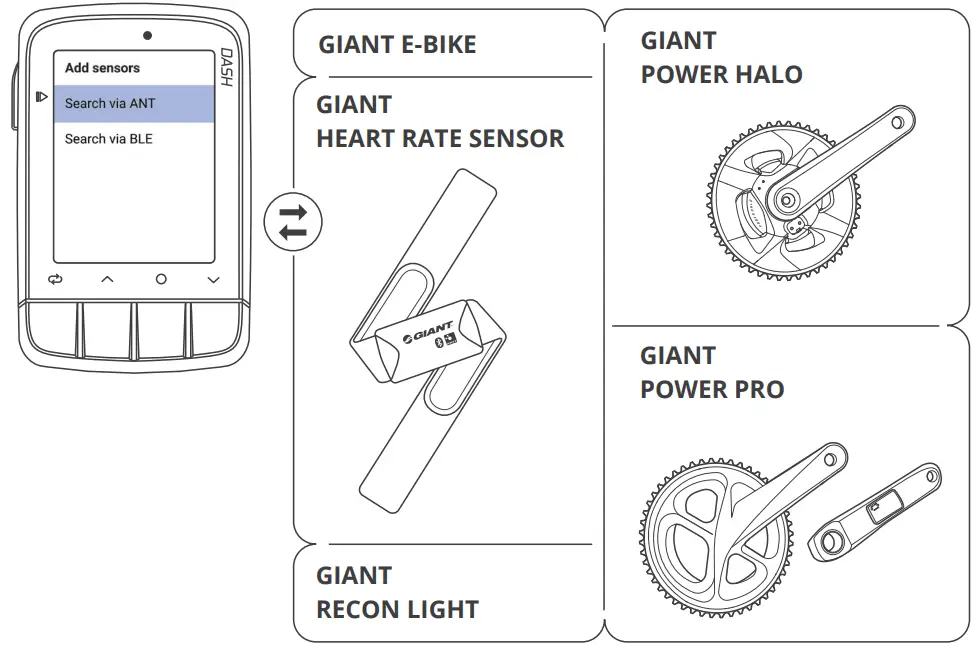
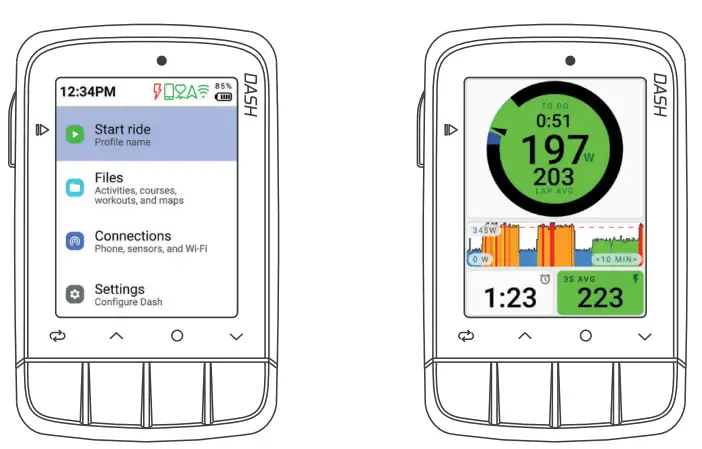
GO RIDE
Gehen Sie Fahrrad fahren.
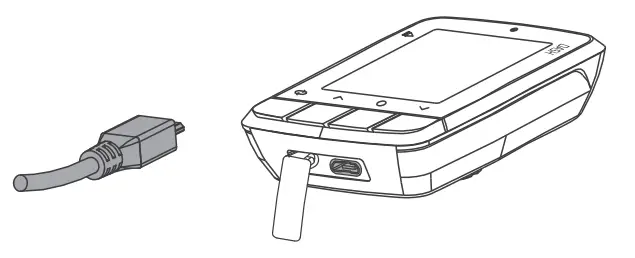
CHARGING DASH
USB zum Aufladen einstecken
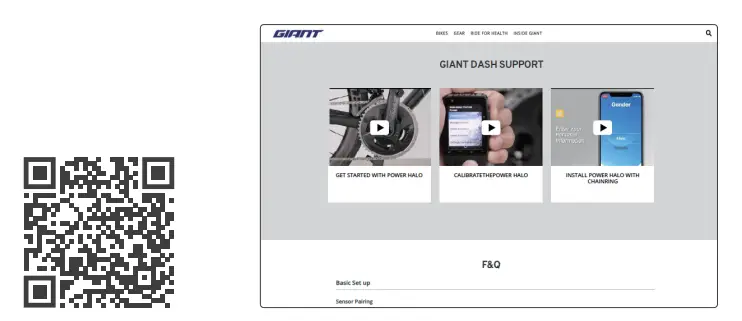
USER GUIDE AND SUPPORT
Benutzerhandbuch und Support
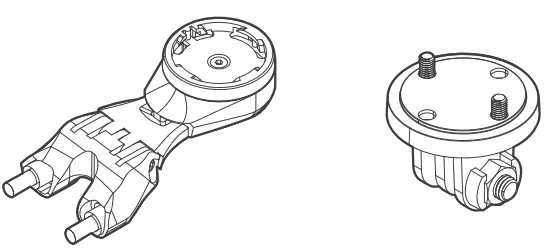
SPARE/ OPTIONAL PARTS
GIANT
- TCR MOUNT
- (SKU:410000127)
GIANT
- DASH GOPRO MOUNT
- (SKU:410000154)
GIANT
- DASH GOPRO MOUNT
- (SKU:410000154)