 Splitter DIN DUO
SPDD-1-2D4D
User
Manual
Specifications
| Supported protocols | DMX512, RDM, Modbus |
| DMX input ports | 1 or 2 isolated |
| DMX output ports | 4 or 5 isolated |
| DMX connectors | 15EDGVC terminal blocks |
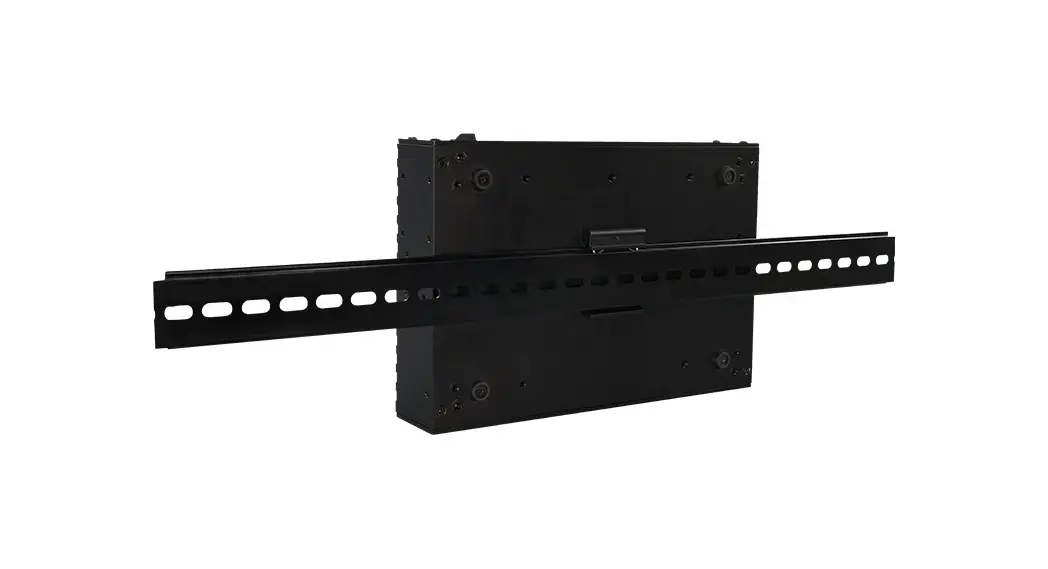
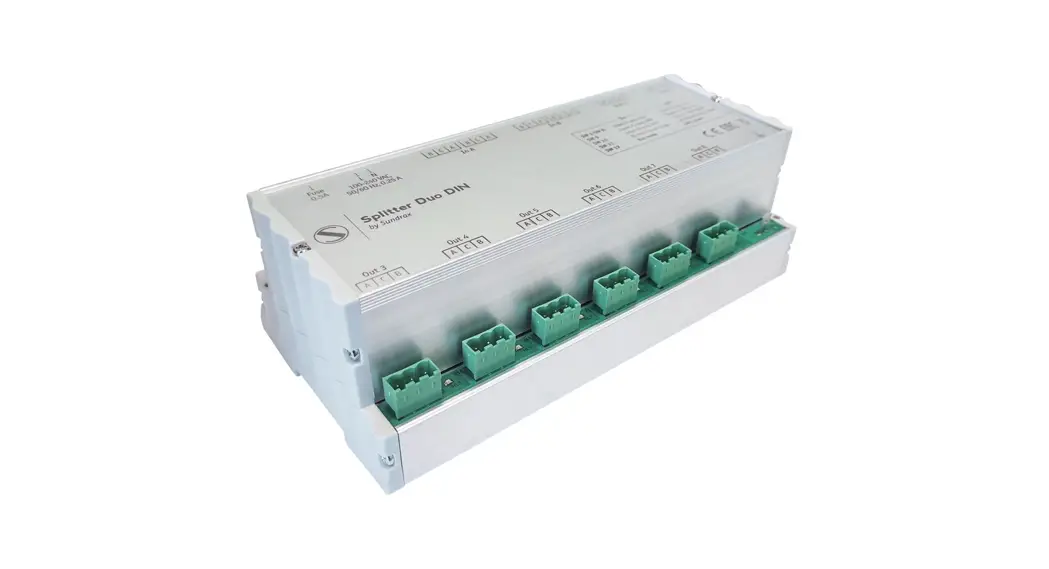
| Mounting | DIN rail in the power cabinet |
| Setup | DIP switcher |
| Power supply | ~90-250 VAC, 50/60 Hz or 9-36VDC |
| Operating Temperature: | -40°С… +70°С |
| IP Rating | IP 20 |
| Dimensions, mm | 142 x 105 x 75 |
Safe operation
In installation, operation, preventive maintenance, and repairs of the device, the requirements of the safety rules must be followed.
To ensure safe and reliable operation of the devices, please observe the following requirements:
Use the device only for its intended purpose
Do not use devices that show signs of a malfunctioning
Avoid strong physical impacts on the device
Protect devices and cables from contact with corrosive liquids
Whenever a fault is detected in the device, please contact the manufacturer.
Warning!
The device uses hazardous voltage AC 90-250V
General information
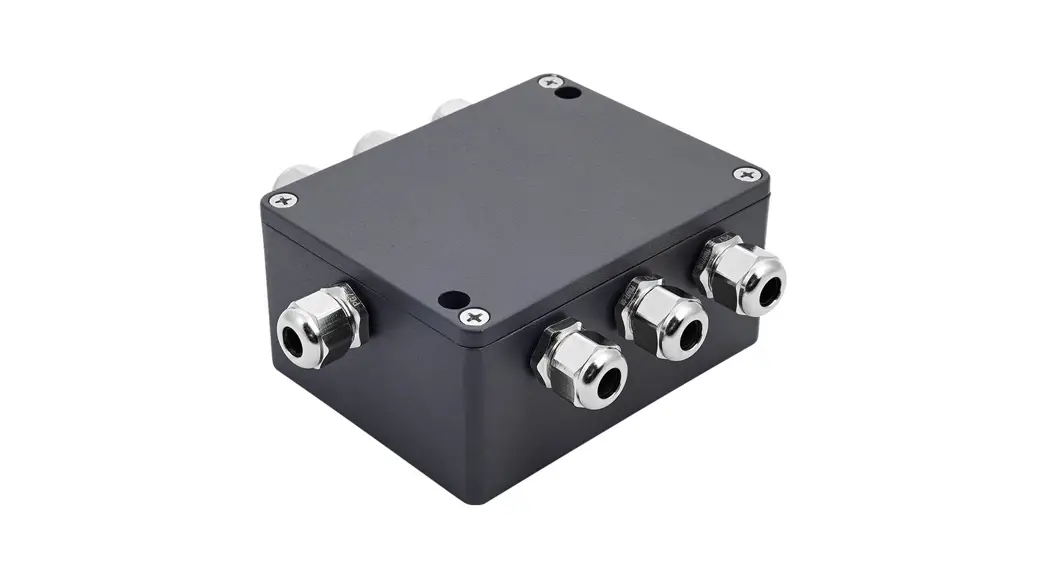
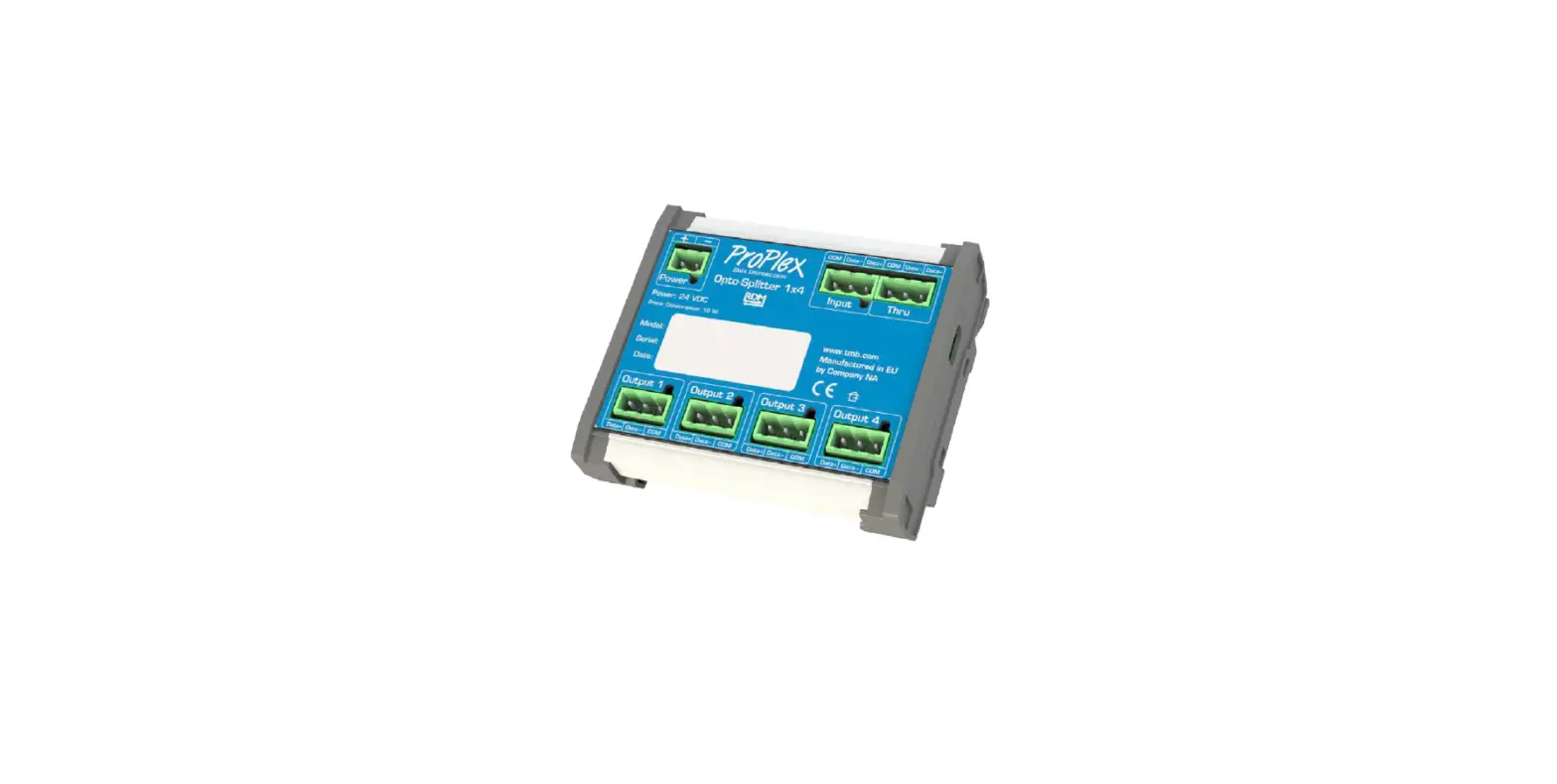
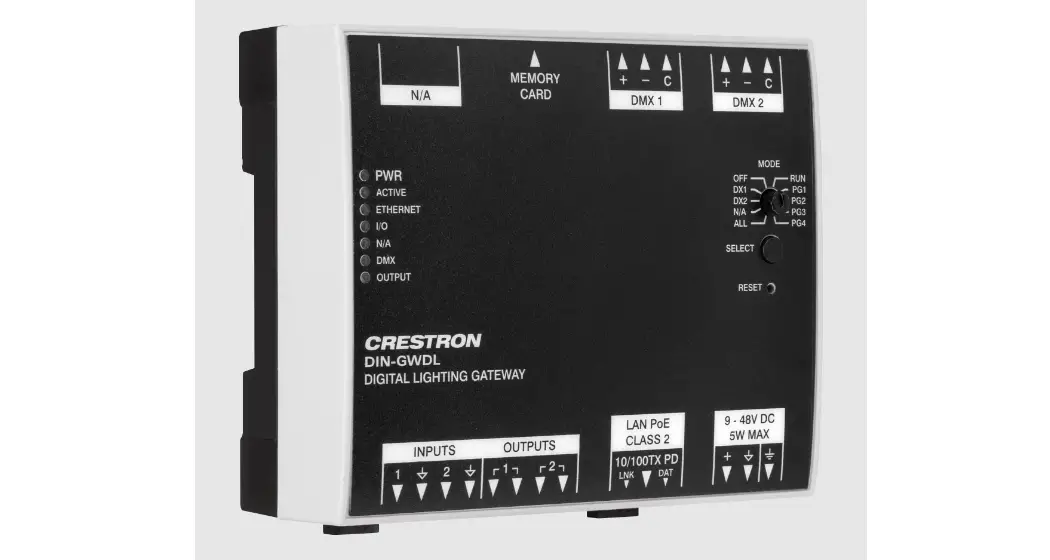
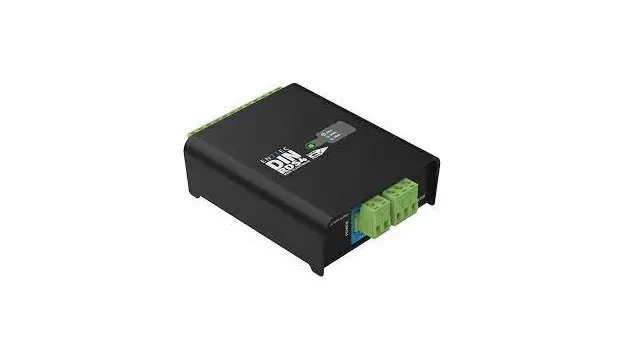
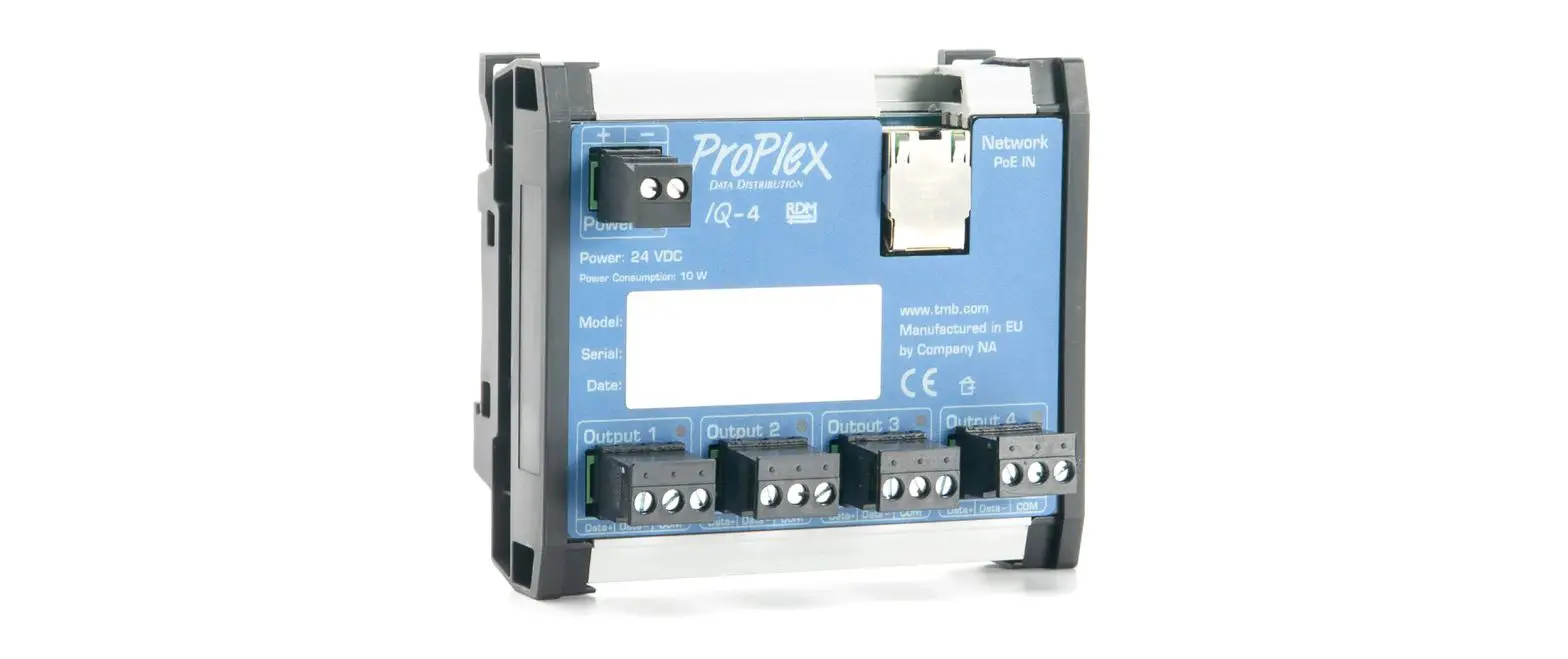
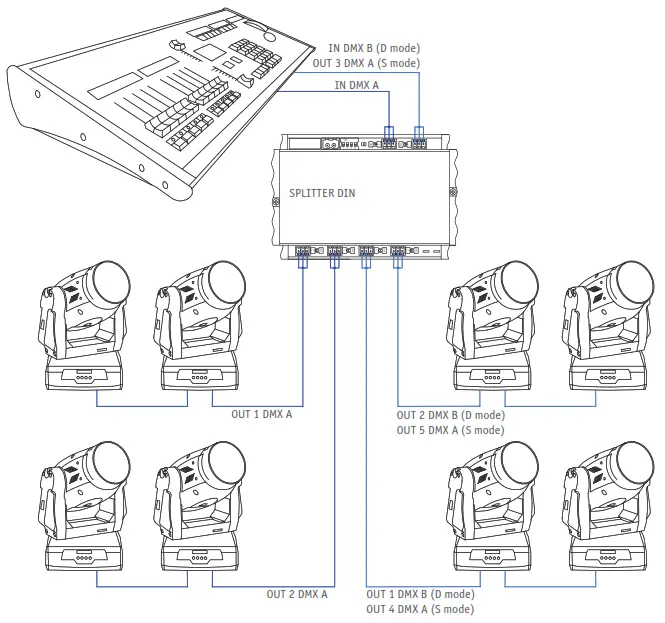
Splitter DIN DUO is a special DIN rail mount device with 6 DMX input/output ports that operate as a regular splitter with 1 input and 5 outputs as well as two separated 1-to-2 splitters.
All input and output channels have full galvanic isolation from each other. Remote Device Management (RDM) compatible.
The device is suitable for indoor use. Splitter is powered by 100-250 V industrial AC mains, power consumption is less than 5 watts.
Advantages
Supports bidirectional communication (DMX512 and RDM) Single or dual input modes
Full galvanic isolation on all ports
Connection types
Before mounting and powering up, it is necessary to verify protective earthing and cable connectors.
- Ensure the device has no damage due to transportation
- Attach the device to the DIN rail
- Set the position of DIP-switcher 1 in accordance with the needed device configuration (single-channel or dual-channel mode)
ON OFF SW1 RDM enabled RDM disabled SW2 Dual splitter mode Single splitter mode SW3 Full transparent mode Dedicated input(s) mode SW4 Bus indication mode DMX512 indication mode - All input and output channels have 120 Ohm terminators, managed by special DIP-switches TIN, T(1)–T(5). To connect the terminator to the line is necessary to set the proper witcher in the ON position, to disconnect- in the OFF position
- Connect the power, input, and output DMX lines to the corresponding device ports
- When the device is properly connected, the LED indicator on the device is lit. Its color indicates the presence of a valid DMX input signal: Green – present, Red – missing
- The device is ready for use
LED indication
| DMX512 mode | Bus mode | |
| Green | Valid DMX signal | Bus is idle |
| Red | No DMX signal | Bus is busy |
| Off | Device/Section doesn’t work | Device/Section doesn’t work |
Connection scheme
Technical maintenance
Maintenance the device, search and troubleshooting should be performed by service personnel. The device should be free from dirt, dents, and connecting cables and wires must be intact and securely fastened.
Notes
Please send all your warranty-related questions to [email protected]
All Sunday products are covered by a 36 month warranty.
Sunday Electronics
6008, First Central 200
2 Lakeside Drive, Park Royal, London
NW10 7FQ United Kingdom
+ 44 (0) 208 991 33 19
[email protected]
www.sundrax.com
Double input DMX splitter/repeater Splitter DIN DUO
Version 1.04
March 11, 2020
 Sundrax Electronics - Professional Lighting Management