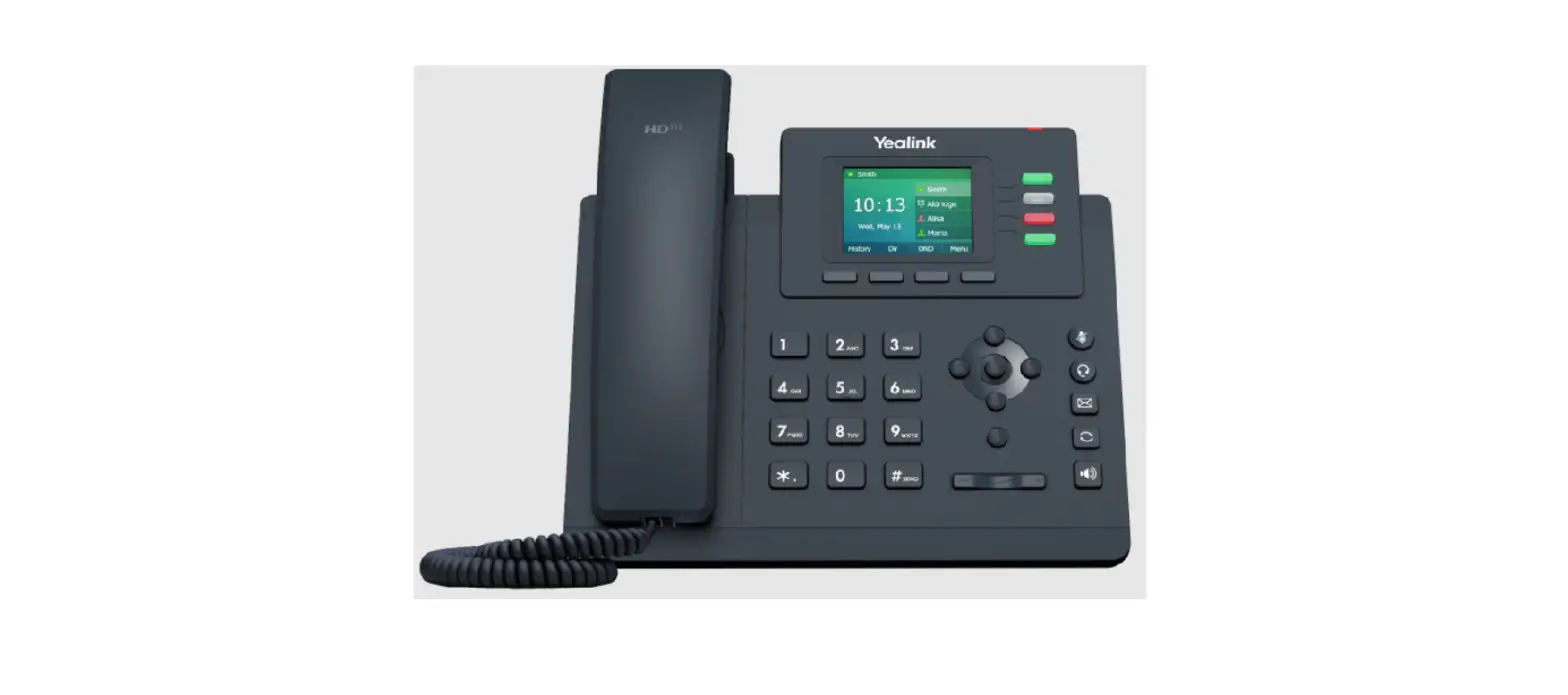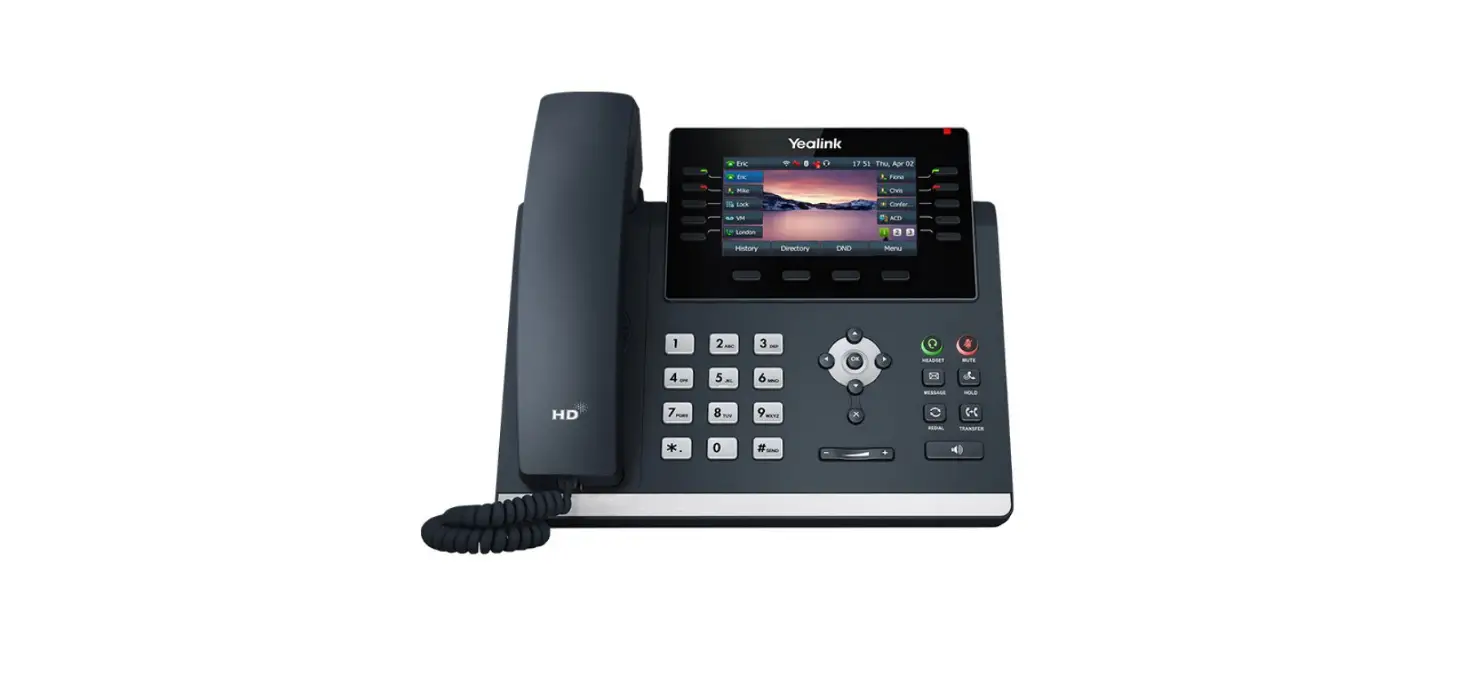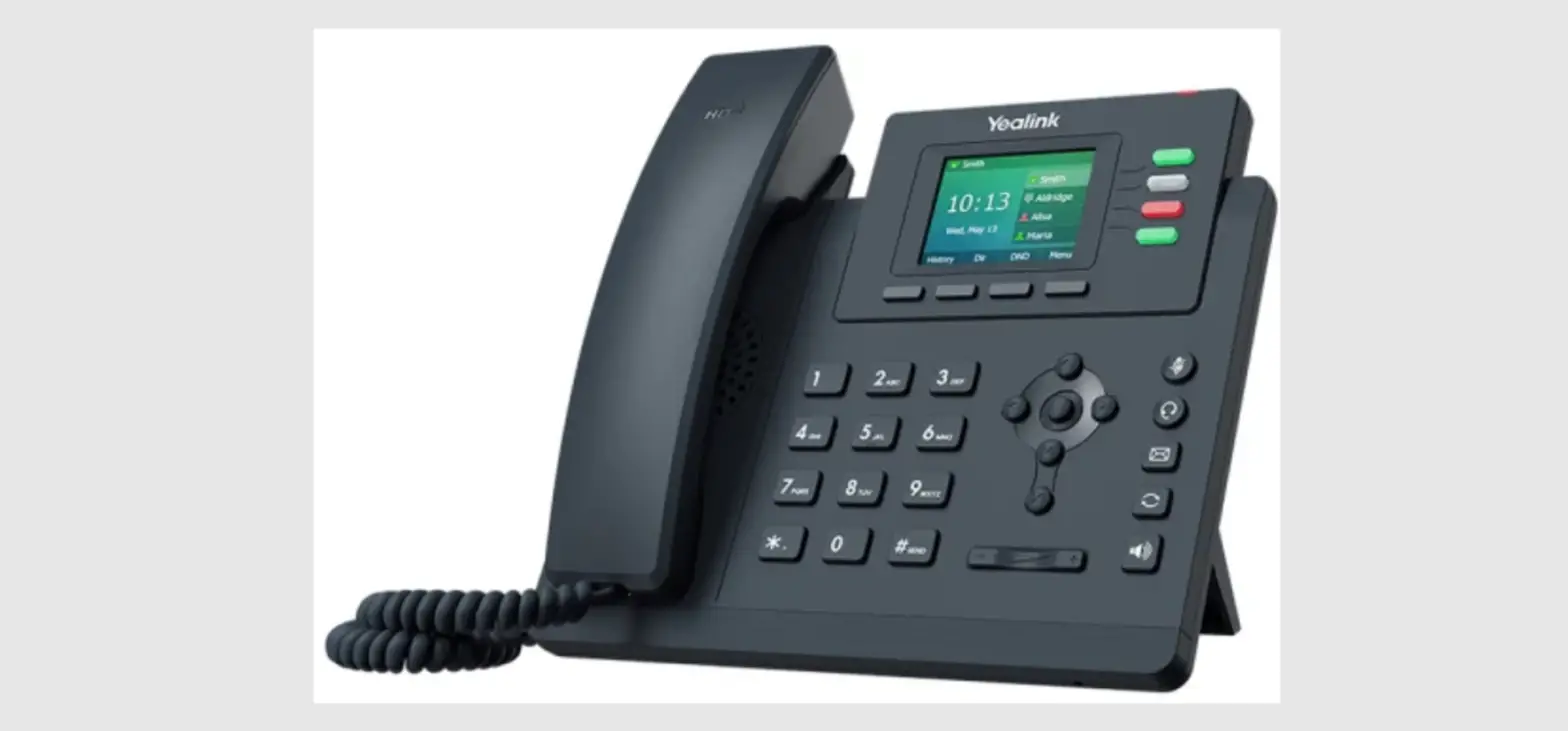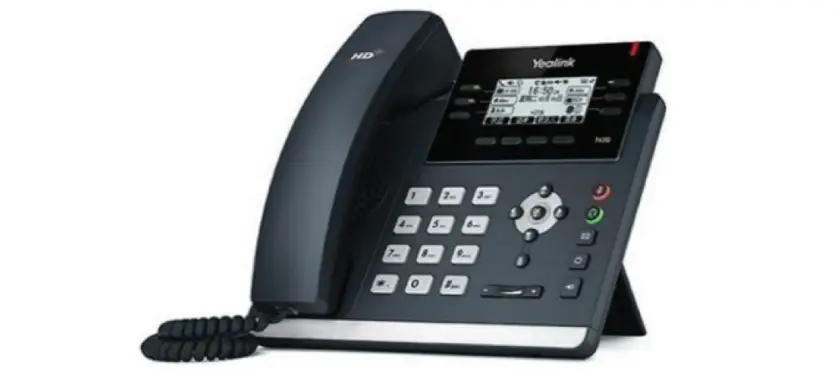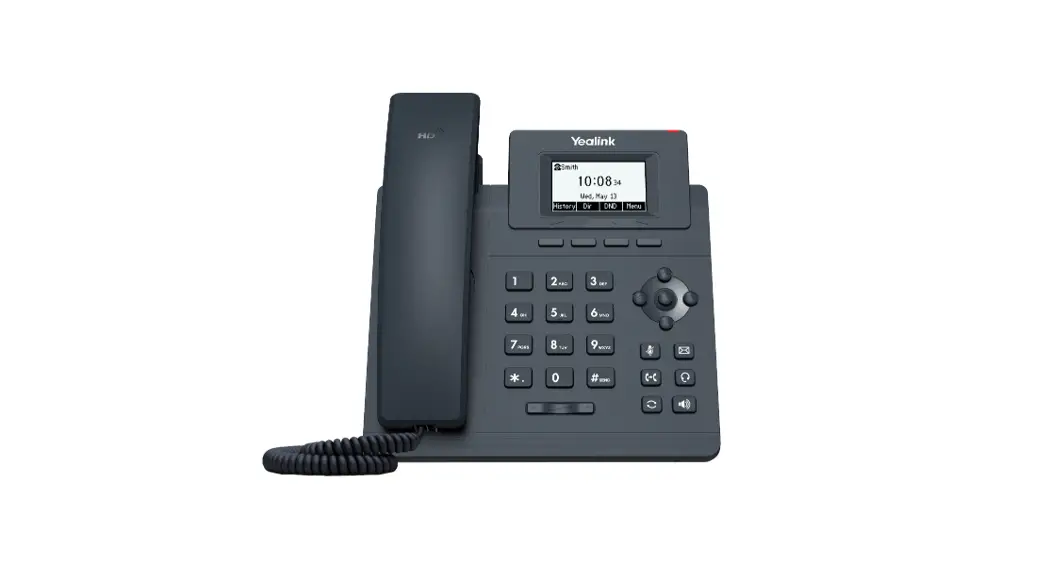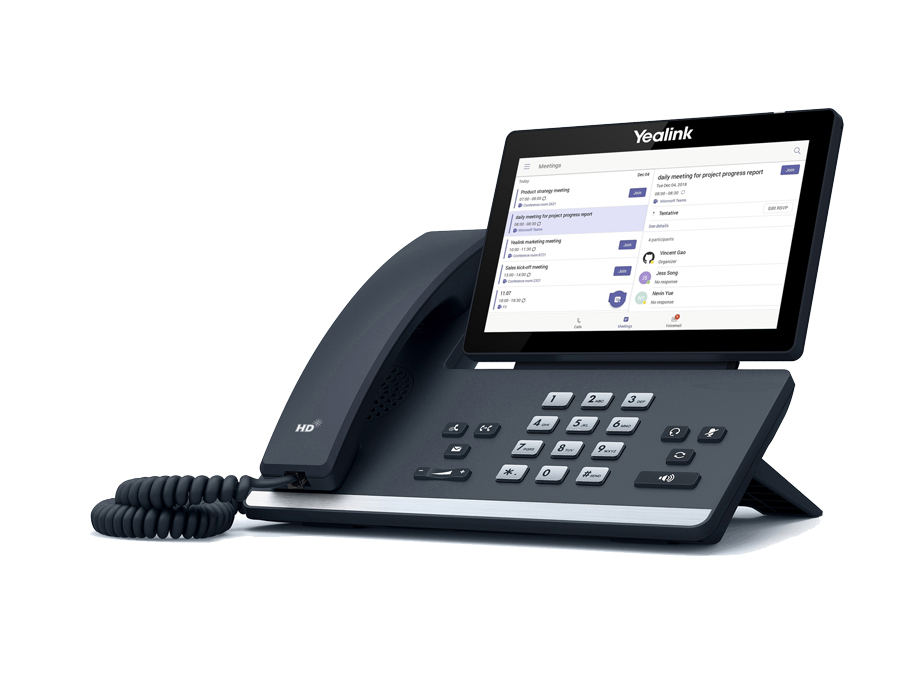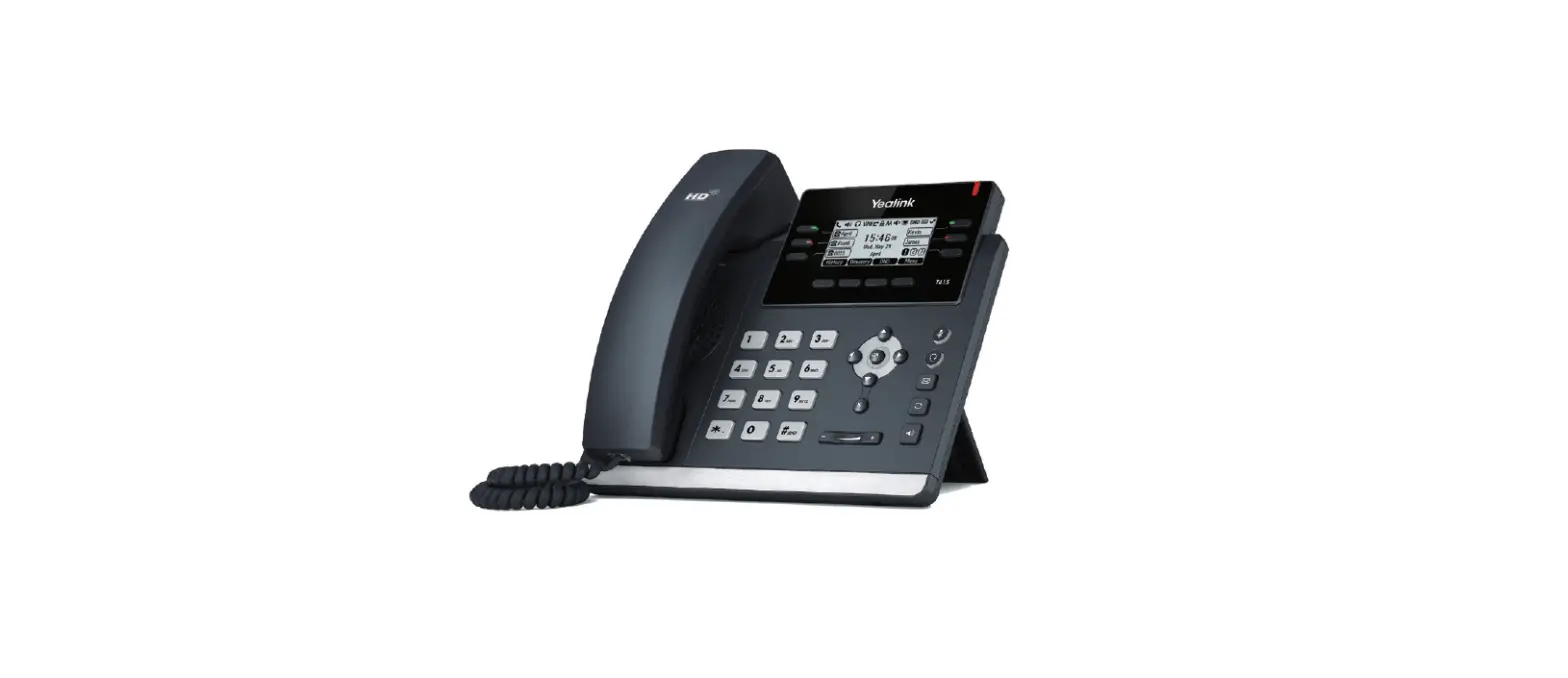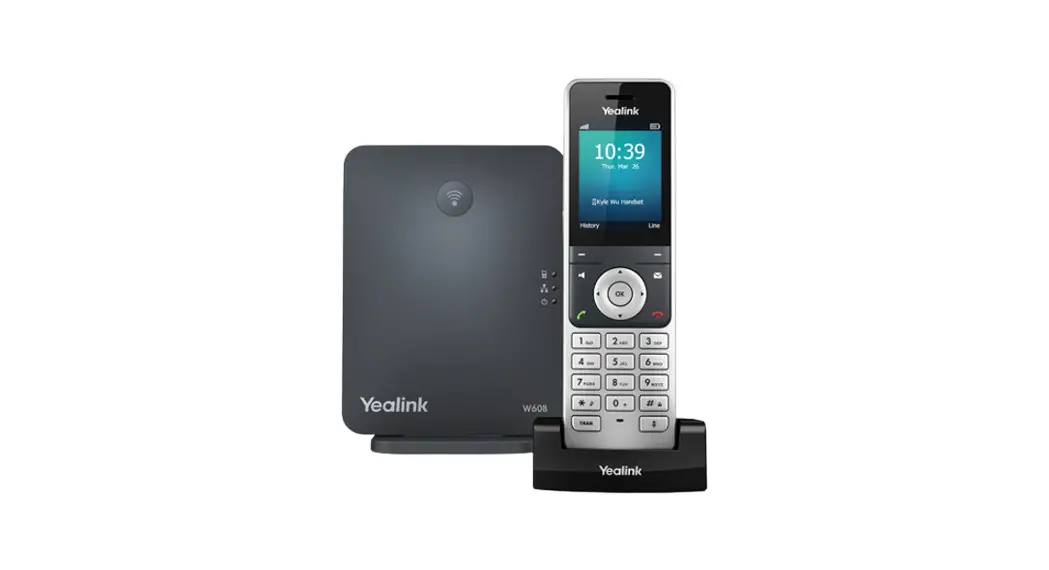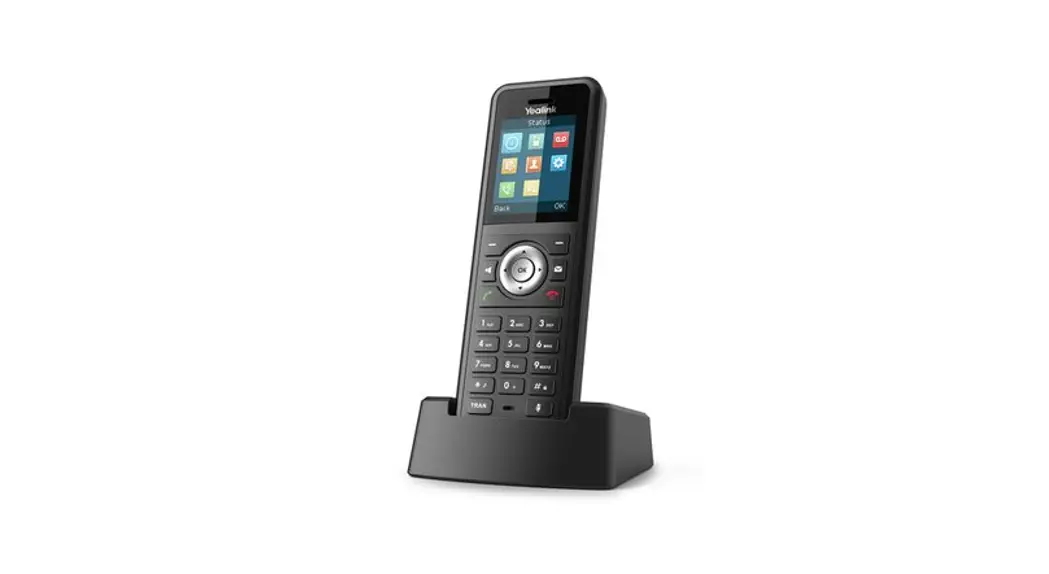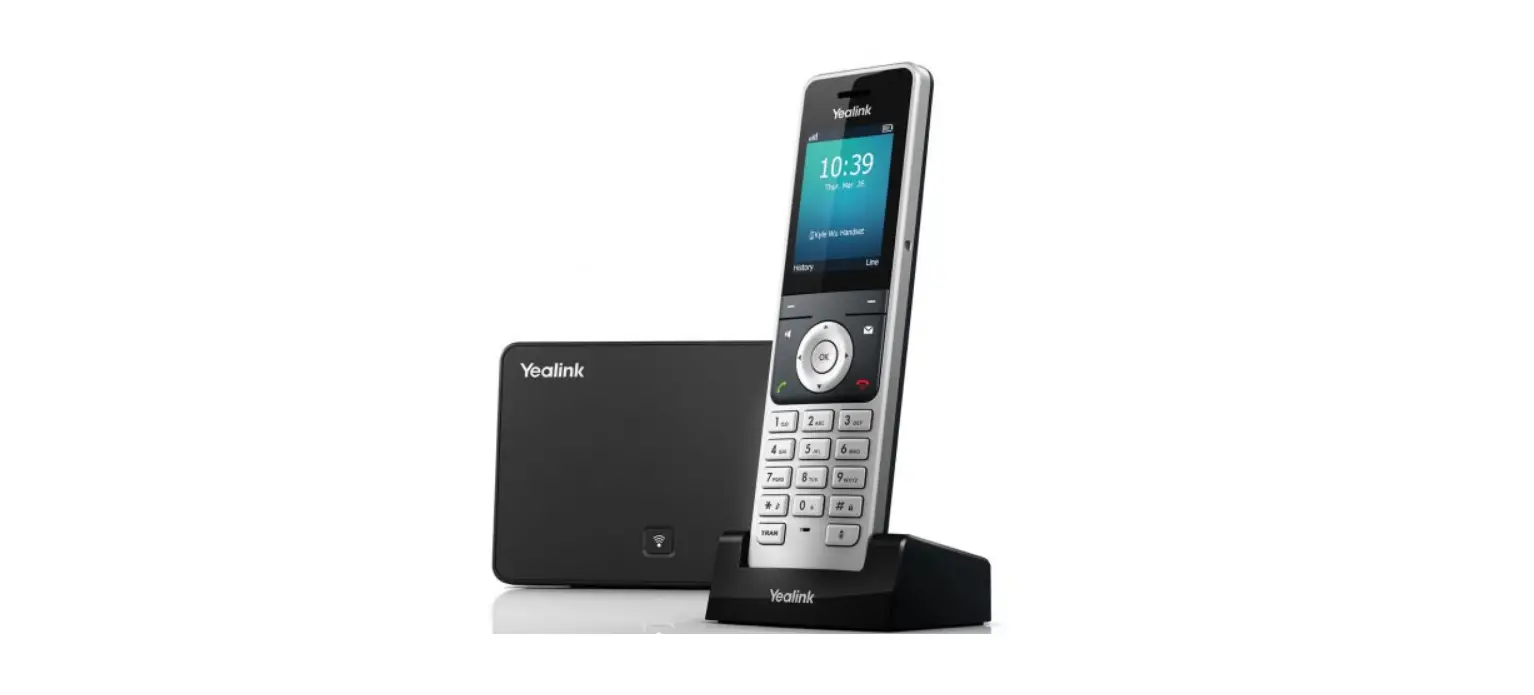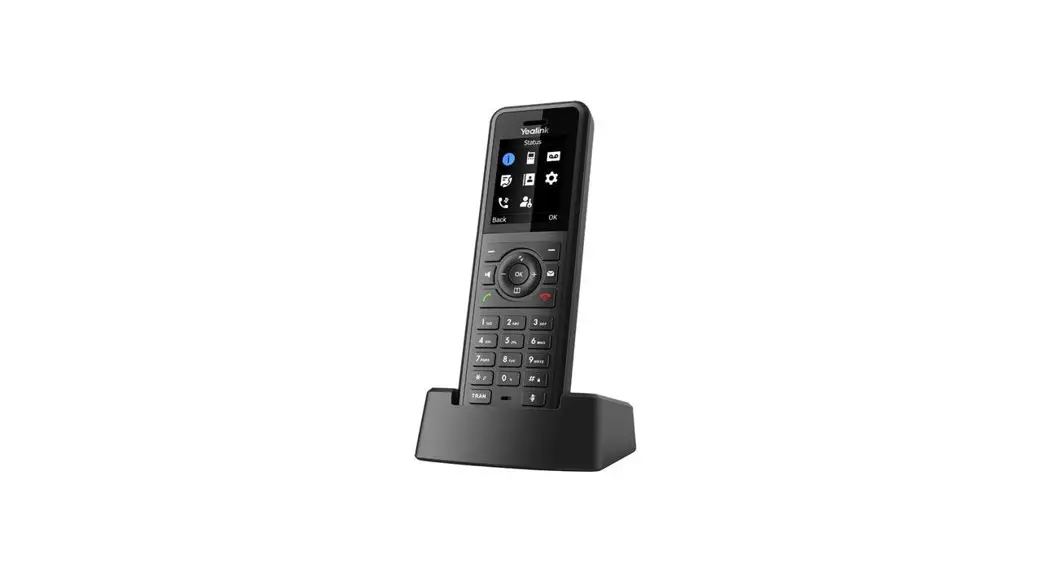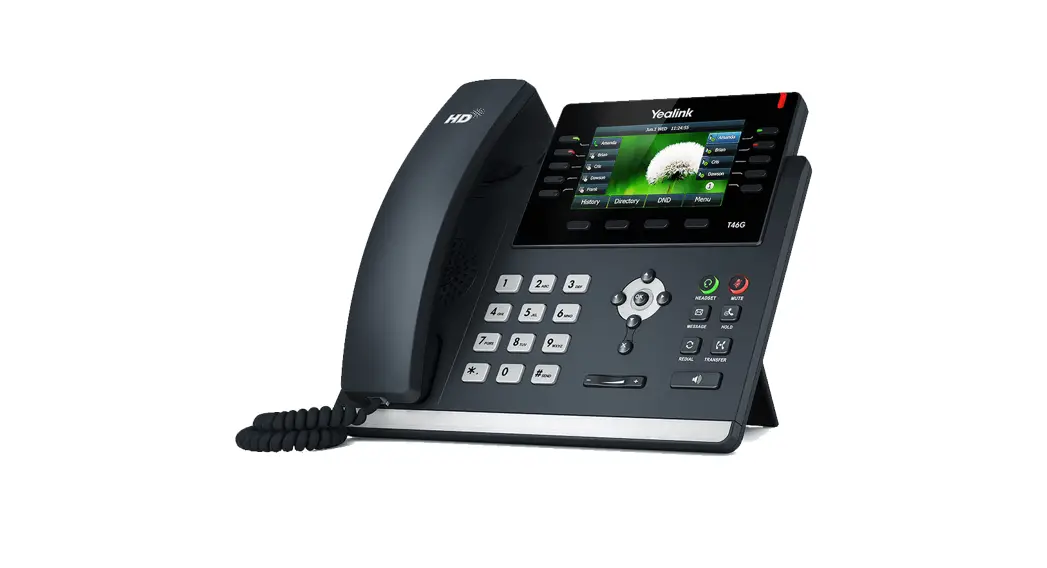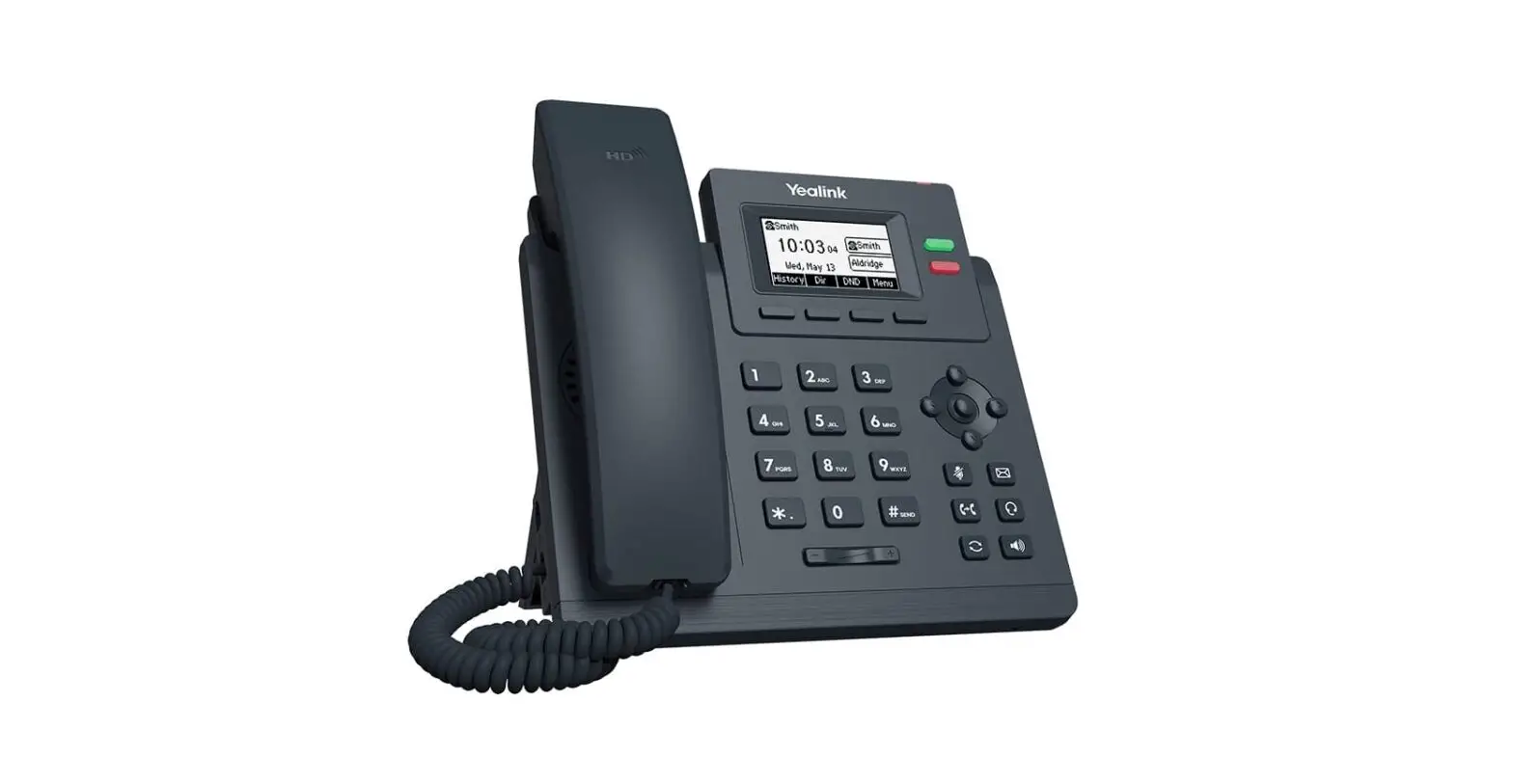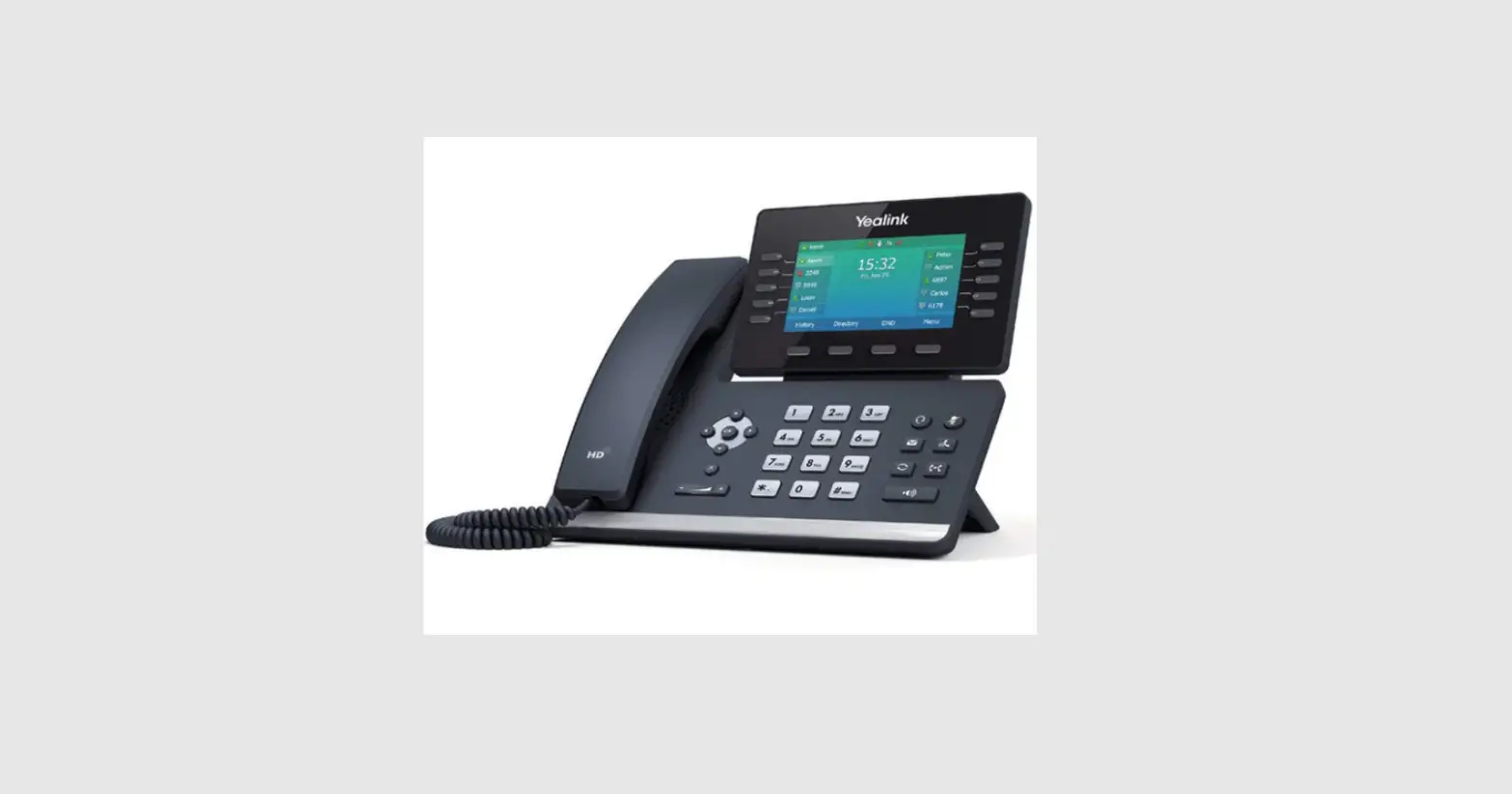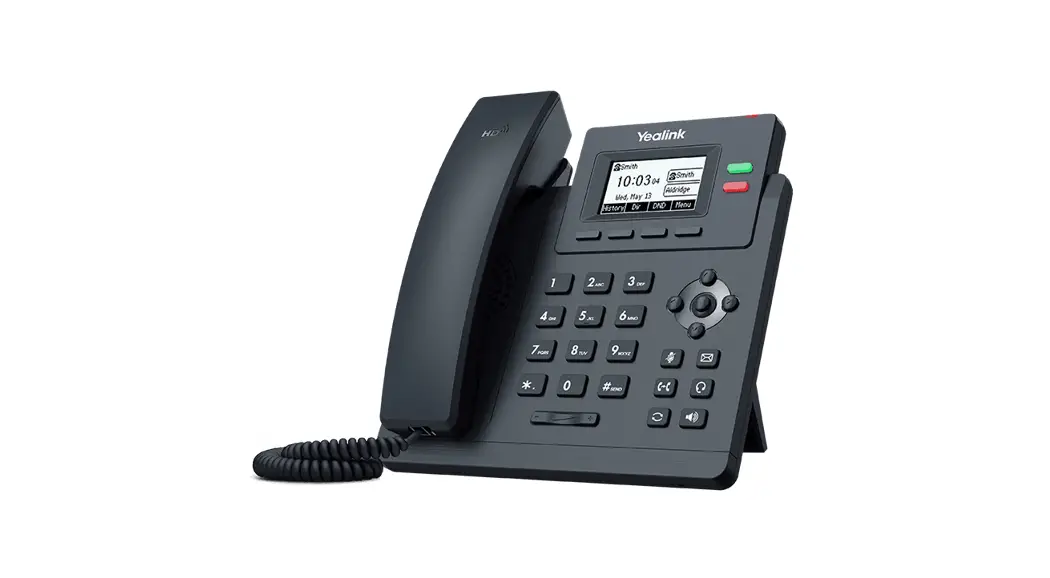


Yealink T30P/T31P/T31G/T33G Instructions
Making Calls
i. Outside Calls 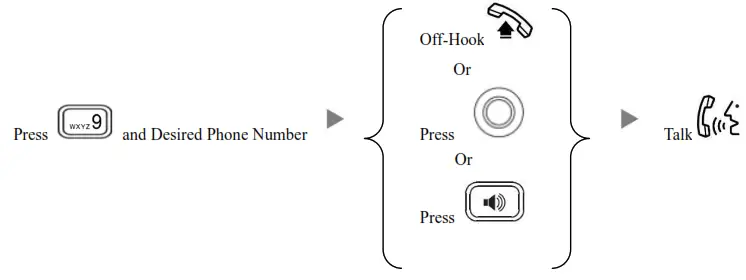
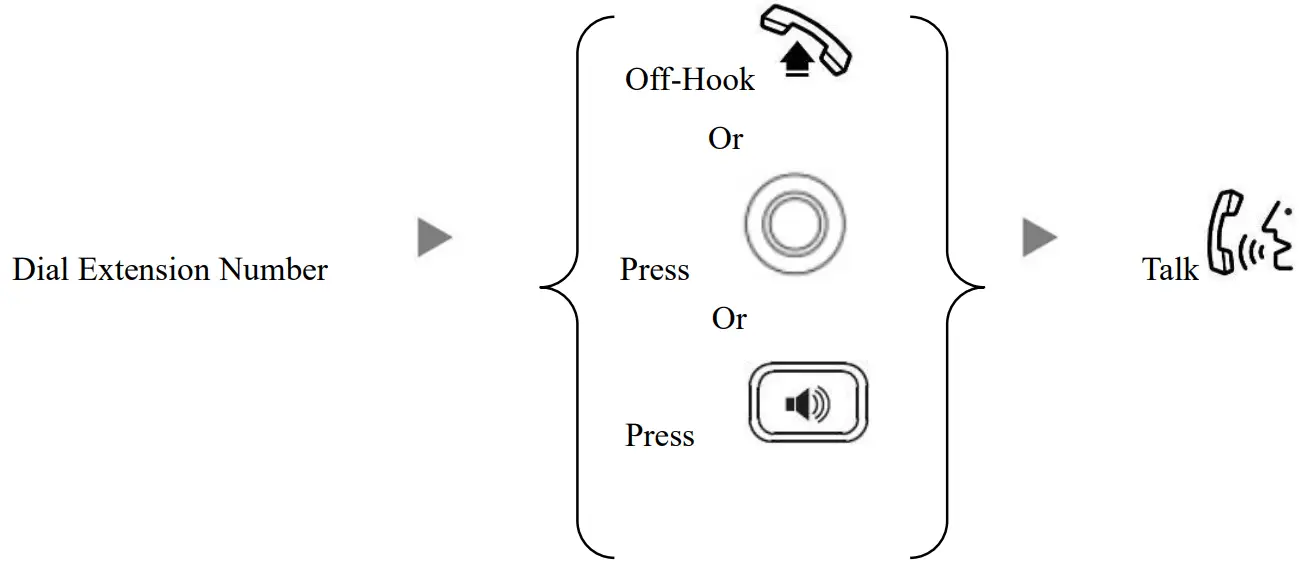
ii. Calling Other Extension
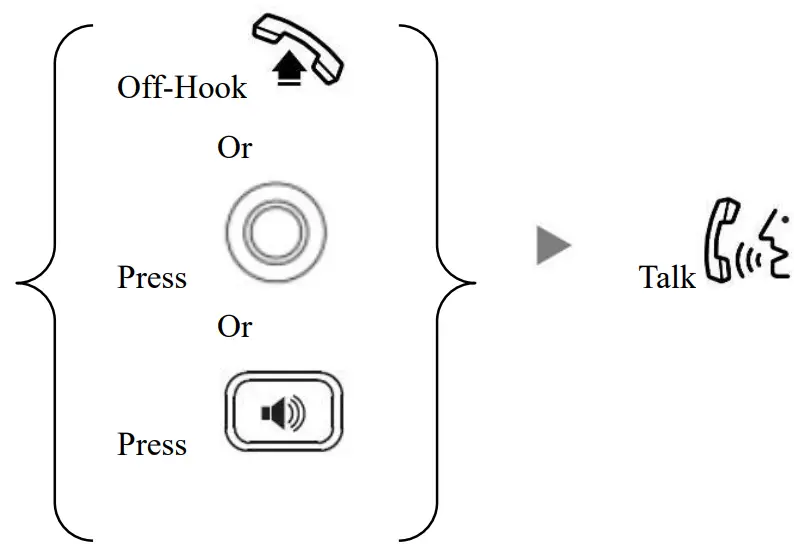
Answering Calls
Transferring a Call / Call Transfer
i. Blind / Unattended Transfer
During a conservation Press
Press Dial Extension Number and Press
ii. Supervised / Attended Transfer
During a conservation PressDial Extension Number and Press inform the 3 rd party about the call you are transferring Press
Press
Holding a Call
i. To Hold
During a conservation Press
ii. To Retrieve a call (Call Hold retrieve)
iii. Press
Making a conference (Conference Call)
i. To Establish a Conference
During a conservation Press Dial to 3 rd Party Press Press
ii. To Leave a conference and talk to the original person
During the conference  Press Press
Press to select the party to drop Press
 Press
Press
iii. To Leave a conference
During a conference On-Hook
Checking Voice Mail
When the message LED light is on Press  Enter Password
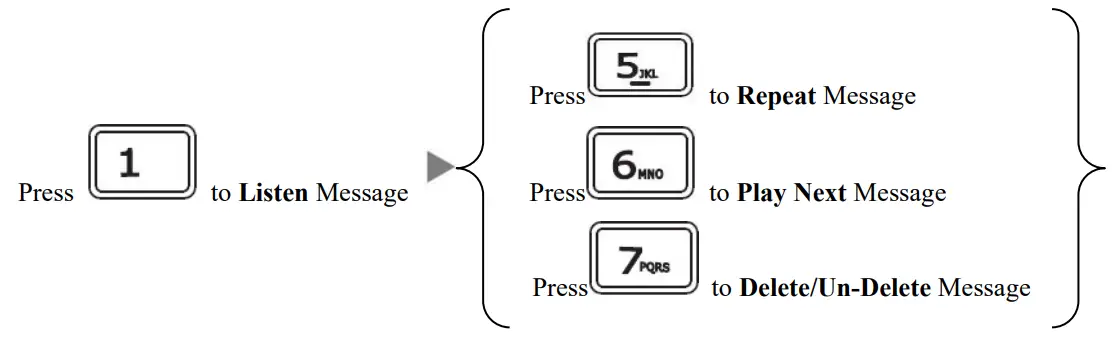
Voice Mail Setup
Press Enter Password (if any)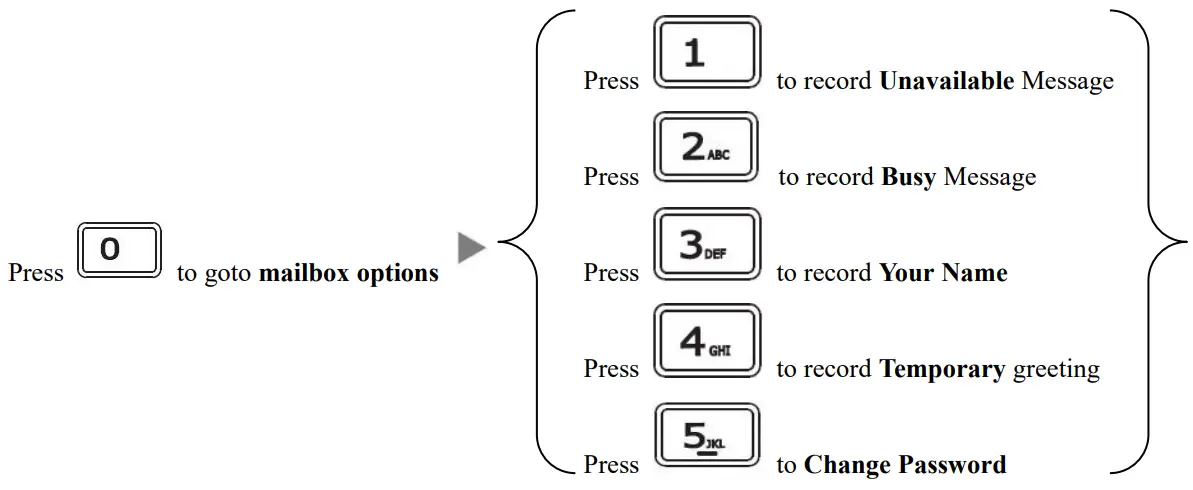
Checking Call History
I. Press, Dialed calls will be listed.
II. The LCD screen displays the call list.
III. Press  switch between Dialed Calls, Received Calls, Missed Calls, and Forwarded Calls.
Icons on top:
 Represents Dialed calls
Represents Received calls
Represents Missed calls
Represents Forwarded Calls
IV. Press to select the desired entry and press to dial out.
Forward Call
Press Press
Press  (or choose “Features”)
Press (or choose “Forward”) Press (or choose “No Answer”)
Press to select the “Forward to “option and input the target extension Number (e.g. 108)
Press to select “After Ring Time “and select the Time Limit (e.g. 18s)
Press two times and select Enable from the “No answer” Field Press
iii. To set up the Always mode
Press Press (or choose “Features”)
Press (or choose “Forward”) Press (or choose “Always”)
Press to select the “Forward to “option and input the target extension Number (e.g. 108)
Press and select Enable from the “Always” Field Press
iv. To Cancel Calls Forwarding
Press Press (or choose “Features”)
Press (or choose “Forward”) select “Disable” in the respective forward mode to cancel the call forward.