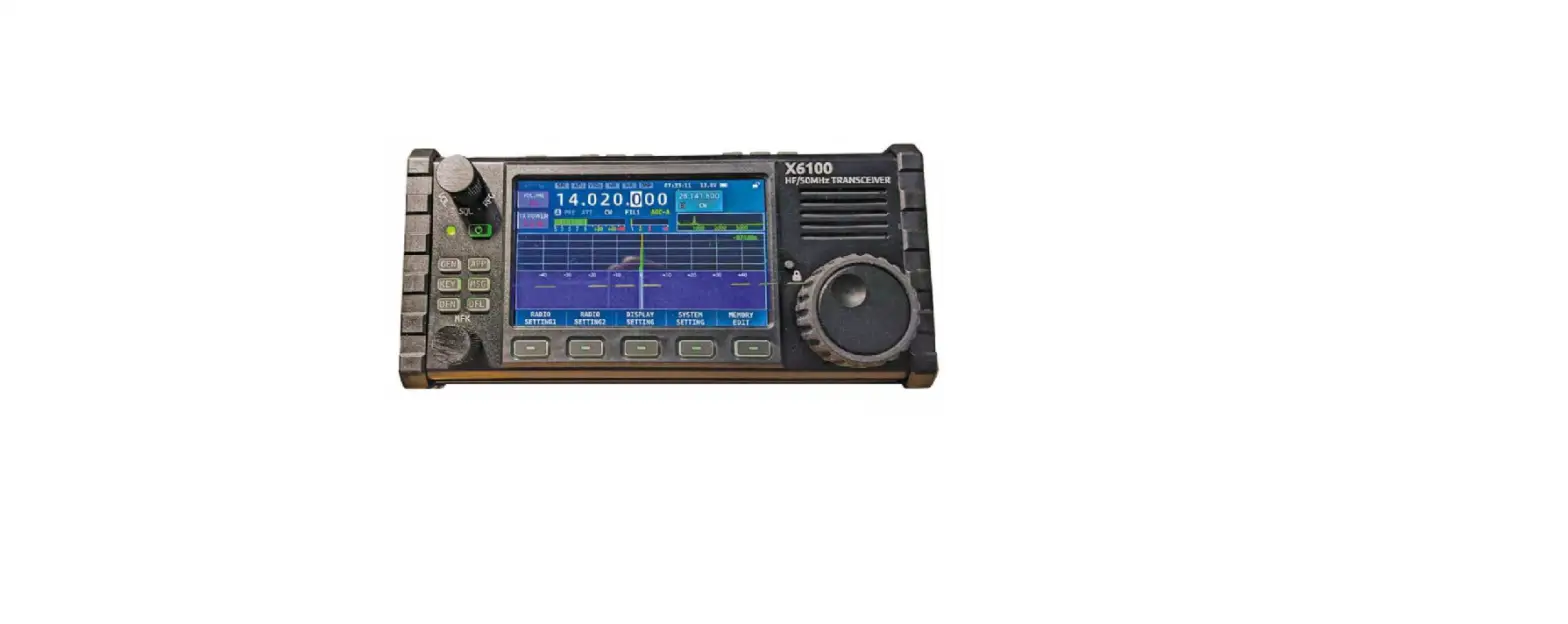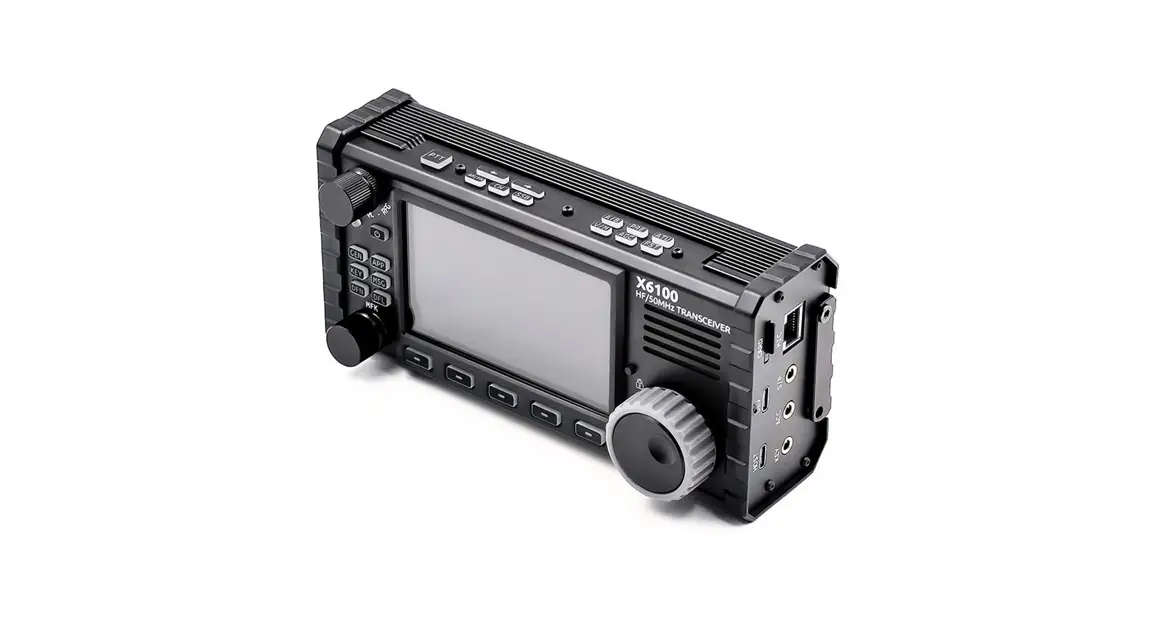
XIEGU X6100 HF/50 MHz Portable SDR Transceiver Instructions
WIFI Operation Instructions
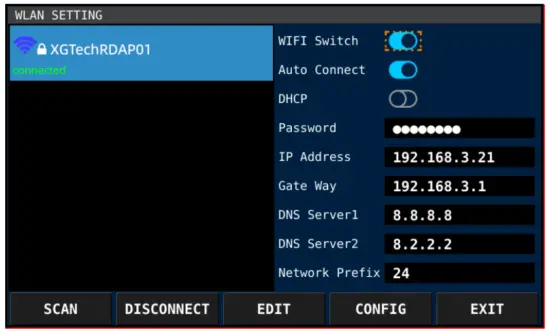
SCAN button: Scan for nearby Wi-Fi / hotspots (Access Point)
CONNECT/DISCONNECT: Connect/disconnect the hotspot in the left list.
EDIT: Edit the element selected by the orange box on the right.
CONFIG: Move the orange box to the next.
EXIT: Exit the interface.
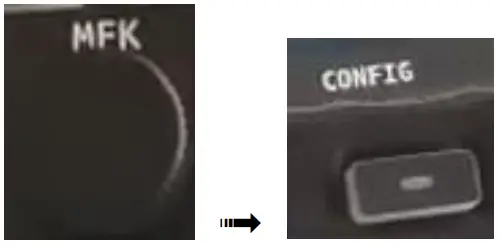
- SYSTEM SETTING – WLAN – press MFK knob to enter the Wi-Fi setting interface

- Select a Wi-Fi to connect by rotating MFK – press CONFIG

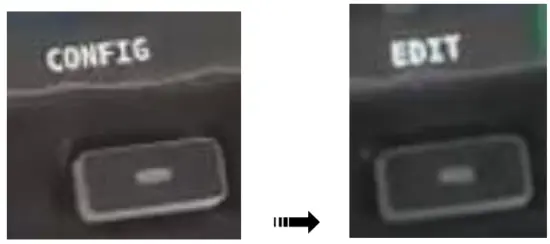
- Press CONFIG to move to password – press EDIT to pop up the digital keyboard

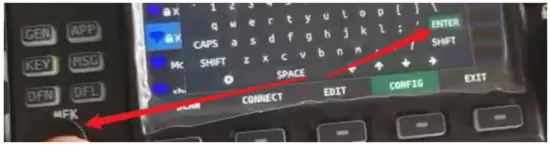
- Enter/delete password by rotating & press MFK knob

- Click ENTER by rotating & press MFK knob to confirm password (important)

- Press EDIT to exit the digital keyboard

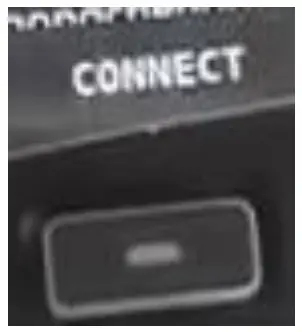
- Press CONNECT, please wait for about 10s

- WiFi connected!

- Press EXIT to exit the Wi-Fi interface

- Wi-Fi connected confirmed!






Bluetooth Operation Instructions
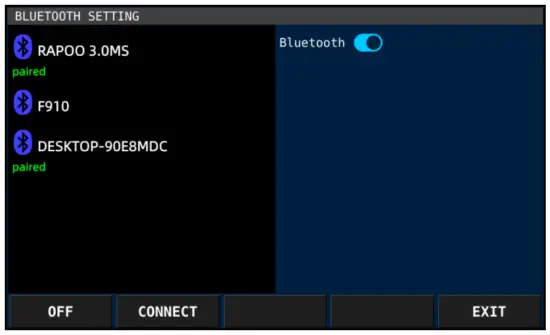
Operation Instructions
OFF/ON: Turn on/off the built-in Bluetooth function.
CONNECT/DISCONNECT: Connect/disconnect the selected Bluetooth device on the left.
EXIT: Exit the interface.
Note: When the built-in Bluetooth function is displayed as “ON”, it will always scan the surrounding Bluetooth devices.
- SYSTEM SETTING – WLAN – press MFK knob to enter the Bluetooth setting interface (for the first time, it should take about 1 minute to scan Bluetooth device, please be patient; will be 5s only from second time.)

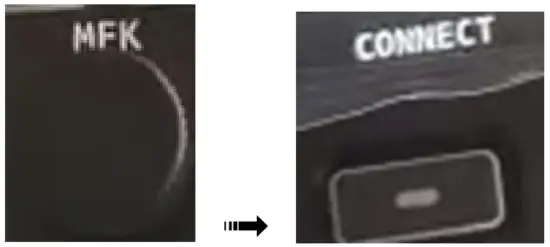
- Select a Bluetooth device by rotating MFK – press CONNECT to connect (please make sure your Bluetooth device is on)

- Bluetooth connected!

- Press EXIT to exit the Wi-Fi interface



 Radioddity | Choose Connectivity, Choose Radioddity