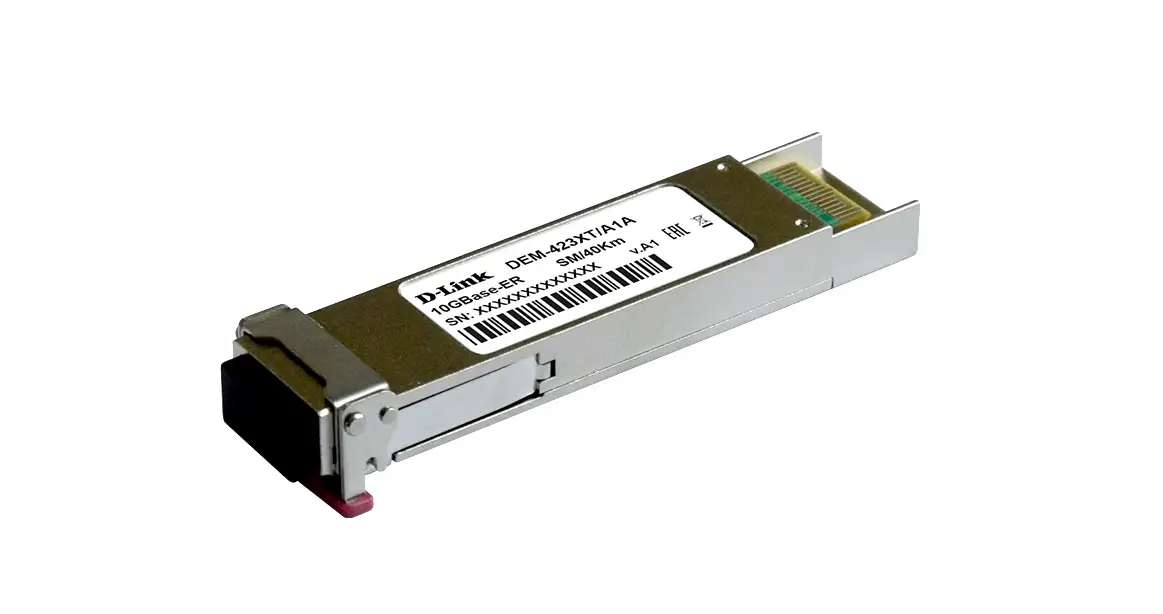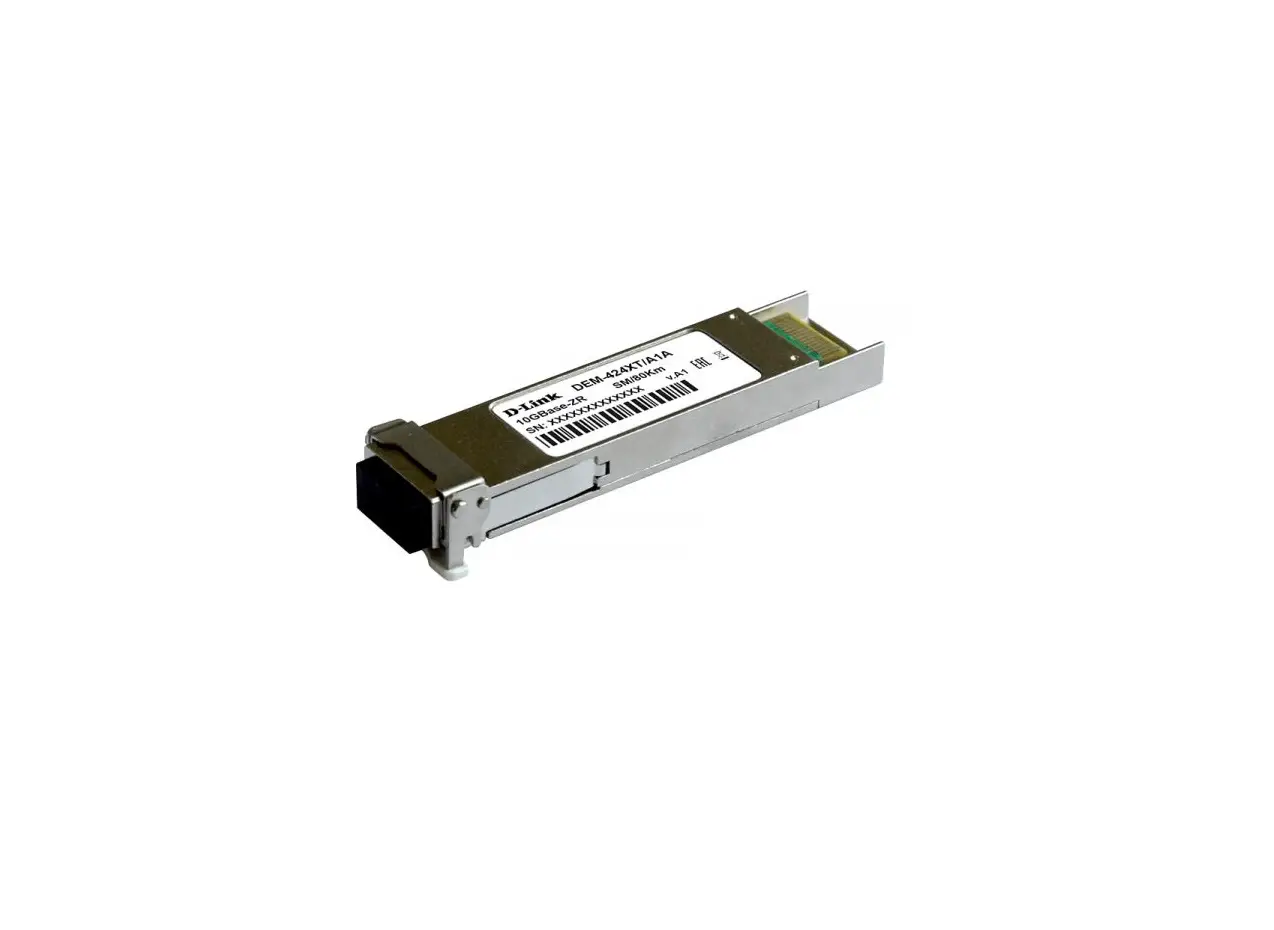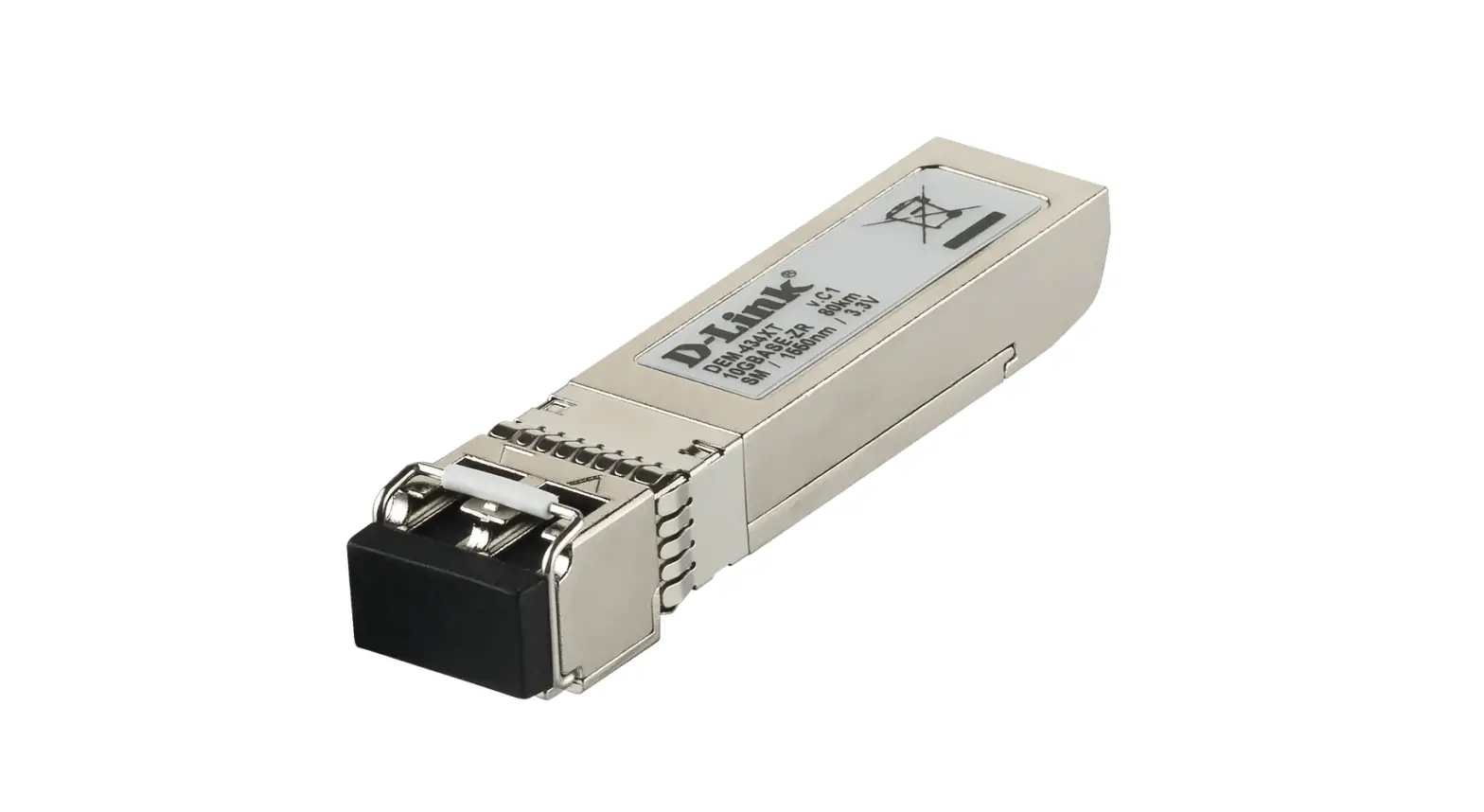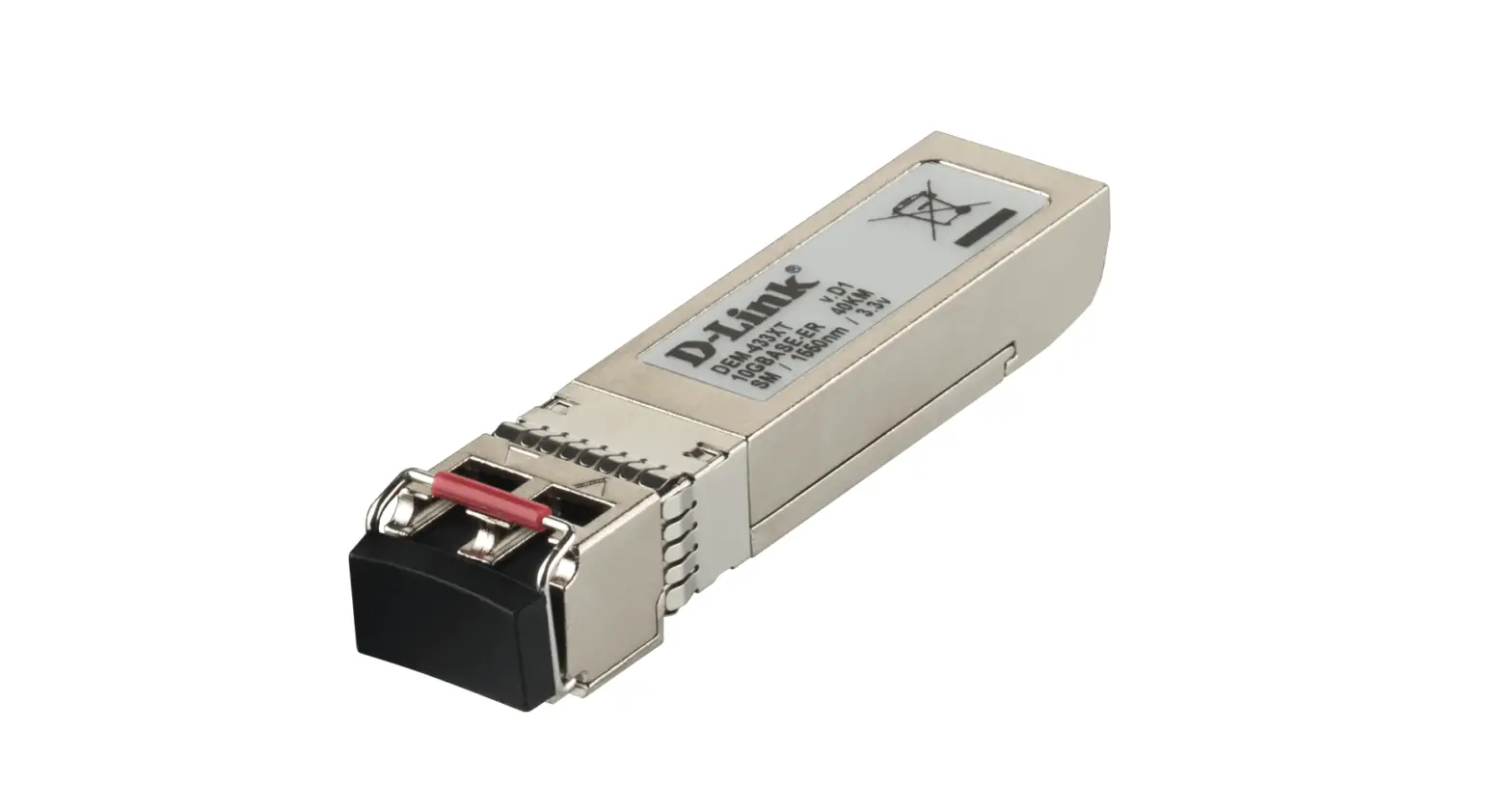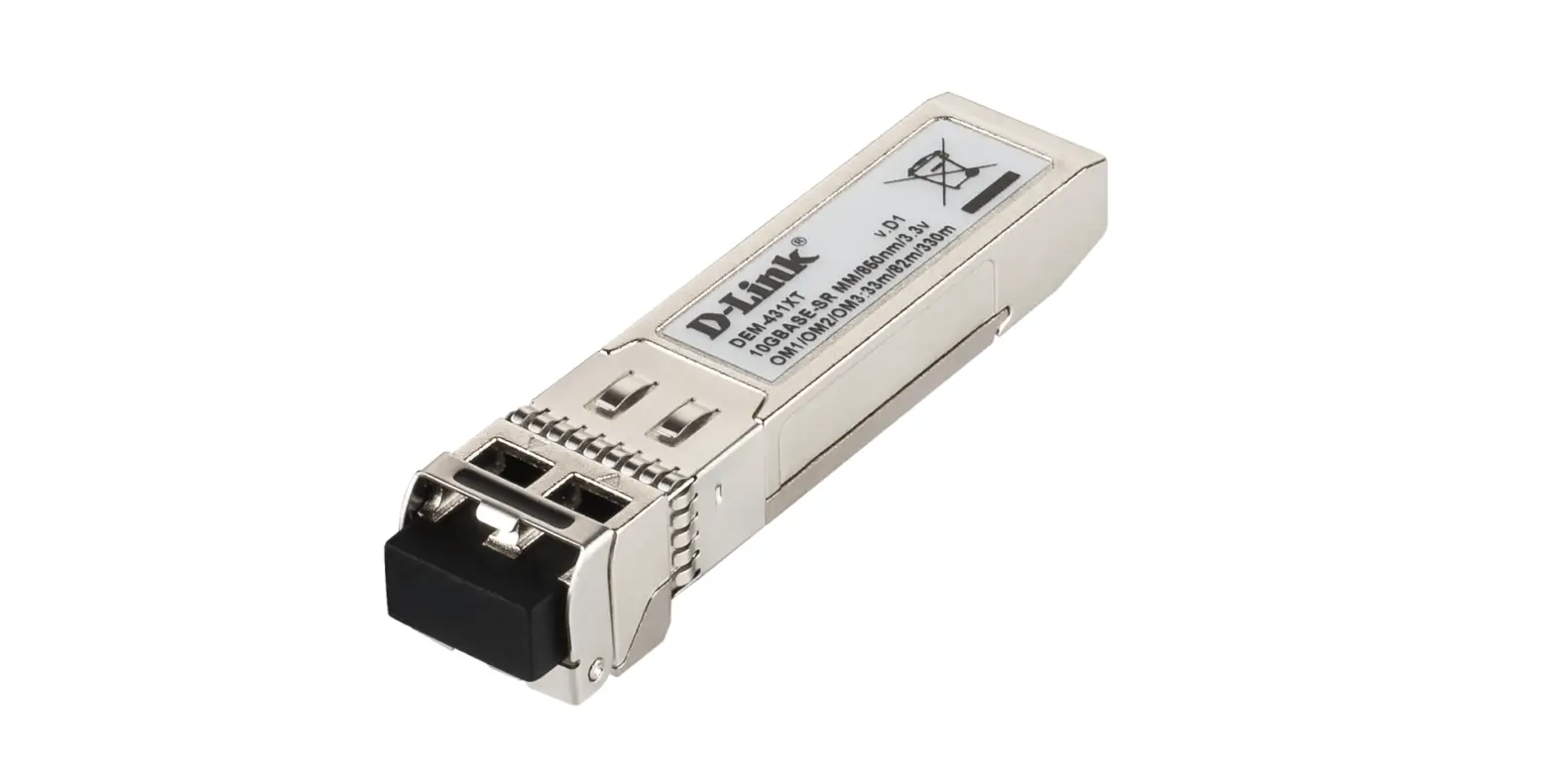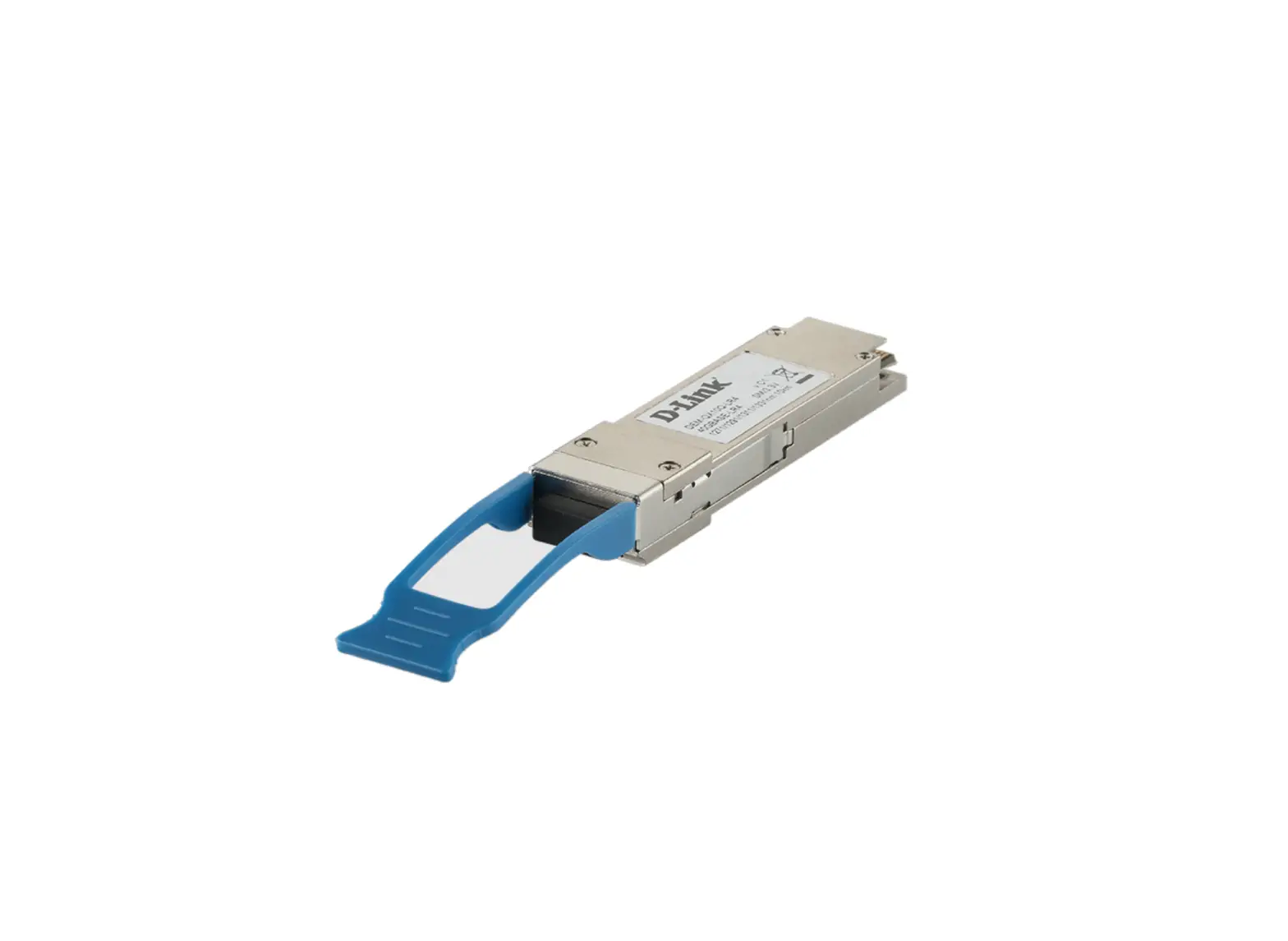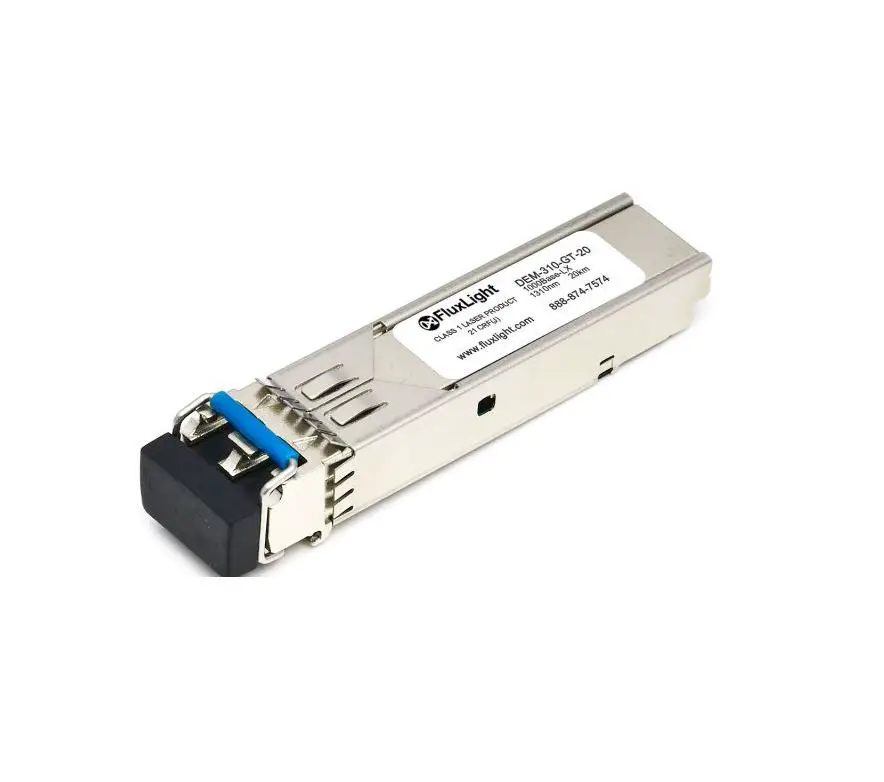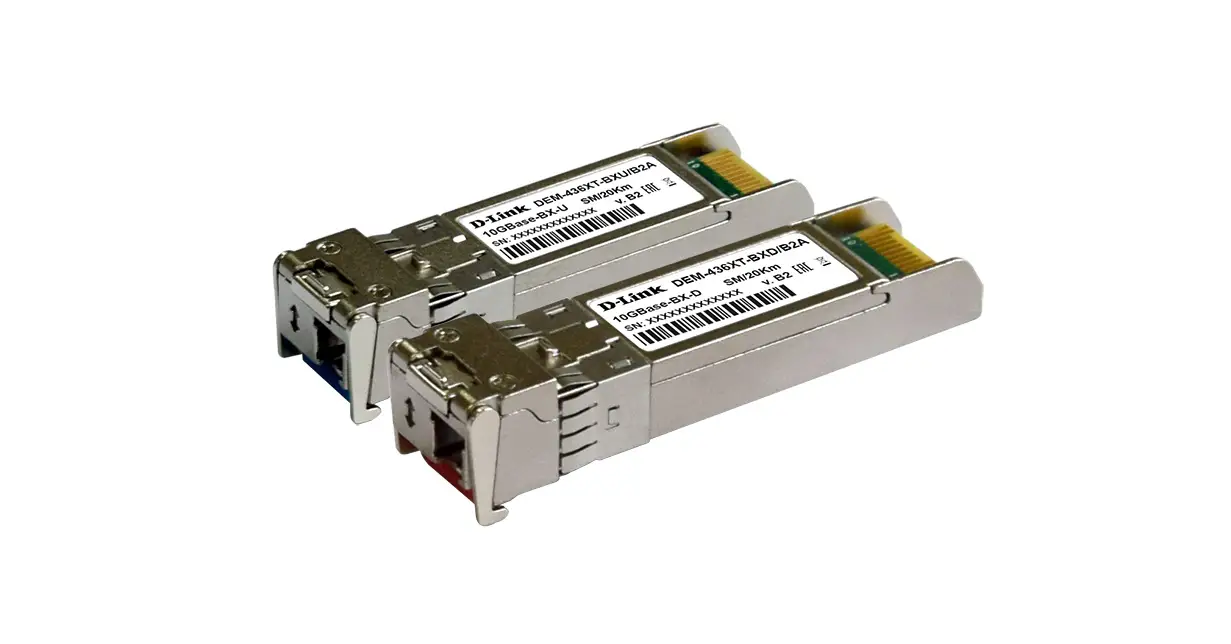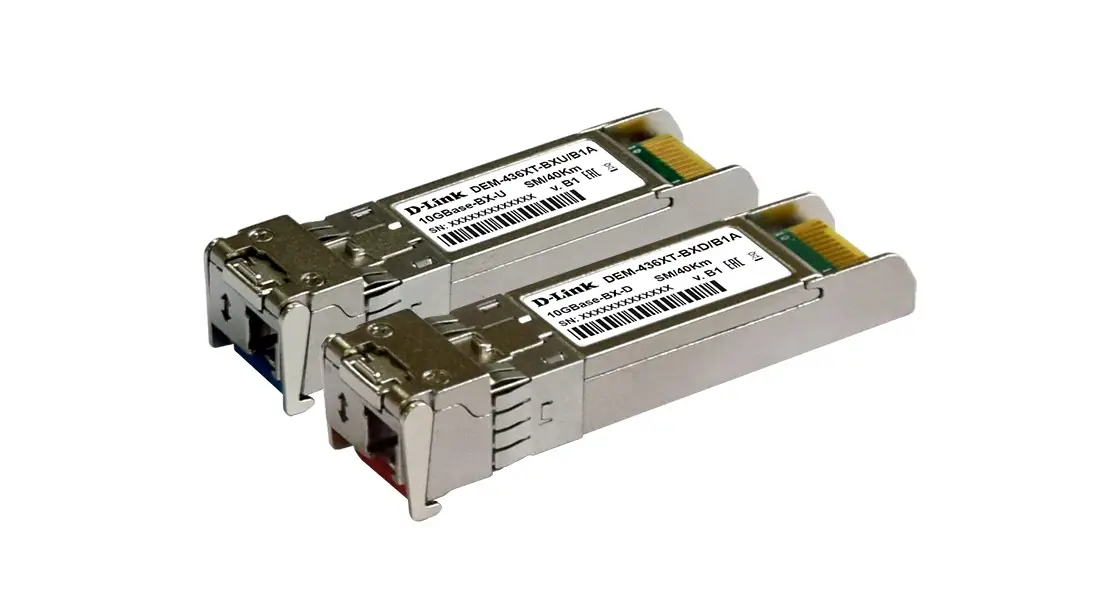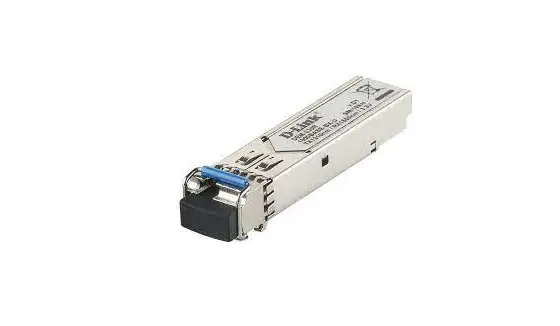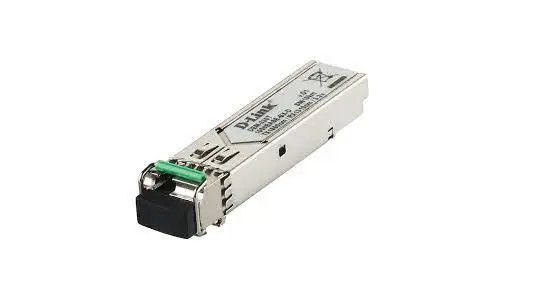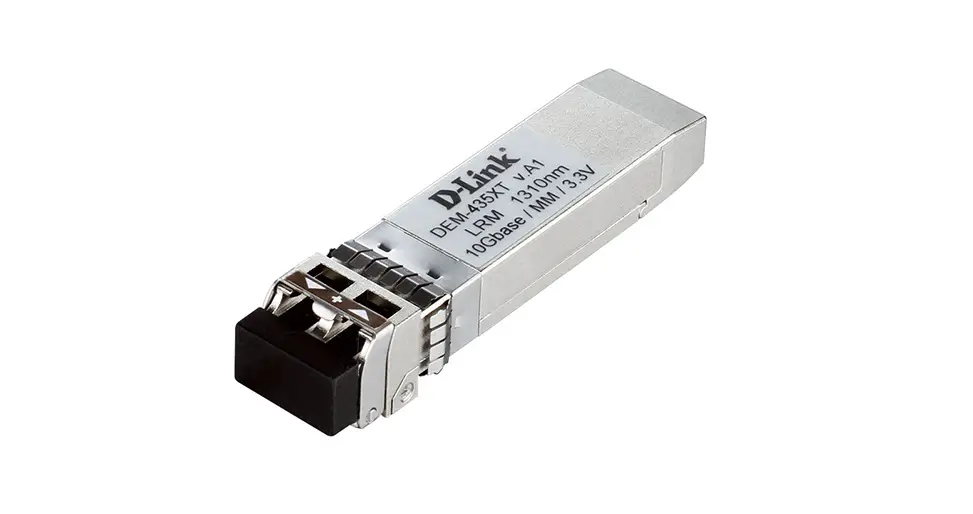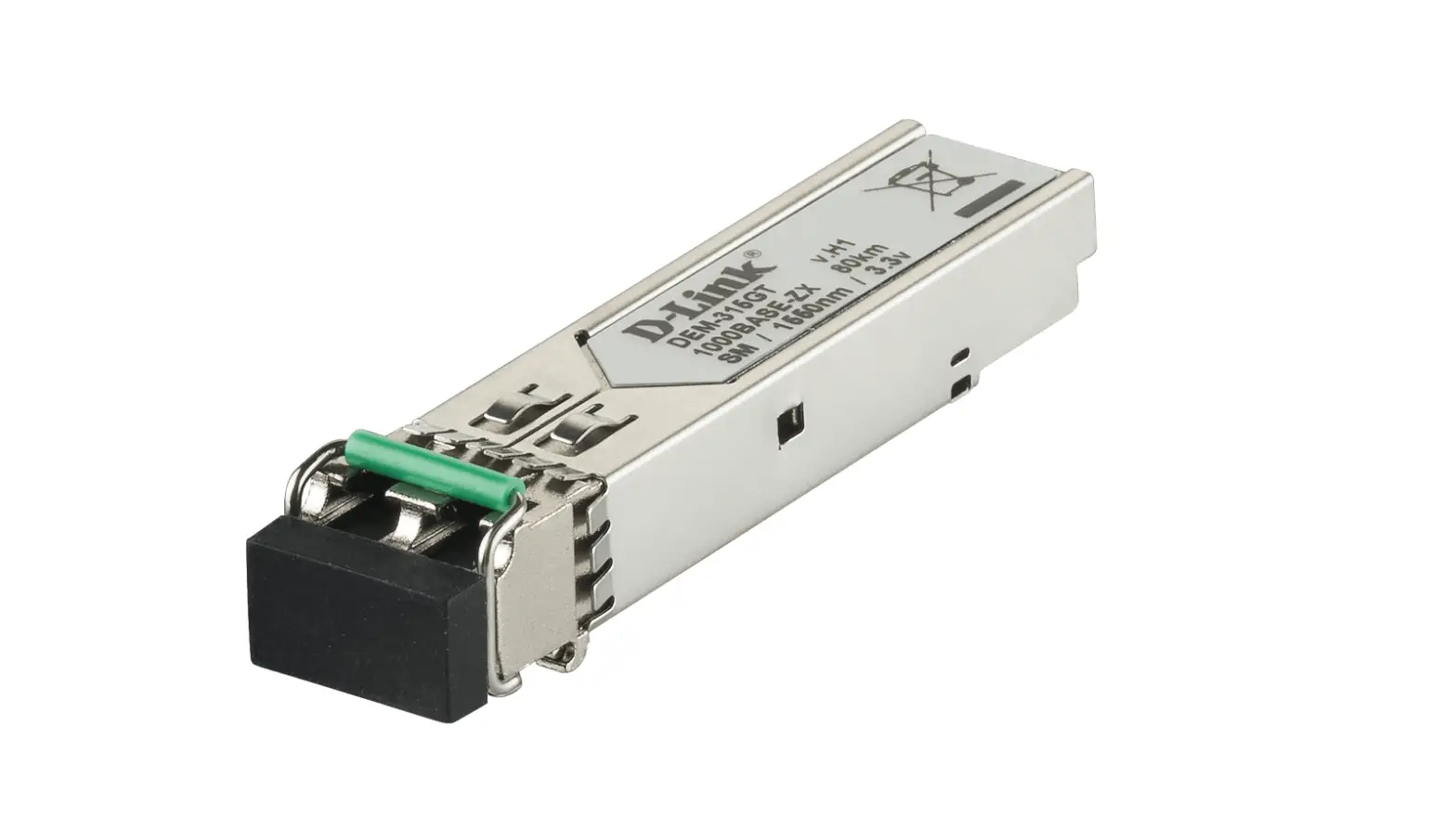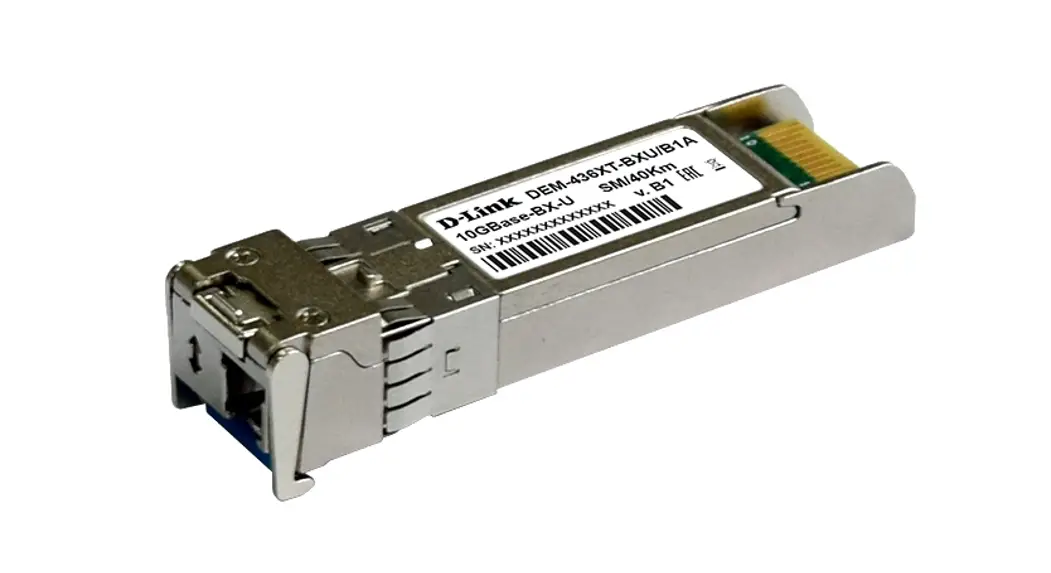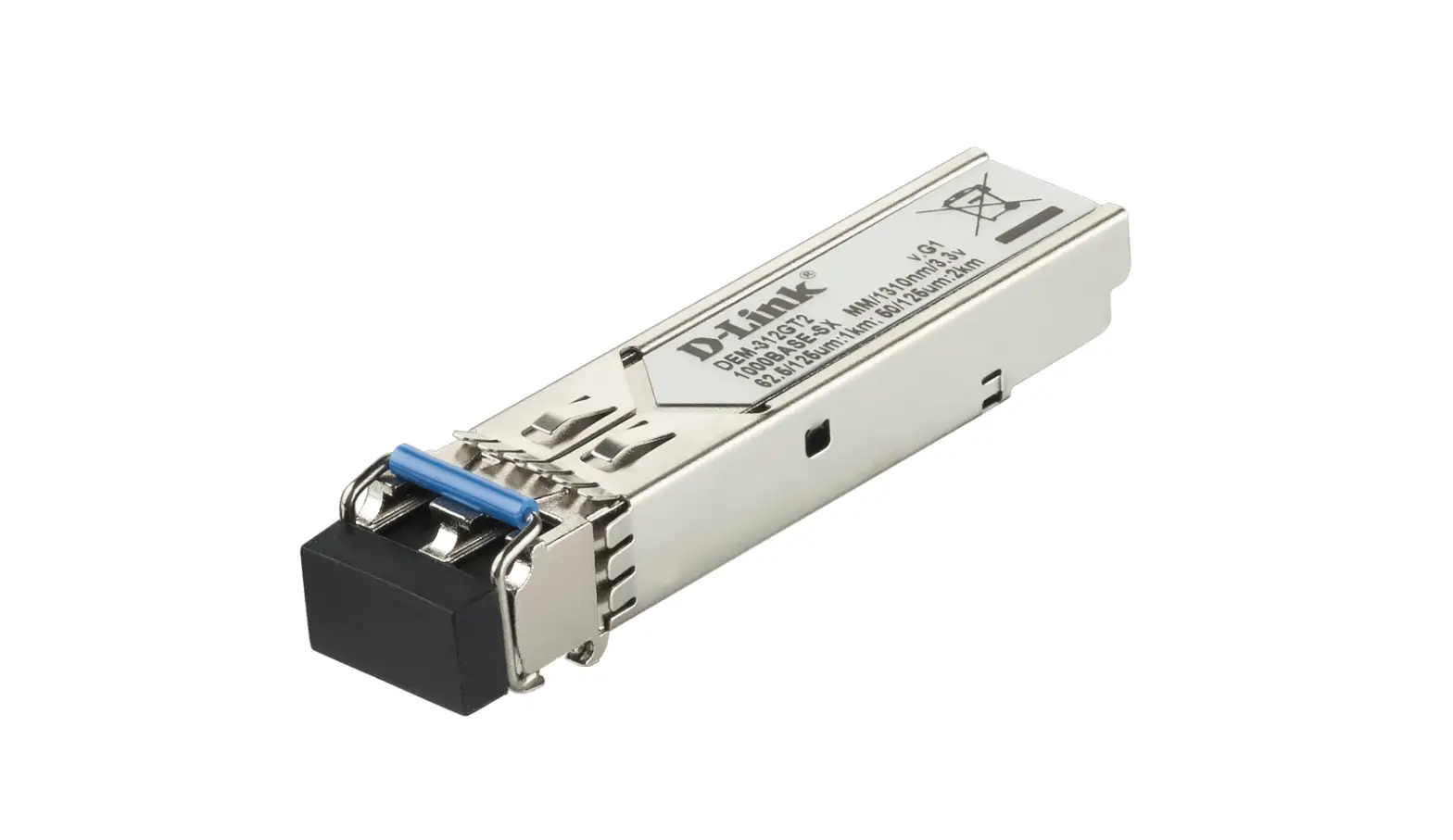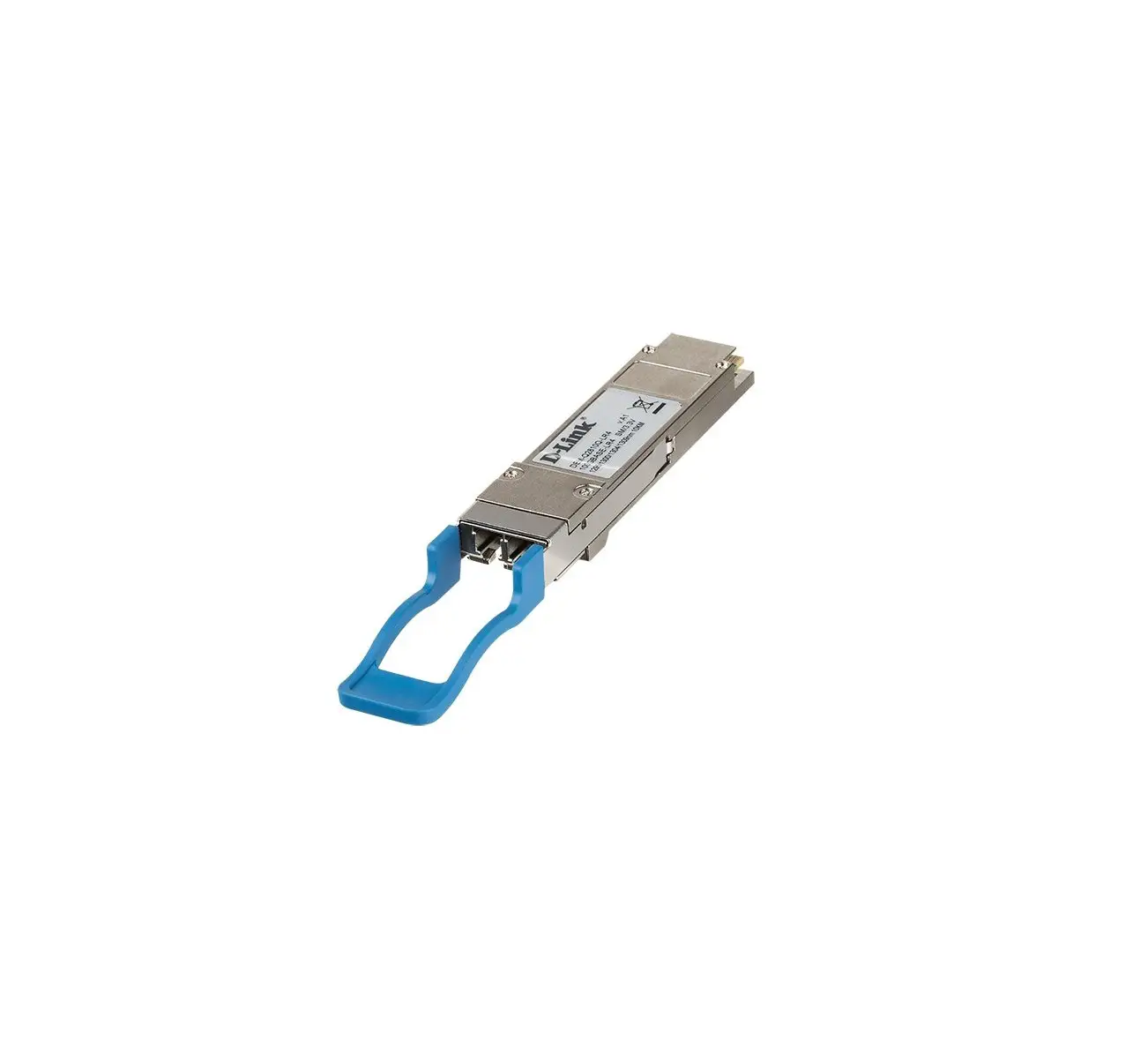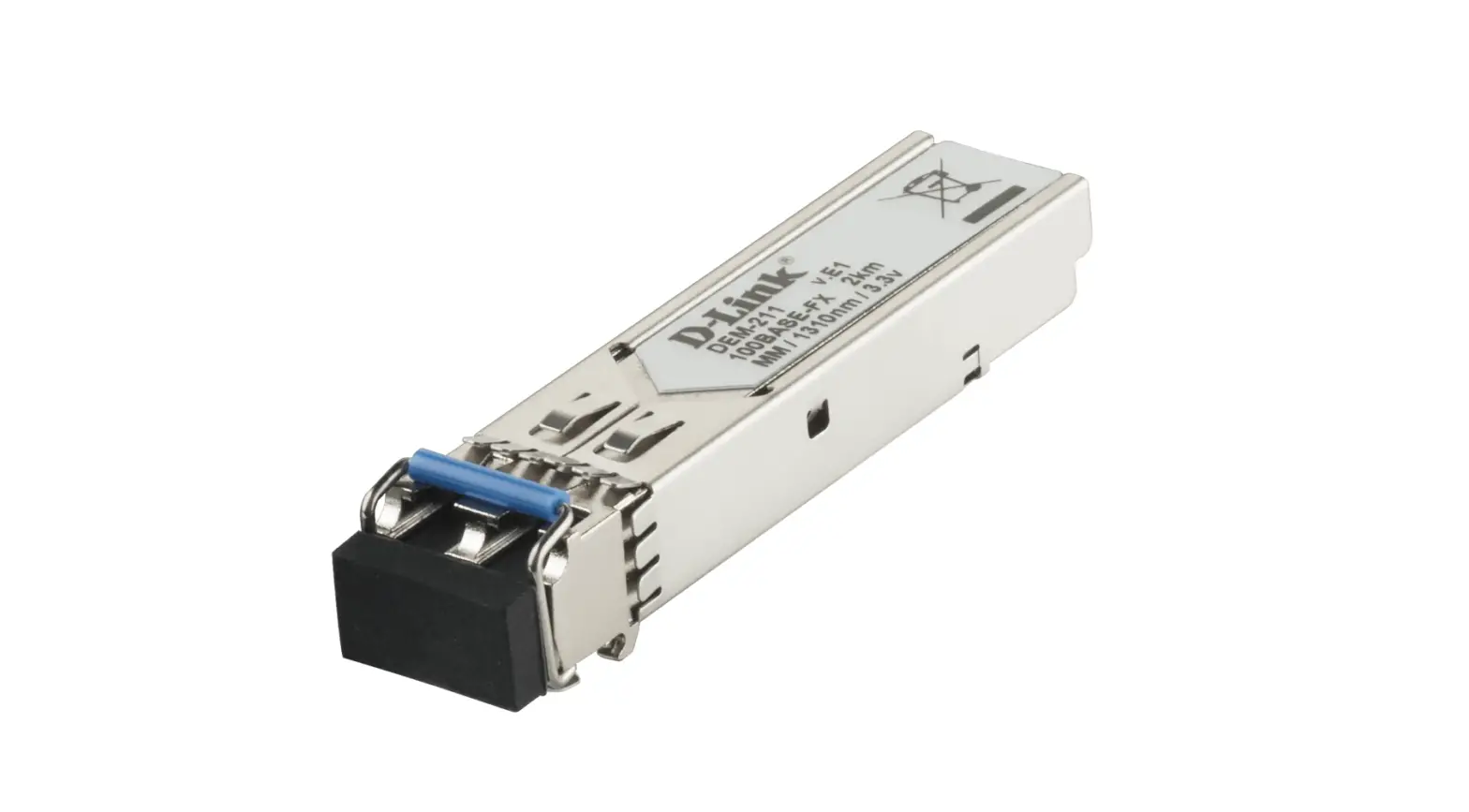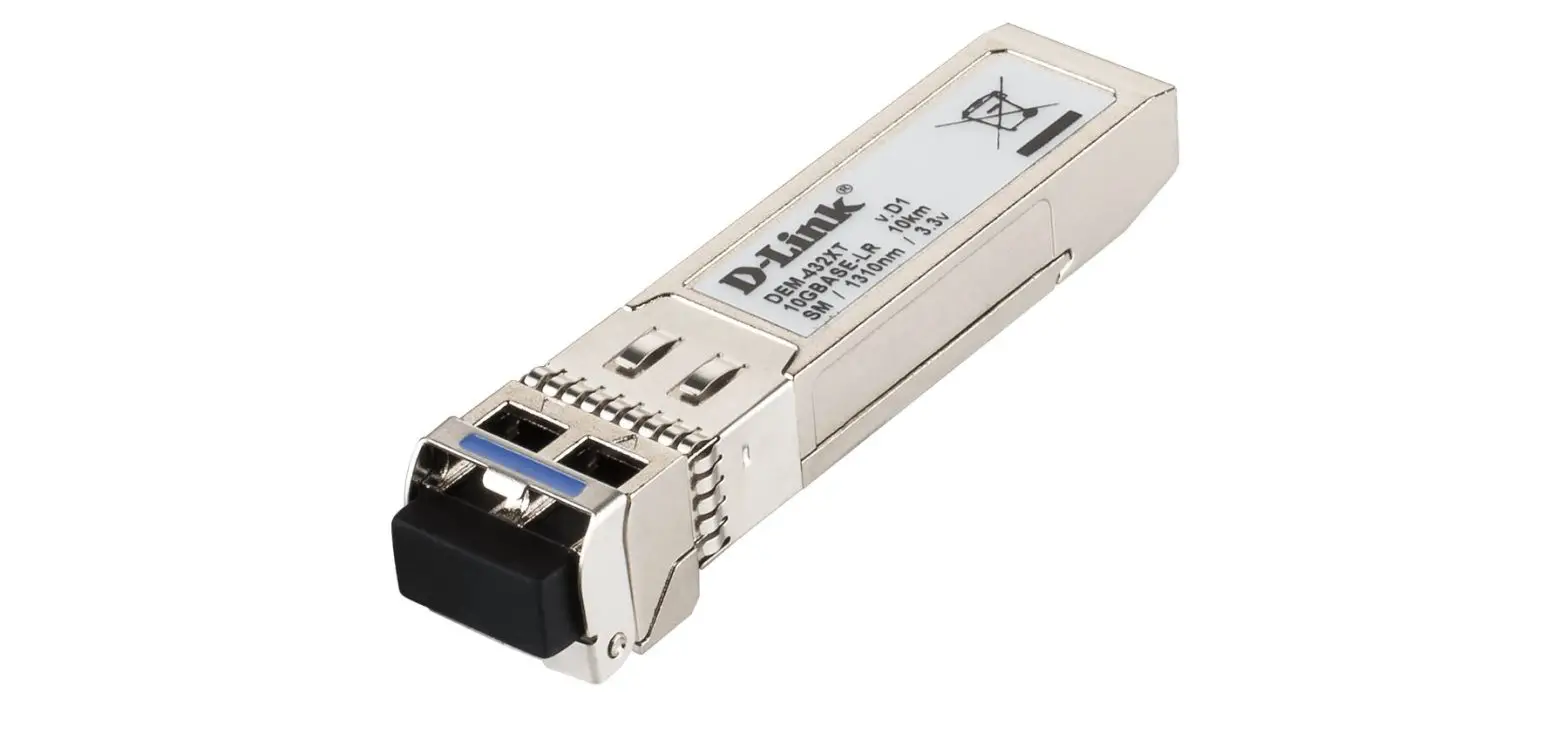

D-Link DEM-422XT 10GBase-LR Single-Mode XFP Transceiver
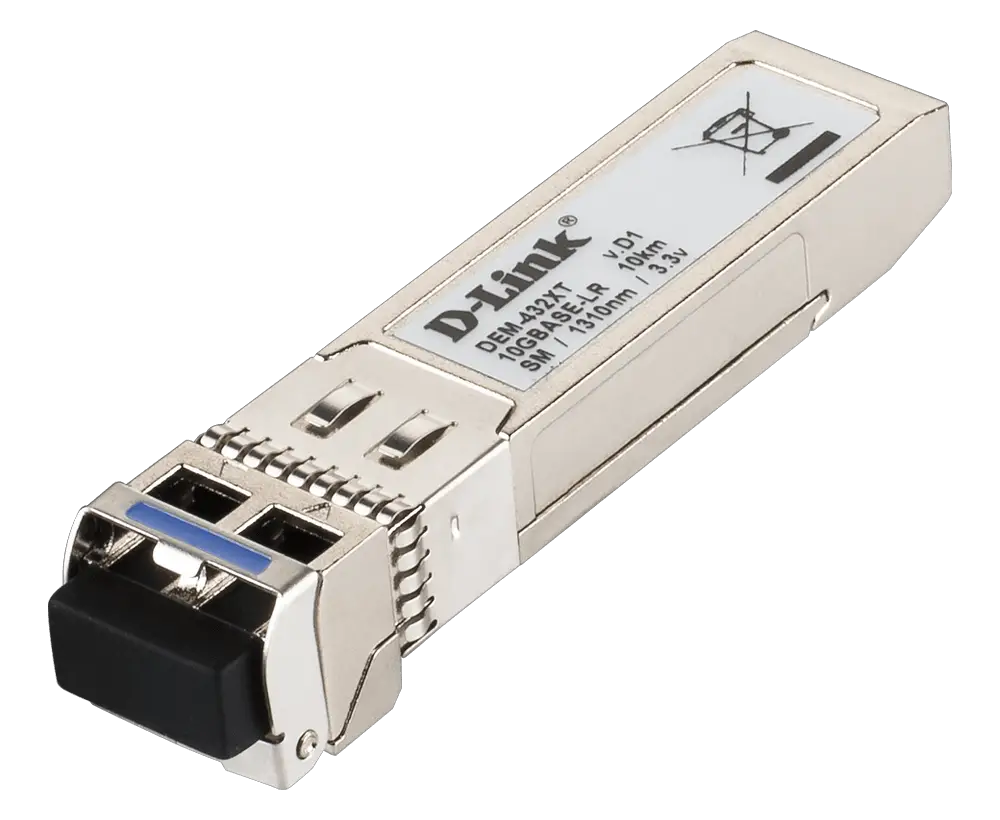
DEM-422XT
10GBase-LR Single-Mode XFP transceiver (up to 10 km)
Connecting the transceiver
Plug the DEM-422XT transceiver into the XFP port of your switch. Connect a fiber cable to the DEM-422XT transceiver in order to connect your switch to fiber media.
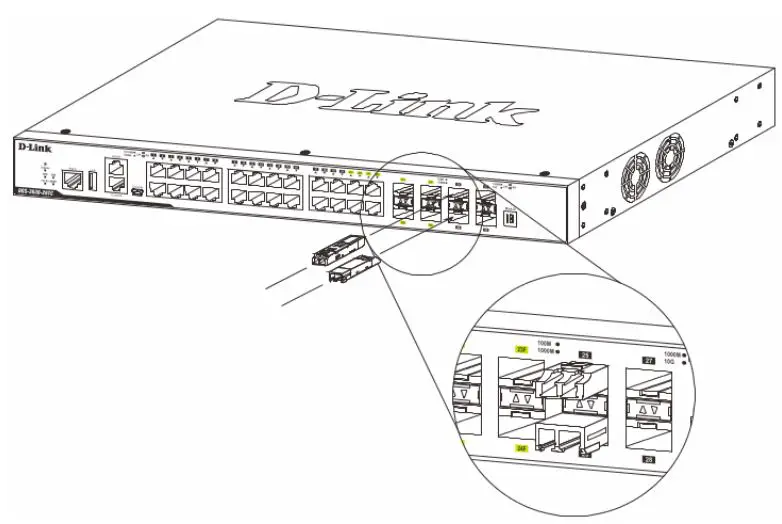
The DEM-422XT transceiver is hot-pluggable. You can connect the transceiver while the system is powered on without causing any issues, and easily plug or unplug the transceiver without interrupting the network operation.
 📧
📧 📧
📧 📧
📧 📧
📧 📧
📧 📧
📧 📧
📧 📧
📧 D-Link Главная